← 场景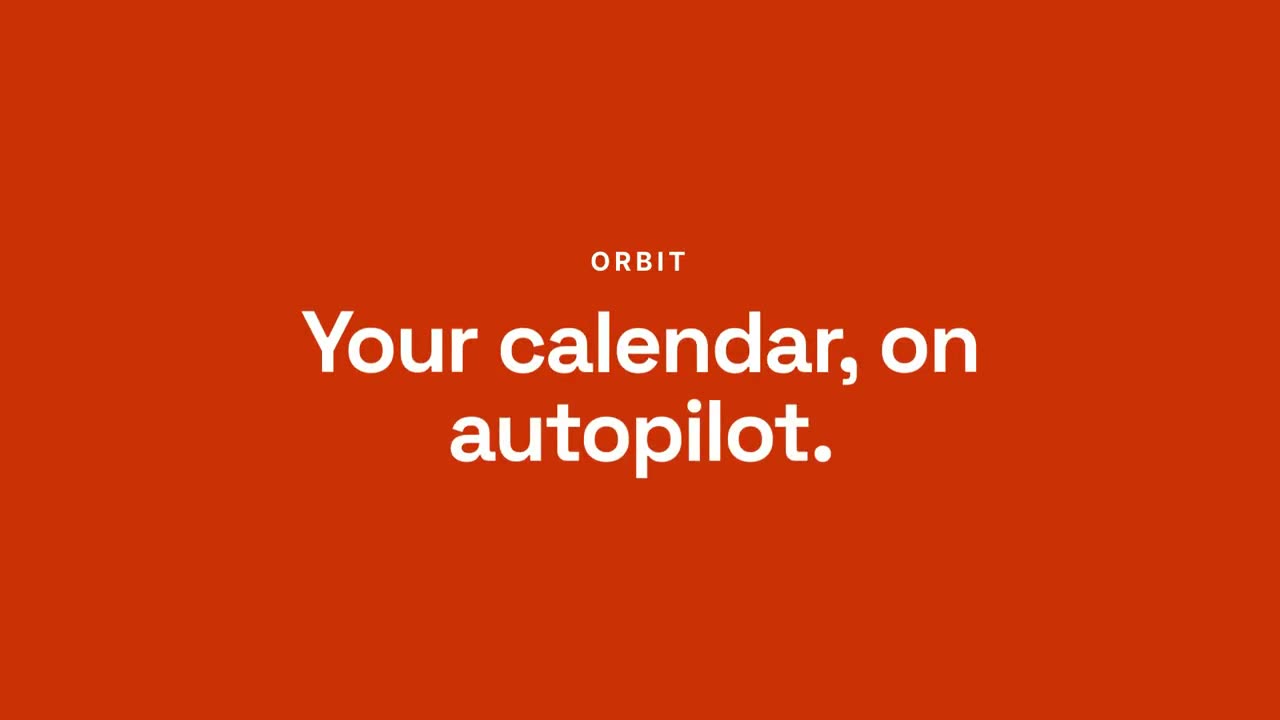
付费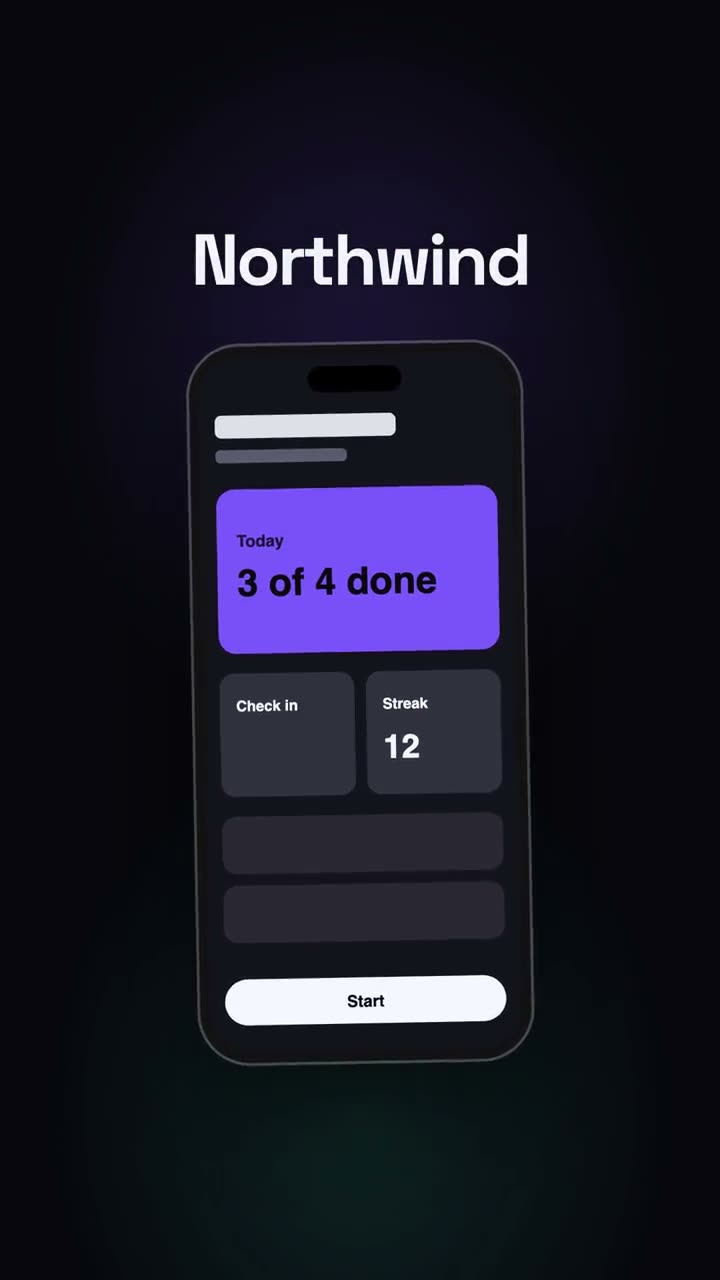 付费
付费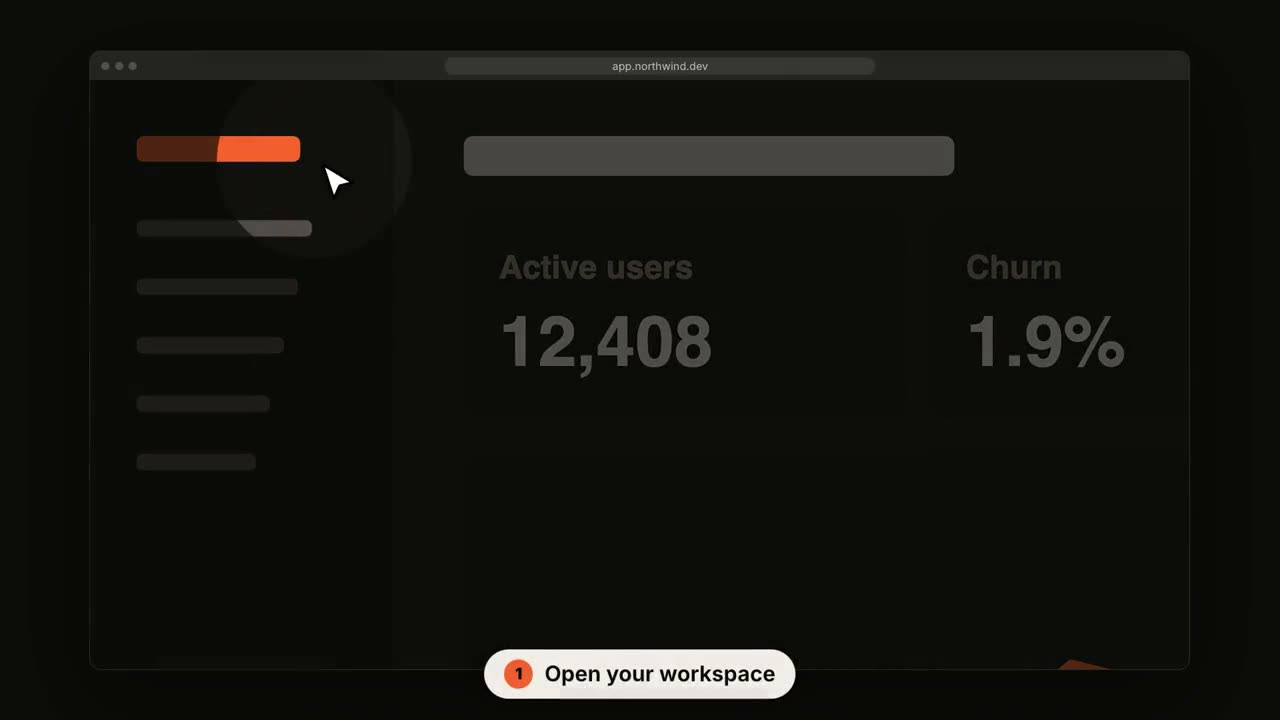 付费
付费 付费
付费 付费
付费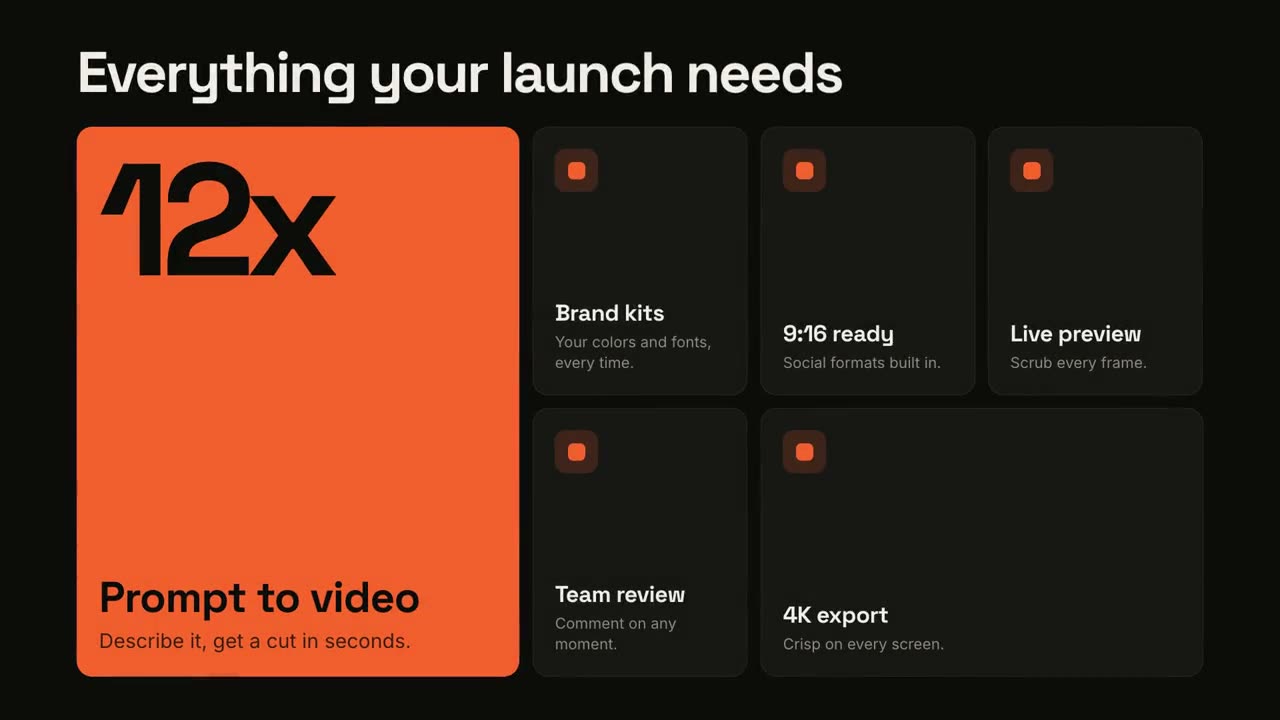 付费
付费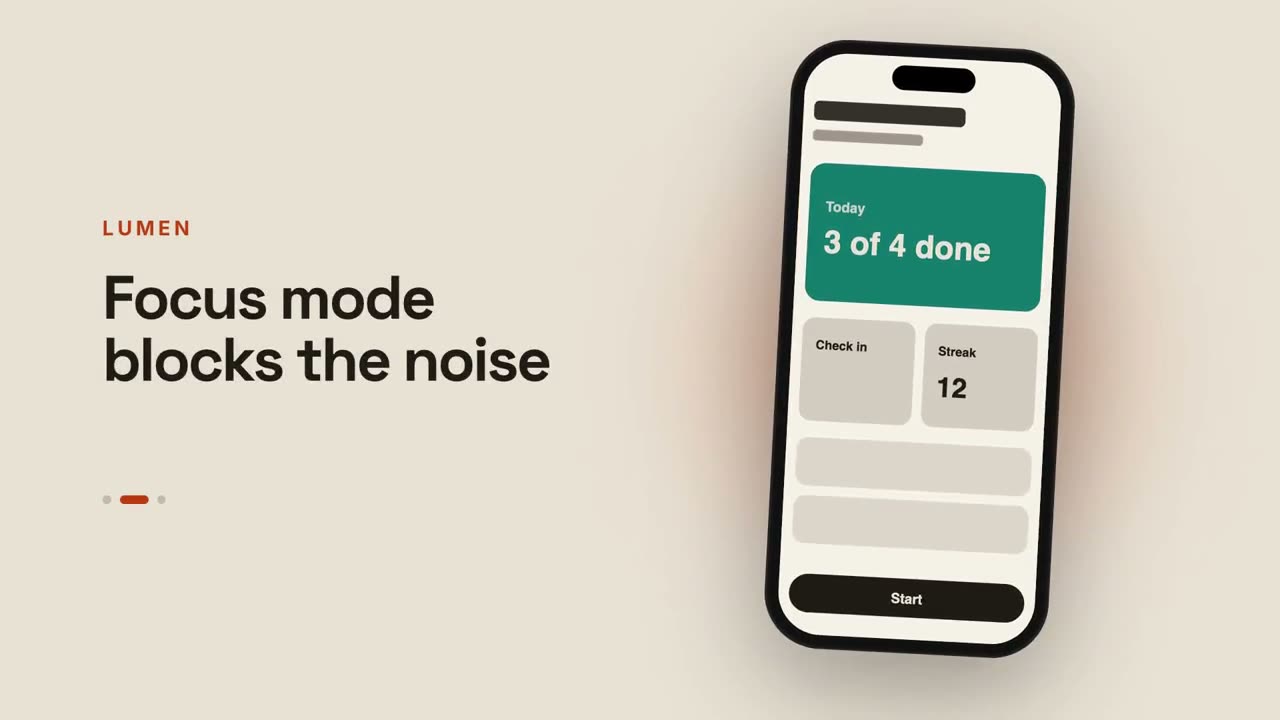 付费付费付费
 付费付费
付费付费 付费
付费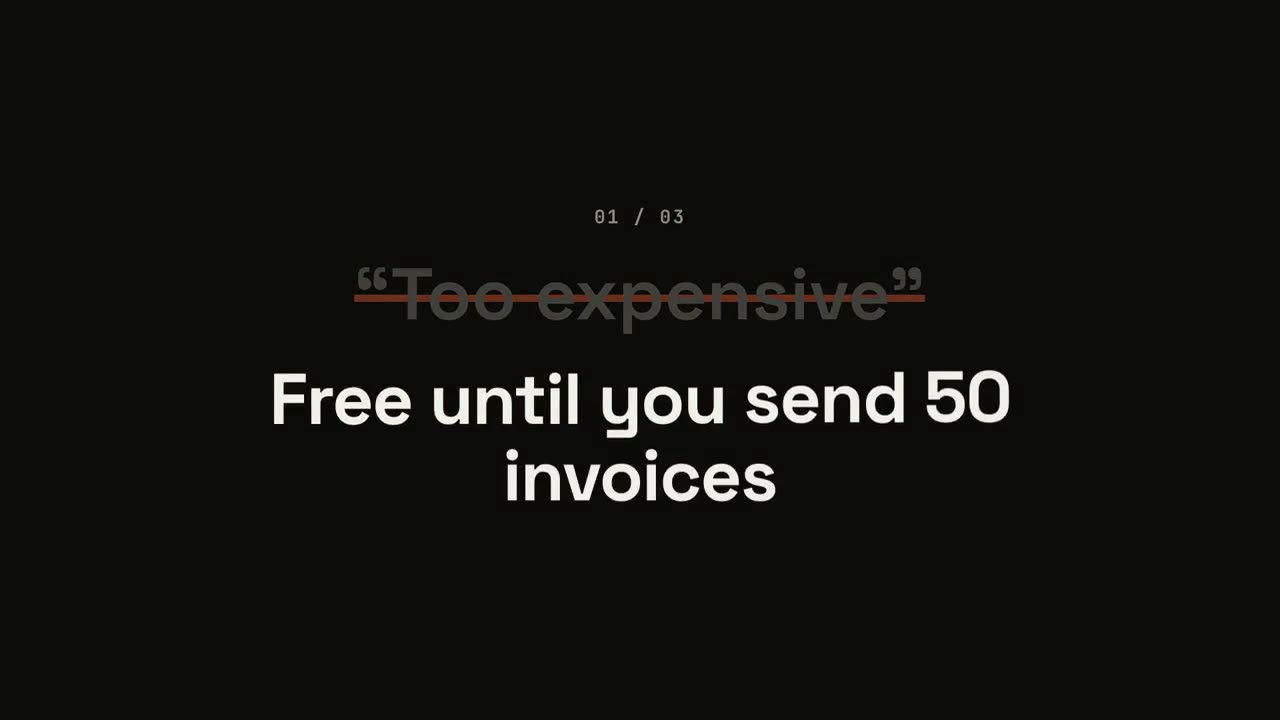 付费
付费 付费
付费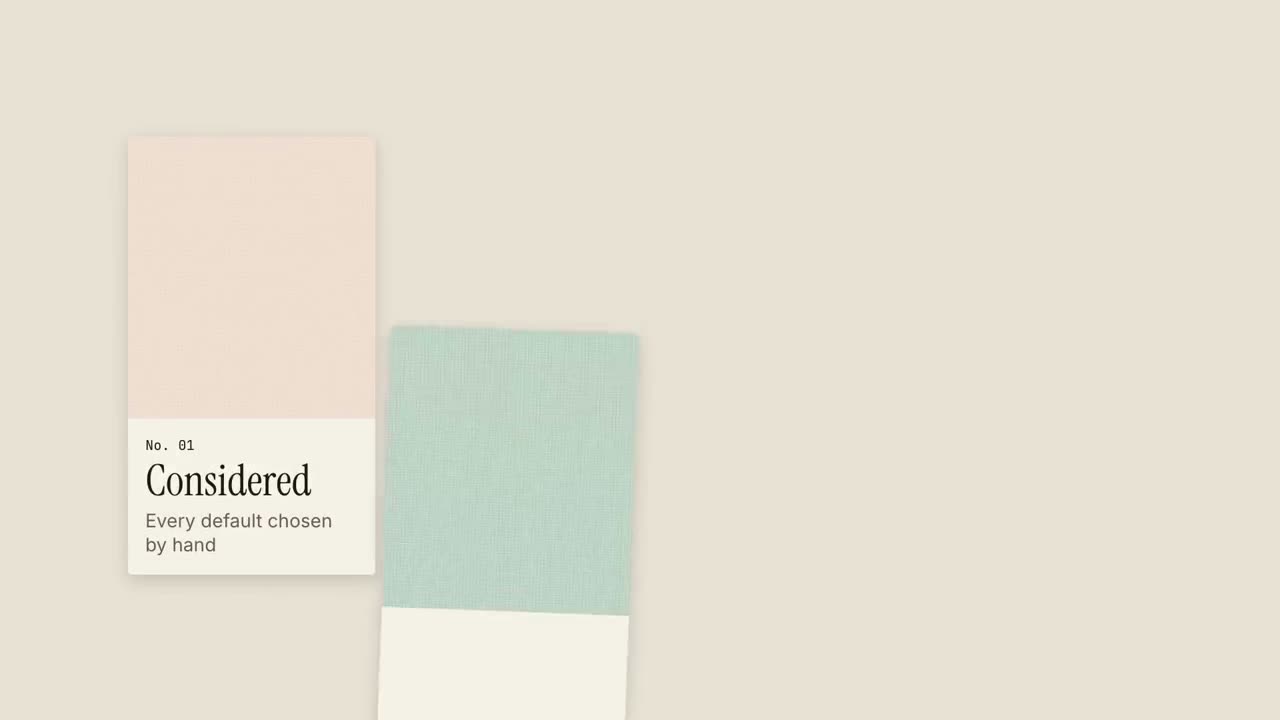 付费
付费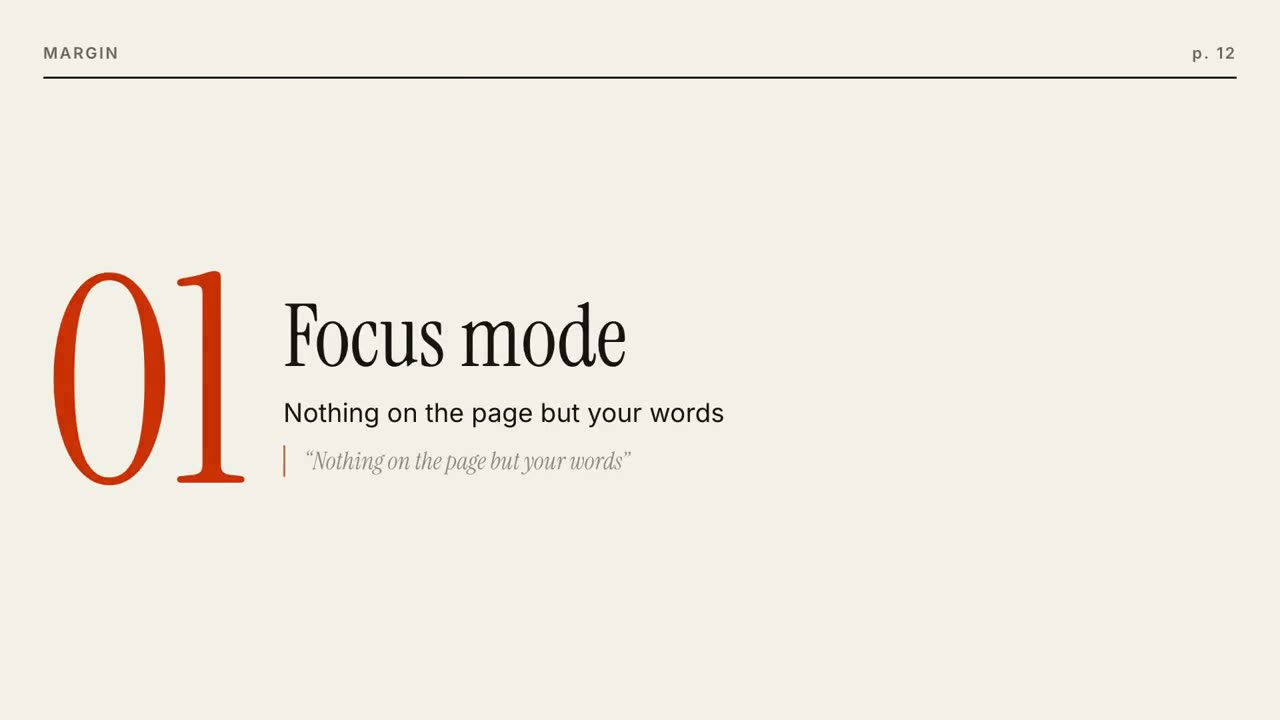 付费
付费 付费
付费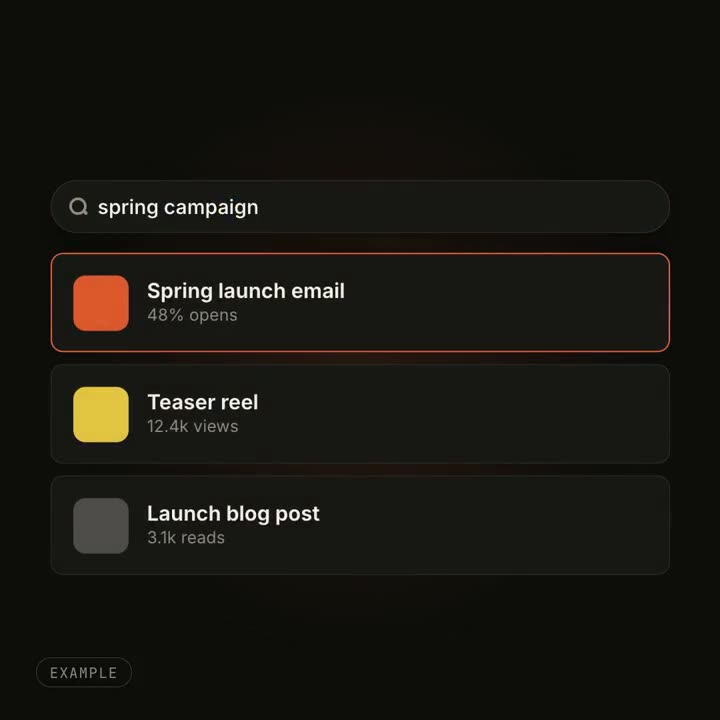 付费
付费
产品发布
让 Agent 读你的代码仓库、更新说明或 PR,「项目 → 发布片」直接做成 15–30 秒的发布视频,故事和 MP4 一起交付。也可以在下面挑一种发布风格,换上你的产品。
从你的材料到成片
把手上的材料交给 Agent,工作流负责写稿、分镜和渲染 MP4。
从这些提示词开始
粘贴到 Claude Motion,或者安装对应的 Skill 后交给你的 Agent。
对话生成式发布片
查看 Skill →付费风格提示词(Claude Motion 或 Opus 5.5)
Make a 20-second 16:9 launch video for [who will watch, e.g. busy managers], playing [where, e.g. our homepage and LinkedIn]. Use only the product name, chat lines and features below; don't change a word. Off-white background.

Scene 1: a clean white chat window appears and the user's request types into the input, then is sent. A small orange avatar shows typing dots, then replies. Scene 2: the reply expands into a full orange frame with the product name and the headline rising word by word. Scene 3: three white feature cards follow. End frame: the product name with an orange call-to-action button and the URL, held for 2 seconds.

Product: [e.g. Orbit]
Request and reply: [e.g. "Plan my week around three deep-work blocks." → "Done. Meetings moved, focus time locked in."]
Headline: [e.g. "Your calendar, on autopilot."]
Three features: [e.g. Smart slots, Focus guard, Daily recap]
Call to action and URL: [e.g. "Try Orbit free", orbit.app]
蓝图发布片
查看 Skill →付费风格提示词(Claude Motion 或 Opus 5.5)
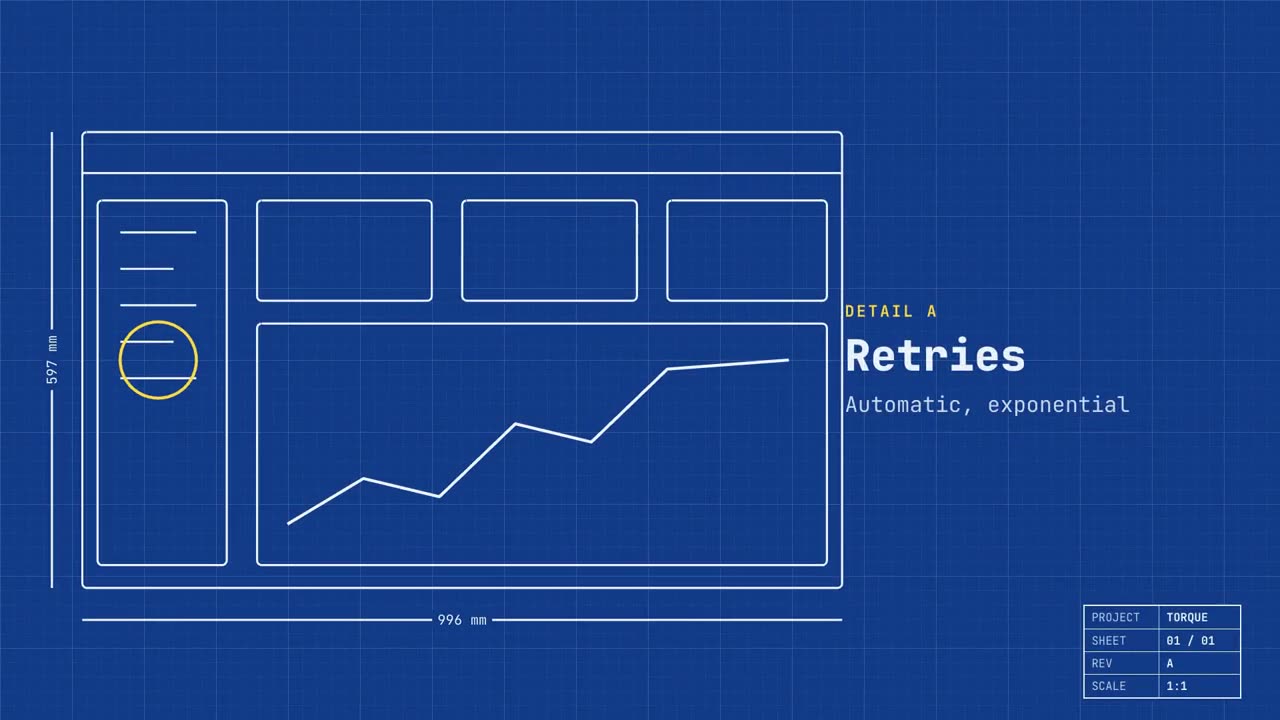
Make a 20-second 16:9 launch video for [who will watch, e.g. engineers and product teams], playing [where, e.g. Product Hunt and X]. Use only the name, lines and screenshot I give; don't change a word. Deep blueprint-blue background with a fine white grid.

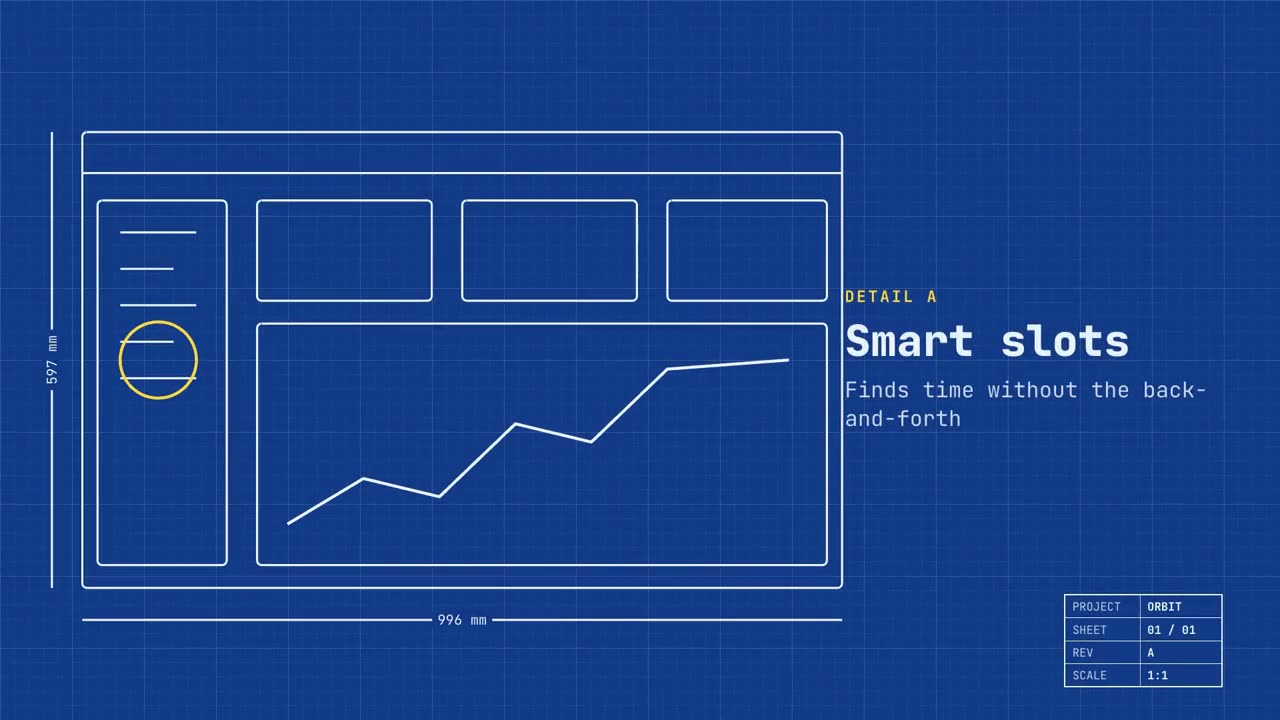
Scene 1: a wireframe of an app window draws itself in thin white lines (header, sidebar, three cards, a chart) with dashed dimension lines labeled in millimeters and a drawing title block in the corner with the project name. Scene 2: the product name scrambles in, monospace, with the tagline in yellow. Scene 3: three yellow rings circle details labeled DETAIL A, B, C with feature names. Scene 4: the wireframe fills in with the screenshot from left to right and a yellow "APPROVED" stamp slams on. End frame: the name, a yellow status tag and the URL.

Product and tagline: [e.g. Orbit, "Engineered for focus."]
Three features: [names]
Status tag and URL: [e.g. "Now in public beta", orbit.app]
Attach: [a screenshot of your product]
产品发布片
查看 Skill →付费风格提示词(Claude Motion 或 Opus 5.5)
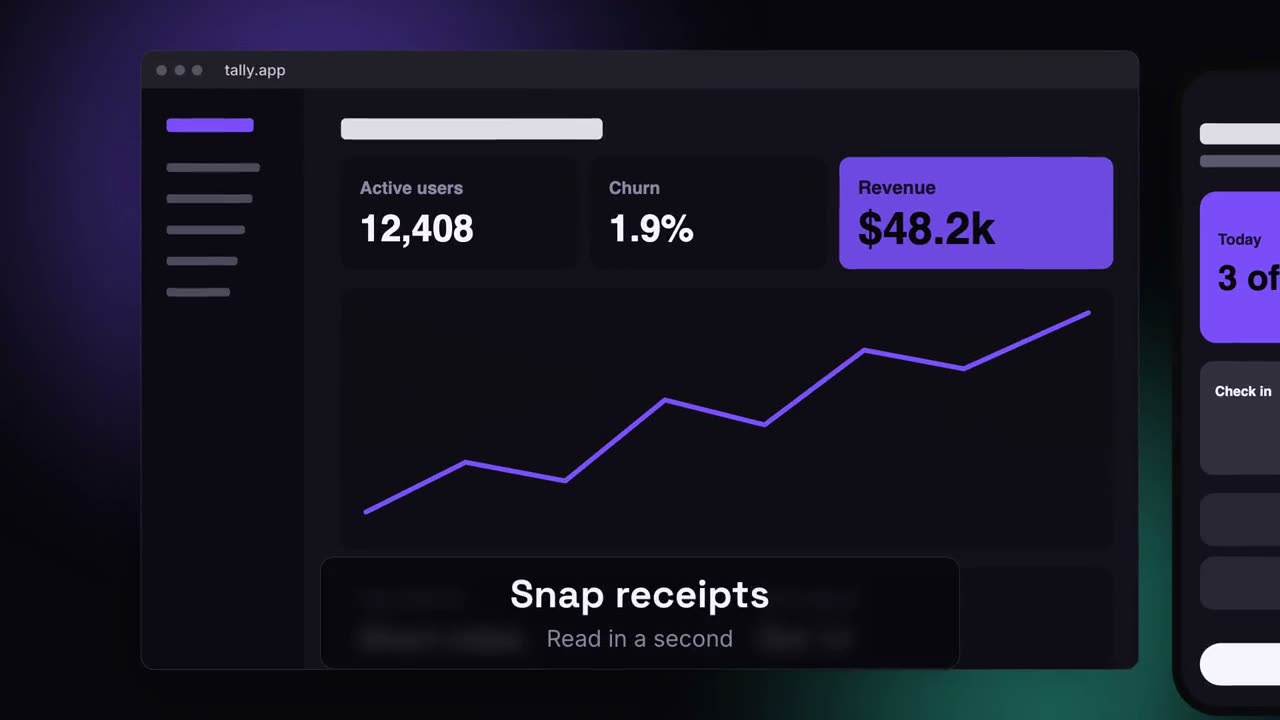
Make an 18-second 16:9 product launch film for [who will watch, e.g. product managers], playing [where, e.g. our homepage hero and X]. Use only the name, lines and screenshot I give below; don't change a word. Near-black background with a warm orange glow.

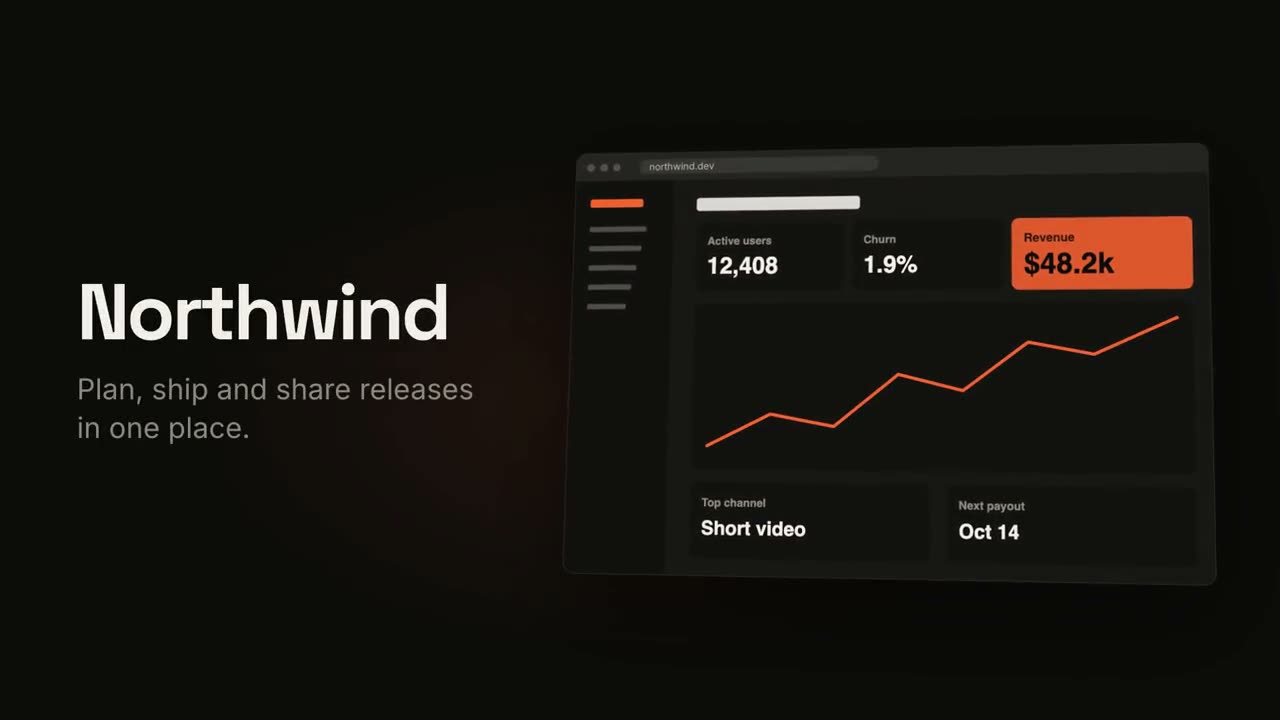
Scene 1 (0–3.4s): a two-line hook rises from masks, line one off-white, line two orange, slowly pushing in. An orange wipe cuts to Scene 2: the product name and tagline on the left while a browser window with the screenshot rises from below with a 3D tilt and settles. Scene 3: three features one at a time, each with a huge orange numeral (01, 02, 03), a bold title and a gray description, with a segmented progress bar at the bottom. End frame: the logo mark spins in, then the name, an orange call-to-action pill and the URL.

Hook: [two lines] (e.g. "Your roadmap" / "finally in motion")
Product and tagline: [e.g. Northwind, one line]
Features: [three titles with one-line descriptions]
Call to action and URL: [e.g. "Start free", northwind.dev]
Attach: [a screenshot of your product]
多设备画布发布片
查看 Skill →付费风格提示词(Claude Motion 或 Opus 5.5)
Make a 20-second 16:9 launch video for [who will watch, e.g. ops and finance leads], playing [where, e.g. the homepage hero]. Use only the lines and screenshots I give; don't change a word. Deep navy background with soft violet and teal glows.

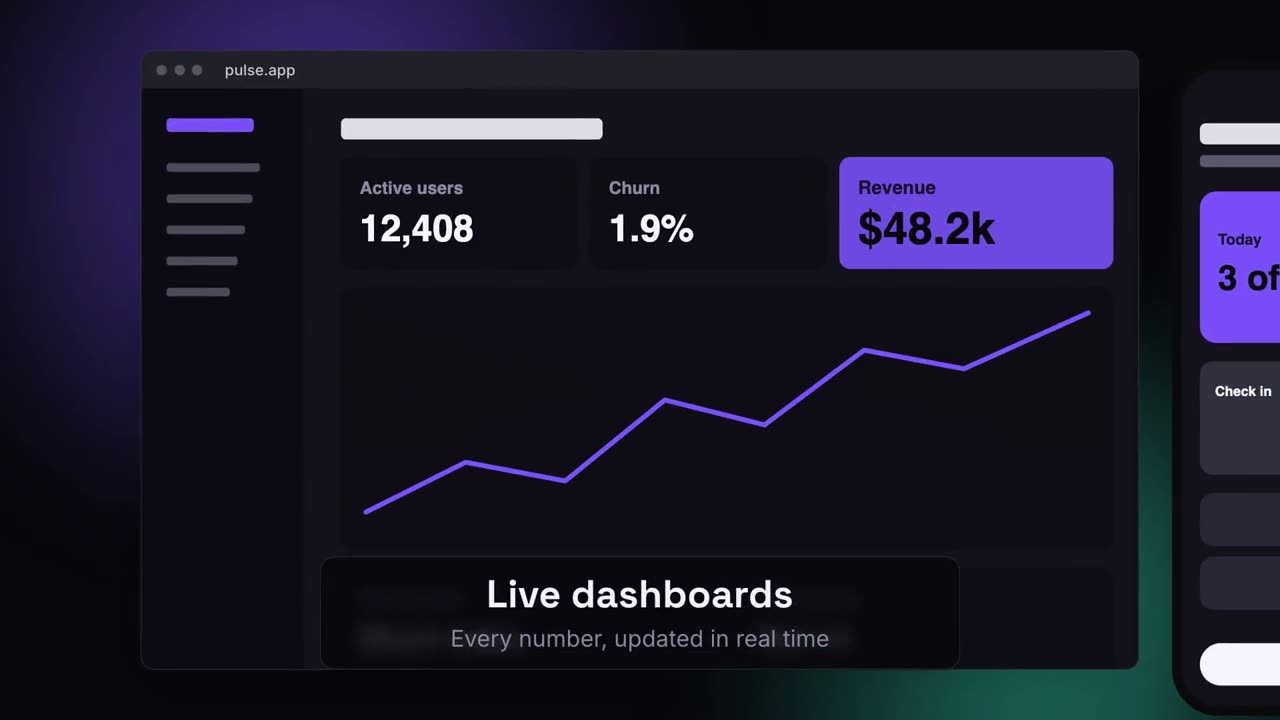
Scene 1: the hook rises word by word and fades. Scene 2: a browser window with the desktop screenshot and a phone with the mobile screenshot rise onto the canvas. Scene 3: the camera glides in to the browser while a glass caption shows the first feature, then to the phone with the second, then pulls back to show both with the third. End frame: the devices blur and sink as the product name, the hook and a violet call-to-action button appear.

Hook: [e.g. "Your metrics, everywhere you work."]
Three captions: [e.g. "Live dashboards — Every number, updated in real time", "Pocket alerts", "Always in sync"]
Product and call to action: [e.g. Pulse, "Get Pulse free"]
Attach: [a desktop screenshot and a phone screenshot]
可单独使用的场景
产品发布片
开场钩子、产品亮相、三大功能、结尾卡。
发布16:9 / 9:16 / 1:1
竖屏发布片
为社媒而生的竖屏发布:钩子、手机、要点、行动按钮。
发布9:16
SaaS 界面演示
镜头推进每个步骤,光标逐一点击演示。
发布16:9 / 9:16 / 1:1
Manus 风格功能演示片
一个示例贯穿全片:整理素材、生成、加字幕、跟踪、写代码、合成。蓝色关键词从模糊中浮现。
发布16:9 / 9:16 / 1:1
Manus 发布会风格
分章节的大版本发布:黑底开场、新功能滚动词、一章章产品演示叠在风景上、One More Thing、吉祥物。
发布16:9 / 9:16 / 1:1
功能网格
便当盒式网格拼装,再逐个高亮功能。
发布16:9 / 9:16 / 1:1
应用预览
手机逐屏滑动,旁边配合切换文案。
发布16:9 / 9:16 / 1:1
对话生成式发布片
输入一句提示,助手作答,回答展开成你的发布片。
发布16:9 / 9:16 / 1:1
蓝图发布片
把产品画成一张自动绘制的技术图纸,最后填充成实物。
发布16:9 / 9:16 / 1:1
半调印刷发布片
复古印刷风:半调网点,CMYK 套色逐渐对准。
发布16:9 / 9:16 / 1:1
多设备画布发布片
桌面和手机悬浮在发光画布上,镜头在两者间巡游。
发布16:9 / 9:16 / 1:1
痛点反转发布片
日常混乱不断堆积,坍缩成一点,随后呈现井然有序。
发布16:9 / 9:16 / 1:1
异议反转发布片
每个顾虑以引号出现,被划掉,再被一句回答反转。
发布16:9 / 9:16 / 1:1
节拍剪辑发布片
踩点硬切:文字闪现,产品登场,卖点随节拍跳动。
发布16:9 / 9:16 / 1:1
材质样本发布片
材质色卡像样本册一样滑入,每张讲一种品质。
发布16:9 / 9:16 / 1:1
杂志排版发布片
先搭起一张杂志封面,再让每个功能像翻页一样出现。
发布16:9 / 9:16 / 1:1
方块变形发布片
一个强调色方块贯穿全片:圆点、卡片、手机,最后变成 Logo。
发布16:9 / 9:16 / 1:1
界面变形动效
按钮变成播放器,搜索框长出结果:一个对象就地变形。
发布1:1 / 9:16 / 16:9