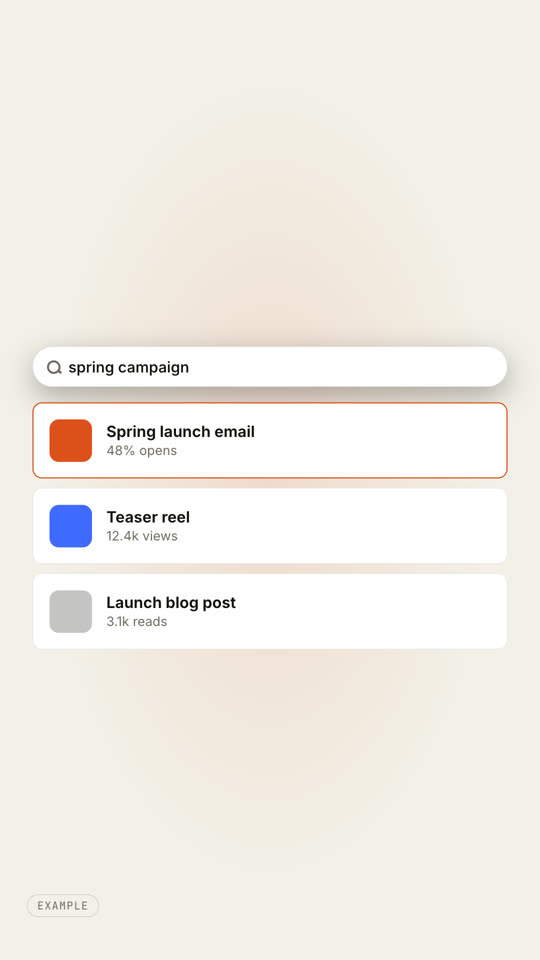
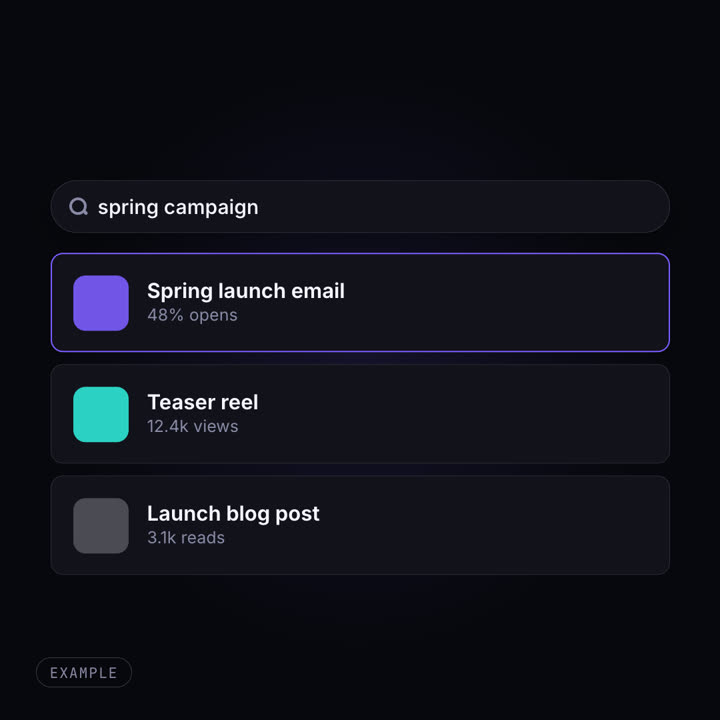
Images finales du même modèle, rendues avec un autre thème et un autre format.
5 thèmes
Aa
Encre · par défaut
ink
Aa
Papier
paper
Aa
Électrique
electric
Aa
Noir
Aa
Sable
sand
Indiquez un thème dans votre prompt, ou définissez vos propres couleurs d’accent, de fond et de texte.
Prompt d’installation
Lis https://claude-motion.com/skills/ui-morph-effects/install.md, suis ses étapes pour installer la skill « ui-morph-effects », puis fais une première vidéo avec.
Collez-le dans Claude Code, Codex, Cursor ou tout agent compatible avec les skills.
Exemple de prompt
Use the ui-morph-effects skill with the tabs effect for Ledger: tabs "Monthly | Yearly | Lifetime", second tab title "Yearly plan", rows "Every template: included | Commercial use: included | Updates: 12 months", 1:1, my accent #2563eb, no Example tag.
Prompt de style (Claude Motion ou Opus 5.5)
Make an 8-second 16:9 seamless loop for [who will watch, e.g. designers], playing [where, e.g. the hero of our product page]. Use only the query and three results below. Near-black background.

A small search pill with a magnifier and the gray word "Search" widens to full width, a caret appears and the query types itself. Three result cards rise into place one after another, each with a colored tile, a bold title and one metric. An orange hover outline moves from the first result to the second. End frame: at 6.6 seconds everything reverses, so the last frame matches the first.

Query: [e.g. "spring campaign"]
Three results: [title · metric] (e.g. "Spring launch email · 48% opens")
Rien à installer : collez-le dans Claude Motion (Team ou Enterprise) ou donnez-le à Opus 5.5 pour un rendu proche. Le résultat change à chaque exécution ; la skill donne toujours le même.