Génériques et transitions
Les pièces entre le contenu principal : un logo animé pour ouvrir, des cartons de chapitre et des barres d'agenda pour se repérer, et un récapitulatif pour conclure. Réglez votre marque une fois avec Configuration de marque pour le motion, et chaque pièce l'utilise.
De votre matière à une vidéo finie
Donnez à votre agent ce que vous avez ; le workflow écrit, réalise et rend le MP4.
Des prompts pour commencer
Collez-le dans Claude Motion, ou installez le skill correspondant et demandez à votre agent.
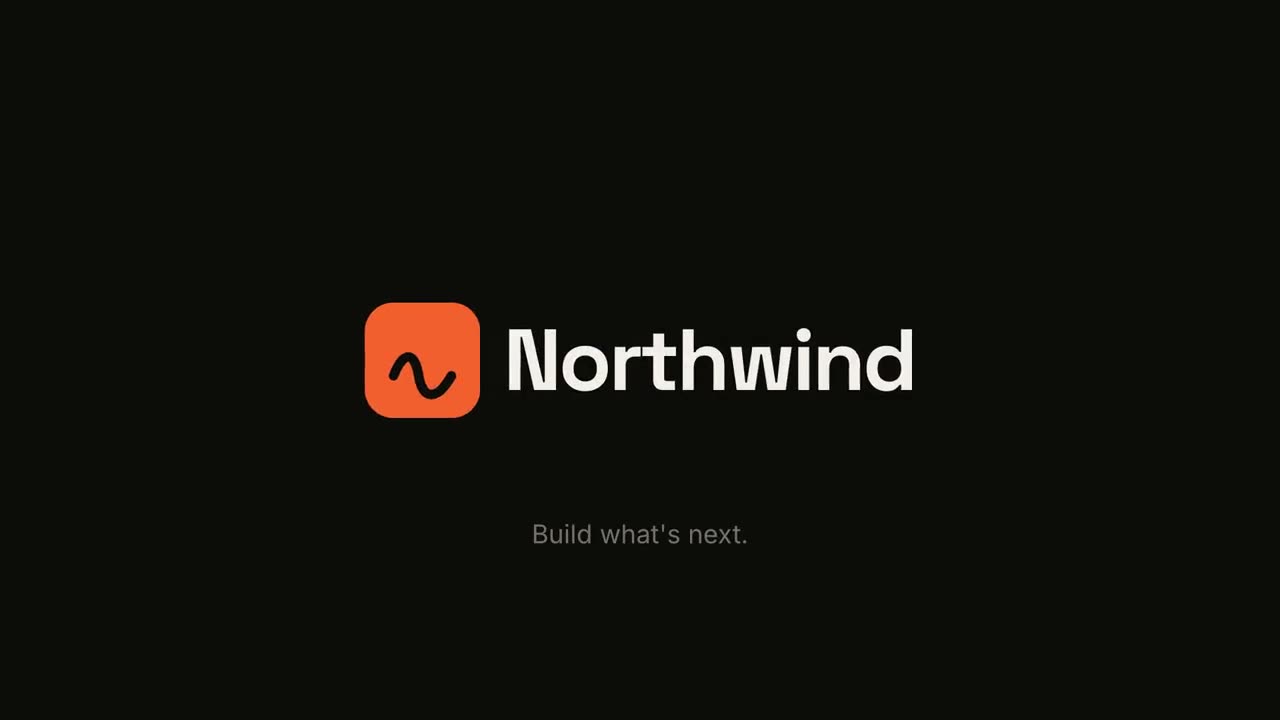
Animation de logo et outro
Ouvrir le skill →GratuitMake a 5-second 16:9 logo sting for [who will watch, e.g. viewers of our videos], playing [where, e.g. at the end of every video]. Use only the logo, name and tagline I give below. Near-black background. The logo mark punches in at the center with a slight rotation, an accent ring expands and fades, and twelve short rays burst outward. The mark then slides left while the wordmark in a bold geometric sans slides out from behind it. End frame: the tagline fades in below in gray and a soft light sweep passes across the lockup. Attach: [your logo] Name and tagline: [e.g. Northwind, "Build what's next."] Accent color: [e.g. orange]

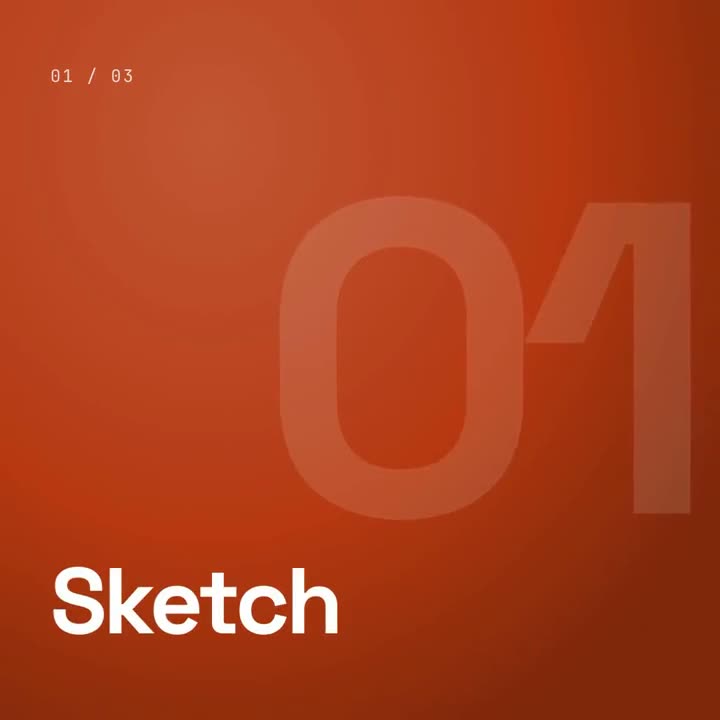
Tampon de chapitre
Ouvrir le skill →GratuitMake a 5-second 16:9 chapter card for [who will watch, e.g. viewers of our course], playing [where, e.g. at the start of each lesson]. Use only the number and chapter title below. Near-black background. A huge serif number slams down from twice its size with a tiny camera shake. To its right, a short orange rule extends, a small gray uppercase "CHAPTER" tightens its letter spacing, and the chapter title rises word by word in a light serif. End frame: the number turns orange and the whole card slowly scales up. Number: [e.g. 02] Chapter title: [e.g. "Finding the hook"]
Scènes à l’unité pour ça
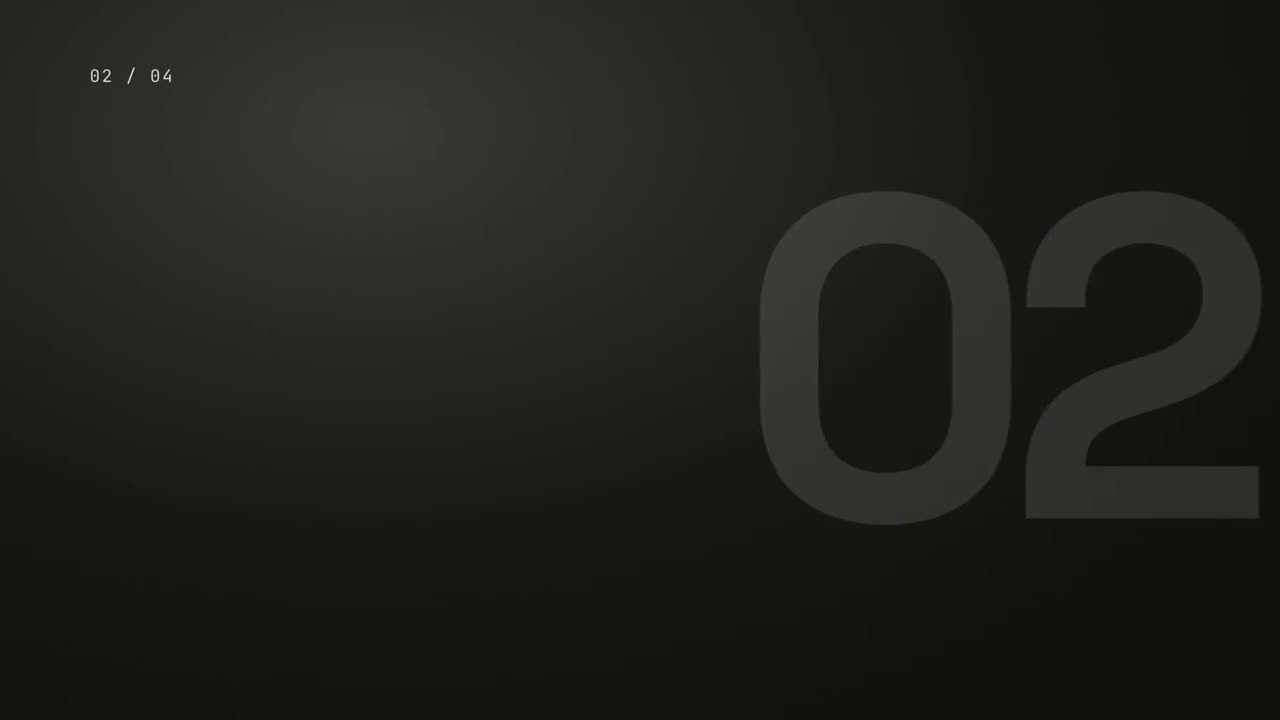
Pack de transitions
Six transitions pour enchaîner diapositives, images ou scènes.

Frise des jalons
Une frise se dessine et des jalons apparaissent le long de la ligne.

Mur récapitulatif
Des cartes de points clés arrivent en vol et se rangent en un mur numéroté.
Animation de logo et outro
Une apparition de marque percutante ou un carton de fin épuré.
Tampon de chapitre
Un numéro de chapitre géant s’abat comme un tampon, puis le titre.

Balayage de section
Des panneaux d’accent balaient l’écran pendant que le numéro de section passe au suivant.
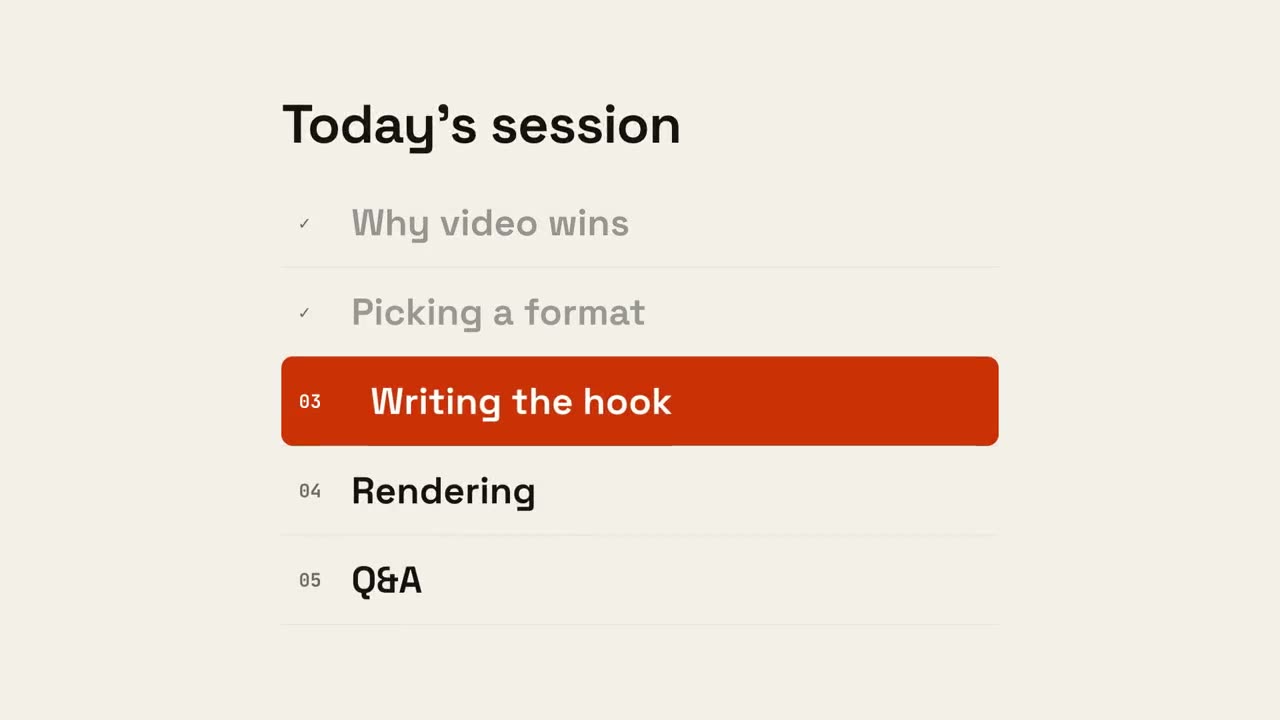
Progression de l’ordre du jour
L’ordre du jour apparaît, les points terminés se cochent et un marqueur glisse vers le suivant.
Réalisé avec ces skills