Lançamentos de produto
Aponte seu agente para o repositório, as notas de versão ou um pull request, e Projeto → vídeo de lançamento transforma isso num vídeo de 15 a 30 segundos, com história e MP4. Ou escolha abaixo um estilo de lançamento e coloque seu produto.
Do seu material a um vídeo pronto
Dê ao seu agente o que você tem; o fluxo escreve, dirige e renderiza o MP4.
Prompts para começar
Cole no Claude Motion ou instale o skill correspondente e peça ao seu agente.
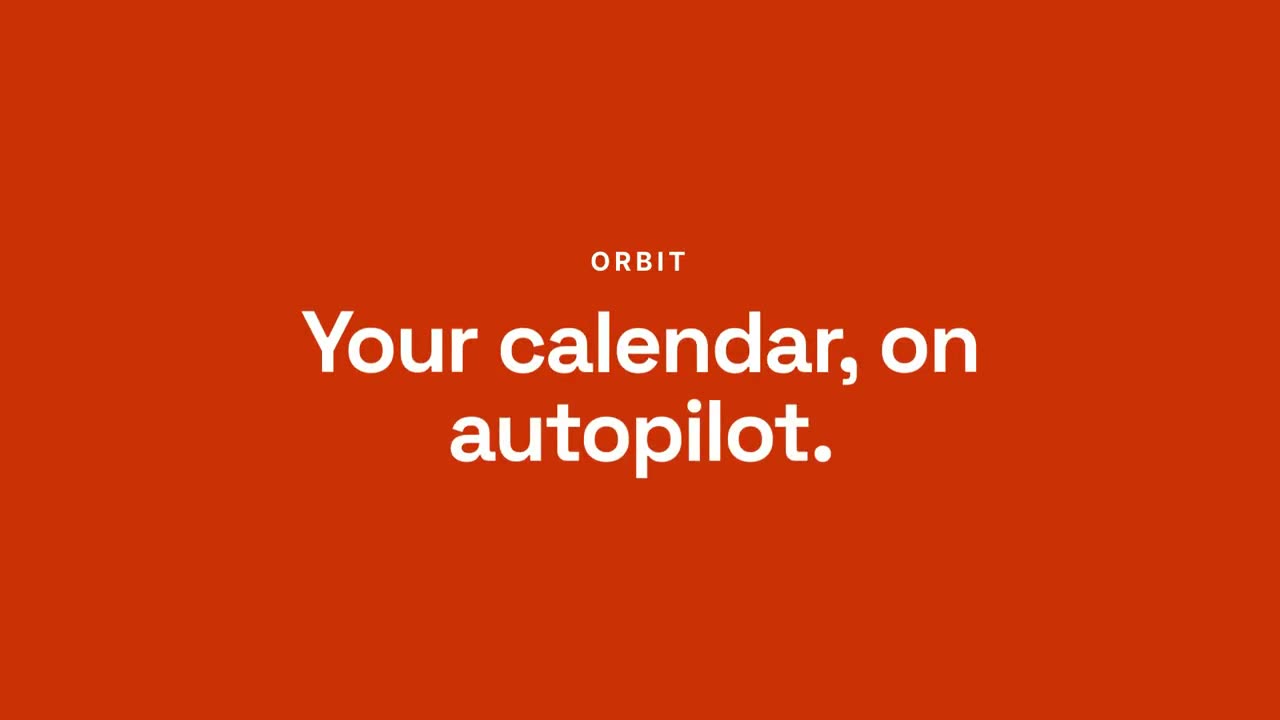
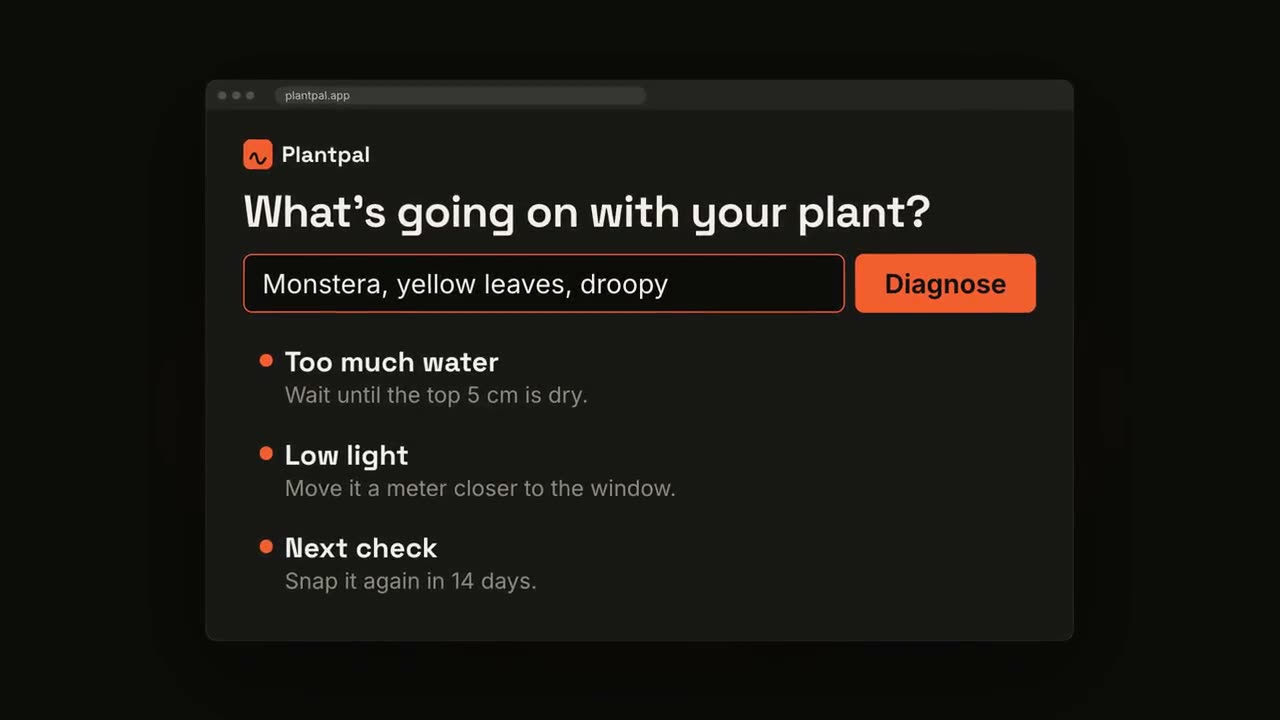
Do chat ao resultado
Abrir skill →PremiumMake a 20-second 16:9 launch video for [who will watch, e.g. busy managers], playing [where, e.g. our homepage and LinkedIn]. Use only the product name, chat lines and features below; don't change a word. Off-white background. Scene 1: a clean white chat window appears and the user's request types into the input, then is sent. A small orange avatar shows typing dots, then replies. Scene 2: the reply expands into a full orange frame with the product name and the headline rising word by word. Scene 3: three white feature cards follow. End frame: the product name with an orange call-to-action button and the URL, held for 2 seconds. Product: [e.g. Orbit] Request and reply: [e.g. "Plan my week around three deep-work blocks." → "Done. Meetings moved, focus time locked in."] Headline: [e.g. "Your calendar, on autopilot."] Three features: [e.g. Smart slots, Focus guard, Daily recap] Call to action and URL: [e.g. "Try Orbit free", orbit.app]
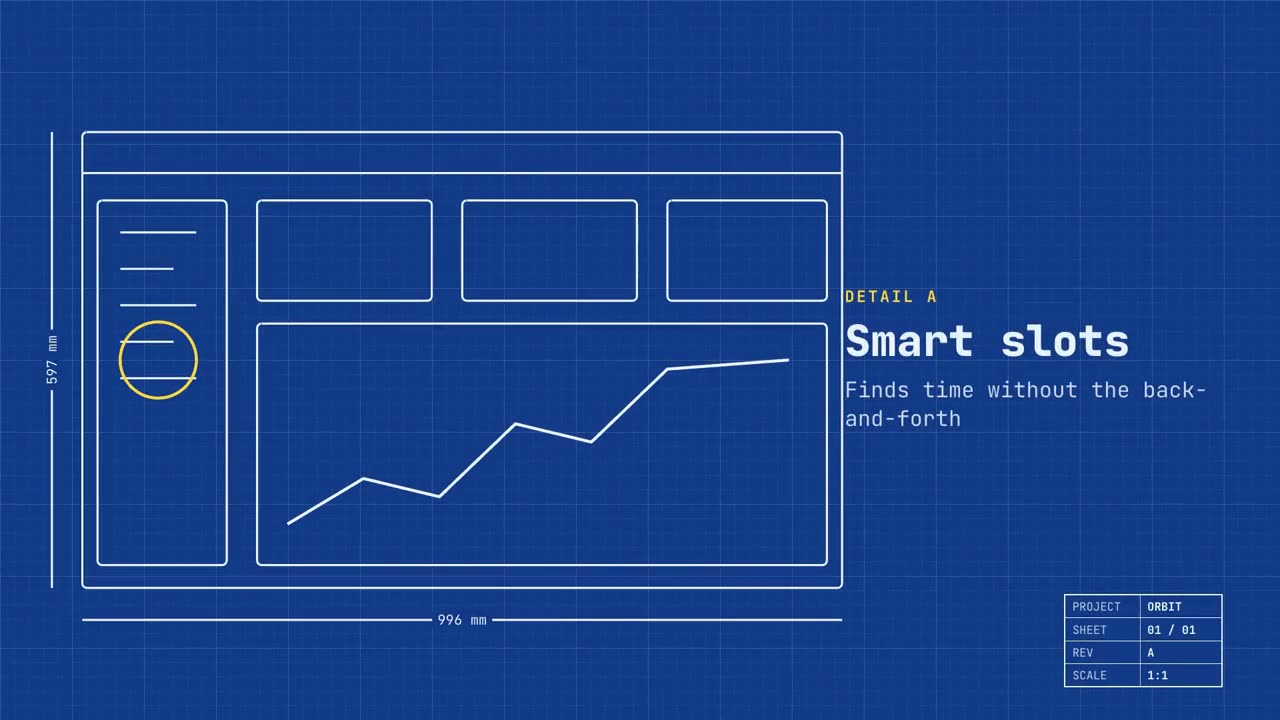
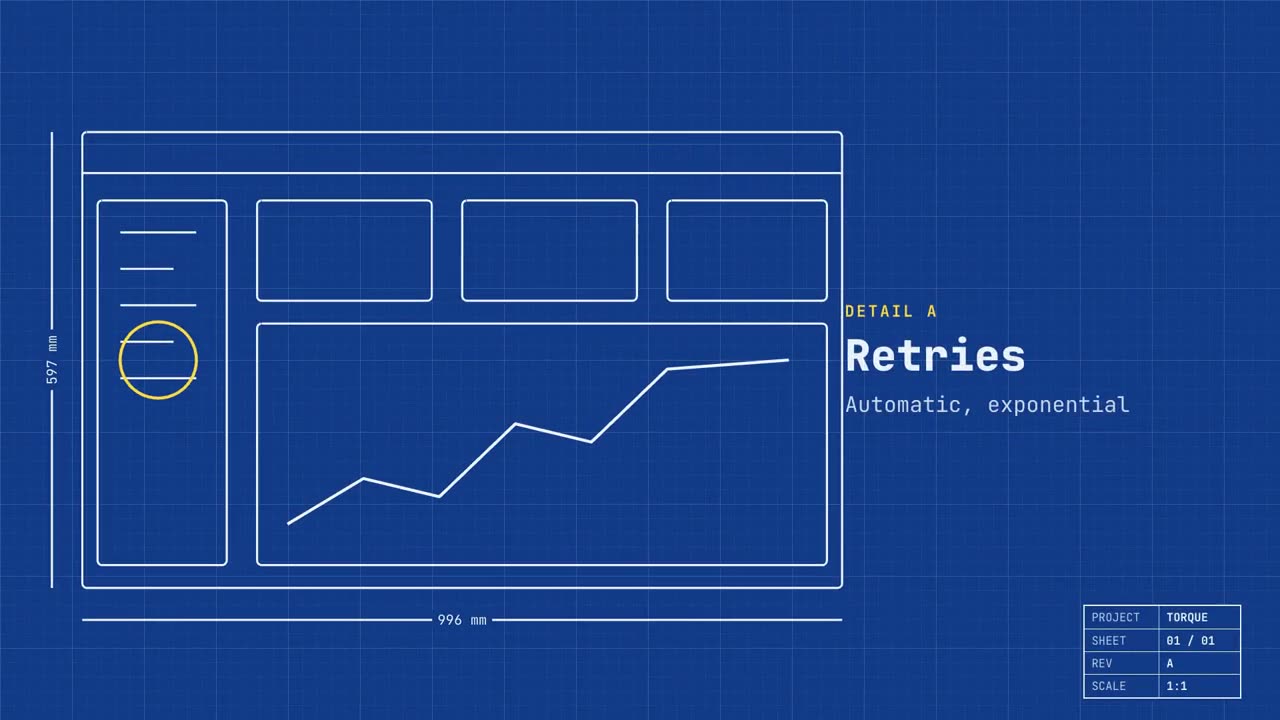
Lançamento em planta técnica
Abrir skill →PremiumMake a 20-second 16:9 launch video for [who will watch, e.g. engineers and product teams], playing [where, e.g. Product Hunt and X]. Use only the name, lines and screenshot I give; don't change a word. Deep blueprint-blue background with a fine white grid. Scene 1: a wireframe of an app window draws itself in thin white lines (header, sidebar, three cards, a chart) with dashed dimension lines labeled in millimeters and a drawing title block in the corner with the project name. Scene 2: the product name scrambles in, monospace, with the tagline in yellow. Scene 3: three yellow rings circle details labeled DETAIL A, B, C with feature names. Scene 4: the wireframe fills in with the screenshot from left to right and a yellow "APPROVED" stamp slams on. End frame: the name, a yellow status tag and the URL. Product and tagline: [e.g. Orbit, "Engineered for focus."] Three features: [names] Status tag and URL: [e.g. "Now in public beta", orbit.app] Attach: [a screenshot of your product]
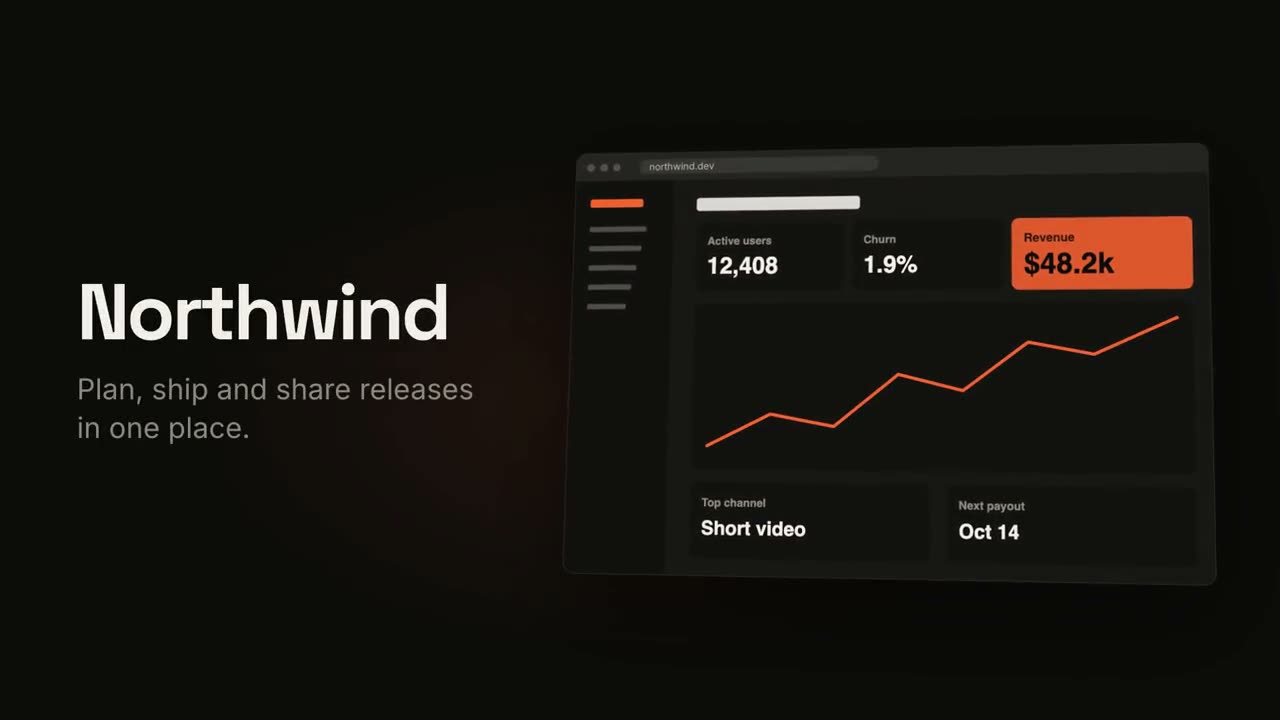
Vídeo de lançamento de produto
Abrir skill →PremiumMake an 18-second 16:9 product launch film for [who will watch, e.g. product managers], playing [where, e.g. our homepage hero and X]. Use only the name, lines and screenshot I give below; don't change a word. Near-black background with a warm orange glow. Scene 1 (0–3.4s): a two-line hook rises from masks, line one off-white, line two orange, slowly pushing in. An orange wipe cuts to Scene 2: the product name and tagline on the left while a browser window with the screenshot rises from below with a 3D tilt and settles. Scene 3: three features one at a time, each with a huge orange numeral (01, 02, 03), a bold title and a gray description, with a segmented progress bar at the bottom. End frame: the logo mark spins in, then the name, an orange call-to-action pill and the URL. Hook: [two lines] (e.g. "Your roadmap" / "finally in motion") Product and tagline: [e.g. Northwind, one line] Features: [three titles with one-line descriptions] Call to action and URL: [e.g. "Start free", northwind.dev] Attach: [a screenshot of your product]
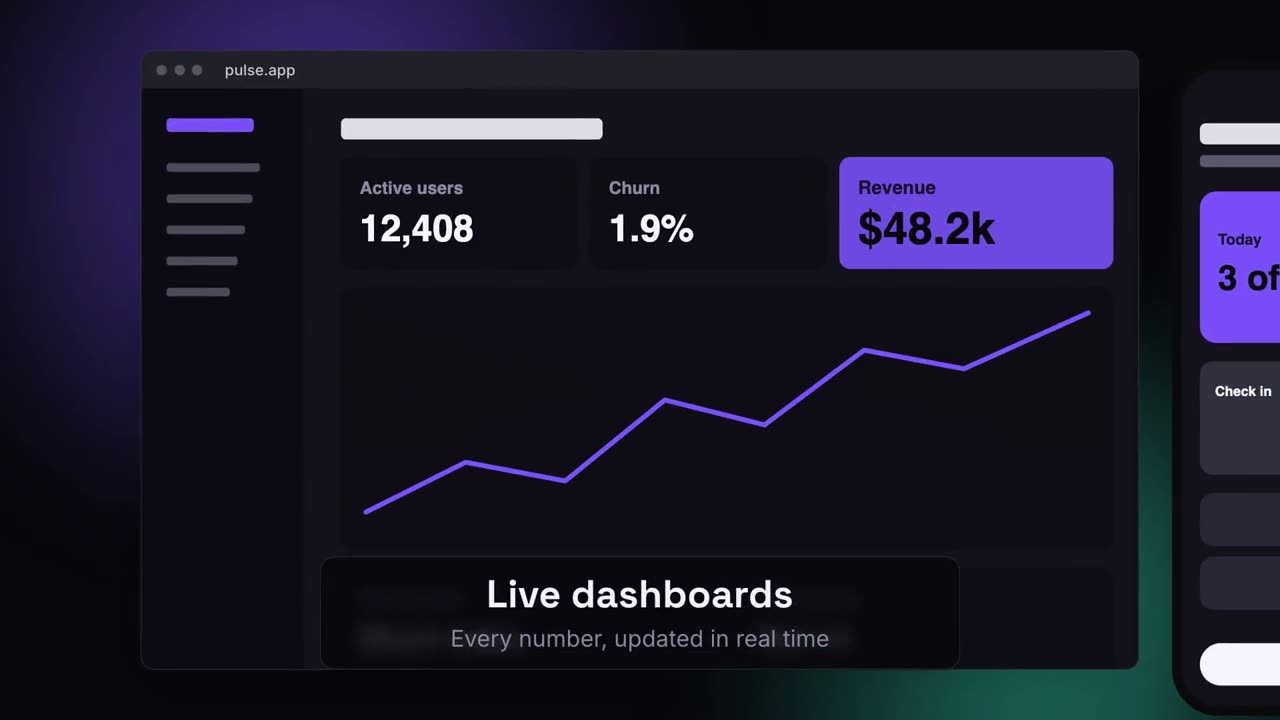
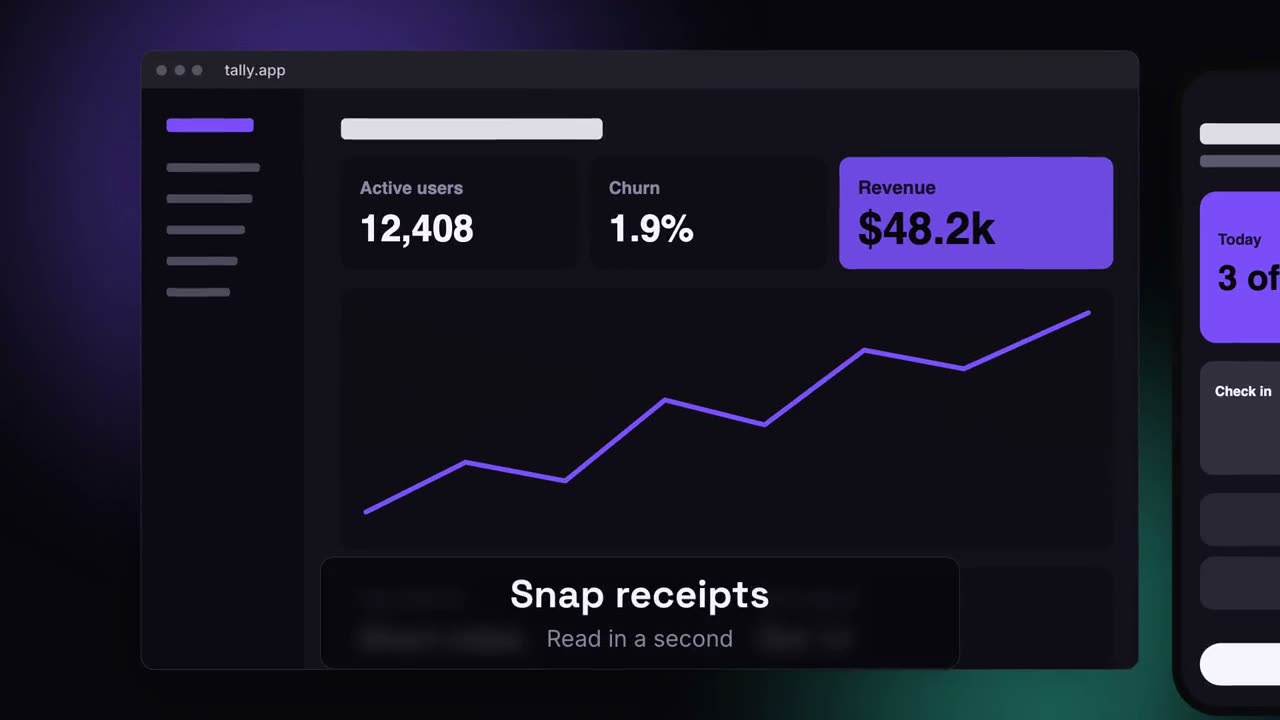
Lançamento em vários dispositivos
Abrir skill →PremiumMake a 20-second 16:9 launch video for [who will watch, e.g. ops and finance leads], playing [where, e.g. the homepage hero]. Use only the lines and screenshots I give; don't change a word. Deep navy background with soft violet and teal glows. Scene 1: the hook rises word by word and fades. Scene 2: a browser window with the desktop screenshot and a phone with the mobile screenshot rise onto the canvas. Scene 3: the camera glides in to the browser while a glass caption shows the first feature, then to the phone with the second, then pulls back to show both with the third. End frame: the devices blur and sink as the product name, the hook and a violet call-to-action button appear. Hook: [e.g. "Your metrics, everywhere you work."] Three captions: [e.g. "Live dashboards — Every number, updated in real time", "Pocket alerts", "Always in sync"] Product and call to action: [e.g. Pulse, "Get Pulse free"] Attach: [a desktop screenshot and a phone screenshot]
Cenas avulsas para isso
Vídeo de lançamento de produto
Gancho, revelação do produto, três recursos, cartão final.
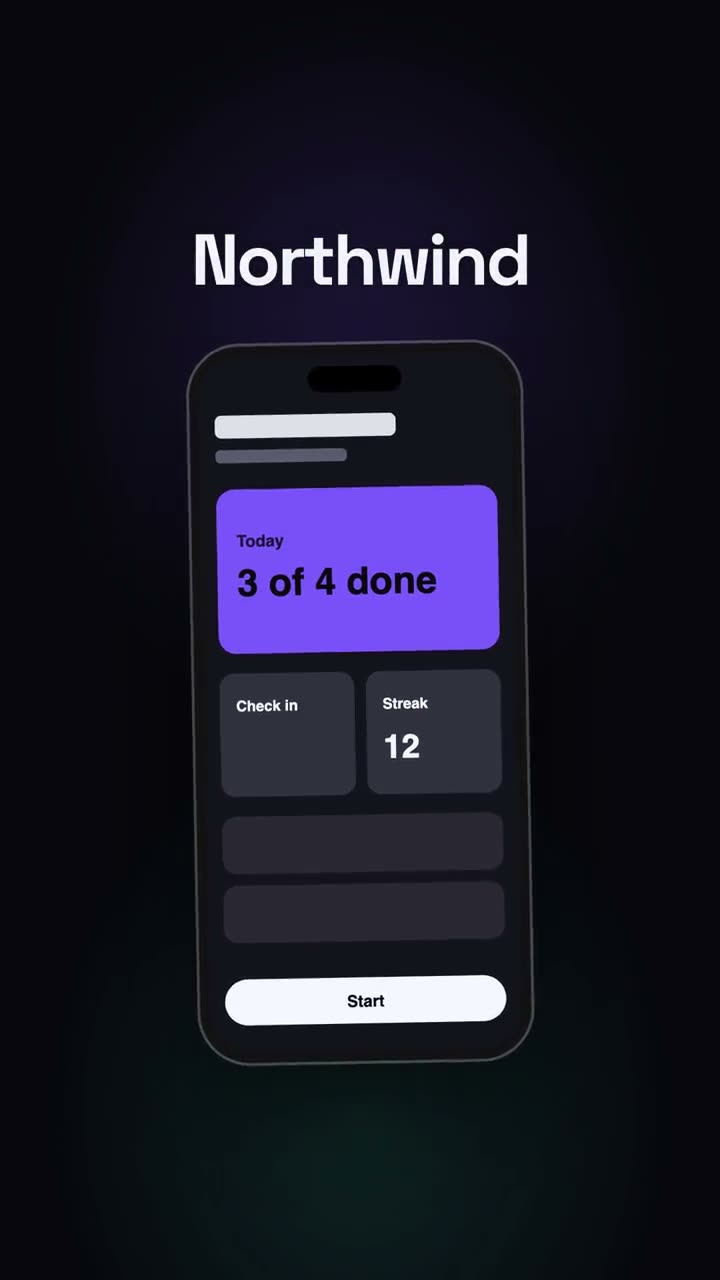
Lançamento vertical
Um corte de lançamento pensado para redes: gancho, celular, momentos, CTA.
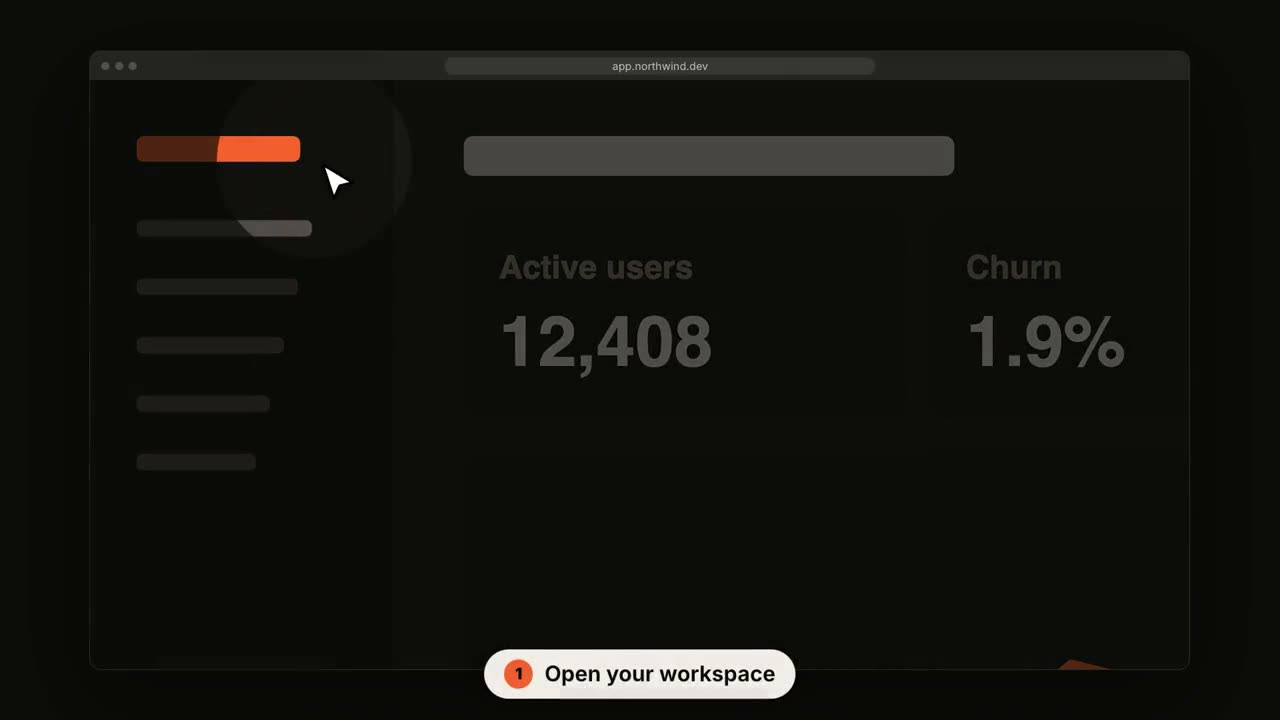
Tour de interface SaaS
A câmera se aproxima de cada passo enquanto um cursor vai clicando.
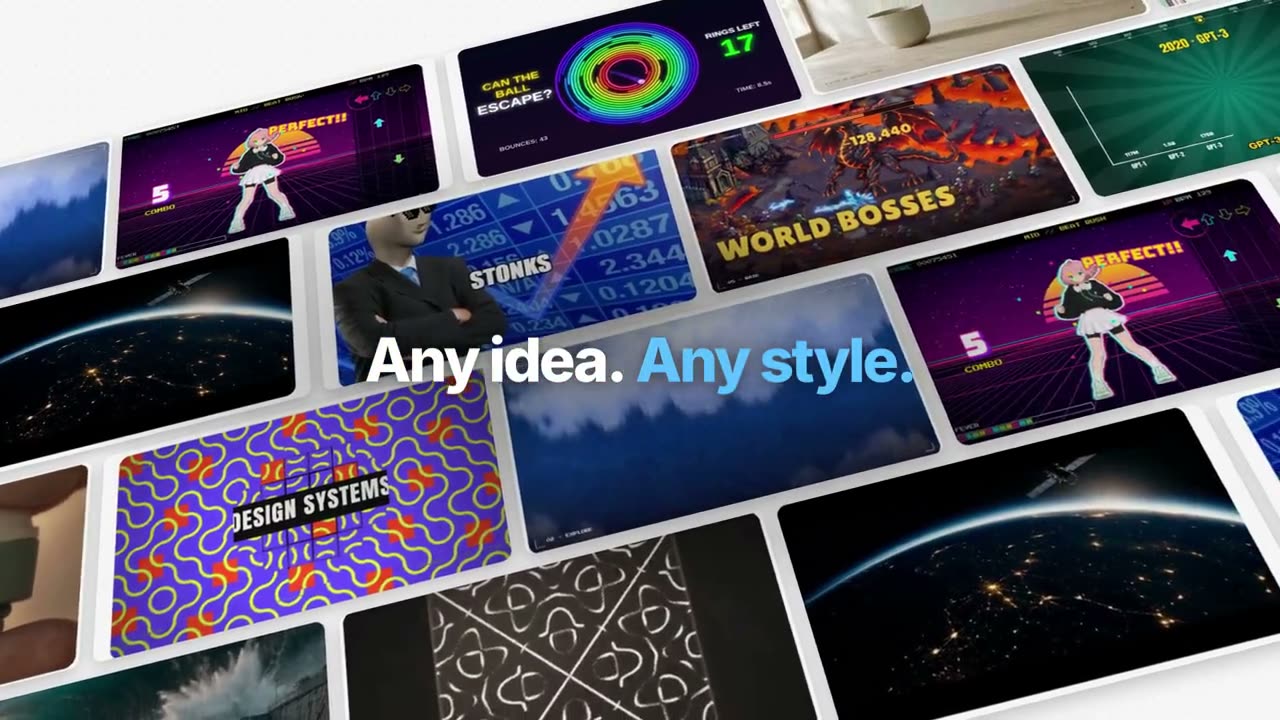
Filme de recurso estilo Manus
Um exemplo acompanhado do início ao fim: organizado, gerado, legendado, rastreado, programado, composto. Palavras-chave em azul saindo do desfoque.
Lançamento estilo keynote do Manus
Um lançamento em capítulos: abertura preta, um ticker das novidades, capítulos do produto trabalhando sobre paisagens, One More Thing, mascotes.
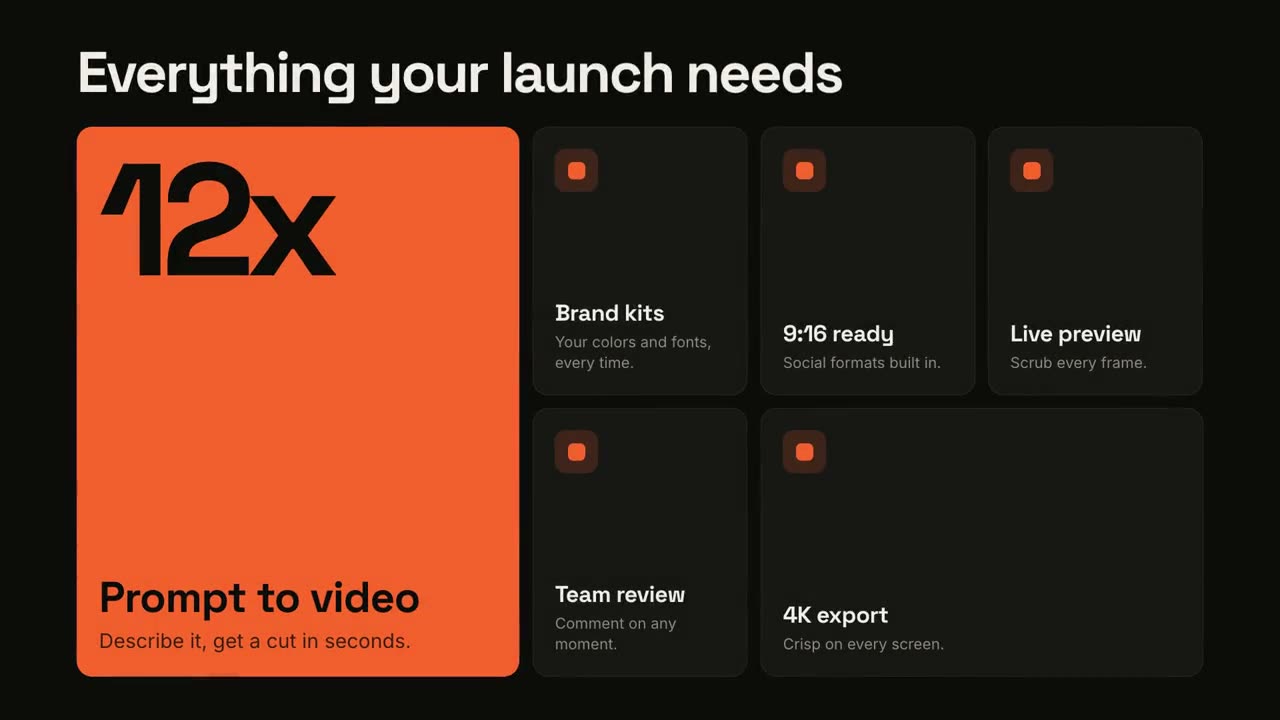
Grade de recursos
Uma grade bento que se monta e depois destaca cada recurso.
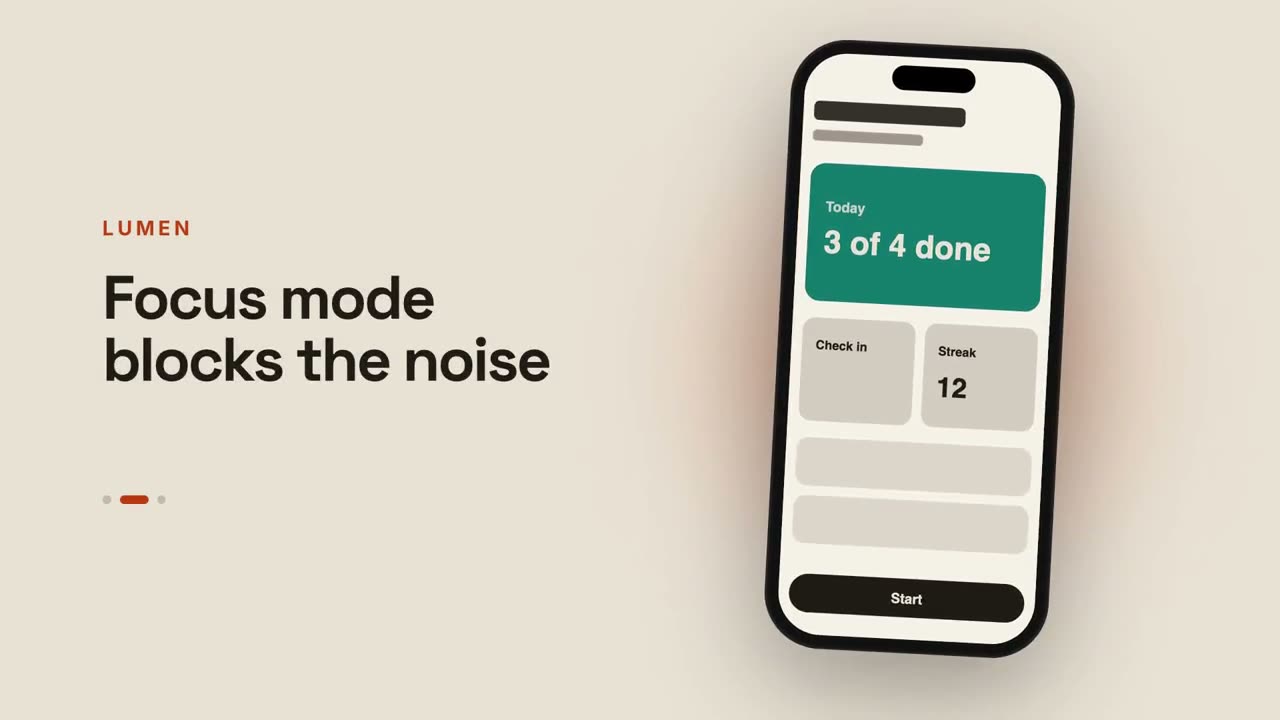
Prévia de app
Um celular passa por telas ao lado de legendas que mudam.
Do chat ao resultado
Um prompt é digitado, o assistente responde e a resposta vira o seu lançamento.
Lançamento em planta técnica
Seu produto como um desenho técnico que se desenha sozinho e depois se preenche.
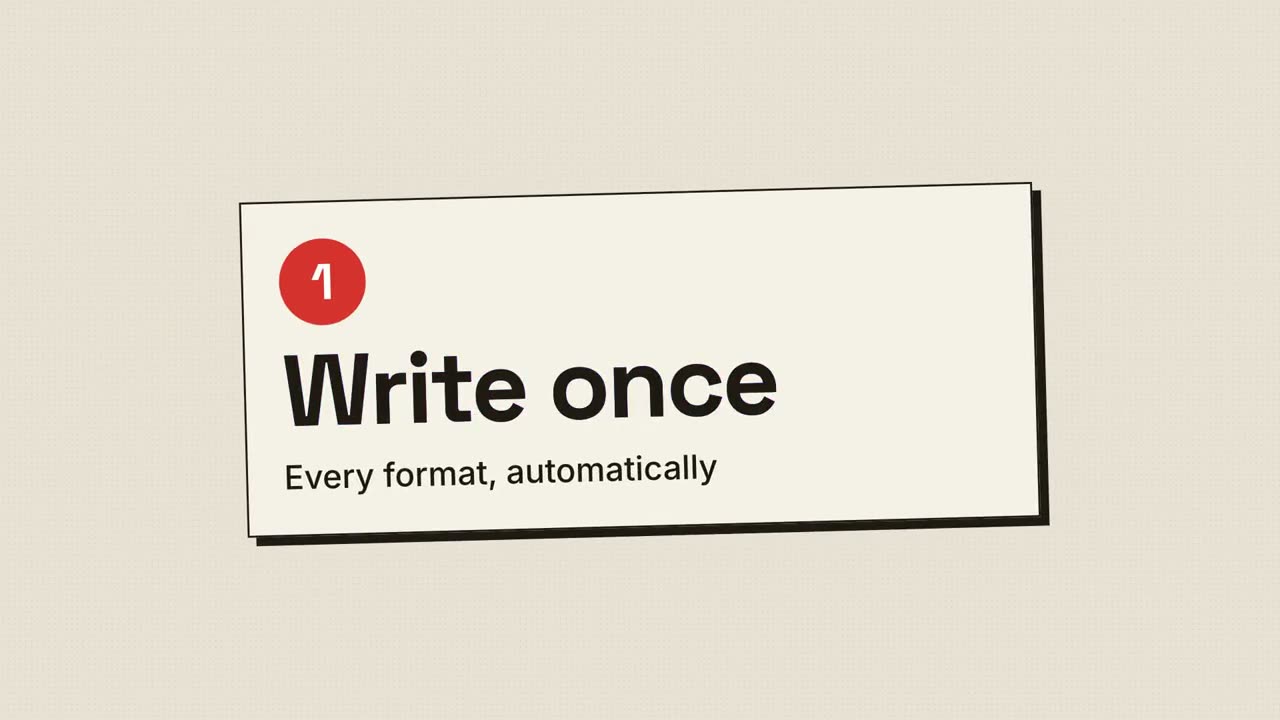
Lançamento em retícula
Impressão retrô: pontos de retícula e chapas CMYK que se encaixam no registro.
Lançamento em vários dispositivos
Um desktop e um celular flutuam numa tela luminosa; a câmera percorre os dois.
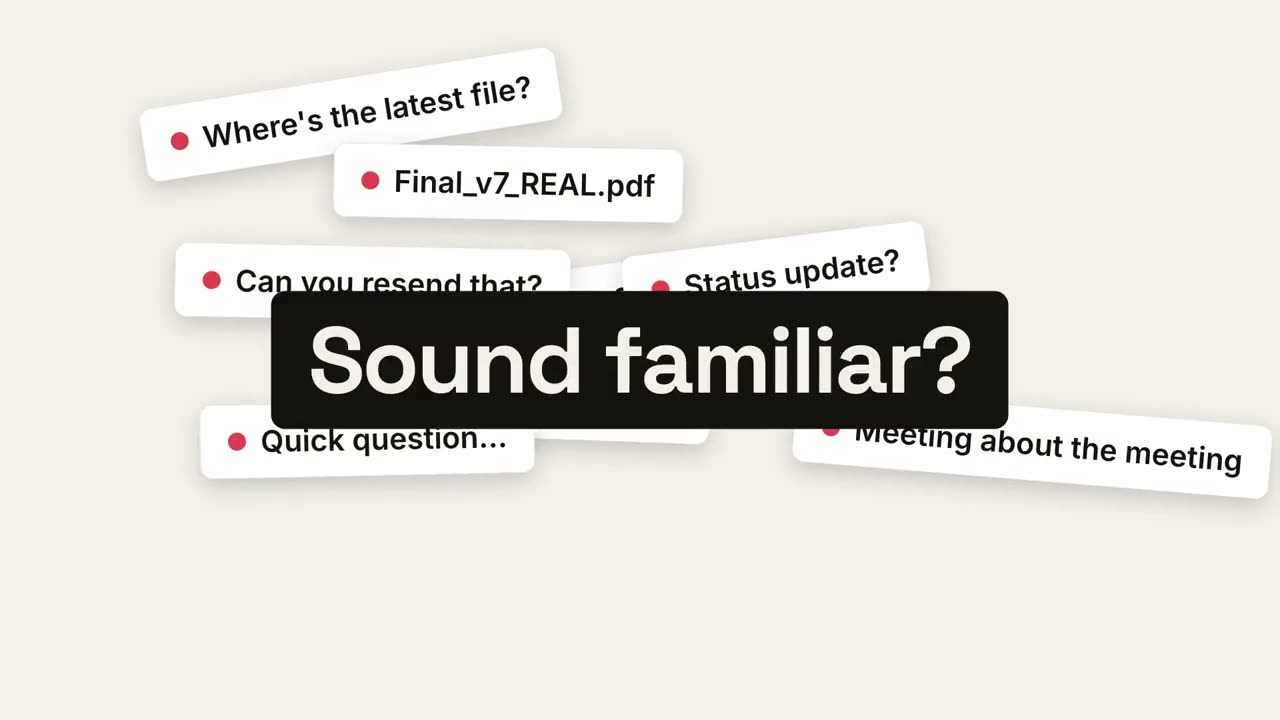
Do caos à calma
O caos do dia a dia se acumula, desaba em um ponto e a calma aparece.
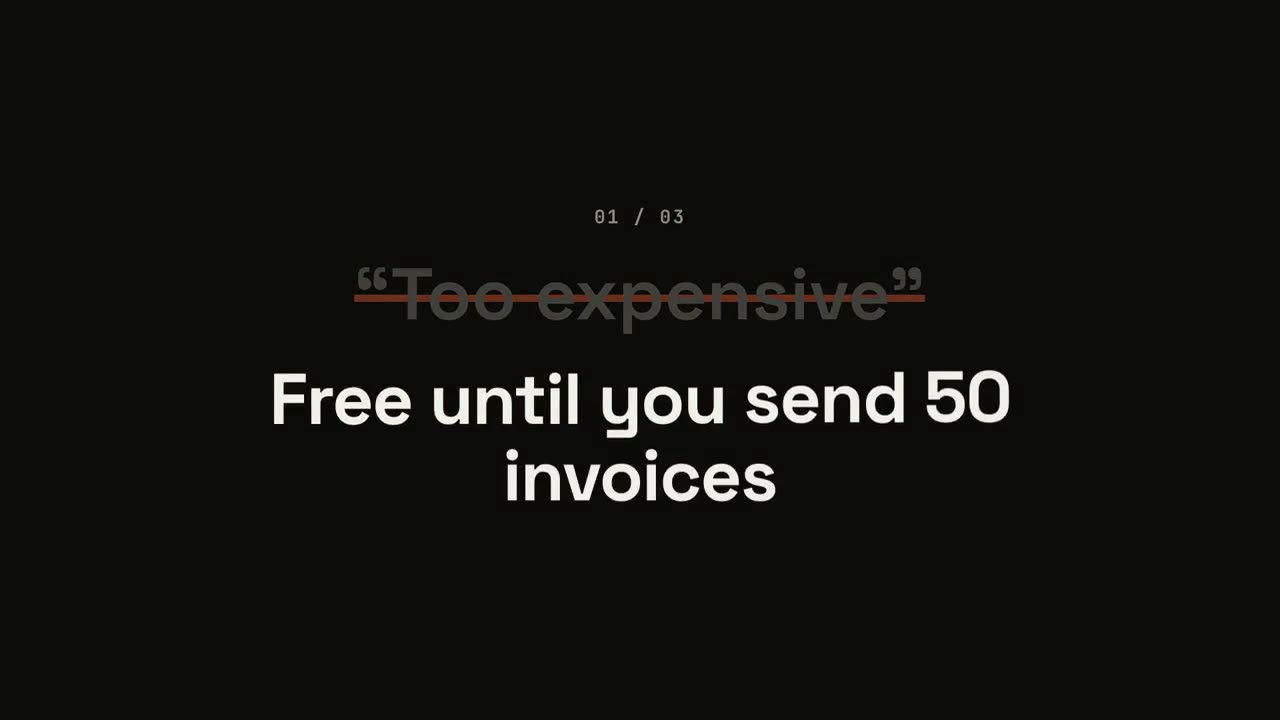
Lançamento que vira objeções
Cada objeção aparece entre aspas, é riscada e virada do avesso.
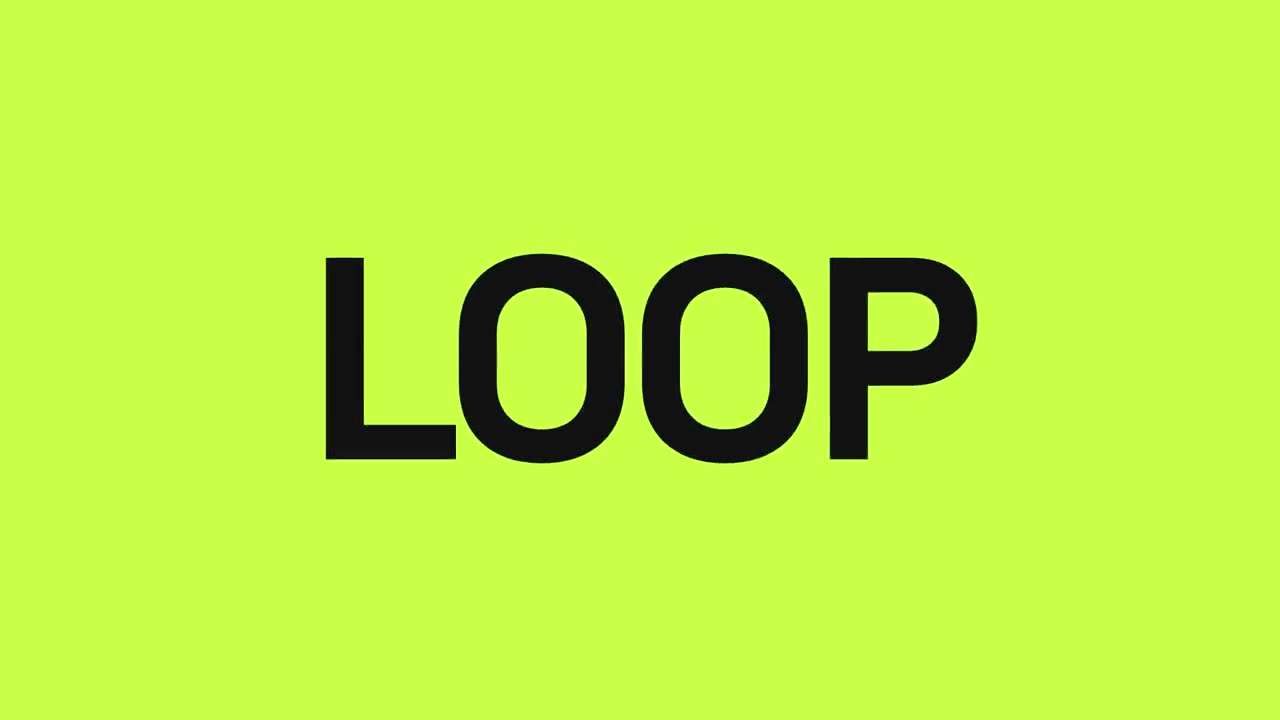
Lançamento no ritmo
Cortes secos na batida: palavras piscam, o produto cai, os benefícios pulsam.
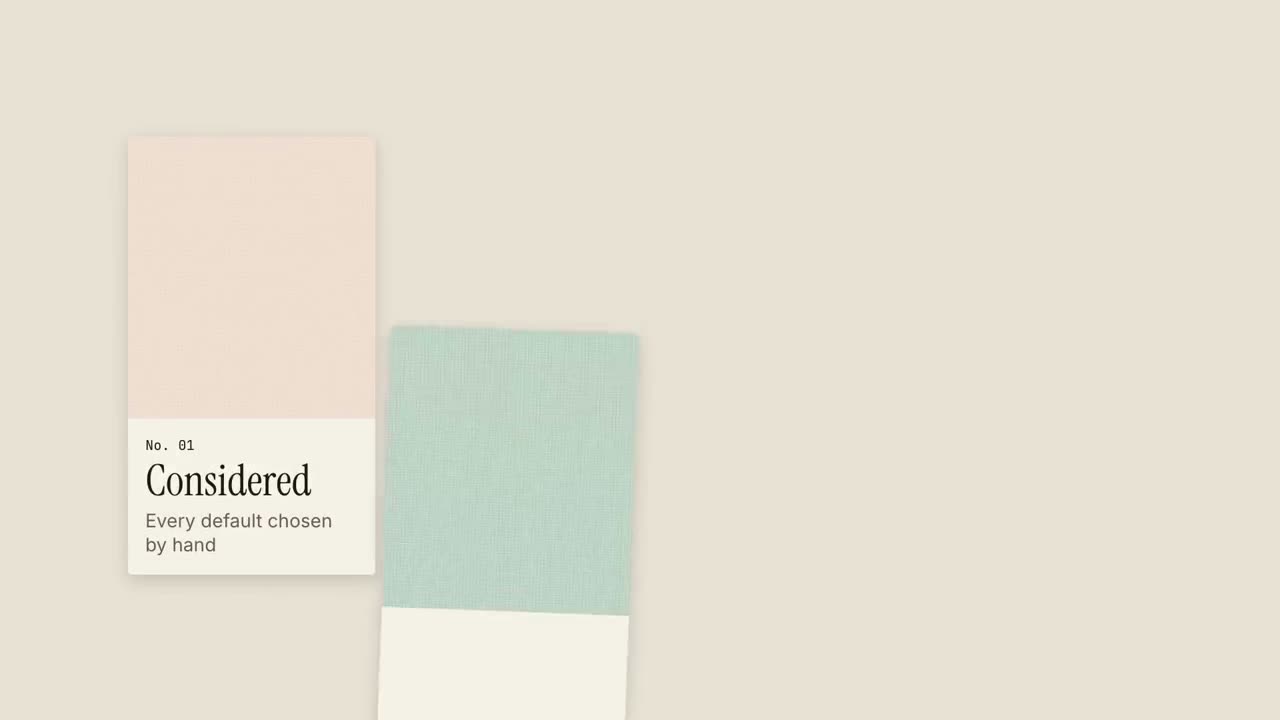
Lançamento em mostruário
Amostras de material entram como num mostruário, cada uma com uma qualidade.
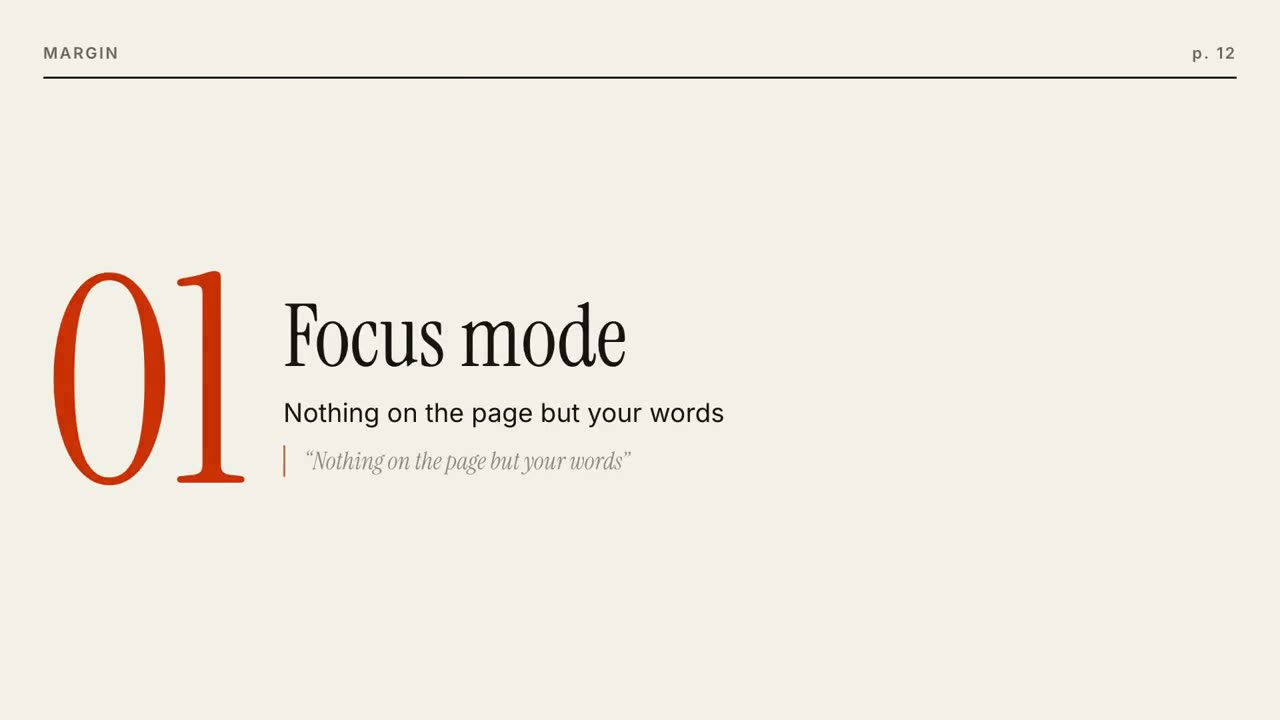
Lançamento editorial
Uma capa de revista se monta e depois cada recurso é uma página que vira.
Lançamento com um quadrado
Um quadrado de destaque se transforma a cada momento: ponto, cartão, celular, logo.
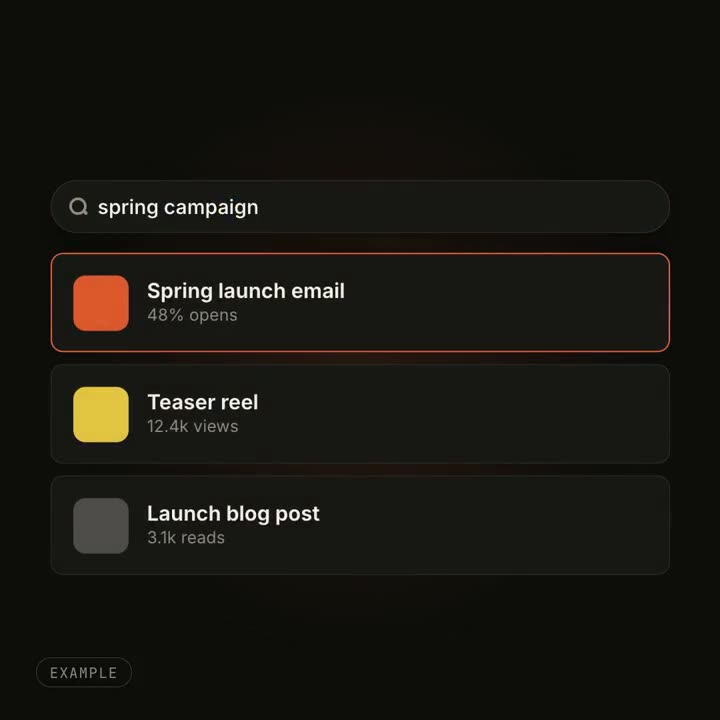
Efeitos de transformação de UI
Um botão vira player, uma busca se enche de resultados: um objeto mudando de forma.
Feito com estes