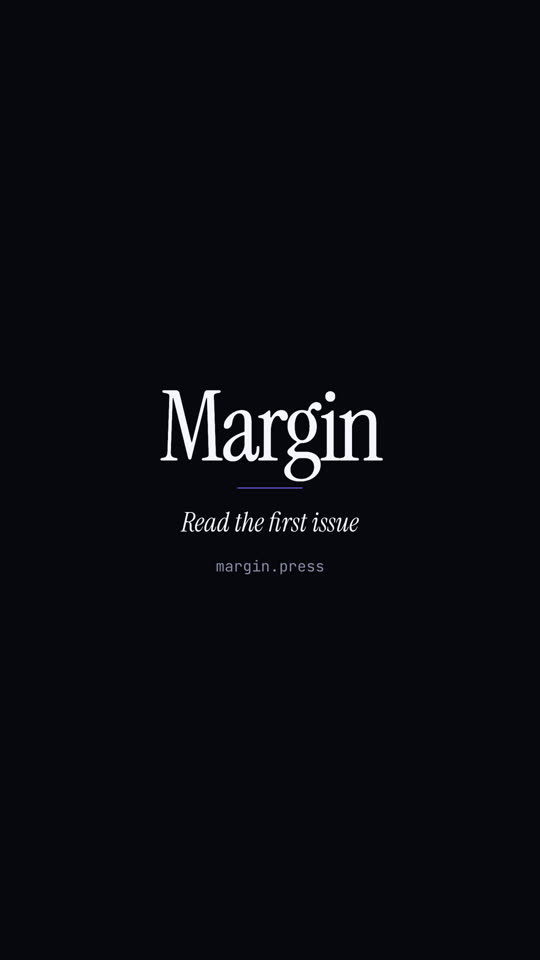
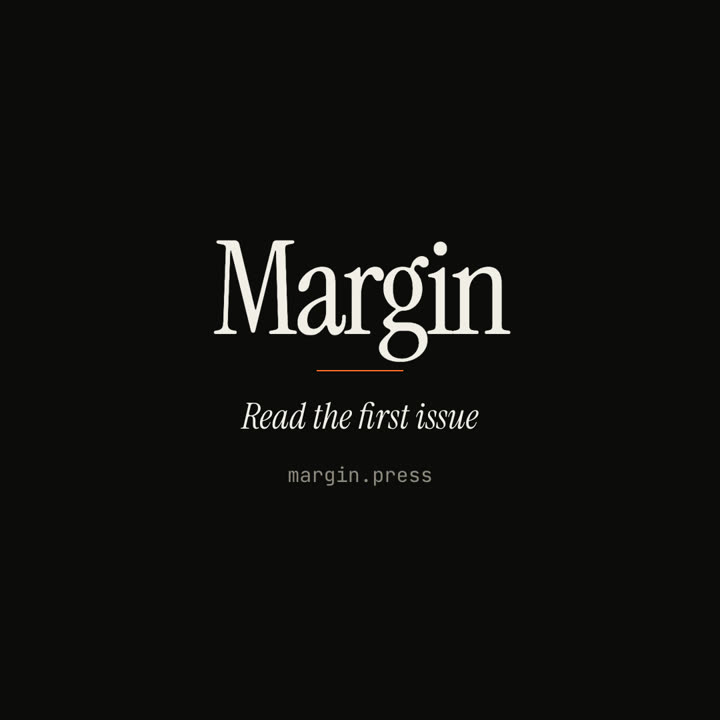
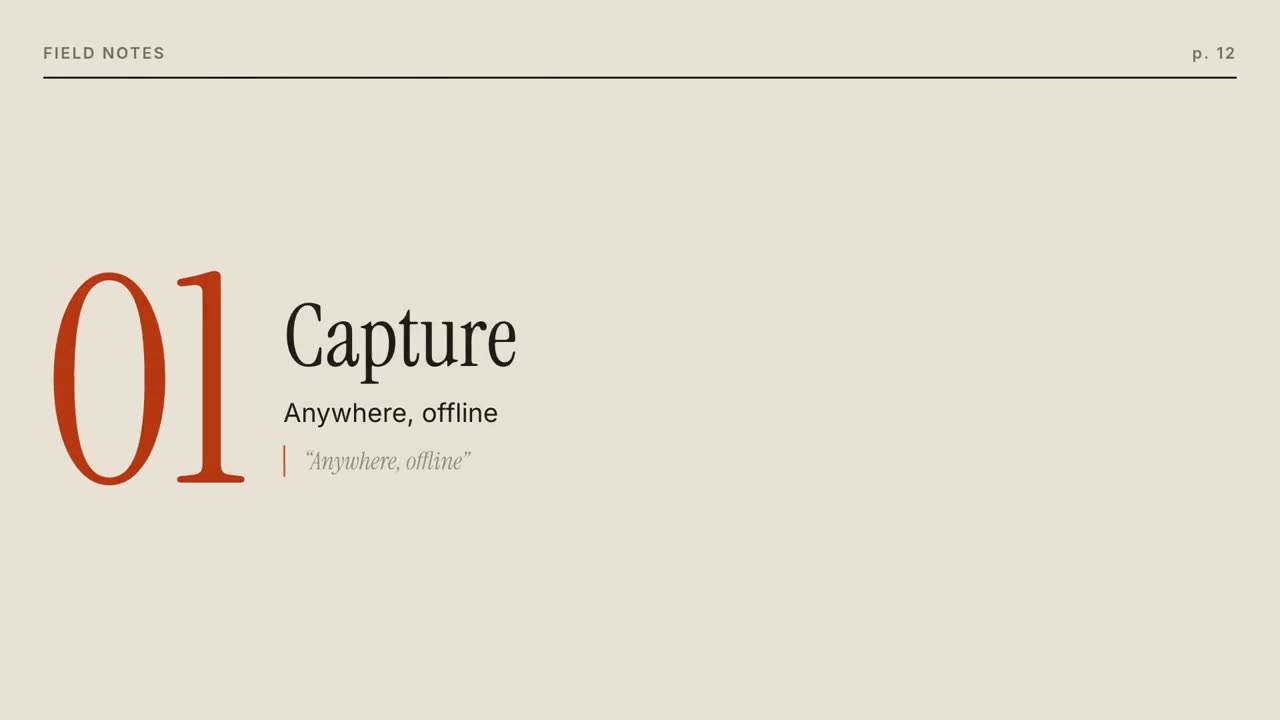
Images finales du même modèle, rendues avec un autre thème et un autre format.
5 thèmes
Aa
Encre
ink
Aa
Papier · par défaut
paper
Aa
Électrique
electric
Aa
Noir
Aa
Sable
sand
Indiquez un thème dans votre prompt, ou définissez vos propres couleurs d’accent, de fond et de texte.
Prompt d’installation
Lis https://claude-motion.com/skills/editorial-launch/install.md, suis ses étapes pour installer la skill « editorial-launch », puis fais une première vidéo avec.
Collez-le dans Claude Code, Codex, Cursor ou tout agent compatible avec les skills.
Exemple de prompt
Use the editorial-launch skill for Field Notes, a research app: issue "Vol. 3 · Spring", headline "Your notes, finally in order.", image assets/cover.jpg, three features. Sand theme.
Prompt de style (Claude Motion ou Opus 5.5)
Make a 20-second 16:9 magazine-style launch for [who will watch, e.g. readers who like long-form writing], playing [where, e.g. our newsletter and X]. Use only the name, lines and photo I give; don't change a word. Off-white paper.

Scene 1: a large serif masthead with the issue line in small caps and a black rule, the cover photo wiping open, and the italic serif cover line. Scene 2: three pages turn in from the right, each with a running header, a giant orange serif numeral, a serif title, body text and an italic pull quote with an orange bar. End frame: the back cover with the name, a short orange rule, the italic call to action and the URL.

Name and issue line: [e.g. Margin, "ISSUE 01 · OCTOBER 2026"]
Cover line: [e.g. "The quiet return of good writing."]
Three features: [titles, one short paragraph and one pull quote each]
Call to action and URL: [e.g. "Read the first issue", margin.press]
Attach: [a cover photo]
Rien à installer : collez-le dans Claude Motion (Team ou Enterprise) ou donnez-le à Opus 5.5 pour un rendu proche. Le résultat change à chaque exécution ; la skill donne toujours le même.