Product launches
Point your agent at your repo, release notes or a pull request and Project → Launch Video turns it into a 15–30 second launch video, story and MP4 included. Or pick one launch style below and swap in your product.
From your material to a finished video
Give your agent what you have; the workflow writes, directs and renders the MP4.
Prompts to start with
Paste into Claude Motion, or install the matching skill and ask your agent.
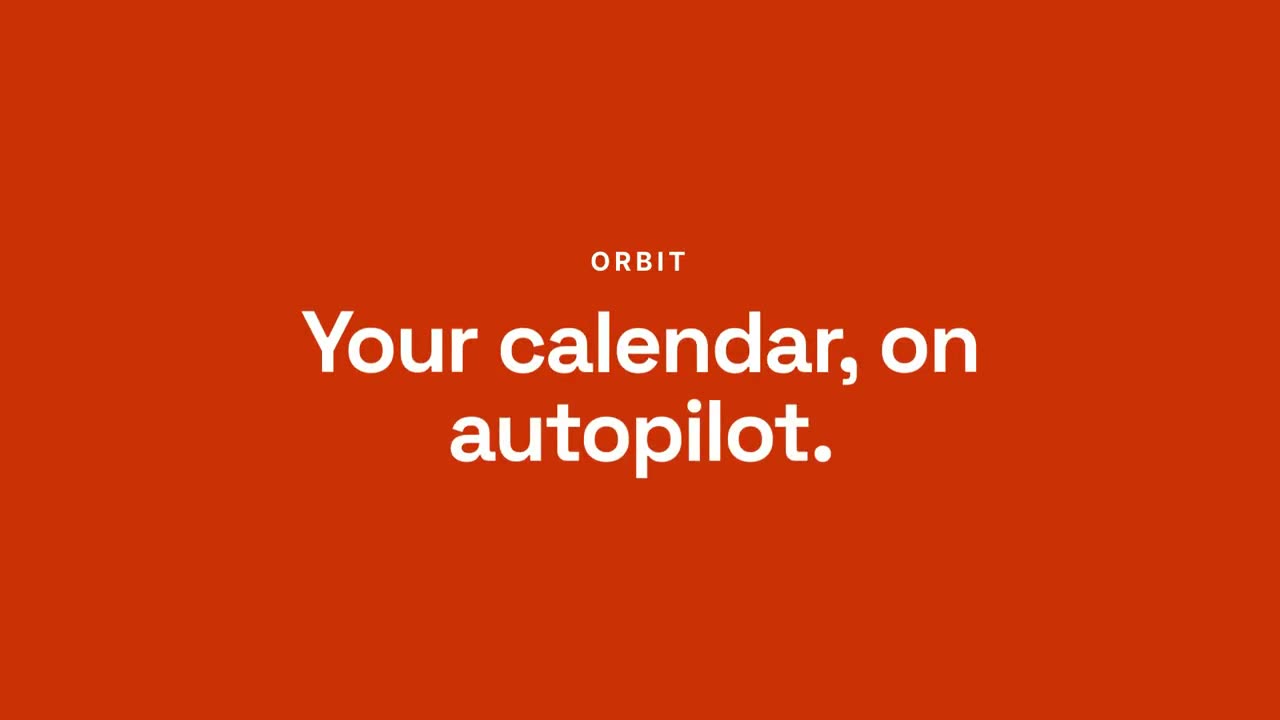
Chat-to-Result Launch
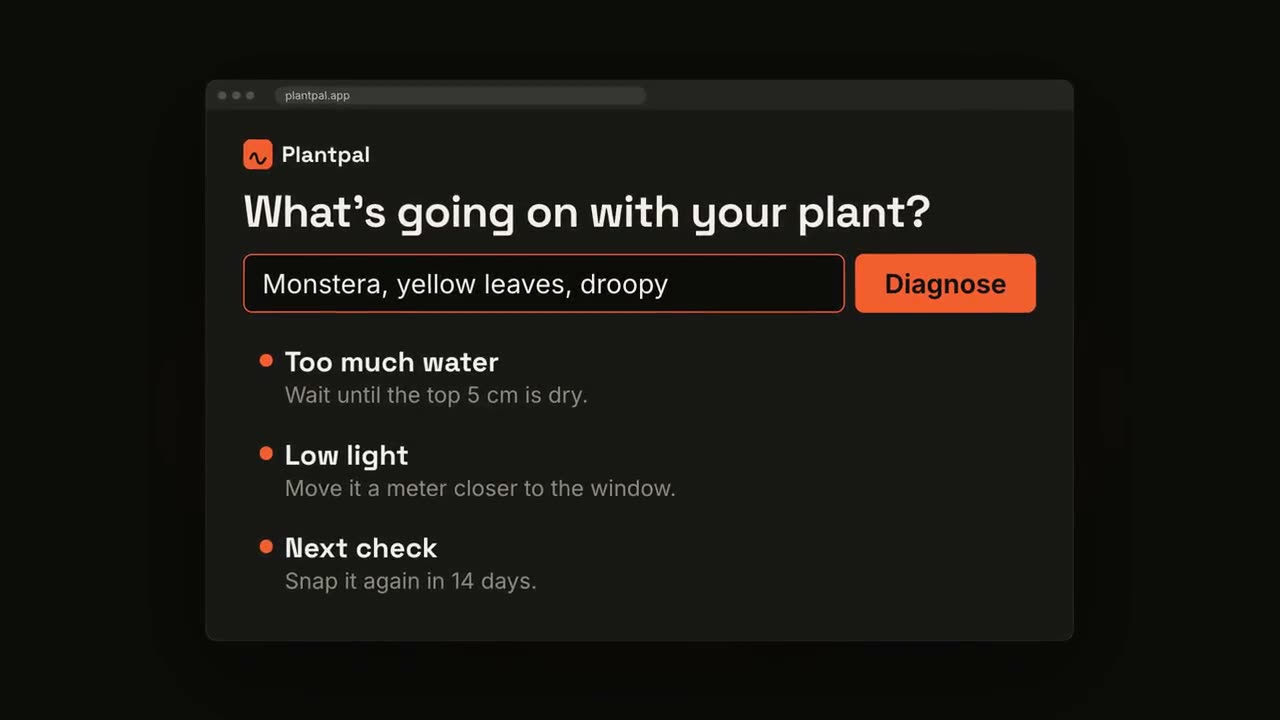
Open skill →PremiumMake a 20-second 16:9 launch video for [who will watch, e.g. busy managers], playing [where, e.g. our homepage and LinkedIn]. Use only the product name, chat lines and features below; don't change a word. Off-white background. Scene 1: a clean white chat window appears and the user's request types into the input, then is sent. A small orange avatar shows typing dots, then replies. Scene 2: the reply expands into a full orange frame with the product name and the headline rising word by word. Scene 3: three white feature cards follow. End frame: the product name with an orange call-to-action button and the URL, held for 2 seconds. Product: [e.g. Orbit] Request and reply: [e.g. "Plan my week around three deep-work blocks." → "Done. Meetings moved, focus time locked in."] Headline: [e.g. "Your calendar, on autopilot."] Three features: [e.g. Smart slots, Focus guard, Daily recap] Call to action and URL: [e.g. "Try Orbit free", orbit.app]
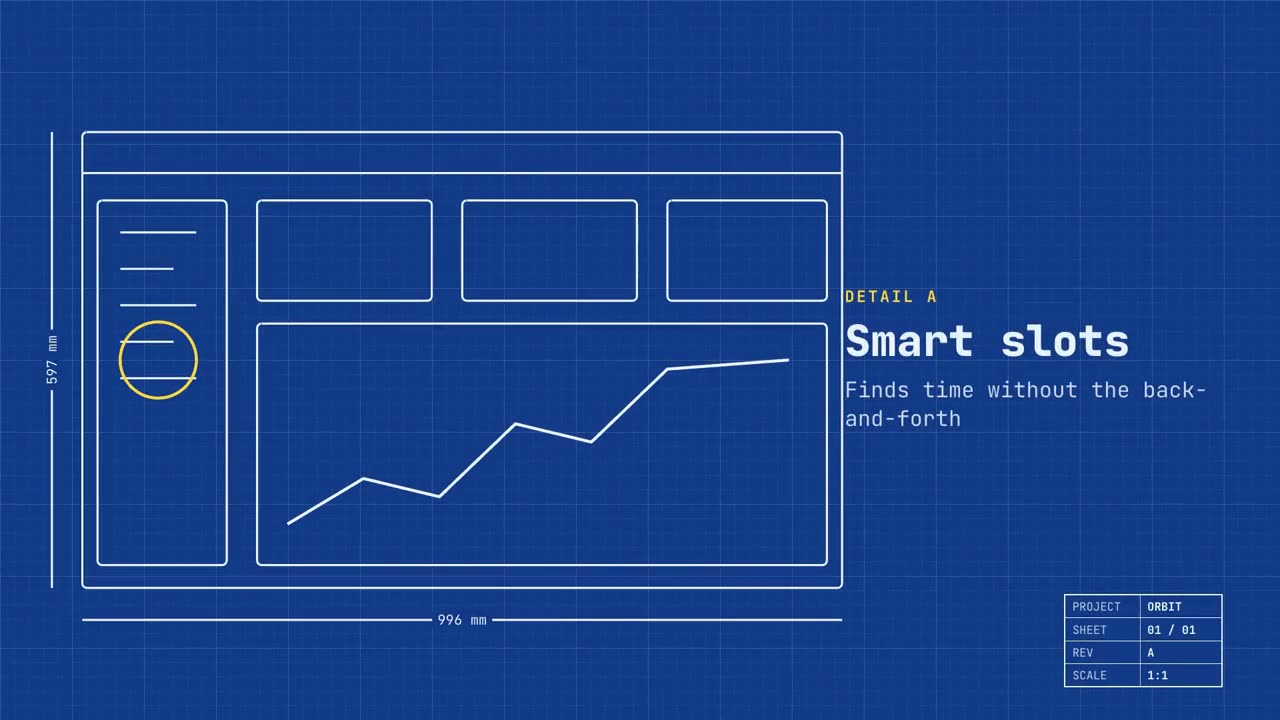
Blueprint Launch
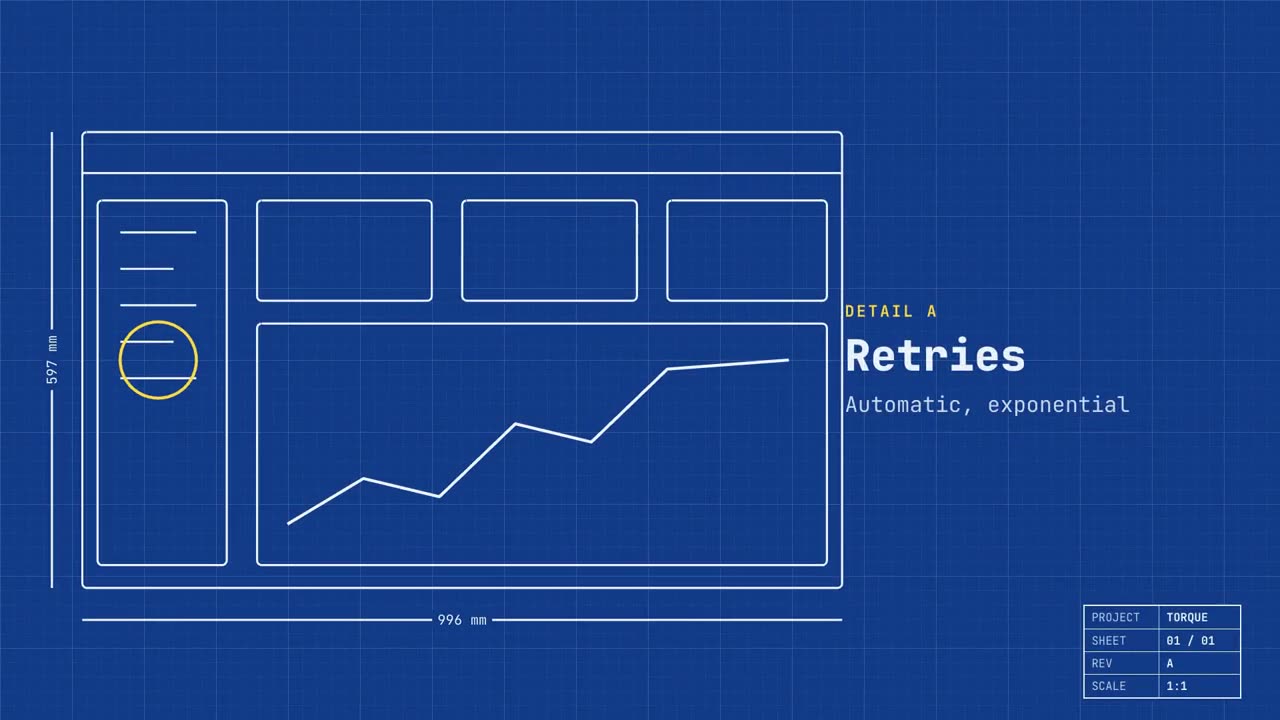
Open skill →PremiumMake a 20-second 16:9 launch video for [who will watch, e.g. engineers and product teams], playing [where, e.g. Product Hunt and X]. Use only the name, lines and screenshot I give; don't change a word. Deep blueprint-blue background with a fine white grid. Scene 1: a wireframe of an app window draws itself in thin white lines (header, sidebar, three cards, a chart) with dashed dimension lines labeled in millimeters and a drawing title block in the corner with the project name. Scene 2: the product name scrambles in, monospace, with the tagline in yellow. Scene 3: three yellow rings circle details labeled DETAIL A, B, C with feature names. Scene 4: the wireframe fills in with the screenshot from left to right and a yellow "APPROVED" stamp slams on. End frame: the name, a yellow status tag and the URL. Product and tagline: [e.g. Orbit, "Engineered for focus."] Three features: [names] Status tag and URL: [e.g. "Now in public beta", orbit.app] Attach: [a screenshot of your product]
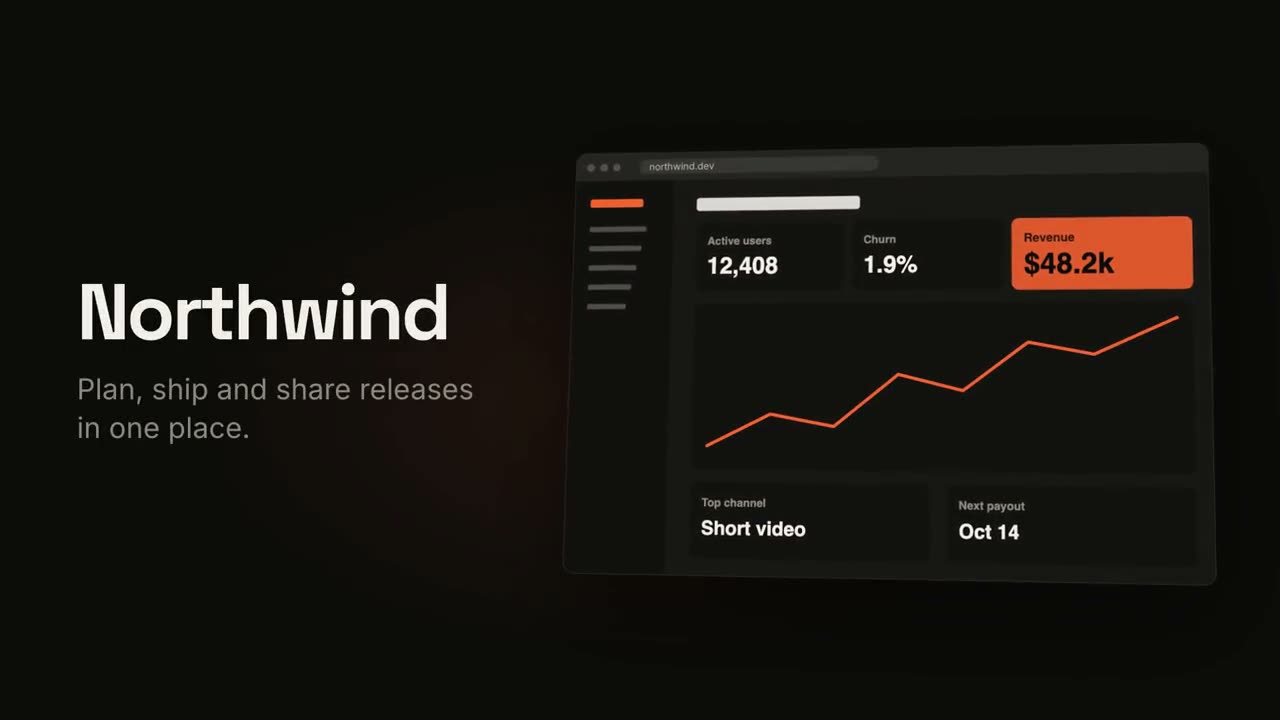
Product Launch Film
Open skill →PremiumMake an 18-second 16:9 product launch film for [who will watch, e.g. product managers], playing [where, e.g. our homepage hero and X]. Use only the name, lines and screenshot I give below; don't change a word. Near-black background with a warm orange glow. Scene 1 (0–3.4s): a two-line hook rises from masks, line one off-white, line two orange, slowly pushing in. An orange wipe cuts to Scene 2: the product name and tagline on the left while a browser window with the screenshot rises from below with a 3D tilt and settles. Scene 3: three features one at a time, each with a huge orange numeral (01, 02, 03), a bold title and a gray description, with a segmented progress bar at the bottom. End frame: the logo mark spins in, then the name, an orange call-to-action pill and the URL. Hook: [two lines] (e.g. "Your roadmap" / "finally in motion") Product and tagline: [e.g. Northwind, one line] Features: [three titles with one-line descriptions] Call to action and URL: [e.g. "Start free", northwind.dev] Attach: [a screenshot of your product]
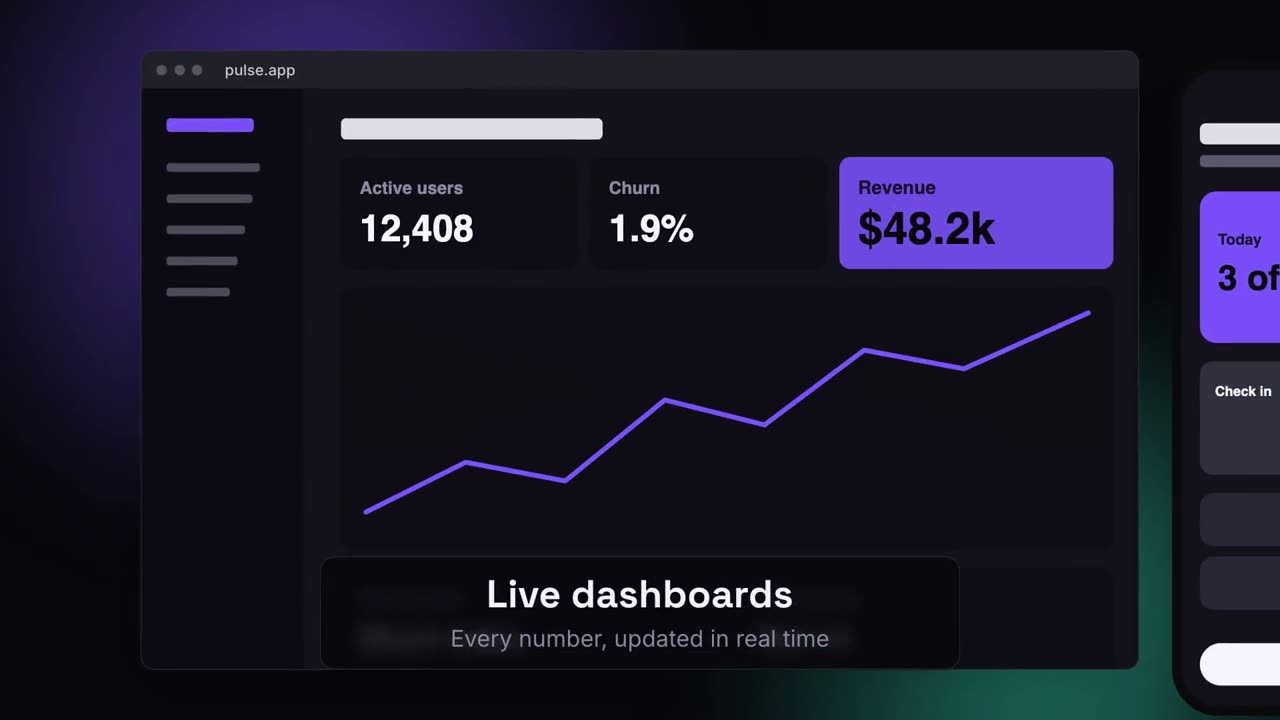
Device Canvas Launch
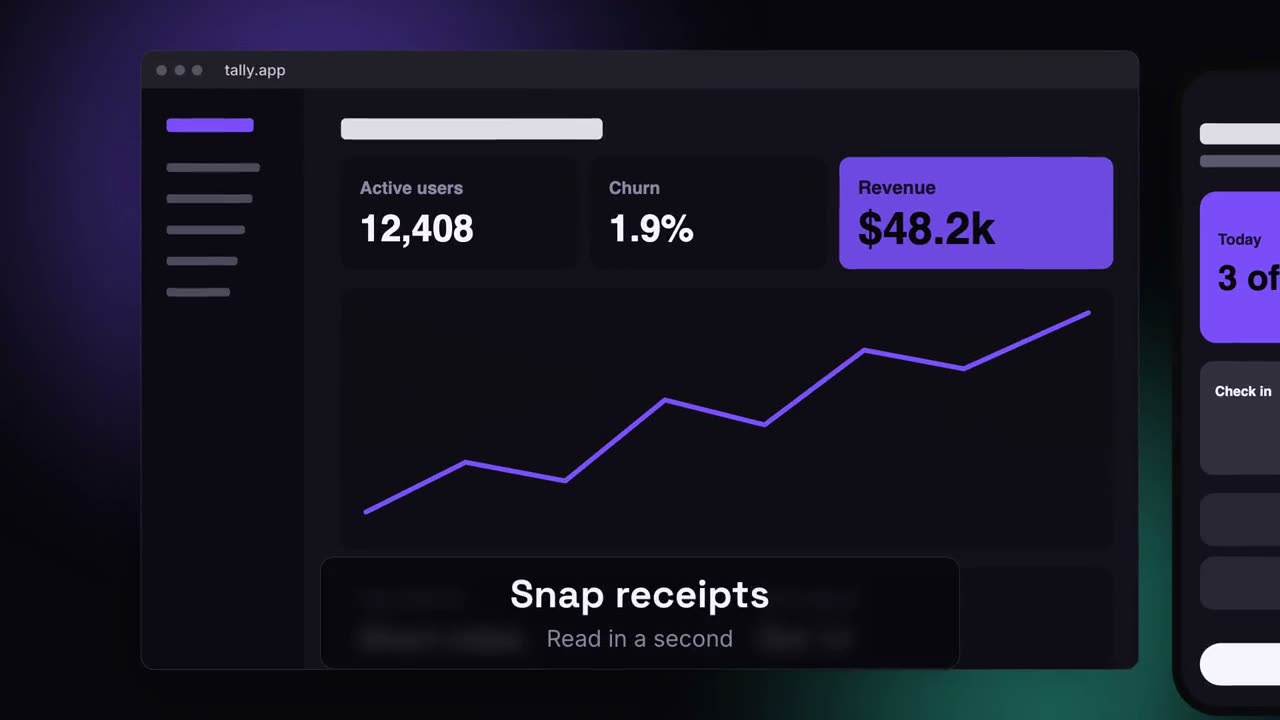
Open skill →PremiumMake a 20-second 16:9 launch video for [who will watch, e.g. ops and finance leads], playing [where, e.g. the homepage hero]. Use only the lines and screenshots I give; don't change a word. Deep navy background with soft violet and teal glows. Scene 1: the hook rises word by word and fades. Scene 2: a browser window with the desktop screenshot and a phone with the mobile screenshot rise onto the canvas. Scene 3: the camera glides in to the browser while a glass caption shows the first feature, then to the phone with the second, then pulls back to show both with the third. End frame: the devices blur and sink as the product name, the hook and a violet call-to-action button appear. Hook: [e.g. "Your metrics, everywhere you work."] Three captions: [e.g. "Live dashboards — Every number, updated in real time", "Pocket alerts", "Always in sync"] Product and call to action: [e.g. Pulse, "Get Pulse free"] Attach: [a desktop screenshot and a phone screenshot]
Single scenes for this
Product Launch Film
Hook, product reveal, three features, end card.
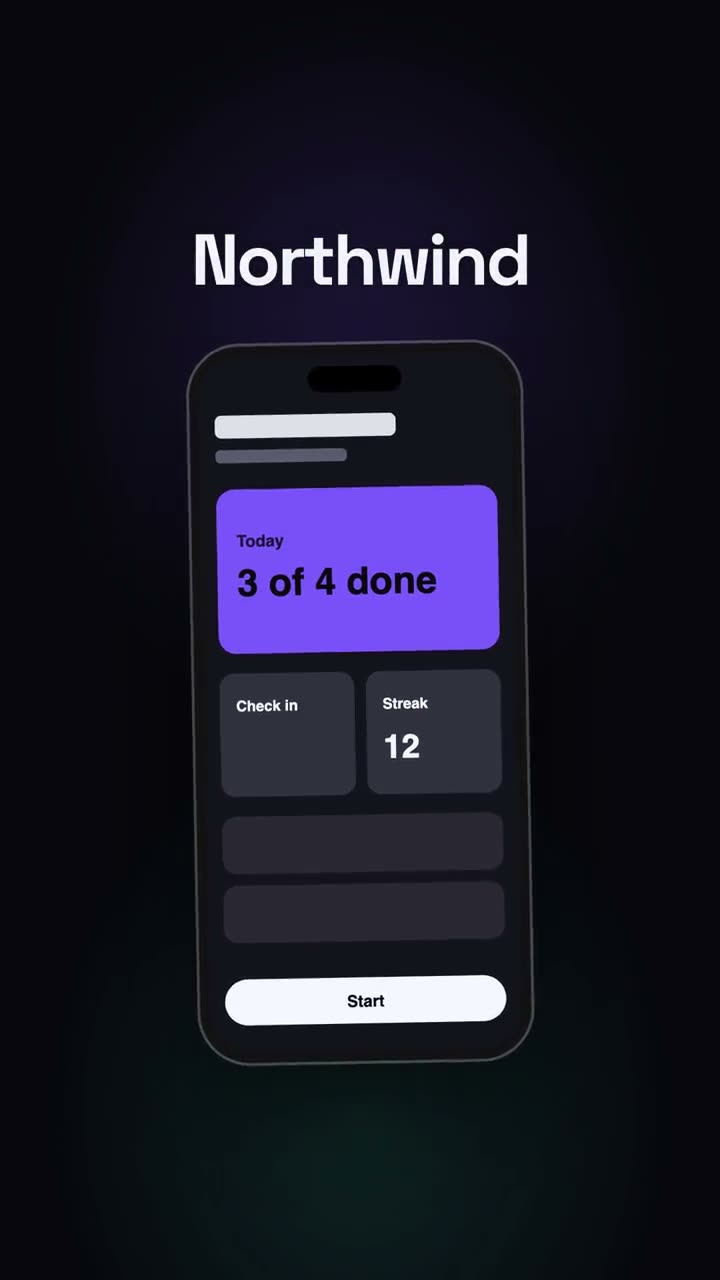
Vertical Launch
A social-first launch cut: hook, phone, beats, CTA.
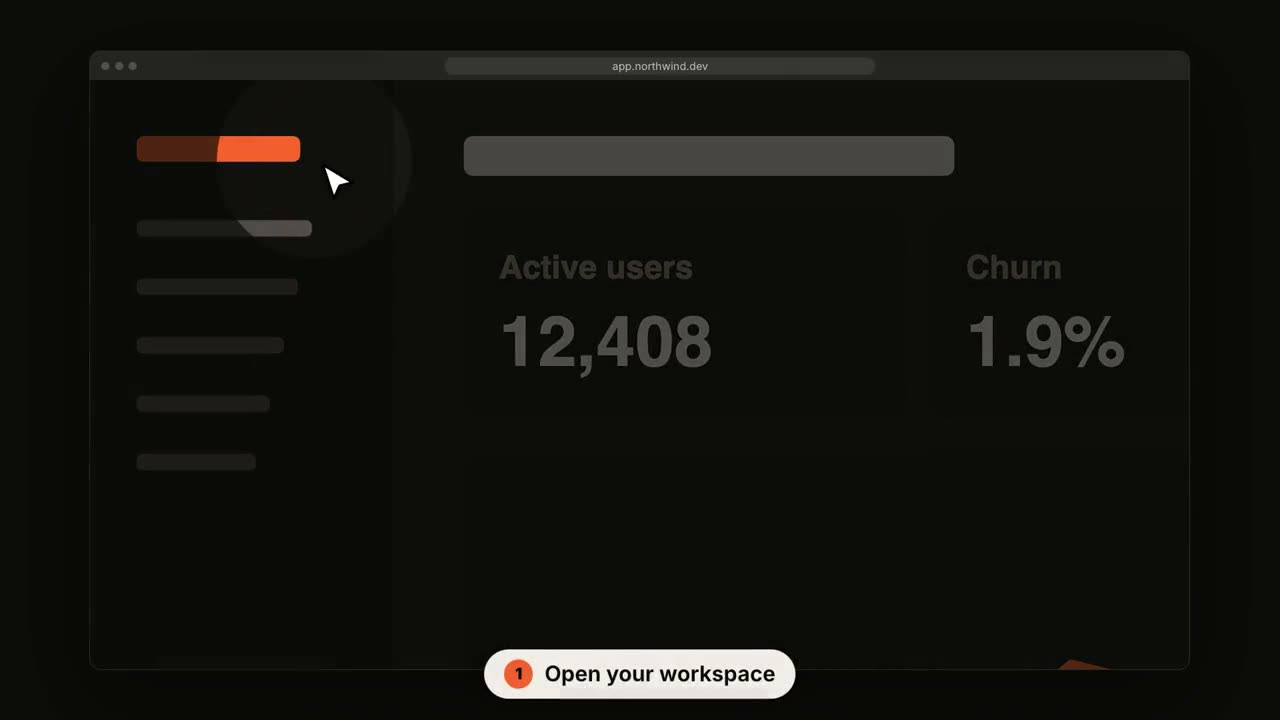
SaaS UI Walkthrough
The camera pushes into each step while a cursor clicks through.
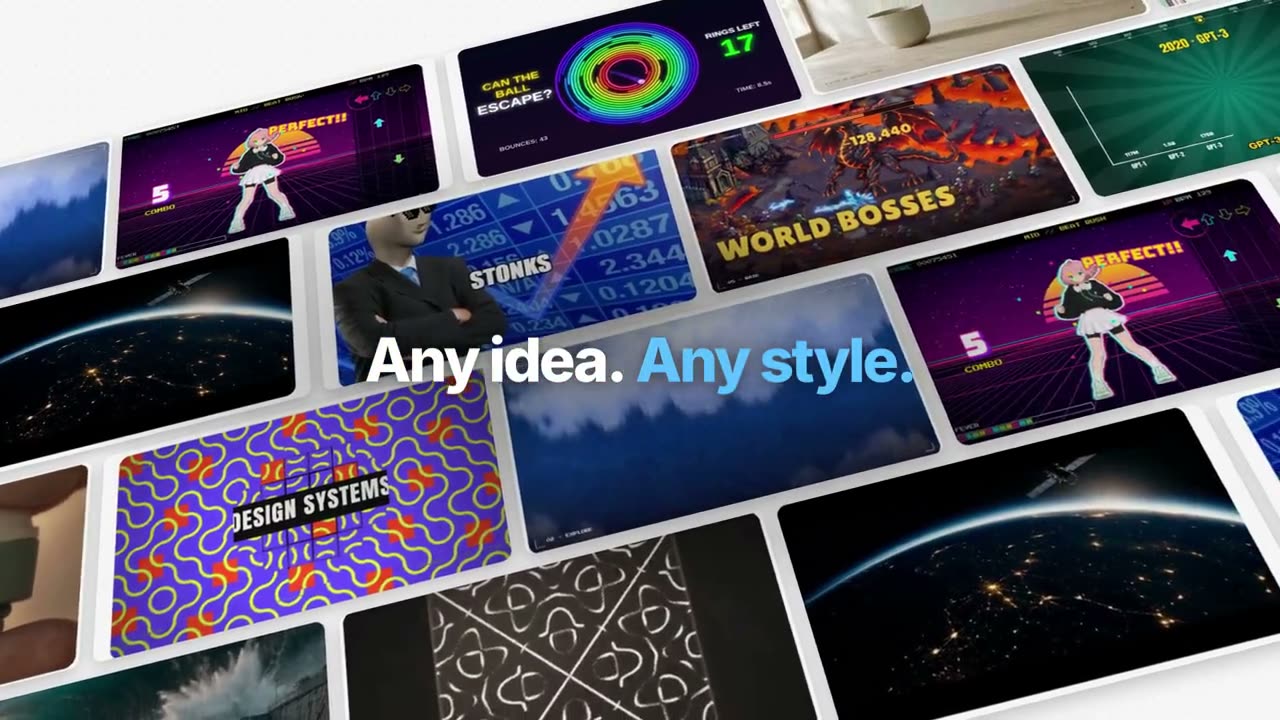
Manus-Style Feature Film
One example followed through the product: organized, generated, captioned, tracked, coded, composed. Blue key words out of a blur.
Manus Keynote Launch
A chaptered launch: a black intro, a ticker of what's new, chapters of the product at work over landscapes, One More Thing, mascots.
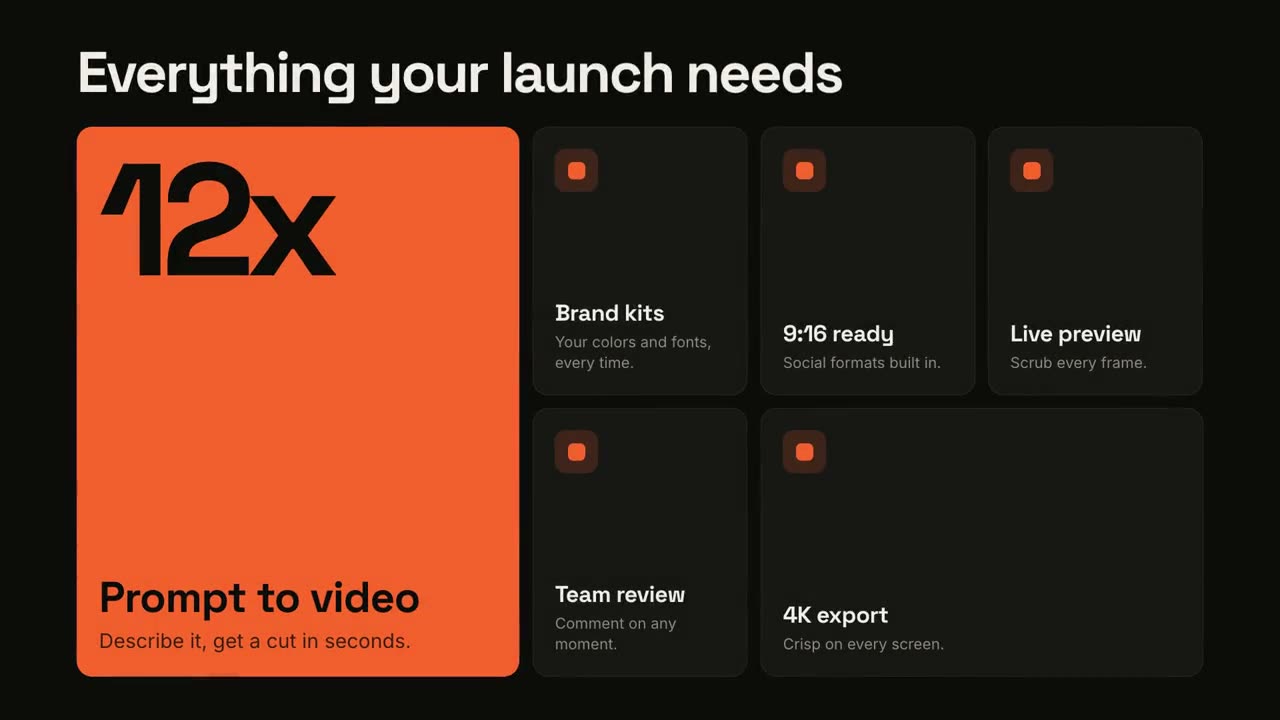
Feature Grid
A bento grid that assembles, then spotlights each feature.
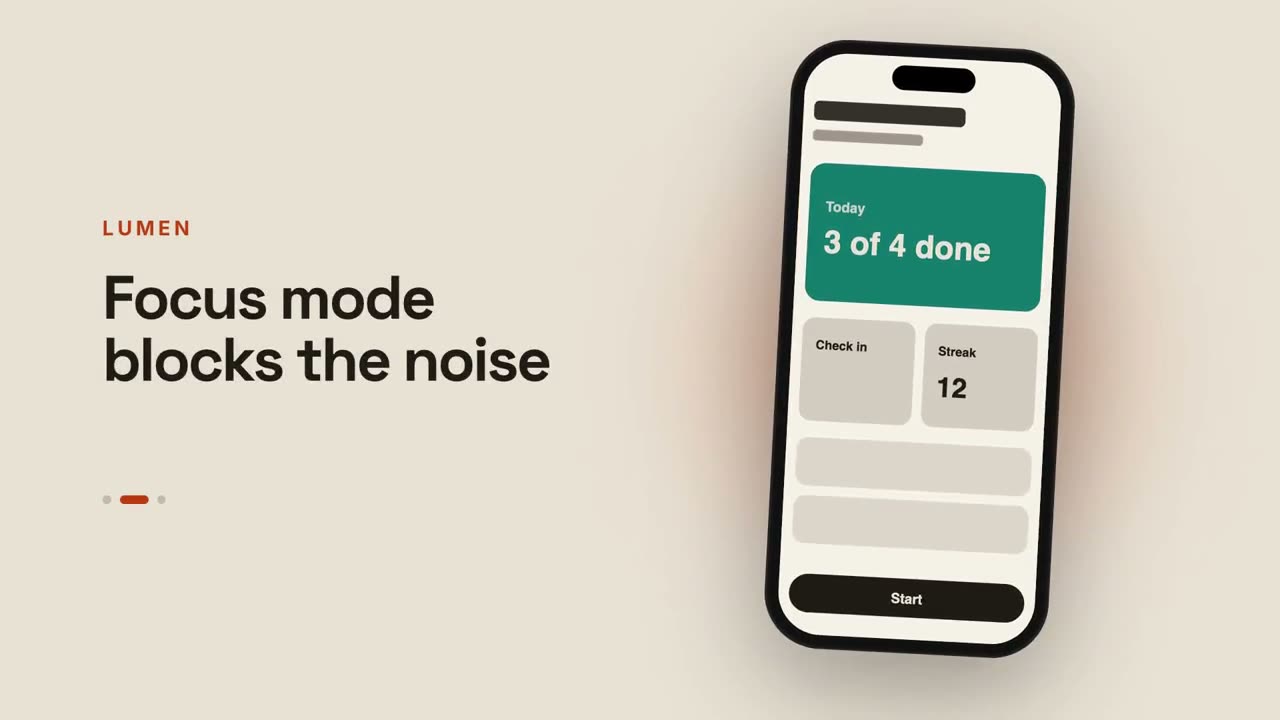
App Preview
A phone that swipes through screens beside changing captions.
Chat-to-Result Launch
A prompt is typed, the assistant answers, and the answer becomes your launch.
Blueprint Launch
Your product as a technical drawing that draws itself, then fills in solid.
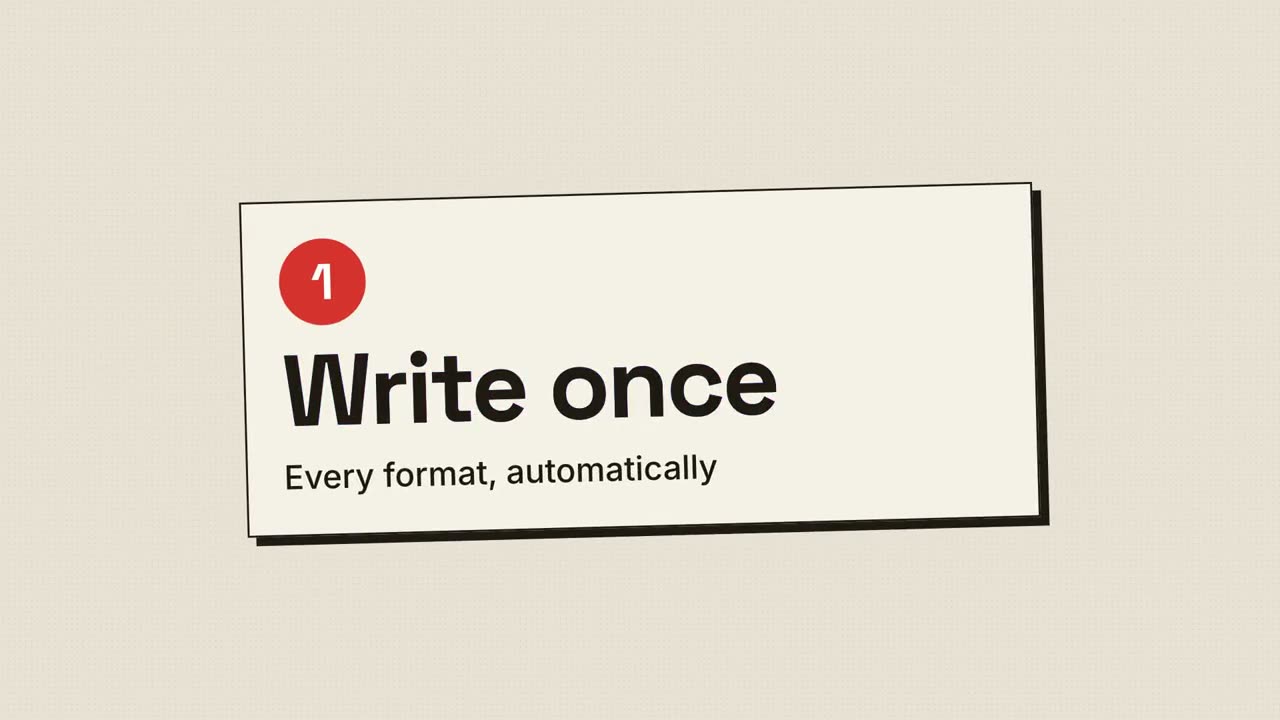
Halftone Print Launch
Retro print: halftone dots and CMYK plates snapping into register.
Device Canvas Launch
A desktop and a phone float on a glowing canvas; the camera tours them.
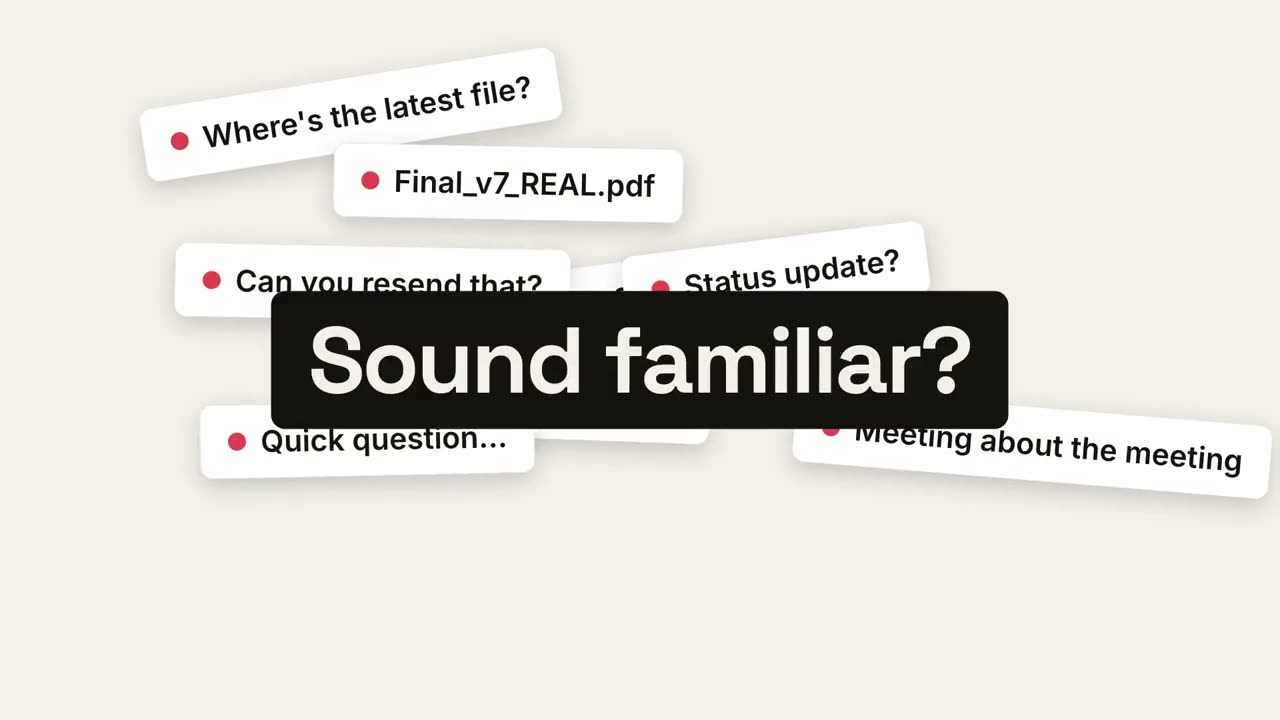
Pain Reveal Launch
Everyday chaos piles up, collapses into one point, and calm is revealed.
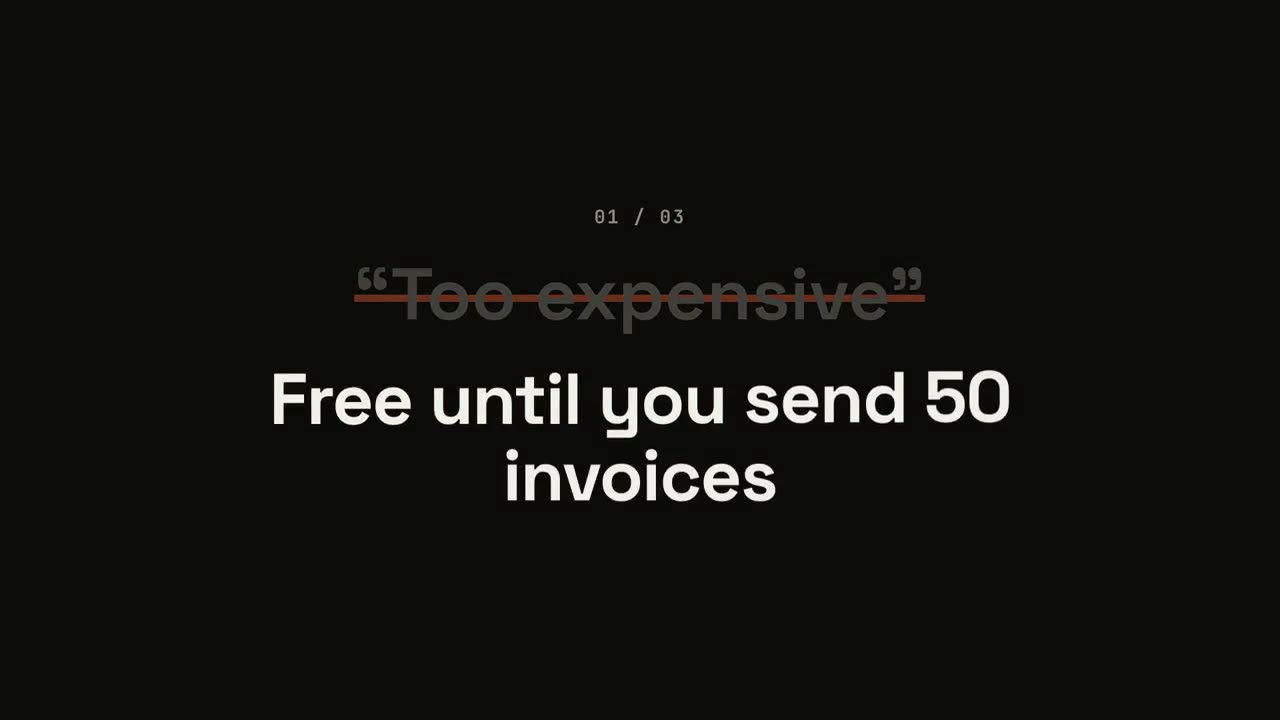
Objection Reversal Launch
Each objection appears in quotes, gets struck out, and is flipped.
Beat-Reveal Launch
Hard cuts on the beat: words flash, the product drops, benefits pulse.
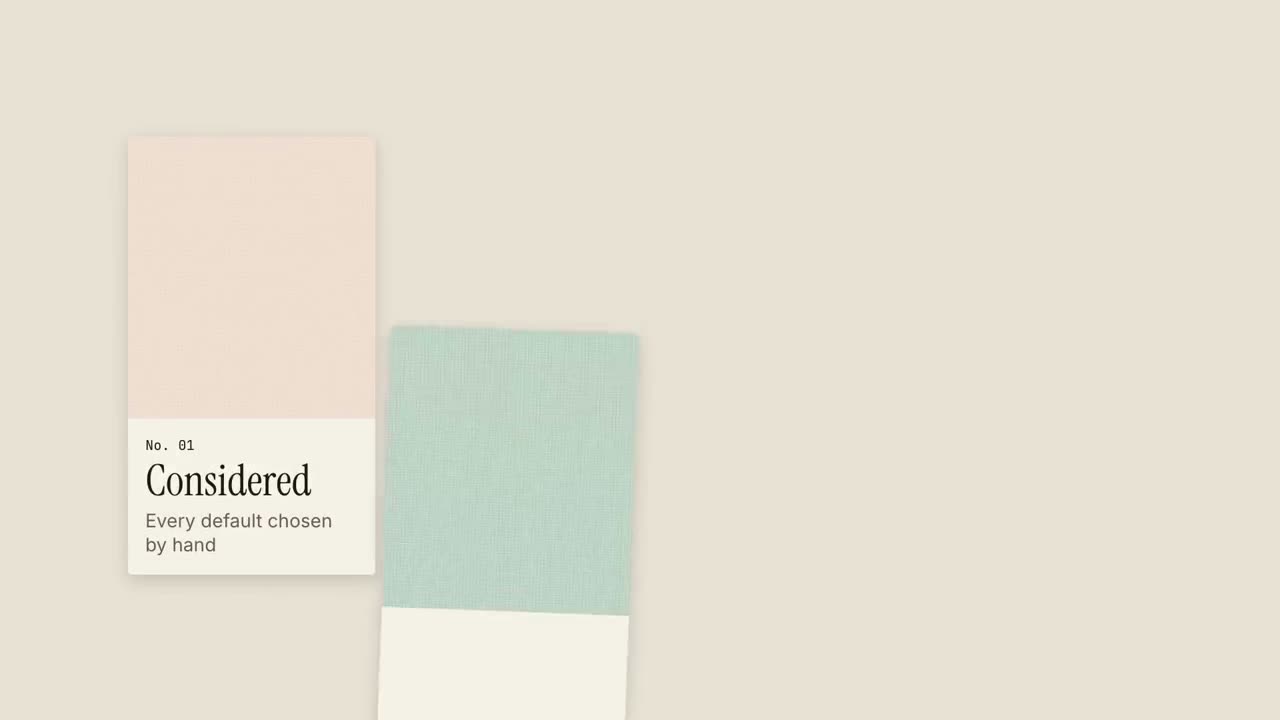
Texture Swatch Launch
Material swatches slide in like a sample book, one quality each.
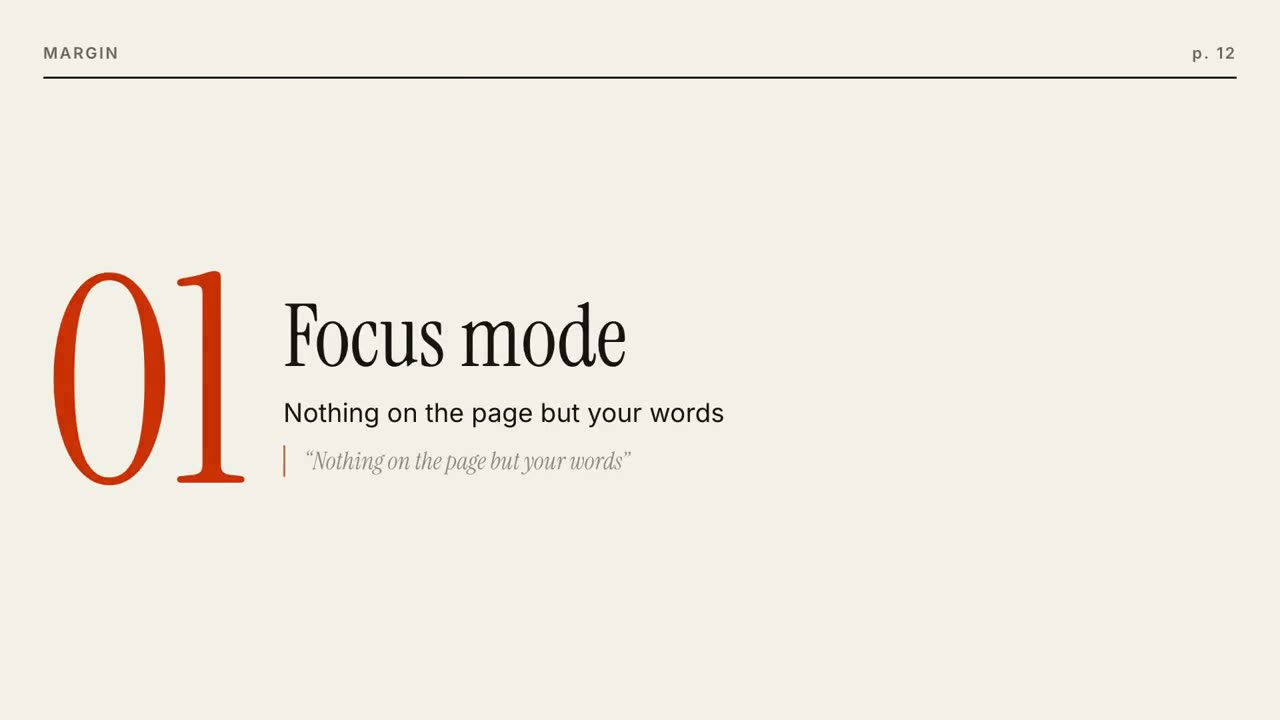
Editorial Frame Launch
A magazine cover builds, then each feature is a page that turns.
Square Morph Launch
One accent square morphs through every beat: dot, card, phone, logo.
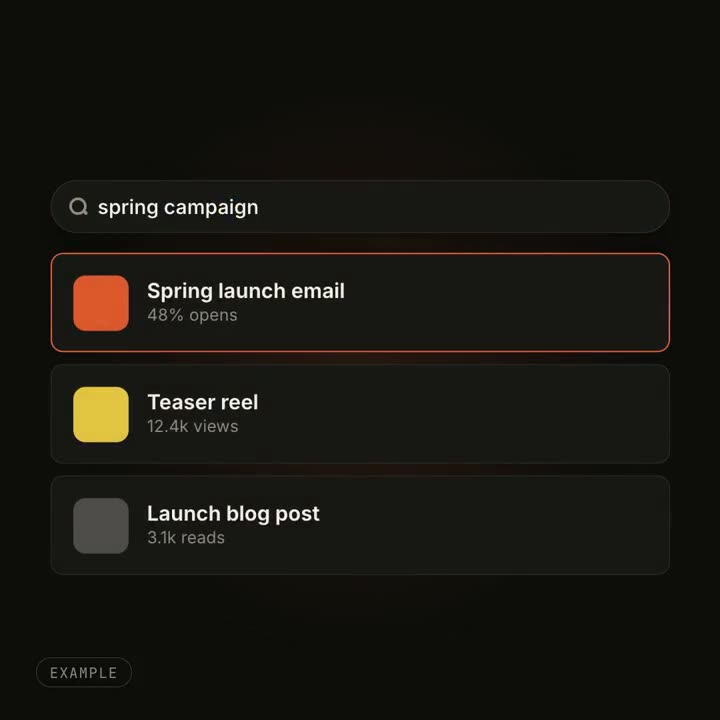
UI Morph Effects
A button becomes a player, a search box fills with results: one object changing shape.
Made with these