Produktlaunches
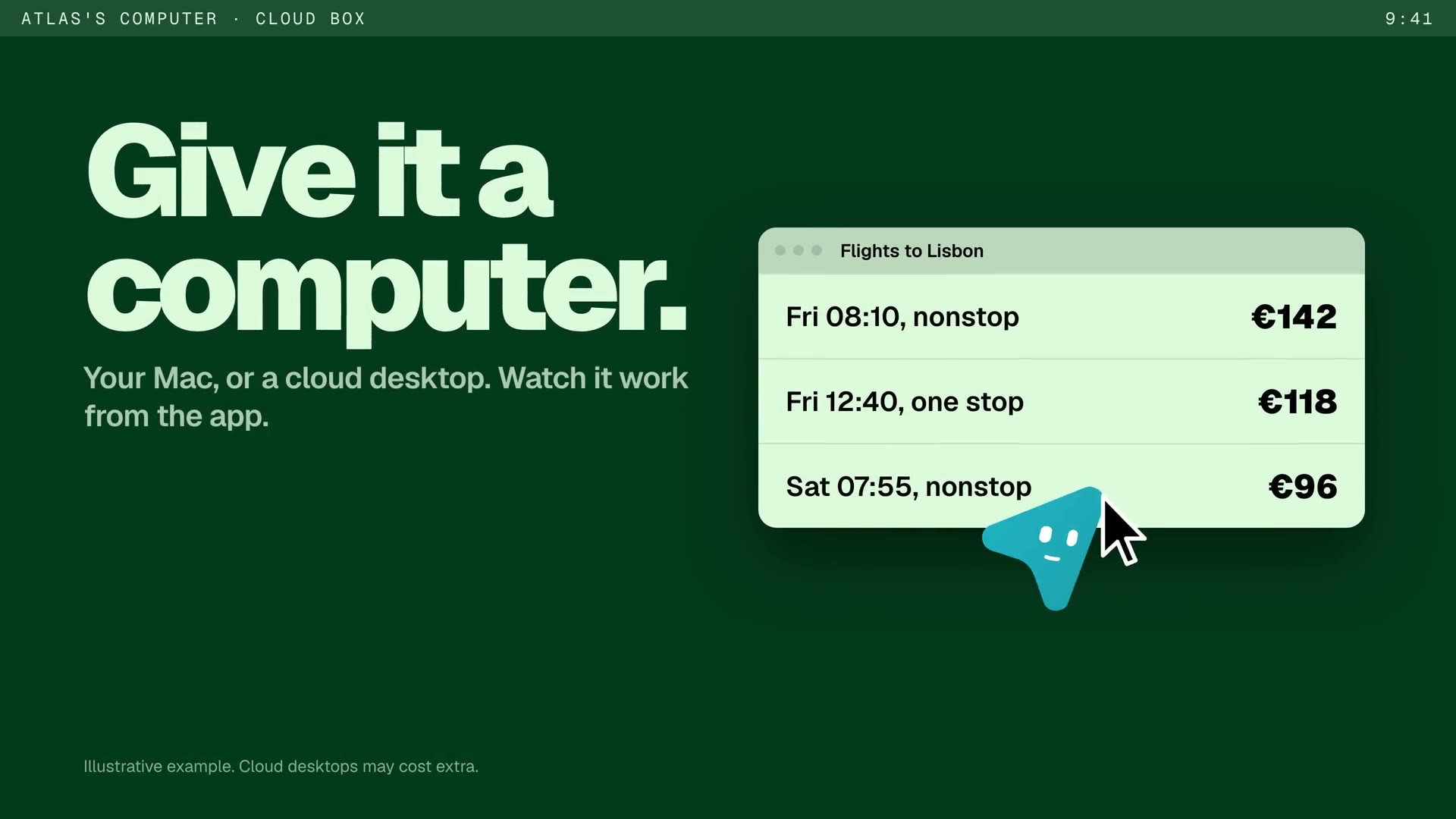
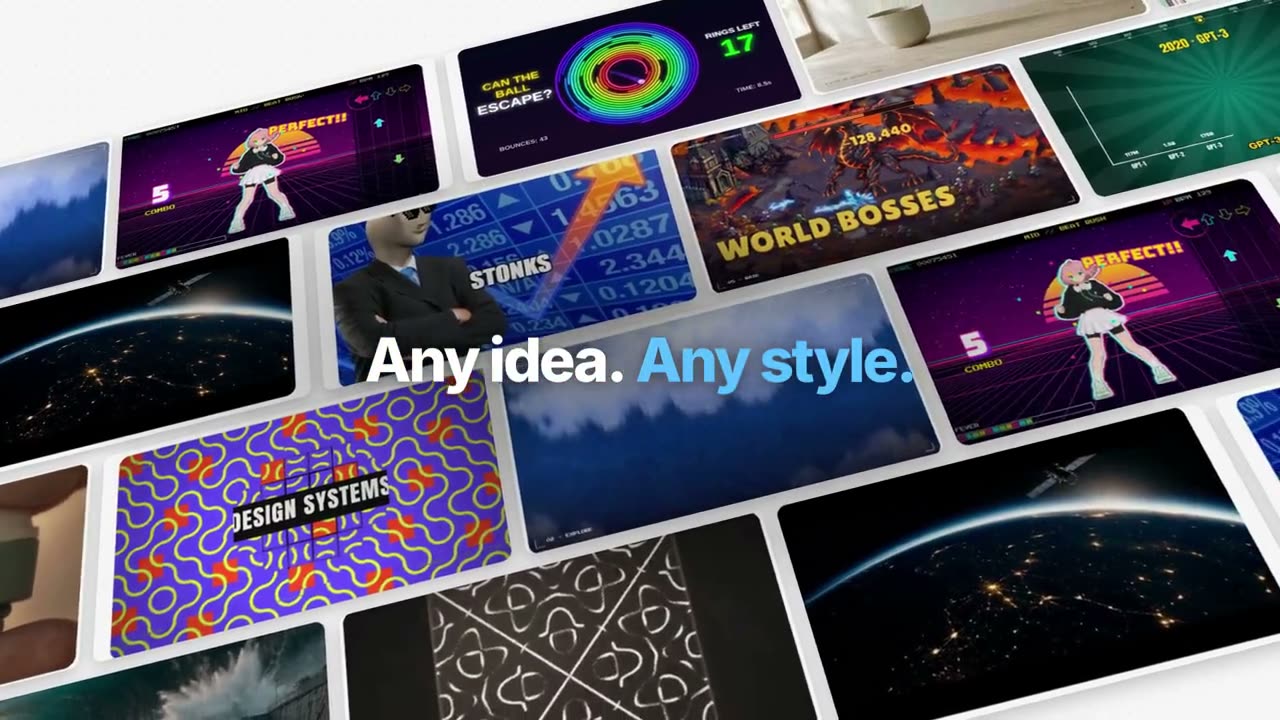
Zeig deinem Agenten dein Repository, deine Release Notes oder einen Pull Request, und Projekt → Launch-Video macht daraus ein Launch-Video von 15–30 Sekunden, Story und MP4 inklusive. Oder wähle unten einen Launch-Stil und setz dein Produkt ein.
Von deinem Material zum fertigen Video
Gib deinem Agenten, was du hast; der Workflow schreibt, inszeniert und rendert das MP4.
Prompts für den Einstieg
In Claude Motion einfügen oder den passenden Skill installieren und deinen Agenten fragen.
Vom Chat zum Ergebnis
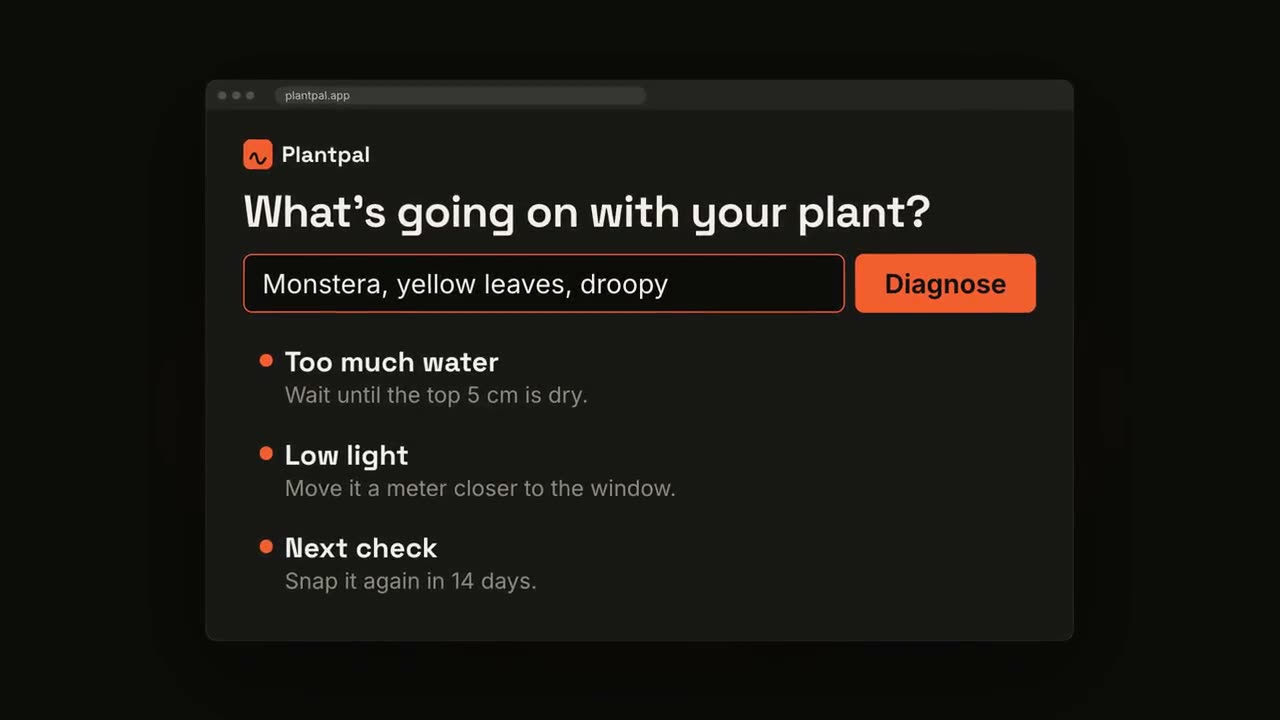
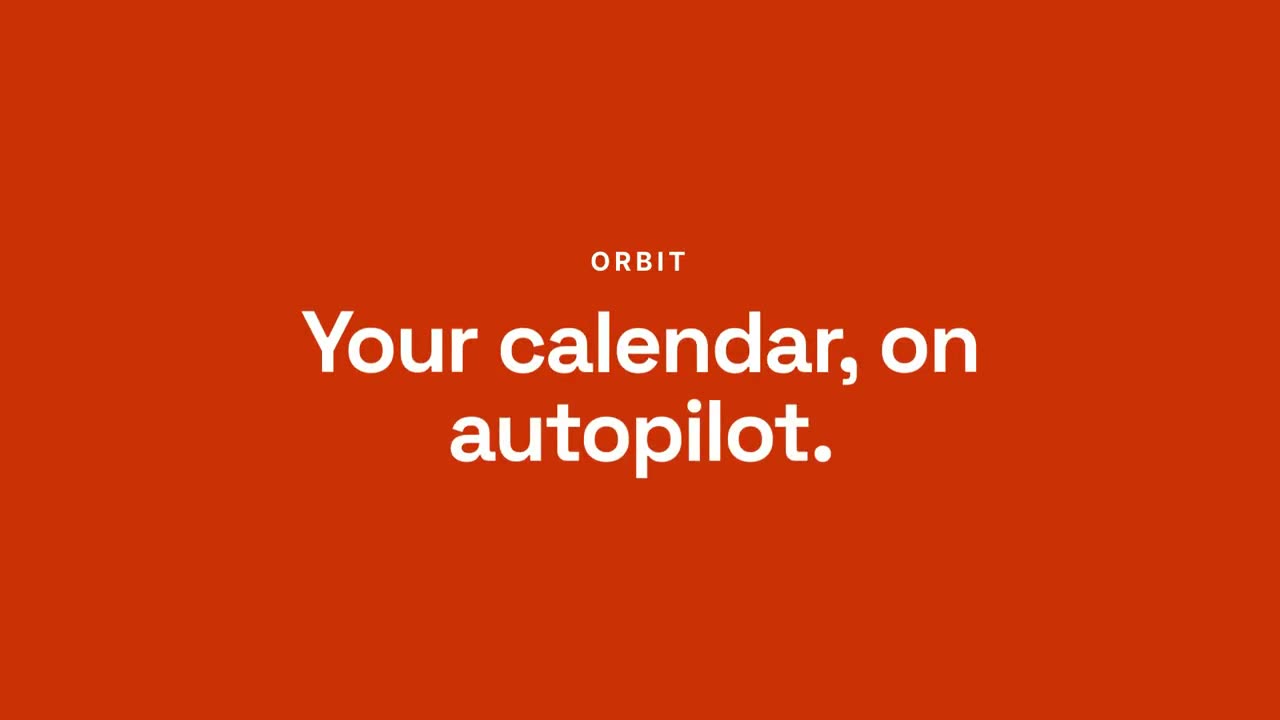
Skill öffnen →PremiumMake a 20-second 16:9 launch video for [who will watch, e.g. busy managers], playing [where, e.g. our homepage and LinkedIn]. Use only the product name, chat lines and features below; don't change a word. Off-white background. Scene 1: a clean white chat window appears and the user's request types into the input, then is sent. A small orange avatar shows typing dots, then replies. Scene 2: the reply expands into a full orange frame with the product name and the headline rising word by word. Scene 3: three white feature cards follow. End frame: the product name with an orange call-to-action button and the URL, held for 2 seconds. Product: [e.g. Orbit] Request and reply: [e.g. "Plan my week around three deep-work blocks." → "Done. Meetings moved, focus time locked in."] Headline: [e.g. "Your calendar, on autopilot."] Three features: [e.g. Smart slots, Focus guard, Daily recap] Call to action and URL: [e.g. "Try Orbit free", orbit.app]
Blaupausen-Launch
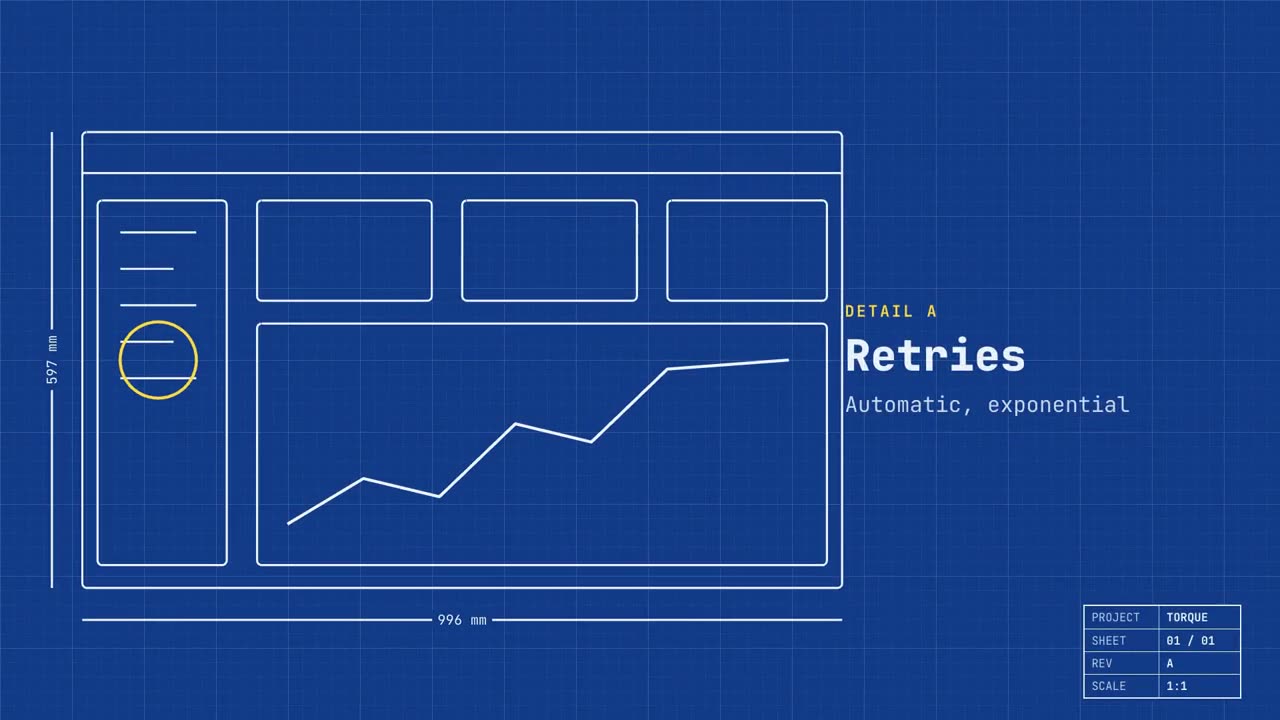
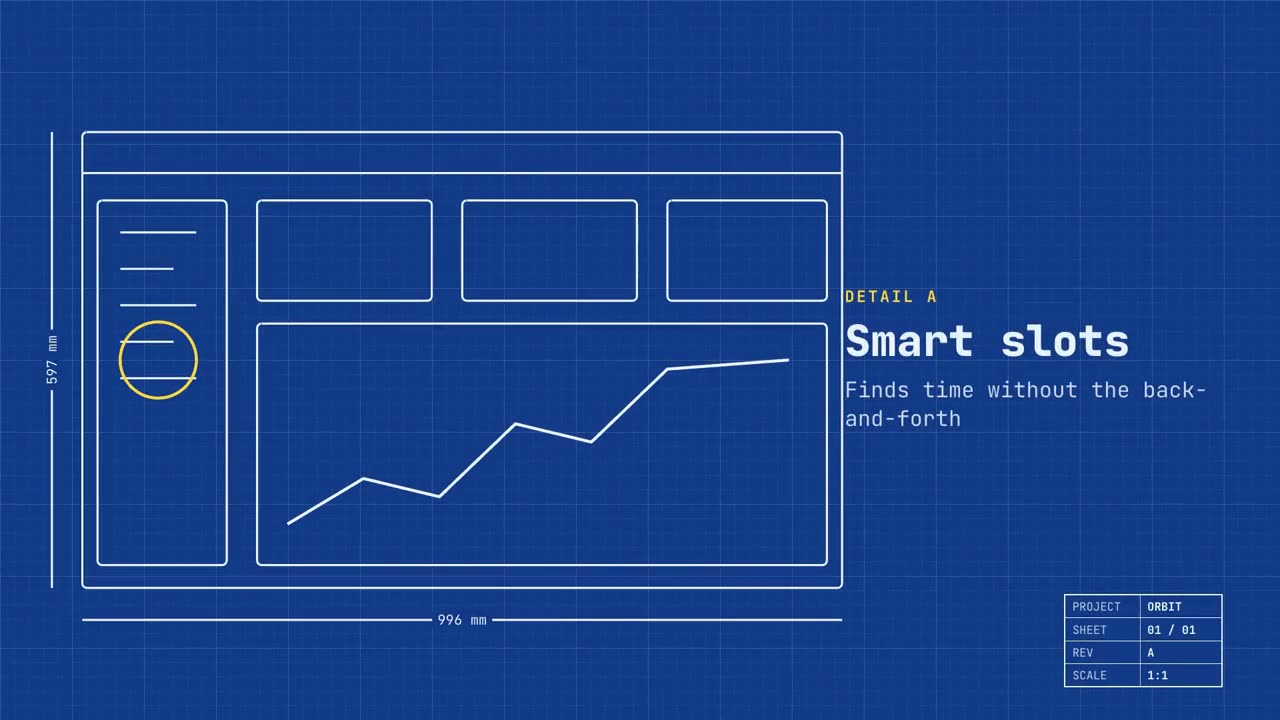
Skill öffnen →PremiumMake a 20-second 16:9 launch video for [who will watch, e.g. engineers and product teams], playing [where, e.g. Product Hunt and X]. Use only the name, lines and screenshot I give; don't change a word. Deep blueprint-blue background with a fine white grid. Scene 1: a wireframe of an app window draws itself in thin white lines (header, sidebar, three cards, a chart) with dashed dimension lines labeled in millimeters and a drawing title block in the corner with the project name. Scene 2: the product name scrambles in, monospace, with the tagline in yellow. Scene 3: three yellow rings circle details labeled DETAIL A, B, C with feature names. Scene 4: the wireframe fills in with the screenshot from left to right and a yellow "APPROVED" stamp slams on. End frame: the name, a yellow status tag and the URL. Product and tagline: [e.g. Orbit, "Engineered for focus."] Three features: [names] Status tag and URL: [e.g. "Now in public beta", orbit.app] Attach: [a screenshot of your product]
Produkt-Launch-Film
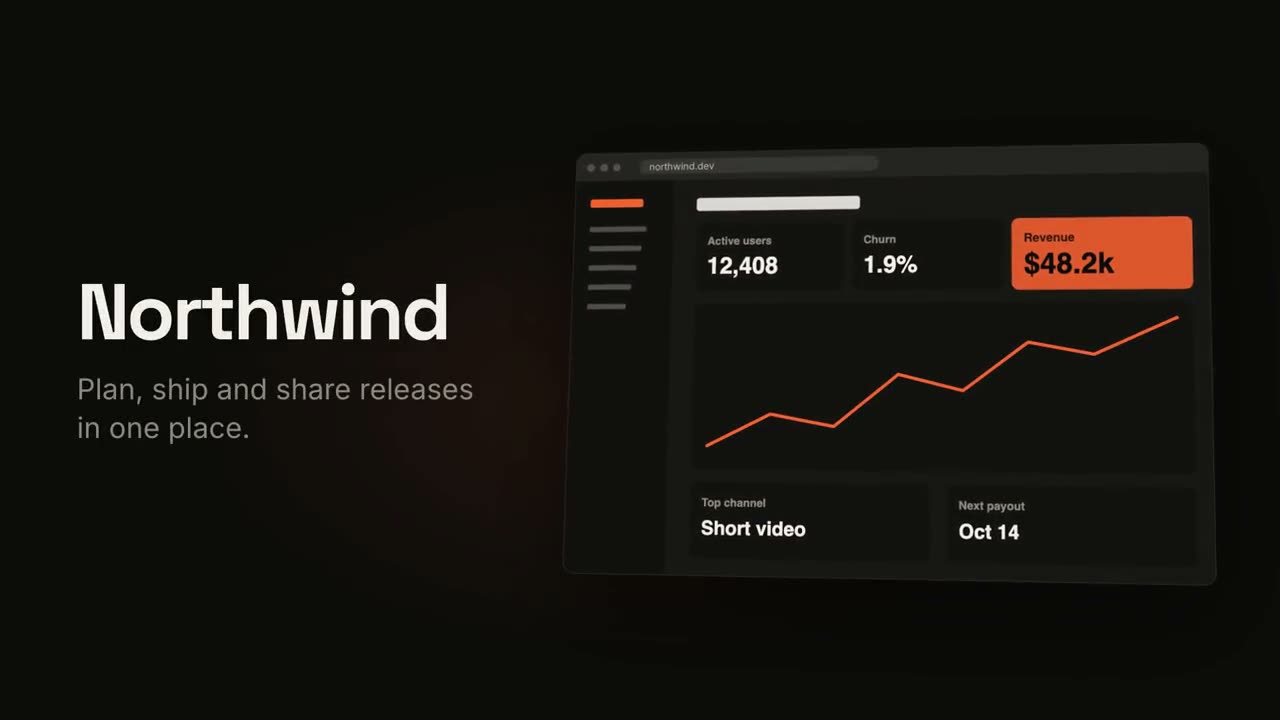
Skill öffnen →PremiumMake an 18-second 16:9 product launch film for [who will watch, e.g. product managers], playing [where, e.g. our homepage hero and X]. Use only the name, lines and screenshot I give below; don't change a word. Near-black background with a warm orange glow. Scene 1 (0–3.4s): a two-line hook rises from masks, line one off-white, line two orange, slowly pushing in. An orange wipe cuts to Scene 2: the product name and tagline on the left while a browser window with the screenshot rises from below with a 3D tilt and settles. Scene 3: three features one at a time, each with a huge orange numeral (01, 02, 03), a bold title and a gray description, with a segmented progress bar at the bottom. End frame: the logo mark spins in, then the name, an orange call-to-action pill and the URL. Hook: [two lines] (e.g. "Your roadmap" / "finally in motion") Product and tagline: [e.g. Northwind, one line] Features: [three titles with one-line descriptions] Call to action and URL: [e.g. "Start free", northwind.dev] Attach: [a screenshot of your product]
Launch auf mehreren Geräten
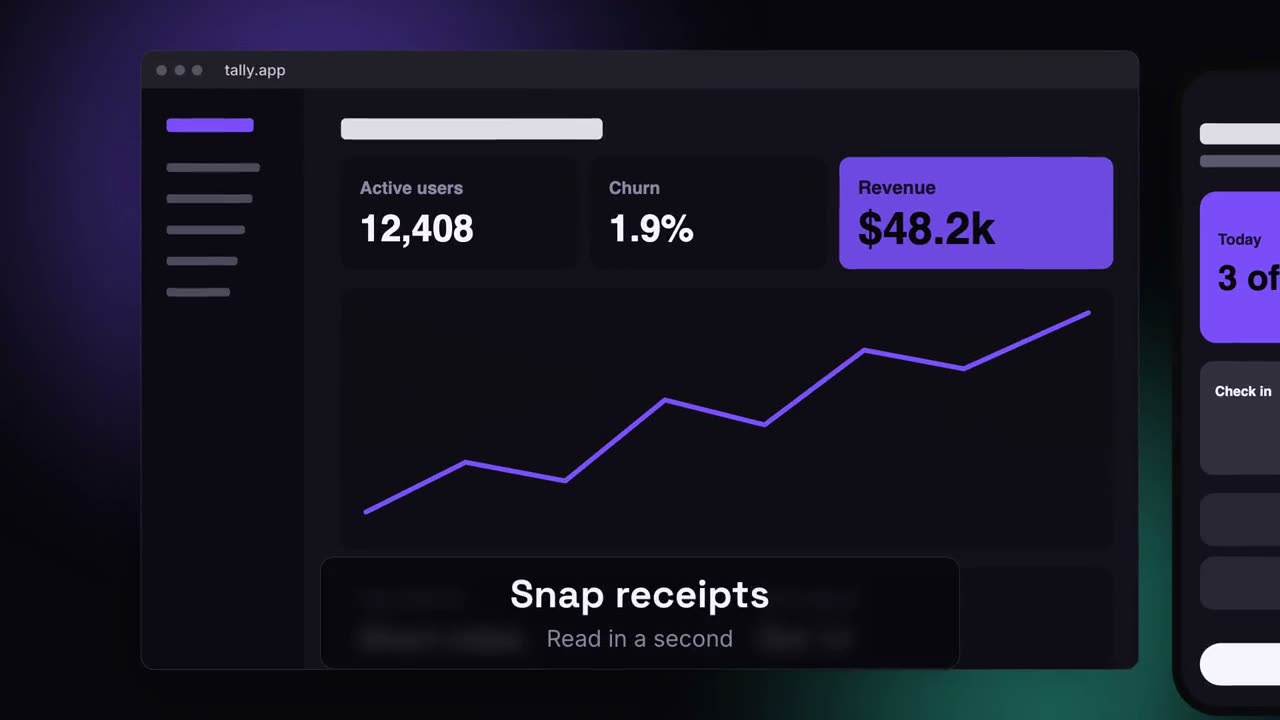
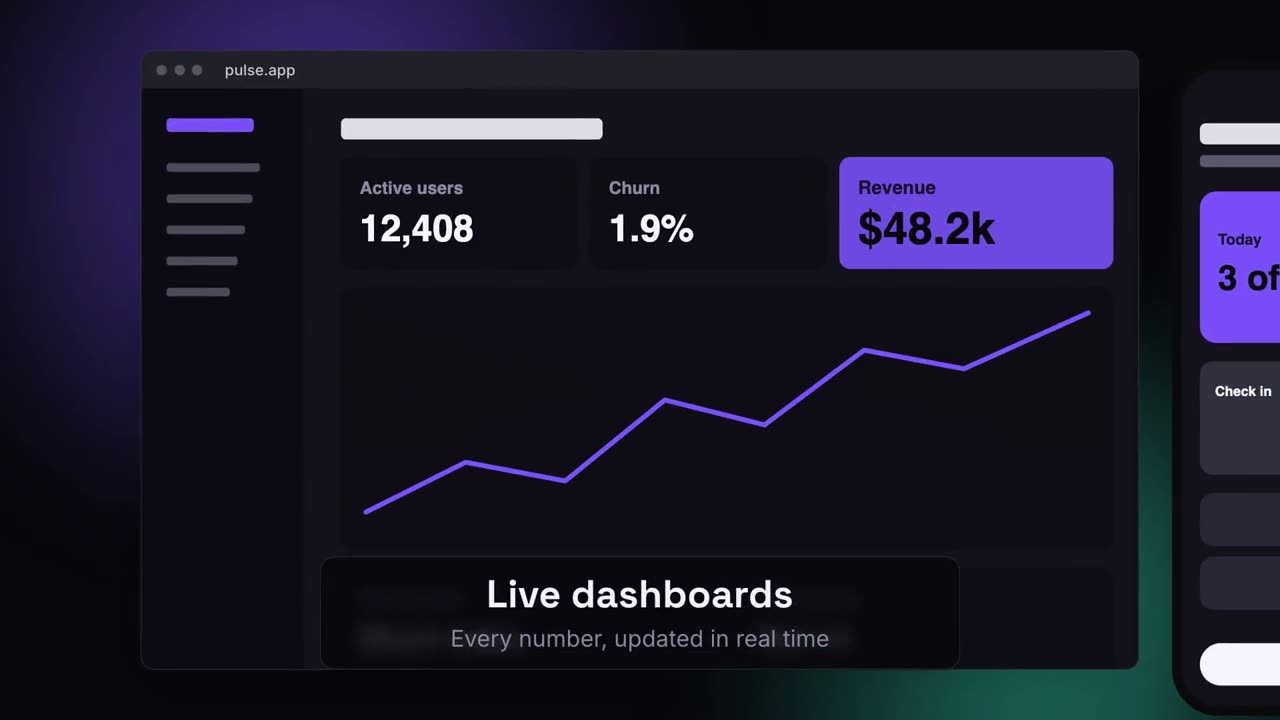
Skill öffnen →PremiumMake a 20-second 16:9 launch video for [who will watch, e.g. ops and finance leads], playing [where, e.g. the homepage hero]. Use only the lines and screenshots I give; don't change a word. Deep navy background with soft violet and teal glows. Scene 1: the hook rises word by word and fades. Scene 2: a browser window with the desktop screenshot and a phone with the mobile screenshot rise onto the canvas. Scene 3: the camera glides in to the browser while a glass caption shows the first feature, then to the phone with the second, then pulls back to show both with the third. End frame: the devices blur and sink as the product name, the hook and a violet call-to-action button appear. Hook: [e.g. "Your metrics, everywhere you work."] Three captions: [e.g. "Live dashboards — Every number, updated in real time", "Pocket alerts", "Always in sync"] Product and call to action: [e.g. Pulse, "Get Pulse free"] Attach: [a desktop screenshot and a phone screenshot]
Einzelne Szenen dafür
Produkt-Launch-Film
Hook, Produktenthüllung, drei Features, Endkarte.
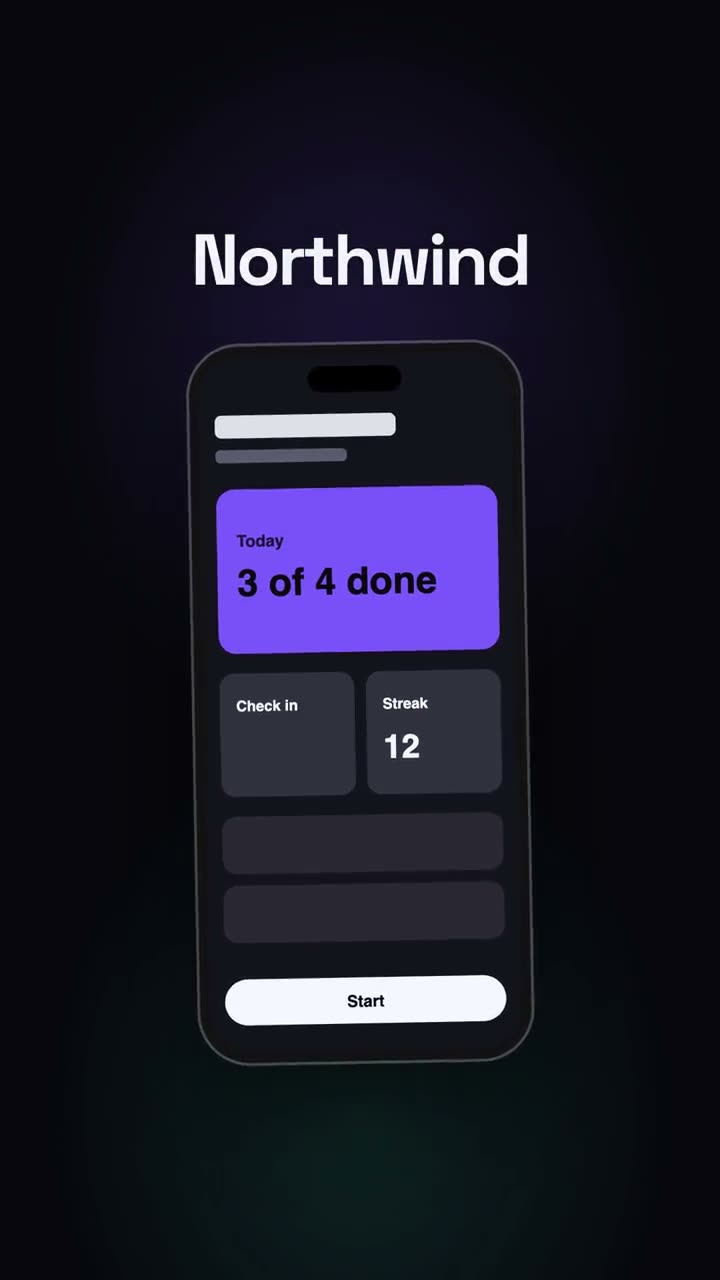
Vertikaler Launch
Ein Launch-Schnitt für Social first: Hook, Smartphone, Vorteile, CTA.
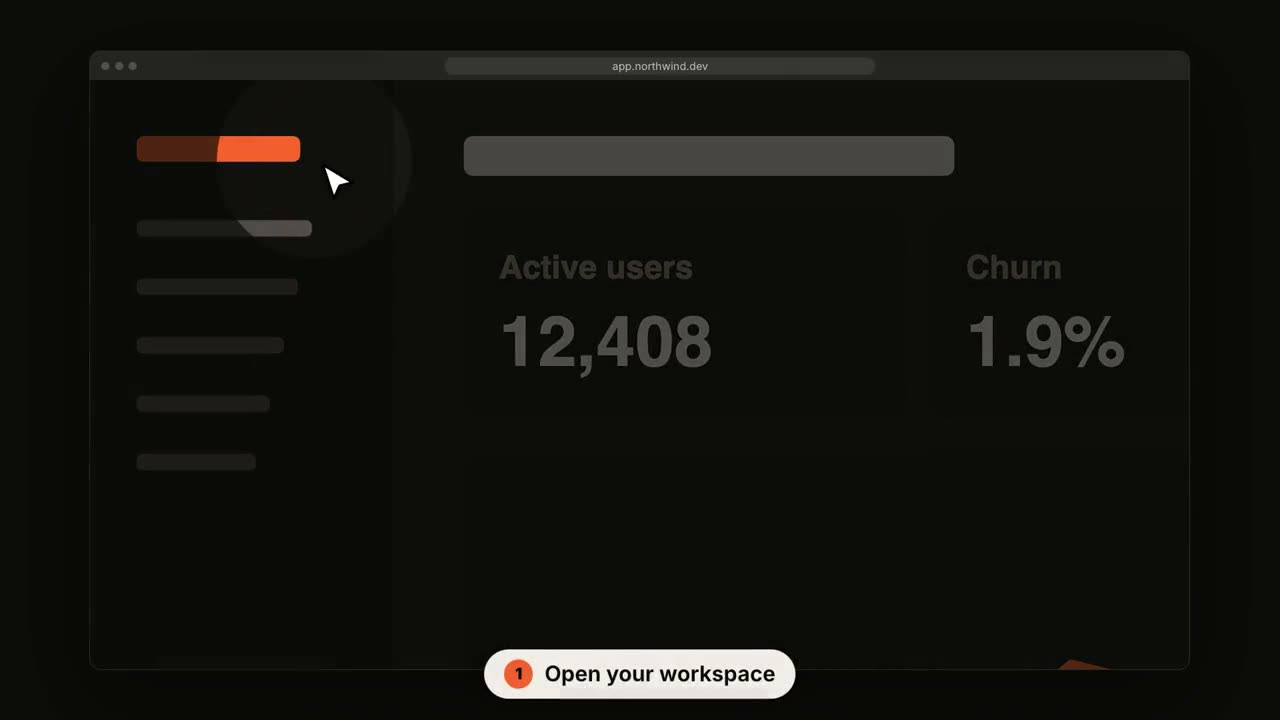
SaaS-UI-Rundgang
Die Kamera fährt in jeden Schritt, während ein Cursor sich durchklickt.
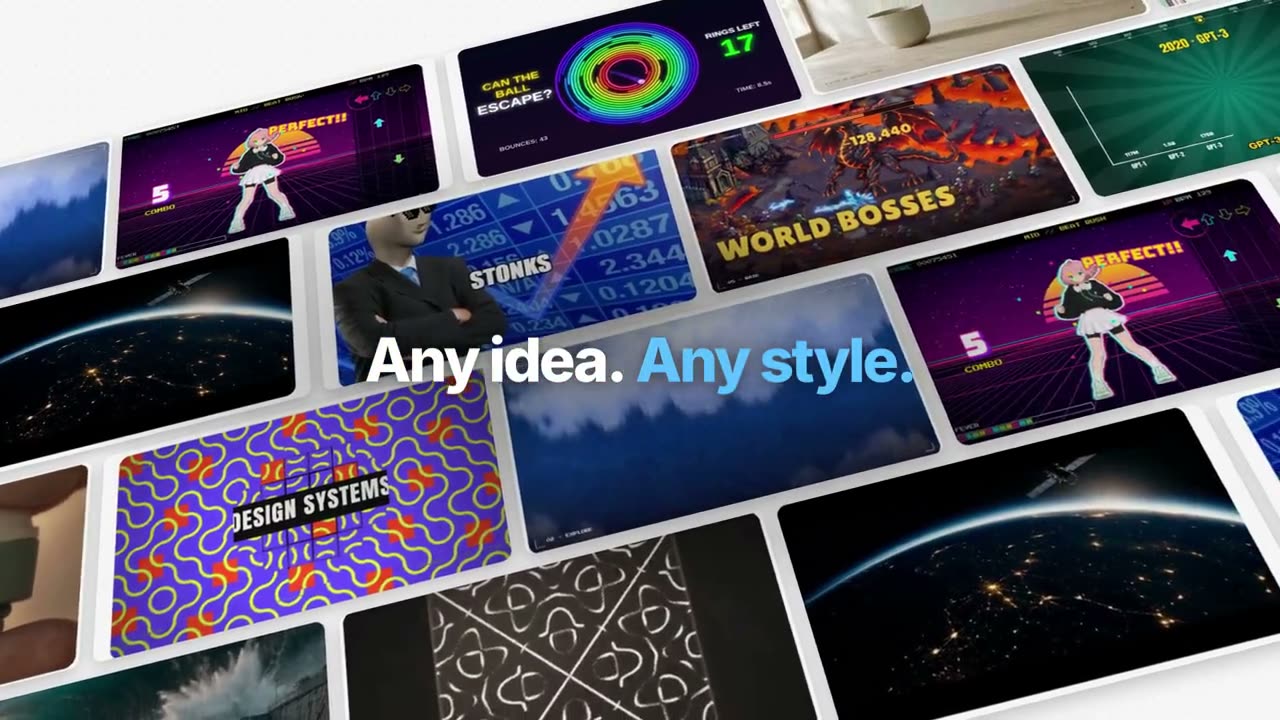
Feature-Film im Manus-Stil
Ein Beispiel durch das ganze Produkt verfolgt: sortiert, generiert, untertitelt, getrackt, programmiert, komponiert. Blaue Schlüsselwörter aus der Unschärfe.
Launch im Manus-Keynote-Stil
Ein Launch in Kapiteln: schwarzes Intro, ein Ticker der Neuheiten, Kapitel mit dem Produkt bei der Arbeit über Landschaften, One More Thing, Maskottchen.
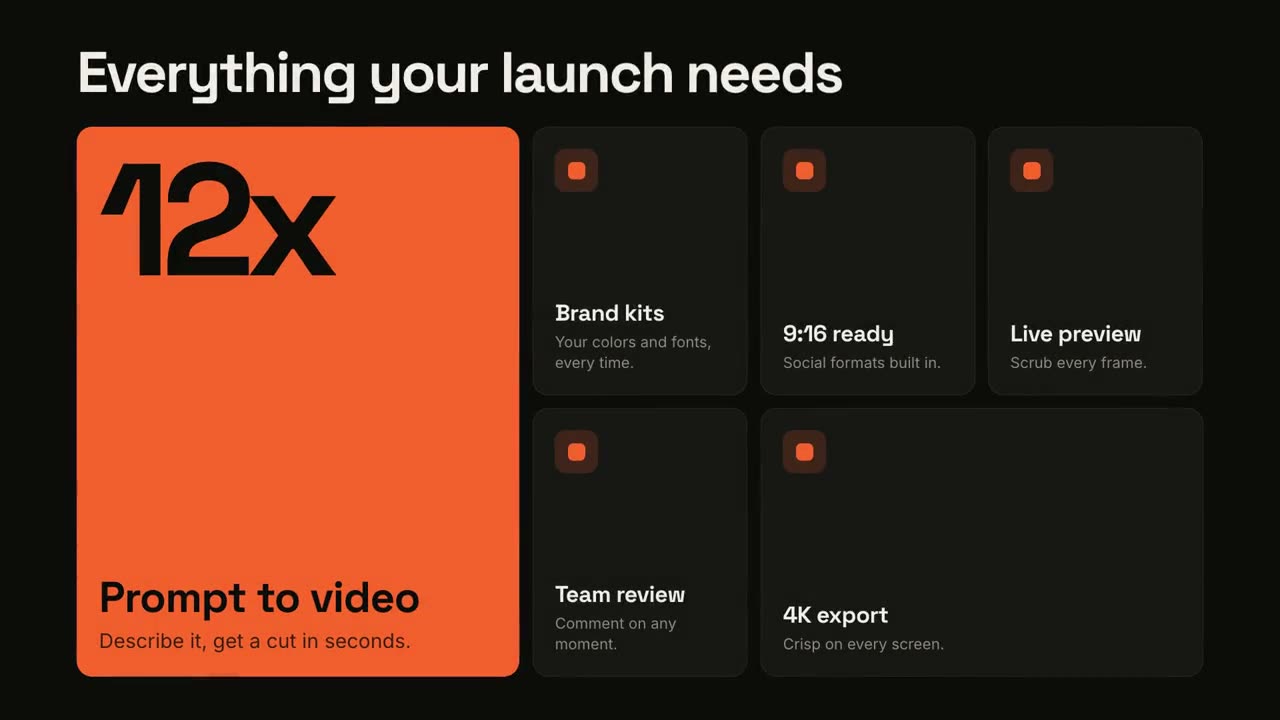
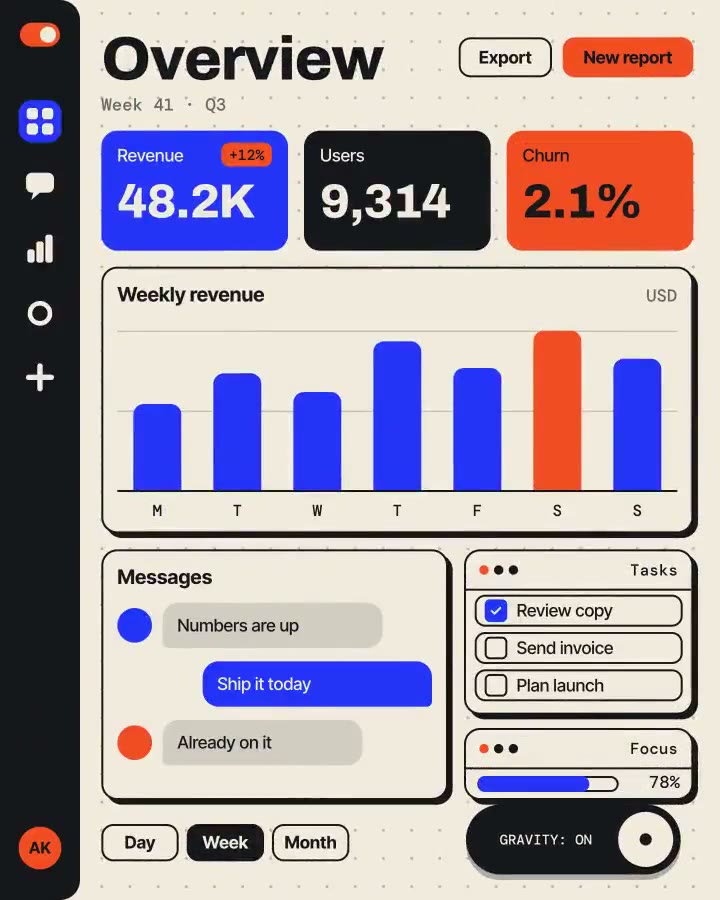
Feature-Raster
Ein Bento-Raster setzt sich zusammen, dann rückt jedes Feature ins Licht.
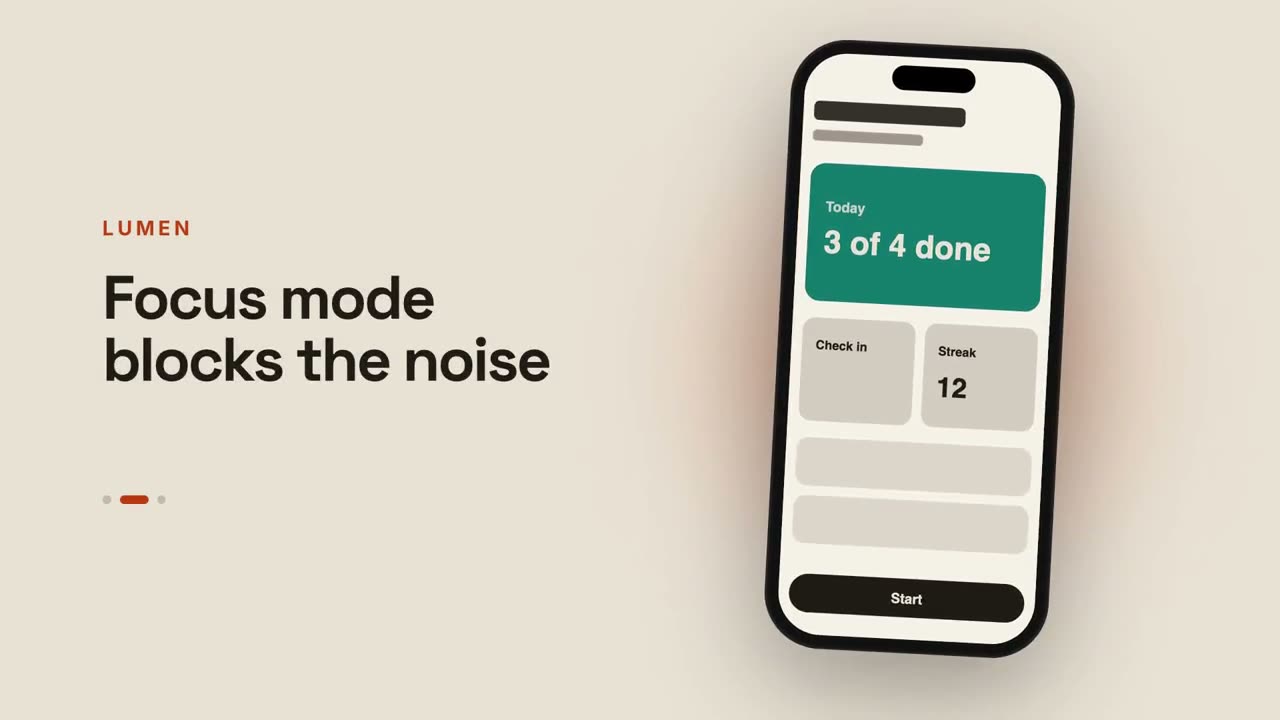
App-Vorschau
Ein Smartphone wischt durch Screens, daneben wechseln die Texte.
Vom Chat zum Ergebnis
Ein Prompt wird getippt, der Assistent antwortet, und die Antwort wird zu deinem Launch.
Blaupausen-Launch
Dein Produkt als technische Zeichnung, die sich selbst zeichnet und dann füllt.
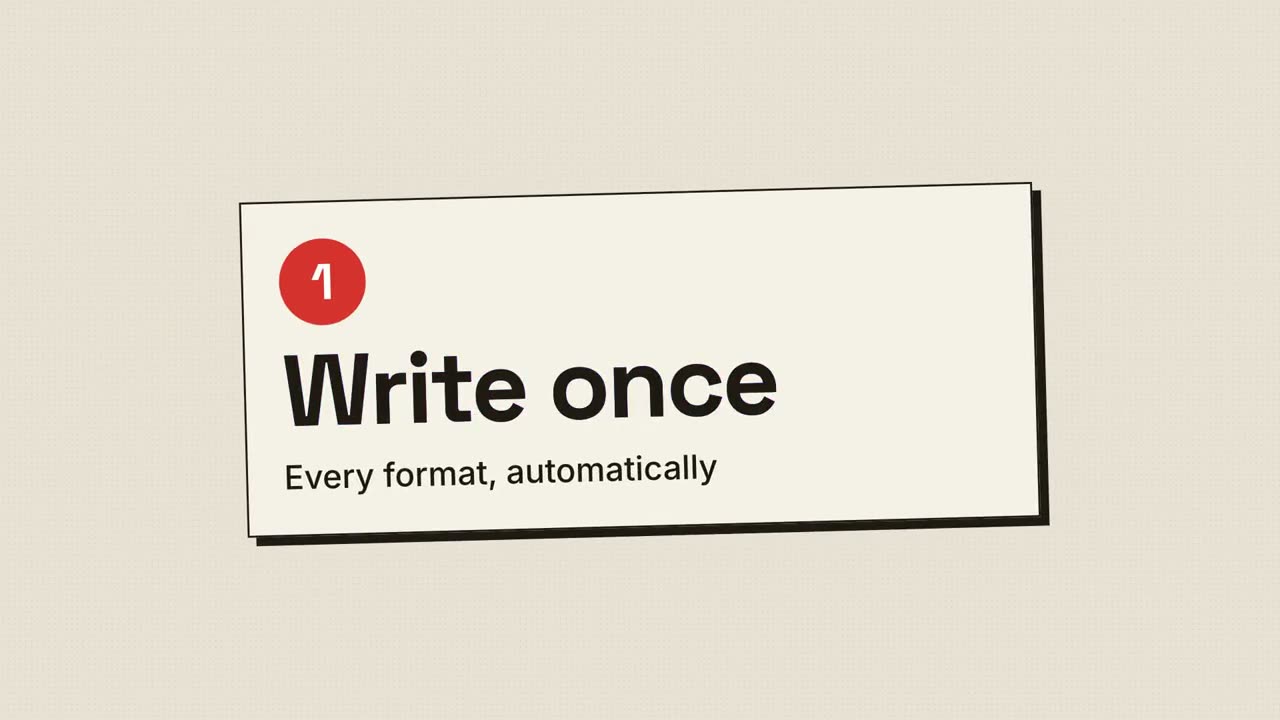
Rasterdruck-Launch
Retro-Druck: Rasterpunkte und CMYK-Platten, die passgenau einrasten.
Launch auf mehreren Geräten
Desktop und Smartphone schweben auf einer leuchtenden Fläche, die Kamera fährt sie ab.
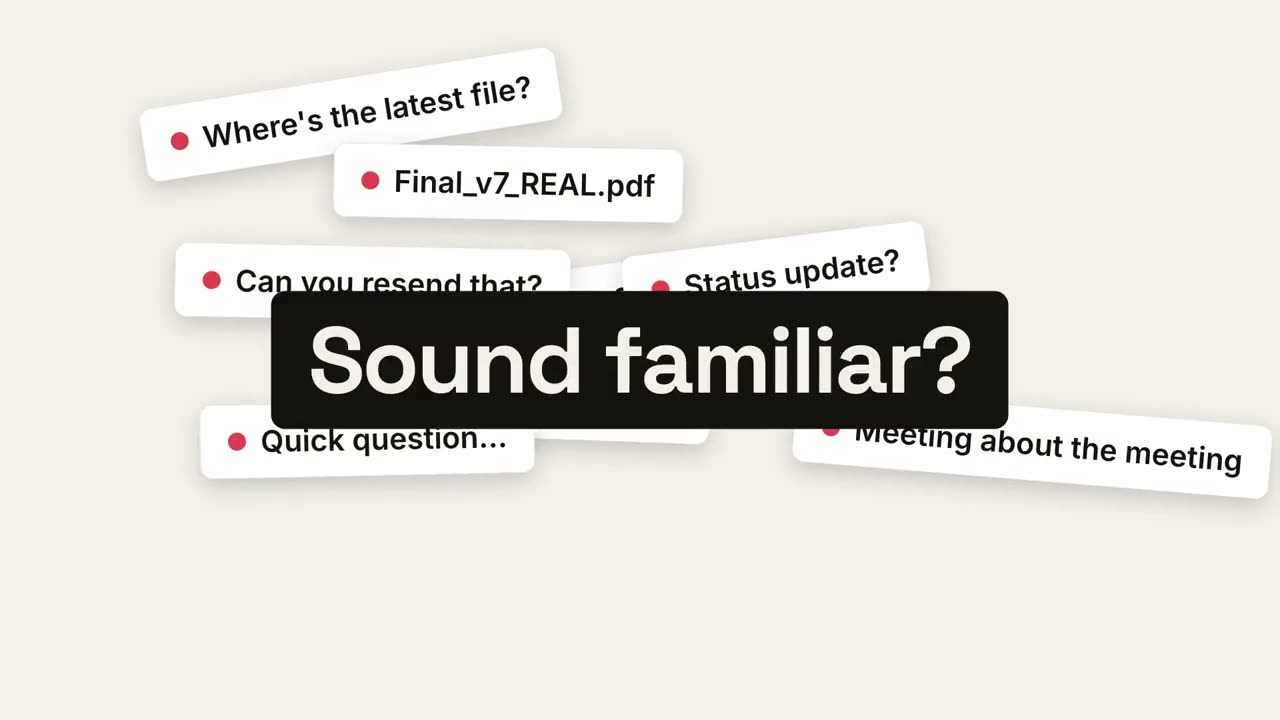
Vom Chaos zur Ruhe
Alltagschaos türmt sich auf, fällt in einen Punkt zusammen, und Ruhe kommt zum Vorschein.
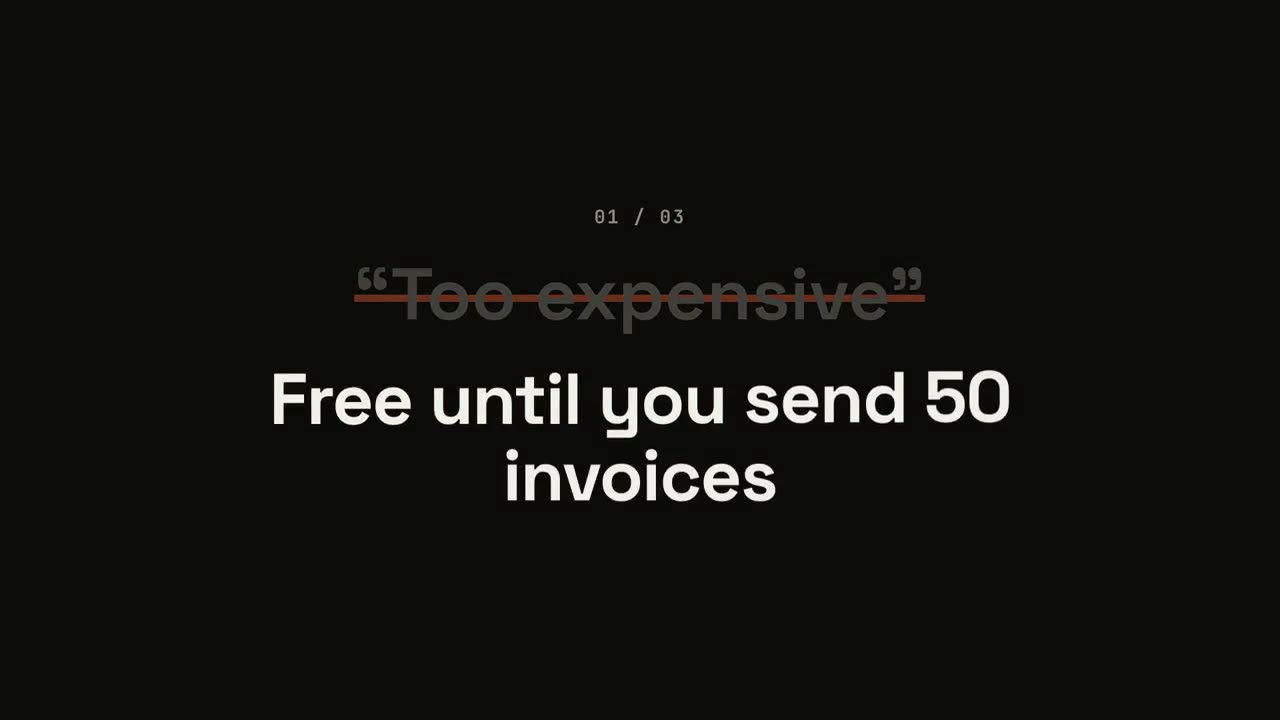
Einwände-umdrehen-Launch
Jeder Einwand erscheint in Anführungszeichen, wird durchgestrichen und umgedreht.
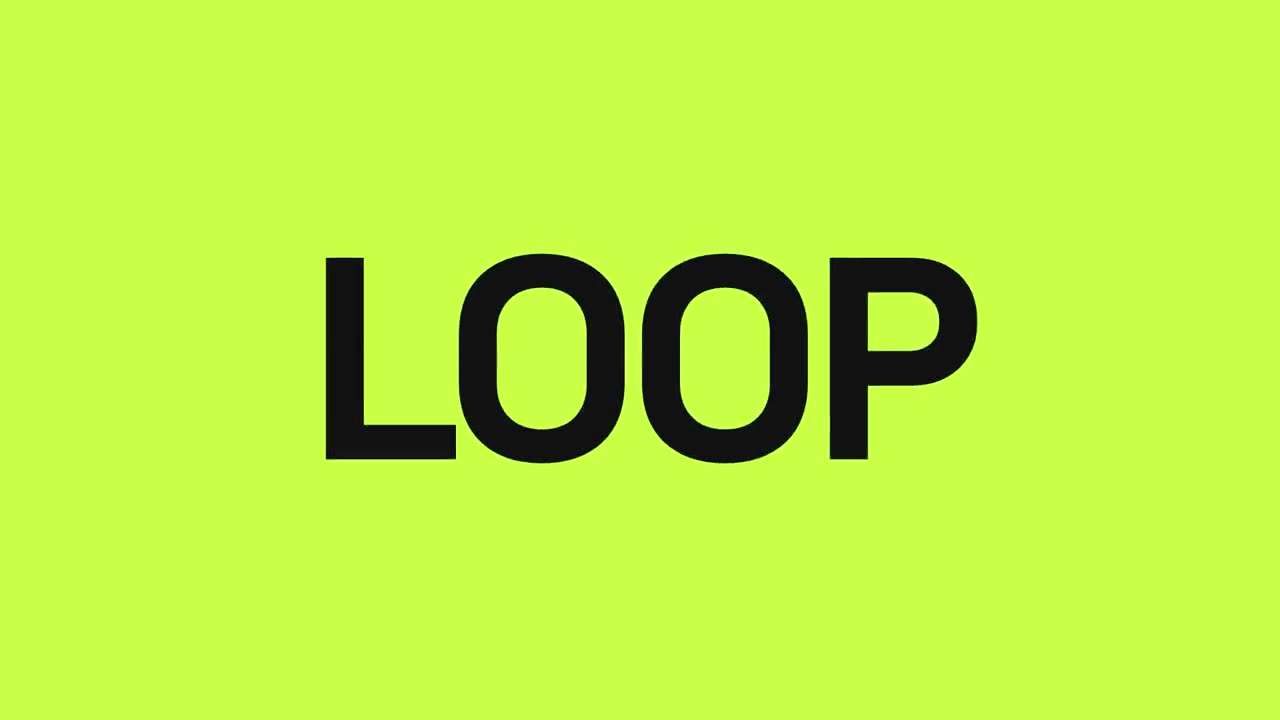
Launch im Takt
Harte Schnitte im Beat: Wörter blitzen auf, das Produkt fällt herein, Vorteile pulsieren.
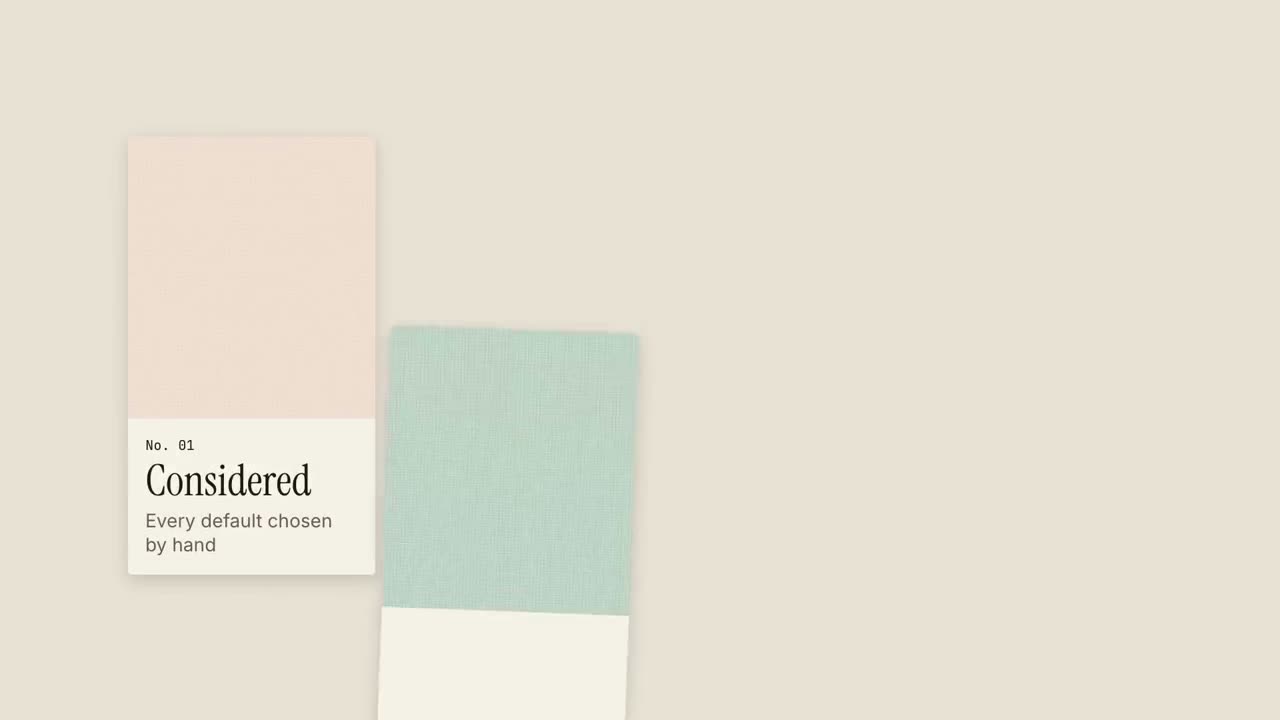
Musterbuch-Launch
Materialmuster gleiten herein wie in einem Musterbuch, jedes mit einer Qualität.
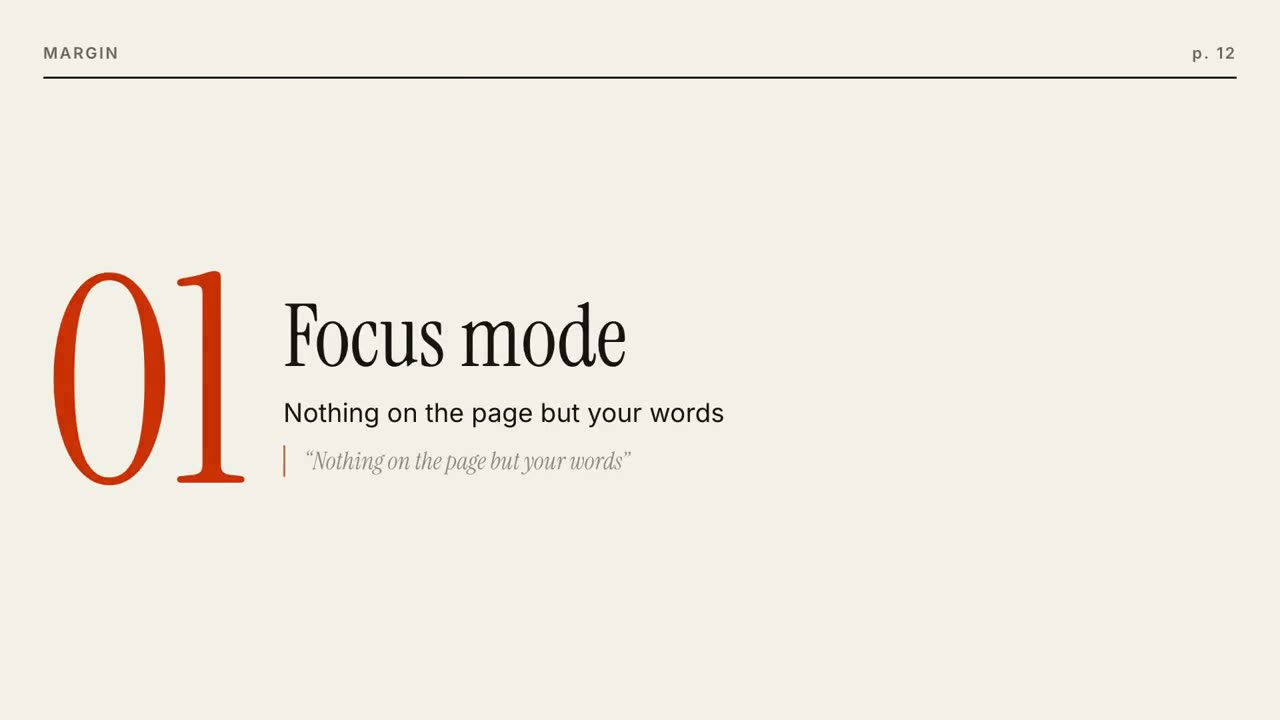
Magazin-Launch
Ein Magazincover baut sich auf, dann ist jedes Feature eine umgeblätterte Seite.
Quadrat-Morph-Launch
Ein Akzent-Quadrat verwandelt sich durch jeden Abschnitt: Punkt, Karte, Smartphone, Logo.
UI-Morph-Effekte
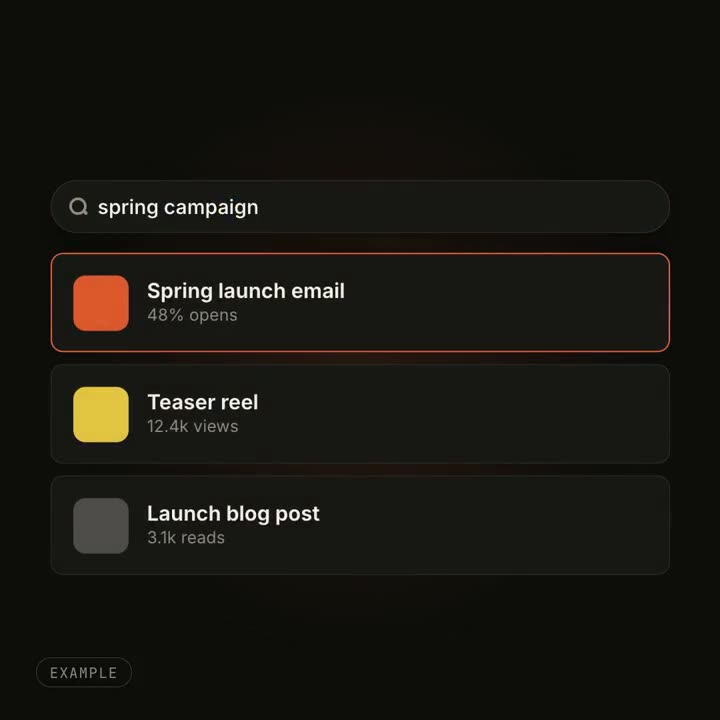
Ein Button wird zum Player, ein Suchfeld füllt sich mit Ergebnissen: ein Objekt, das seine Form ändert.
Damit gemacht