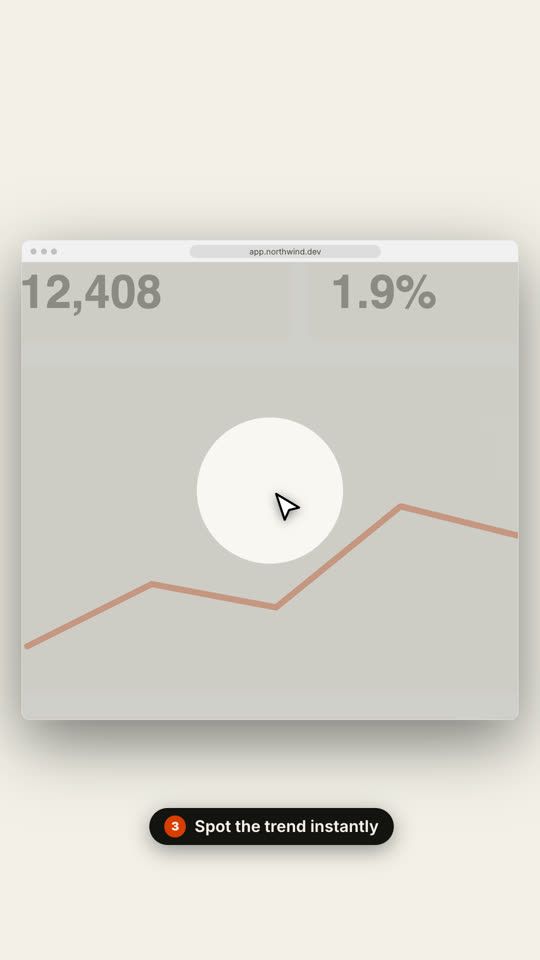
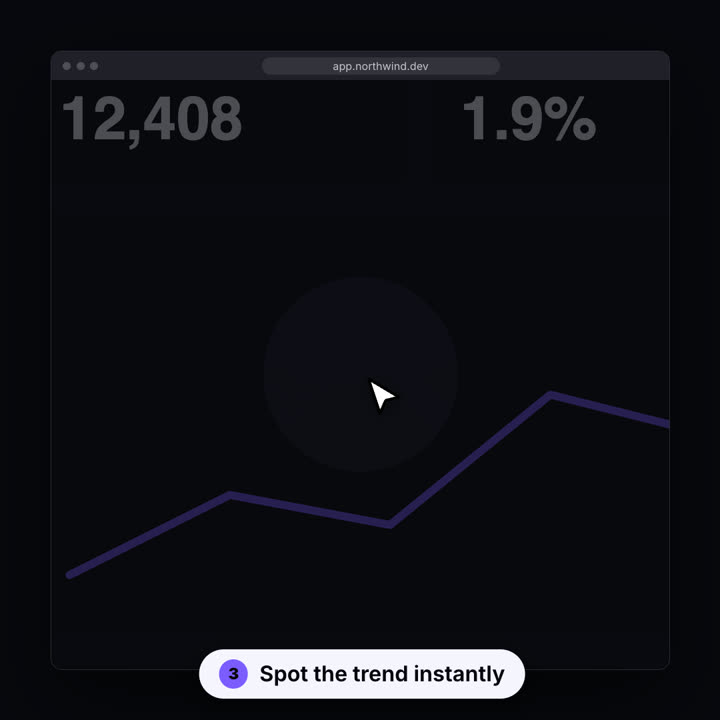
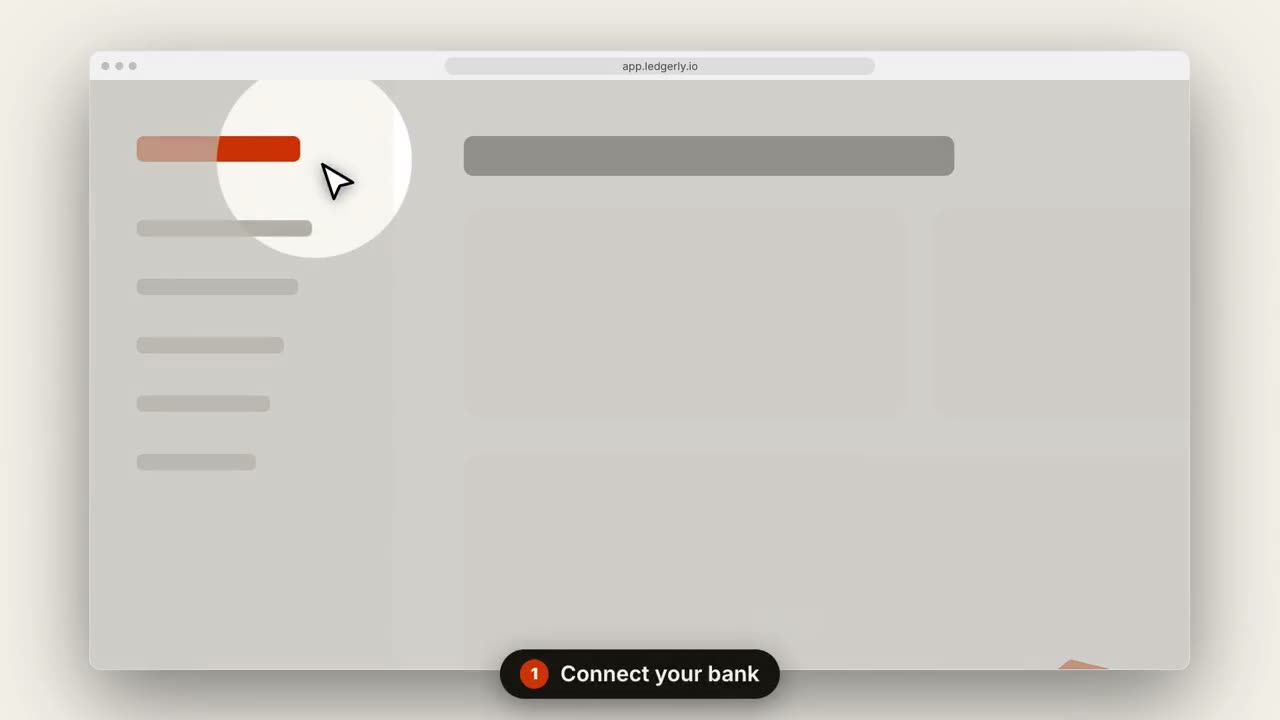
Images finales du même modèle, rendues avec un autre thème et un autre format.
5 thèmes
Aa
Encre · par défaut
ink
Aa
Papier
paper
Aa
Électrique
electric
Aa
Noir
Aa
Sable
sand
Indiquez un thème dans votre prompt, ou définissez vos propres couleurs d’accent, de fond et de texte.
Prompt d’installation
Lis https://claude-motion.com/skills/saas-walkthrough/install.md, suis ses étapes pour installer la skill « saas-walkthrough », puis fais une première vidéo avec.
Collez-le dans Claude Code, Codex, Cursor ou tout agent compatible avec les skills.
Exemple de prompt
Use the saas-walkthrough skill with assets/dashboard.png, title "Invoices on autopilot", steps "0.15,0.2: Connect your bank | 0.7,0.35: Review drafts | 0.85,0.12: Send in one click", url "app.ledgerly.io".
Prompt de style (Claude Motion ou Opus 5.5)
Make a 14-second 16:9 product walkthrough for [who will watch, e.g. new customers], playing [where, e.g. the onboarding email]. Use only the title, step captions and screenshot I give below; don't change a word. Near-black background.

Scene 1: the title appears word by word, then fades as a browser window with the screenshot rises into place. Scenes 2–4, one per step: a white cursor glides to the right spot, the view zooms in smoothly, a soft spotlight dims everything else, the cursor clicks with an orange ripple, and a white numbered pill caption slides up at the bottom. End frame: zoom back out to the whole screen.

Title: [e.g. "Ship a release in 3 clicks"]
Steps: [three captions and where each one points] (e.g. "Open your workspace" on the sidebar)
Attach: [a screenshot of your product]
Rien à installer : collez-le dans Claude Motion (Team ou Enterprise) ou donnez-le à Opus 5.5 pour un rendu proche. Le résultat change à chaque exécution ; la skill donne toujours le même.