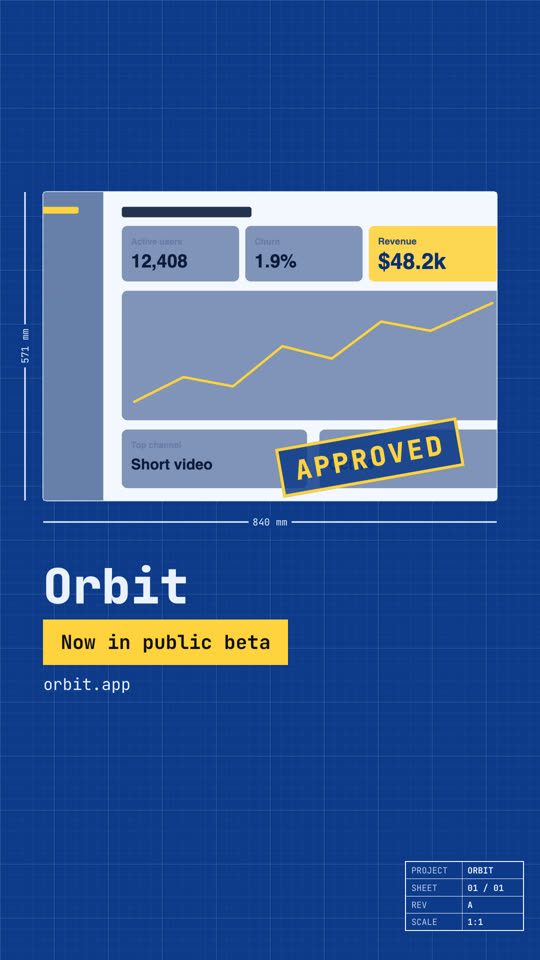
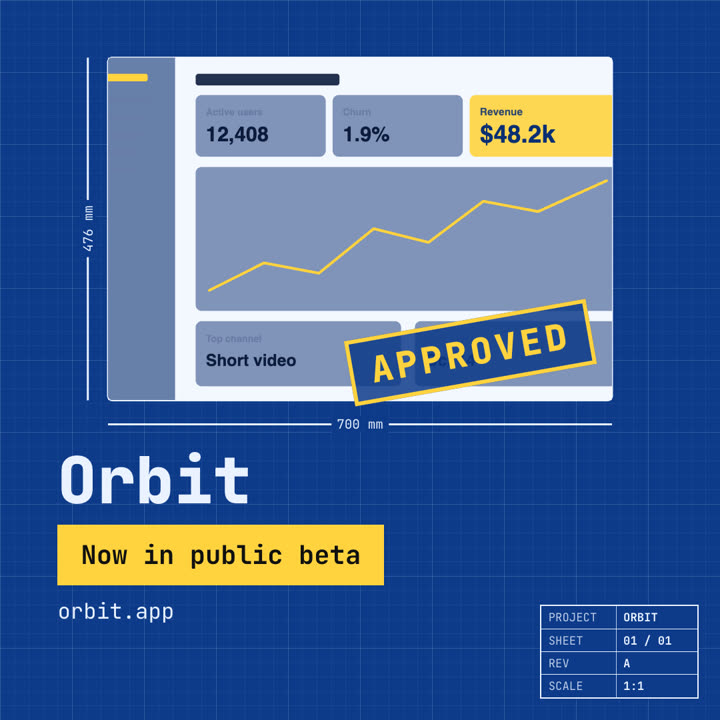
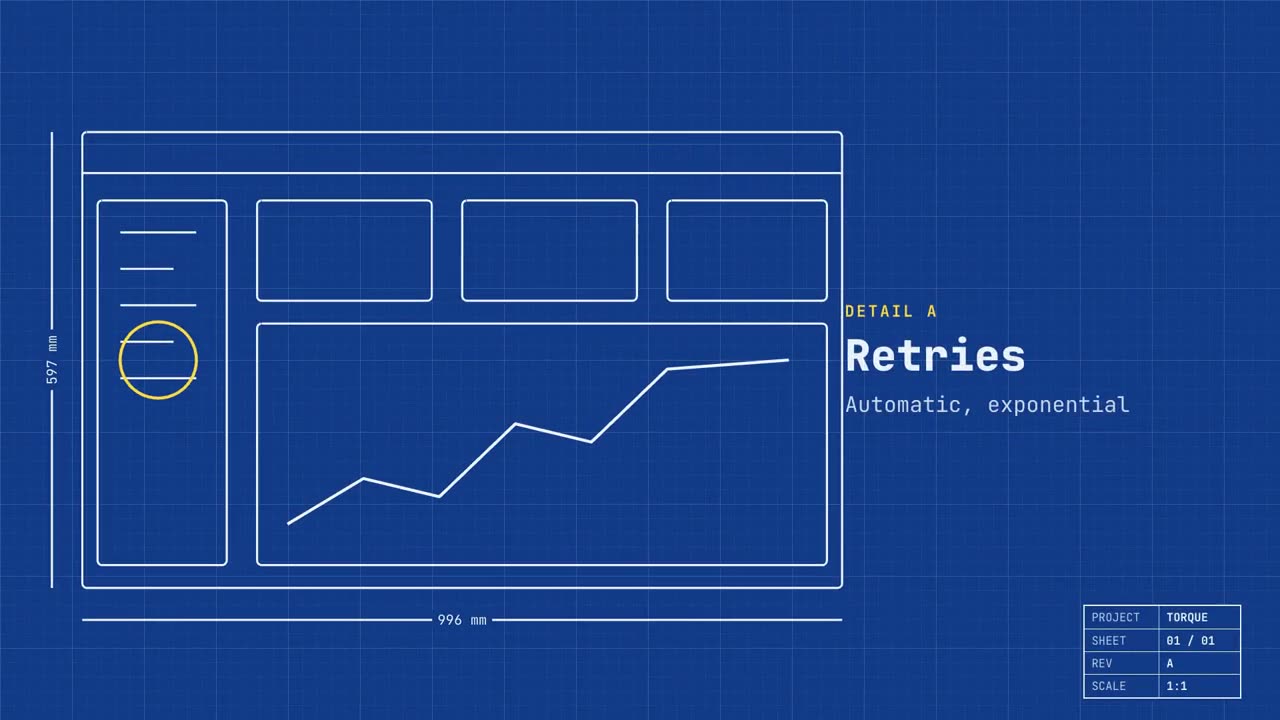
Images finales du même modèle, rendues avec un autre thème et un autre format.
5 thèmes
Aa
Encre
ink
Aa
Papier
paper
Aa
Électrique · par défaut
electric
Aa
Noir
Aa
Sable
sand
Indiquez un thème dans votre prompt, ou définissez vos propres couleurs d’accent, de fond et de texte.
Prompt d’installation
Lis https://claude-motion.com/skills/blueprint-launch/install.md, suis ses étapes pour installer la skill « blueprint-launch », puis fais une première vidéo avec.
Collez-le dans Claude Code, Codex, Cursor ou tout agent compatible avec les skills.
Exemple de prompt
Use the blueprint-launch skill for Torque, a dev tool: hook "Built like infrastructure.", features "Retries: Automatic, exponential | Tracing: Every hop, recorded | Scale: Millions of jobs a day", image assets/dashboard.png.
Prompt de style (Claude Motion ou Opus 5.5)
Make a 20-second 16:9 launch video for [who will watch, e.g. engineers and product teams], playing [where, e.g. Product Hunt and X]. Use only the name, lines and screenshot I give; don't change a word. Deep blueprint-blue background with a fine white grid.

Scene 1: a wireframe of an app window draws itself in thin white lines (header, sidebar, three cards, a chart) with dashed dimension lines labeled in millimeters and a drawing title block in the corner with the project name. Scene 2: the product name scrambles in, monospace, with the tagline in yellow. Scene 3: three yellow rings circle details labeled DETAIL A, B, C with feature names. Scene 4: the wireframe fills in with the screenshot from left to right and a yellow "APPROVED" stamp slams on. End frame: the name, a yellow status tag and the URL.

Product and tagline: [e.g. Orbit, "Engineered for focus."]
Three features: [names]
Status tag and URL: [e.g. "Now in public beta", orbit.app]
Attach: [a screenshot of your product]
Rien à installer : collez-le dans Claude Motion (Team ou Enterprise) ou donnez-le à Opus 5.5 pour un rendu proche. Le résultat change à chaque exécution ; la skill donne toujours le même.