Lanzamientos de producto
Apunta tu agente a tu repositorio, tus notas de versión o un pull request y Proyecto → video de lanzamiento lo convierte en un video de 15 a 30 segundos, con historia y MP4 incluidos. O elige abajo un estilo de lanzamiento y pon tu producto.
De tu material a un video terminado
Dale a tu agente lo que tienes; el flujo escribe, dirige y renderiza el MP4.
Prompts para empezar
Pégalo en Claude Motion, o instala el skill correspondiente y pídeselo a tu agente.
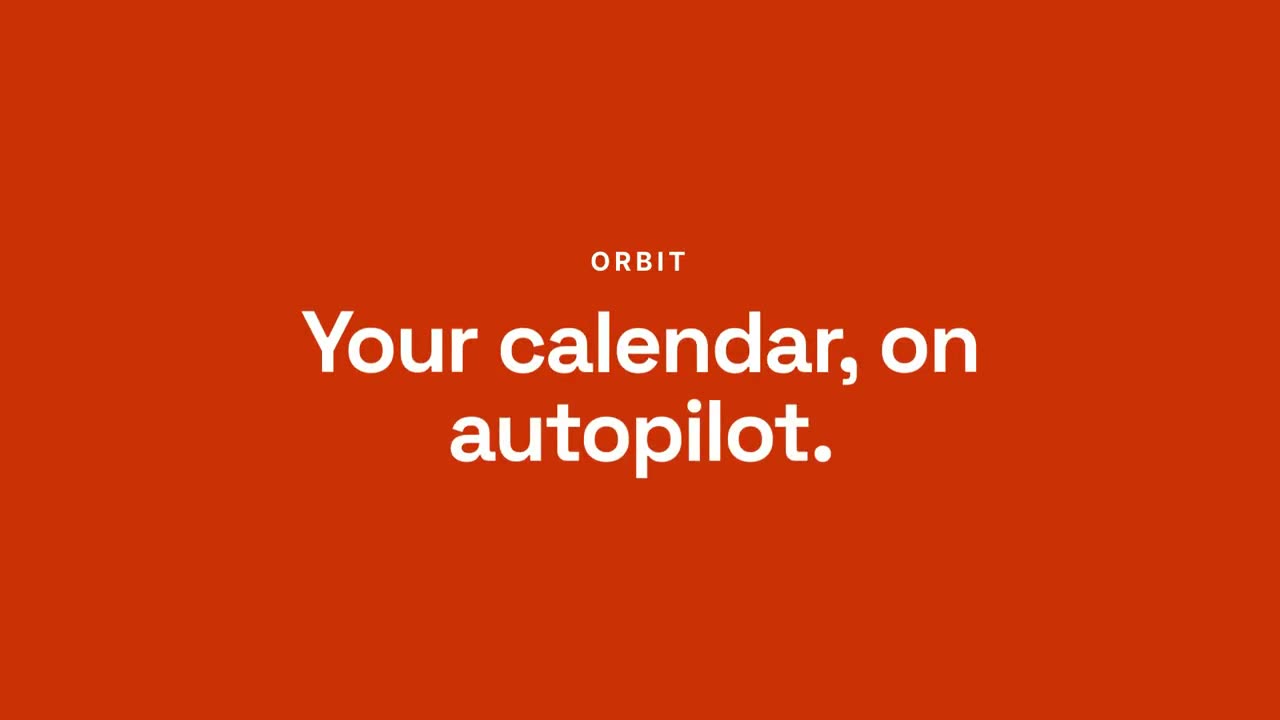
Del chat al resultado
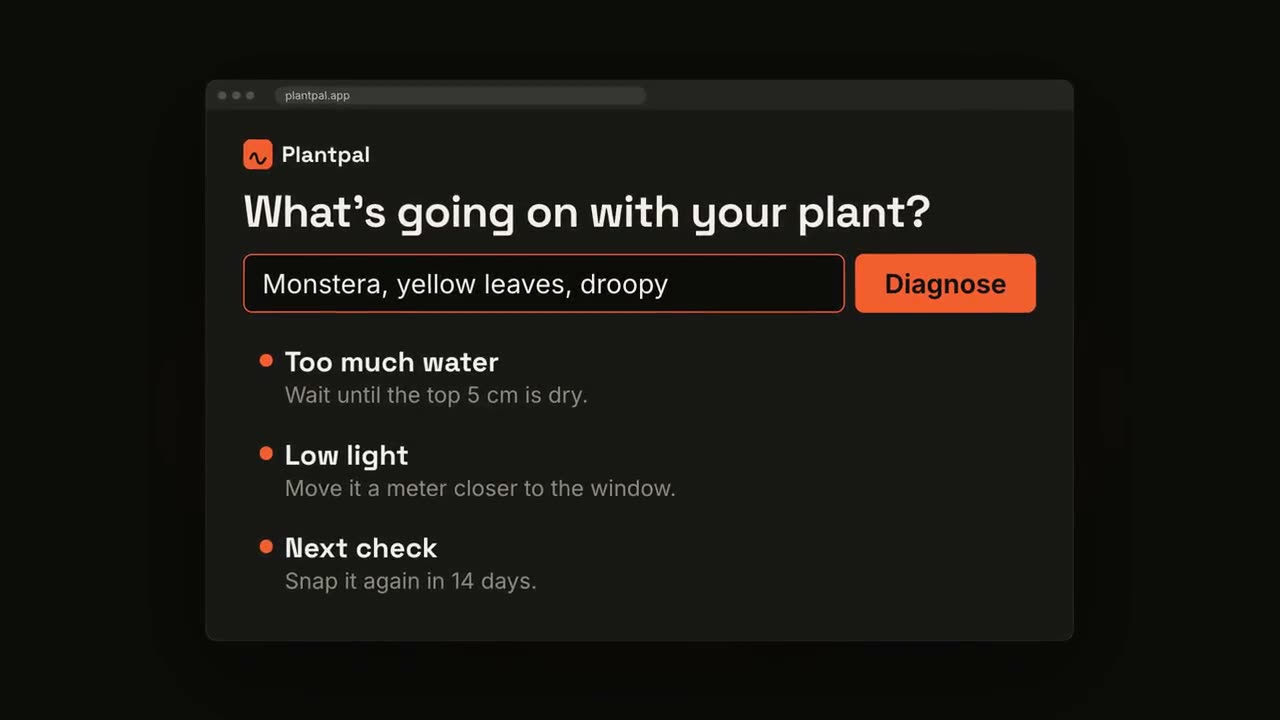
Abrir skill →PremiumMake a 20-second 16:9 launch video for [who will watch, e.g. busy managers], playing [where, e.g. our homepage and LinkedIn]. Use only the product name, chat lines and features below; don't change a word. Off-white background. Scene 1: a clean white chat window appears and the user's request types into the input, then is sent. A small orange avatar shows typing dots, then replies. Scene 2: the reply expands into a full orange frame with the product name and the headline rising word by word. Scene 3: three white feature cards follow. End frame: the product name with an orange call-to-action button and the URL, held for 2 seconds. Product: [e.g. Orbit] Request and reply: [e.g. "Plan my week around three deep-work blocks." → "Done. Meetings moved, focus time locked in."] Headline: [e.g. "Your calendar, on autopilot."] Three features: [e.g. Smart slots, Focus guard, Daily recap] Call to action and URL: [e.g. "Try Orbit free", orbit.app]
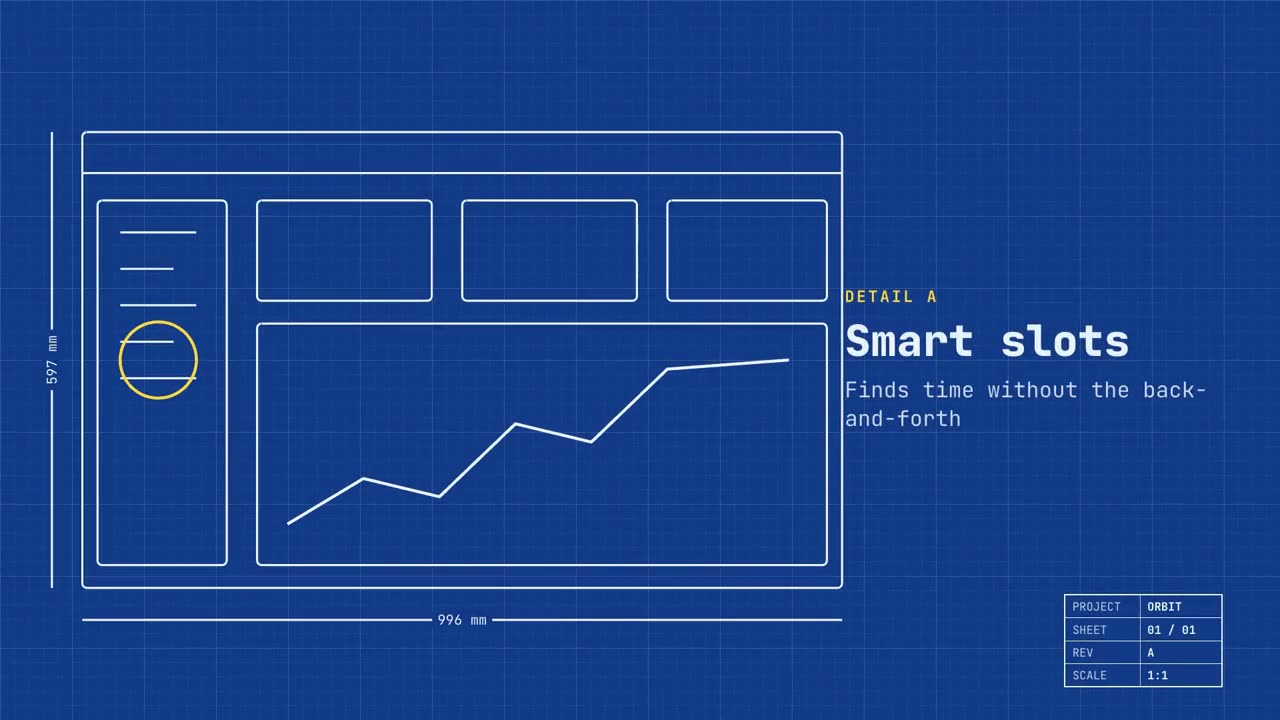
Lanzamiento en plano
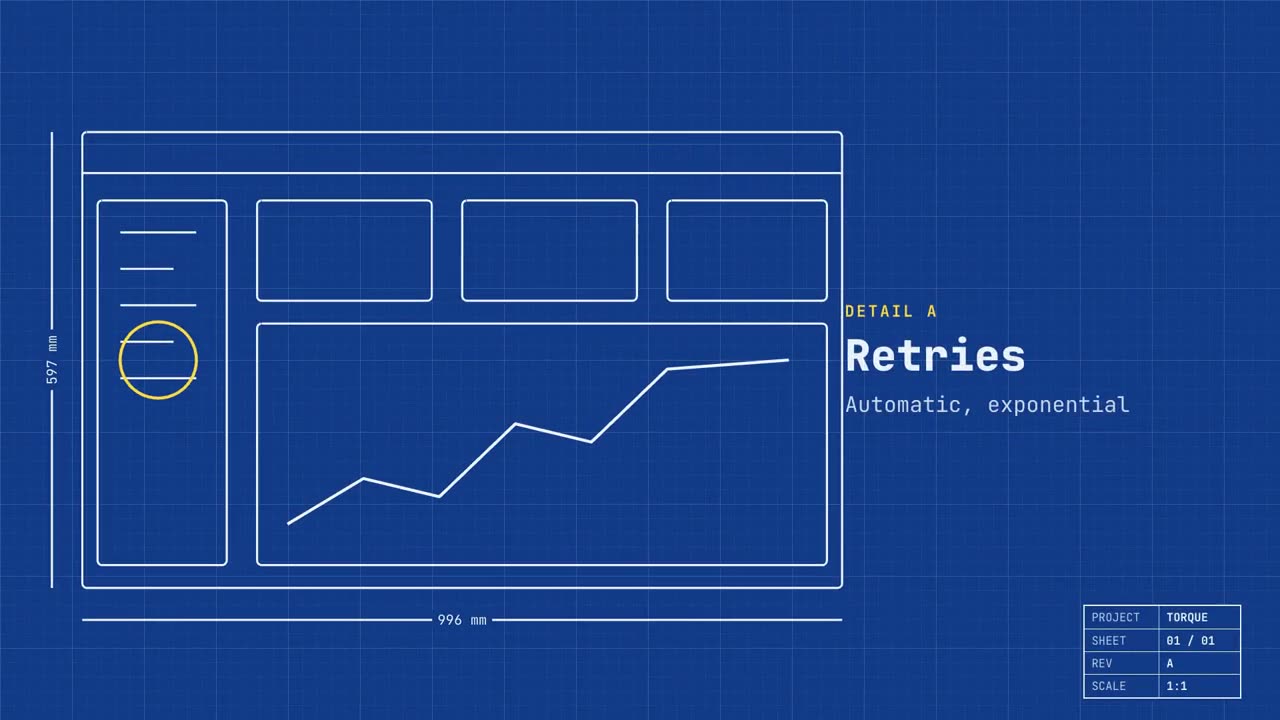
Abrir skill →PremiumMake a 20-second 16:9 launch video for [who will watch, e.g. engineers and product teams], playing [where, e.g. Product Hunt and X]. Use only the name, lines and screenshot I give; don't change a word. Deep blueprint-blue background with a fine white grid. Scene 1: a wireframe of an app window draws itself in thin white lines (header, sidebar, three cards, a chart) with dashed dimension lines labeled in millimeters and a drawing title block in the corner with the project name. Scene 2: the product name scrambles in, monospace, with the tagline in yellow. Scene 3: three yellow rings circle details labeled DETAIL A, B, C with feature names. Scene 4: the wireframe fills in with the screenshot from left to right and a yellow "APPROVED" stamp slams on. End frame: the name, a yellow status tag and the URL. Product and tagline: [e.g. Orbit, "Engineered for focus."] Three features: [names] Status tag and URL: [e.g. "Now in public beta", orbit.app] Attach: [a screenshot of your product]
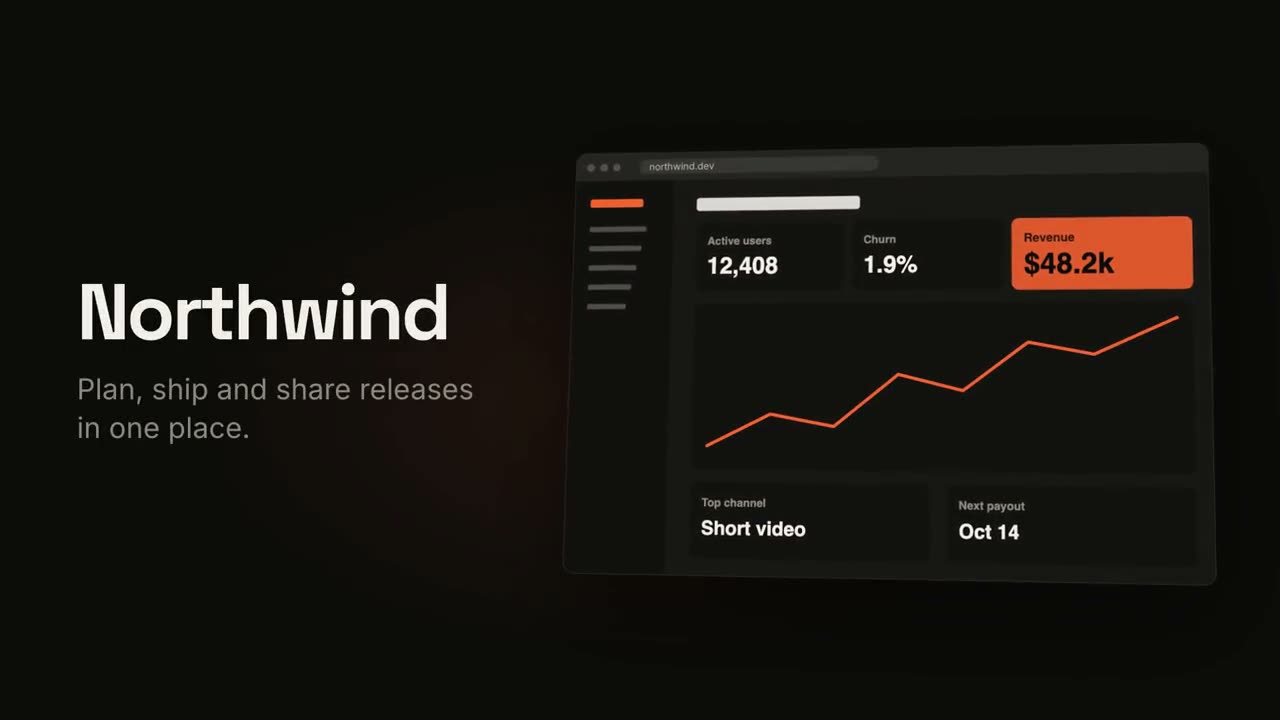
Video de lanzamiento
Abrir skill →PremiumMake an 18-second 16:9 product launch film for [who will watch, e.g. product managers], playing [where, e.g. our homepage hero and X]. Use only the name, lines and screenshot I give below; don't change a word. Near-black background with a warm orange glow. Scene 1 (0–3.4s): a two-line hook rises from masks, line one off-white, line two orange, slowly pushing in. An orange wipe cuts to Scene 2: the product name and tagline on the left while a browser window with the screenshot rises from below with a 3D tilt and settles. Scene 3: three features one at a time, each with a huge orange numeral (01, 02, 03), a bold title and a gray description, with a segmented progress bar at the bottom. End frame: the logo mark spins in, then the name, an orange call-to-action pill and the URL. Hook: [two lines] (e.g. "Your roadmap" / "finally in motion") Product and tagline: [e.g. Northwind, one line] Features: [three titles with one-line descriptions] Call to action and URL: [e.g. "Start free", northwind.dev] Attach: [a screenshot of your product]
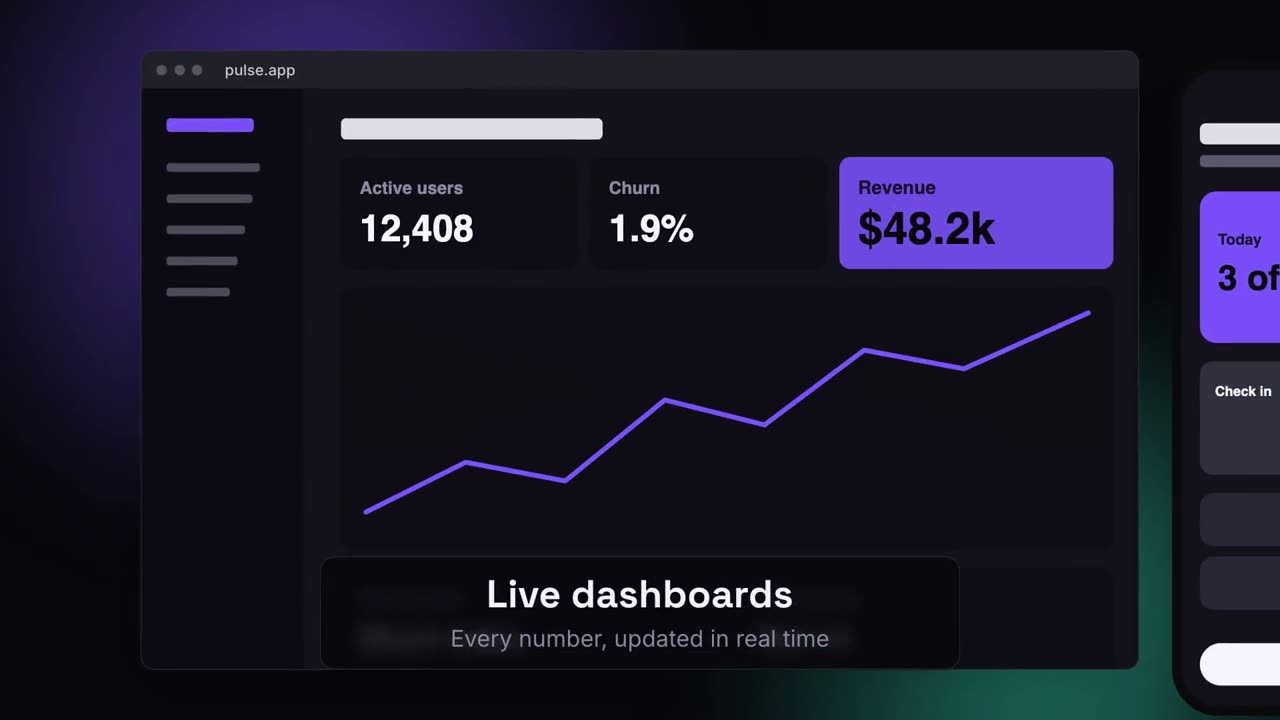
Lanzamiento multidispositivo
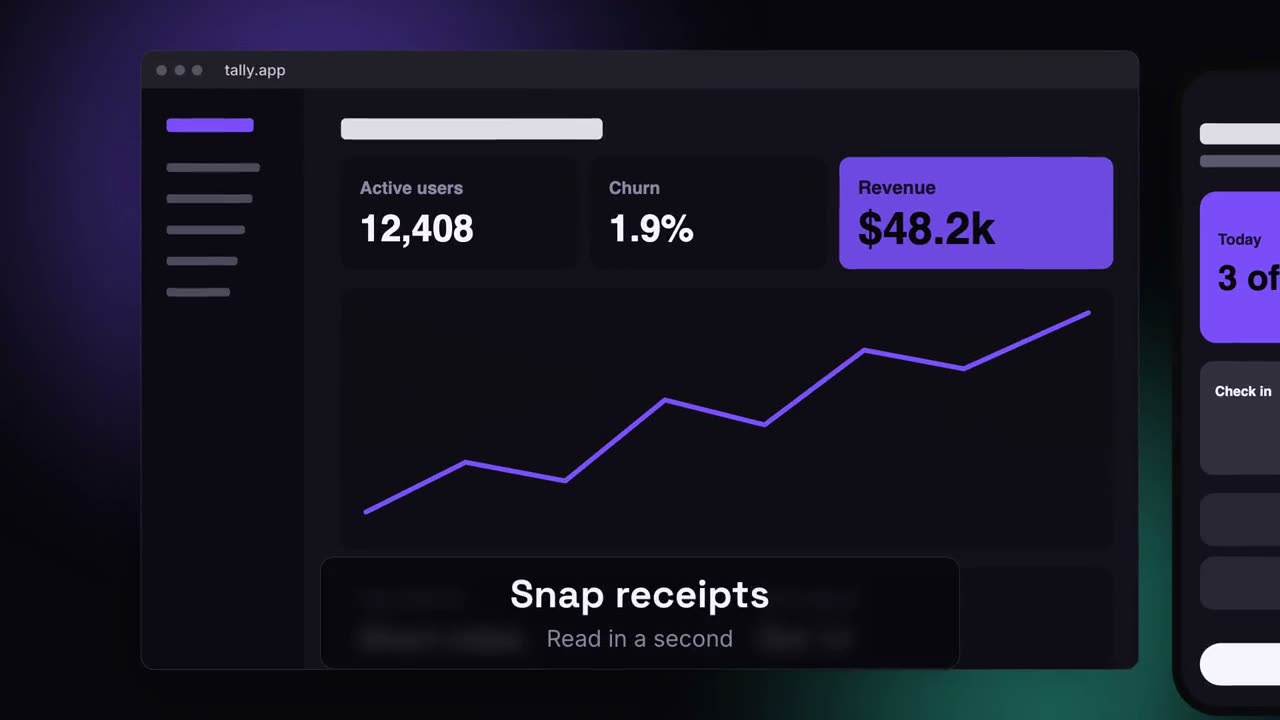
Abrir skill →PremiumMake a 20-second 16:9 launch video for [who will watch, e.g. ops and finance leads], playing [where, e.g. the homepage hero]. Use only the lines and screenshots I give; don't change a word. Deep navy background with soft violet and teal glows. Scene 1: the hook rises word by word and fades. Scene 2: a browser window with the desktop screenshot and a phone with the mobile screenshot rise onto the canvas. Scene 3: the camera glides in to the browser while a glass caption shows the first feature, then to the phone with the second, then pulls back to show both with the third. End frame: the devices blur and sink as the product name, the hook and a violet call-to-action button appear. Hook: [e.g. "Your metrics, everywhere you work."] Three captions: [e.g. "Live dashboards — Every number, updated in real time", "Pocket alerts", "Always in sync"] Product and call to action: [e.g. Pulse, "Get Pulse free"] Attach: [a desktop screenshot and a phone screenshot]
Escenas sueltas para esto
Video de lanzamiento
Gancho, presentación del producto, tres funciones y tarjeta final.
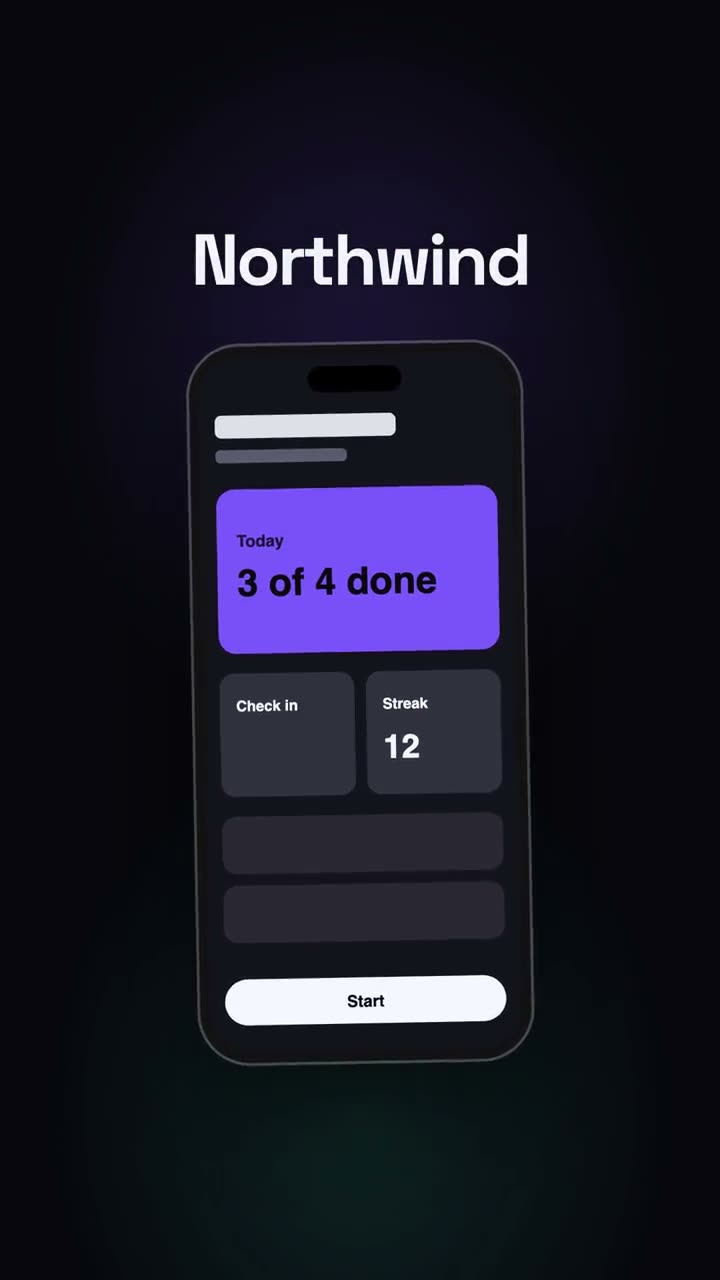
Lanzamiento vertical
Un corte de lanzamiento pensado para redes: gancho, teléfono, momentos, CTA.
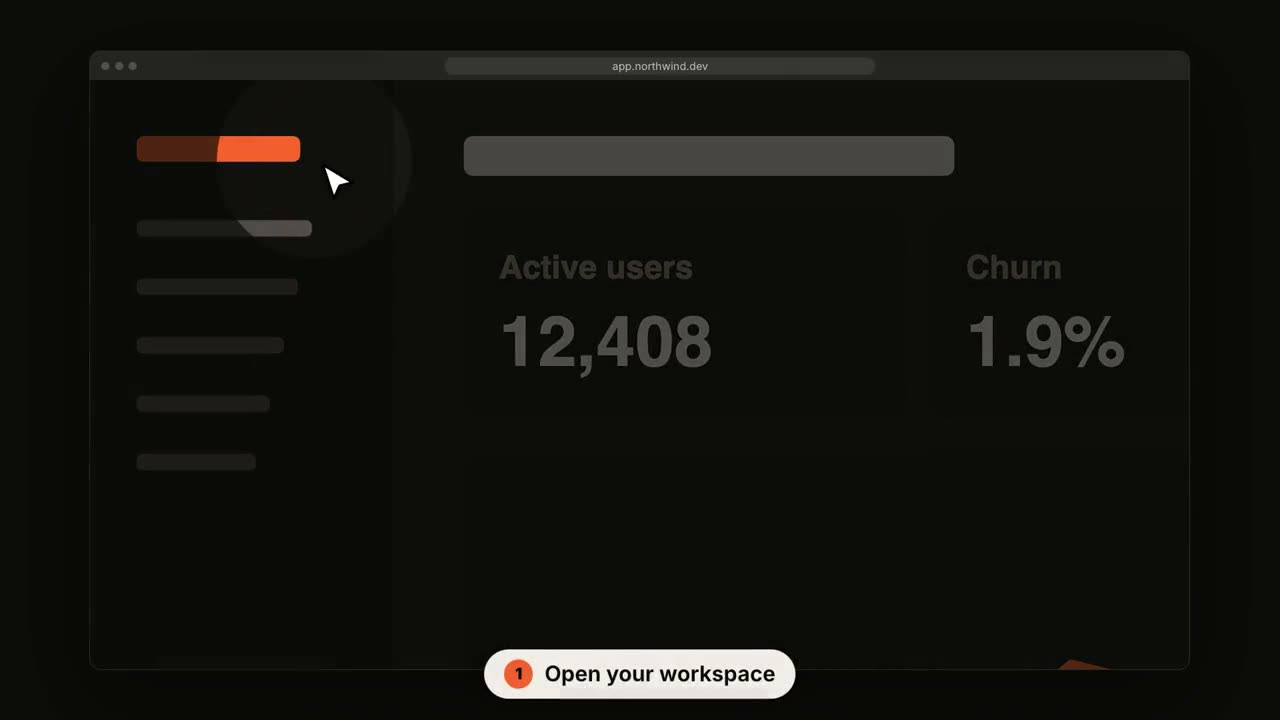
Recorrido de UI SaaS
La cámara se acerca a cada paso mientras un cursor hace clic.
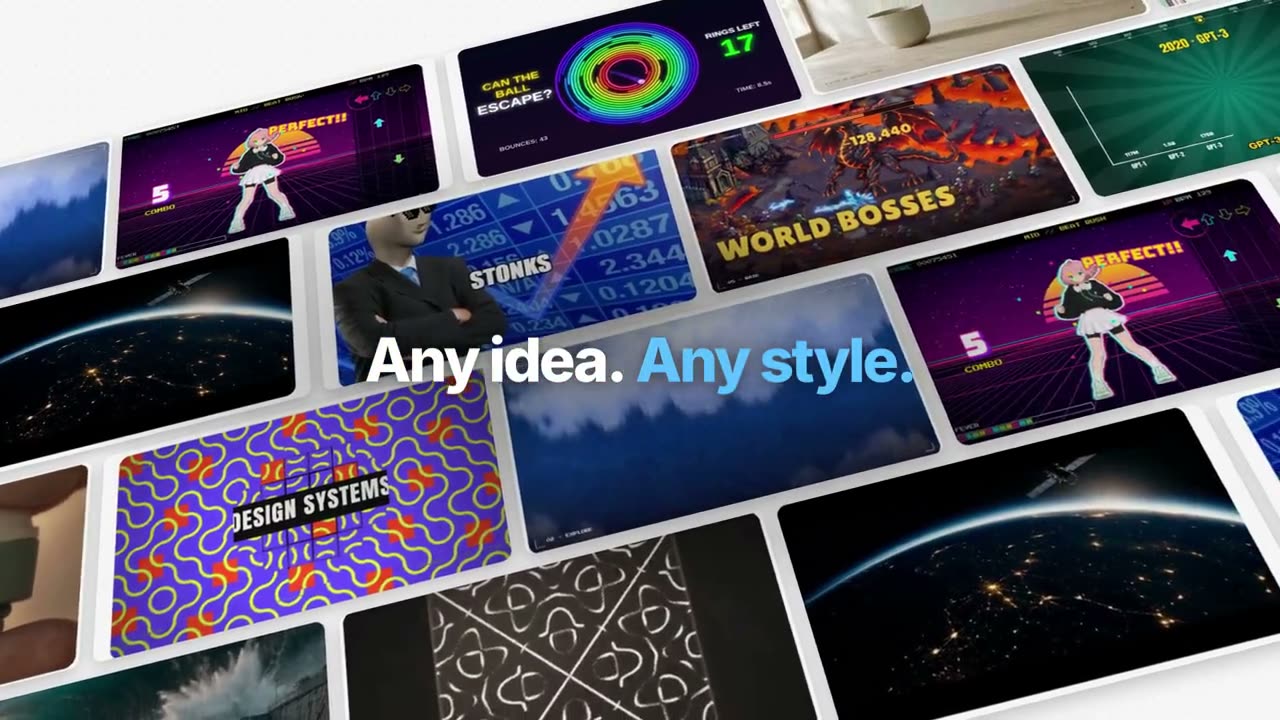
Película de función estilo Manus
Un ejemplo seguido de principio a fin: organizado, generado, subtitulado, rastreado, programado, compuesto. Palabras clave en azul que salen del desenfoque.
Lanzamiento estilo keynote de Manus
Un lanzamiento por capítulos: intro en negro, un ticker de novedades, capítulos del producto trabajando sobre paisajes, One More Thing, mascotas.
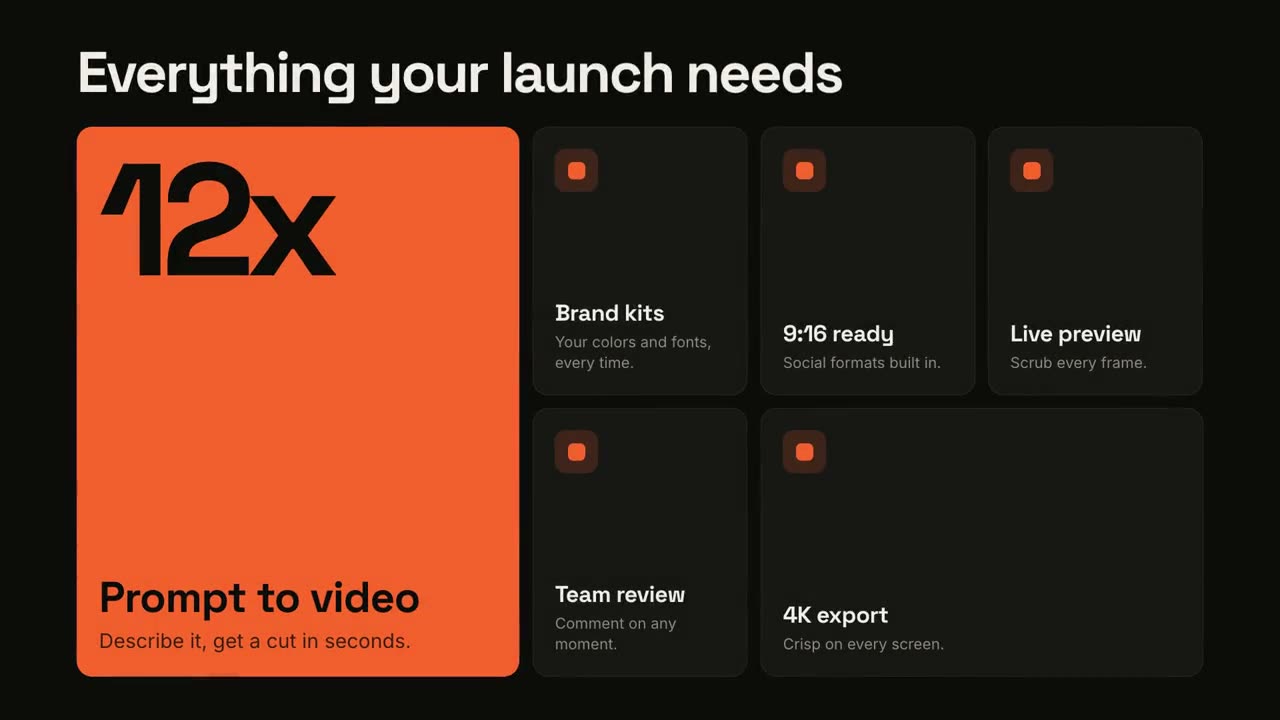
Cuadrícula de funciones
Una cuadrícula bento que se arma y luego destaca cada función.
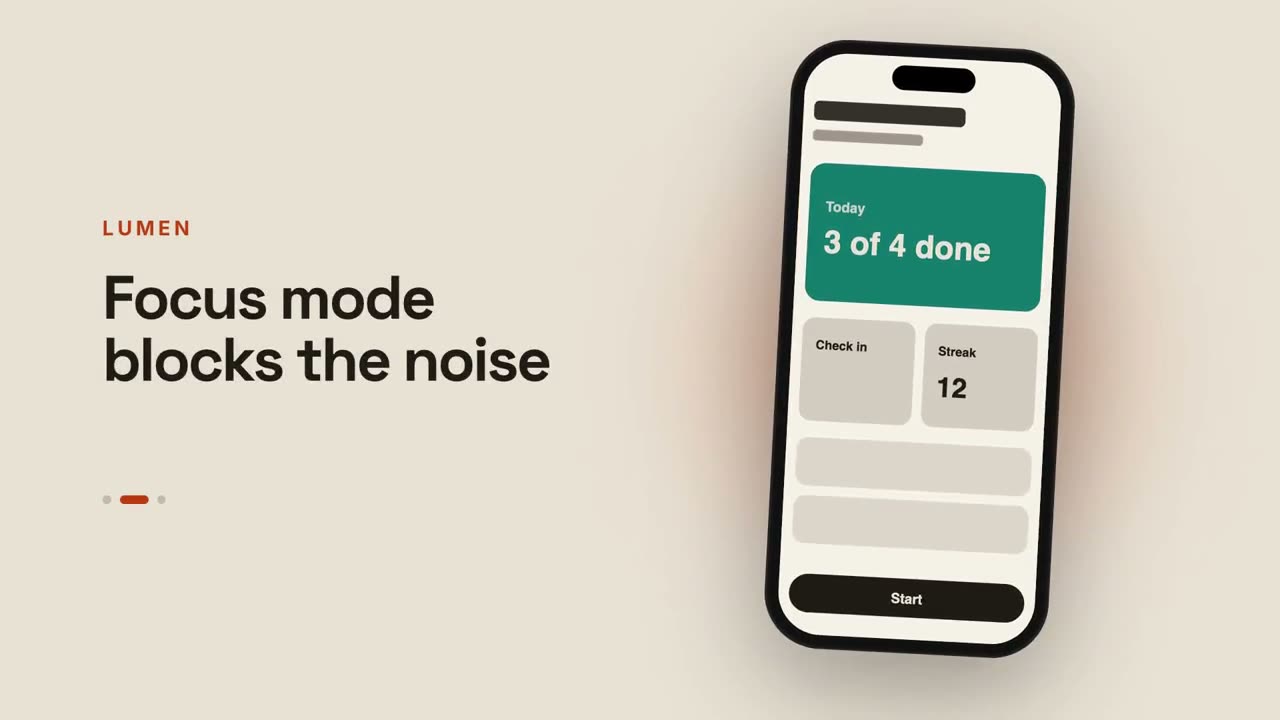
Vista previa de app
Un teléfono que desliza entre pantallas junto a textos que cambian.
Del chat al resultado
Se escribe un prompt, el asistente responde y la respuesta se convierte en tu lanzamiento.
Lanzamiento en plano
Tu producto como un plano técnico que se dibuja solo y luego se rellena.
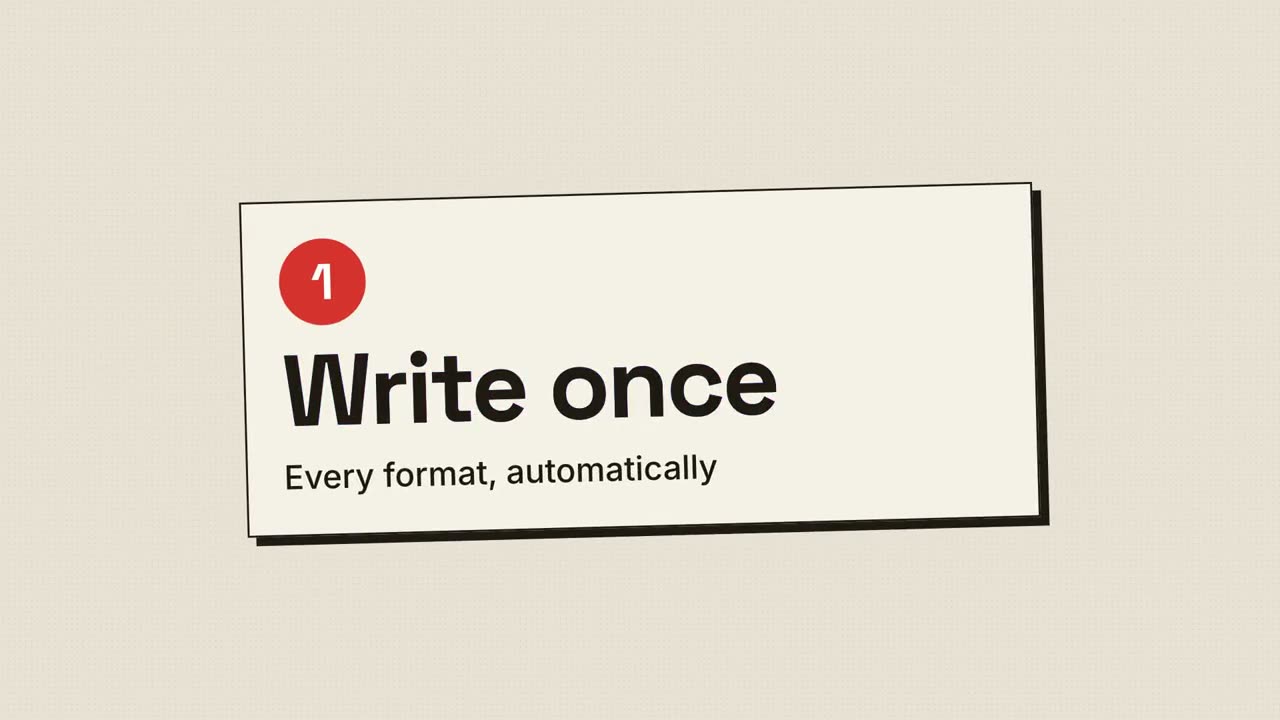
Lanzamiento en semitono
Impresión retro: puntos de semitono y planchas CMYK que encajan en registro.
Lanzamiento multidispositivo
Un escritorio y un teléfono flotan sobre un lienzo luminoso; la cámara los recorre.
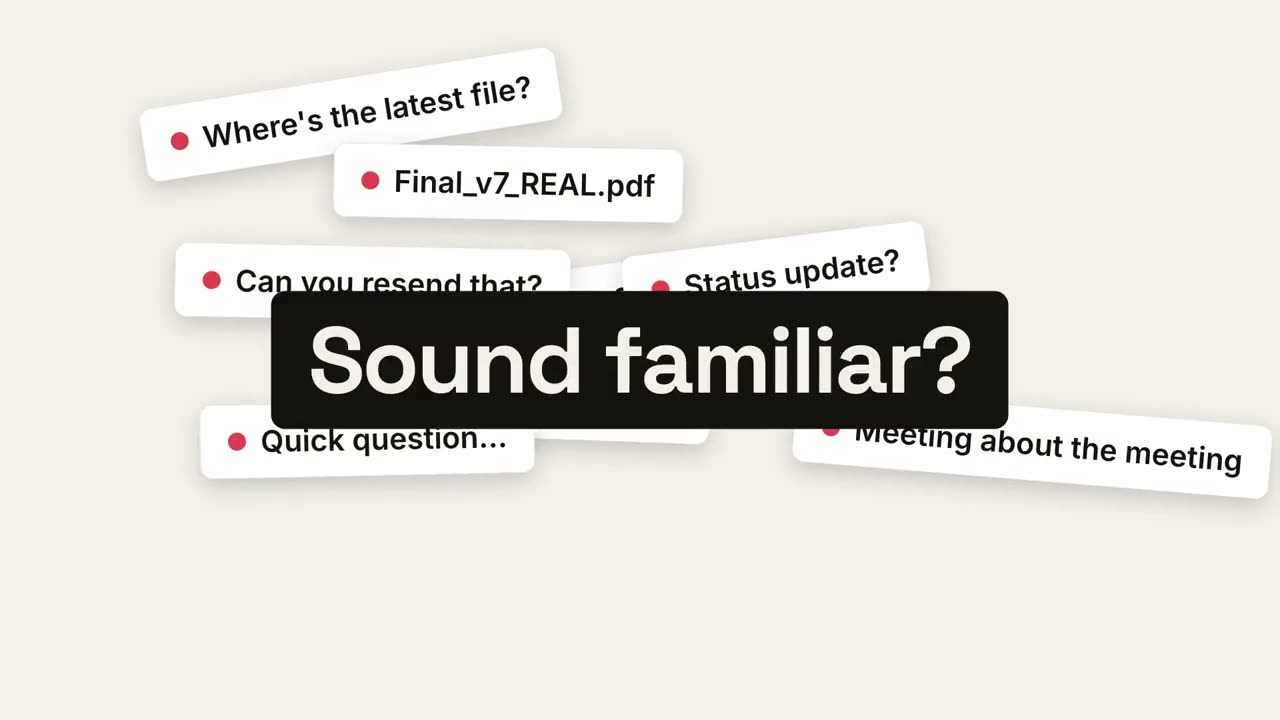
Del caos a la calma
El caos diario se acumula, colapsa en un punto y aparece la calma.
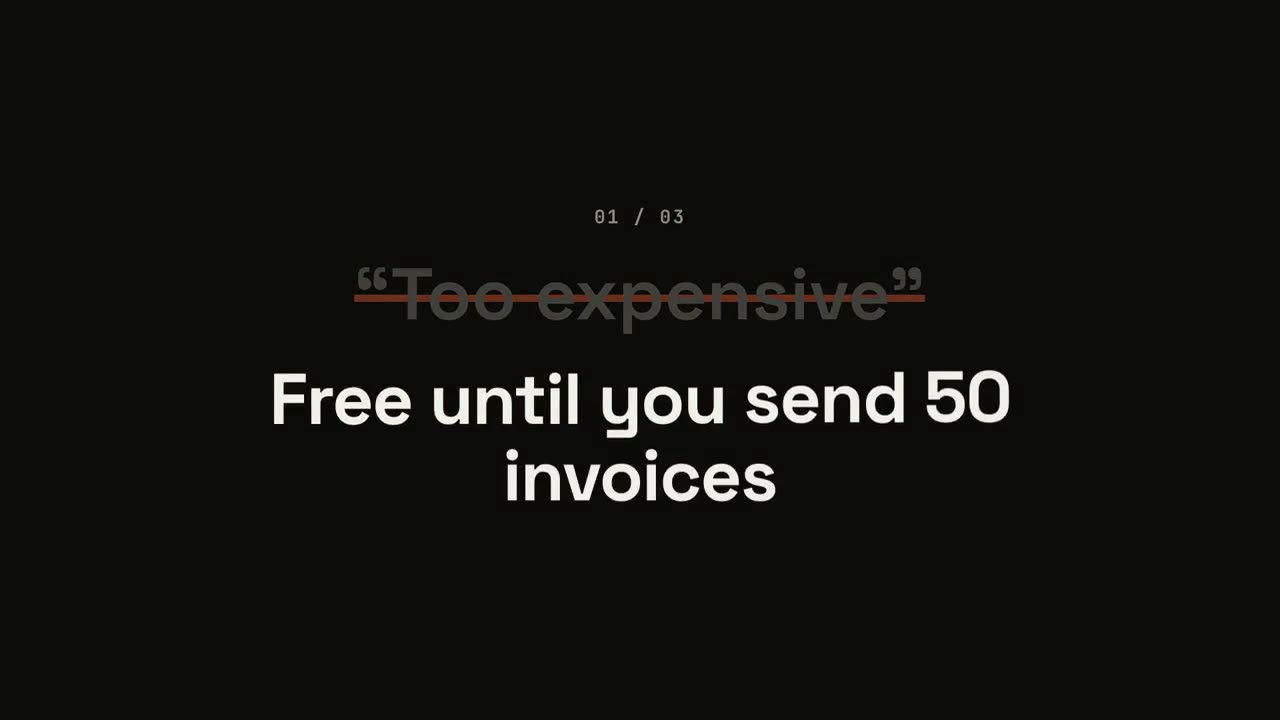
Lanzamiento que derriba objeciones
Cada objeción aparece entre comillas, se tacha y se da la vuelta.
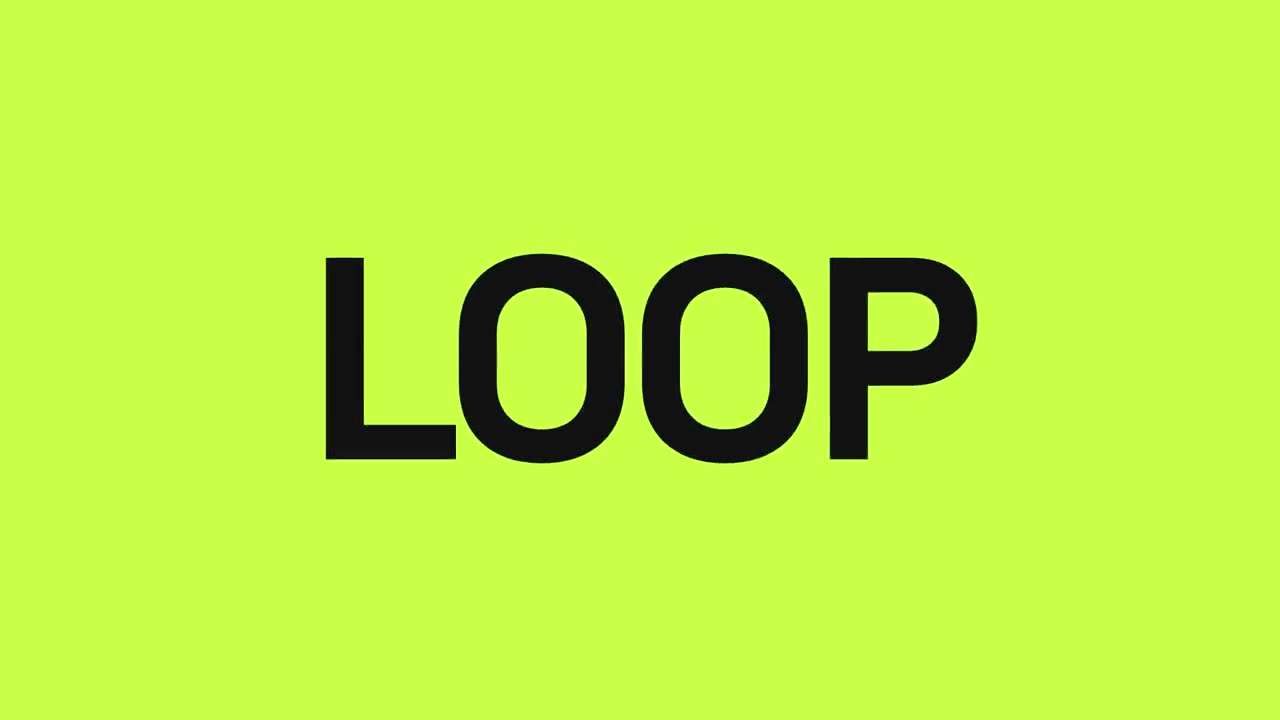
Lanzamiento al ritmo
Cortes secos al compás: las palabras destellan, el producto cae, los beneficios laten.
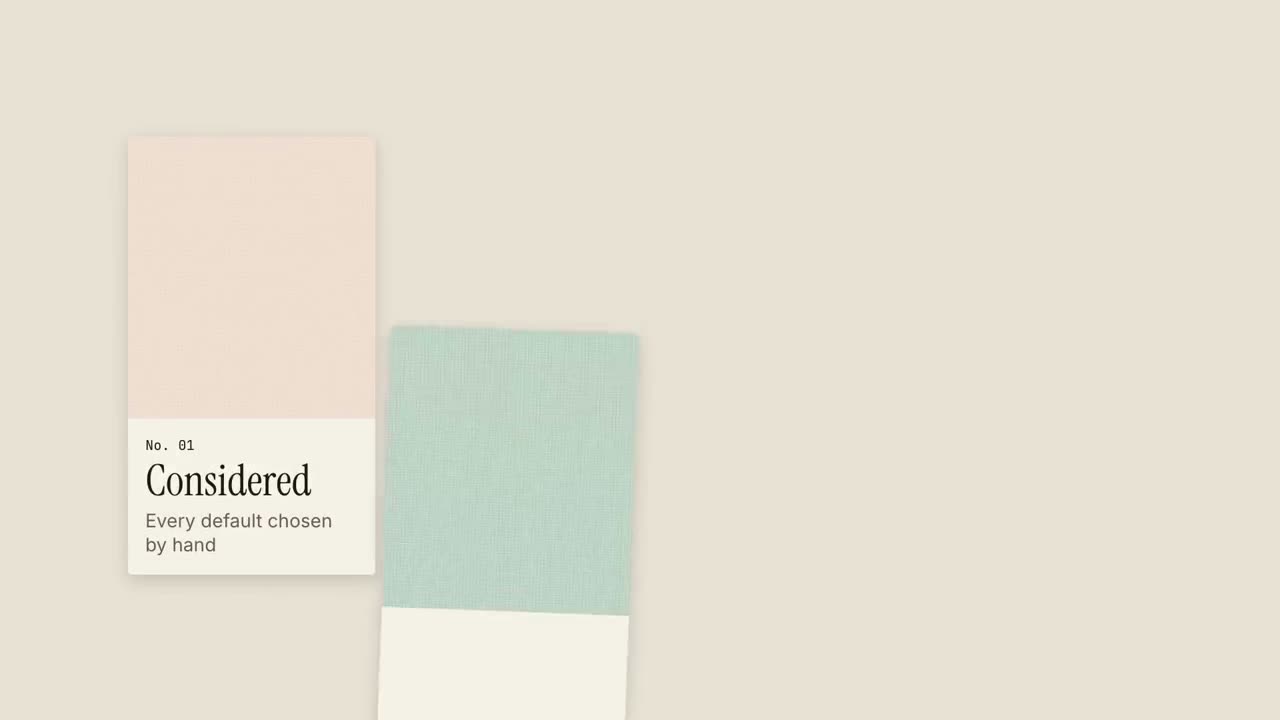
Lanzamiento con muestrario
Muestras de material entran como en un muestrario, cada una con una cualidad.
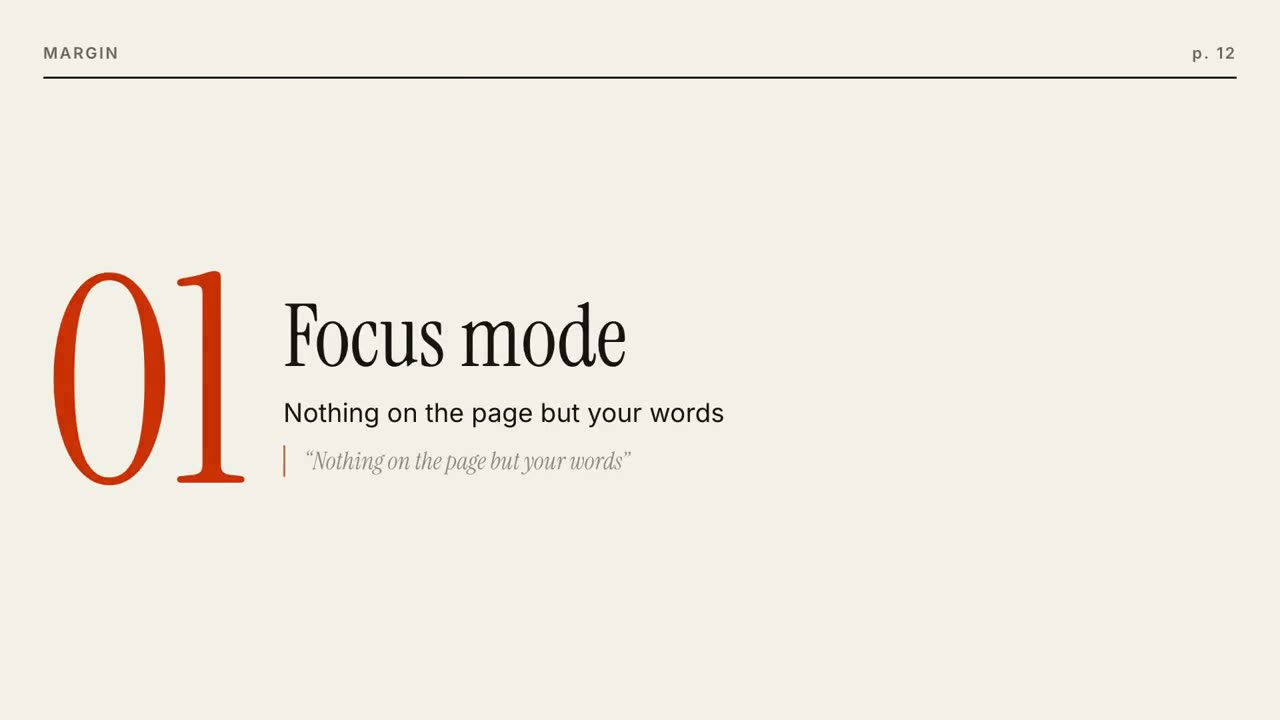
Lanzamiento editorial
Se arma una portada de revista y luego cada función es una página que pasa.
Lanzamiento con un cuadrado
Un cuadrado de acento se transforma en cada momento: punto, tarjeta, teléfono, logo.
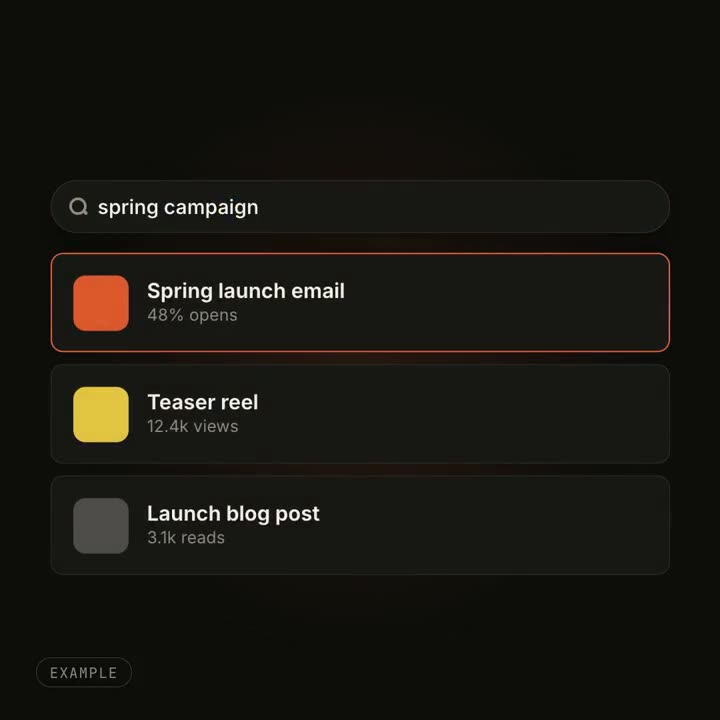
Efectos de transformación de UI
Un botón se vuelve reproductor, un buscador se llena de resultados: un objeto que cambia de forma.
Hecho con estos