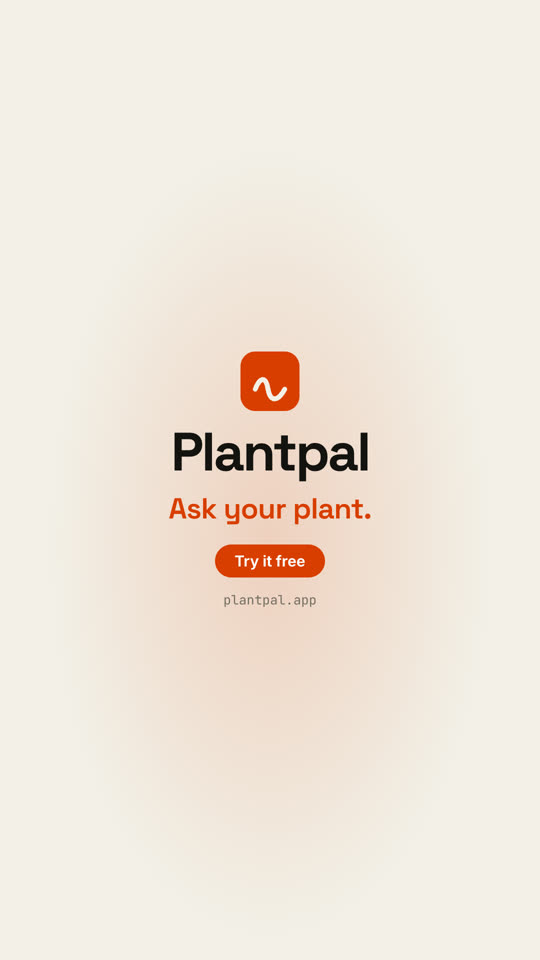
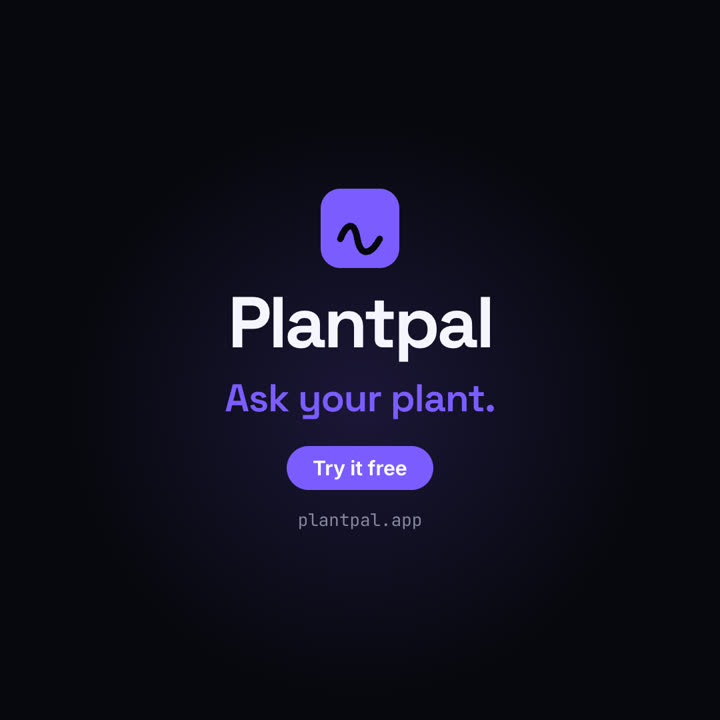
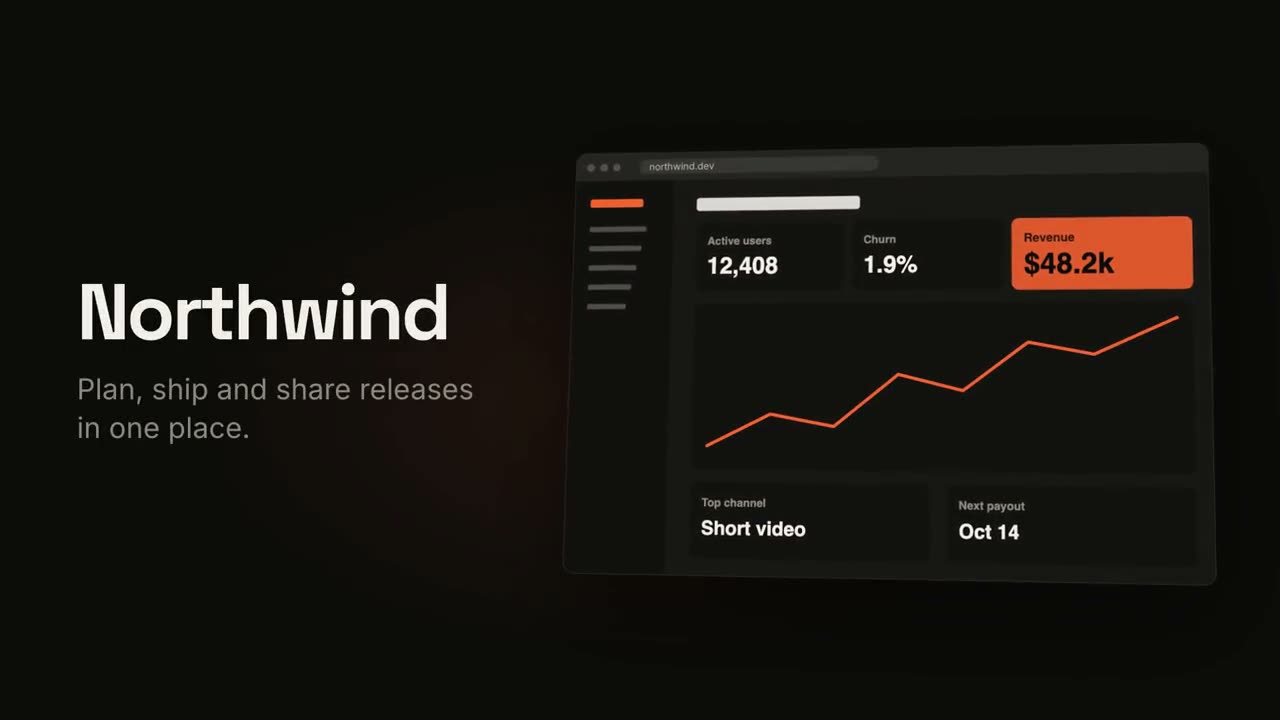
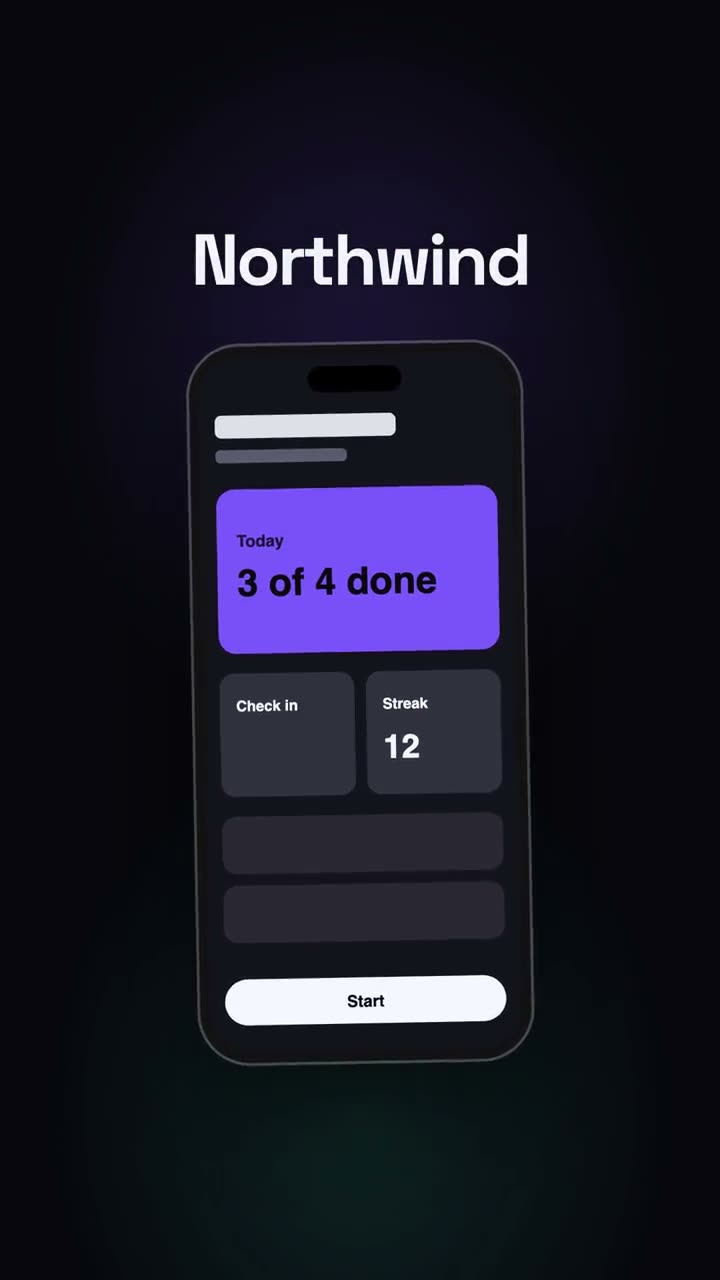
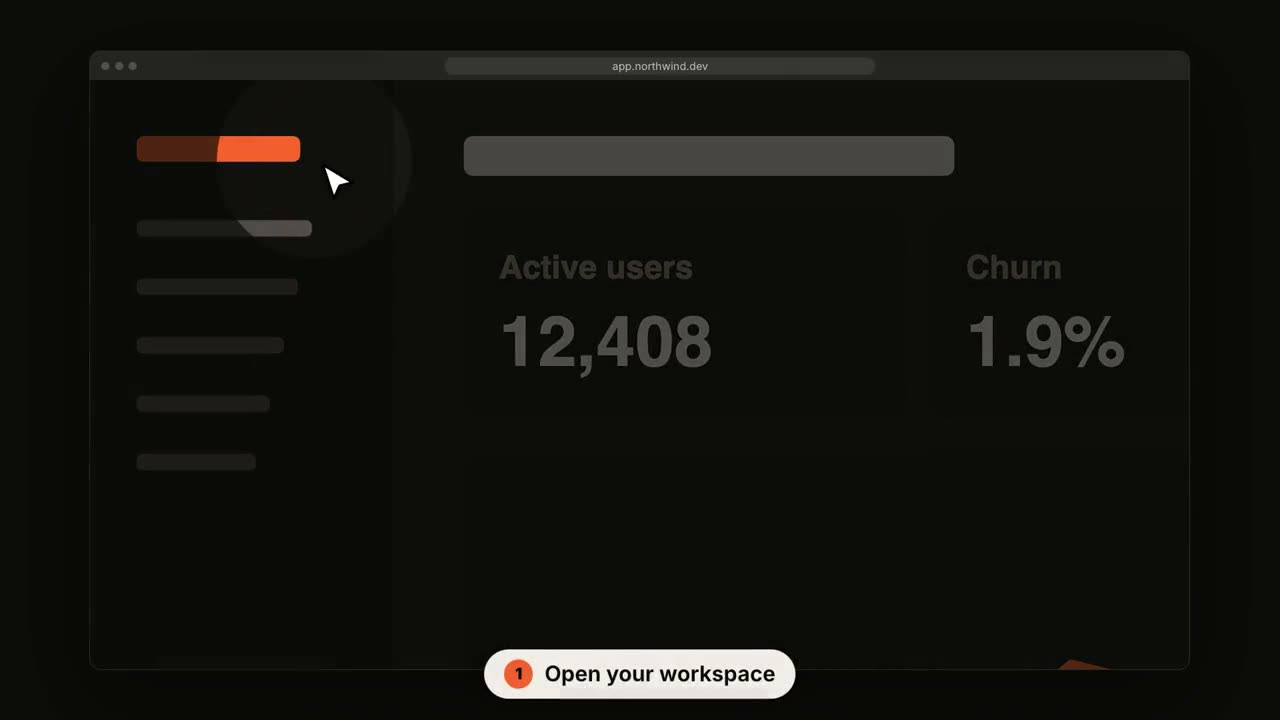
Images finales du même modèle, rendues avec un autre thème et un autre format.
5 thèmes
Aa
Encre · par défaut
ink
Aa
Papier
paper
Aa
Électrique
electric
Aa
Noir
Aa
Sable
sand
Indiquez un thème dans votre prompt, ou définissez vos propres couleurs d’accent, de fond et de texte.
Prompt d’installation
Lis https://claude-motion.com/skills/project-to-launch/install.md, suis ses étapes pour installer la skill « project-to-launch », puis fais une première vidéo avec.
Collez-le dans Claude Code, Codex, Cursor ou tout agent compatible avec les skills.
Exemple de prompt
Use the project-to-launch skill to make a 20-second launch video for this project, polished tone, 16:9.
Prompt de style (Claude Motion ou Opus 5.5)
Make a 20-second 16:9 launch video for [who will watch, e.g. people who keep house plants], playing [where, e.g. our landing page and X]. Use only the product name, lines, screenshot and numbers I give below; don't change a word or number.

Scene 1: a two-line hook, the second line in the accent color. Scene 2: the logo and the one-line pitch. Scene 3: the app at work: a cursor types the example input, clicks the main button, and three results appear one by one. Scene 4: the proof number counts up. End frame: product name, tagline and a "Try it free" button, held for 2 seconds.

Product: [name and what it does] (e.g. Plantpal, turns a photo of a leaf into a care plan)
Hook: [two lines] (e.g. "Your plants" / "are not okay")
Example input and results: [e.g. "Monstera, yellow leaves, droopy" → three care tips]
Proof number: [e.g. "Knows 4,200 houseplants"]
Attach: [a screenshot of your app]
Rien à installer : collez-le dans Claude Motion (Team ou Enterprise) ou donnez-le à Opus 5.5 pour un rendu proche. Le résultat change à chaque exécution ; la skill donne toujours le même.