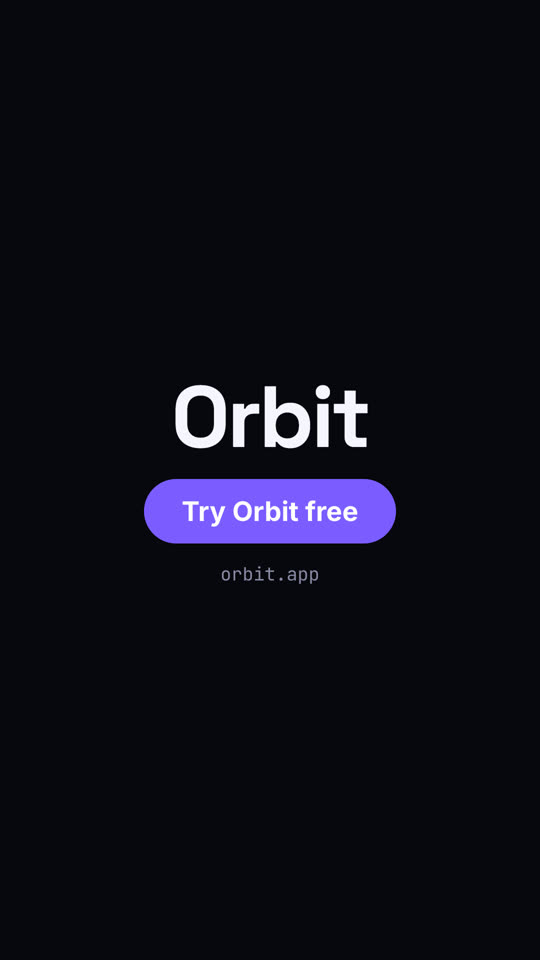
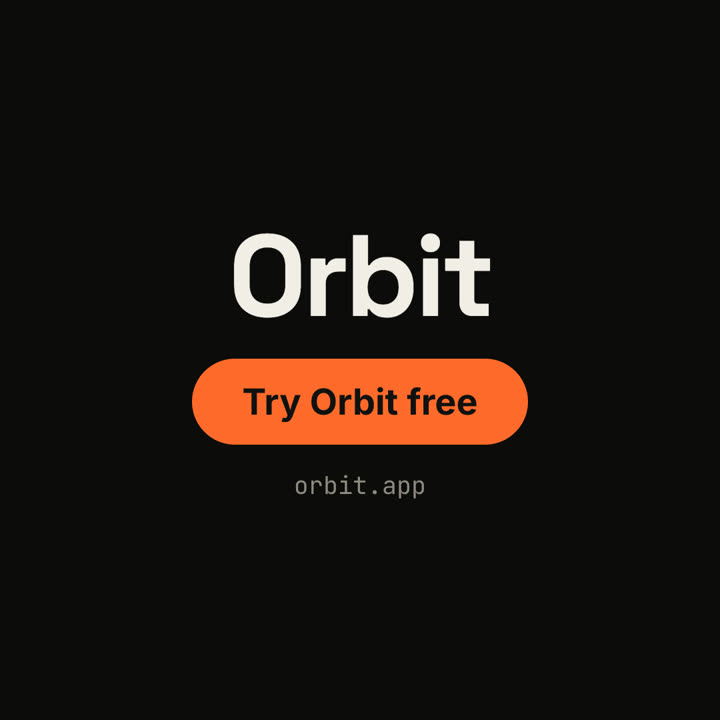
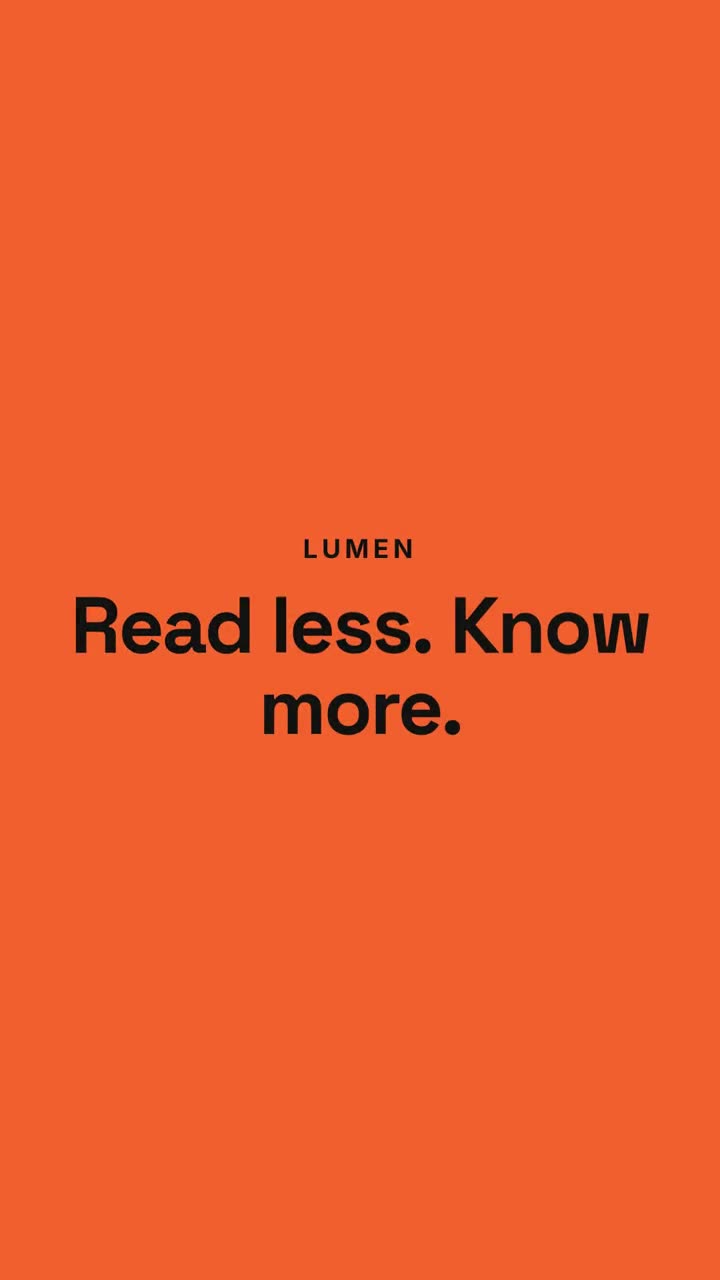
Images finales du même modèle, rendues avec un autre thème et un autre format.
5 thèmes
Aa
Encre
ink
Aa
Papier · par défaut
paper
Aa
Électrique
electric
Aa
Noir
Aa
Sable
sand
Indiquez un thème dans votre prompt, ou définissez vos propres couleurs d’accent, de fond et de texte.
Prompt d’installation
Lis https://claude-motion.com/skills/chat-to-result-launch/install.md, suis ses étapes pour installer la skill « chat-to-result-launch », puis fais une première vidéo avec.
Collez-le dans Claude Code, Codex, Cursor ou tout agent compatible avec les skills.
Exemple de prompt
Use the chat-to-result-launch skill for our product Lumen: prompt "Summarize this 40-page contract.", reply "Here are the 5 clauses that matter.", hook "Read less. Know more.", three features, CTA "Try Lumen". Ink theme, 9:16.
Prompt de style (Claude Motion ou Opus 5.5)
Make a 20-second 16:9 launch video for [who will watch, e.g. busy managers], playing [where, e.g. our homepage and LinkedIn]. Use only the product name, chat lines and features below; don't change a word. Off-white background.

Scene 1: a clean white chat window appears and the user's request types into the input, then is sent. A small orange avatar shows typing dots, then replies. Scene 2: the reply expands into a full orange frame with the product name and the headline rising word by word. Scene 3: three white feature cards follow. End frame: the product name with an orange call-to-action button and the URL, held for 2 seconds.

Product: [e.g. Orbit]
Request and reply: [e.g. "Plan my week around three deep-work blocks." → "Done. Meetings moved, focus time locked in."]
Headline: [e.g. "Your calendar, on autopilot."]
Three features: [e.g. Smart slots, Focus guard, Daily recap]
Call to action and URL: [e.g. "Try Orbit free", orbit.app]
Rien à installer : collez-le dans Claude Motion (Team ou Enterprise) ou donnez-le à Opus 5.5 pour un rendu proche. Le résultat change à chaque exécution ; la skill donne toujours le même.