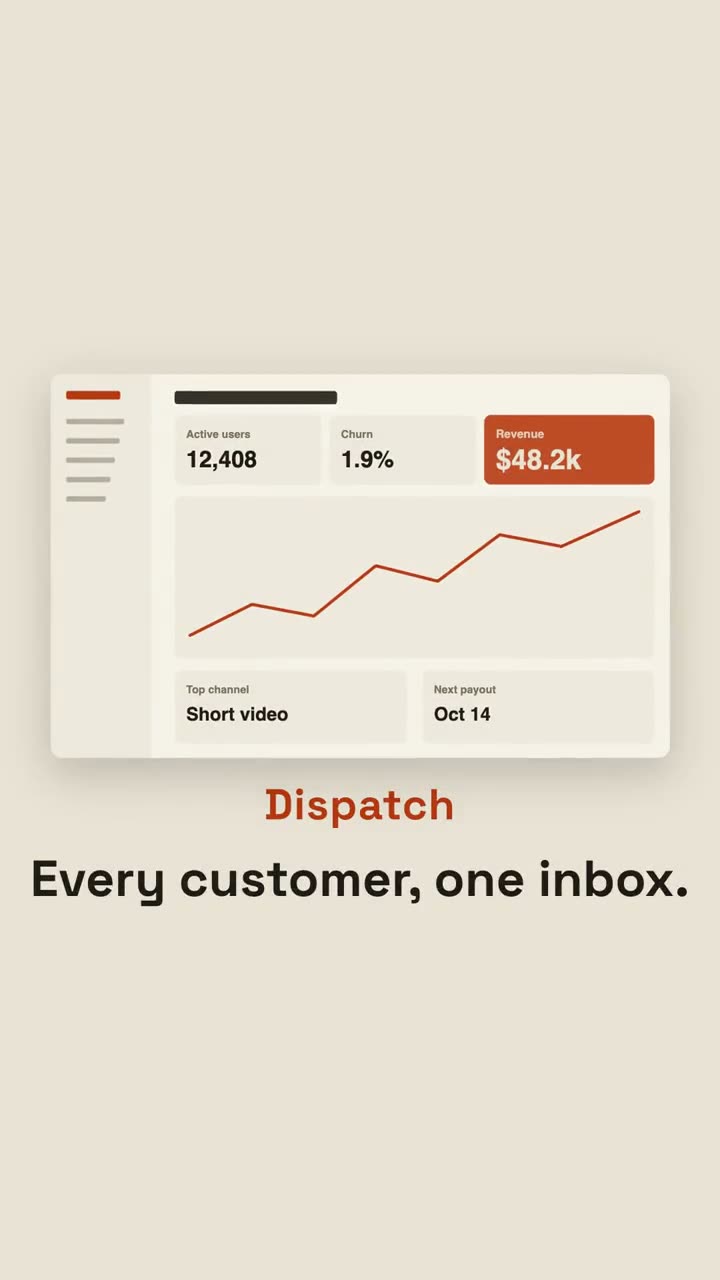
Images finales du même modèle, rendues avec un autre thème et un autre format.
5 thèmes
Aa
Encre
ink
Aa
Papier · par défaut
paper
Aa
Électrique
electric
Aa
Noir
Aa
Sable
sand
Indiquez un thème dans votre prompt, ou définissez vos propres couleurs d’accent, de fond et de texte.
Prompt d’installation
Lis https://claude-motion.com/skills/pain-reveal-launch/install.md, suis ses étapes pour installer la skill « pain-reveal-launch », puis fais une première vidéo avec.
Collez-le dans Claude Code, Codex, Cursor ou tout agent compatible avec les skills.
Exemple de prompt
Use the pain-reveal-launch skill for Dispatch, a support inbox: pains "Tickets in 4 tools | Who replied? | Lost the thread | Angry follow-up", promise "Every customer, one inbox.", image assets/inbox.png.
Prompt de style (Claude Motion ou Opus 5.5)
Make a 20-second 16:9 launch video for [who will watch, e.g. team leads drowning in chat], playing [where, e.g. LinkedIn ads, muted]. Use only the lines, benefits and screenshot I give; don't change a word. Off-white background.

Scene 1: white chips with red dots pop in all over the frame, tilted and jittering, each with a pain point. Scene 2: a black label slams into the center and the whole pile shakes. Scene 3: every chip is sucked into the center point, a white flash, and a calm screen appears: the product name in orange, the promise, and the screenshot rising into place. Scene 4: three benefits with orange check circles. End frame: the name with an orange call-to-action button, held for 2 seconds.

Pain points: [four short lines] (e.g. "37 unread pings", "Final_v7_REAL.pdf")
Label: [e.g. "Sound familiar?"]
Product and promise: [e.g. Calm, "One place. Zero chasing."]
Three benefits and call to action: [e.g. "Get Calm"]
Attach: [a screenshot of your product]
Rien à installer : collez-le dans Claude Motion (Team ou Enterprise) ou donnez-le à Opus 5.5 pour un rendu proche. Le résultat change à chaque exécution ; la skill donne toujours le même.