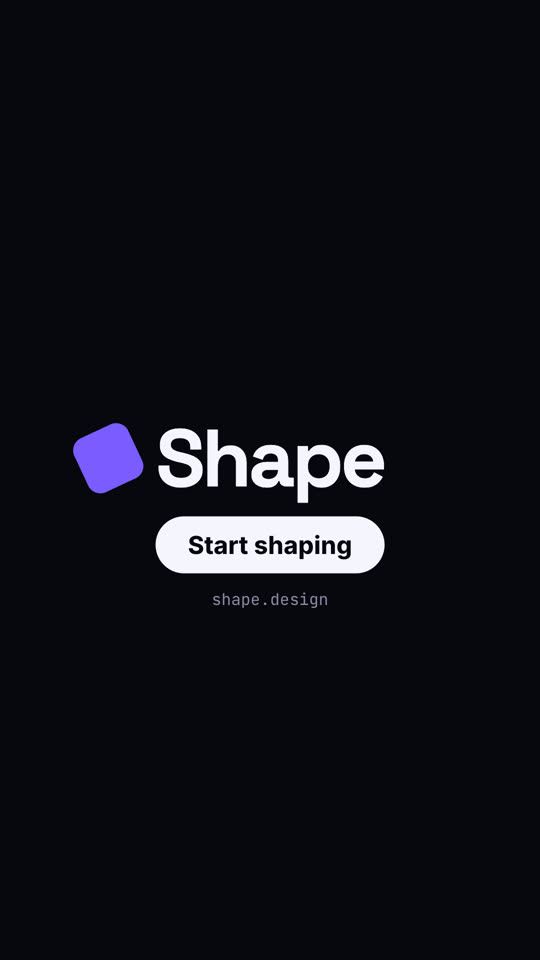
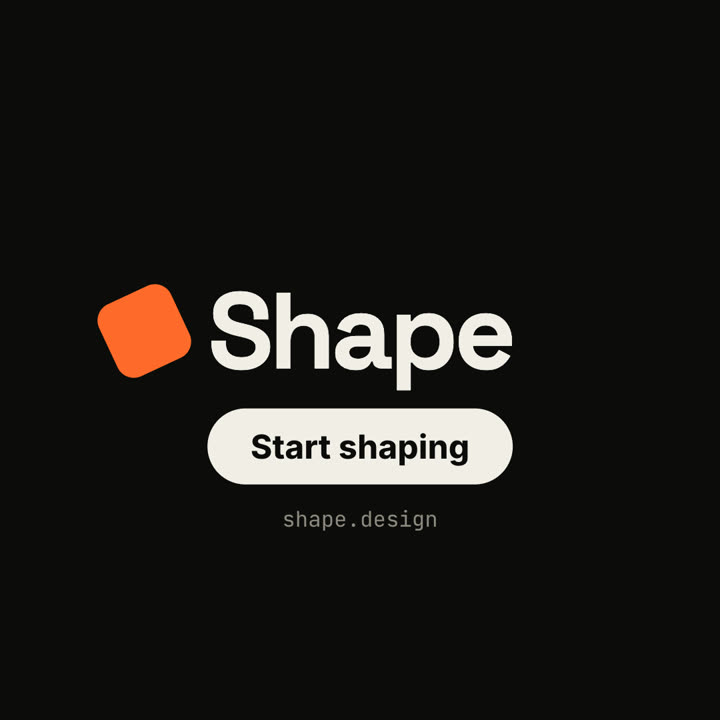
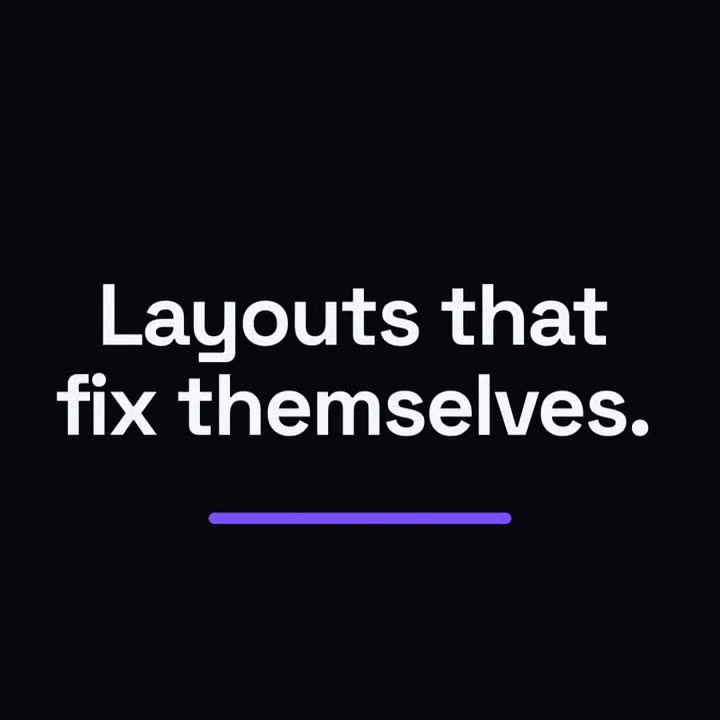
Images finales du même modèle, rendues avec un autre thème et un autre format.
5 thèmes
Aa
Encre
ink
Aa
Papier · par défaut
paper
Aa
Électrique
electric
Aa
Noir
Aa
Sable
sand
Indiquez un thème dans votre prompt, ou définissez vos propres couleurs d’accent, de fond et de texte.
Prompt d’installation
Lis https://claude-motion.com/skills/square-morph-launch/install.md, suis ses étapes pour installer la skill « square-morph-launch », puis fais une première vidéo avec.
Collez-le dans Claude Code, Codex, Cursor ou tout agent compatible avec les skills.
Exemple de prompt
Use the square-morph-launch skill for Grid, a layout tool: hook "Layouts that fix themselves.", three features, CTA "Try Grid". Electric theme, 1:1.
Prompt de style (Claude Motion ou Opus 5.5)
Make an 18-second 16:9 minimal launch for [who will watch, e.g. design system teams], playing [where, e.g. the homepage hero]. Use only the name, lines and features below; don't change a word. Off-white background, one orange shape.

Scene 1: a small orange square pops in at the center, rotates as it grows, then stretches into a thin underline as the headline rises above it. Scene 2: the shape morphs into a large orange circle with "1" beside the first feature, then into a wide card with "2", then into a tall phone shape with "3". End frame: it shrinks into a small rotated square logo mark beside the name, with a black call-to-action button and the URL below.

Headline: [e.g. "Design systems, without the meetings."]
Three features: [e.g. "Tokens — One source for every color", "Components", "Handoff"]
Product, call to action and URL: [e.g. Shape, "Start shaping", shape.design]
Rien à installer : collez-le dans Claude Motion (Team ou Enterprise) ou donnez-le à Opus 5.5 pour un rendu proche. Le résultat change à chaque exécution ; la skill donne toujours le même.