제품 런칭
에이전트에게 저장소, 릴리스 노트, PR을 읽게 하면 프로젝트 → 런칭 영상이 15~30초 런칭 영상으로 만들어 줍니다. 스토리와 MP4까지 포함입니다. 아래에서 런칭 스타일 하나를 골라 제품만 바꿔 넣을 수도 있습니다.
가진 자료에서 완성 영상까지
가진 자료를 에이전트에게 주면 워크플로가 대본, 연출, MP4 렌더링까지 합니다.
이 프롬프트부터 시작하세요
Claude Motion에 붙여 넣거나, 맞는 Skill을 설치해 에이전트에게 요청하세요.
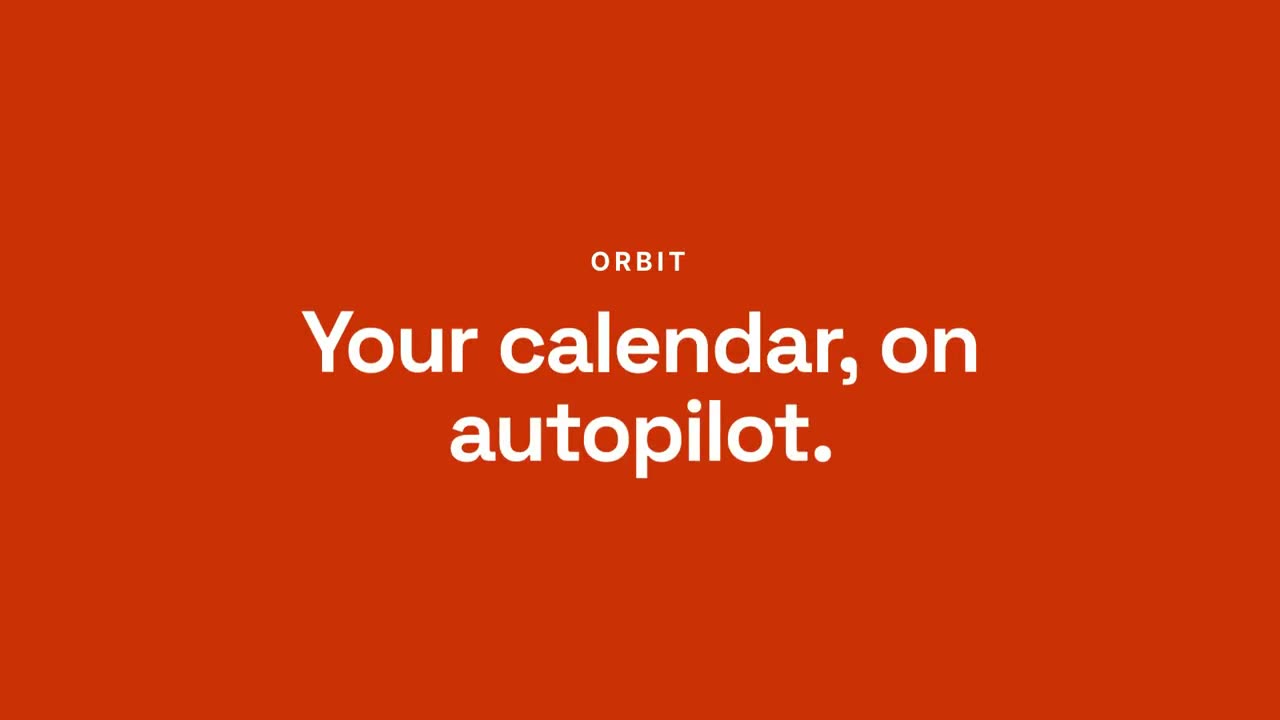
채팅에서 결과로 런칭
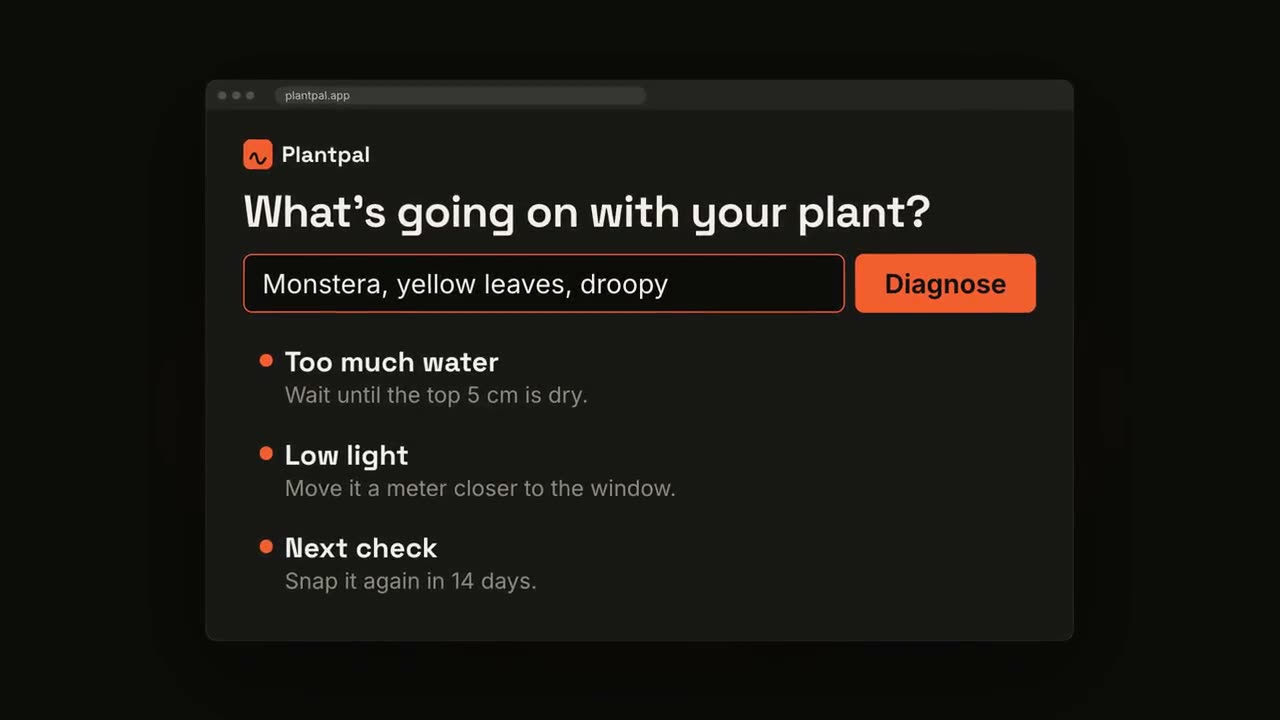
Skill 열기 →PremiumMake a 20-second 16:9 launch video for [who will watch, e.g. busy managers], playing [where, e.g. our homepage and LinkedIn]. Use only the product name, chat lines and features below; don't change a word. Off-white background. Scene 1: a clean white chat window appears and the user's request types into the input, then is sent. A small orange avatar shows typing dots, then replies. Scene 2: the reply expands into a full orange frame with the product name and the headline rising word by word. Scene 3: three white feature cards follow. End frame: the product name with an orange call-to-action button and the URL, held for 2 seconds. Product: [e.g. Orbit] Request and reply: [e.g. "Plan my week around three deep-work blocks." → "Done. Meetings moved, focus time locked in."] Headline: [e.g. "Your calendar, on autopilot."] Three features: [e.g. Smart slots, Focus guard, Daily recap] Call to action and URL: [e.g. "Try Orbit free", orbit.app]
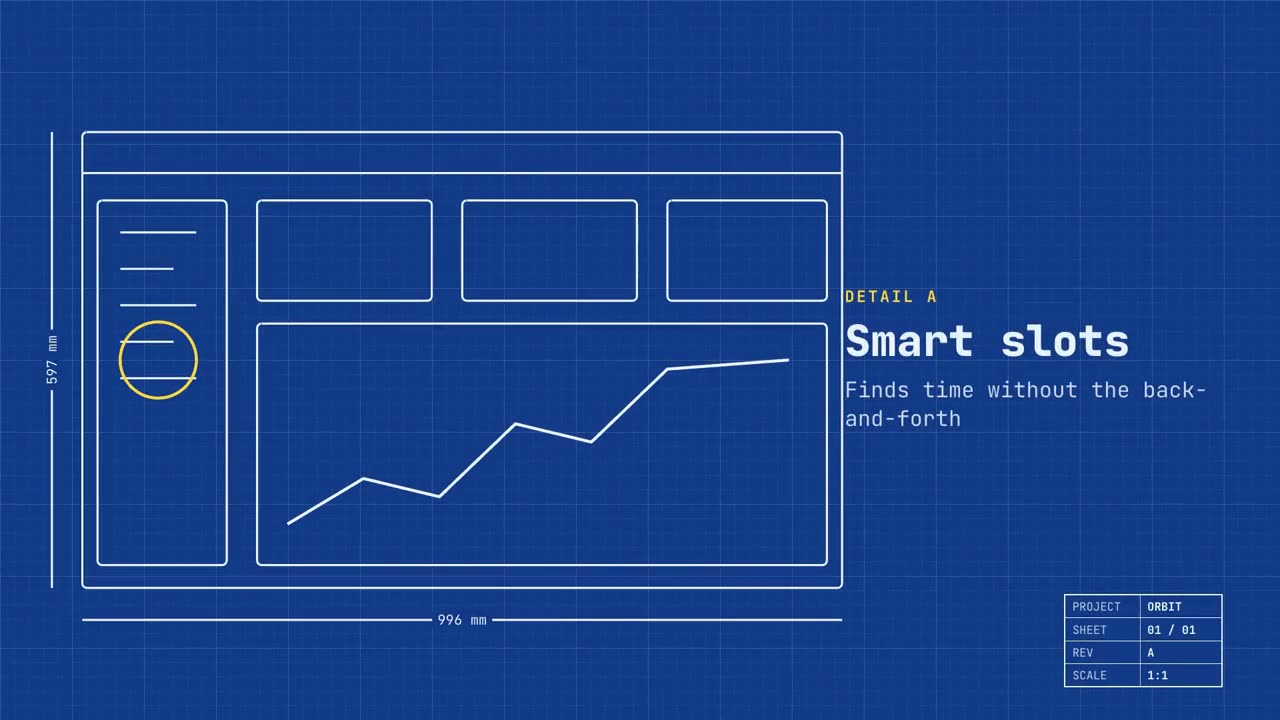
블루프린트 런칭
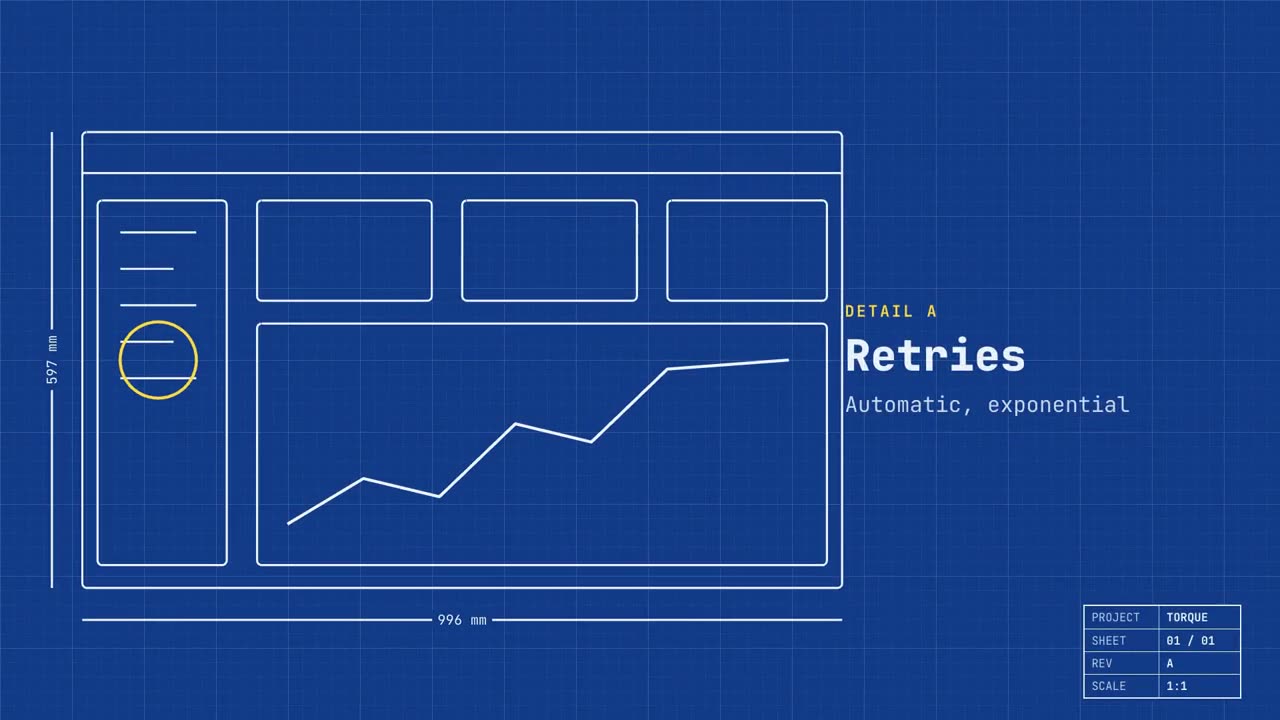
Skill 열기 →PremiumMake a 20-second 16:9 launch video for [who will watch, e.g. engineers and product teams], playing [where, e.g. Product Hunt and X]. Use only the name, lines and screenshot I give; don't change a word. Deep blueprint-blue background with a fine white grid. Scene 1: a wireframe of an app window draws itself in thin white lines (header, sidebar, three cards, a chart) with dashed dimension lines labeled in millimeters and a drawing title block in the corner with the project name. Scene 2: the product name scrambles in, monospace, with the tagline in yellow. Scene 3: three yellow rings circle details labeled DETAIL A, B, C with feature names. Scene 4: the wireframe fills in with the screenshot from left to right and a yellow "APPROVED" stamp slams on. End frame: the name, a yellow status tag and the URL. Product and tagline: [e.g. Orbit, "Engineered for focus."] Three features: [names] Status tag and URL: [e.g. "Now in public beta", orbit.app] Attach: [a screenshot of your product]
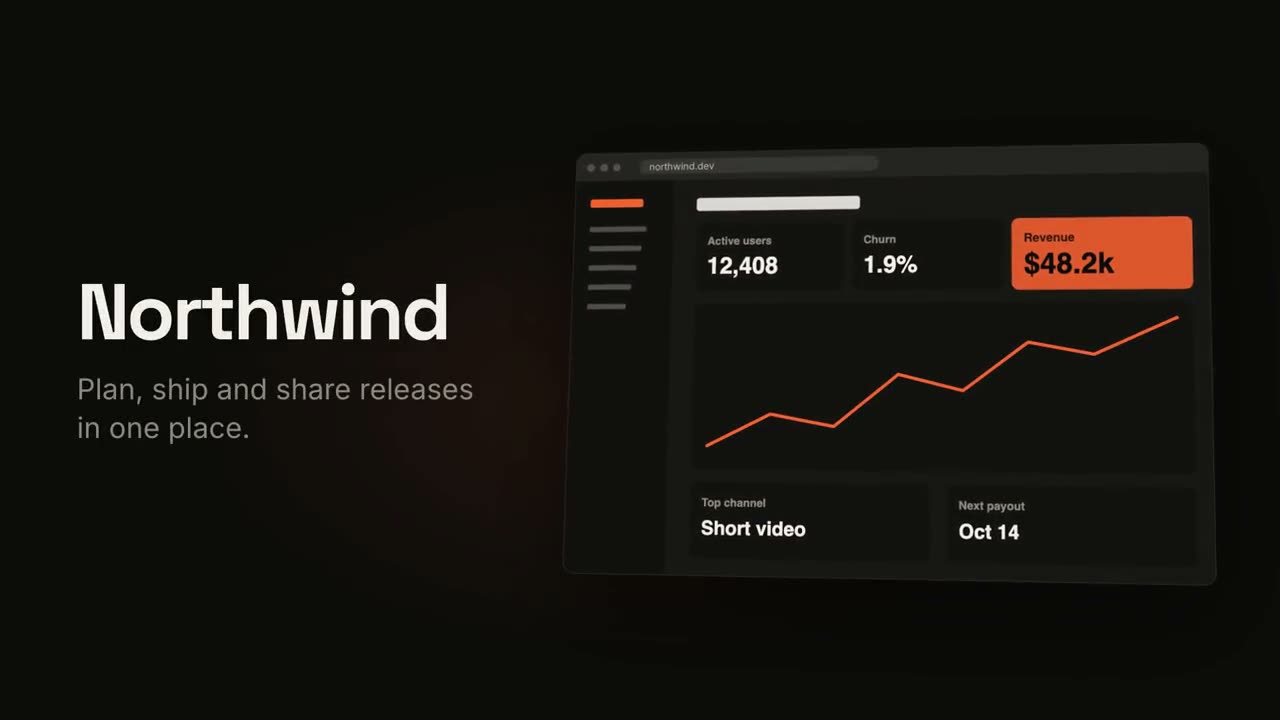
제품 런칭 영상
Skill 열기 →PremiumMake an 18-second 16:9 product launch film for [who will watch, e.g. product managers], playing [where, e.g. our homepage hero and X]. Use only the name, lines and screenshot I give below; don't change a word. Near-black background with a warm orange glow. Scene 1 (0–3.4s): a two-line hook rises from masks, line one off-white, line two orange, slowly pushing in. An orange wipe cuts to Scene 2: the product name and tagline on the left while a browser window with the screenshot rises from below with a 3D tilt and settles. Scene 3: three features one at a time, each with a huge orange numeral (01, 02, 03), a bold title and a gray description, with a segmented progress bar at the bottom. End frame: the logo mark spins in, then the name, an orange call-to-action pill and the URL. Hook: [two lines] (e.g. "Your roadmap" / "finally in motion") Product and tagline: [e.g. Northwind, one line] Features: [three titles with one-line descriptions] Call to action and URL: [e.g. "Start free", northwind.dev] Attach: [a screenshot of your product]
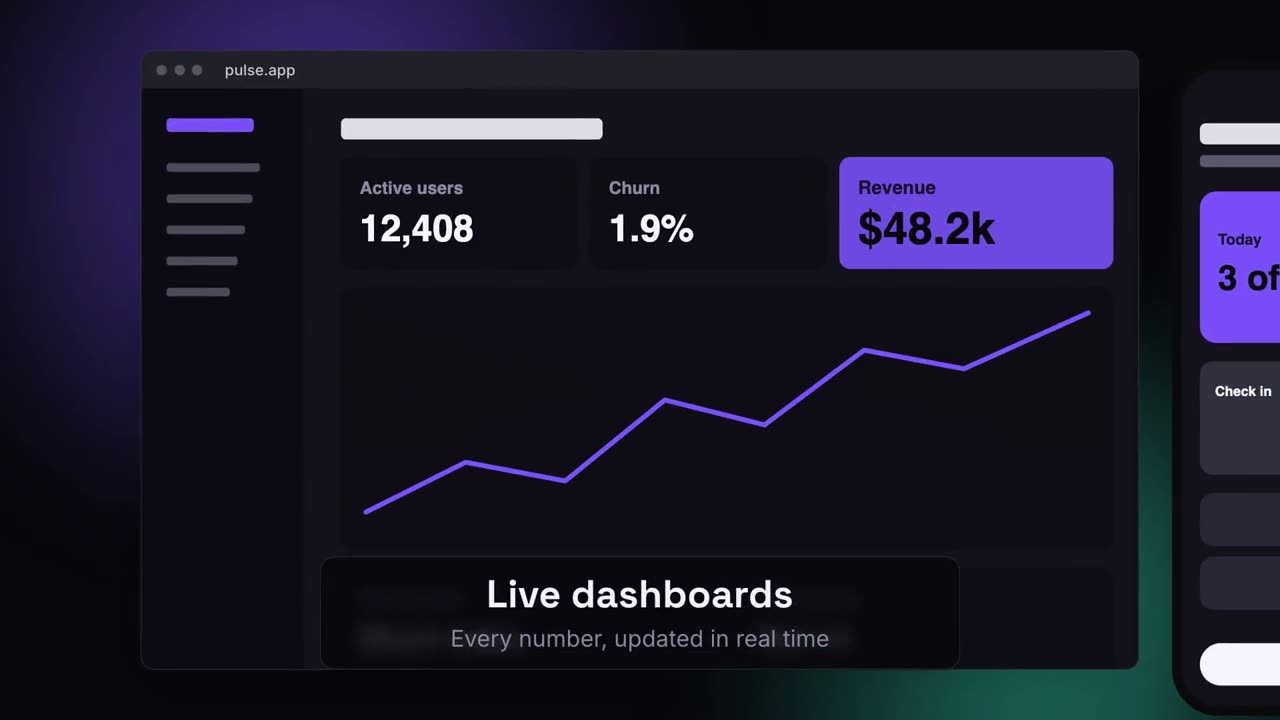
디바이스 캔버스 런칭
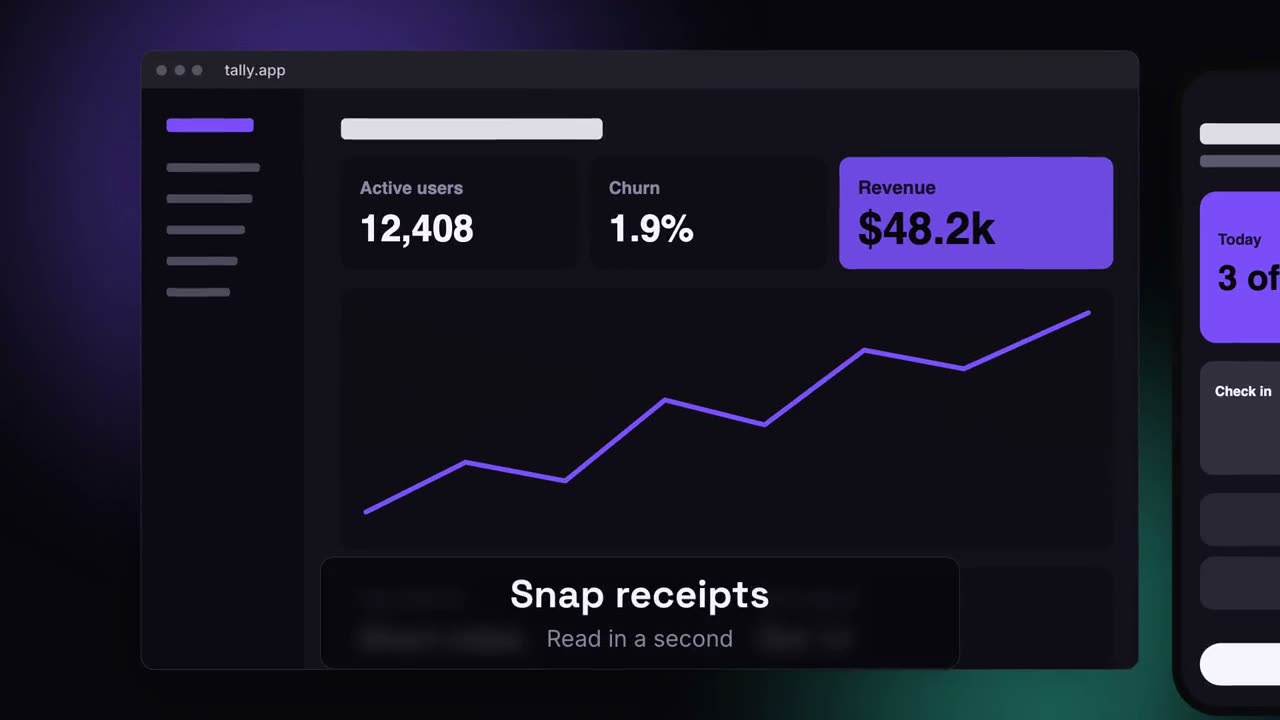
Skill 열기 →PremiumMake a 20-second 16:9 launch video for [who will watch, e.g. ops and finance leads], playing [where, e.g. the homepage hero]. Use only the lines and screenshots I give; don't change a word. Deep navy background with soft violet and teal glows. Scene 1: the hook rises word by word and fades. Scene 2: a browser window with the desktop screenshot and a phone with the mobile screenshot rise onto the canvas. Scene 3: the camera glides in to the browser while a glass caption shows the first feature, then to the phone with the second, then pulls back to show both with the third. End frame: the devices blur and sink as the product name, the hook and a violet call-to-action button appear. Hook: [e.g. "Your metrics, everywhere you work."] Three captions: [e.g. "Live dashboards — Every number, updated in real time", "Pocket alerts", "Always in sync"] Product and call to action: [e.g. Pulse, "Get Pulse free"] Attach: [a desktop screenshot and a phone screenshot]
따로 쓸 수 있는 장면
제품 런칭 영상
훅, 제품 공개, 세 가지 기능, 엔딩 카드.
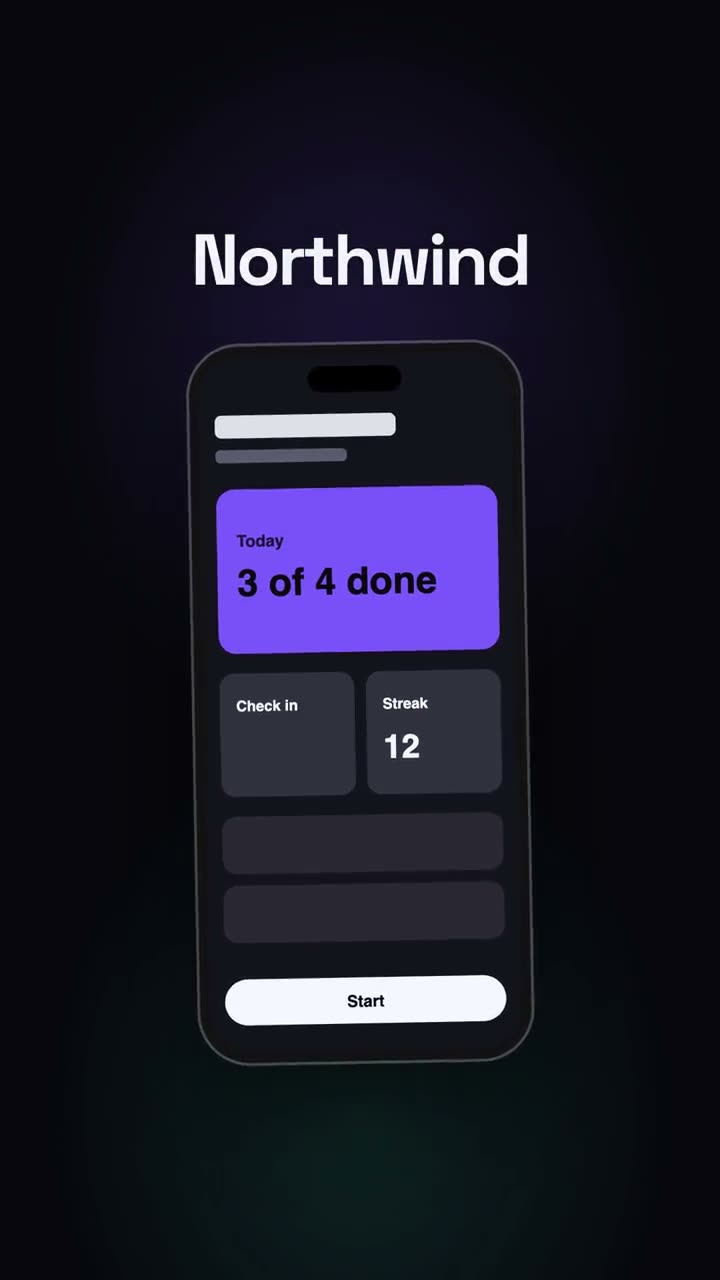
세로형 런칭
소셜 우선 런칭 컷: 훅, 휴대폰, 장점, CTA.
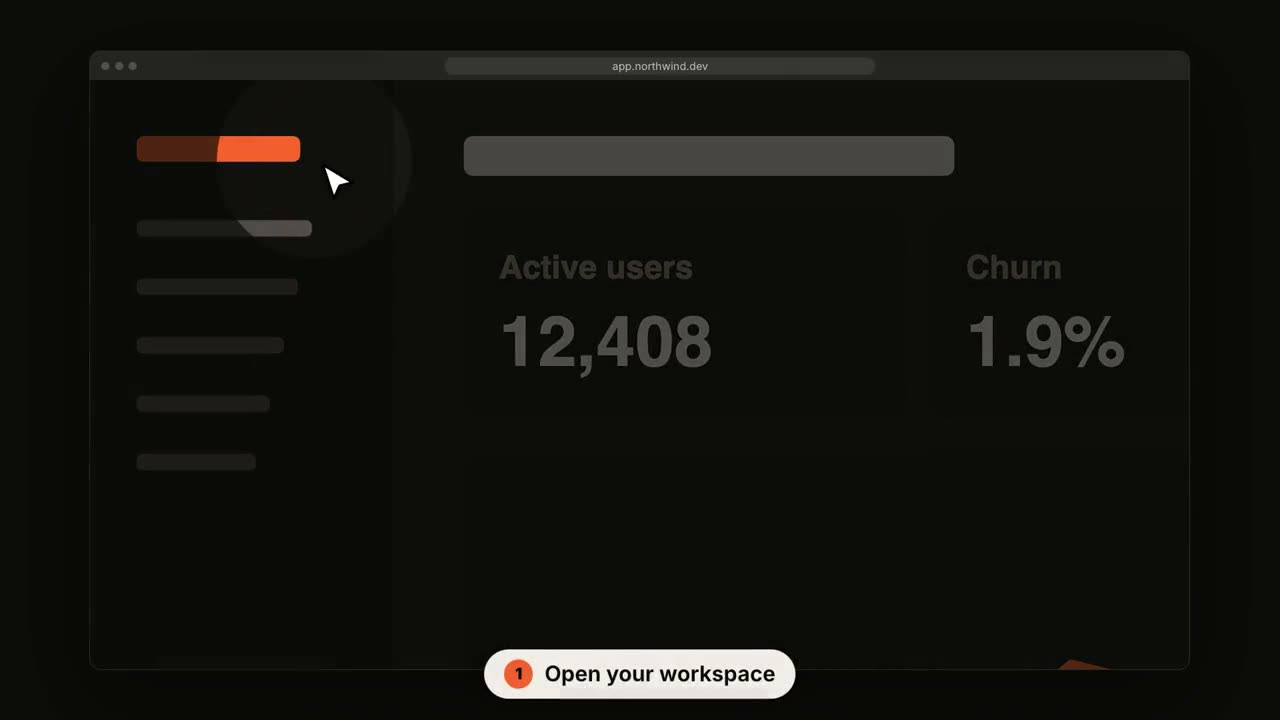
SaaS UI 둘러보기
커서가 클릭하며 지나가는 동안 카메라가 단계마다 다가갑니다.
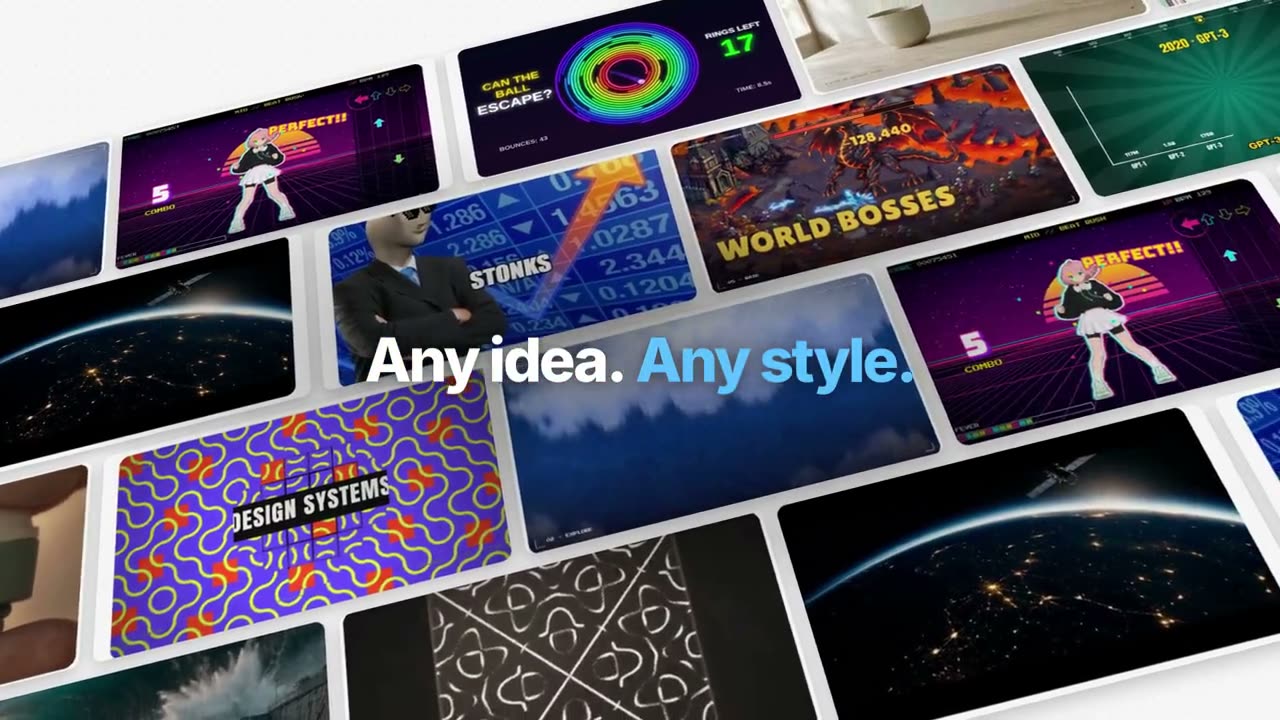
Manus 스타일 기능 소개 필름
하나의 예시를 끝까지 따라갑니다: 정리, 생성, 자막, 추적, 코드, 합성. 파란 핵심어가 흐림에서 선명해집니다.
Manus 키노트 스타일 런칭
챕터로 나뉜 런칭: 검은 인트로, 새 기능 티커, 풍경 위에서 일하는 제품의 각 챕터, One More Thing, 마스코트.
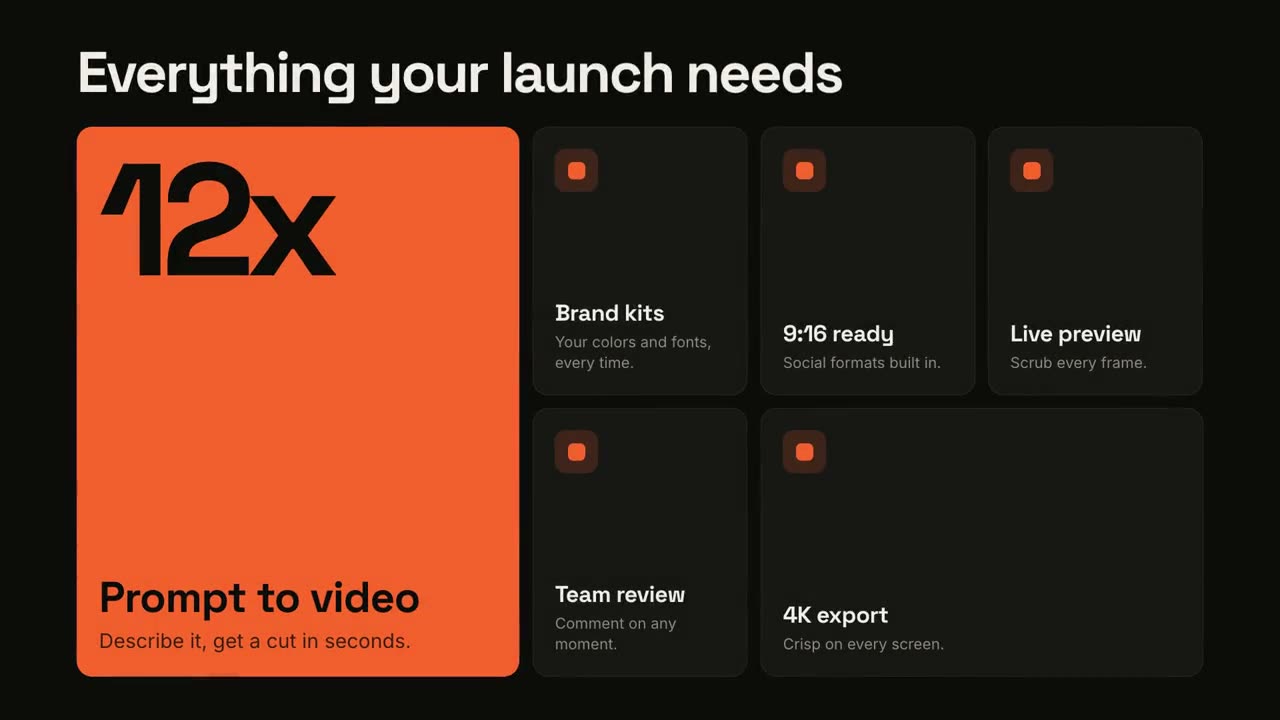
기능 그리드
벤토 그리드가 조립되고, 기능마다 스포트라이트가 비춰집니다.
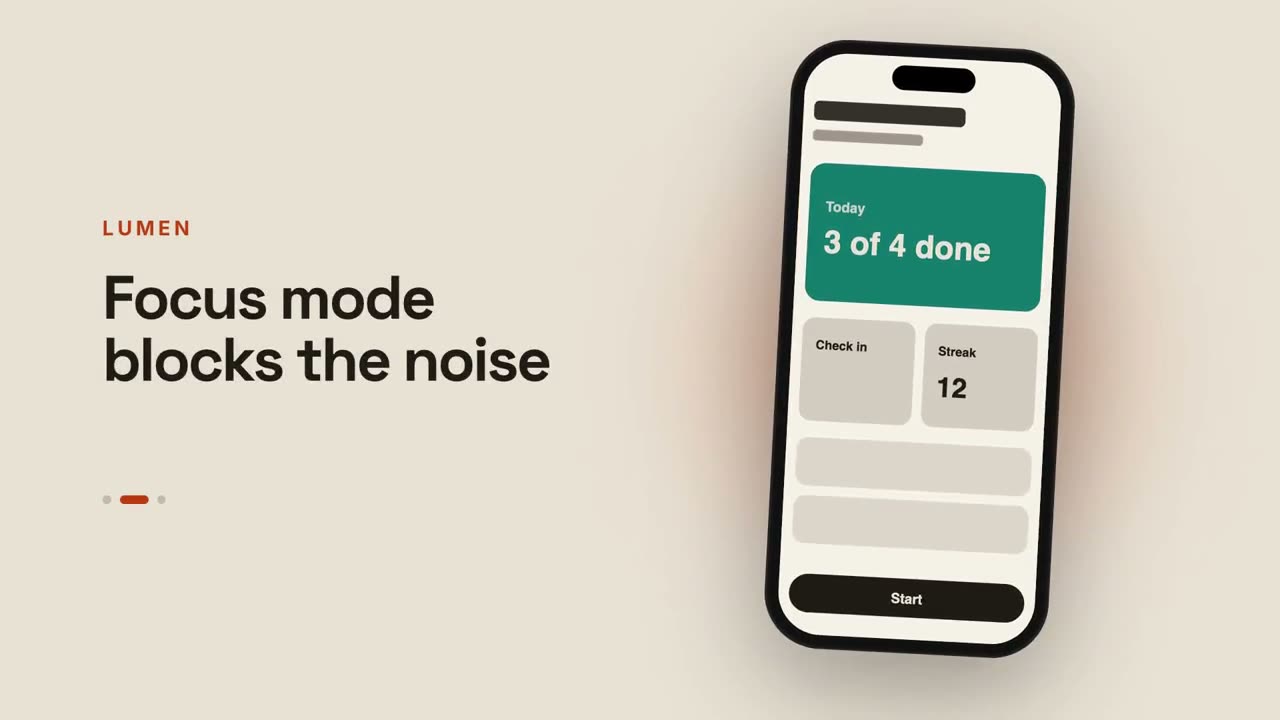
앱 미리보기
휴대폰이 화면을 넘기고 옆에서 캡션이 바뀝니다.
채팅에서 결과로 런칭
프롬프트가 입력되고, 어시스턴트가 답하고, 그 답이 런칭이 됩니다.
블루프린트 런칭
제품이 스스로 그려지는 설계도가 되고, 마지막에 실물로 채워집니다.
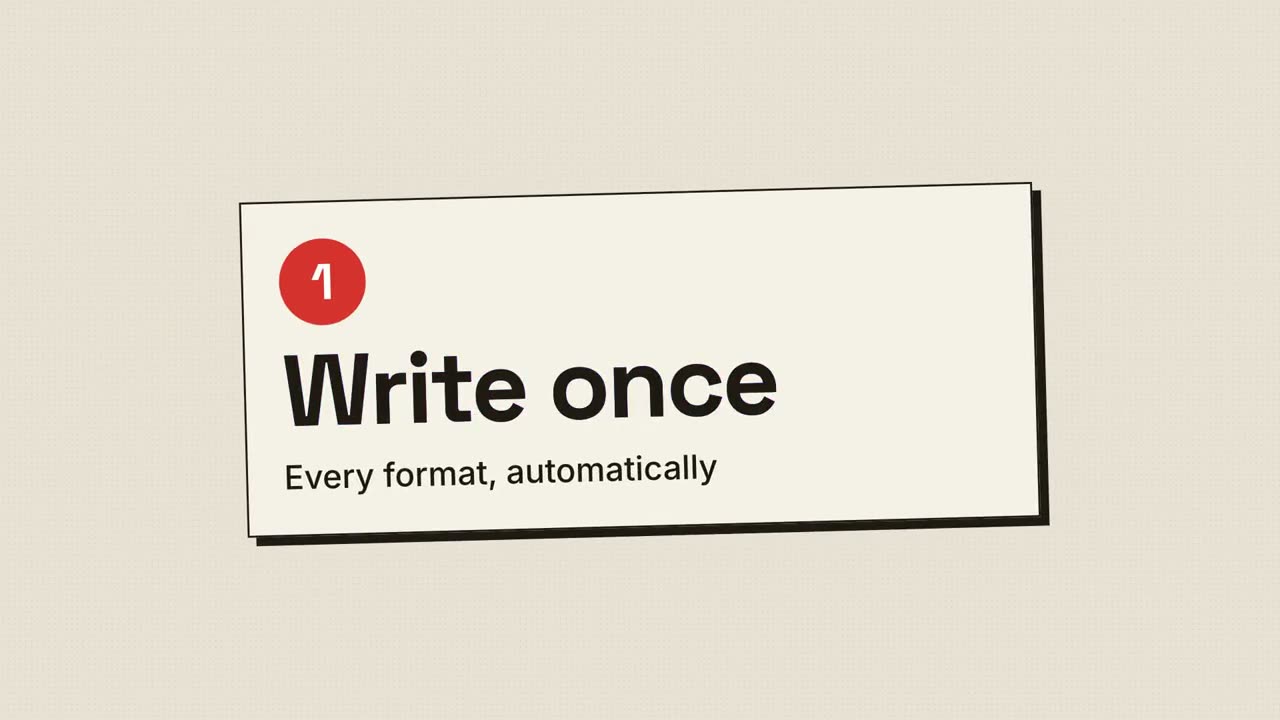
하프톤 인쇄 런칭
레트로 인쇄: 망점과 CMYK 판이 맞춰지며 딱 정렬됩니다.
디바이스 캔버스 런칭
빛나는 캔버스 위에 데스크톱과 휴대폰이 떠 있고, 카메라가 둘러봅니다.
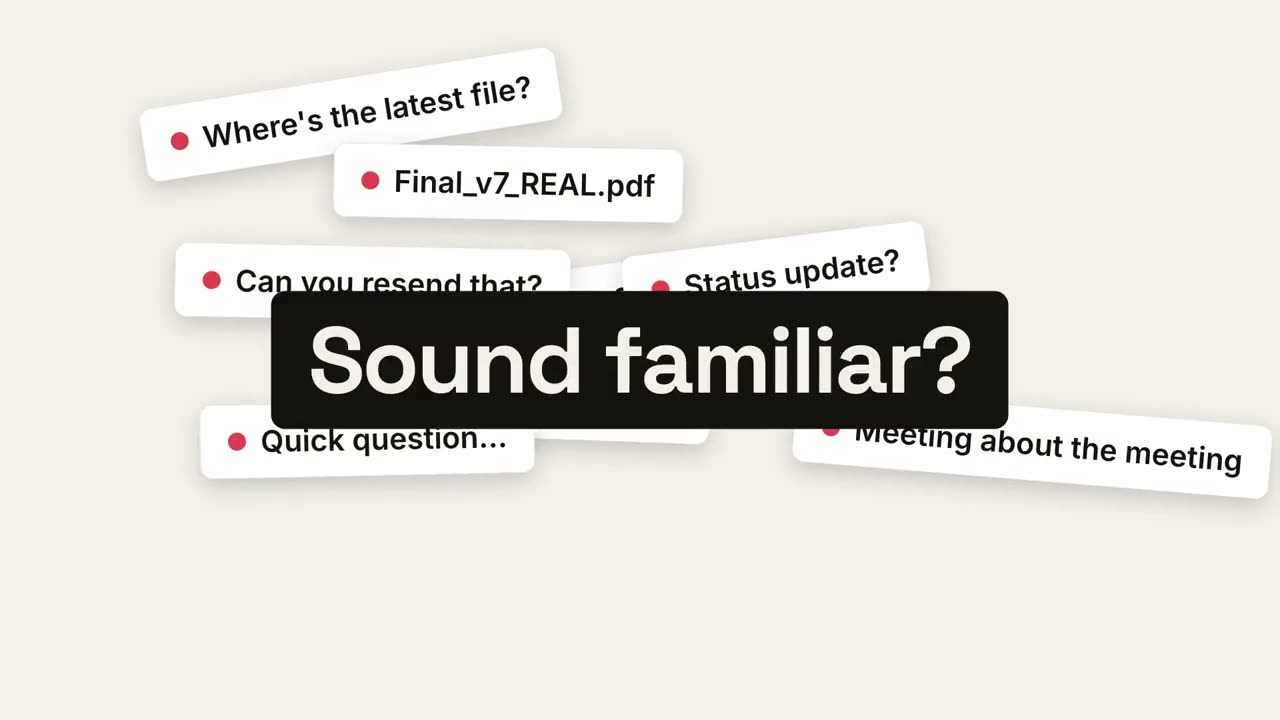
페인 리빌 런칭
일상의 혼란이 쌓이고, 한 점으로 무너지고, 평온이 드러납니다.
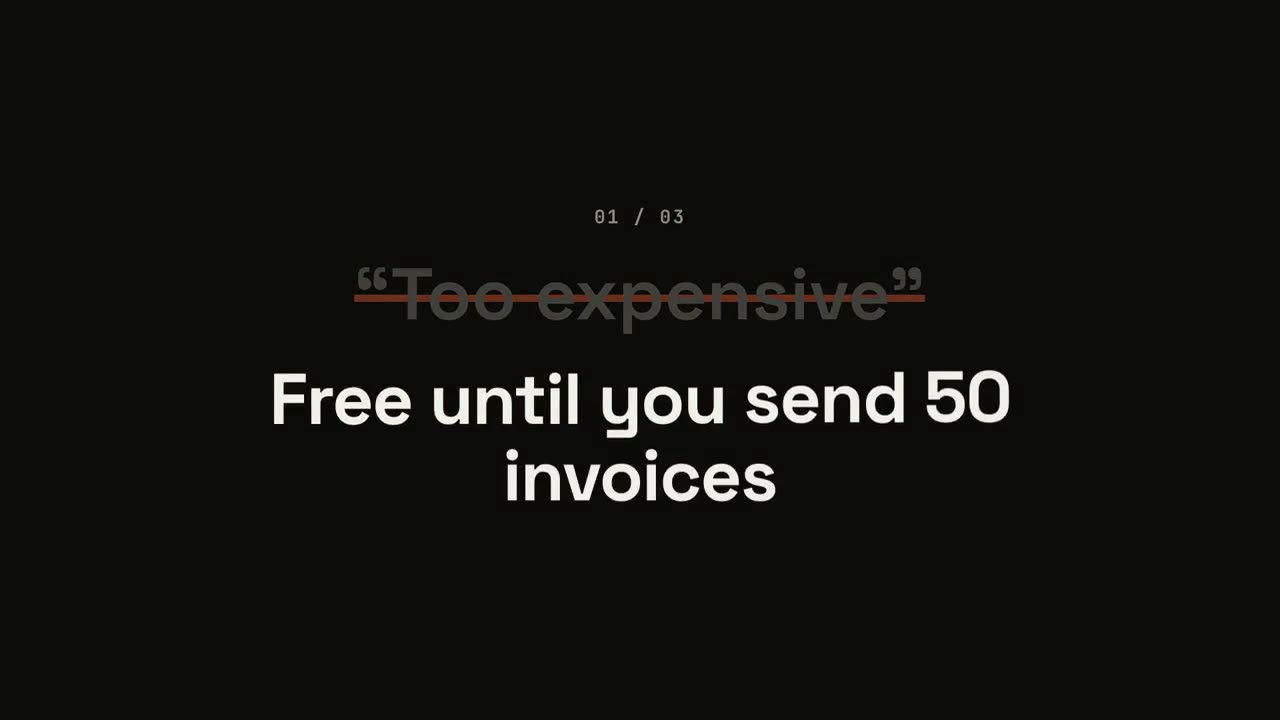
반론 뒤집기 런칭
반론이 따옴표 안에 나타나고, 지워지고, 뒤집힙니다.
비트 리빌 런칭
비트에 맞춘 하드 컷: 단어가 번쩍이고, 제품이 등장하고, 장점이 맥동합니다.
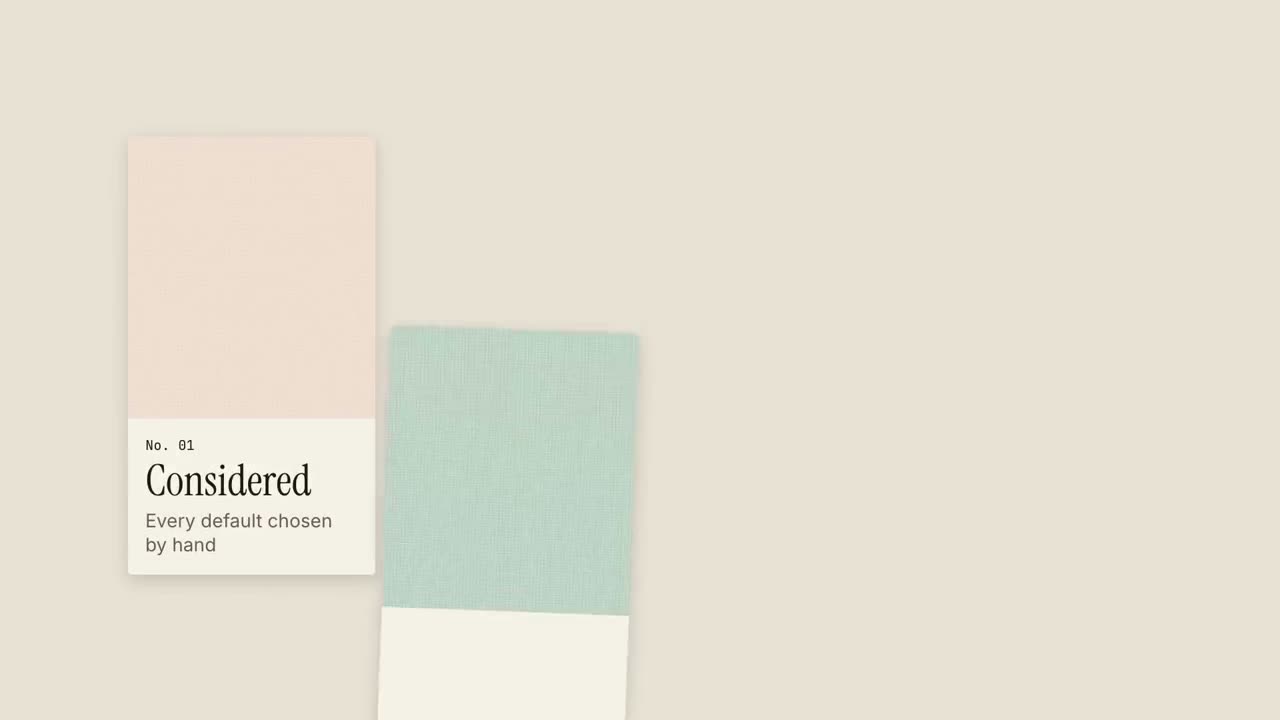
텍스처 스와치 런칭
견본집처럼 소재 스와치가 들어오고, 각각 하나의 품질을 담습니다.
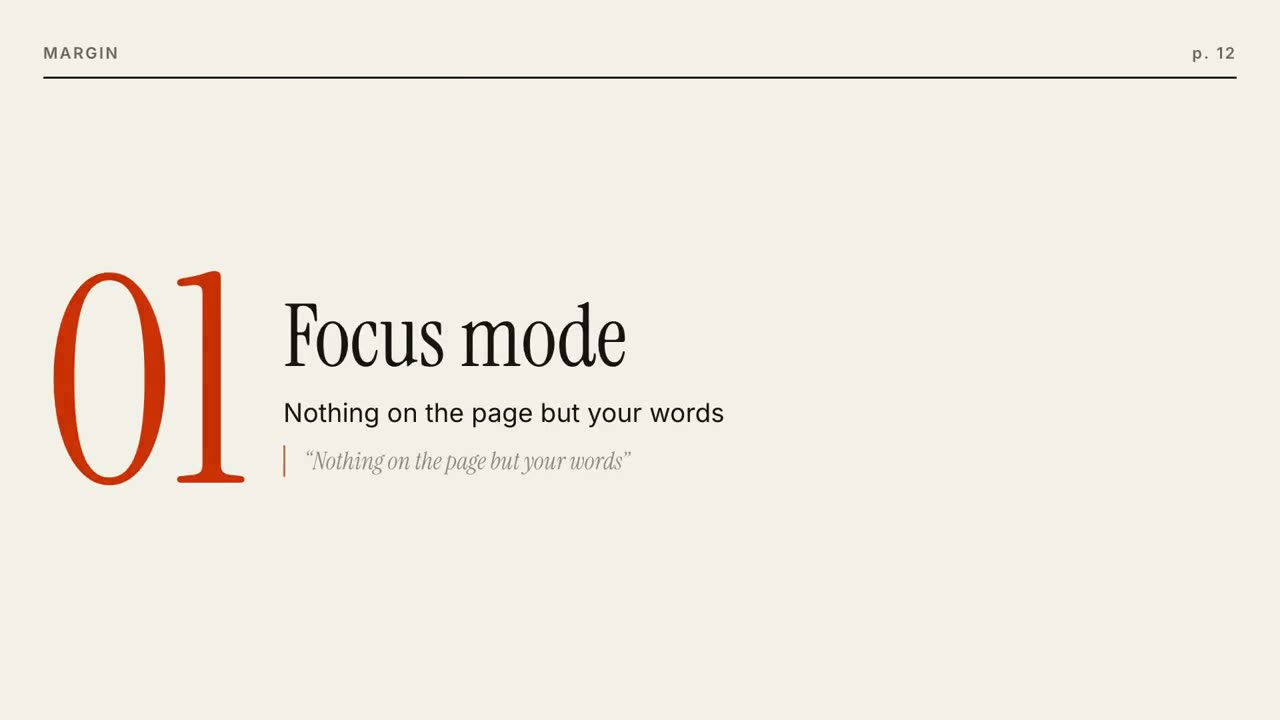
에디토리얼 프레임 런칭
잡지 표지가 만들어지고, 기능마다 페이지가 넘어갑니다.
스퀘어 모프 런칭
강조색 네모 하나가 점, 카드, 휴대폰, 로고로 변신합니다.
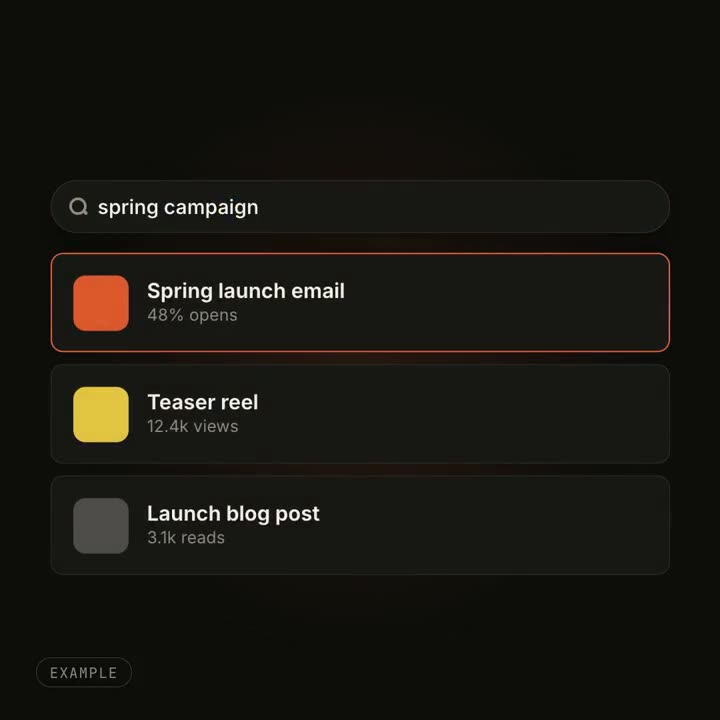
UI 모프 이펙트
버튼이 플레이어가 되고 검색창에 결과가 채워집니다. 하나의 요소가 모양을 바꿉니다.