Claude-Motion-Prompts
Claude-Motion- und Opus-5.5-Prompts, die funktionieren, mit Vorschau.
Drei Wege zu einem animierten Video mit Claude: Claude Motion, ein direkter Prompt an Opus 5.5 oder ein Skill in deinem Agenten. Bei jedem Prompt steht, wo er läuft und wer ihn geschrieben hat. Ersetze vor dem Einfügen die [Klammern] durch deine eigenen Worte und Zahlen.
Wo jeder Prompt läuft
Claude Motion ↓
Team- und Enterprise-Pläne, in claude.ai. Eigenen Bericht, Daten oder Bilder anhängen.
02Opus 5.5 direkt prompten ↓
Jeder Plan mit Opus 5.5, in Claude Code, Cursor oder der Claude-App. Ein Prompt, kein Skill: Opus schreibt die Animation von Grund auf.
03Claude Code oder Codex ↓
Jeder Plan. Skill installieren, das MP4 wird auf dem eigenen Rechner gerendert.
Prompts für Claude Motion
Für Team- und Enterprise-Pläne. Zuerst Ergebnisse, die Leute aus Claude Motion geteilt haben, dann unsere Stil-Prompts. Jeder Stil-Prompt nennt, wer zuschaut, wo es läuft und wie lang es ist, und weist Claude an, nur deine Inhalte zu verwenden. Sie funktionieren auch als direkter Prompt an Opus 5.5. Wir haben sie geschrieben und die Vorschauen mit dem passenden Skill gerendert; in Claude Motion haben wir sie nicht ausgeführt, dort sieht das Ergebnis anders aus.
So sind diese Prompts geschrieben
- ✓Wer zusieht und wo: „für Investoren, im Monatsupdate“.
- ✓Länge und Format: „ein 20-Sekunden-Video in 16:9“.
- ✓Nur eigene Inhalte: Bericht oder Daten anhängen und „keine Zahl ändern“ schreiben.
- ✓Szenen der Reihe nach, dann das Schlussbild: was erscheint, was sich bewegt, womit es endet.
Mit Claude Motion gemacht, auf X geteilt
Echte Ergebnisse von Team- und Enterprise-Nutzern, die angeben, sie mit Claude Motion gemacht zu haben. Die meisten haben ihren Prompt nicht geteilt; jedes verlinkt den Originalbeitrag und einen Prompt für etwas Ähnliches.
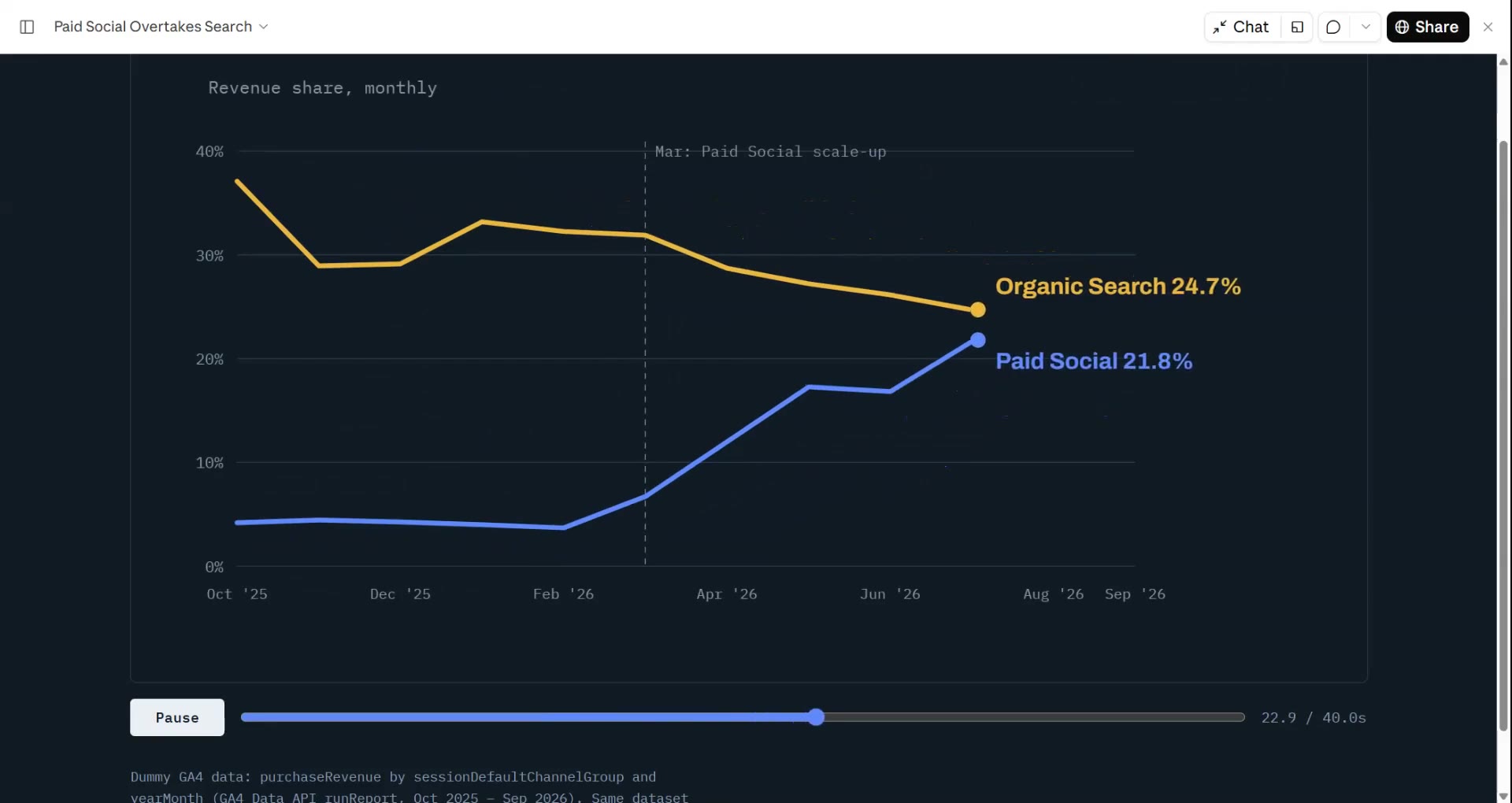
GA4-Umsatzdaten als animierte Geschichte
@analyticsnerdDer Prompt wurde nicht geteilt.
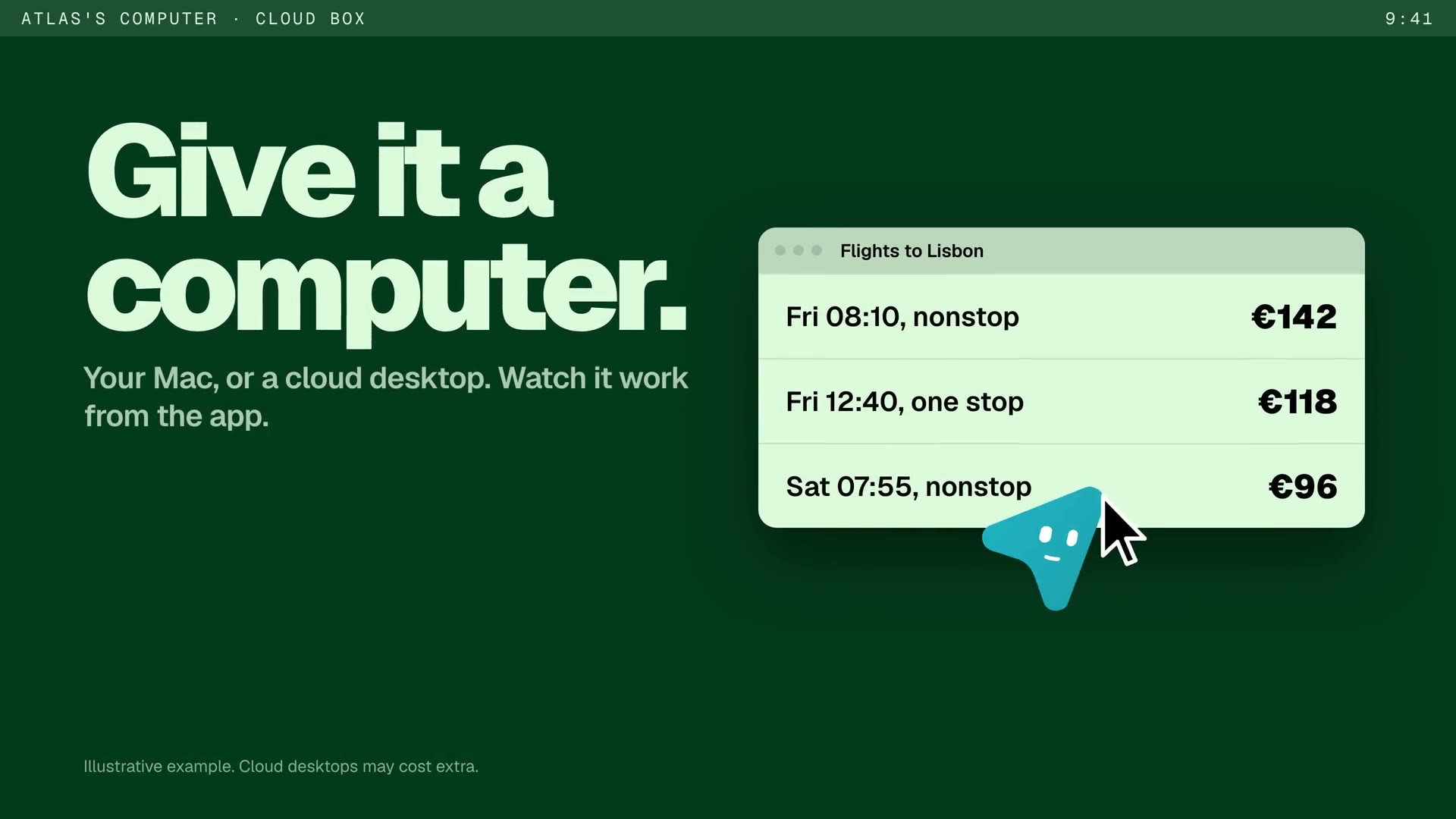
Launch-Film für einen KI-Agenten mit eigenem Computer
@BuildwithOmkarr · One-shotDer Prompt wurde nicht geteilt.
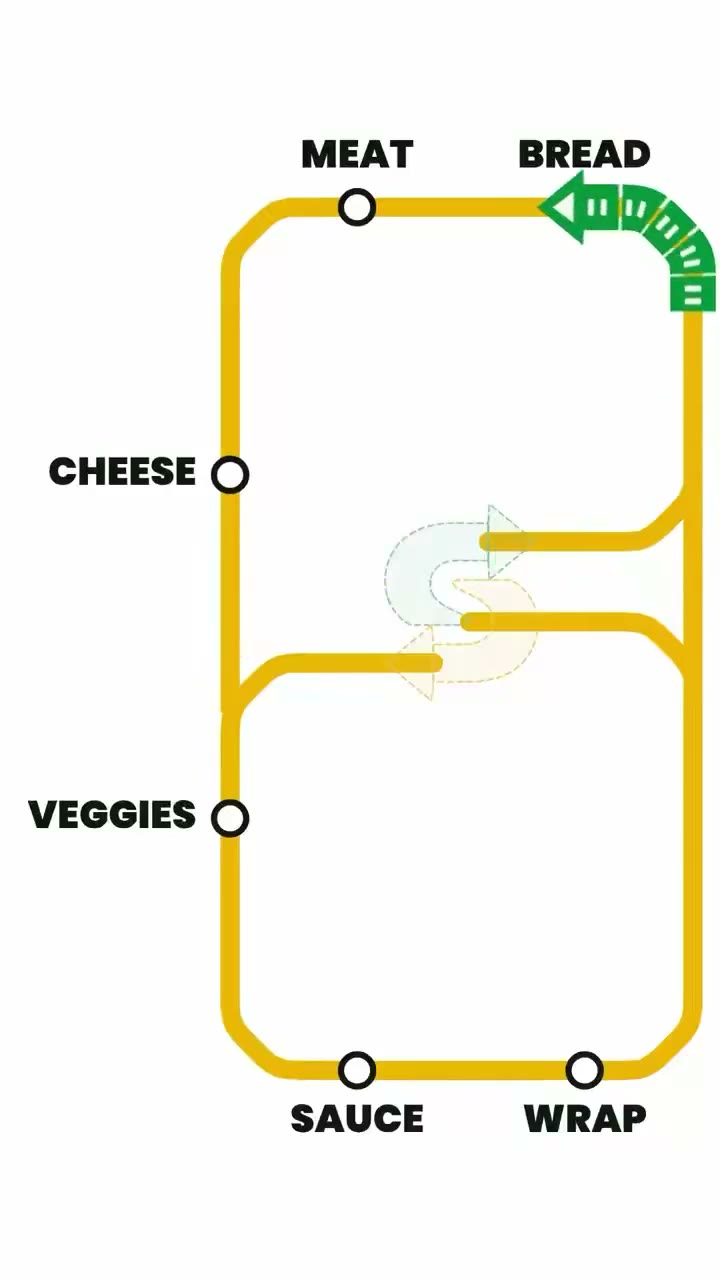
Sandwich-Werbung als U-Bahn-Plan
@madebyoddlyDer Prompt wurde nicht geteilt.
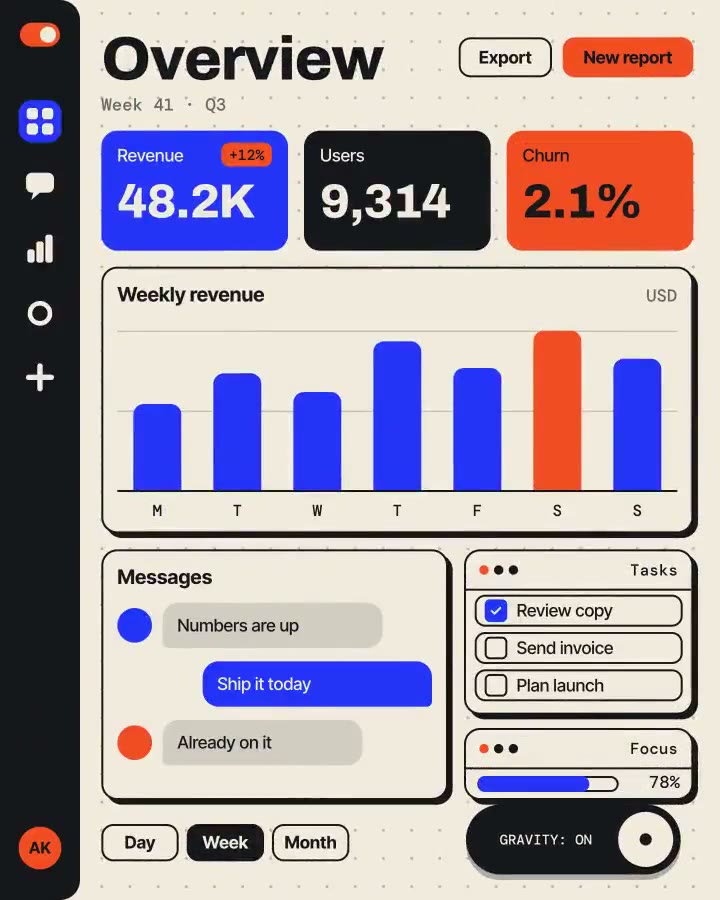
Promo für eine erfundene App mit Schwerkraftschalter
@rilltoseaDer Prompt wurde nicht geteilt.

Claude Dashboards und Motion, auf Japanisch erklärt
@ryu_f_webDer Prompt wurde nicht geteilt.
Claude Motion beantwortet „Was kannst du?“
@yama_kiyoDer Prompt wurde nicht geteilt.
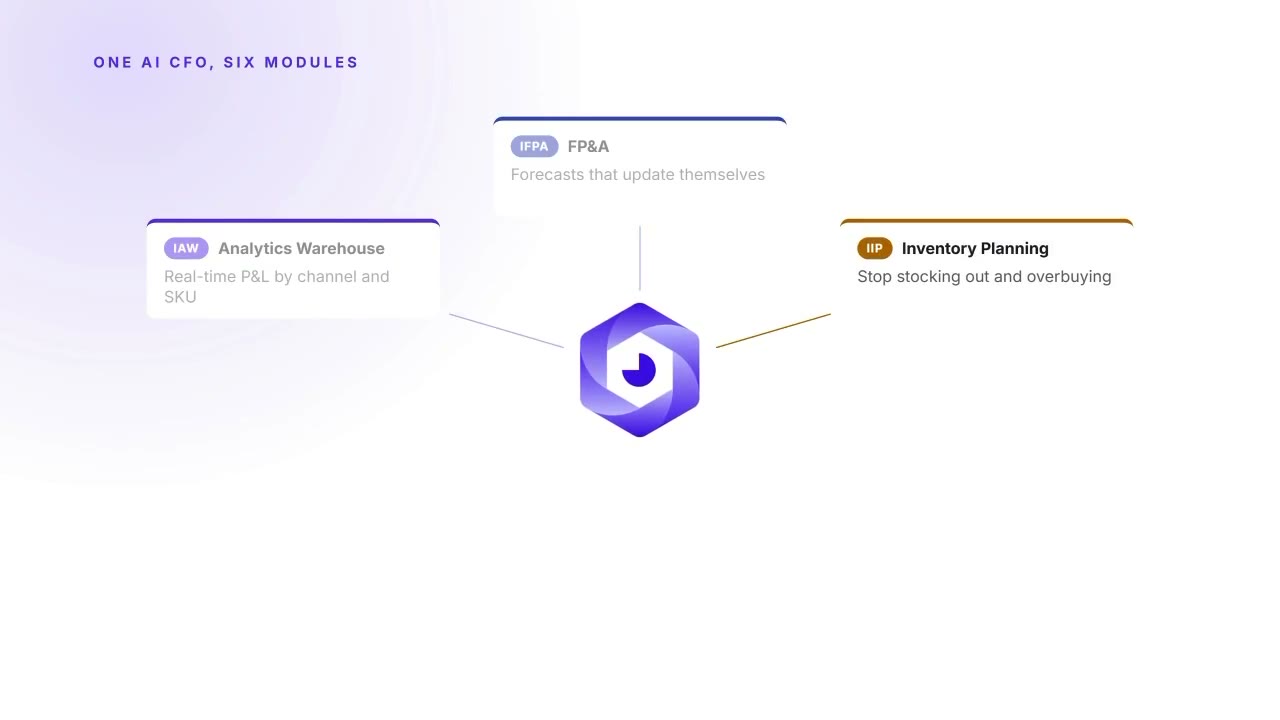
Erklärvideo einer Finanz-KI mit Margendiagramm
@drewfallon12Der Prompt wurde nicht geteilt.
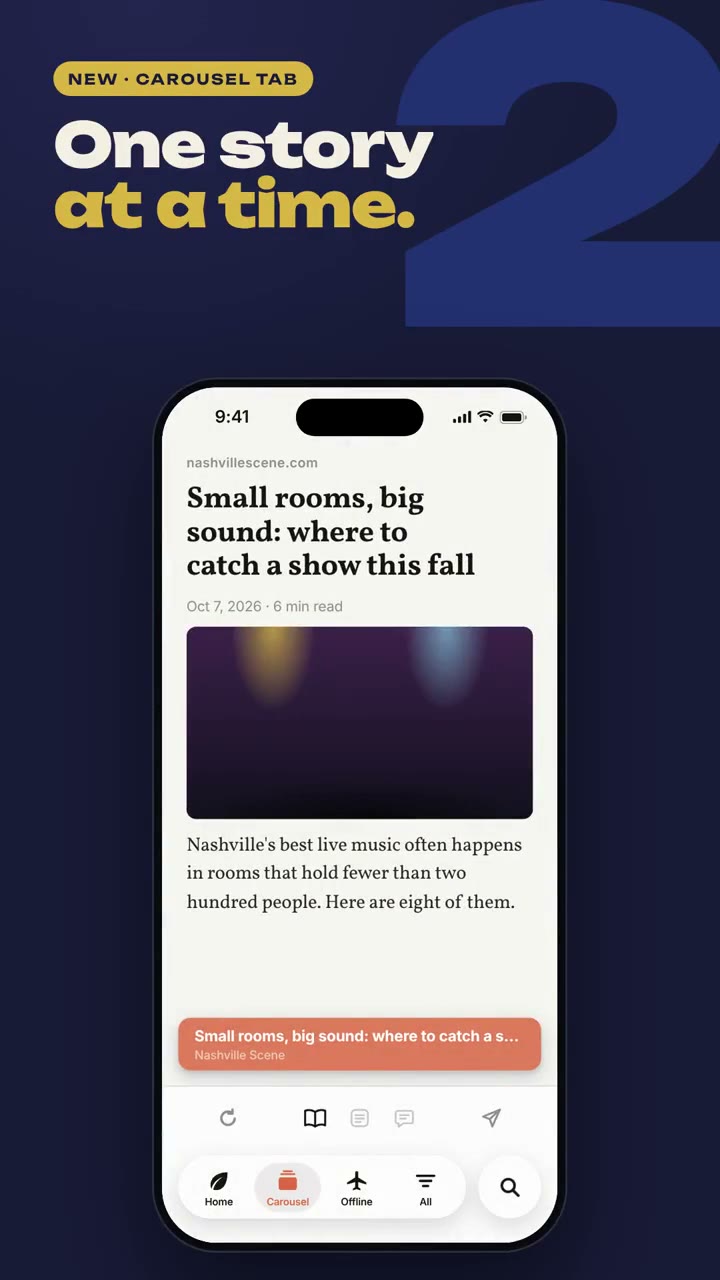
Visuelles Changelog der drei neuesten Features eines Repos
@nateparrottmake a visual changelog of the 3 newest features in this repo, using a Claude Motion artifact
Stil-Prompts, von uns geschrieben
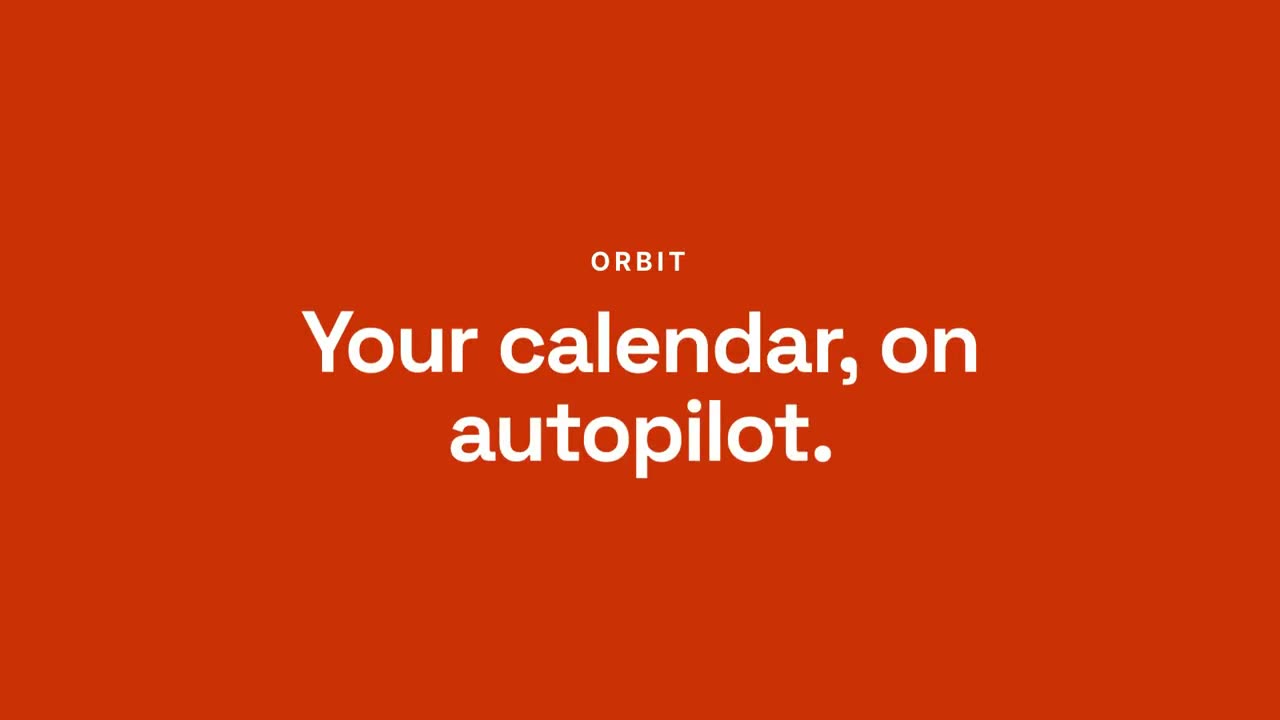
Vom Chat zum Ergebnis
Skill öffnen →PremiumMake a 20-second 16:9 launch video for [who will watch, e.g. busy managers], playing [where, e.g. our homepage and LinkedIn]. Use only the product name, chat lines and features below; don't change a word. Off-white background. Scene 1: a clean white chat window appears and the user's request types into the input, then is sent. A small orange avatar shows typing dots, then replies. Scene 2: the reply expands into a full orange frame with the product name and the headline rising word by word. Scene 3: three white feature cards follow. End frame: the product name with an orange call-to-action button and the URL, held for 2 seconds. Product: [e.g. Orbit] Request and reply: [e.g. "Plan my week around three deep-work blocks." → "Done. Meetings moved, focus time locked in."] Headline: [e.g. "Your calendar, on autopilot."] Three features: [e.g. Smart slots, Focus guard, Daily recap] Call to action and URL: [e.g. "Try Orbit free", orbit.app]
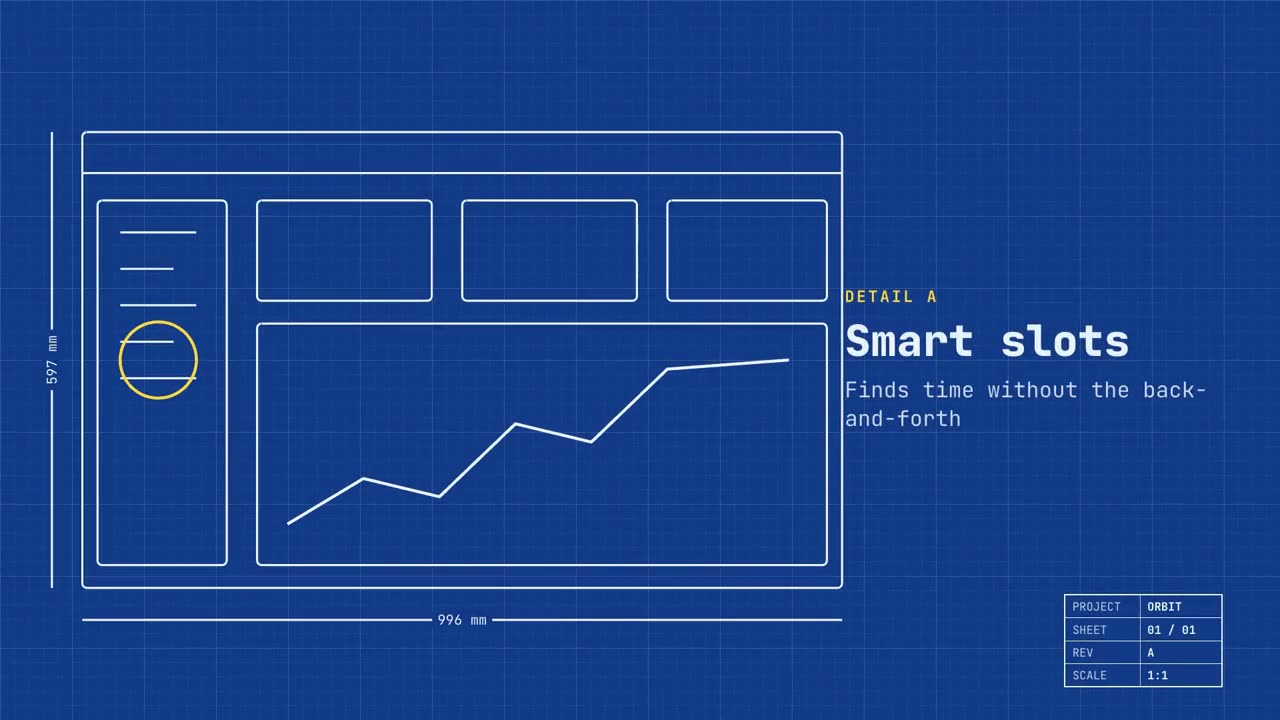
Blaupausen-Launch
Skill öffnen →PremiumMake a 20-second 16:9 launch video for [who will watch, e.g. engineers and product teams], playing [where, e.g. Product Hunt and X]. Use only the name, lines and screenshot I give; don't change a word. Deep blueprint-blue background with a fine white grid. Scene 1: a wireframe of an app window draws itself in thin white lines (header, sidebar, three cards, a chart) with dashed dimension lines labeled in millimeters and a drawing title block in the corner with the project name. Scene 2: the product name scrambles in, monospace, with the tagline in yellow. Scene 3: three yellow rings circle details labeled DETAIL A, B, C with feature names. Scene 4: the wireframe fills in with the screenshot from left to right and a yellow "APPROVED" stamp slams on. End frame: the name, a yellow status tag and the URL. Product and tagline: [e.g. Orbit, "Engineered for focus."] Three features: [names] Status tag and URL: [e.g. "Now in public beta", orbit.app] Attach: [a screenshot of your product]
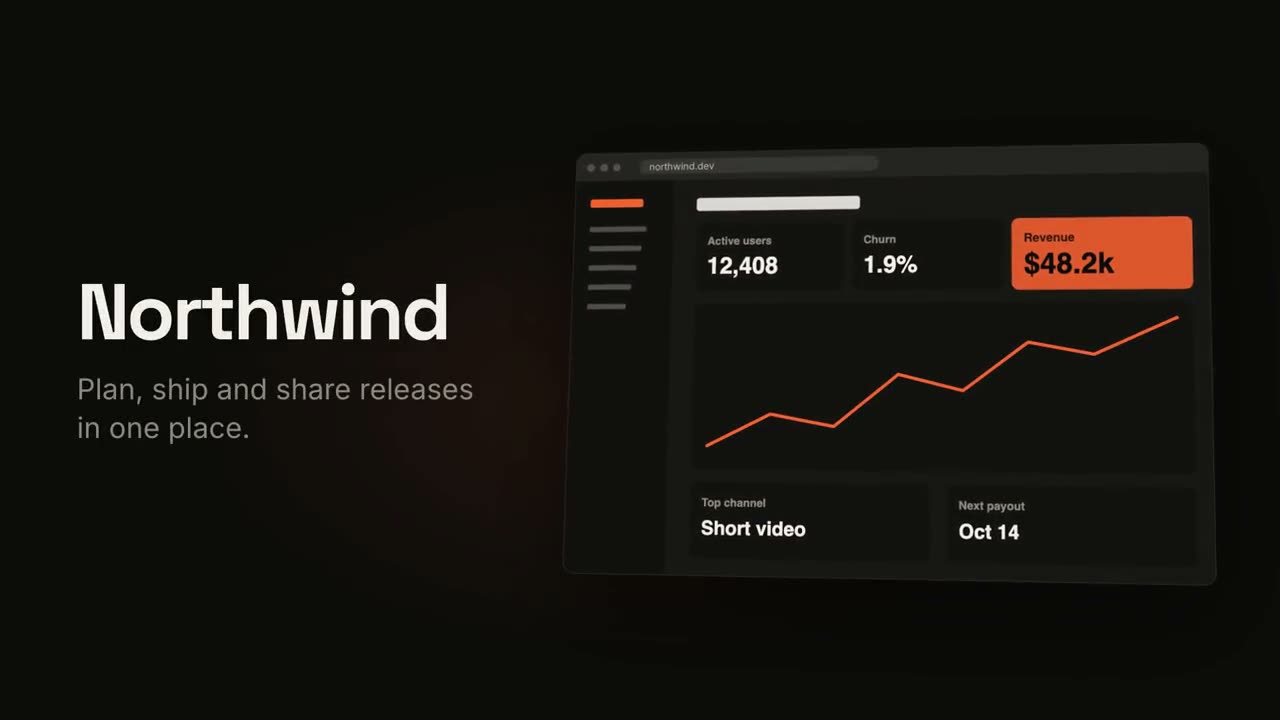
Produkt-Launch-Film
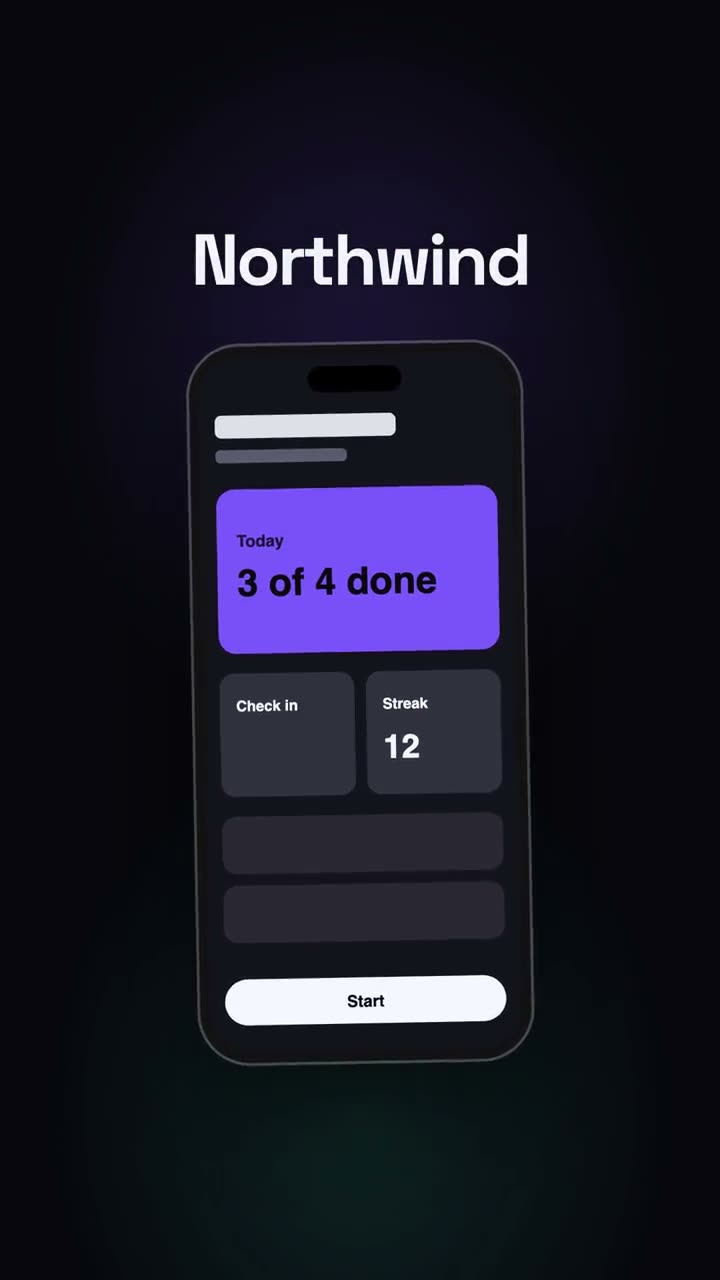
Skill öffnen →PremiumMake an 18-second 16:9 product launch film for [who will watch, e.g. product managers], playing [where, e.g. our homepage hero and X]. Use only the name, lines and screenshot I give below; don't change a word. Near-black background with a warm orange glow. Scene 1 (0–3.4s): a two-line hook rises from masks, line one off-white, line two orange, slowly pushing in. An orange wipe cuts to Scene 2: the product name and tagline on the left while a browser window with the screenshot rises from below with a 3D tilt and settles. Scene 3: three features one at a time, each with a huge orange numeral (01, 02, 03), a bold title and a gray description, with a segmented progress bar at the bottom. End frame: the logo mark spins in, then the name, an orange call-to-action pill and the URL. Hook: [two lines] (e.g. "Your roadmap" / "finally in motion") Product and tagline: [e.g. Northwind, one line] Features: [three titles with one-line descriptions] Call to action and URL: [e.g. "Start free", northwind.dev] Attach: [a screenshot of your product]
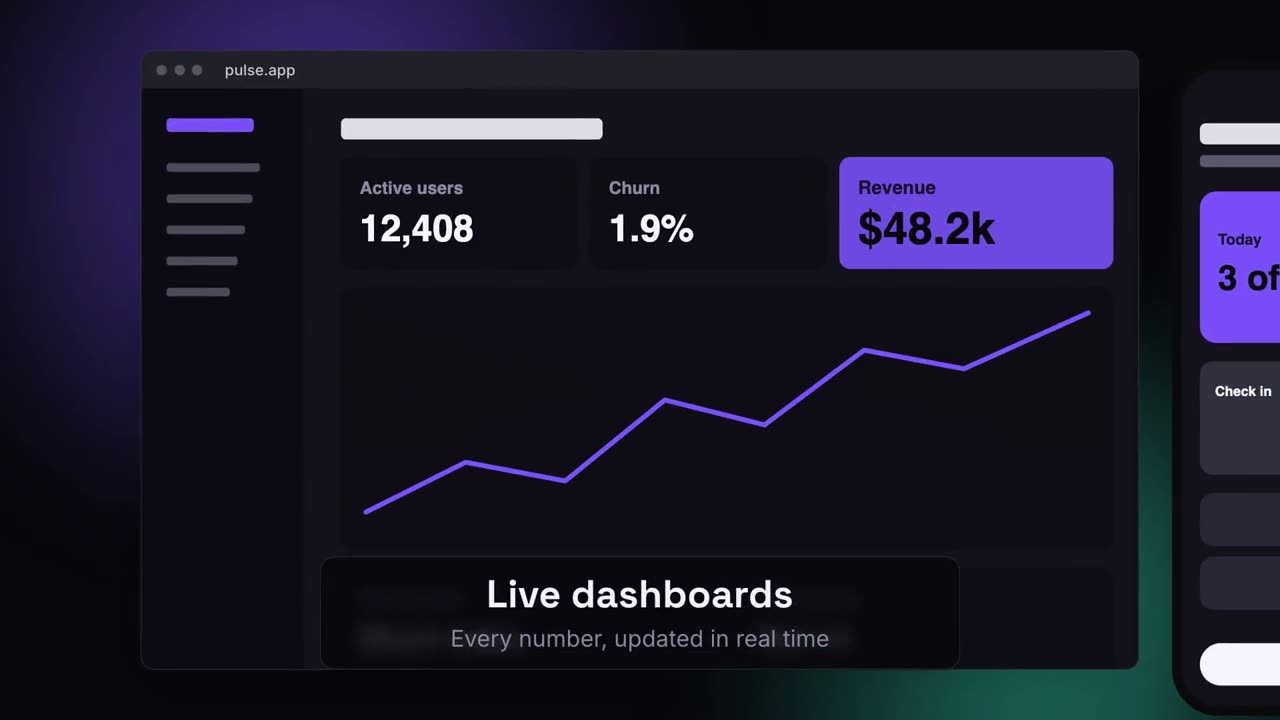
Launch auf mehreren Geräten
Skill öffnen →PremiumMake a 20-second 16:9 launch video for [who will watch, e.g. ops and finance leads], playing [where, e.g. the homepage hero]. Use only the lines and screenshots I give; don't change a word. Deep navy background with soft violet and teal glows. Scene 1: the hook rises word by word and fades. Scene 2: a browser window with the desktop screenshot and a phone with the mobile screenshot rise onto the canvas. Scene 3: the camera glides in to the browser while a glass caption shows the first feature, then to the phone with the second, then pulls back to show both with the third. End frame: the devices blur and sink as the product name, the hook and a violet call-to-action button appear. Hook: [e.g. "Your metrics, everywhere you work."] Three captions: [e.g. "Live dashboards — Every number, updated in real time", "Pocket alerts", "Always in sync"] Product and call to action: [e.g. Pulse, "Get Pulse free"] Attach: [a desktop screenshot and a phone screenshot]
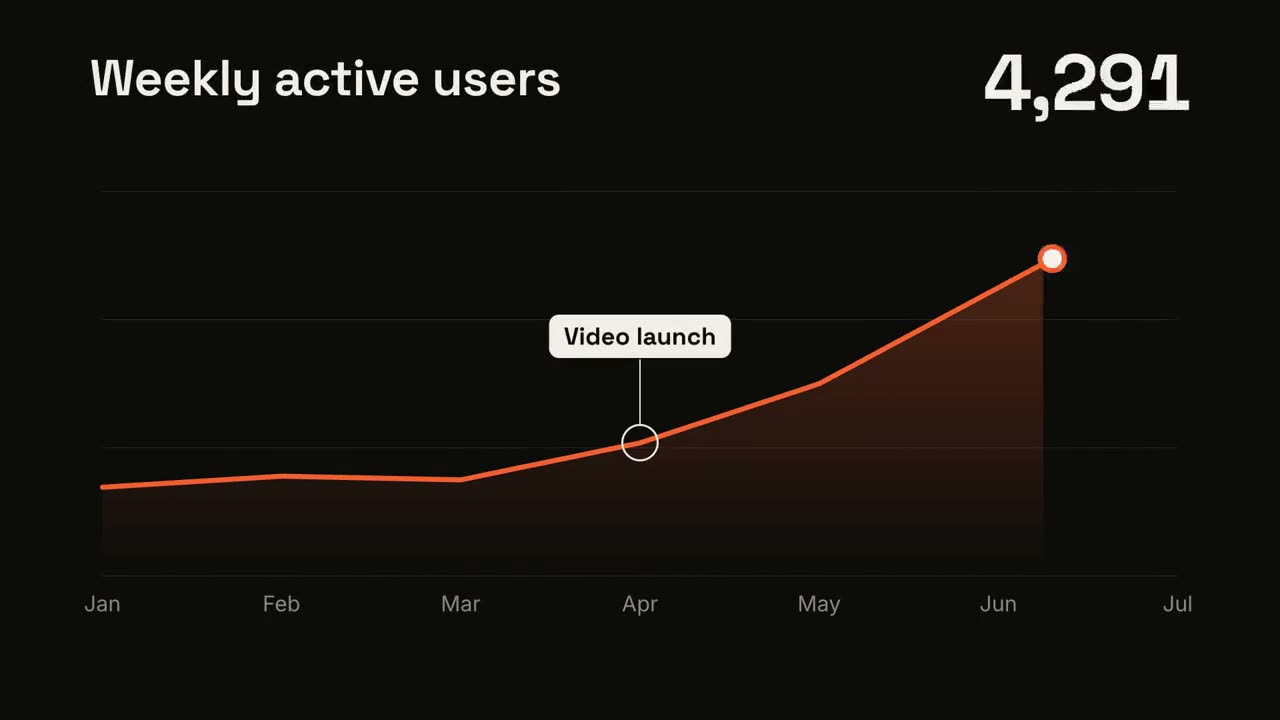
Linientrend
Skill öffnen →KostenlosMake a 7-second 16:9 line chart for [who will watch, e.g. the board], playing [where, e.g. the quarterly review]. Use only the numbers I attach or list below; don't round or smooth them. Near-black background. The title sits top left and a large white number top right. An orange line draws from left to right across the period over a fading orange gradient fill, while a white dot with an orange halo rides the tip and the big number counts along with it. At the marked point, a white ring appears on the line with a thin stem and a white label. End frame: the big number turns orange, held for 1.5 seconds. Title: [e.g. "Weekly active users"] Data: [your periods and values] (e.g. Jan to Jul, 1,200 to 5,200) Marked point and label: [e.g. April, "Video launch"]
Versus-Split
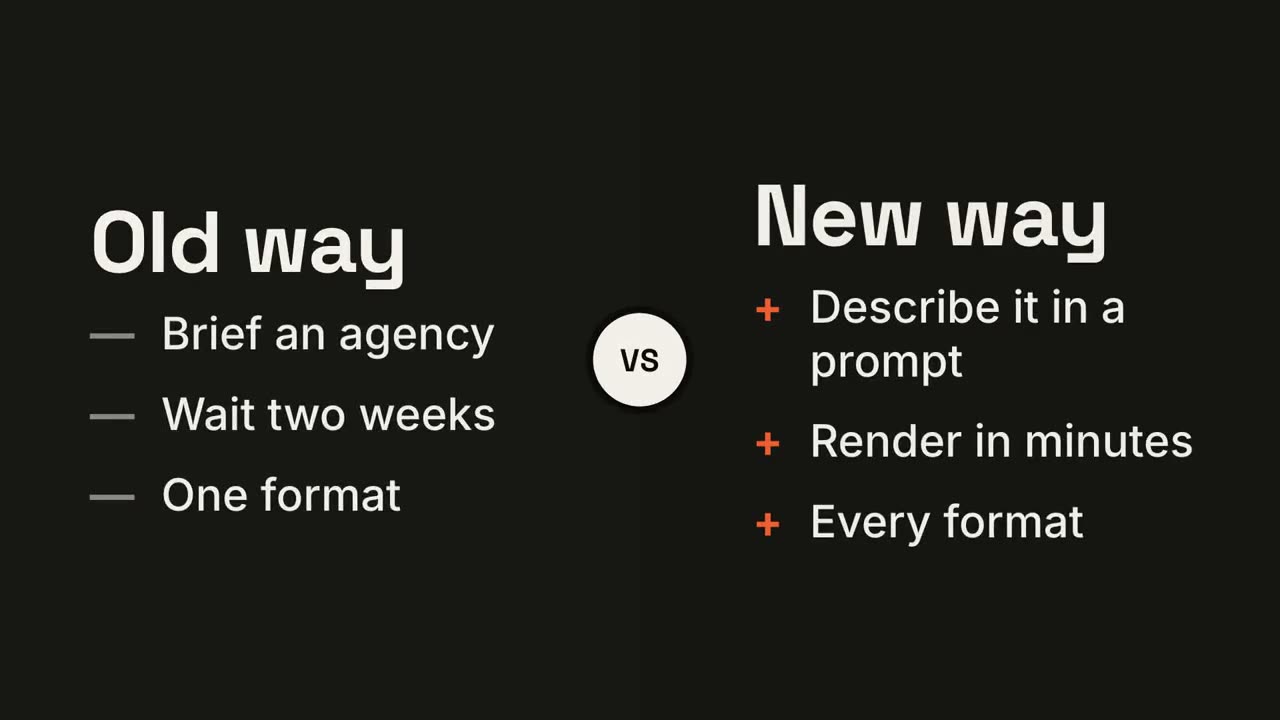
Skill öffnen →KostenlosMake a 7-second 16:9 comparison for [who will watch, e.g. prospects deciding between us and an agency], playing [where, e.g. the sales deck]. Use only the two titles and six points below; don't reword them. Near-black background. The frame splits into two dark panels that slide in from the left and right. A white circular "VS" badge spins into the center. The left panel lists its three points with dashes; the right panel lists its three with orange plus signs. End frame: the right panel floods orange with black text and scales up slightly while the left panel dims. Left title and points: [e.g. "Old way": "Brief an agency", "Wait two weeks", "One format"] Right title and points: [e.g. "New way": "Describe it in a prompt", "Render in minutes", "Every format"]
KPI-Zähler
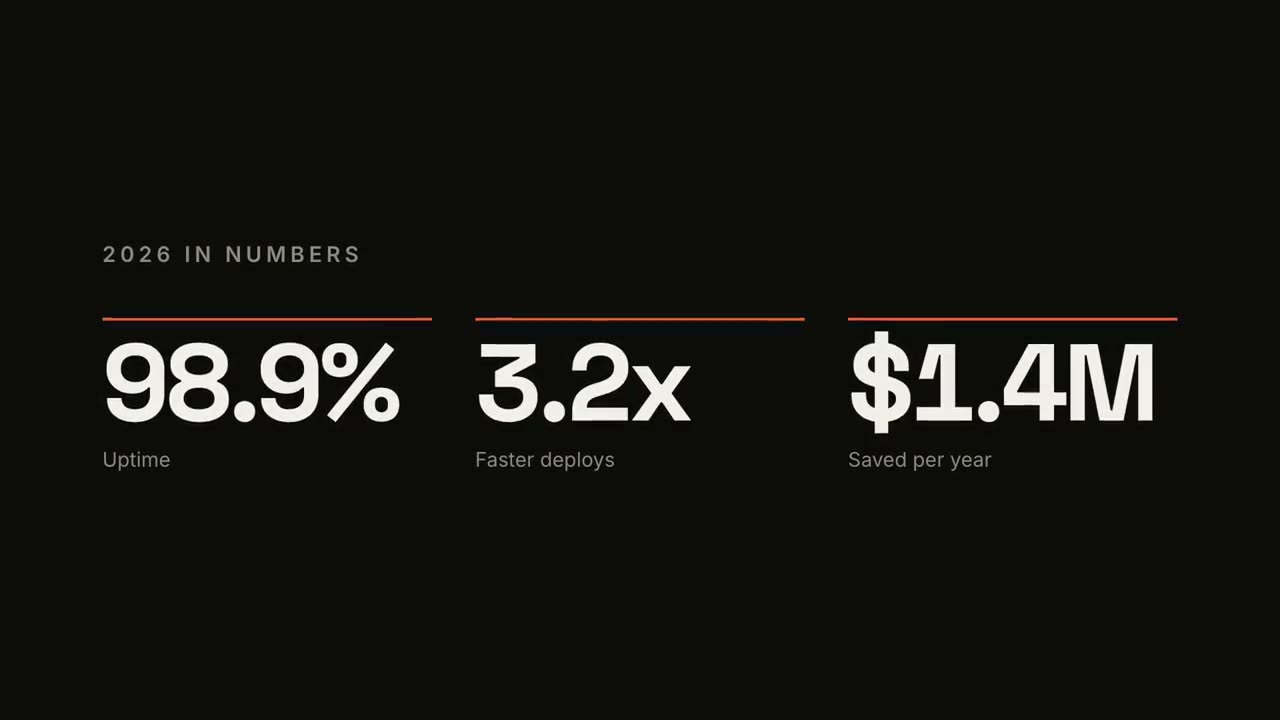
Skill öffnen →KostenlosMake a 7-second 16:9 stat animation for [who will watch, e.g. customers reading our year in review], playing [where, e.g. the newsletter and LinkedIn]. Use only the numbers below; don't round or change them. Near-black background. A small uppercase gray title tightens its letter spacing as it fades in. Three columns appear one after another: each has a thin orange bar that sweeps across, then a huge off-white number counts up from zero, with a gray label beneath. End frame: hold on the final numbers. Title: [e.g. "2026 IN NUMBERS"] Three numbers and labels: [e.g. "98.9%" Uptime, "3.2x" Faster deploys, "$1.4M" Saved per year]
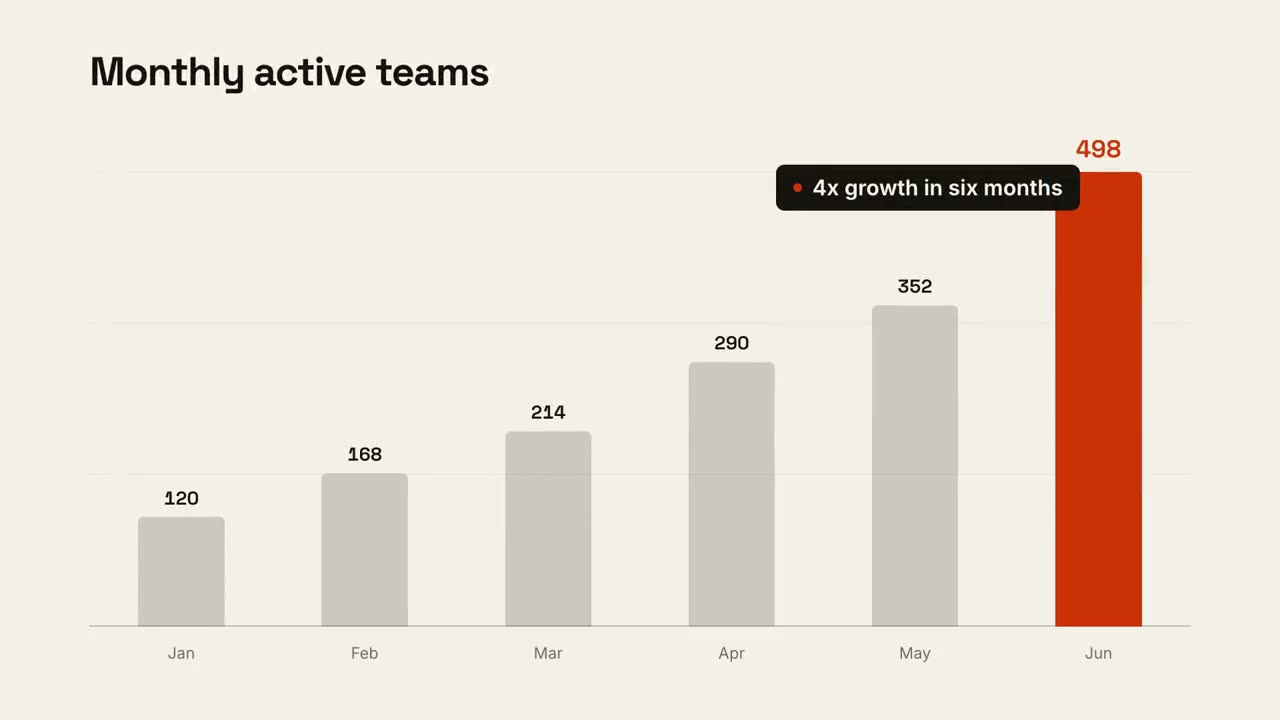
Chart-Geschichte
Skill öffnen →KostenlosMake a 9-second 16:9 animated bar chart for [who will watch, e.g. investors], playing [where, e.g. the monthly update]. Use only the numbers I attach or list below; don't round or change any of them. Warm off-white background, bold geometric sans. The title fades in at the top left. A baseline draws across and faint gridlines appear. The gray bars grow one after another with their values counting up above them; the last bar is orange-red with its value in the same accent. End frame: a black pill with an orange dot slides in near the last bar with the takeaway, held for 2 seconds. Title: [e.g. "Monthly active teams"] Data: [your labels and values] (e.g. Jan–Jun: 120, 168, 214, 290, 352, 498) Takeaway: [e.g. "4x growth in six months"]
Kreislauf
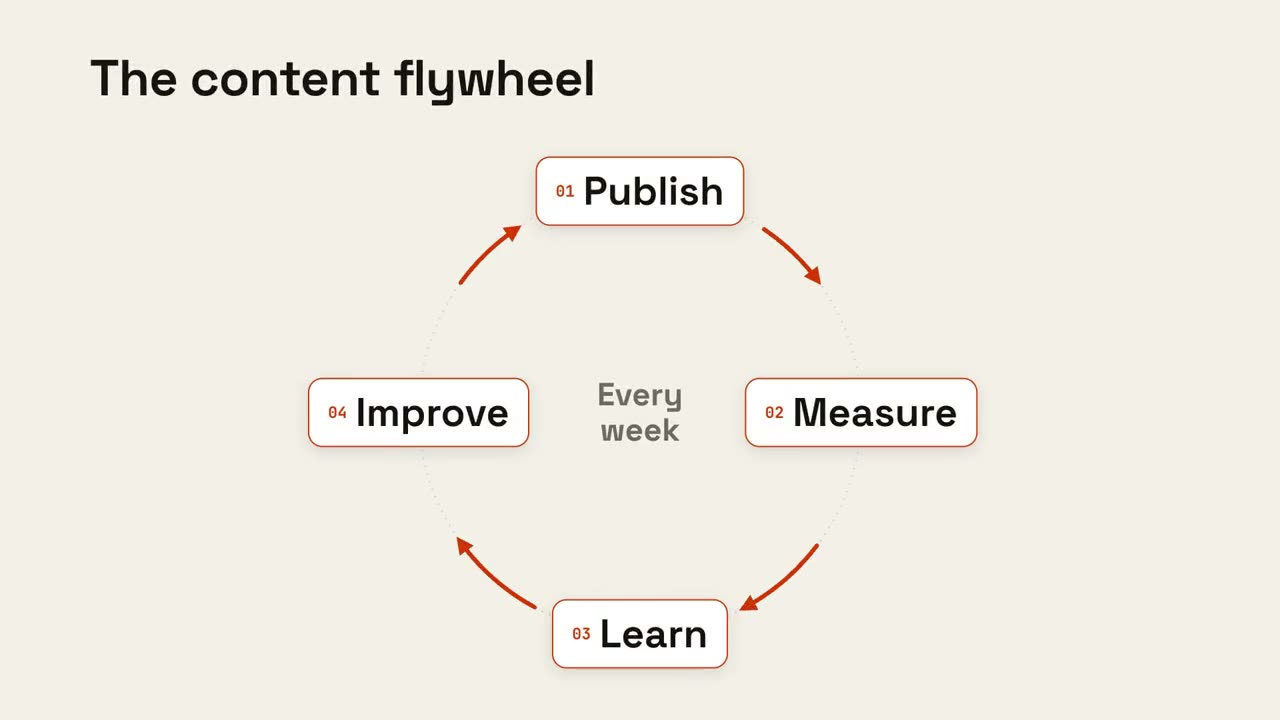
Skill öffnen →KostenlosMake an 8-second 16:9 loop diagram for [who will watch, e.g. the marketing team], playing [where, e.g. the planning deck]. Use only the title and four steps below. Off-white background. The title appears. Four white rounded cards with small orange numbers pop in around a faint dotted circle: top, right, bottom, left. Curved orange arrows draw clockwise from each card to the next. A short line fades in at the center in gray. End frame: a glowing orange dot travels around the circle continuously, briefly outlining each card in orange as it passes. Title: [e.g. "The content flywheel"] Four steps: [e.g. Publish, Measure, Learn, Improve] Center line: [e.g. "Every week"]
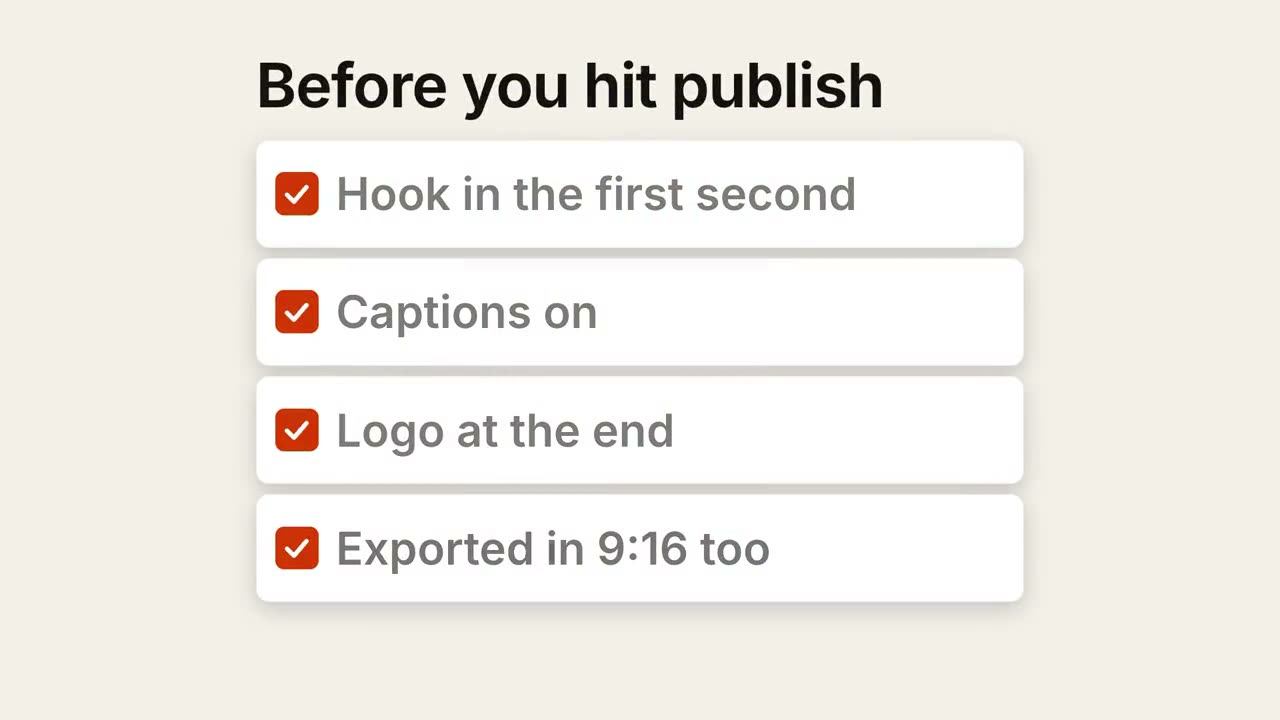
Checkliste
Skill öffnen →KostenlosMake a 7-second 16:9 checklist for [who will watch, e.g. our content team], playing [where, e.g. the training page]. Use only the title and four items below; don't reword them. Warm off-white background. The title fades up, then four white rounded cards slide in from the left, each with an empty checkbox and a label. One by one each checkbox fills rust orange with a little bounce, a white tick draws in, and its label dims. End frame: a small orange pill pops in below, held for 1.5 seconds. Title: [e.g. "Before you hit publish"] Four items: [e.g. "Hook in the first second", "Captions on", "Logo at the end", "Exported in 9:16 too"] Pill: [e.g. "Ready to ship"]
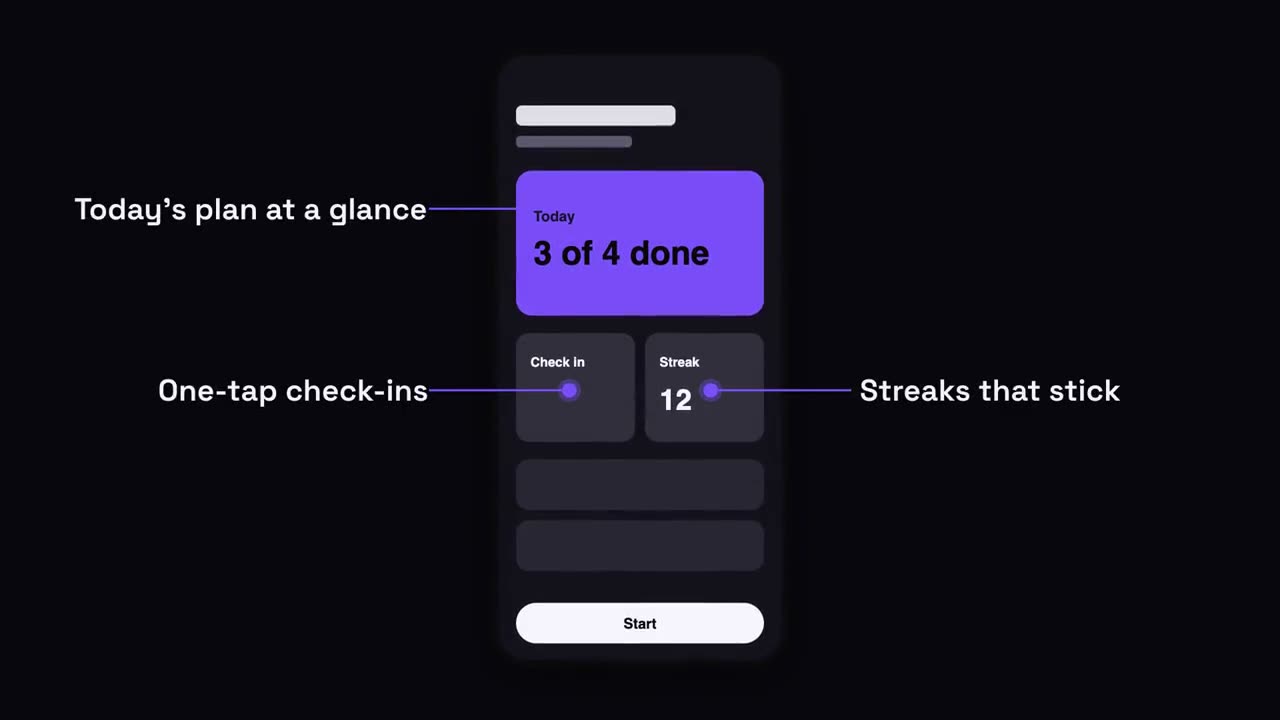
Smartphone-Hinweise
Skill öffnen →KostenlosMake a 7-second 16:9 app scene for [who will watch, e.g. new users], playing [where, e.g. the app's landing page]. Use only the screenshot and four labels I give. Deep navy background. A black phone showing the screenshot rises into the center with a slight rotation that settles. One at a time, small violet dots appear on parts of the screen and thin violet lines draw out to white labels on the left and right. End frame: the phone floats gently with all four labels showing. Attach: [a phone screenshot of your app] Four labels and what each points at: [e.g. "Today's plan at a glance", "One-tap check-ins", "Streaks that stick", "Start in one tap"]
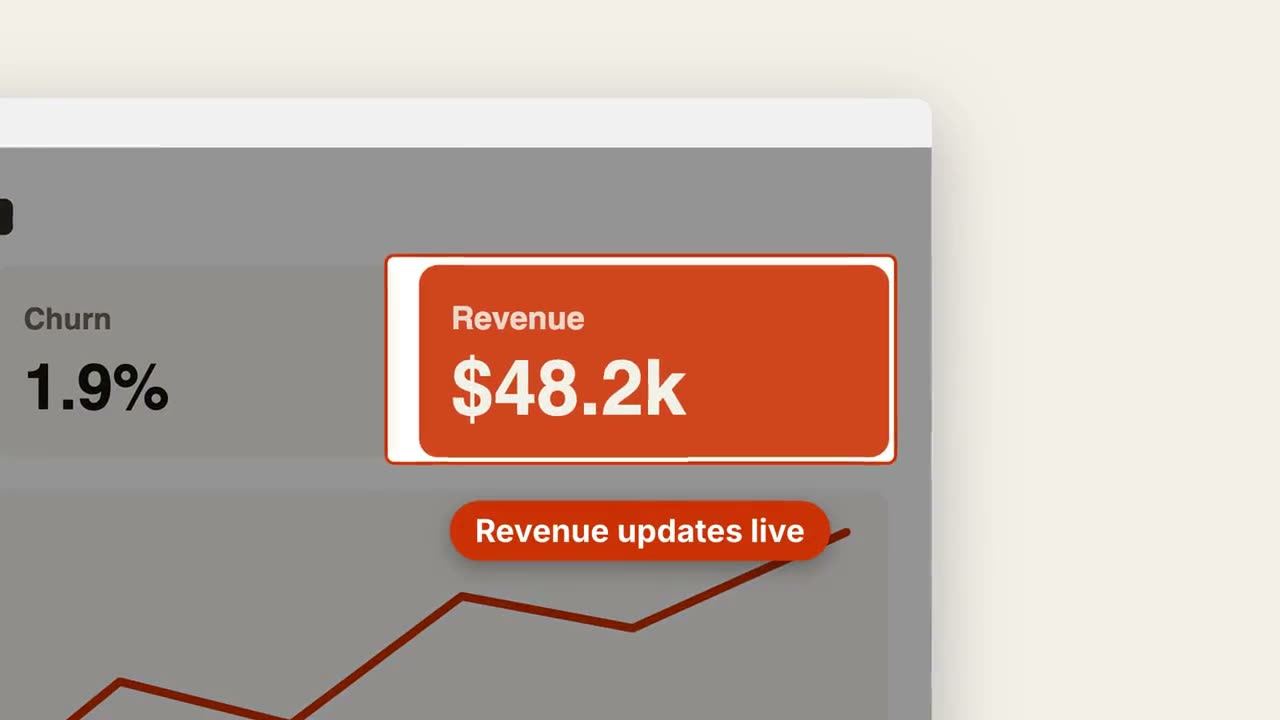
Screenshot-Zoom
Skill öffnen →KostenlosMake a 7-second 16:9 product scene for [who will watch, e.g. prospects], playing [where, e.g. the feature page]. Use only the screenshot and caption I give. Off-white background. A browser window with the screenshot settles in with a soft shadow. After a beat, the camera pushes smoothly into the detail I name. The rest of the screenshot dims under a dark overlay while the detail gets an orange outline, and an orange pill caption pops in just below it. End frame: the camera keeps drifting in very slightly. Attach: [a screenshot of your product] Detail to zoom into: [e.g. the top-right revenue card "$48.2k"] Caption: [e.g. "Revenue updates live"]
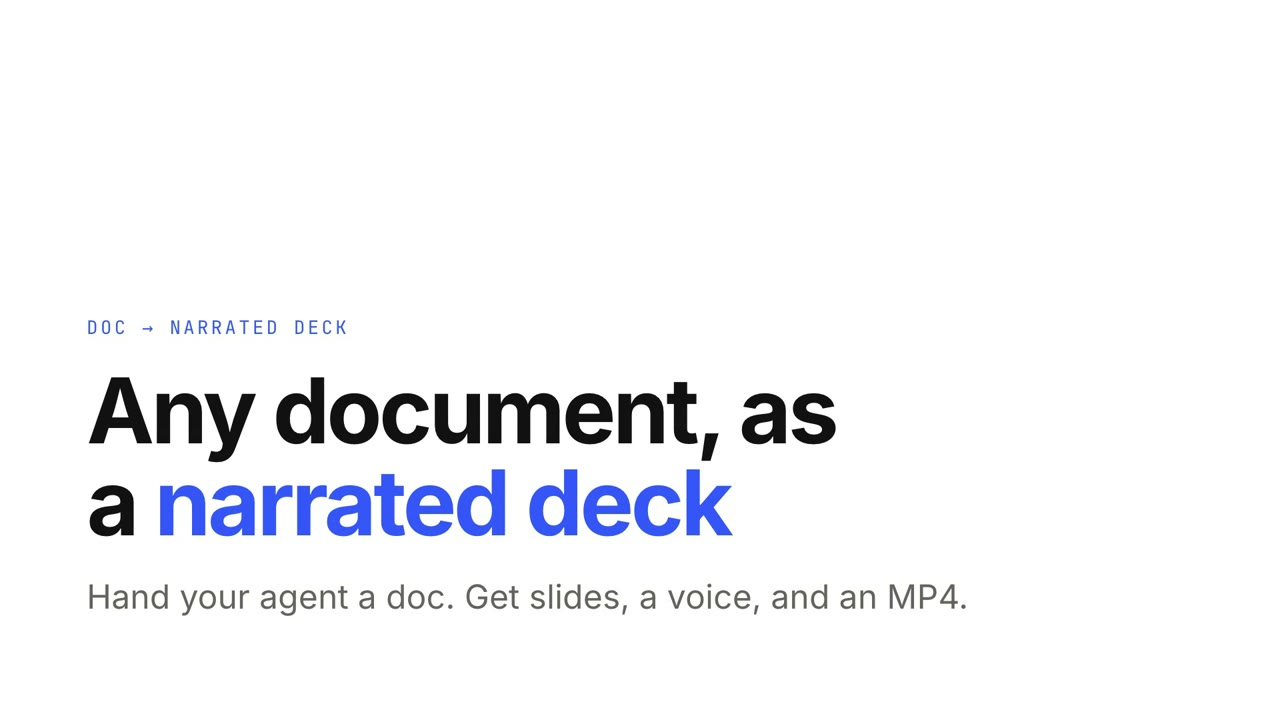
Doc → Präsentation mit Sprecher
Skill öffnen →PremiumTurn the attached document into a 90-second 16:9 narrated explainer for [who will watch, e.g. new hires], playing [where, e.g. the onboarding portal]. Use only the facts and numbers in the document. One idea per scene, with the key points appearing as they're spoken. Animate one chart for the main number. End on a closing scene with one clear next step. Attach: [your document] Next step: [e.g. "Book your first 1:1 with your manager"]
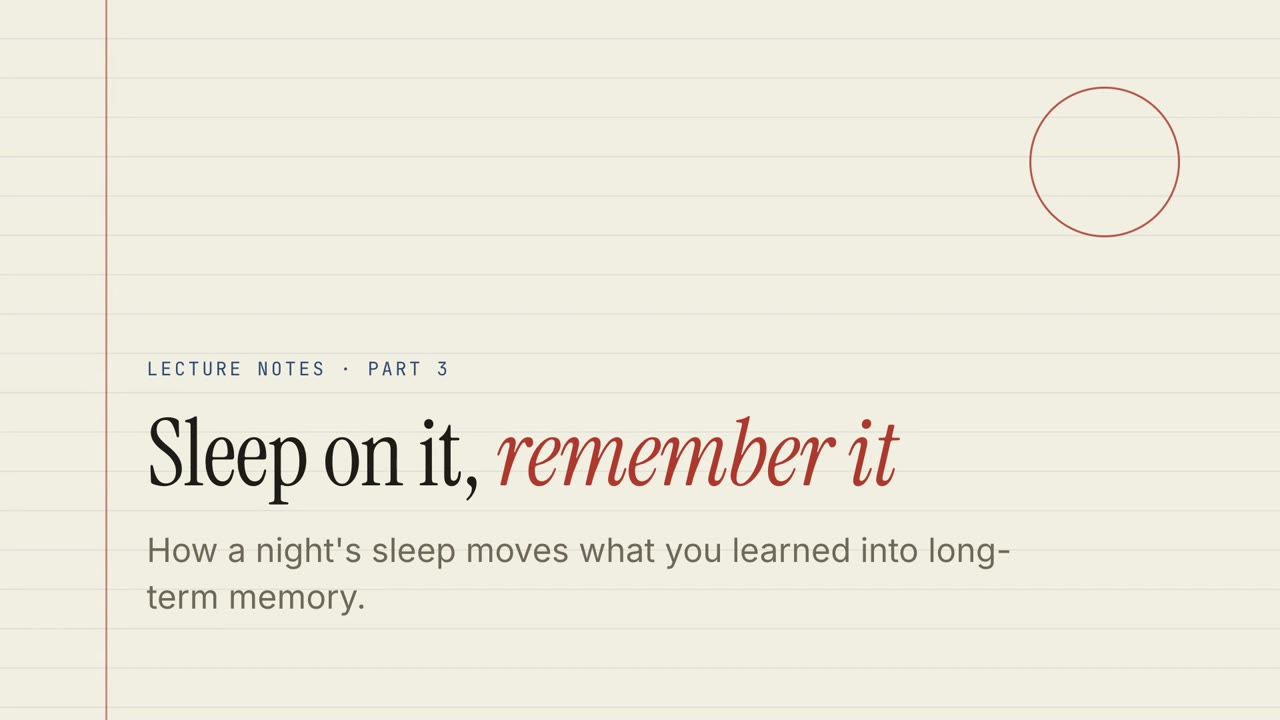
Papier-Vorlesung
Skill öffnen →KostenlosTurn the document I attach into a 60-second 16:9 narrated explainer for [who will watch, e.g. students], playing [where, e.g. the course page]. Use only the facts and numbers in the document. Paper lecture style. One idea per slide, with points appearing one at a time as they're spoken. Animate one chart for the main number. End on a closing slide with one clear next step. Topic: [your topic] (e.g. sleep and memory) Attach: [your document, notes or data]
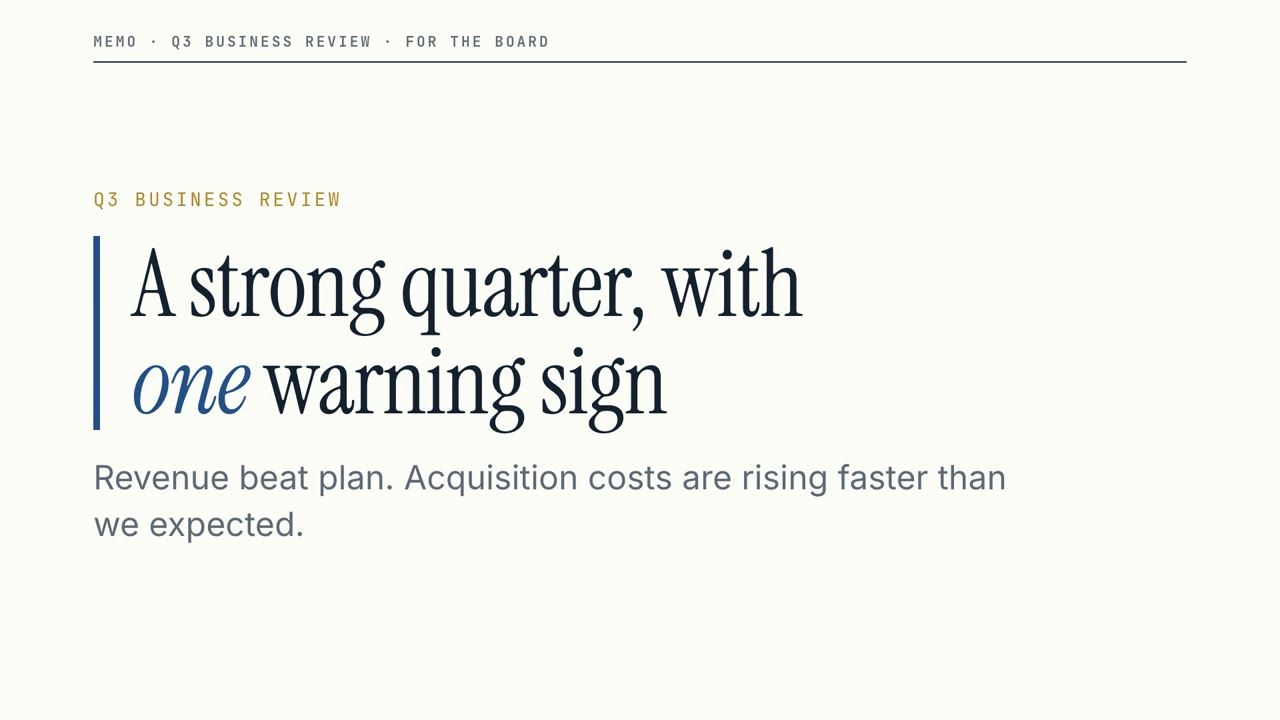
Vorstands-Memo
Skill öffnen →KostenlosTurn the document I attach into a 60-second 16:9 narrated explainer for [who will watch, e.g. the leadership team], playing [where, e.g. the quarterly business review]. Use only the facts and numbers in the document. Boardroom memo style. One idea per slide, with points appearing one at a time as they're spoken. Animate one chart for the main number. End on a closing slide with one clear next step. Topic: [your topic] (e.g. our quarter) Attach: [your document, notes or data]
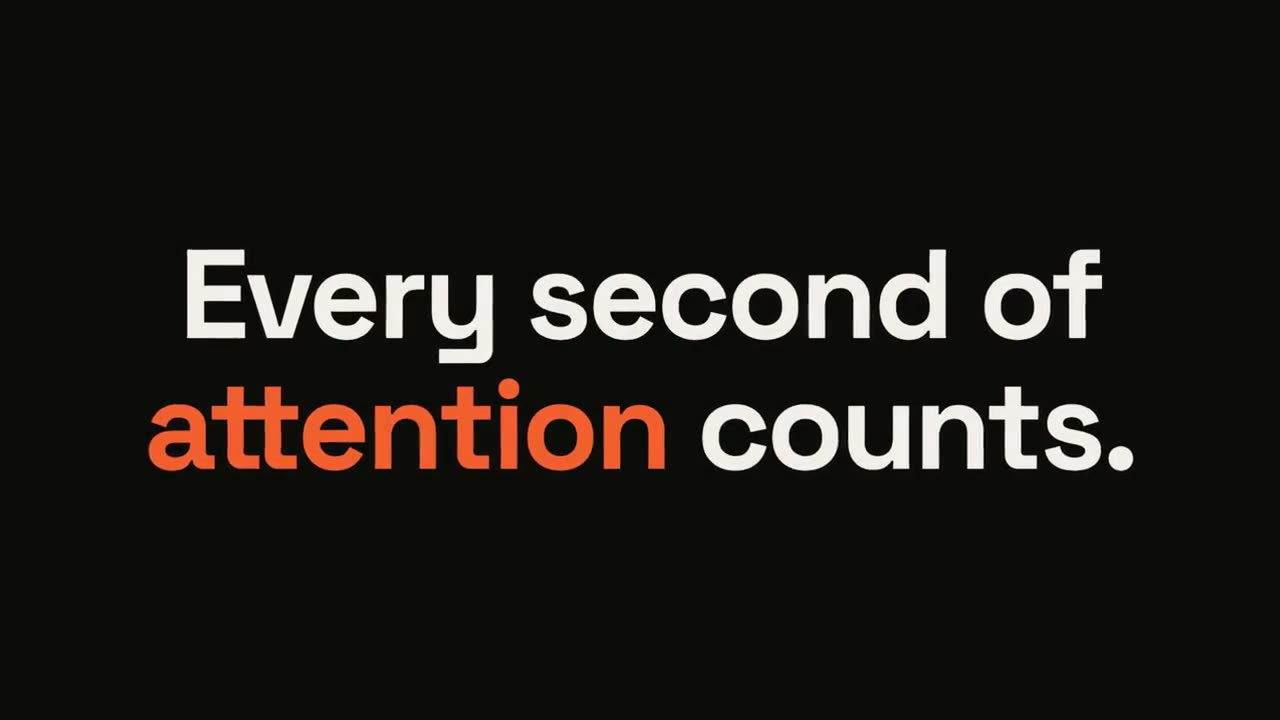
Statement-Burst
Skill öffnen →KostenlosMake a 6-second 16:9 kinetic statement for [who will watch, e.g. followers on LinkedIn], playing muted in the feed. Use only the sentence below; don't change a word. Near-black background, bold geometric sans, centered. The words punch in one at a time from a slight blur and larger scale. When the last word lands, the key word flips to orange and short orange rays burst outward around the whole statement and retract. End frame: the text slowly scales up by a few percent and holds. Statement: [your line] (e.g. "Every second of attention counts.") Key word: [e.g. "attention"]
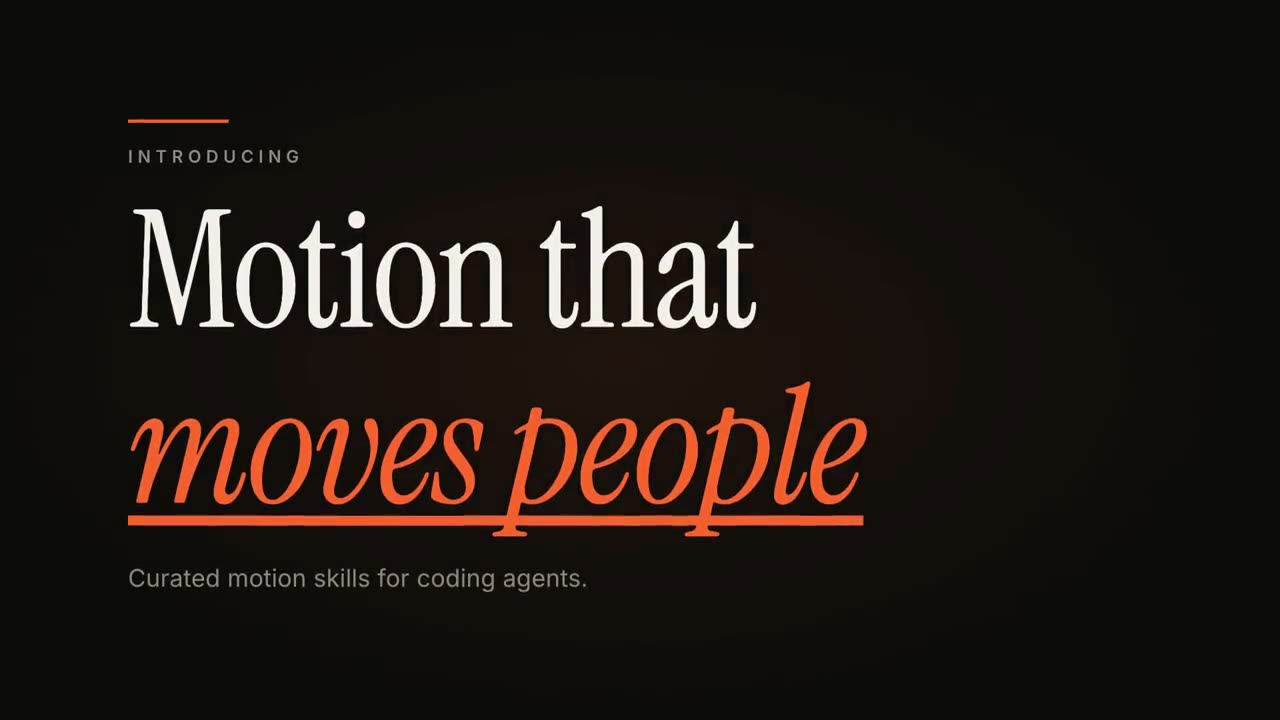
Kinetischer Titel
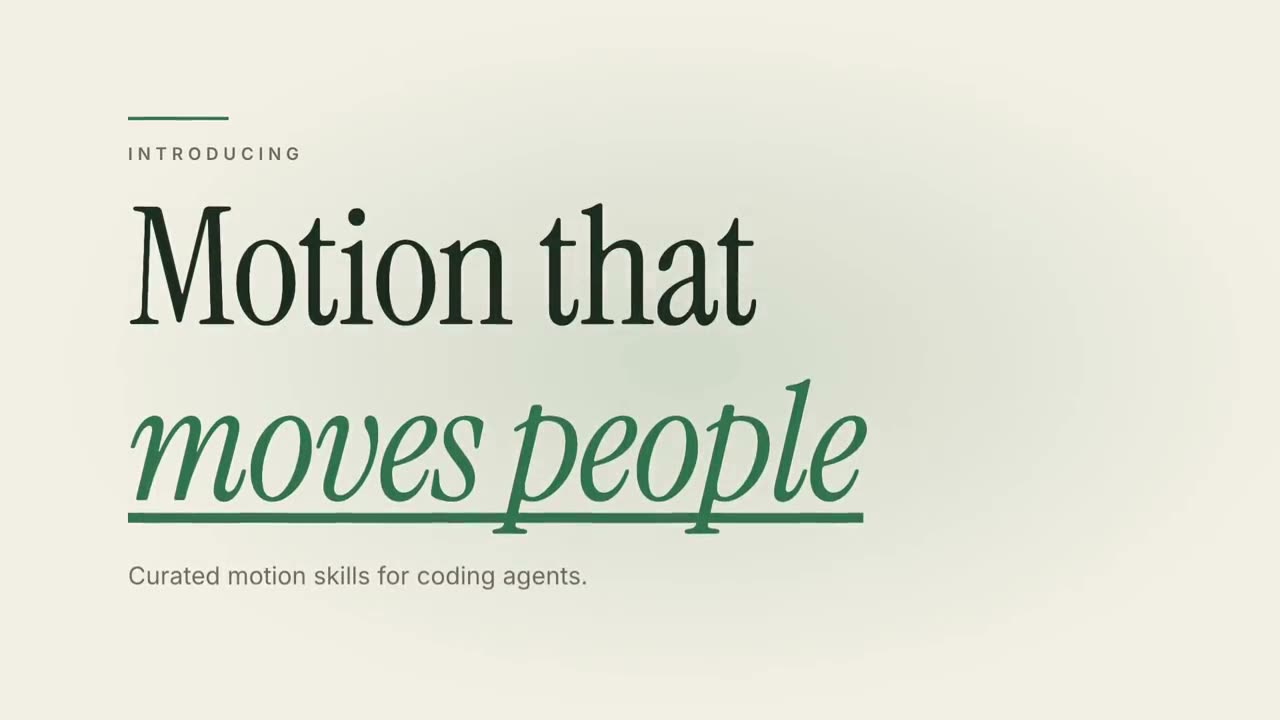
Skill öffnen →KostenlosMake an 8-second 16:9 title card for [who will watch, e.g. viewers of our YouTube series], playing [where, e.g. the opening of each episode]. Use only the words below; don't change them. Near-black background. A short orange rule draws in from the left, then a small uppercase label fades in with wide letter spacing tightening. Below it, a two-line headline rises line by line from behind invisible masks with a fast expo ease: line one in an off-white editorial serif, line two in orange italic, which then gets an orange underline wiping in from left to right. A soft gray supporting line fades up word by word. End frame: the finished title, held with a slow upward drift and a faint warm glow moving behind the text. Label: [e.g. "INTRODUCING"] Headline: [two lines] (e.g. "Motion that" / "moves people") Supporting line: [one short sentence]
Zitatkarte
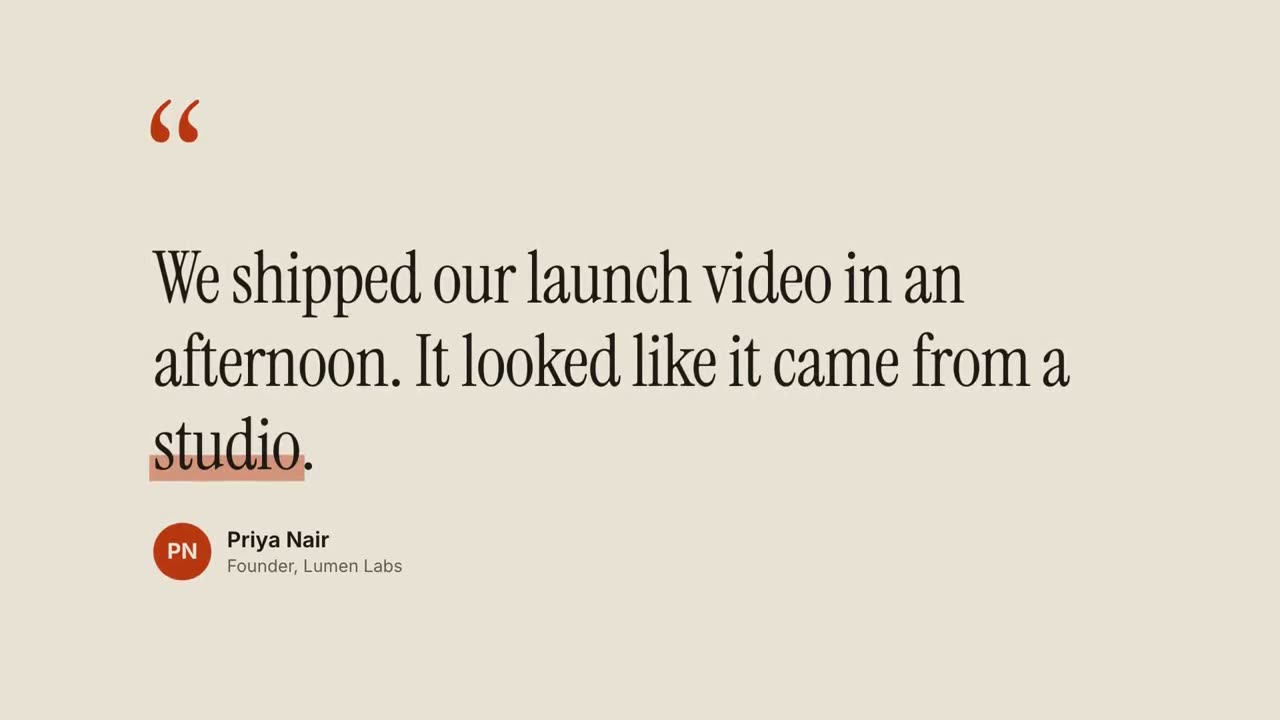
Skill öffnen →KostenlosMake an 8-second 16:9 testimonial clip for [who will watch, e.g. founders comparing tools], playing [where, e.g. our pricing page or a LinkedIn post]. Use only the quote, name and title I give below; don't change a word. Warm sand-colored background. Scene 1: large rust-colored serif quotation marks drop in at the top left. Scene 2: the quote appears word by word in a dark editorial serif, each word rising slightly out of a blur, then a translucent rust highlighter sweeps under the key word. End frame: an avatar circle with the initials, and the name and title slide in below, held for 2 seconds. Quote: [your customer's quote] (e.g. "We shipped our launch video in an afternoon. It looked like it came from a studio.") Key word: [e.g. "studio"] Name and title: [name, role, company] (e.g. Priya Nair, Founder, Lumen Labs)
Animierte Untertitel
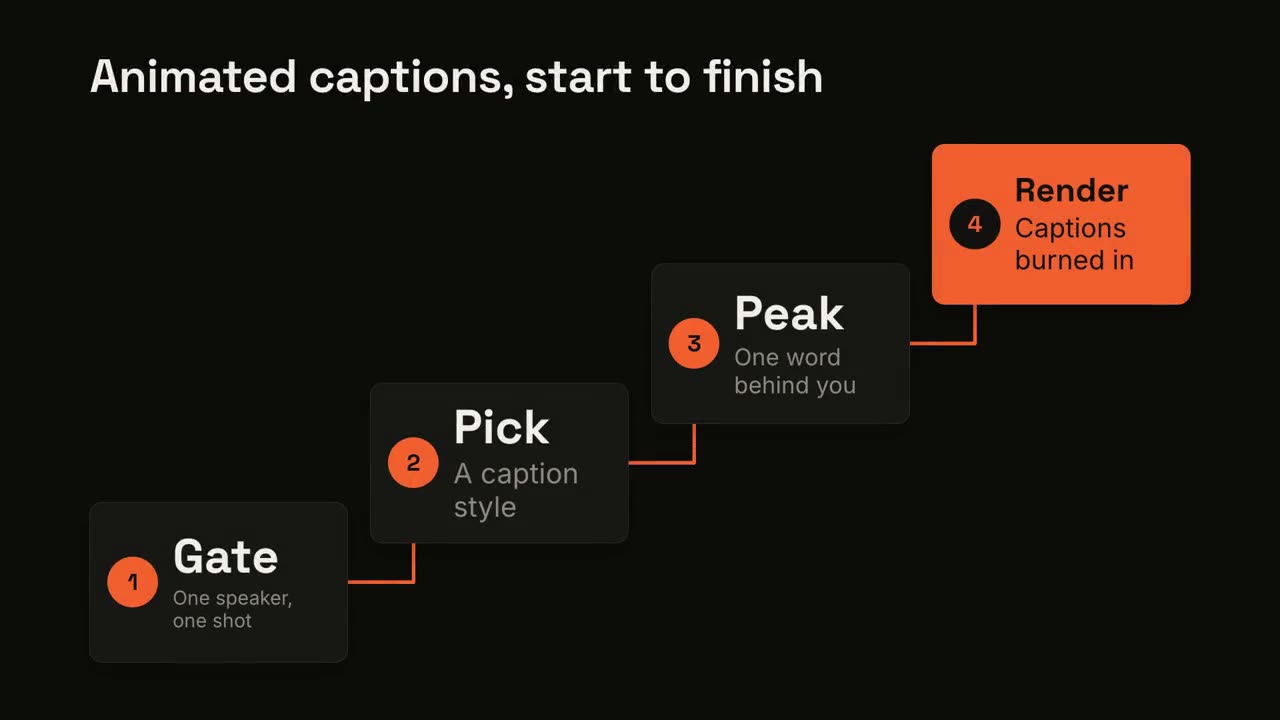
Skill öffnen →PremiumAdd captions to the attached [length, e.g. 30-second] talking-head clip for [who will watch, e.g. LinkedIn followers], playing muted in the feed. Use only the speaker's exact words; don't paraphrase. A clean white lower-third subtitle follows the speech word for word. When the speaker says the key phrase, its short form appears huge behind them, partly hidden by their shoulders, then fades. End frame: the last caption clears with the clip. Attach: [your clip] Key phrase and short form: [e.g. "ten times faster" → "10×"]
Logo-Animation & Outro
Skill öffnen →KostenlosMake a 5-second 16:9 logo sting for [who will watch, e.g. viewers of our videos], playing [where, e.g. at the end of every video]. Use only the logo, name and tagline I give below. Near-black background. The logo mark punches in at the center with a slight rotation, an accent ring expands and fades, and twelve short rays burst outward. The mark then slides left while the wordmark in a bold geometric sans slides out from behind it. End frame: the tagline fades in below in gray and a soft light sweep passes across the lockup. Attach: [your logo] Name and tagline: [e.g. Northwind, "Build what's next."] Accent color: [e.g. orange]

Kapitel-Stempel
Skill öffnen →KostenlosMake a 5-second 16:9 chapter card for [who will watch, e.g. viewers of our course], playing [where, e.g. at the start of each lesson]. Use only the number and chapter title below. Near-black background. A huge serif number slams down from twice its size with a tiny camera shake. To its right, a short orange rule extends, a small gray uppercase "CHAPTER" tightens its letter spacing, and the chapter title rises word by word in a light serif. End frame: the number turns orange and the whole card slowly scales up. Number: [e.g. 02] Chapter title: [e.g. "Finding the hook"]
Motion Director
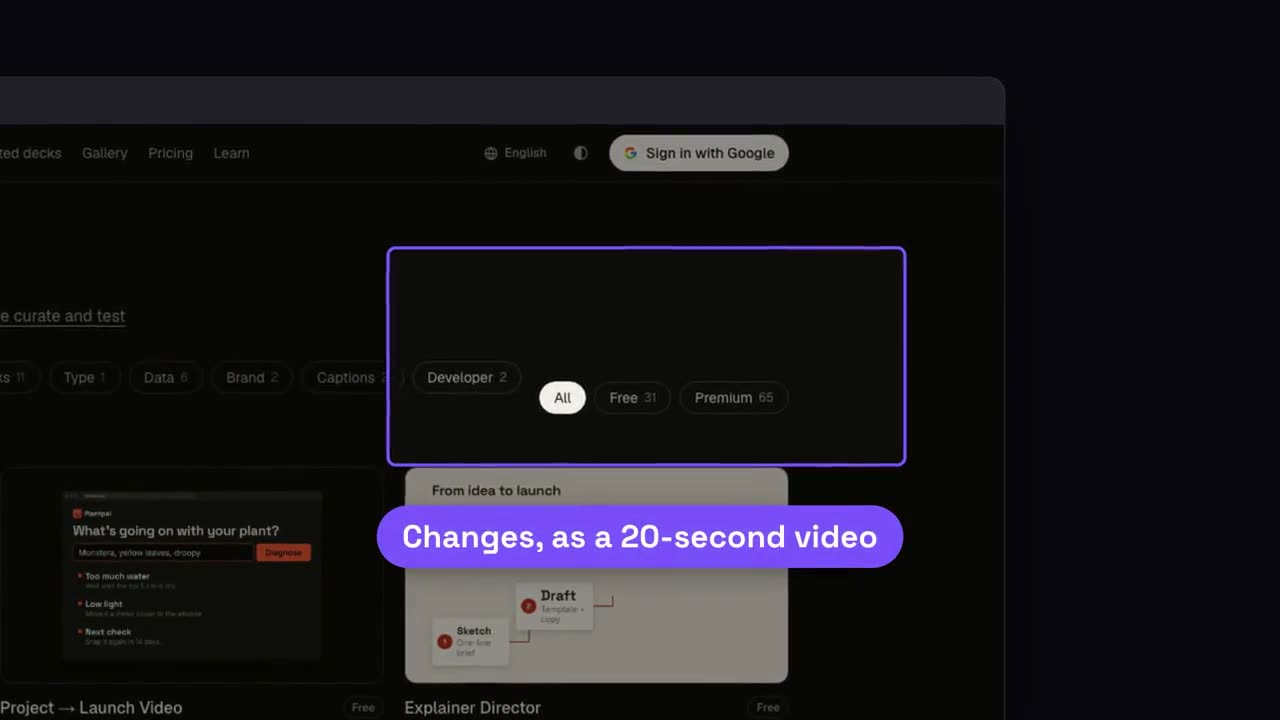
Skill öffnen →KostenlosMake a 20-second 16:9 launch video for [who will watch, e.g. our existing users], playing [where, e.g. muted in the X and LinkedIn feed]. Use only the release notes and numbers I attach; don't invent features or change a number. Electric dark style, upbeat pace. Scene 1: a bold hook line. Scene 2: the product on screen. Scene 3: the three biggest changes tick off one by one. Scene 4: two headline numbers count up. End frame: product name, one call to action and the URL, held for 2 seconds. Attach: [your release notes or changelog] Hook: [one line, e.g. "Release notes nobody reads? Not anymore."] Call to action: [e.g. "Update today"]
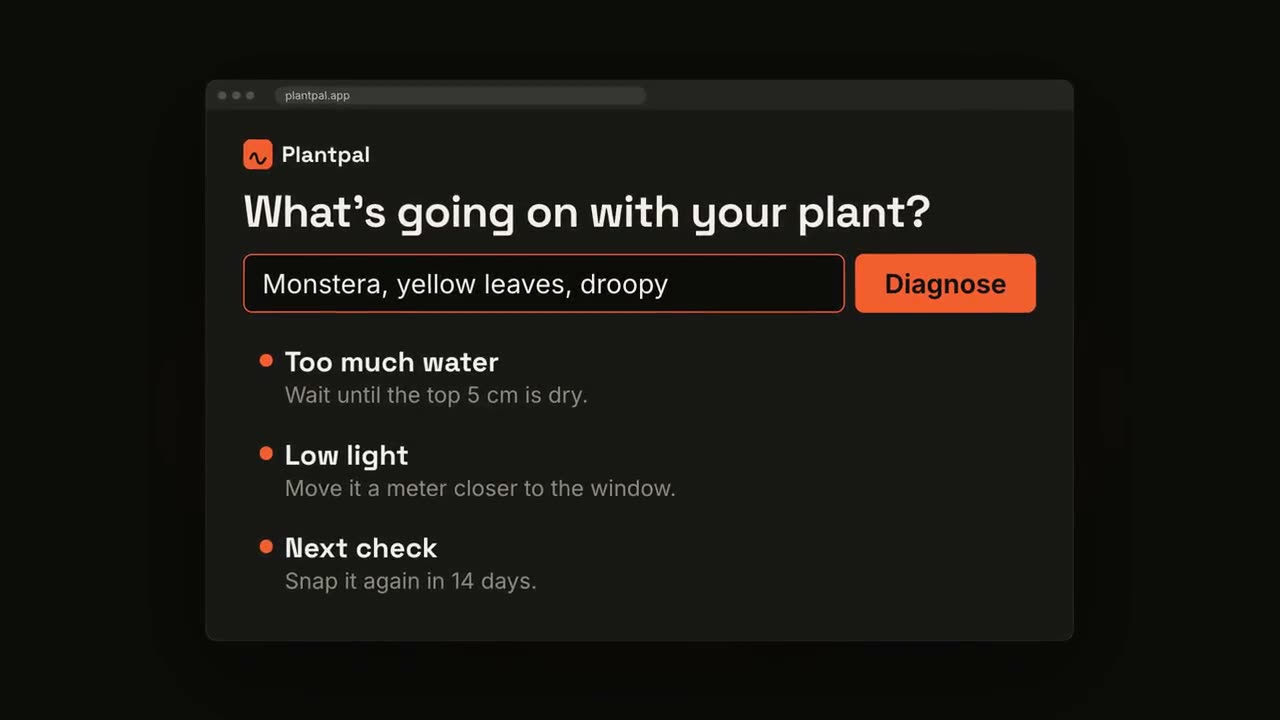
Projekt → Launch-Video
Skill öffnen →PremiumMake a 20-second 16:9 launch video for [who will watch, e.g. people who keep house plants], playing [where, e.g. our landing page and X]. Use only the product name, lines, screenshot and numbers I give below; don't change a word or number. Scene 1: a two-line hook, the second line in the accent color. Scene 2: the logo and the one-line pitch. Scene 3: the app at work: a cursor types the example input, clicks the main button, and three results appear one by one. Scene 4: the proof number counts up. End frame: product name, tagline and a "Try it free" button, held for 2 seconds. Product: [name and what it does] (e.g. Plantpal, turns a photo of a leaf into a care plan) Hook: [two lines] (e.g. "Your plants" / "are not okay") Example input and results: [e.g. "Monstera, yellow leaves, droopy" → three care tips] Proof number: [e.g. "Knows 4,200 houseplants"] Attach: [a screenshot of your app]
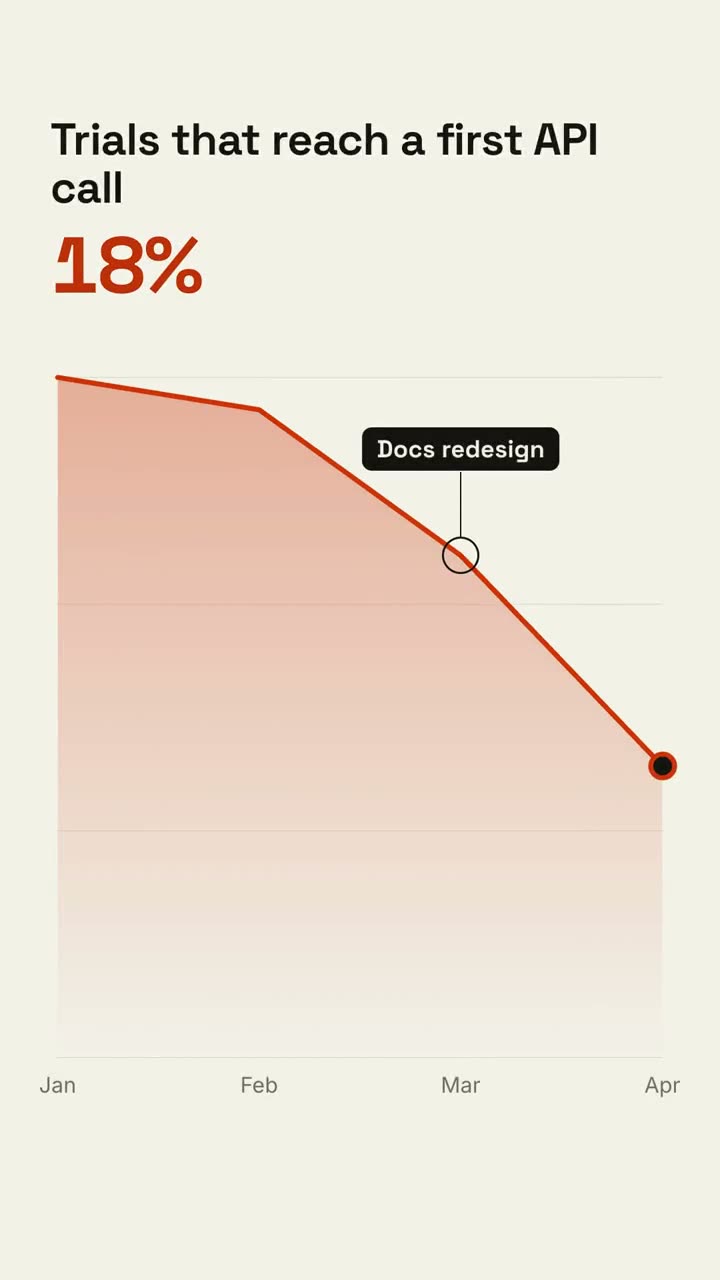
Explainer Director
Skill öffnen →PremiumMake a 30-second 16:9 explainer for [who will watch, e.g. our product and support teams], playing [where, e.g. the all-hands]. Use only the points and numbers in what I attach; don't add claims. One warm paper style throughout. Scene 1: a bold hook statement. Scene 2: a funnel that shows where people drop off. Scene 3: a three-step fix, one step at a time. End frame: a recap wall of the key points, held for 2 seconds. Topic: [your topic] (e.g. why docs lose customers) Attach: [your notes, doc or data]
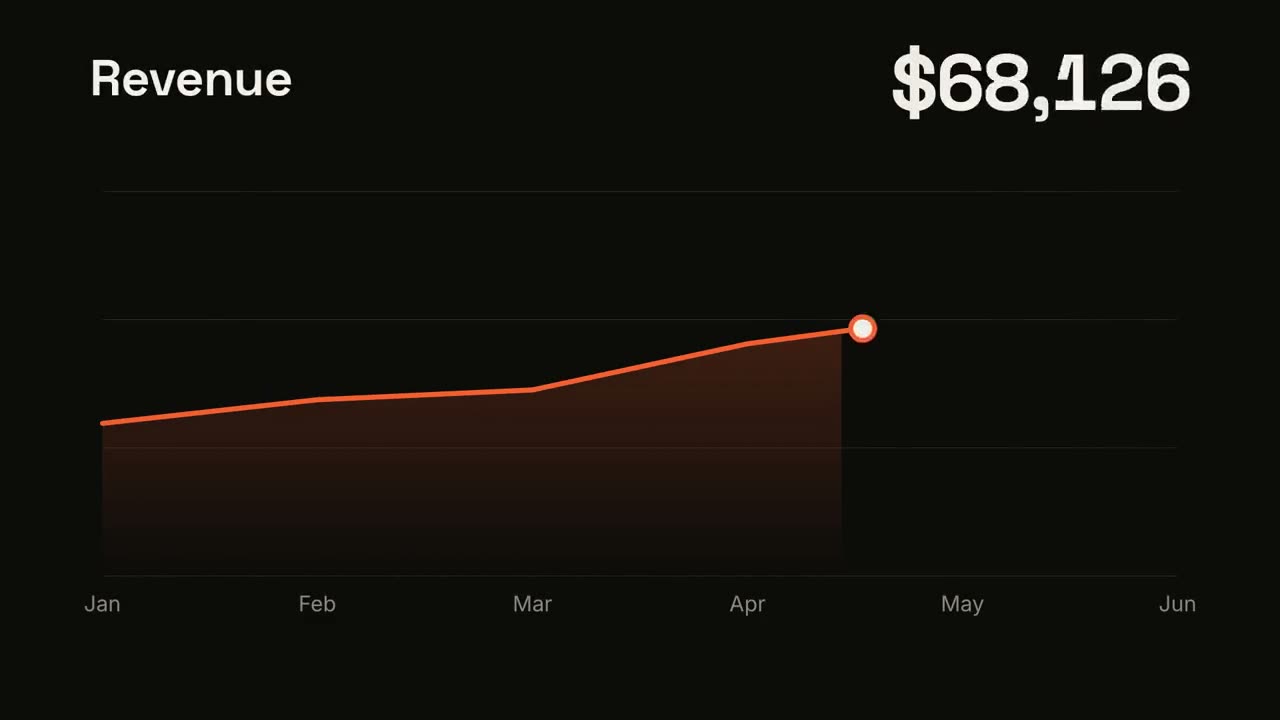
Data → Video
Skill öffnen →PremiumMake a 25-second 16:9 data video for [who will watch, e.g. investors], playing [where, e.g. the monthly update email]. Use only the numbers in the file I attach; don't round or change any of them. Dark ink style. Scene 1: the headline number counts up. Scene 2: a line chart across the period draws in, and the biggest jump is marked with a label. Scene 3: one takeaway sentence. End frame: the source of the data and our name, held for 2 seconds. Attach: [your CSV or spreadsheet] (e.g. monthly revenue, January to June) Takeaway: [one sentence, or ask Claude to suggest one from the data]
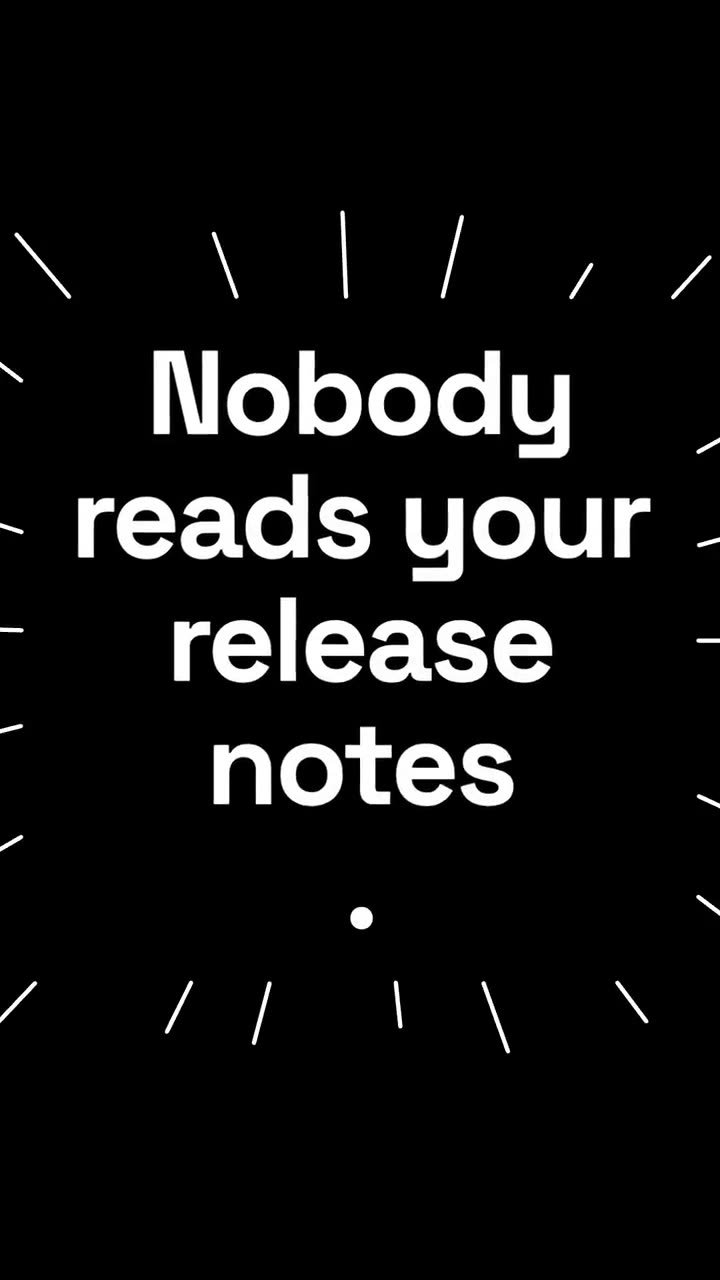
Script → Short
Skill öffnen →PremiumMake a 15-second vertical 9:16 short for [who will watch, e.g. founders on TikTok and Reels], playing muted in the feed, so every point must read as words on screen. Use only the lines below, in this order; don't rewrite them. Black-and-white style, punchy pace. Scene 1: the hook slams in. Scene 2: the list of points, one per beat. Scene 3: a short quote from a user. Scene 4: the proof number counts up. End frame: the closing line, held for 1.5 seconds. Hook: [your hook] (e.g. "Stop editing videos by hand.") Points: [3 to 4 short lines] Quote: [a real user quote] Proof number: [e.g. "3x more views"] Closing line: [e.g. "Follow for the template"]
Marken-Setup für Motion
Skill öffnen →PremiumMake a [length, e.g. 15-second] 16:9 [what, e.g. product teaser] for [who will watch], playing [where]. Use only the colors, fonts, logo and timing in the brand guide I attach; ask me about anything it doesn't cover. The guide sets the look, not the ambition: go all out within it. End frame: the logo and [call to action], held for 2 seconds. Attach: [your brand guide, logo and any motion rules]
Feature-Film im Manus-Stil
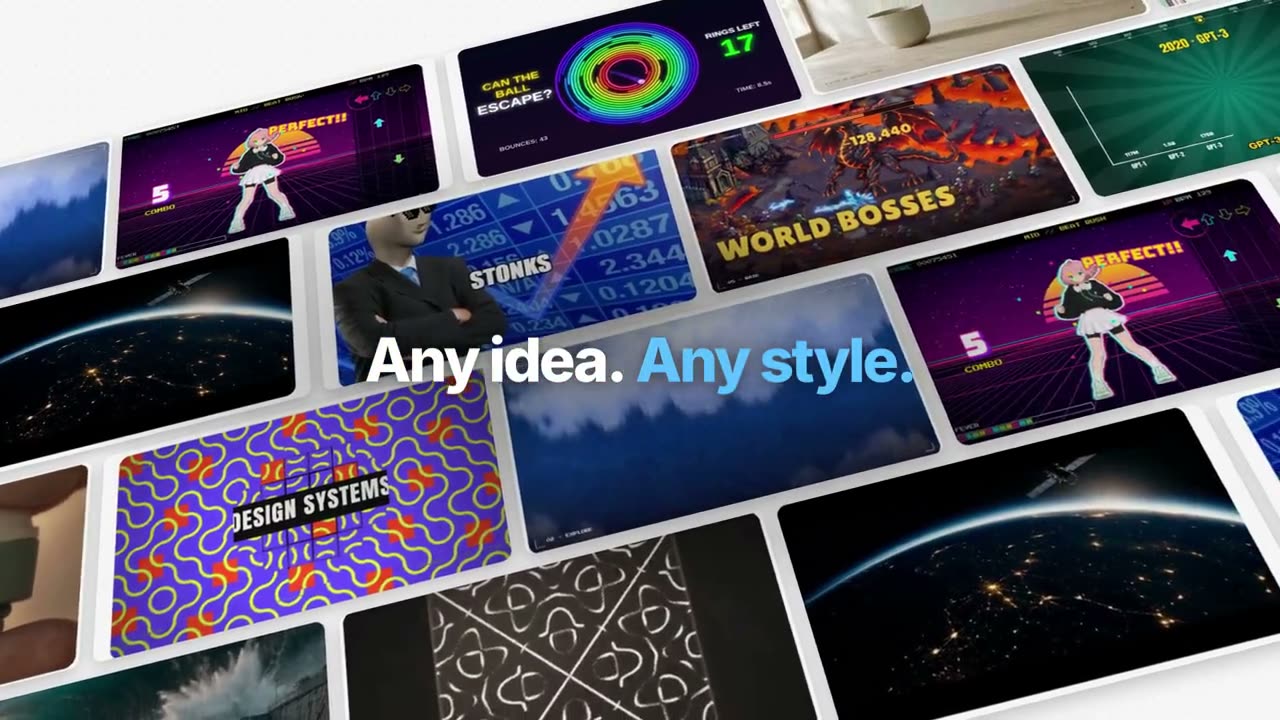
Skill öffnen →PremiumMake a 55-second 16:9 launch film for [who will watch, e.g. creators following our launch], playing [where, e.g. X and YouTube]. Use only the product name, lines and images I attach; don't change a word. Style: pale grey #f6f6f6 canvas with a faint dot grid; huge, tight, heavy sans lines at the top or bottom of the frame ending with a full stop, one or two key words in bright blue #1f9bf6, each line sharpening word by word out of a blur. Brisk, expo easing, blur transitions, nothing bounces. Scene 1: "[Product] now makes" and a giant "[thing]." whose letters are filled with one of my images. Scene 2: a tilted wall of finished examples drifting sideways. Scenes 3–8: one example card floats in 3D while each feature acts on it in place, each with its own short line (organize, generate, caption, track, title, code, photos, sounds). Scene 9: the card's layers lift apart in 3D, then come together with a play button. Scene 10: a 2×2 grid of results, then the editor with "Edit it yourself." and "Or just ask [Product]." End frame: the logo sharpening out of a blur. Product: [name] (e.g. Manus 2.0 Video Editor) Feature lines: [six to eight short lines] (e.g. "Every video is made of layers.", "Circle it. It tracks.") Attach: [stills of your product and example outputs]
Vertikaler Launch
Skill öffnen →PremiumMake a 15-second vertical 9:16 launch video for [who will watch, e.g. creators on Reels], playing muted in the feed. Use only the lines and screenshot I give below; don't change a word. Dark navy background with violet and teal glows. Scene 1: the hook pops in word by word with a bouncy scale, the last words on a violet highlight block. A white flash cuts to Scene 2: the product name above a phone mockup that swings up from the bottom and gently rocks. Scene 3: three rows appear one by one, each with a violet numbered circle. End frame: the call to action scales down into place, a violet name pill pulses, and the handle sits below. Hook: [your hook] (e.g. "Stop editing launch videos by hand") Steps: [three short lines] (e.g. "Type a prompt", "Pick a style", "Ship in minutes") Product, call to action and handle: [e.g. Northwind, "Try it free", @northwind] Attach: [a phone screenshot of your app]
Launch im Manus-Keynote-Stil
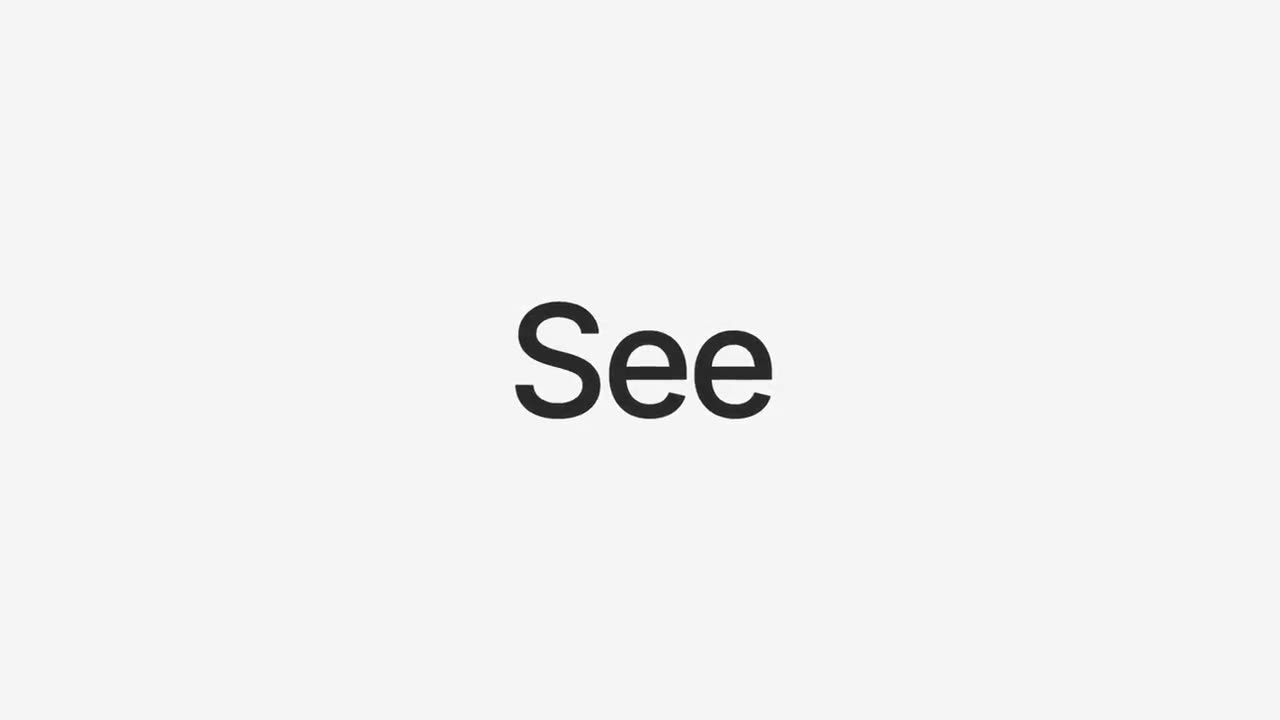
Skill öffnen →PremiumMake a 90-second 16:9 launch keynote for [who will watch, e.g. our users and press], playing [where, e.g. the launch livestream and YouTube]. Use only the product names, chapter lines and images I attach; don't change a word. Style: pale grey #f5f5f5 ground, quiet medium-weight sans lines in dark grey with one or two words in blue #2a8af6, each line fading in word by word out of a slight blur. Calm, expo easing, soft blur cuts. Scene 1: black, a small icon and the version, then "Introducing [Product]". Scene 2: a huge "See", then "See what's new". Scene 3: a black ticker with a blue "New" beside a column of words rolling through the product areas. Scenes 4–8: one chapter per feature, each opened by a card with a small blue line icon and its name, then the product at work. Scene 9: "One More Thing" and the surprise. End frame: the logo in the middle, held for 2 seconds. Product and version: [e.g. Manus 2.0] Chapters: [four to six feature names, each with one line] One more thing: [your surprise] Attach: [screenshots and stills for each chapter]
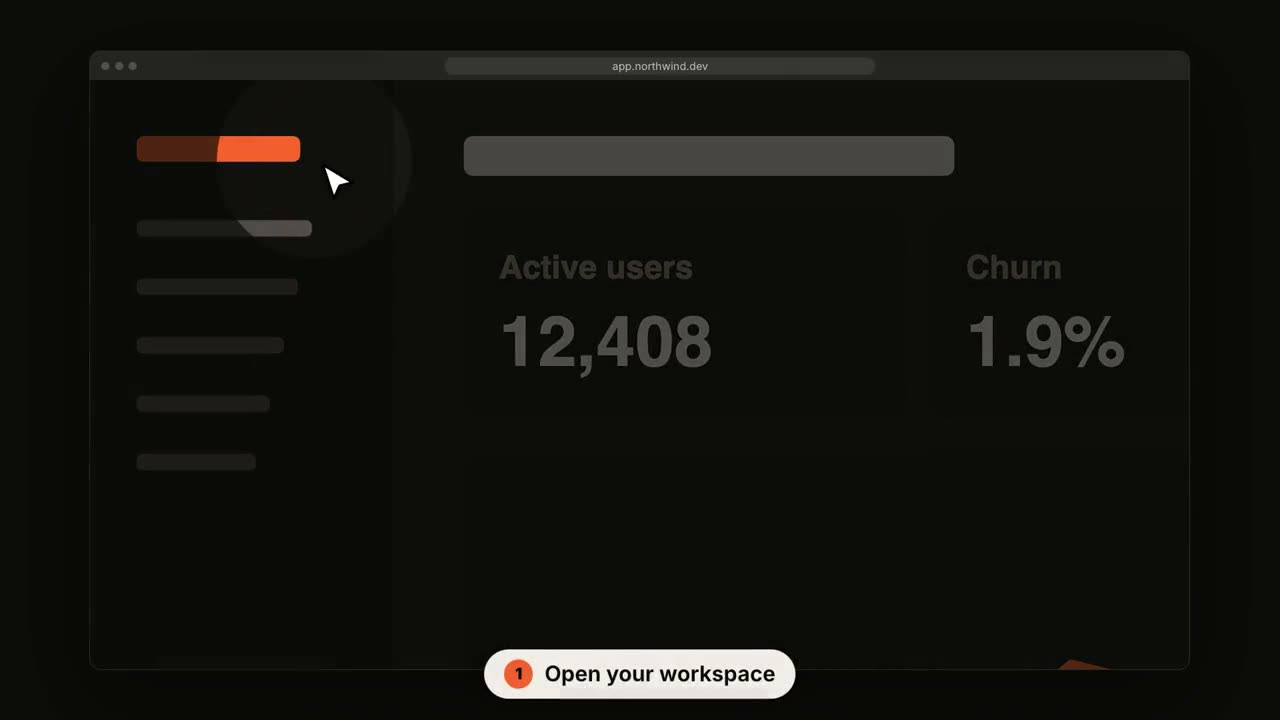
SaaS-UI-Rundgang
Skill öffnen →PremiumMake a 14-second 16:9 product walkthrough for [who will watch, e.g. new customers], playing [where, e.g. the onboarding email]. Use only the title, step captions and screenshot I give below; don't change a word. Near-black background. Scene 1: the title appears word by word, then fades as a browser window with the screenshot rises into place. Scenes 2–4, one per step: a white cursor glides to the right spot, the view zooms in smoothly, a soft spotlight dims everything else, the cursor clicks with an orange ripple, and a white numbered pill caption slides up at the bottom. End frame: zoom back out to the whole screen. Title: [e.g. "Ship a release in 3 clicks"] Steps: [three captions and where each one points] (e.g. "Open your workspace" on the sidebar) Attach: [a screenshot of your product]
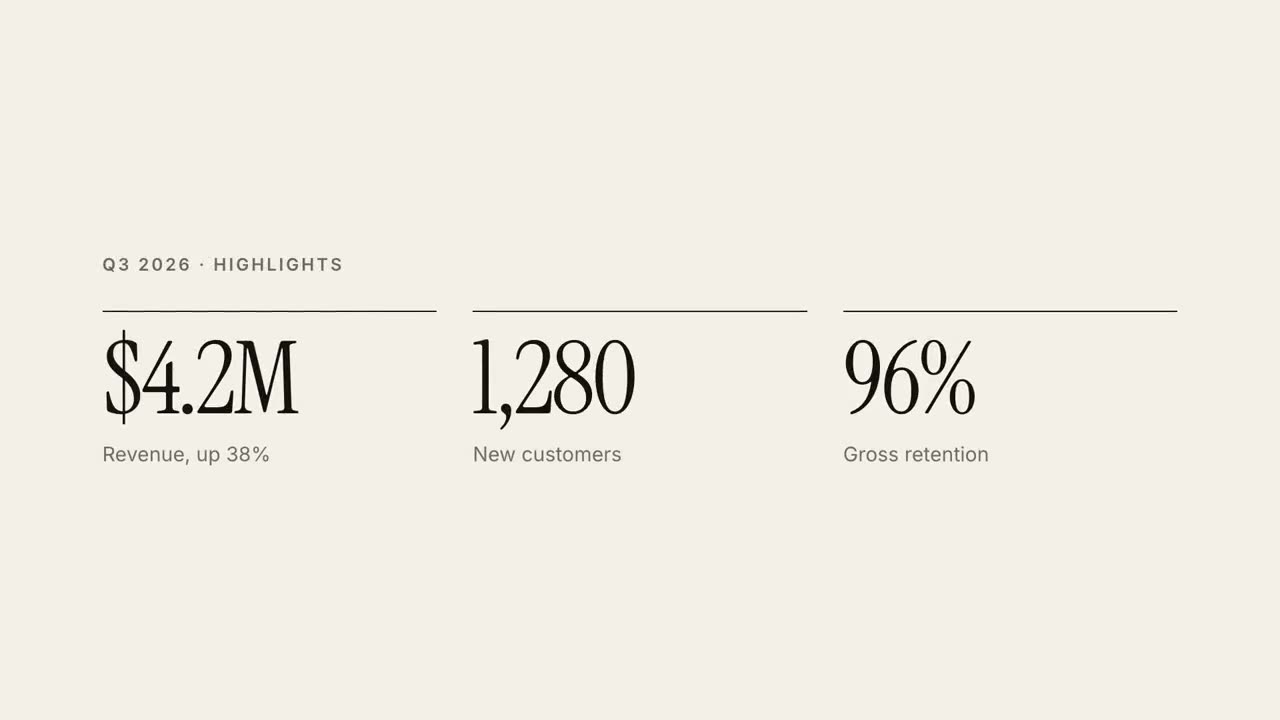
Bericht in 30 Sekunden
Skill öffnen →PremiumMake a 30-second 16:9 quarterly report explainer for [who will watch, e.g. the all-hands], playing [where, e.g. on the big screen]. Use only the numbers in the report I attach; don't round or change any of them. Off-white paper, editorial serif. Scene 1: the company and quarter in small caps, then a two-line headline rises line by line with the second line in red-orange italic, and a black rule draws across. Scene 2: three KPIs with black top rules count up. Scene 3: a monthly bar chart grows with values on top and the last bar in orange-red. Scene 4: three numbered takeaways slide in. End frame: the next step, held for 2 seconds. Attach: [your quarterly report] Headline: [e.g. "A quarter of compounding growth"] Next step: [e.g. "Next: expand to EMEA in Q4."]
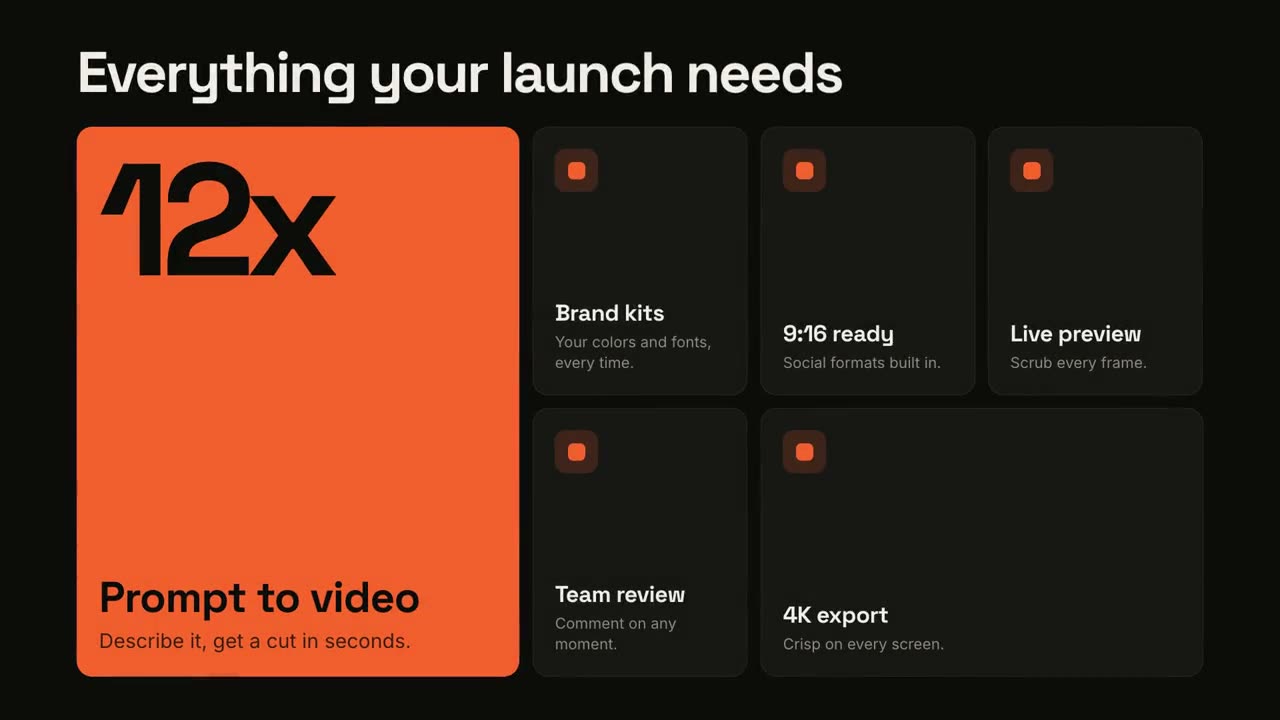
Feature-Raster
Skill öffnen →PremiumMake a 10-second 16:9 feature overview for [who will watch, e.g. trial users], playing [where, e.g. the pricing page]. Use only the headline, numbers and feature names below; don't change them. Near-black background. The headline rises word by word. Below it, a bento grid assembles from slightly scattered, rotated tiles: one large orange hero tile with a giant number counting up and a short label, plus five dark tiles with small orange icons and titles. End frame: each tile lifts slightly in turn with a light glint sweeping across it. Headline: [e.g. "Everything your launch needs"] Hero number and label: [e.g. "12x", "Prompt to video"] Five features: [e.g. "Brand kits", "9:16 ready", "Live preview", "Team review", "4K export"]
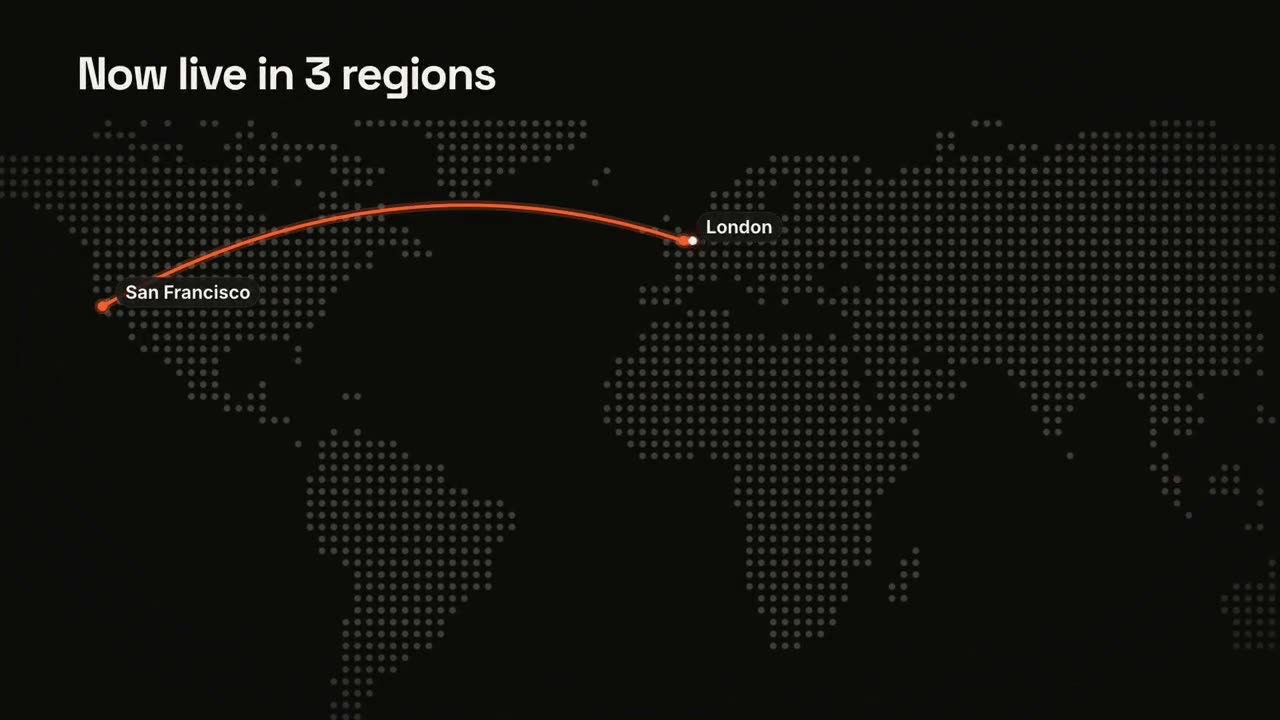
Karten & Routen
Skill öffnen →PremiumMake a 12-second 16:9 map animation for [who will watch, e.g. enterprise prospects], playing [where, e.g. the sales deck]. Use only the places and claim below; don't add stops. Near-black background. A dot-matrix world map fades in with the title at the top left. The camera glides in to frame the route. An orange pin pops at the first stop with a pulse ring and a label; an orange arc draws to the next stop with a glowing dot traveling along it, each stop popping a labeled pin. End frame: an orange pill with the claim slides in at the bottom left, held for 2 seconds. Title: [e.g. "Now live in 3 regions"] Stops in order: [e.g. San Francisco → London → Singapore] Claim: [e.g. "Under 40 ms from anywhere"]
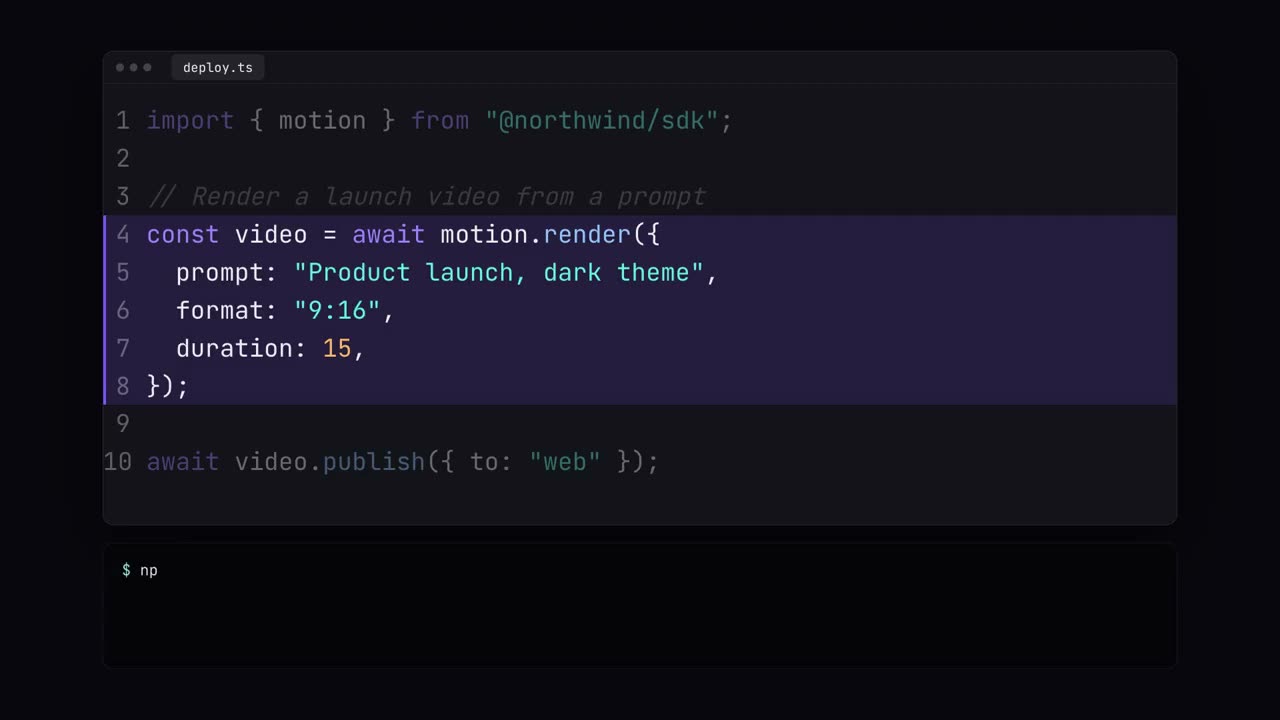
Code-Showcase
Skill öffnen →PremiumMake a 14-second 16:9 code demo for [who will watch, e.g. developers], playing [where, e.g. our docs and X]. Use only the code, command and headline I give below; don't change a character. Dark navy background. A rounded editor window with three dots and a file tab rises in. The code types out character by character with a violet block caret and syntax colors (violet keywords, teal strings, gray italic comments, orange numbers). The key lines then get a translucent violet highlight with a left border while the other lines dim. A terminal below types the command and prints green check lines. End frame: the editor fades and the headline appears. File name and code: [your snippet, 8 to 12 lines] (e.g. deploy.ts) Lines to highlight: [e.g. 4–8] Command: [e.g. "$ npx northwind deploy"] Headline: [e.g. "From prompt to production in one call"]
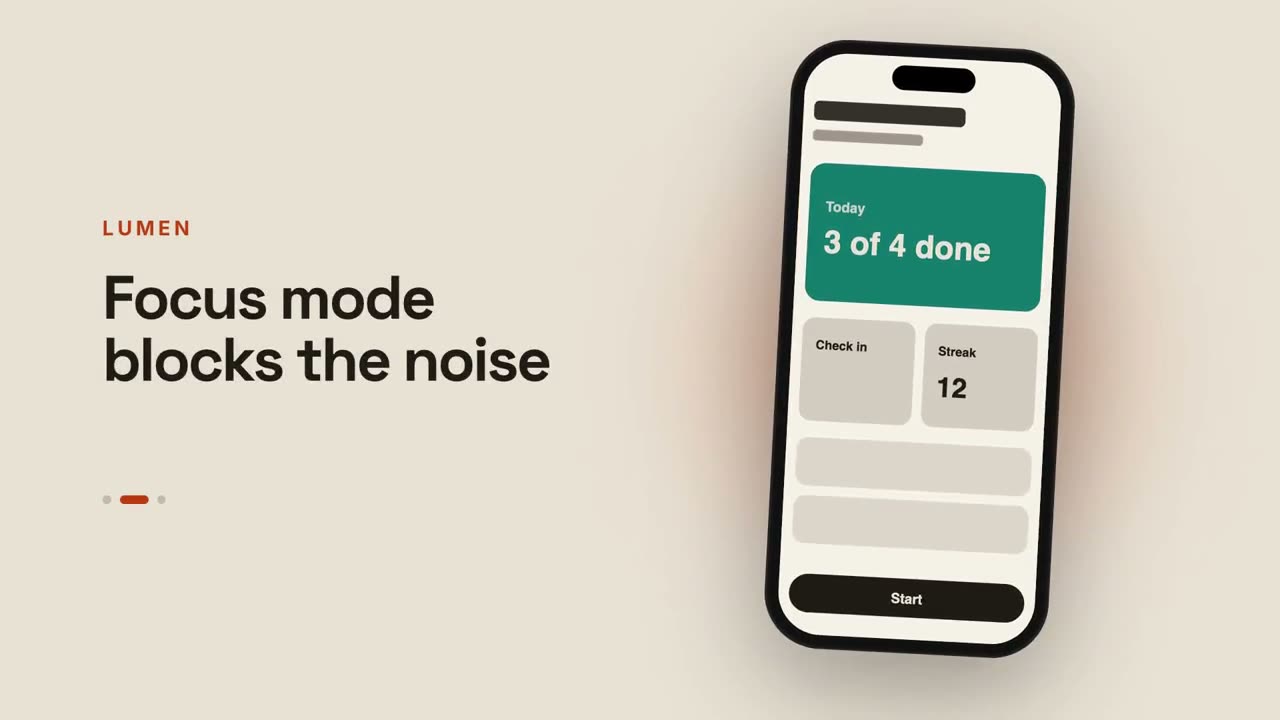
App-Vorschau
Skill öffnen →PremiumMake a 12-second 16:9 app preview for [who will watch, e.g. people deciding whether to download], playing [where, e.g. the App Store page and our site]. Use only the screenshots and captions I give below; don't change a word. Warm sand background. A modern phone mockup swings up from the bottom with a soft rust-colored glow behind it and floats gently. On the left, the app name in small rust uppercase sits above a bold caption. Every three seconds the phone screen swipes to the next screenshot while the caption changes and a pill-shaped page indicator moves along. End frame: where to get it, held for 2 seconds. App name: [e.g. LUMEN] Captions, one per screenshot: [e.g. "Plan your week in seconds", "Focus mode blocks the noise", "See your progress at a glance"] End line: [e.g. "Available on iOS and Android"] Attach: [three phone screenshots]
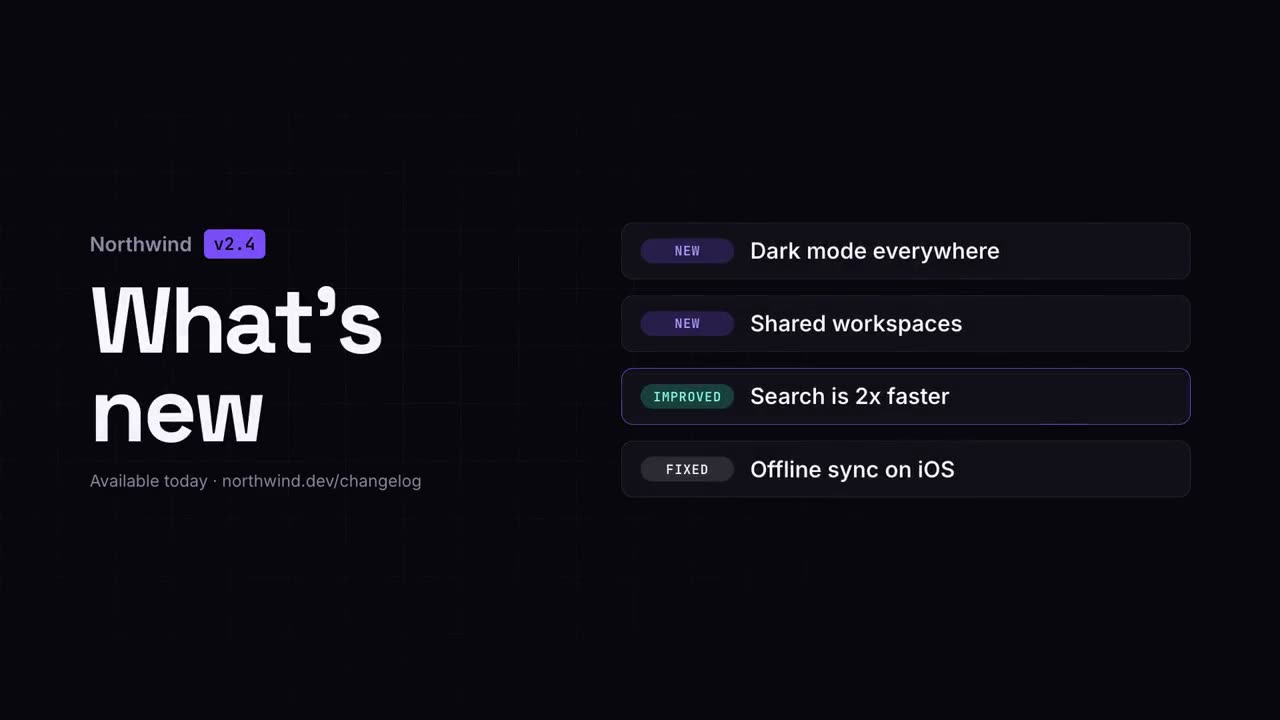
Changelog-Video
Skill öffnen →KostenlosMake a 10-second 16:9 release notes video for [who will watch, e.g. our users], playing [where, e.g. in-app and on X]. Use only the version and changes I give below; don't add or reword items. Deep navy background with a faint grid. On the left, the product name with a violet version badge pops in above a big bold "What's new" headline that rises letter by letter, with the availability line beneath. On the right, four rounded cards slide in one after another, each with a small colored tag (NEW, IMPROVED, FIXED) and one line of text. End frame: each card's border lights up violet in turn. Product and version: [e.g. Northwind v2.4] Availability line: [e.g. "Available today · northwind.dev/changelog"] Four changes with tags: [e.g. NEW — Brand kits]
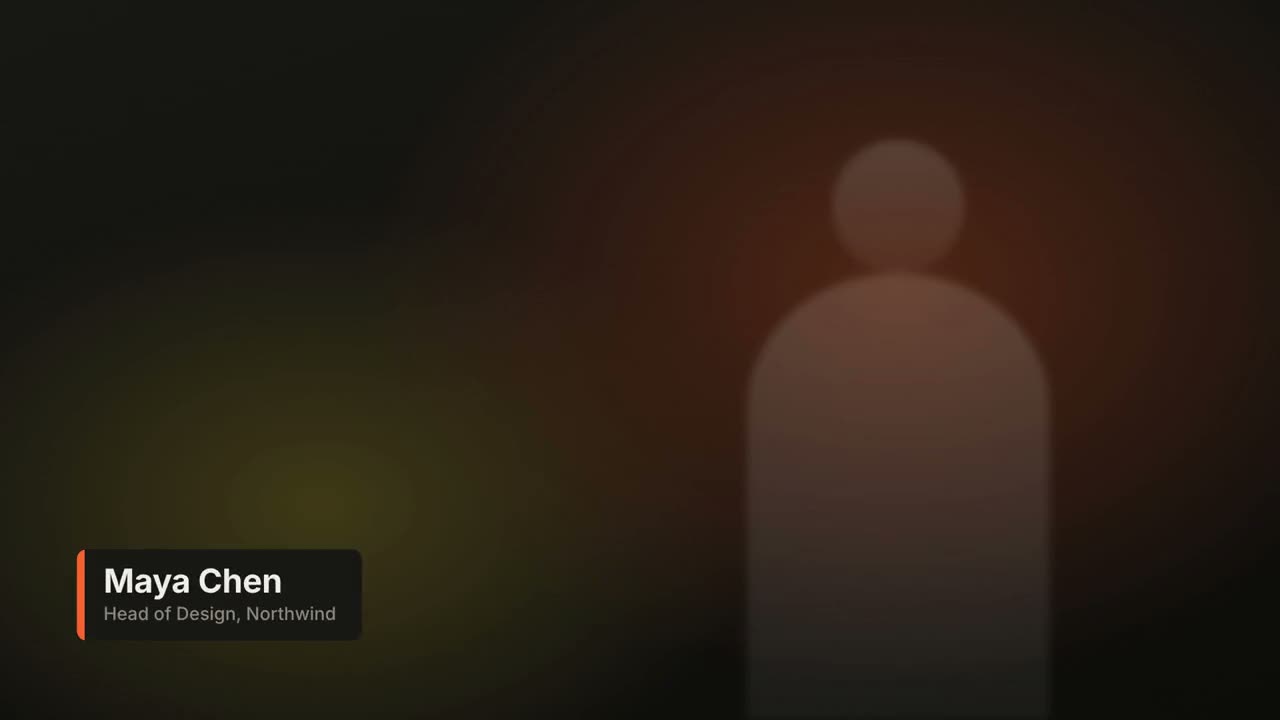
Bauchbinden
Skill öffnen →KostenlosMake a 6-second 16:9 lower third for [who will watch, e.g. viewers of our interview video], playing [where, e.g. over the speaker's first appearance]. Use only the name and title below. Over a softly blurred, warm-toned video backdrop, or over the clip I attach. At 0.4s a slim orange vertical tab grows, then a dark rounded card wipes open from the left, revealing the name in bold white sans and the title in muted gray beneath, each sliding up slightly. Hold. End: the card wipes closed to the left at 4.7s. Name and title: [e.g. Maya Chen, Head of Design, Northwind] Attach (optional): [the clip it goes over]
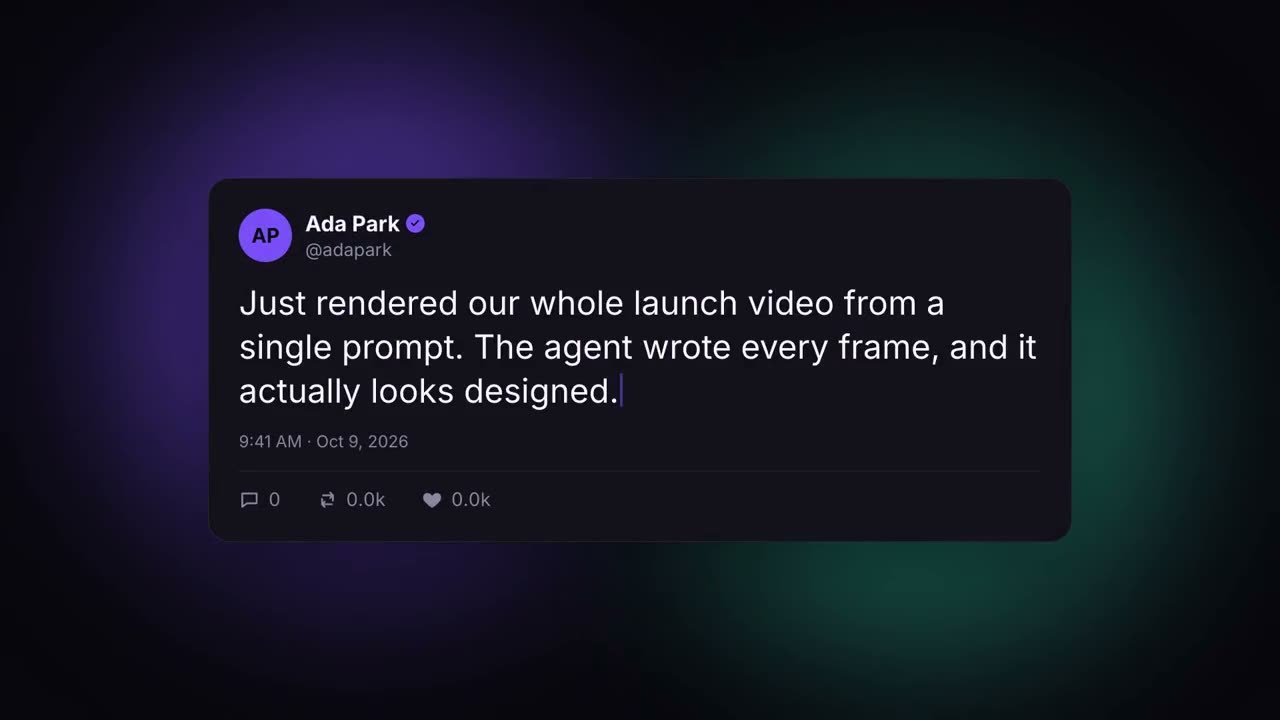
Social-Post-Karte
Skill öffnen →KostenlosMake an 8-second 16:9 social post animation for [who will watch, e.g. prospects on LinkedIn], playing [where, e.g. a launch thread]. Use only the post, name and counts below; don't change a word or number. A generic social card, not any real platform's design. Dark background with drifting violet and teal glows. The card rises with a slight 3D tilt. A violet avatar with initials, the name with a check badge popping in, and the handle. The post text types out character by character with a violet caret. End frame: the timestamp fades in and the reply, repost and like counters count up, with the heart turning pink and pulsing. Name, initials and handle: [e.g. Ada Park, AP, @adapark] Post: [the real post] (e.g. "Just rendered our whole launch video from a single prompt...") Counts: [replies, reposts, likes] (e.g. 318, 2.1k, 12.4k)
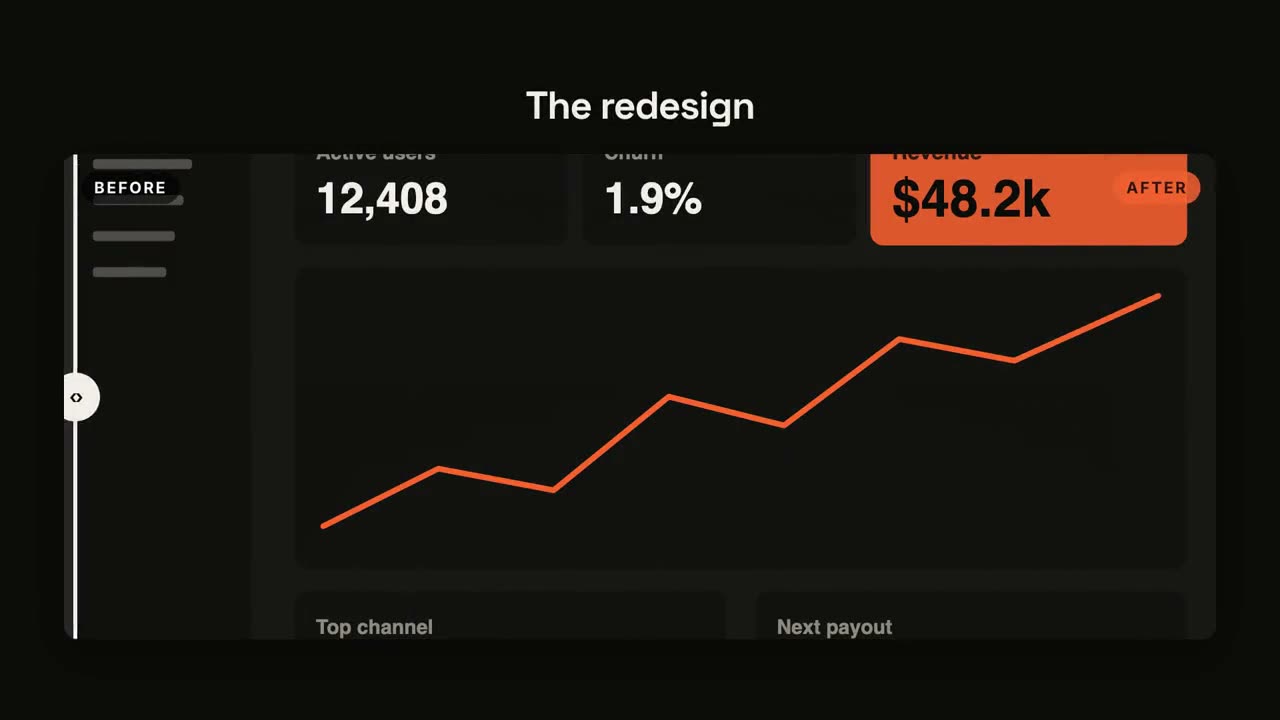
Vorher / Nachher
Skill öffnen →KostenlosMake an 8-second 16:9 before-and-after comparison for [who will watch, e.g. customers], playing [where, e.g. the redesign announcement]. Use only the two screenshots and the title I give. Dark background. The title fades in above a large rounded frame showing the before screenshot in grayscale, labeled "BEFORE". A white vertical divider with a round handle sweeps from right to left, revealing the after screenshot in full color with an orange "AFTER" tag. End frame: the divider swings back to about three quarters and settles in the middle. Title: [e.g. "The redesign"] Attach: [a before screenshot and an after screenshot, same size]
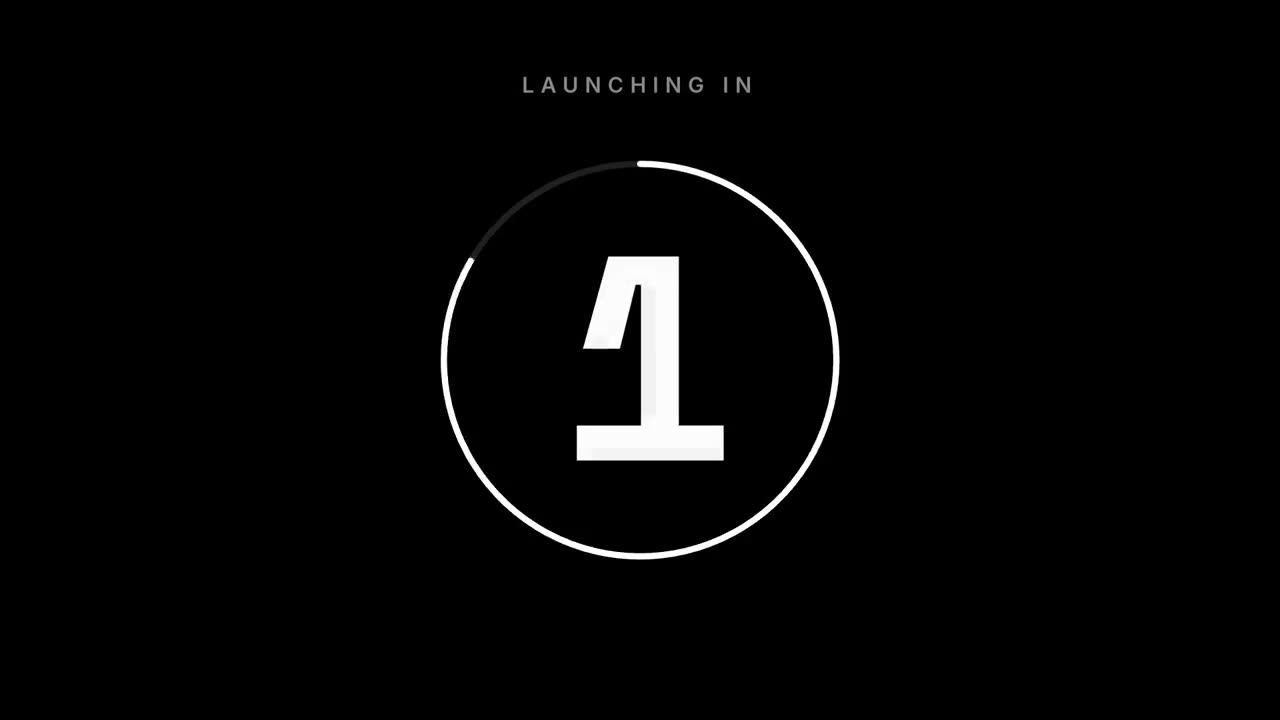
Countdown
Skill öffnen →KostenlosMake a 7-second 16:9 launch countdown for [who will watch, e.g. our followers], playing [where, e.g. the livestream and X the hour before launch]. Use only the date and line below. Pure black background. Small uppercase "LAUNCHING IN" sits at the top. A thin white ring drains clockwise around each number as huge white numerals 3, 2, 1 slam in from a blurred, oversized state and shrink away. After 1, the ring blows outward and an off-white flash fills the frame. End frame: the launch line settles in with tightening letter spacing above the date and time in gray. Launch line: [e.g. "Live now"] Date and time: [e.g. "Oct 21 · 10am PT"]
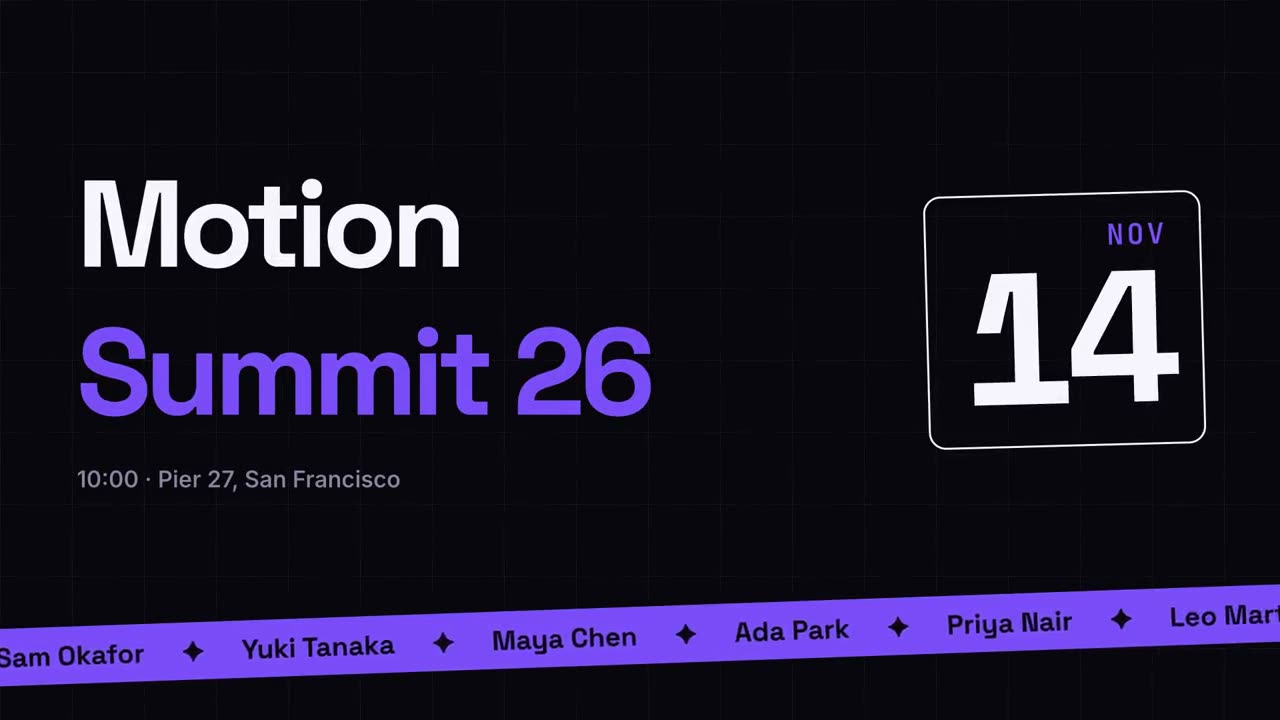
Event-Promo
Skill öffnen →PremiumMake a 10-second 16:9 event announcement for [who will watch, e.g. designers in the Bay Area], playing [where, e.g. LinkedIn and the event page]. Use only the event details below; don't change a date, place or name. Deep navy background with a faint grid. The event name rises from masks in a heavy geometric sans, first word white, second word violet, with the time and place fading in beneath. On the right, a rounded outlined date block tilts in, showing the month in small violet monospace above a huge day number counting up. A slightly tilted violet ticker band slides up from the bottom, scrolling speaker names separated by ✦. End frame: the ticker fades to the ticket line. Event name: [e.g. "Motion" / "Summit 26"] Time and place: [e.g. "10:00 · Pier 27, San Francisco"] Date: [e.g. NOV 14] Speakers: [names] Ticket line: [e.g. "Get your ticket → motionsummit.dev"]
Übergangs-Paket
Skill öffnen →PremiumMake a 12-second 16:9 reel of four chapter cards for [who will watch, e.g. viewers of our video essay], playing [where, e.g. between sections on YouTube]. Use only the four captions below, in order. Four full-screen color cards, each with a small "01 / 04" counter and a big bold caption at the bottom left that rises in. Each card slowly zooms out. Between cards, a solid orange bar sweeps across the screen from left to right, covering the old card and revealing the next. End frame: the last card, held for 1 second. Captions: [four chapter names] (e.g. "Chapter one", "The idea", "The build", "The launch") Card colors: [four colors, or "use my brand colors" and attach the guide]
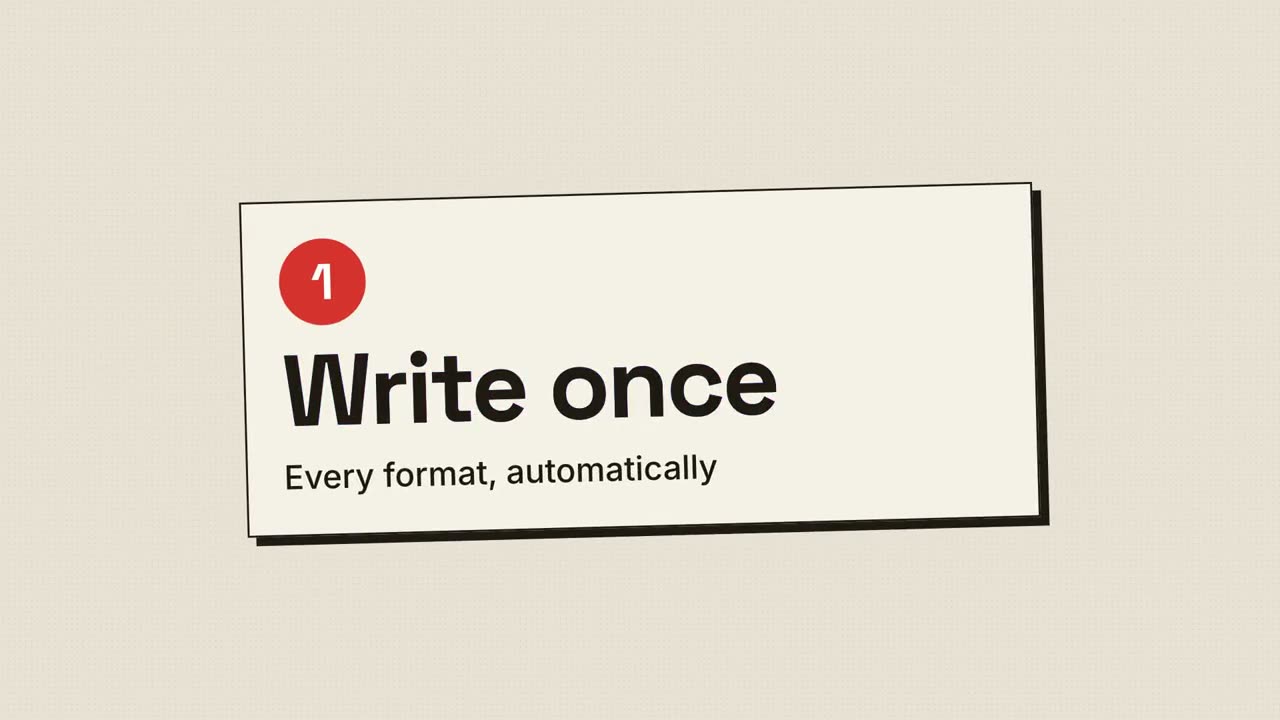
Rasterdruck-Launch
Skill öffnen →PremiumMake a 20-second 16:9 retro print launch for [who will watch, e.g. writers and small teams], playing [where, e.g. our newsletter and X]. Use only the name, lines and screenshot I give; don't change a word. Warm paper background with fine grain. Scene 1: a red halftone-dot sun grows behind the huge black product name, whose cyan and magenta copies wobble out of register and snap into alignment. The tagline appears below. Scene 2: three cream posters with thick black borders and offset black shadows slide in one at a time, each with a red numbered circle and a feature title that snaps into register. Scene 3: the screenshot drops in with a halftone overlay. End frame: the name, a black call-to-action button with a red shadow, and a red starburst badge spinning slowly. Product and tagline: [e.g. FOLIO, "Docs your team actually reads."] Three features: [titles] Call to action and badge: [e.g. "Start free", "NEW!"] Attach: [a screenshot of your product]
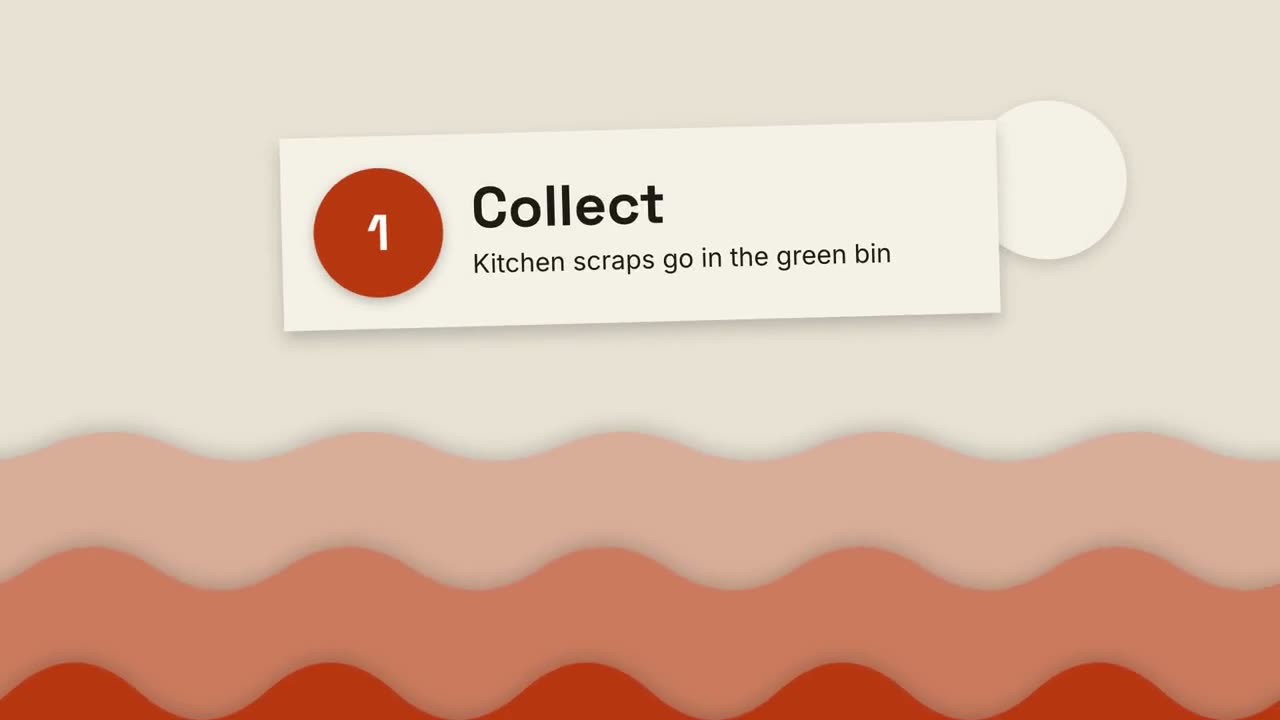
Papierschnitt-Erklärvideo
Skill öffnen →KostenlosMake a 20-second 16:9 cut-paper explainer for [who will watch, e.g. residents in our city], playing [where, e.g. the council website and Instagram]. Use only the title and three steps below; don't add facts. Warm sand background. Scene 1: three wavy paper hills in shades of rust slide up from the bottom with soft shadows and drift slowly sideways, and a pale paper sun rises. Scene 2: a cream paper banner drops in, slightly tilted, with the title. Scene 3: three cream paper cards slide in from the right one at a time, each with a rust cut-paper badge (a circle "1", a triangle "2", a rotated square "3") and a step. End frame: the closing line and a small subtitle, held for 2 seconds. Title: [e.g. "How compost feeds a city"] Three steps: [e.g. "Collect — Kitchen scraps go in the green bin", "Break down", "Grow"] Closing line: [e.g. "Small scraps, big loop."]
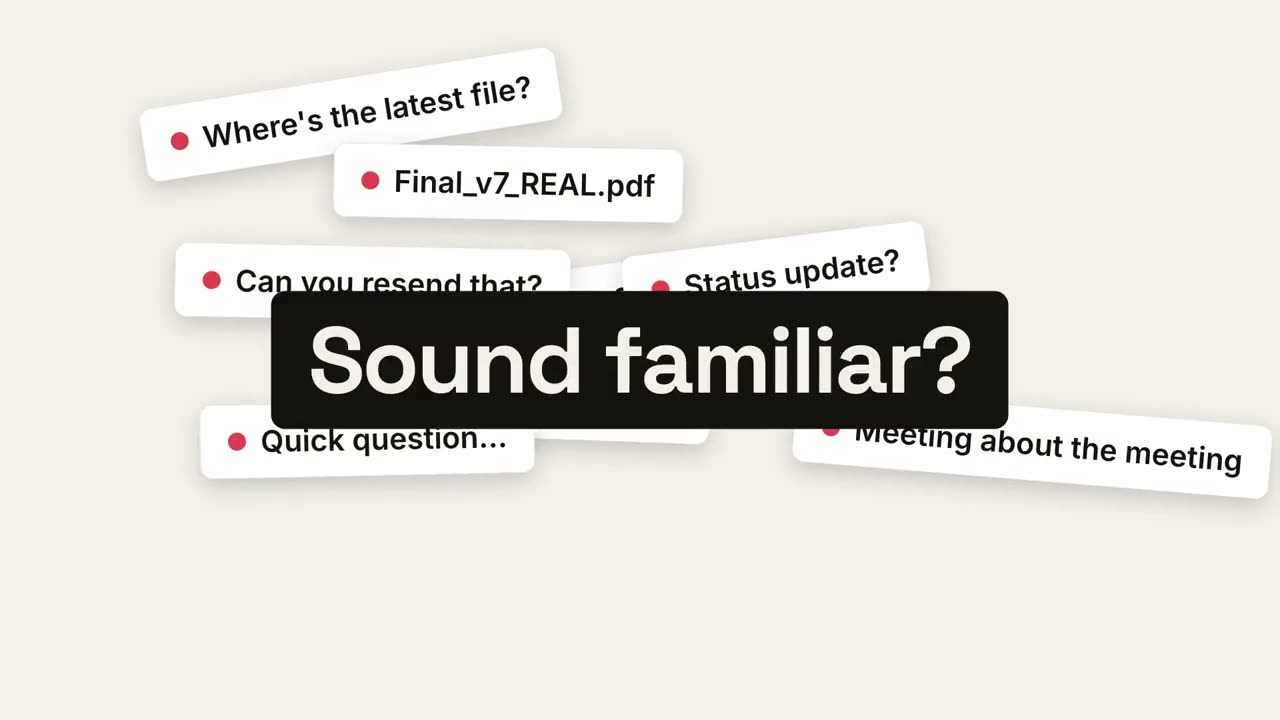
Vom Chaos zur Ruhe
Skill öffnen →PremiumMake a 20-second 16:9 launch video for [who will watch, e.g. team leads drowning in chat], playing [where, e.g. LinkedIn ads, muted]. Use only the lines, benefits and screenshot I give; don't change a word. Off-white background. Scene 1: white chips with red dots pop in all over the frame, tilted and jittering, each with a pain point. Scene 2: a black label slams into the center and the whole pile shakes. Scene 3: every chip is sucked into the center point, a white flash, and a calm screen appears: the product name in orange, the promise, and the screenshot rising into place. Scene 4: three benefits with orange check circles. End frame: the name with an orange call-to-action button, held for 2 seconds. Pain points: [four short lines] (e.g. "37 unread pings", "Final_v7_REAL.pdf") Label: [e.g. "Sound familiar?"] Product and promise: [e.g. Calm, "One place. Zero chasing."] Three benefits and call to action: [e.g. "Get Calm"] Attach: [a screenshot of your product]

Meilenstein-Zeitleiste
Skill öffnen →PremiumMake an 8-second 16:9 timeline for [who will watch, e.g. new hires and investors], playing [where, e.g. the about page and the onboarding deck]. Use only the years and milestones below; don't change a date. Sand background. A serif title appears. A thin dark line draws from left to right. As it reaches each point, a hollow dot pops and a milestone appears, alternating above and below the line. End frame: the final milestone with an orange dot and a small orange "Today" pill that pulses. Title: [e.g. "How we got here"] Milestones: [year — one line each, 4 to 5] (e.g. "2022 — Two founders, one laptop" … "2026 — 1M creators")
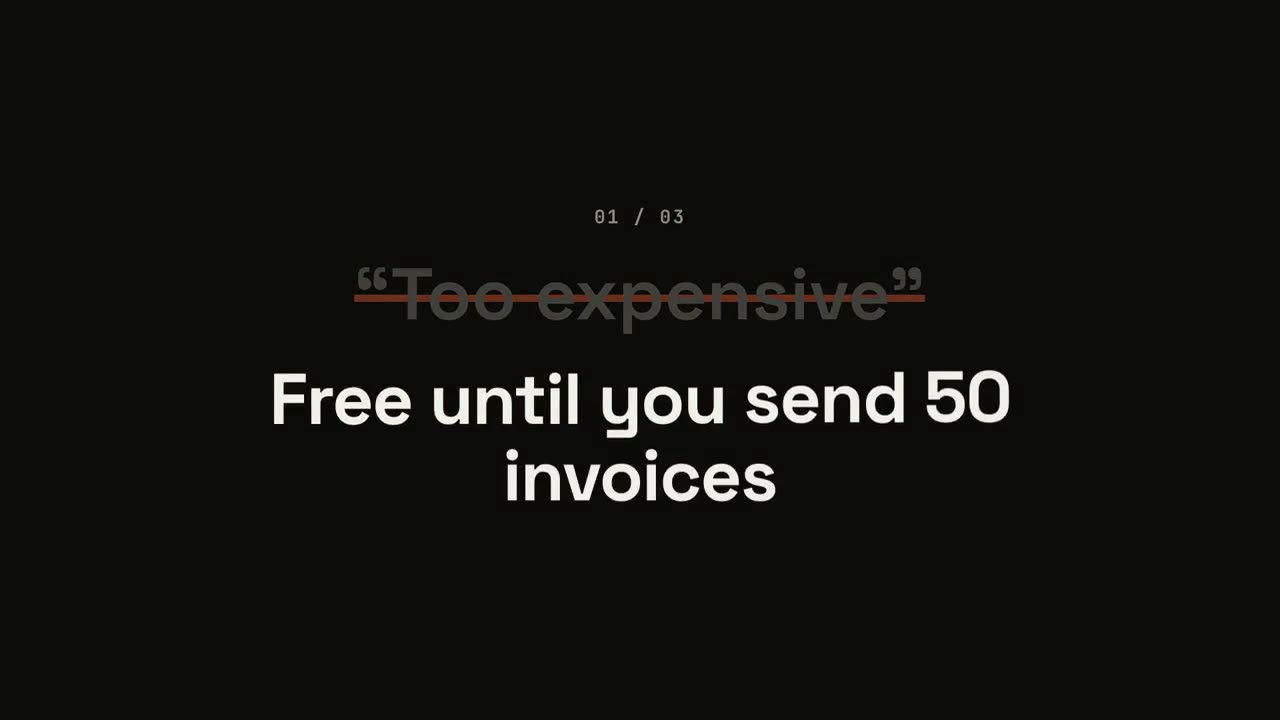
Einwände-umdrehen-Launch
Skill öffnen →PremiumMake a 20-second 16:9 typographic launch for [who will watch, e.g. freelancers who haven't signed up], playing [where, e.g. retargeting ads and X]. Use only the objections and answers below; don't soften or change them. Near-black background. Scene 1: the opening line rises word by word. Scenes 2–4, one per objection: a small counter "01 / 03", the objection in gray quotes gets struck through with an orange line and shrinks, and the bold white answer pops in word by word with a faint orange flash on the background. Scene 5: the closing question slams in word by word. End frame: the product name, an orange call-to-action button and the URL. Opening line: [e.g. "You've heard it all before."] Three objections and answers: [e.g. "Too expensive" → "Free until you send 50 invoices"] Closing question: [e.g. "So, what's stopping you?"] Product, call to action and URL: [e.g. Ledgerly, "Try Ledgerly free", ledgerly.io]

Zusammenfassungs-Wand
Skill öffnen →PremiumMake a 7-second 16:9 recap scene for [who will watch, e.g. people who finished our tutorial], playing [where, e.g. the last scene of the video]. Use only the five points below. Near-black background. A bold "Recap" title sits at the top left. Five dark rounded cards fly in one by one from random directions and angles, landing in a two-row grid slightly tilted. The cards straighten and their number circles fill orange in sequence. End frame: the closing line fades in below in gray. Five points: [e.g. "Hook in the first second", "One idea per scene", "Captions always on", "Brand colors, not rainbow", "End with one clear ask"] Closing line: [e.g. "Save this for your next video."]
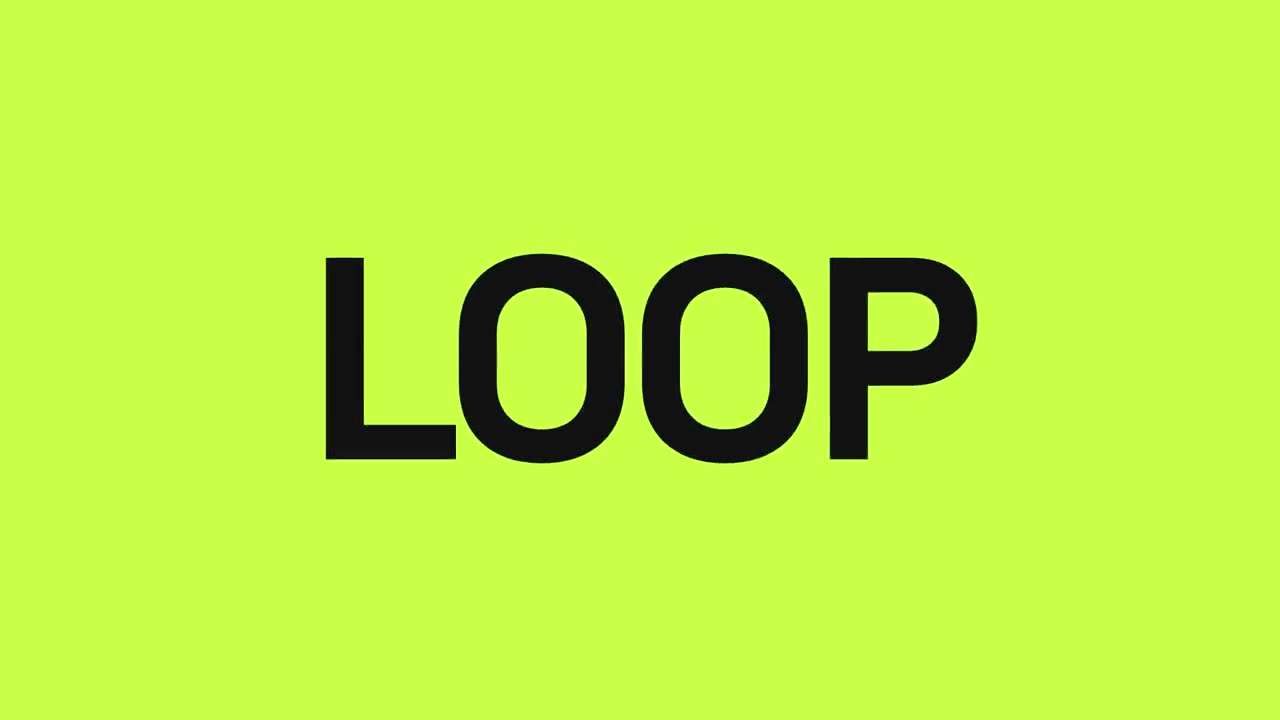
Launch im Takt
Skill öffnen →PremiumMake a 16-second 16:9 beat-synced launch for [who will watch, e.g. creators on TikTok and Reels], playing [where, e.g. with sound on]. Use only the words below, in order. 120 BPM, hard cuts every half second, alternating white, lime-green and black full-frame cards. Single huge uppercase words flash one per beat. On the drop, the product name crashes in from a blur on lime and pulses on each beat for four beats. Three short claims each hold for two beats. End frame: black with the product name and a lime pill with the URL that pulses on every beat. Beat words: [8 words] (e.g. PLAN, WRITE, DESIGN, ANIMATE, RENDER, REPEAT, EVERY, WEEK) Product: [e.g. LOOP] Three claims: [e.g. "One prompt", "Every format", "Zero editing"] URL: [e.g. loop.video]
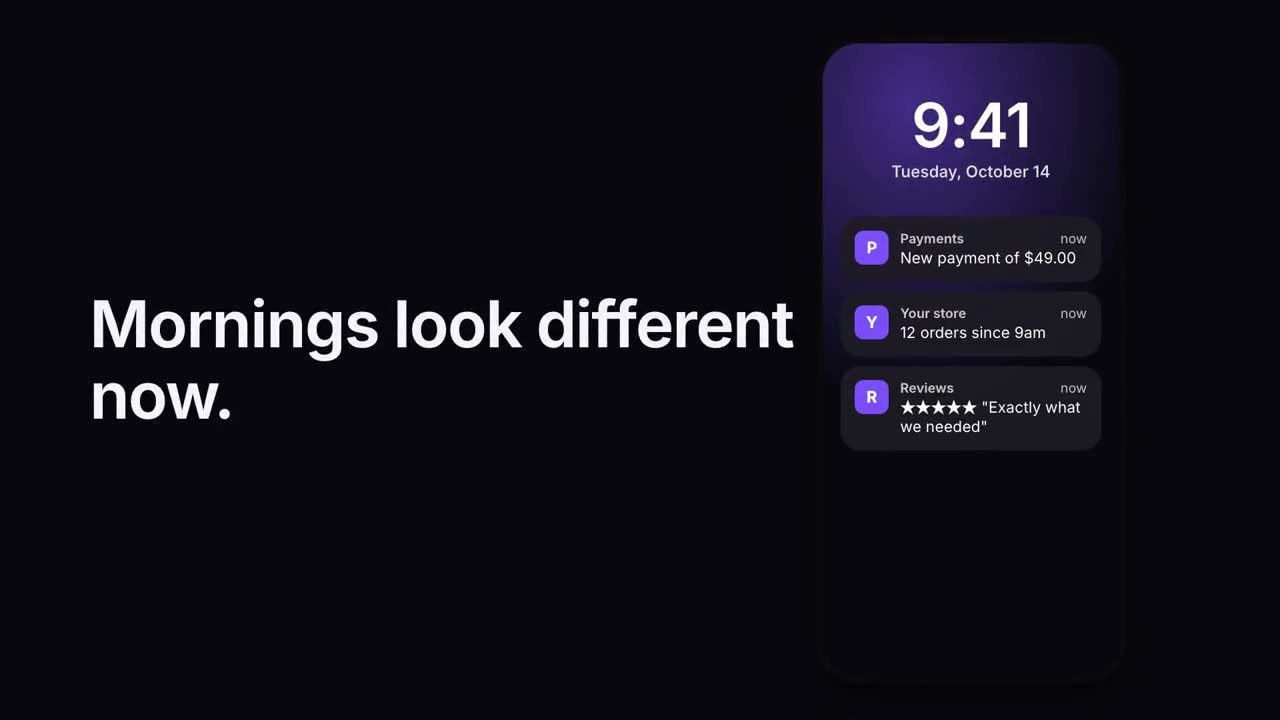
Benachrichtigungsstapel
Skill öffnen →PremiumMake a 7-second 16:9 scene for [who will watch, e.g. small shop owners], playing [where, e.g. Instagram and our landing page]. Use only the line and notifications below. Deep navy background. On the left, bold white text with the line. On the right, a phone lock screen with a violet glow, a large time and the date. Dark translucent notifications drop in one by one with a slight buzz of the phone, each with a small violet letter icon. End frame: all four notifications stacked, held for 1.5 seconds. Line: [e.g. "Mornings look different now."] Time and date: [e.g. "9:41", "Tuesday, October 14"] Four notifications: [e.g. "Payments — New payment of $49.00", "Your store — 12 orders since 9am"]
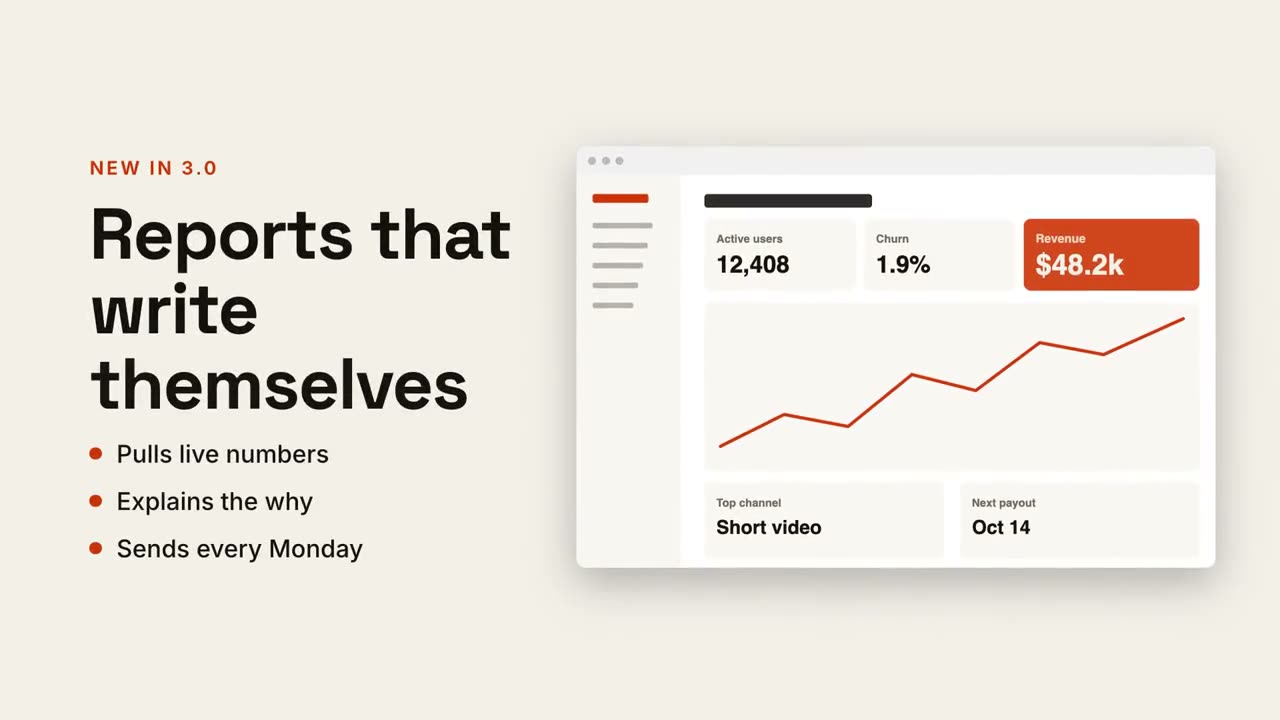
Text + Screen
Skill öffnen →PremiumMake a 7-second 16:9 product scene for [who will watch, e.g. existing customers], playing [where, e.g. the release email]. Use only the label, headline, bullets and screenshot I give. Off-white background. On the left, a small orange uppercase label, then the bold headline rising word by word, then three bullet points with orange dots. On the right, a browser window with the screenshot glides in from the right. End frame: the window floats gently beside the text. Label: [e.g. "NEW IN 3.0"] Headline: [e.g. "Reports that write themselves"] Three bullets: [e.g. "Pulls live numbers", "Explains the why", "Sends every Monday"] Attach: [a screenshot of the feature]
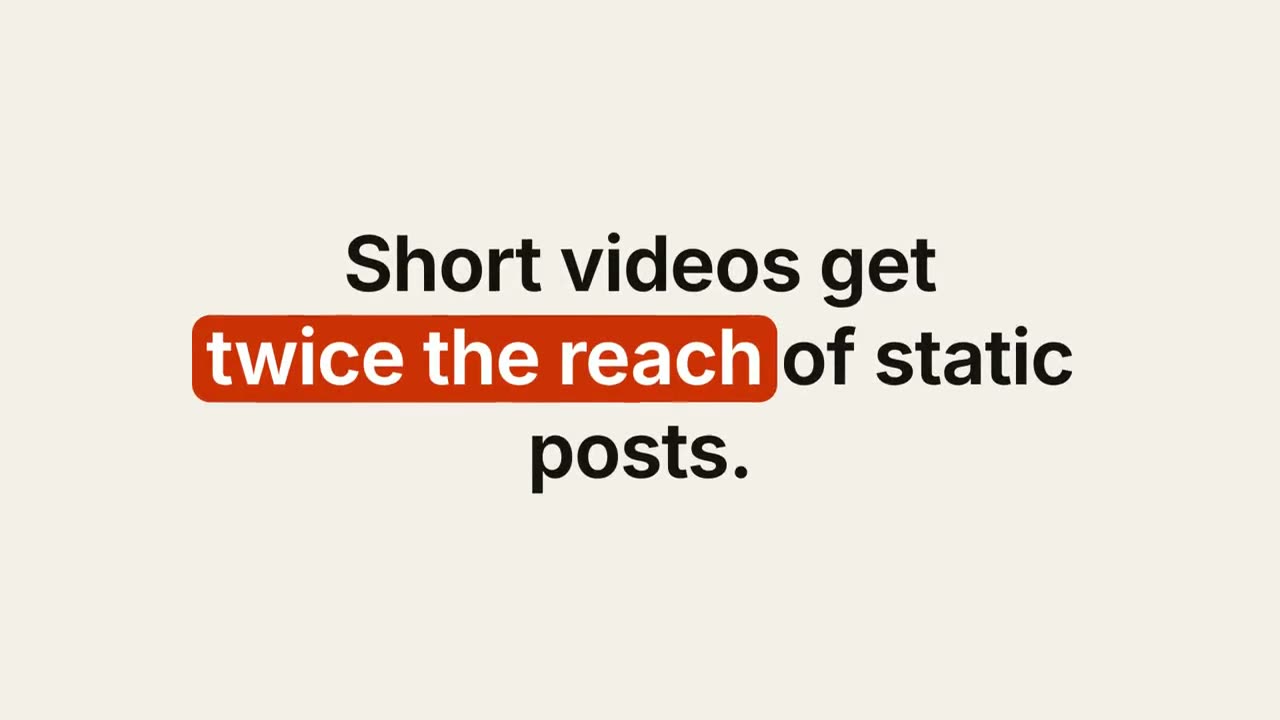
Schlüsselwort-Untertitel
Skill öffnen →PremiumMake a 6-second 16:9 caption for [who will watch, e.g. marketers on LinkedIn], playing muted in the feed. Use only the sentence below; don't change a word. Warm off-white background, bold sans, centered. The sentence rises word by word. Then a rounded rust-orange pill wipes in from left to right behind the key phrase and those words turn white. End frame: hold, 2 seconds. Sentence: [e.g. "Short videos get twice the reach of static posts."] Key phrase: [e.g. "twice the reach"]
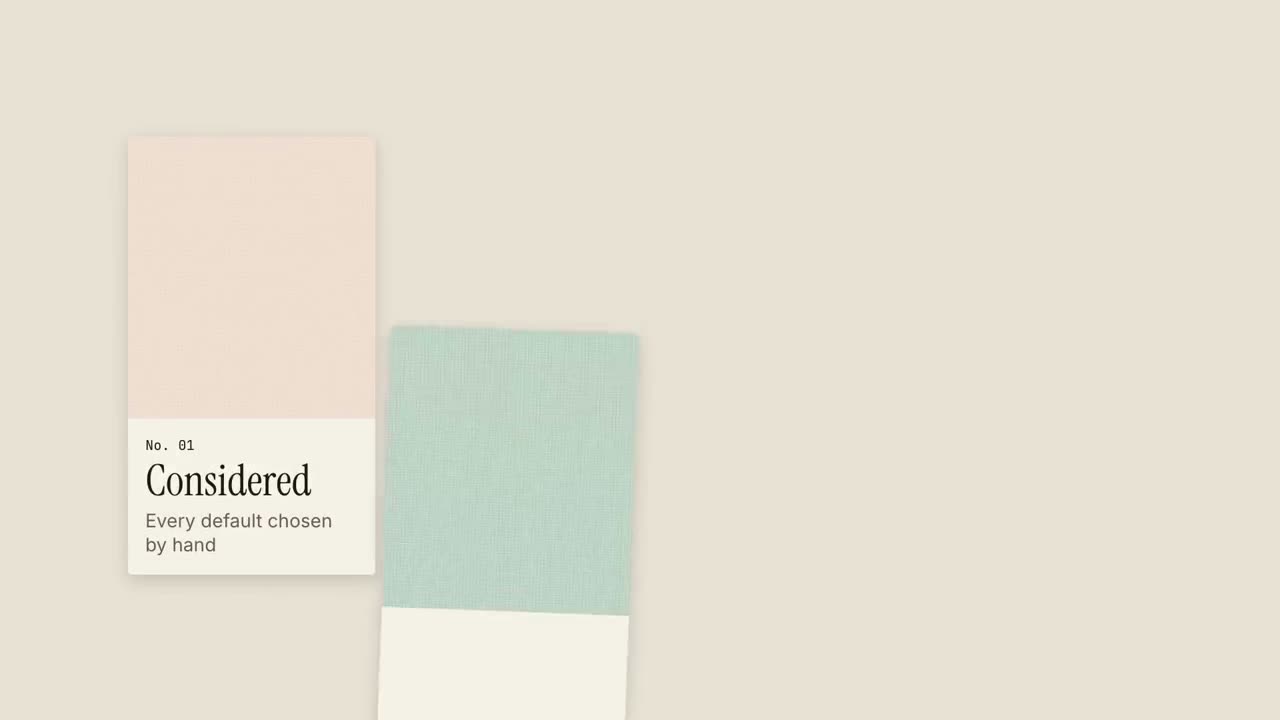
Musterbuch-Launch
Skill öffnen →PremiumMake an 18-second 16:9 calm launch for [who will watch, e.g. design-minded buyers], playing [where, e.g. our shop homepage and Instagram]. Use only the name, lines and images I give; don't change a word. Sand background. Scene 1: a small spaced-out label with the brand and a large serif line appear, with a short rust rule. Scene 2: four tall material swatches slide up one at a time into a row, each with a cream tag reading "No. 01" to "No. 04", a word and a short line. Scene 3: the swatches lift away. End frame: the brand in serif, the call to action underlined in rust, and the URL. Brand and line: [e.g. ATELIER, "Made with the care of a studio."] Four tags: [e.g. "Considered — Every default chosen by hand", "Tactile", "Quiet", "Lasting"] Call to action and URL: [e.g. "SEE THE COLLECTION", atelier.studio] Attach (optional): [four texture or product photos for the swatches]
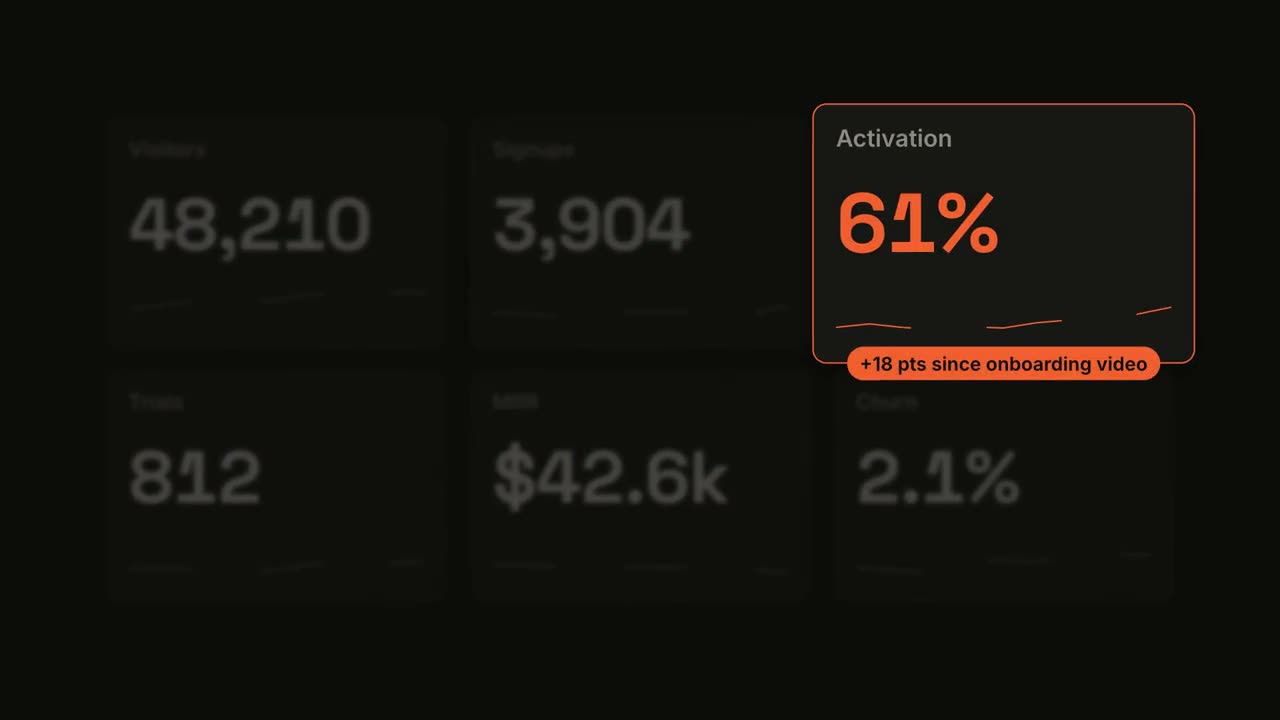
Kennzahl im Spotlight
Skill öffnen →PremiumMake a 7-second 16:9 dashboard scene for [who will watch, e.g. the growth team], playing [where, e.g. the weekly review]. Use only the six metrics I attach or list below; don't round or change any. Near-black background. Six dark rounded tiles appear in a 3-by-2 grid, each counting up to its value while a thin sparkline draws along the bottom. Then every tile except the one I name blurs and fades, the named tile grows with an orange outline and an orange value. End frame: an orange pill with the takeaway pops onto its bottom edge, held for 1.5 seconds. Six metrics: [names and values] (e.g. Visitors 48,210, Signups 3,904, Activation 61%, Trials 812, MRR $42.6k, Churn 2.1%) Spotlight metric and takeaway: [e.g. Activation, "+18 pts since onboarding video"]
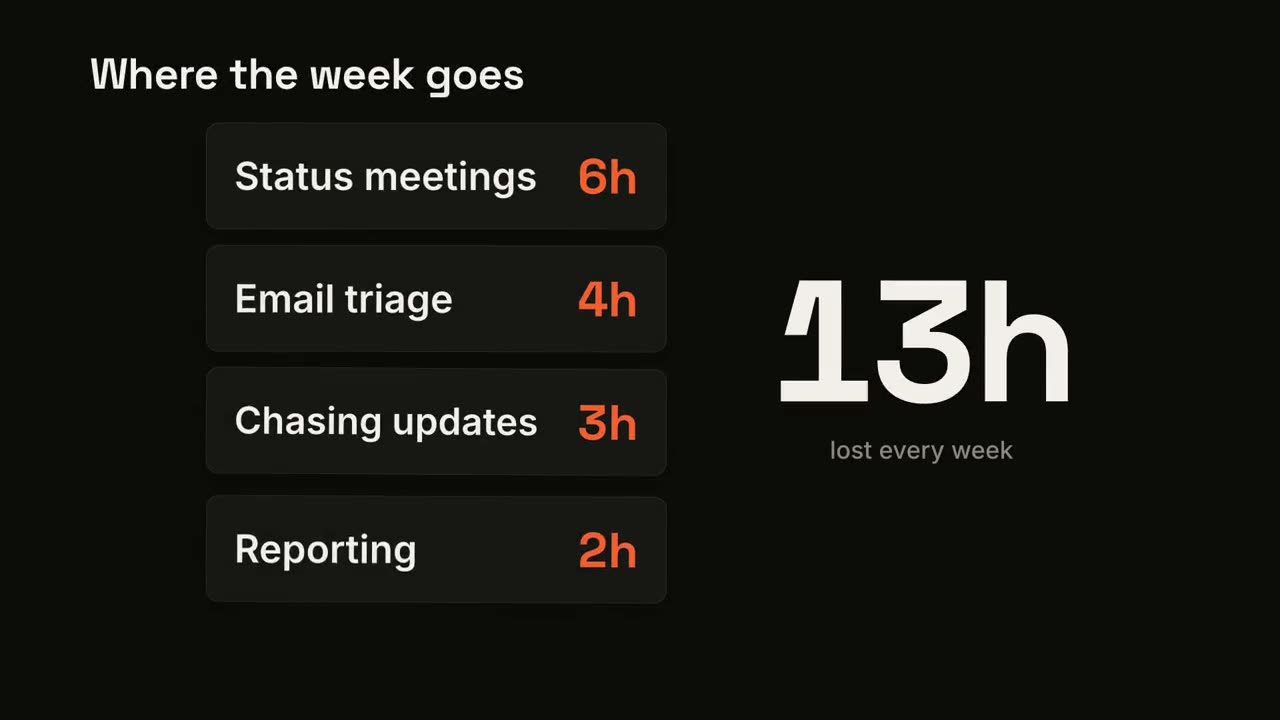
Kartenstapel-Zähler
Skill öffnen →PremiumMake a 7-second 16:9 scene for [who will watch, e.g. managers we're selling to], playing [where, e.g. the sales deck]. Use only the items and hours below; the total must equal their sum. Near-black background. The title sits at the top left. Dark rounded cards drop into a column one at a time, each with an item and its value in orange. Beside them a huge off-white number counts up as each card lands, with a gray caption beneath. End frame: when the last card lands, the total turns orange. Title: [e.g. "Where the week goes"] Items and values: [e.g. "Status meetings 6h", "Email triage 4h", "Chasing updates 3h", "Reporting 2h"] Caption: [e.g. "lost every week"]
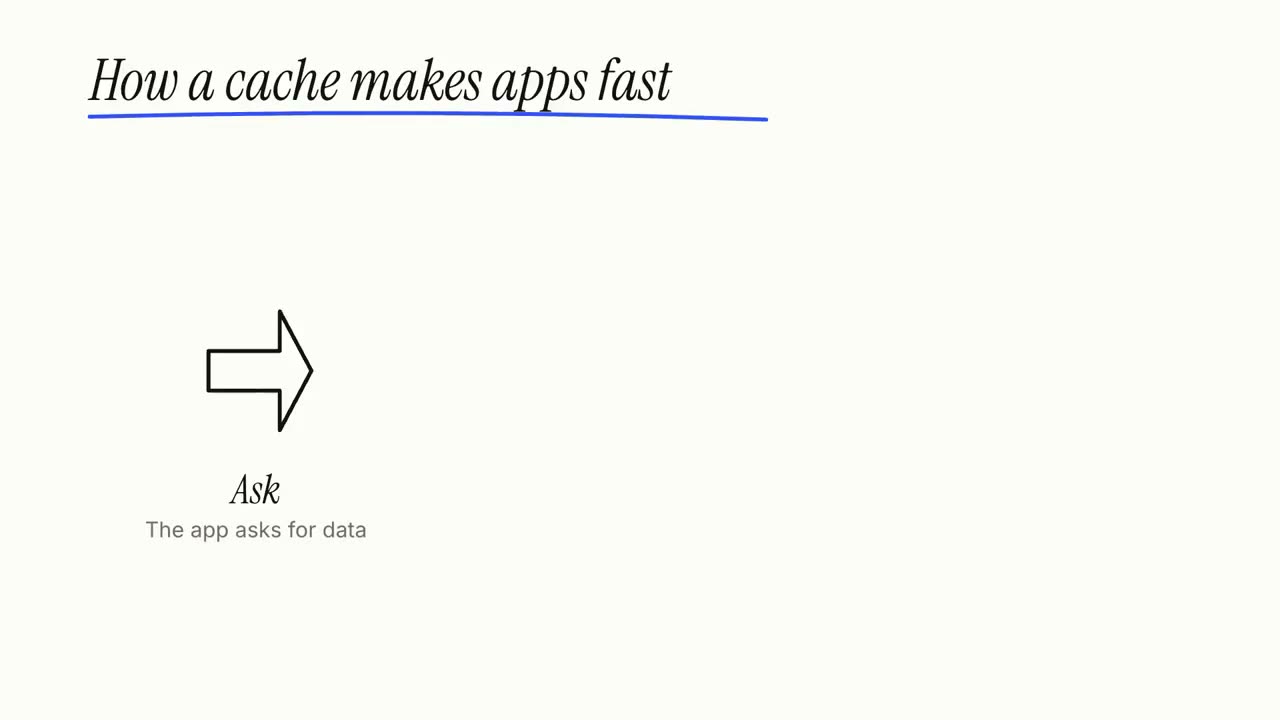
Whiteboard-Erklärvideo
Skill öffnen →PremiumMake a 20-second 16:9 whiteboard explainer for [who will watch, e.g. non-technical colleagues], playing [where, e.g. the internal wiki]. Use only the title, three steps and closing line below; don't add claims. Clean white board, black and blue marker. Scene 1: the italic handwritten-style title writes itself letter by letter and a blue marker underline sweeps under it. Scene 2: three stations draw themselves in black marker (an outlined arrow, a box with a blue tick, a light bulb with blue rays), each with its label, connected by curved gray arrows. End frame: the closing line writes in blue at the bottom and a blue marker loop circles it. Title: [e.g. "How a cache makes apps fast"] Three steps: [e.g. "Ask — The app asks for data", "Check — The cache answers if it already knows", "Remember — Otherwise fetch once, keep a copy"] Closing line: [e.g. "Fast = not asking twice."]
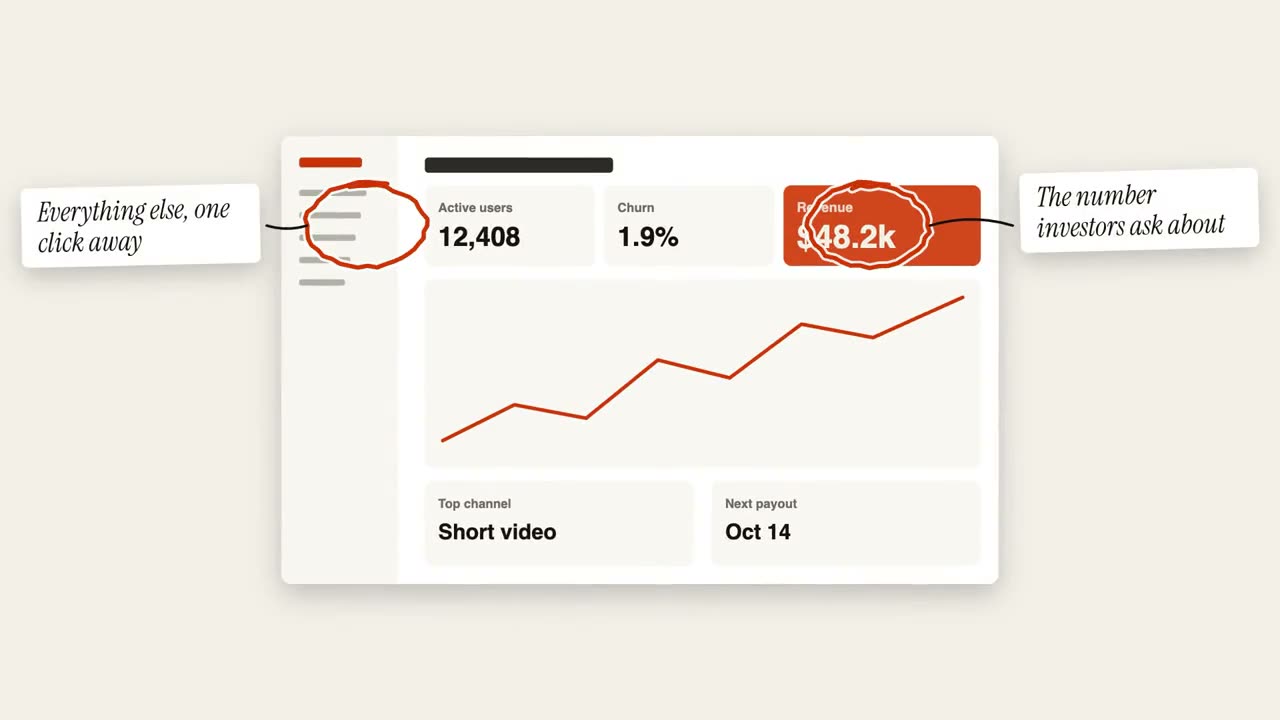
Kreis-Anmerkungen
Skill öffnen →PremiumMake an 8-second 16:9 annotation scene for [who will watch, e.g. investors], playing [where, e.g. the update deck]. Use only the screenshot and three notes I give. Off-white background. The screenshot sits in the center with a soft shadow. One at a time, a rust-orange hand-drawn marker circle loops around a spot, followed by a thin black hand-drawn arrow to a white tilted sticky note in the margin with an italic serif note. End frame: all three notes showing, held for 1.5 seconds. Attach: [a screenshot] Three spots and notes: [e.g. revenue card → "The number investors ask about", chart spike → "Spike after the launch video", sidebar → "Everything else, one click away"]
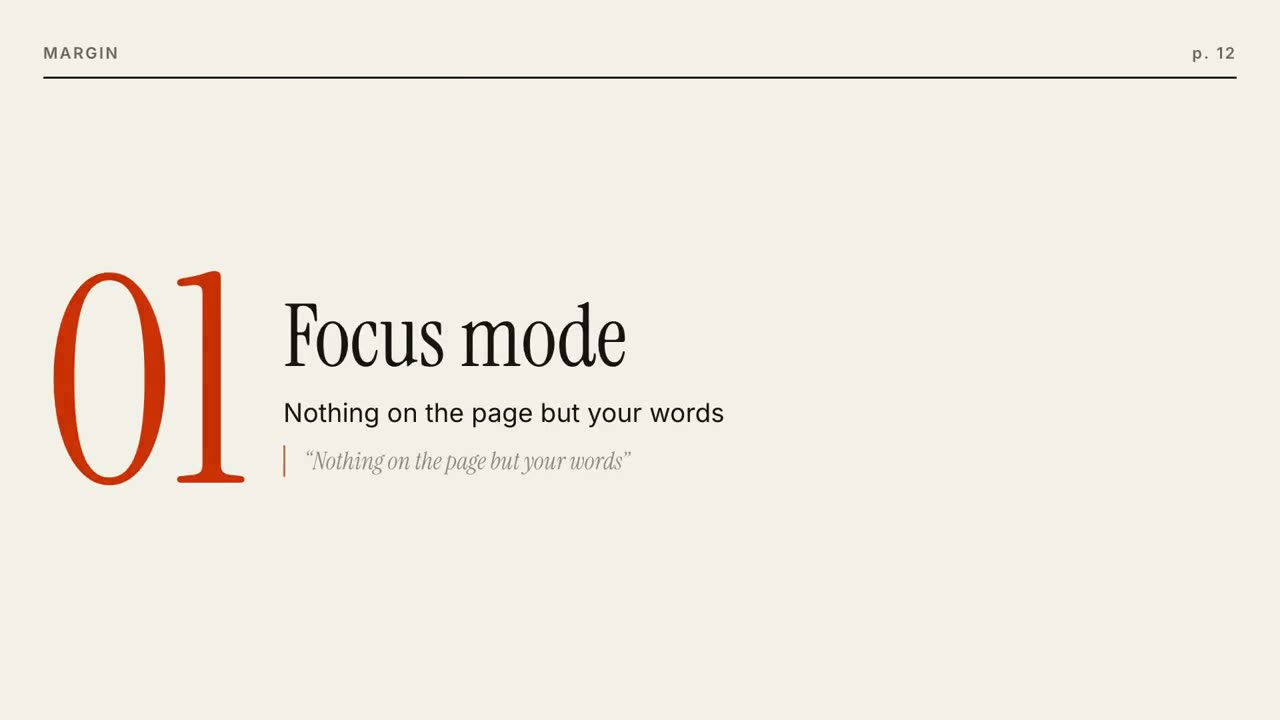
Magazin-Launch
Skill öffnen →PremiumMake a 20-second 16:9 magazine-style launch for [who will watch, e.g. readers who like long-form writing], playing [where, e.g. our newsletter and X]. Use only the name, lines and photo I give; don't change a word. Off-white paper. Scene 1: a large serif masthead with the issue line in small caps and a black rule, the cover photo wiping open, and the italic serif cover line. Scene 2: three pages turn in from the right, each with a running header, a giant orange serif numeral, a serif title, body text and an italic pull quote with an orange bar. End frame: the back cover with the name, a short orange rule, the italic call to action and the URL. Name and issue line: [e.g. Margin, "ISSUE 01 · OCTOBER 2026"] Cover line: [e.g. "The quiet return of good writing."] Three features: [titles, one short paragraph and one pull quote each] Call to action and URL: [e.g. "Read the first issue", margin.press] Attach: [a cover photo]
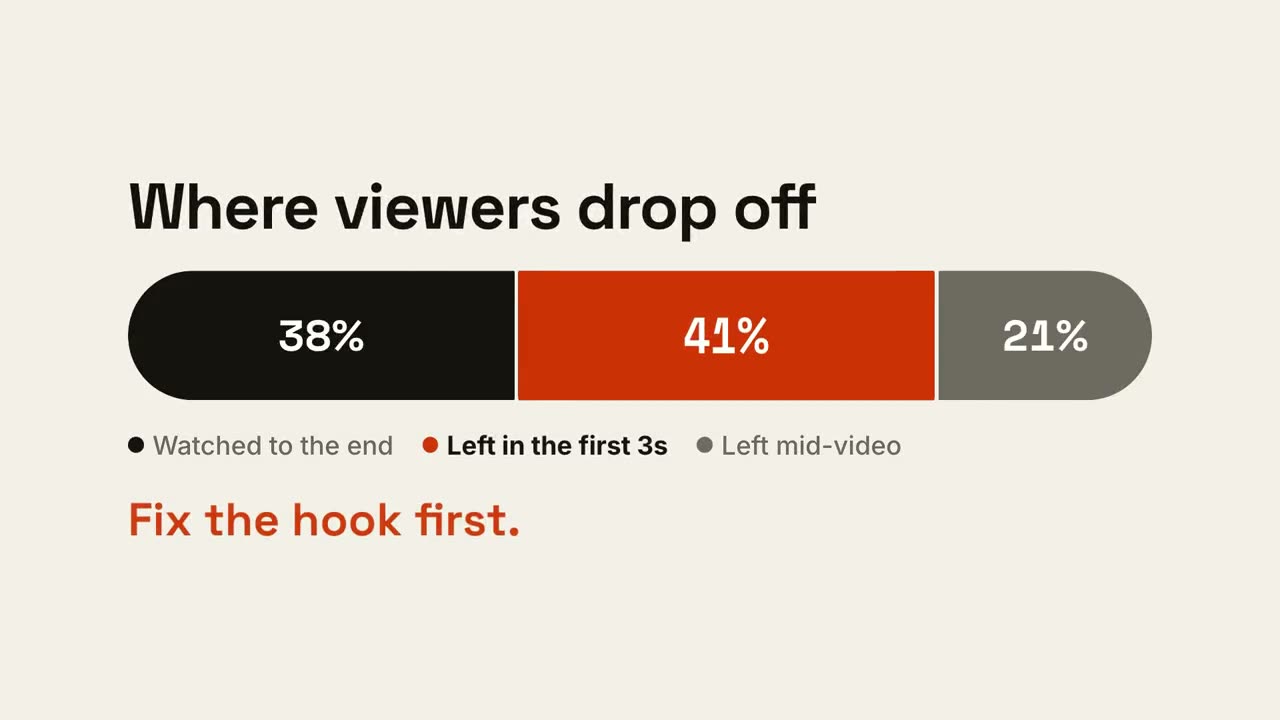
Anteilsbalken
Skill öffnen →PremiumMake a 7-second 16:9 scene for [who will watch, e.g. the video team], playing [where, e.g. the monthly retro]. Use only the three shares below; they must add up to 100%. Off-white background. The title appears. Below, a thick rounded bar wipes in from the left and splits into three segments (black, rust orange, gray) with the numbers counting up, and a legend lists what each one means. Then the highlighted segment swells slightly and the other legend items fade to gray. End frame: the takeaway appears in orange below. Title: [e.g. "Where viewers drop off"] Three segments: [e.g. "Watched to the end" 38%, "Left in the first 3s" 41%, "Left mid-video" 21%] Highlight and takeaway: [e.g. the 41% segment, "Fix the hook first."]
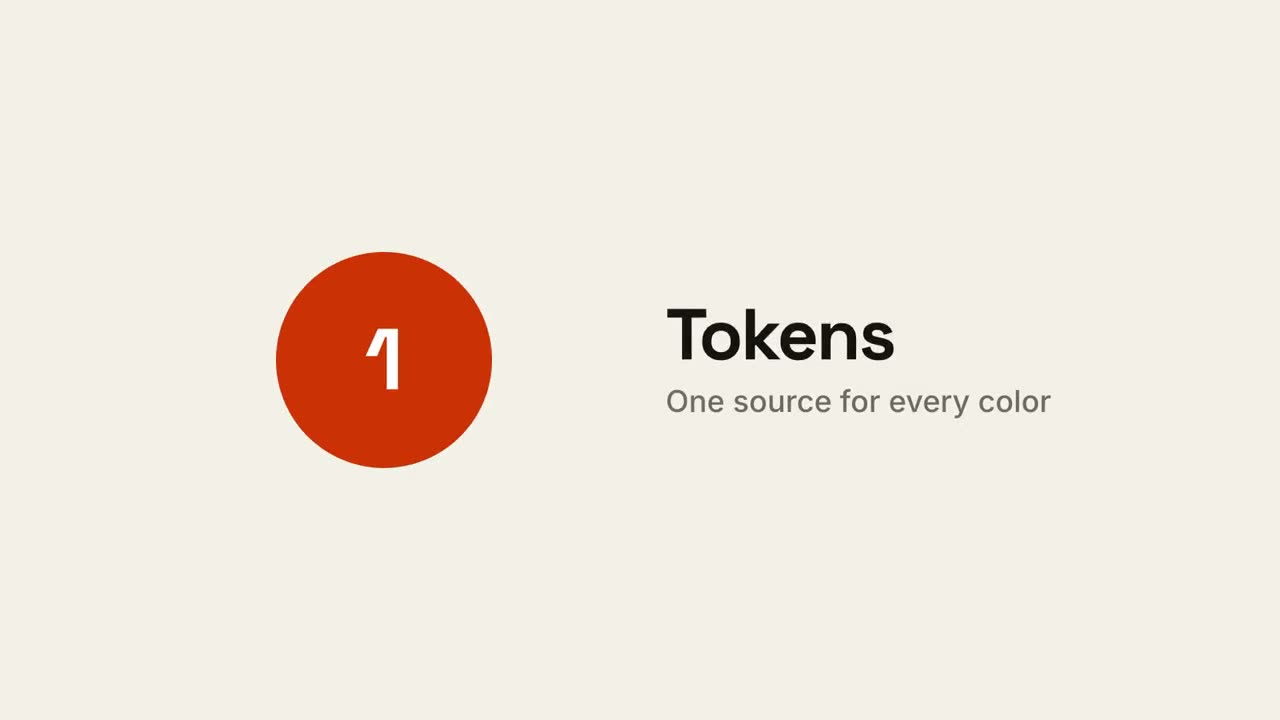
Quadrat-Morph-Launch
Skill öffnen →PremiumMake an 18-second 16:9 minimal launch for [who will watch, e.g. design system teams], playing [where, e.g. the homepage hero]. Use only the name, lines and features below; don't change a word. Off-white background, one orange shape. Scene 1: a small orange square pops in at the center, rotates as it grows, then stretches into a thin underline as the headline rises above it. Scene 2: the shape morphs into a large orange circle with "1" beside the first feature, then into a wide card with "2", then into a tall phone shape with "3". End frame: it shrinks into a small rotated square logo mark beside the name, with a black call-to-action button and the URL below. Headline: [e.g. "Design systems, without the meetings."] Three features: [e.g. "Tokens — One source for every color", "Components", "Handoff"] Product, call to action and URL: [e.g. Shape, "Start shaping", shape.design]
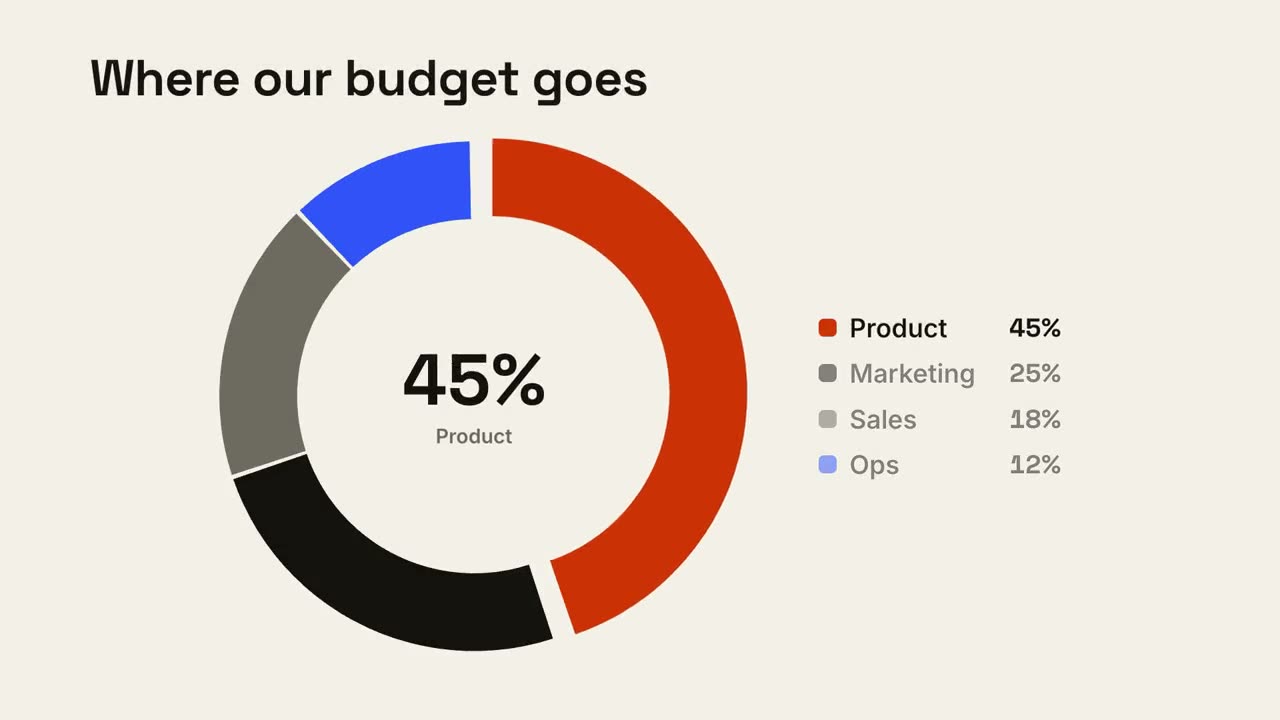
Donut-Aufschlüsselung
Skill öffnen →PremiumMake a 7-second 16:9 donut chart for [who will watch, e.g. the board], playing [where, e.g. the budget review]. Use only the shares I attach or list below; they must add up to 100%. Off-white background. The title appears. A thick ring draws segment by segment clockwise (rust orange, black, gray, blue) with a legend fading in beside it. The center counts up to the largest share with its name beneath. End frame: the largest slice pops outward slightly and the other legend items dim. Title: [e.g. "Where our budget goes"] Segments: [names and shares] (e.g. Product 45%, Marketing 25%, Sales 18%, Ops 12%)
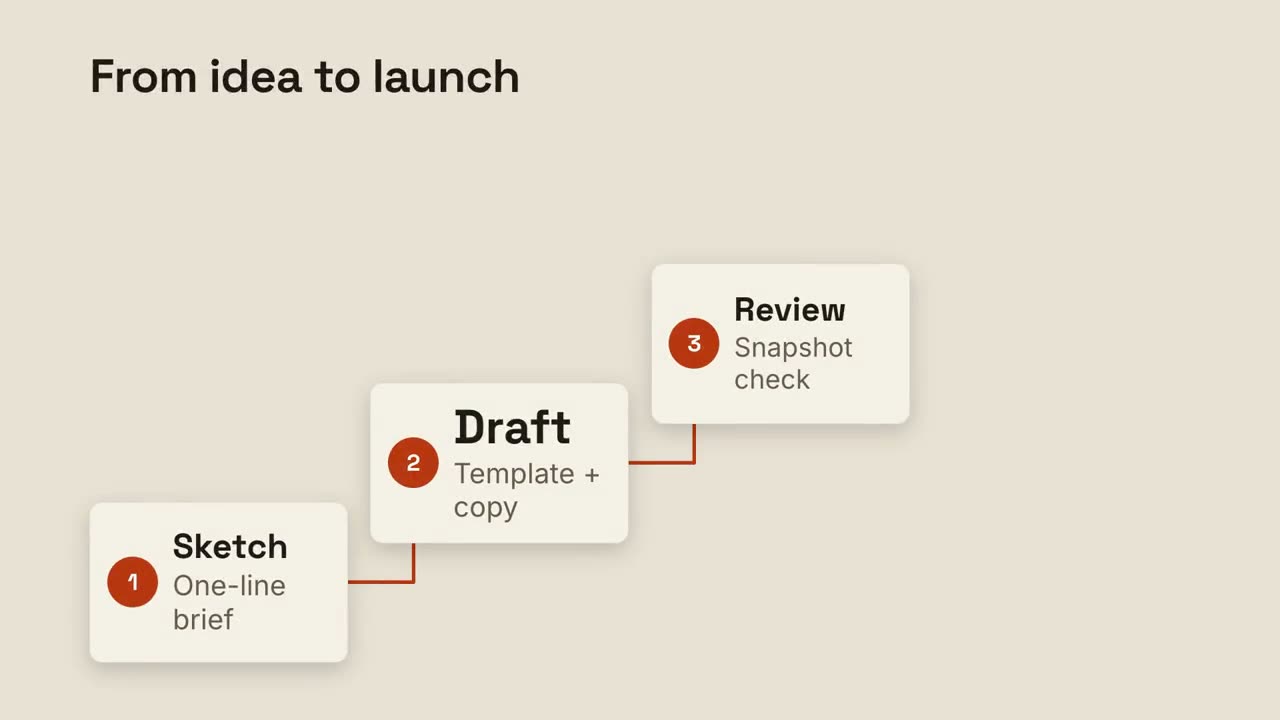
Stufenleiter
Skill öffnen →PremiumMake an 8-second 16:9 process scene for [who will watch, e.g. new team members], playing [where, e.g. the onboarding deck]. Use only the title and four steps below. Sand background. The title appears at the top left. Four cream cards rise one at a time along a staircase from the lower left to the upper right, each with an orange numbered circle, a bold title and a gray detail. An orange elbow line draws from each number to the next. End frame: the last card fills orange with white text. Title: [e.g. "From idea to launch"] Four steps: [e.g. "Sketch — One-line brief", "Draft — Template + copy", "Review — Snapshot check", "Ship — Render in 3 formats"]
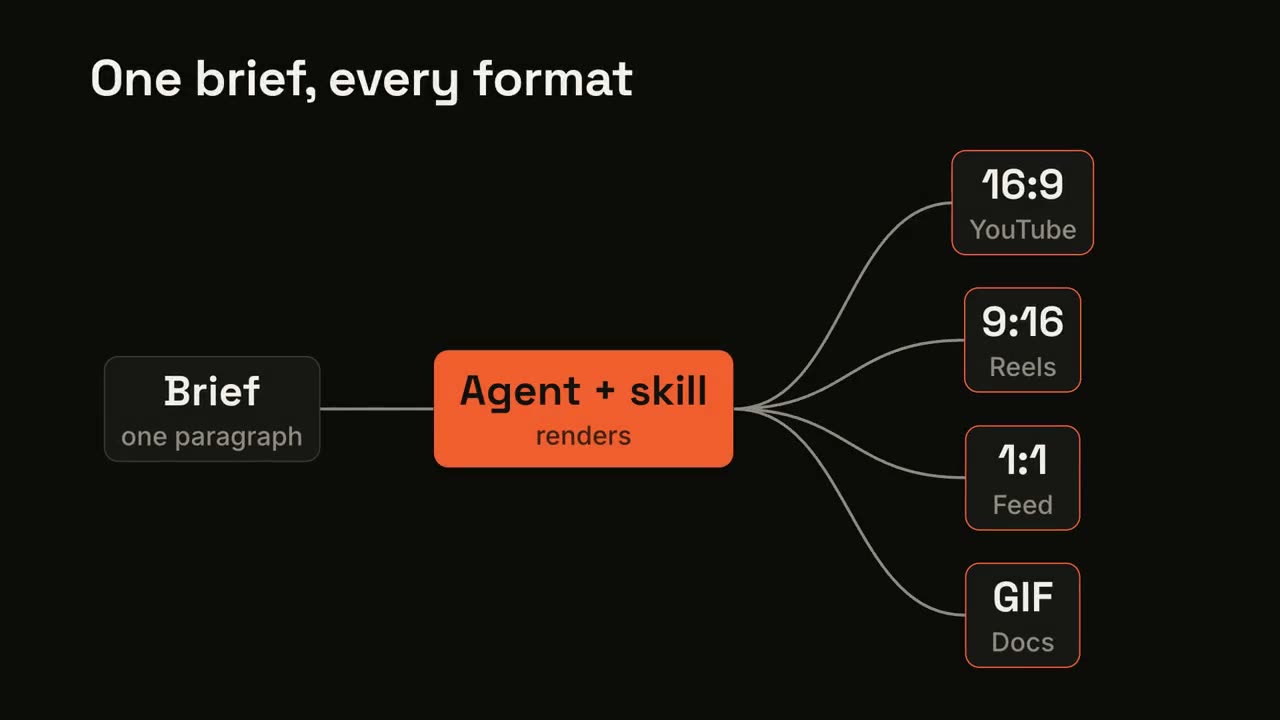
Pipeline-Fan-out
Skill öffnen →PremiumMake an 8-second 16:9 pipeline diagram for [who will watch, e.g. engineers evaluating us], playing [where, e.g. the docs overview]. Use only the labels below. Near-black background. The title appears. A dark input card appears on the left, a gray line draws to the middle card which turns bright orange, then four curved lines fan out to four output cards on the right. Glowing orange dots travel from the input into the orange node and out along every branch, briefly outlining each output card in orange. End frame: the pulses repeat once and settle. Title: [e.g. "One brief, every format"] Input, middle step and four outputs: [e.g. "Brief — one paragraph" → "Agent + skill — renders" → "16:9 YouTube", "9:16 Reels", "1:1 Feed", "GIF Docs"]
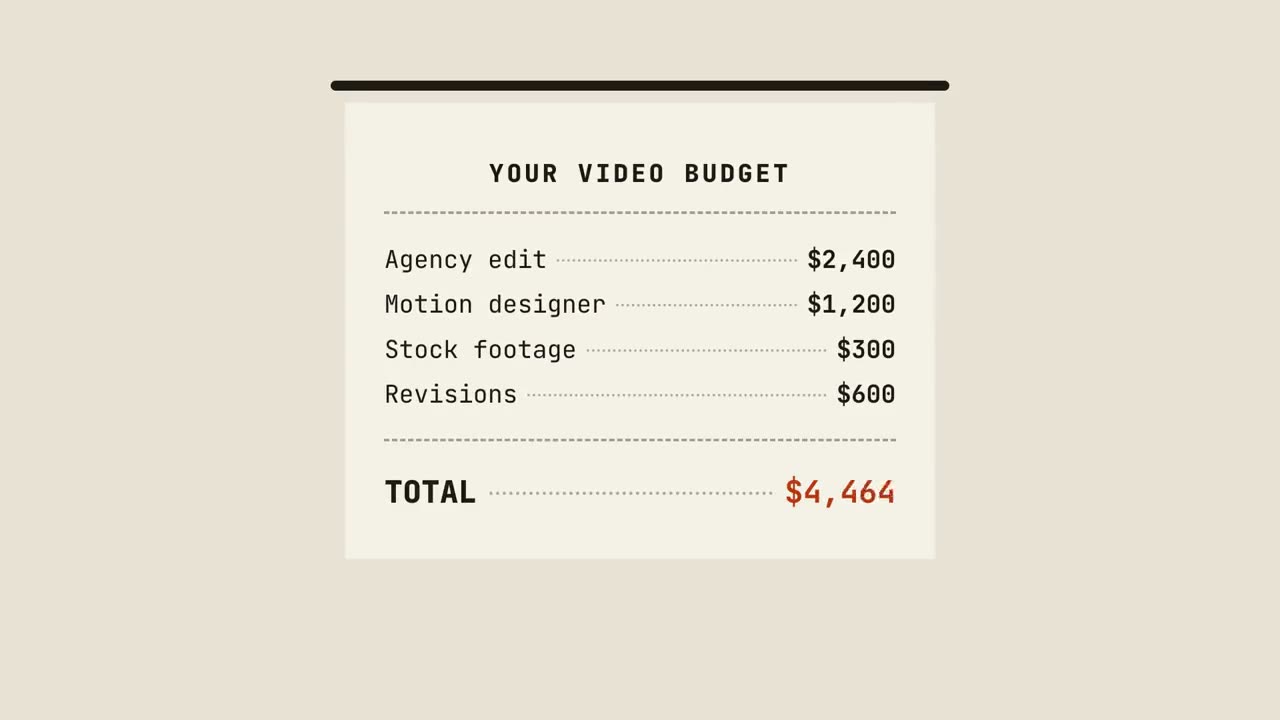
Kassenbon-Summe
Skill öffnen →PremiumMake an 8-second 16:9 scene for [who will watch, e.g. small business owners], playing [where, e.g. the pricing page]. Use only the items and prices below; the total must equal their sum. Sand background. A cream paper receipt prints downward from a black slot, one line at a time, in a monospace font: the header, then each item with dotted leaders. The orange TOTAL counts up. End frame: a rust-orange outlined stamp with our price slams onto the receipt at an angle and the frame shakes slightly. Header: [e.g. "YOUR VIDEO BUDGET"] Items and prices: [e.g. "Agency edit $2,400", "Motion designer $1,200", "Stock footage $300", "Revisions $600"] Stamp: [e.g. "NOW $9.99/mo"]
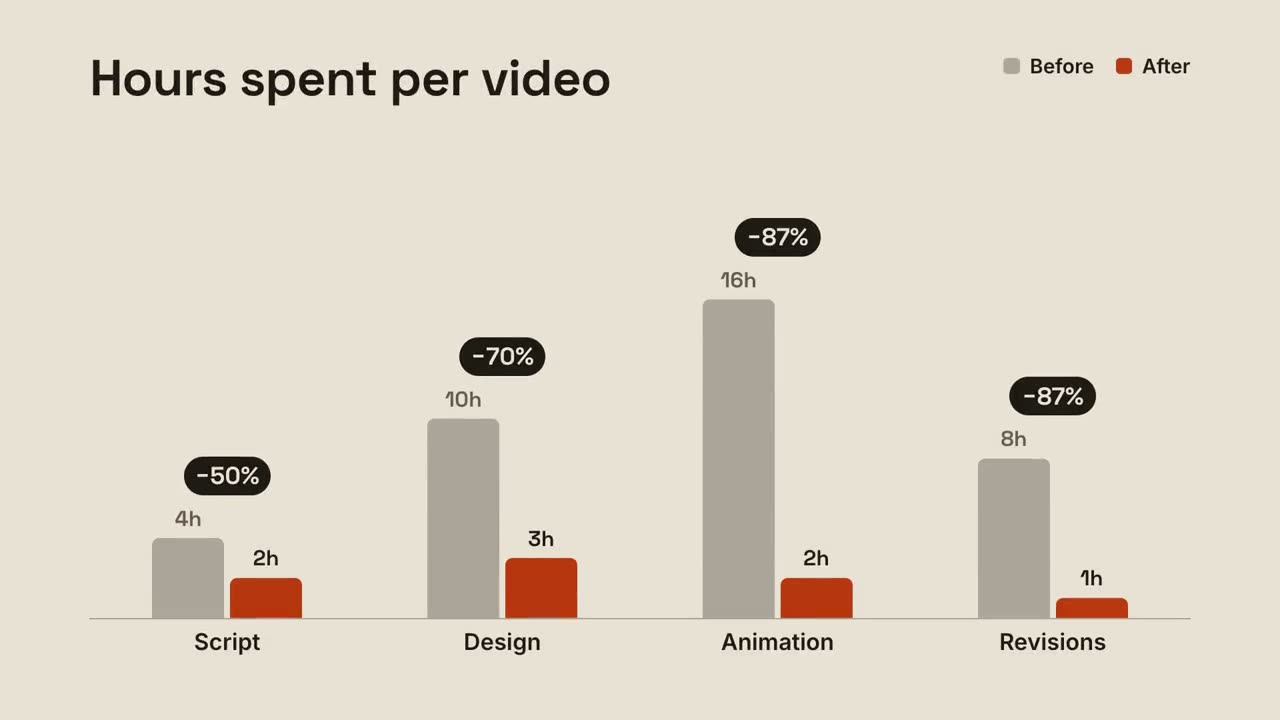
Gruppierte Balken
Skill öffnen →PremiumMake a 7-second 16:9 bar chart for [who will watch, e.g. clients we're pitching], playing [where, e.g. the case study]. Use only the numbers I attach or list below; the percentage changes must match them. Sand background. The title sits top left with a small legend top right (before in gray, after in orange). Gray bars grow up from a baseline for each item. Then shorter orange bars grow beside each one. End frame: dark pills pop above each pair with the change. Title: [e.g. "Hours spent per video"] Items with before and after: [e.g. Script 4h → 2h, Design 10h → 3h, Animation 16h → 2h, Revisions 8h → 1h]
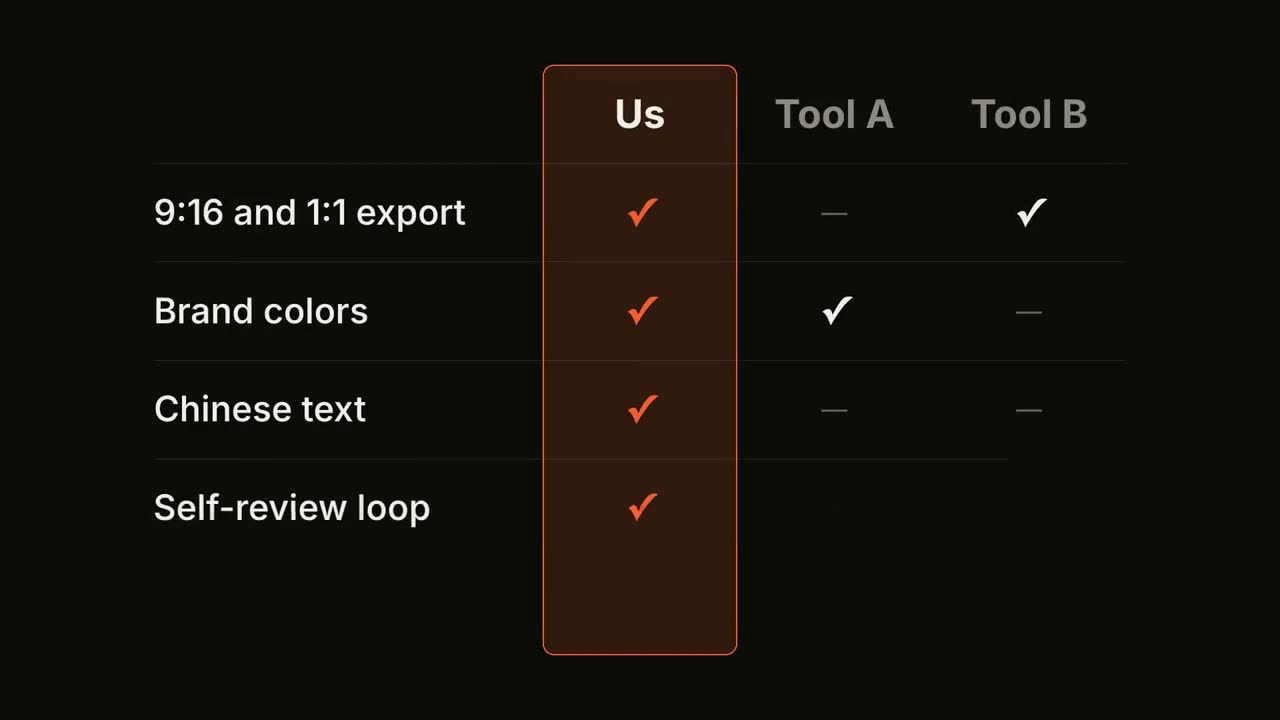
Feature-Matrix
Skill öffnen →PremiumMake an 8-second 16:9 comparison table for [who will watch, e.g. buyers comparing tools], playing [where, e.g. the comparison page]. Use only the products, rows and values below; only claim what's true today. Near-black background. Three column headers appear, and our column is outlined in orange with a faint orange fill that grows from top to bottom. Row by row, labels slide in from the left while ticks, gray dashes and prices pop into each column; the ticks in our column are orange. End frame: the full table, held for 2 seconds. Columns: [e.g. "Us", "Tool A", "Tool B"] Rows and values: [e.g. "9:16 and 1:1 export", "Brand colors", "Chinese text", "Self-review loop", "Price"]
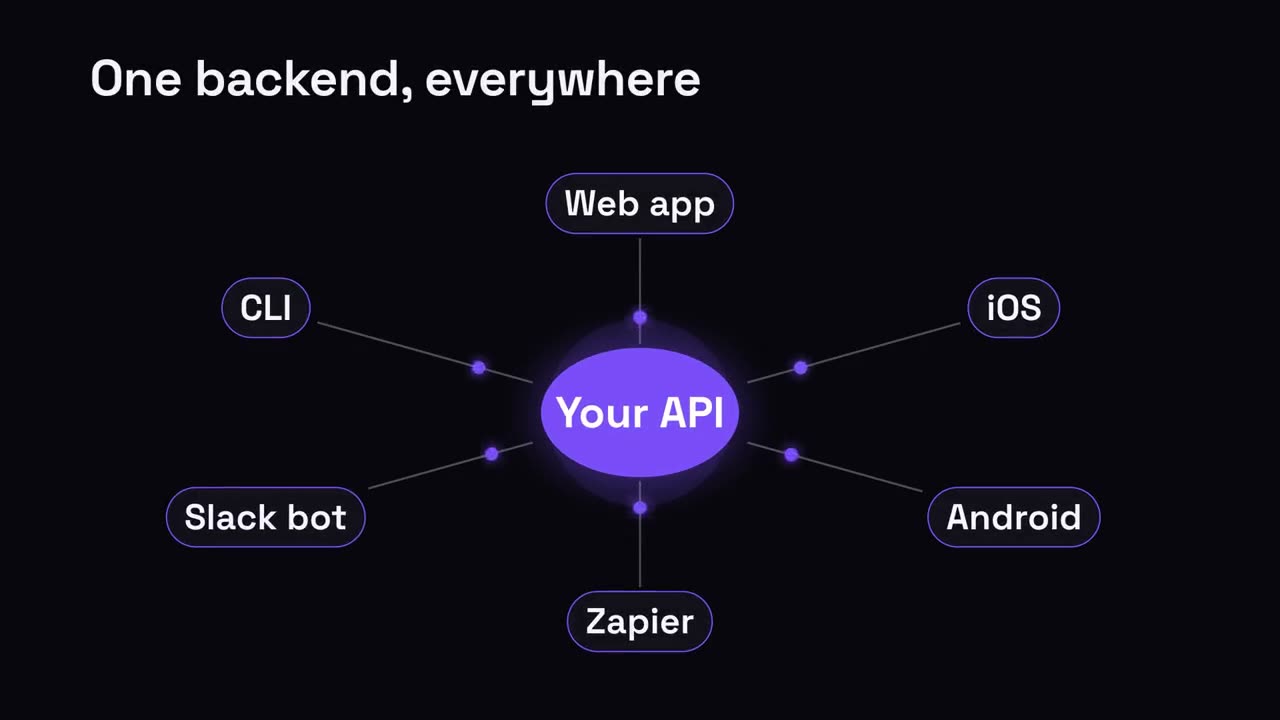
Hub & Speichen
Skill öffnen →PremiumMake a 7-second 16:9 hub diagram for [who will watch, e.g. developers], playing [where, e.g. the platform page]. Use only the labels below. Deep navy background. The title appears. A glowing violet circle with the hub label pops into the center with a soft halo. Thin lines draw outward to six dark pill labels arranged in an ellipse. End frame: the hub pulses and violet dots shoot along every line to the pills, outlining each in violet, in two waves. Title: [e.g. "One backend, everywhere"] Hub: [e.g. "Your API"] Six spokes: [e.g. Web app, iOS, Android, Zapier, Slack bot, CLI]
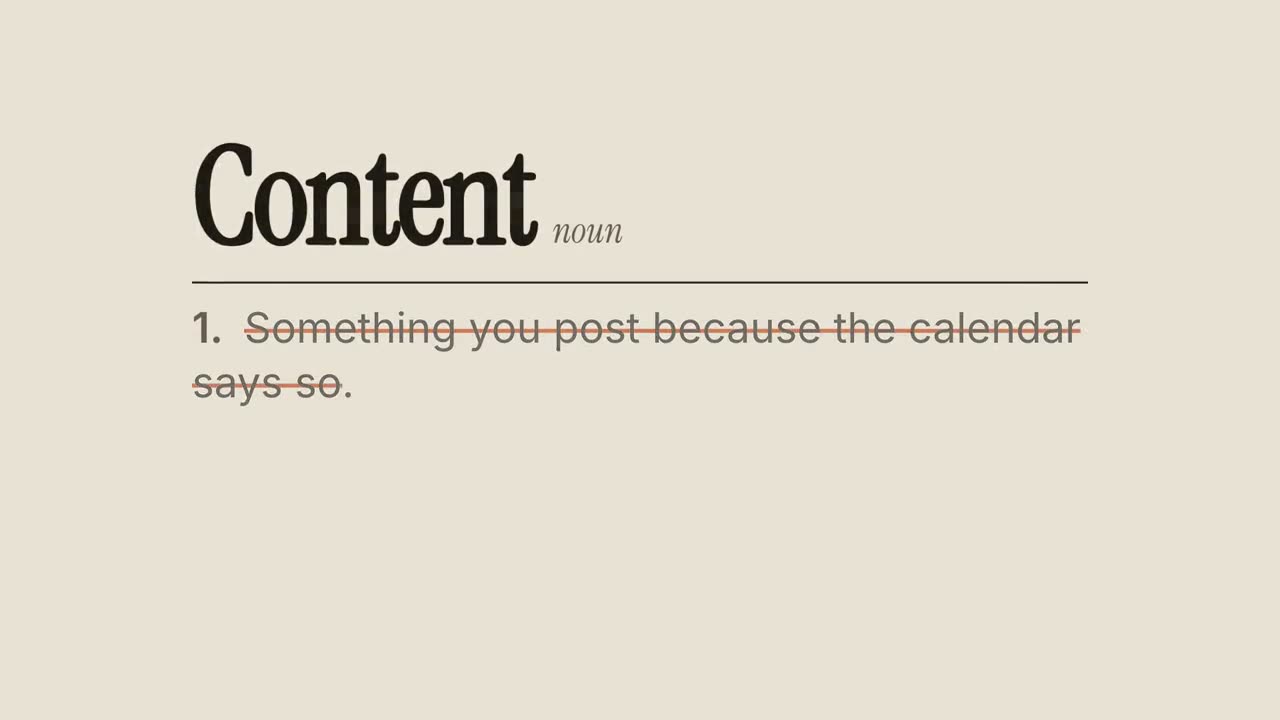
Neu definiert
Skill öffnen →PremiumMake an 8-second 16:9 dictionary-style scene for [who will watch, e.g. marketers on LinkedIn], playing muted in the feed. Use only the word and the two definitions below. Sand background. The word appears in a large dark serif with its part of speech in small gray italics beside it. A thin rule draws beneath, then the common definition fades in. At 3 seconds a rust-orange line strikes through it line by line and it fades to gray. End frame: below it, a small orange "ACTUALLY" label appears and the new definition writes in word by word in the serif. Word: [e.g. "Content", noun] Common definition: [e.g. "Something you post because the calendar says so."] New definition: [e.g. "A promise your audience can act on."]
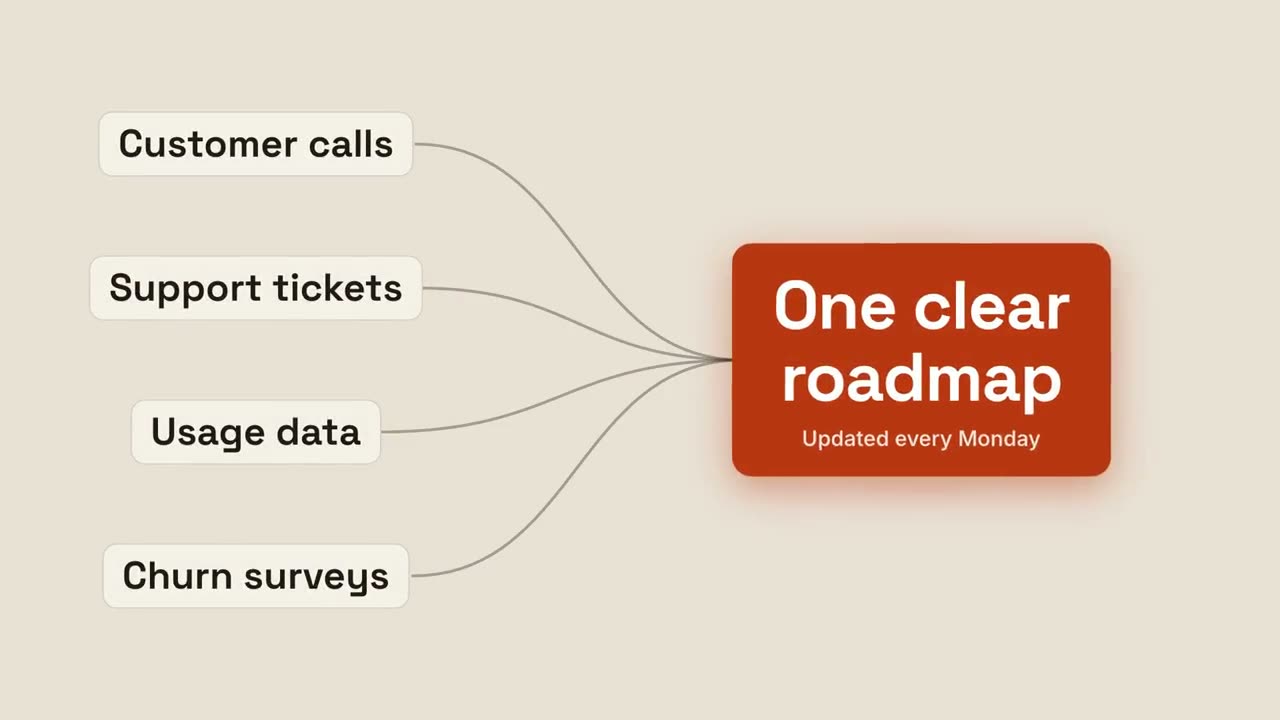
Zum Ergebnis zusammenführen
Skill öffnen →PremiumMake a 7-second 16:9 scene for [who will watch, e.g. the product org], playing [where, e.g. the planning kickoff]. Use only the four inputs and the result below. Sand background. Four cream pill labels appear on the left and thin dark curves draw from each, converging to one point on the right. Orange dots race along the curves. End frame: as they arrive, a bold rust-orange result card with a subtitle pops in with a soft orange glow behind it, while the input labels dim. Four inputs: [e.g. "Customer calls", "Support tickets", "Usage data", "Churn surveys"] Result and subtitle: [e.g. "One clear roadmap", "Updated every Monday"]
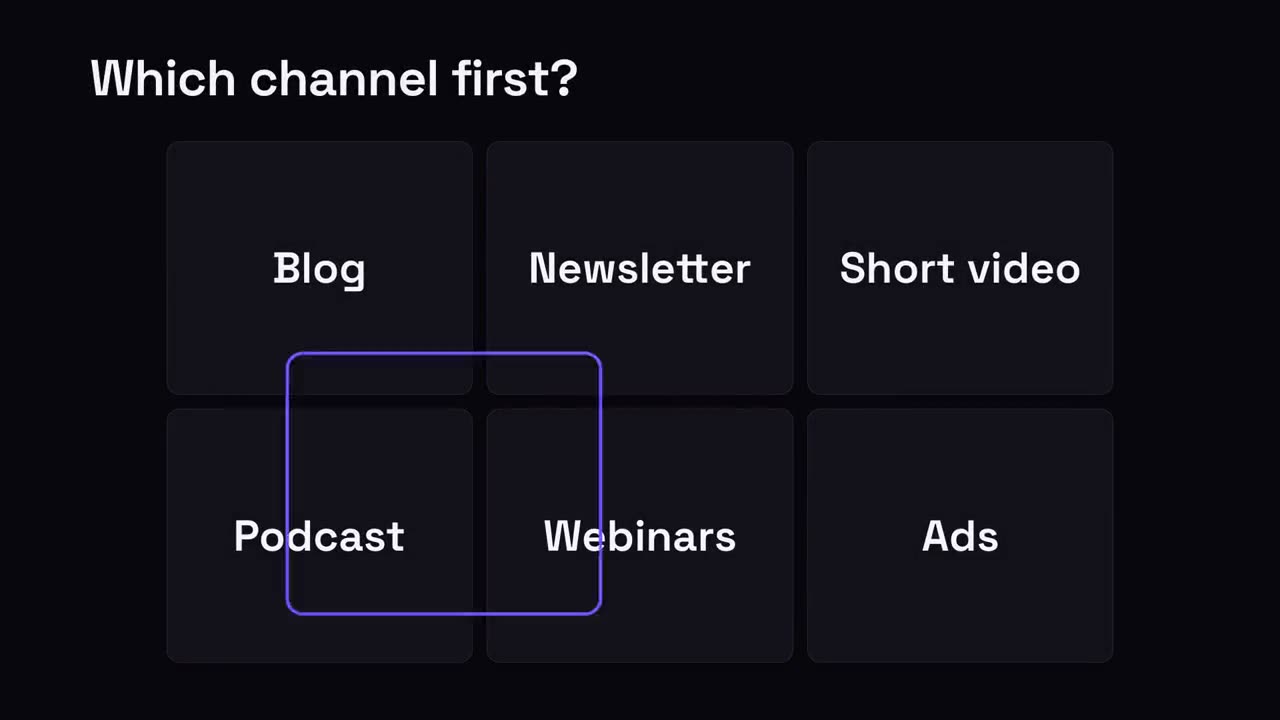
Eins auswählen
Skill öffnen →PremiumMake a 7-second 16:9 scene for [who will watch, e.g. founders choosing a channel], playing [where, e.g. a LinkedIn carousel or talk]. Use only the question, six options and the pick below. Deep navy background. The question appears at the top. Six dark rounded cards pop into a 3-by-2 grid. A violet outline ring appears on one card and hops quickly to two others before landing on the pick. End frame: the other cards dim and shrink slightly, the pick fills violet and grows, and a small pill appears above it. Question: [e.g. "Which channel first?"] Six options: [e.g. Blog, Newsletter, Short video, Podcast, Webinars, Ads] Pick and pill: [e.g. "Short video", "Start here"]
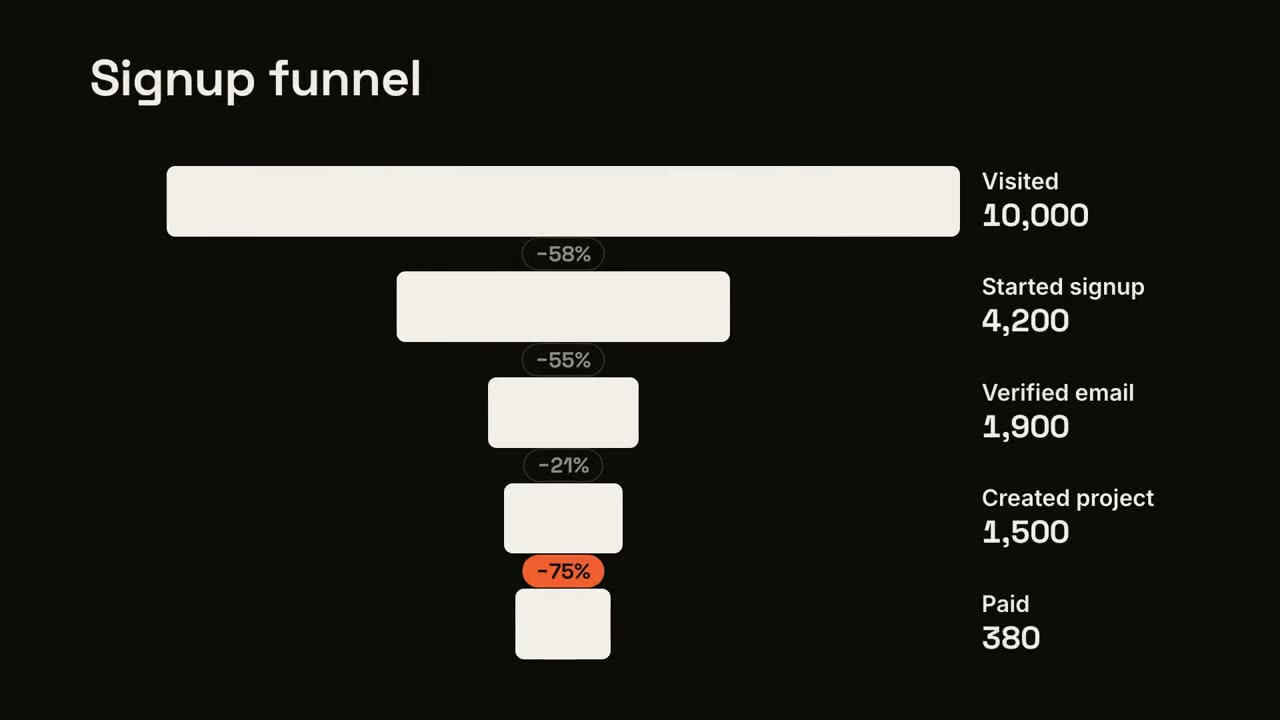
Trichter-Absprung
Skill öffnen →PremiumMake an 8-second 16:9 funnel for [who will watch, e.g. the growth team], playing [where, e.g. the weekly metrics review]. Use only the numbers I attach or list below; the drop percentages must match them. Near-black background. The title appears. Five centered off-white bars grow one under another, each narrower, with labels and counts on the right. Small gray pills between them show the drop. End frame: the biggest drop's pill turns orange and grows, and the bars not involved fade. Title: [e.g. "Signup funnel"] Steps and counts: [e.g. Visited 10,000, Started signup 4,200, Verified email 1,900, Created project 1,500, Paid 380]
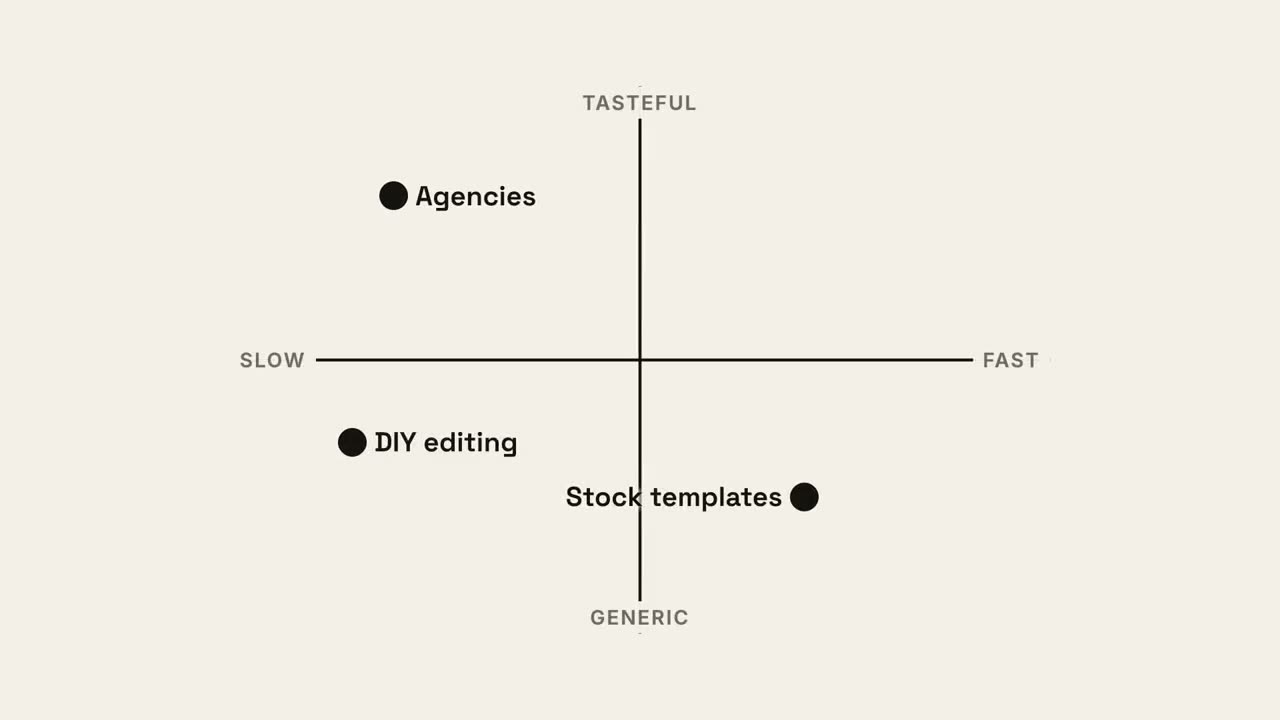
Quadranten-Karte
Skill öffnen →PremiumMake an 8-second 16:9 positioning map for [who will watch, e.g. investors], playing [where, e.g. the pitch deck]. Use only the axes and names below. Off-white background. Two black axes draw on, crossing at the center, with small gray labels at each end. Black dots with labels drop in for the alternatives. Then an orange dot for us lands in its quadrant and grows. End frame: our quadrant fills with a pale orange tint and the other dots fade to gray. Axes: [e.g. horizontal SLOW → FAST, vertical GENERIC → TASTEFUL] Alternatives and positions: [e.g. "Agencies" top left, "DIY editing" bottom left, "Stock templates" bottom right] Us: [e.g. "Motion skills", top right]
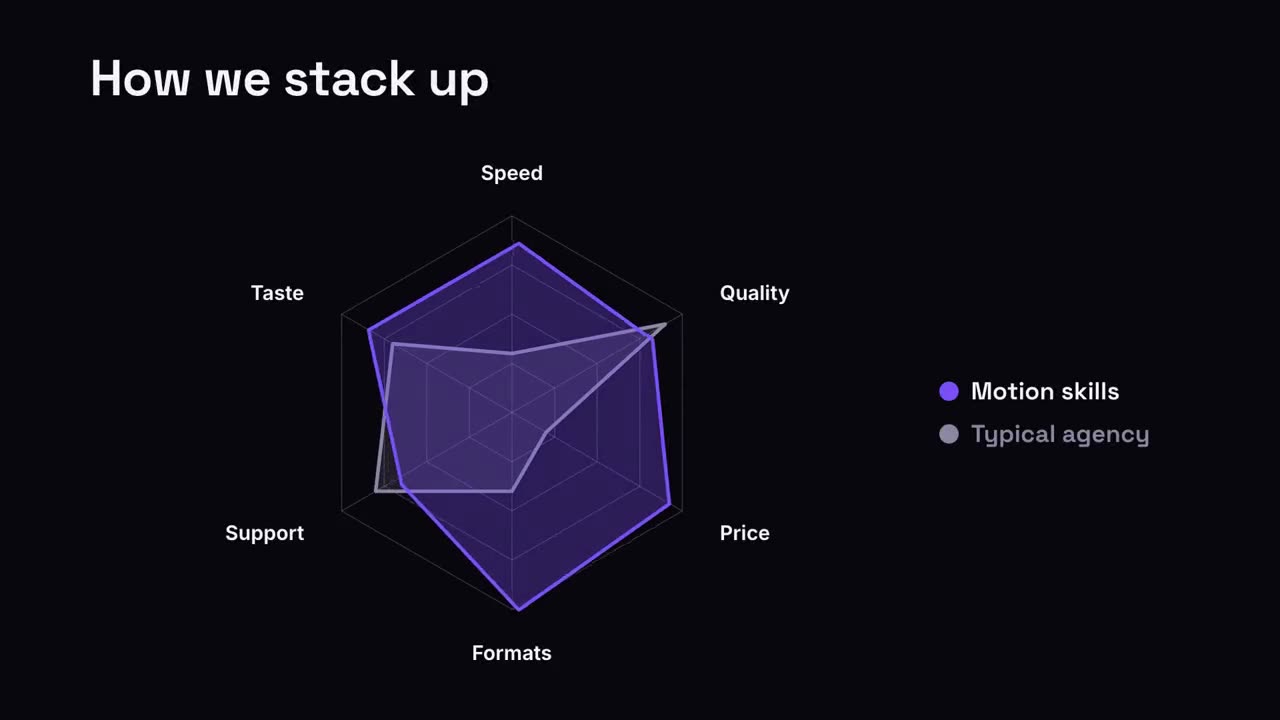
Radar-Vergleich
Skill öffnen →PremiumMake a 7-second 16:9 radar chart for [who will watch, e.g. prospects], playing [where, e.g. the sales deck]. Use only the axes and scores I give; don't inflate them. Deep navy background. The title appears. A hexagonal web of thin gray rings and spokes builds out from the center, with the six axis labels. A gray translucent shape for the alternative grows out, then a violet translucent shape for us springs open over it with an elastic bounce. End frame: a legend shows both names. Title: [e.g. "How we stack up"] Six axes: [e.g. Speed, Quality, Price, Formats, Support, Taste] Two series with scores out of 10: [e.g. "Typical agency", "Motion skills"]
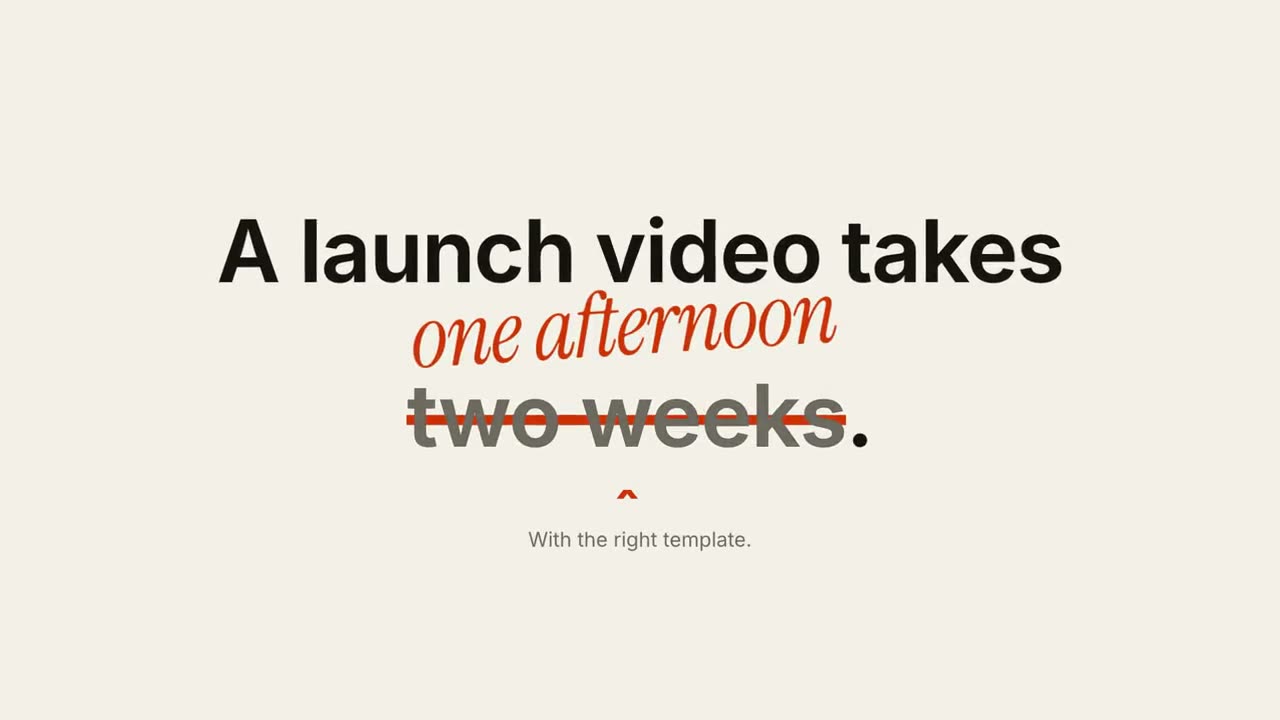
Durchstreichen & korrigieren
Skill öffnen →PremiumMake a 6-second 16:9 scene for [who will watch, e.g. marketers on LinkedIn], playing muted in the feed. Use only the sentence and correction below. Off-white background, bold black sans. The sentence builds in word by word. At 2 seconds an orange line strikes through the wrong phrase, which fades to gray, a small orange caret appears beneath it, and the correction pops in above in orange handwritten-style italic, slightly rotated. End frame: a small gray footnote sits below, held for 1.5 seconds. Sentence: [e.g. "A launch video takes two weeks."] Wrong phrase and correction: [e.g. "two weeks" → "one afternoon"] Footnote: [e.g. "With the right template."]
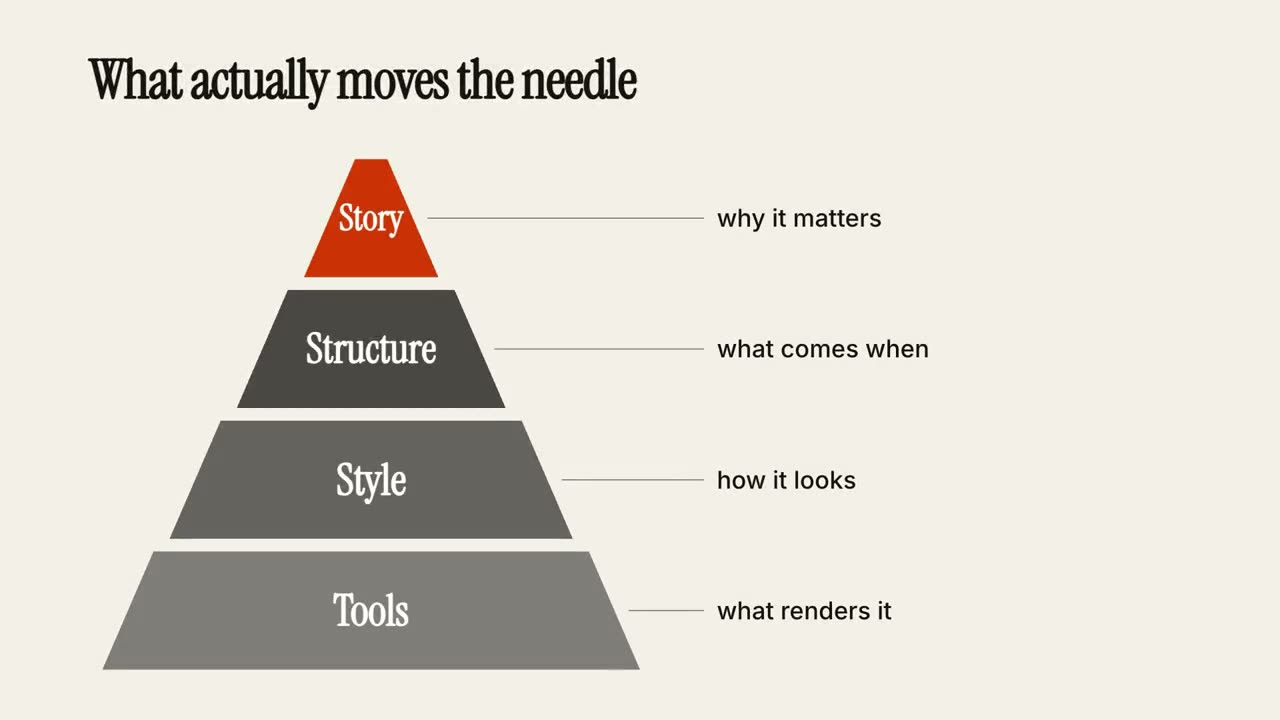
Stufenpyramide
Skill öffnen →PremiumMake a 7-second 16:9 pyramid for [who will watch, e.g. a workshop audience], playing [where, e.g. the talk slides]. Use only the title, four tiers and notes below. Off-white background, serif title. The title appears. A pyramid of four trapezoid tiers builds from the bottom up with a small bounce, getting darker as it rises, with an orange triangle on top. As each tier lands, a dotted gray leader draws to the right with its note. End frame: the full pyramid with all four notes, held for 1.5 seconds. Title: [e.g. "What actually moves the needle"] Four tiers, bottom to top, with notes: [e.g. "Tools — what renders it", "Style — how it looks", "Structure — what comes when", "Story — why it matters"]
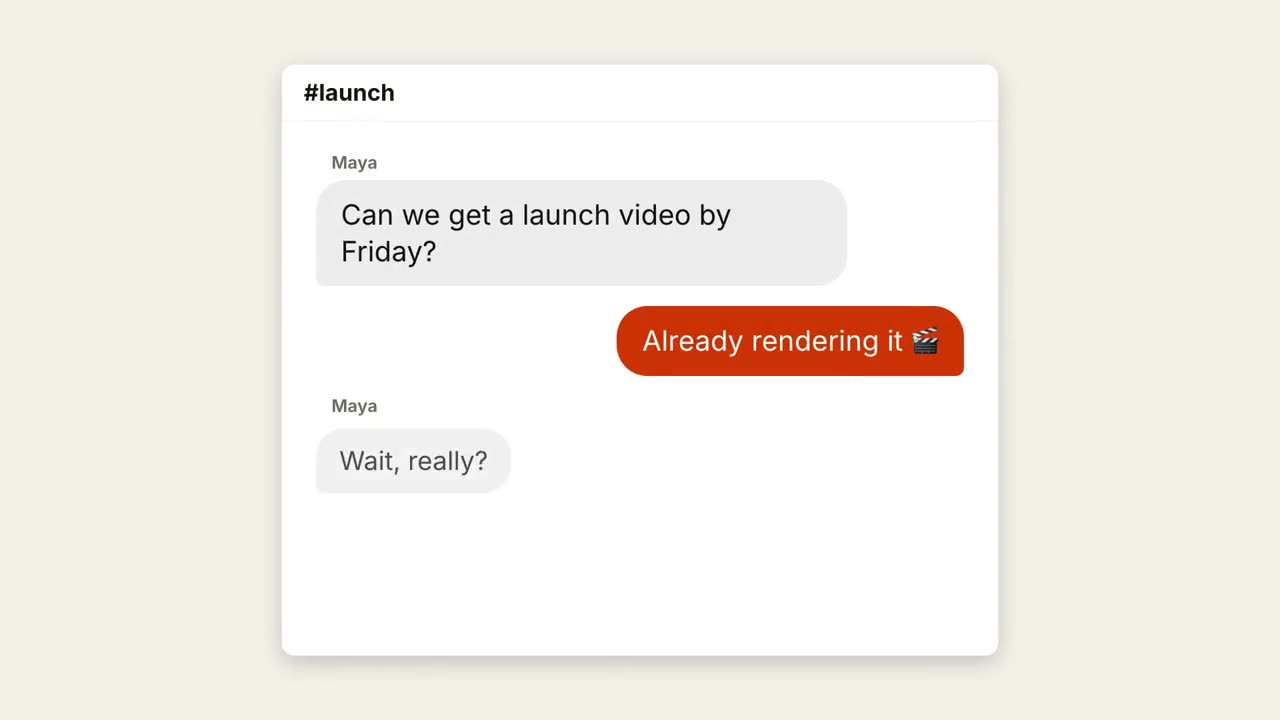
Chatverlauf
Skill öffnen →PremiumMake an 8-second 16:9 chat scene for [who will watch, e.g. teams who'd use our product], playing [where, e.g. X and LinkedIn]. Use only the channel name and messages below, in order. A generic chat window, not any real app's design. Off-white background. A white rounded window with the channel header fades up. Messages play out one by one, each preceded by a gray bubble with three bouncing typing dots: the other person on the left in gray bubbles, the replies on the right in orange bubbles. End frame: the full thread, held for 1.5 seconds. Channel: [e.g. "#launch"] Messages: [name and line, 4 messages] (e.g. Maya: "Can we get a launch video by Friday?" / Reply: "Already rendering it 🎬")
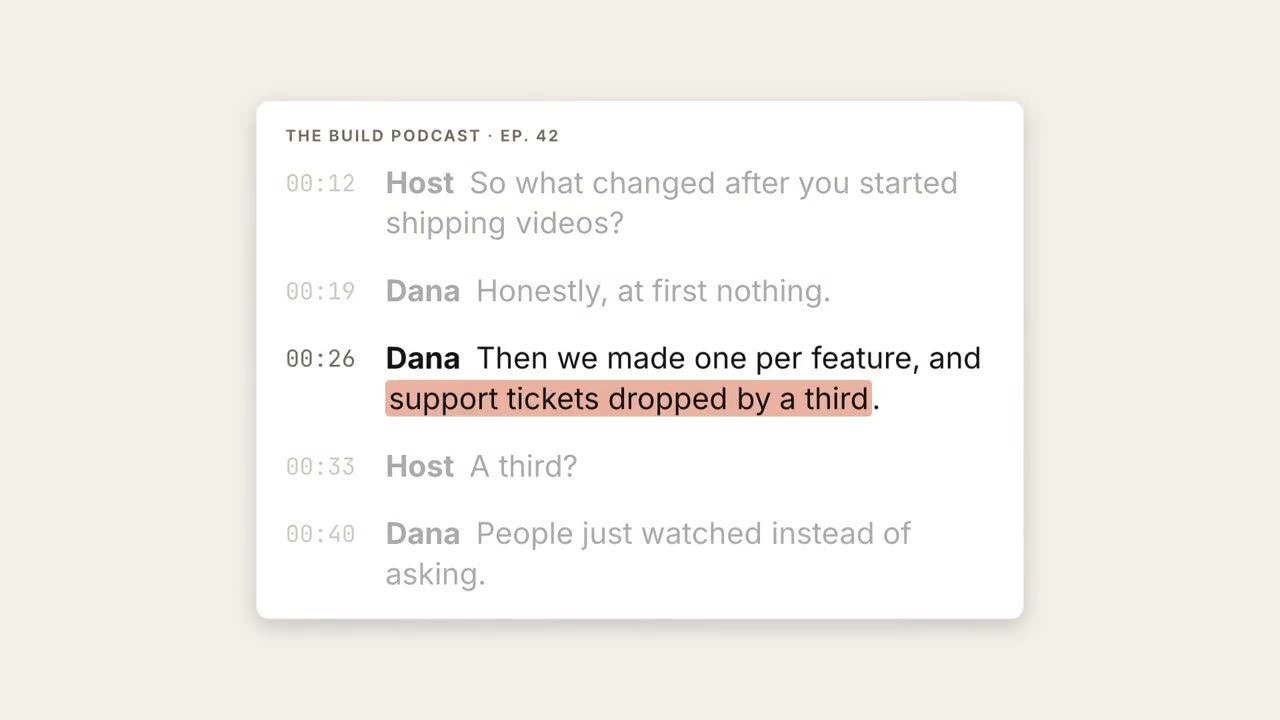
Transkript-Highlight
Skill öffnen →PremiumMake an 8-second 16:9 scene for [who will watch, e.g. podcast listeners on LinkedIn], playing muted in the feed. Use only the transcript excerpt I attach or paste below; quote it word for word. Off-white background. A white card with the show and episode name shows the transcript with gray monospace timestamps; the lines appear one by one. Then everything dims except the guest's line, and a soft orange highlighter sweeps across the key phrase. End frame: the card blurs into the background and the phrase rises as a large serif pull quote with an orange quotation mark and the speaker's name beneath. Show and episode: [e.g. "THE BUILD PODCAST · EP. 42"] Transcript: [the host's question and the guest's answer, with timestamps] Key phrase and speaker: [e.g. "support tickets dropped by a third", Dana]
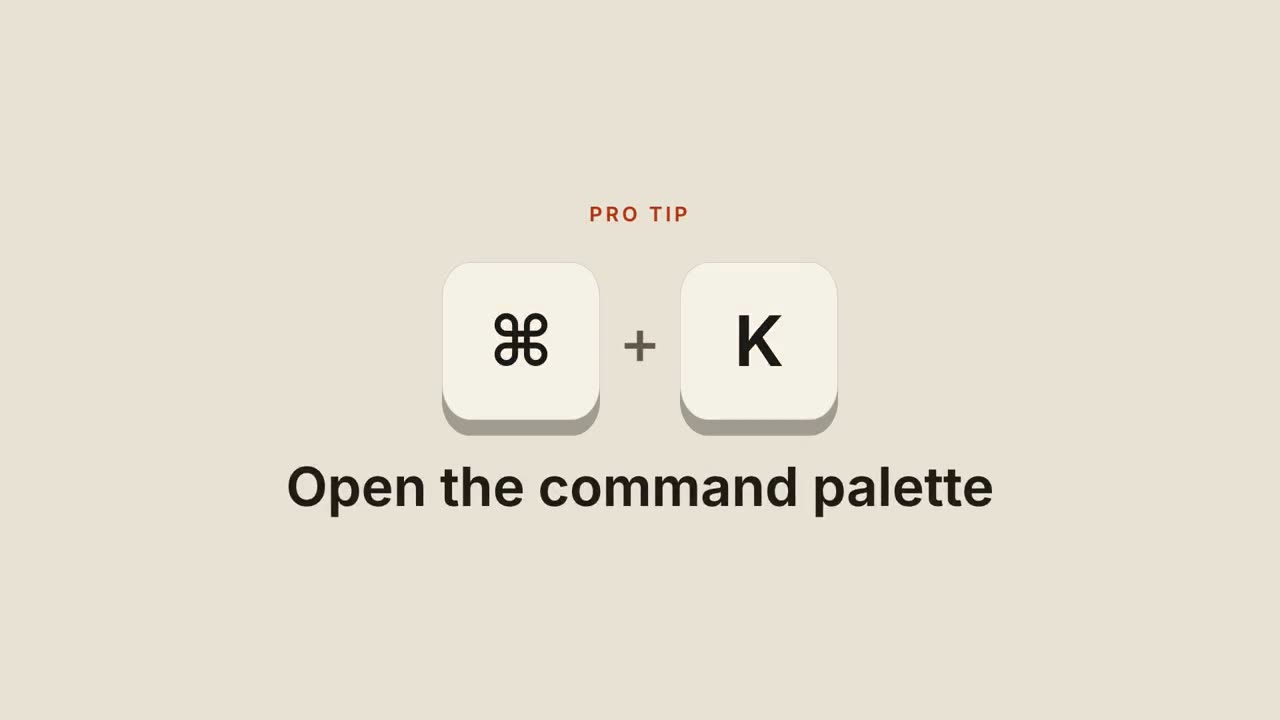
Tastenkürzel
Skill öffnen →PremiumMake a 6-second 16:9 scene for [who will watch, e.g. our users], playing [where, e.g. the tips section of the newsletter]. Use only the shortcut and description below. Sand background. A small orange uppercase "PRO TIP" label appears. Chunky cream keycaps with a dark 3D edge bounce into the center with a gray plus sign between them. Each key presses down and turns orange in order. End frame: both release as the description rises below in a bold dark sans. Keys: [e.g. ⌘ + K] Description: [e.g. "Open the command palette"]
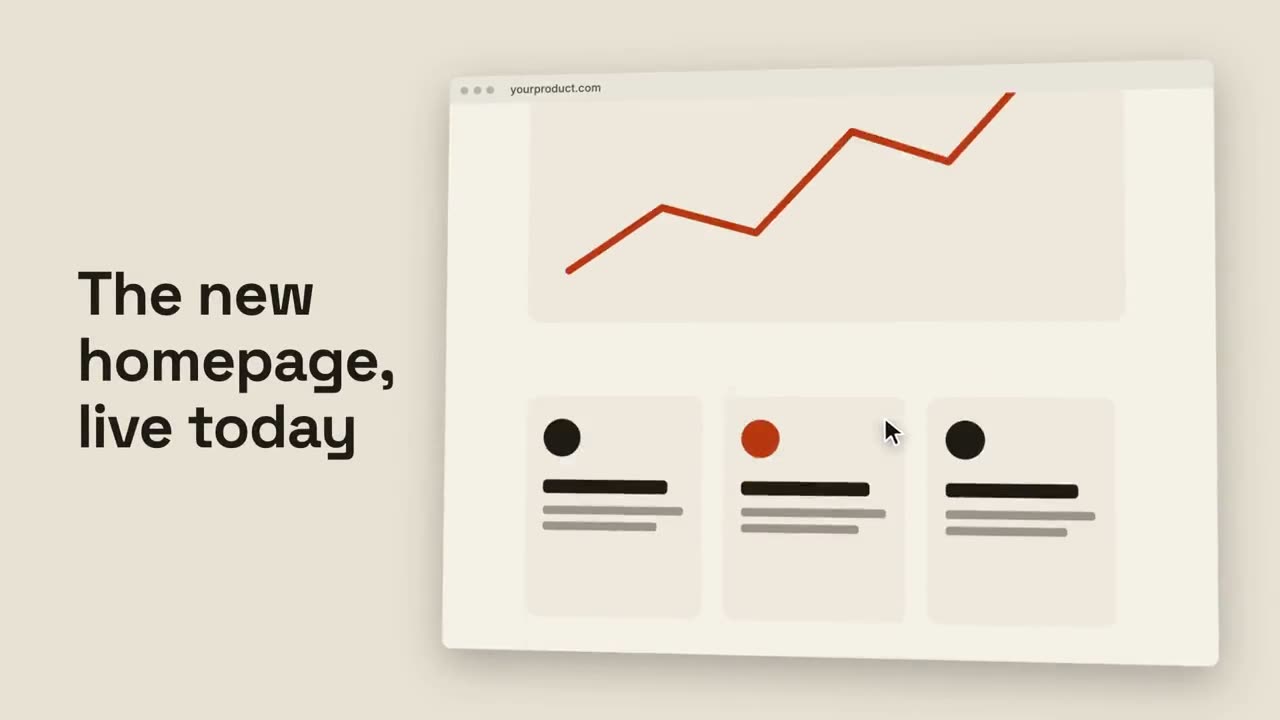
Browser-Scroll
Skill öffnen →PremiumMake an 8-second 16:9 website showcase for [who will watch, e.g. customers and the press], playing [where, e.g. the launch post]. Use only the headline and the full-page screenshot I give. Sand background. Bold text with the headline sits on the left. On the right, a browser window with the page settles in, tilted slightly in 3D. The page scrolls smoothly from the hero down to the footer while a small cursor drifts over it. End frame: the tilt relaxes on the footer. Headline: [e.g. "The new homepage, live today"] Attach: [a full-page screenshot of your site]
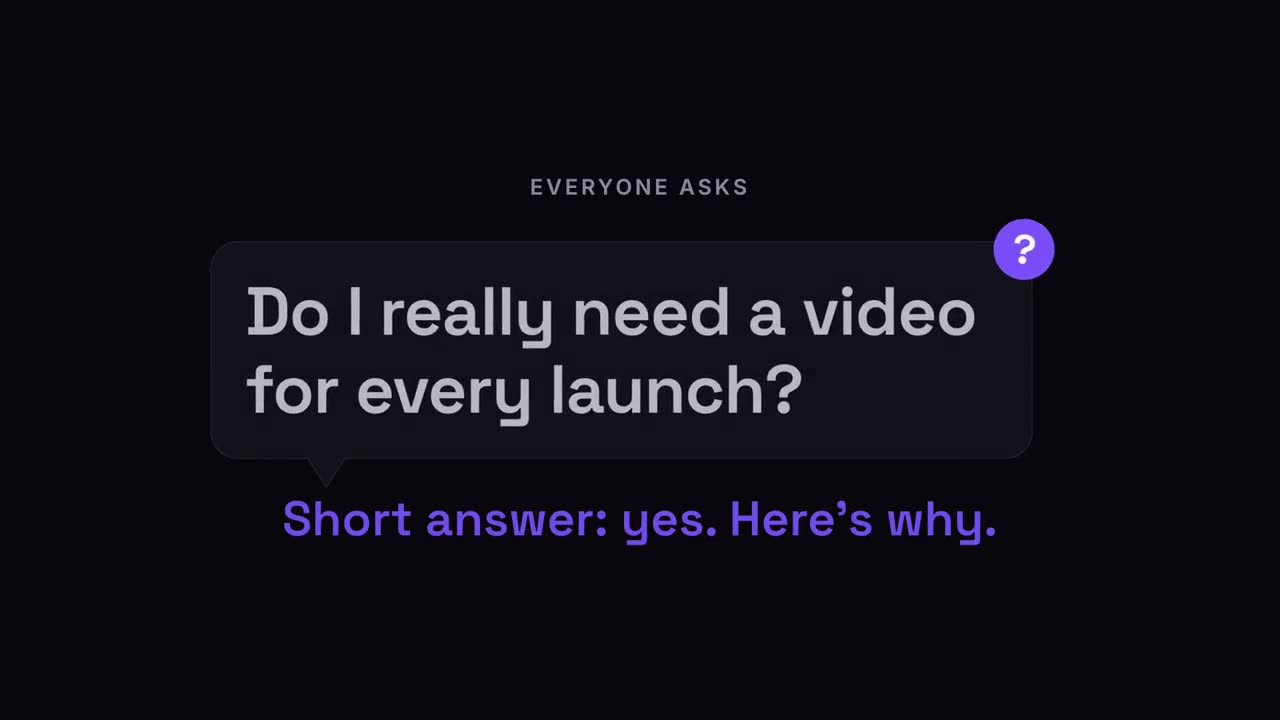
Frage-Pop
Skill öffnen →PremiumMake a 7-second 16:9 scene for [who will watch, e.g. our followers], playing [where, e.g. the start of a FAQ video]. Use only the label, question and answer line below. Deep navy background. A small gray uppercase label appears, then a dark rounded speech bubble with a tail springs in from its lower left. Inside, the question appears word by word in white. A violet circular badge with a question mark pops onto the bubble's top-right corner and wobbles. End frame: the bubble shrinks slightly and dims while the answer line rises below in violet. Label: [e.g. "EVERYONE ASKS"] Question: [e.g. "Do I really need a video for every launch?"] Answer line: [e.g. "Short answer: yes. Here's why."]
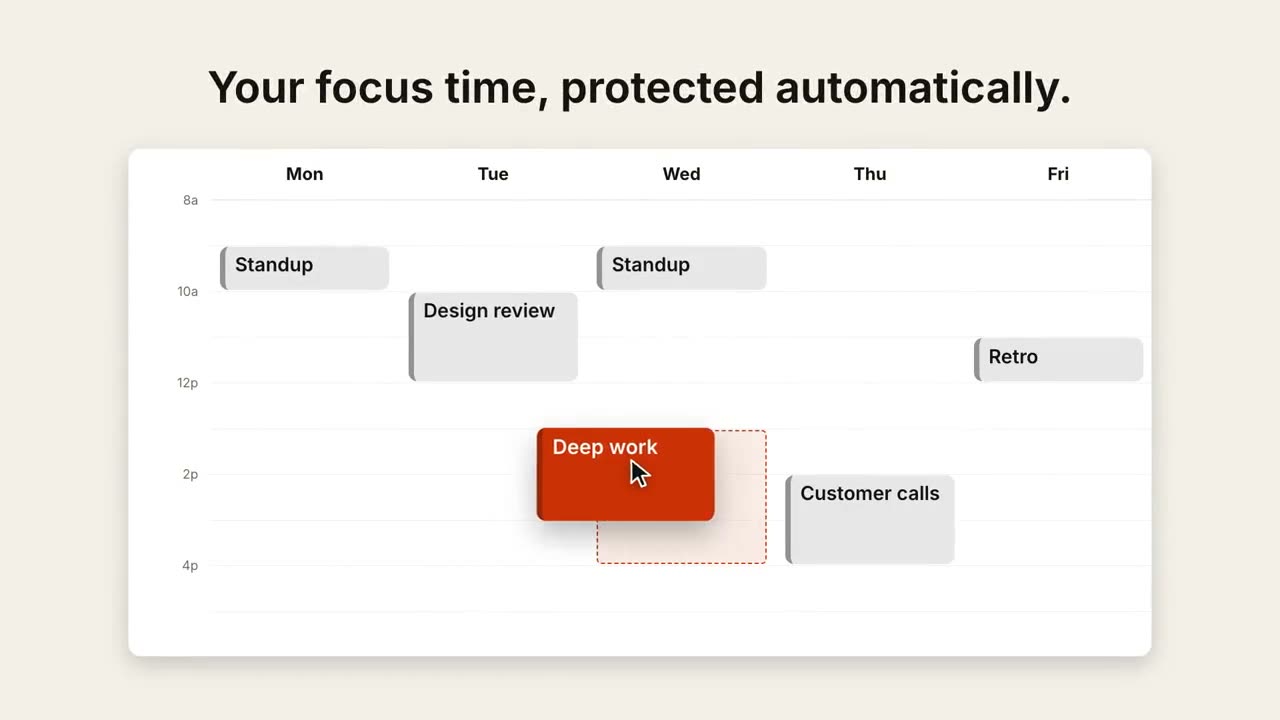
Termin verschieben
Skill öffnen →PremiumMake an 8-second 16:9 calendar scene for [who will watch, e.g. busy managers], playing [where, e.g. the feature page]. Use only the caption, events and move below. A generic week view, not any real app's design. Off-white background. The caption sits above a white Monday-to-Friday week view with faint hour lines. Gray event blocks pop in, plus one orange block. A cursor grabs the orange block, a dashed orange outline appears at the new slot, and the block glides across and stretches to fit. End frame: it drops in with a brief orange flash. Caption: [e.g. "Your focus time, protected automatically."] Events: [e.g. Standup, Design review, Customer calls, Retro] Block and move: [e.g. "Deep work", Monday afternoon → Wednesday 1–4pm]
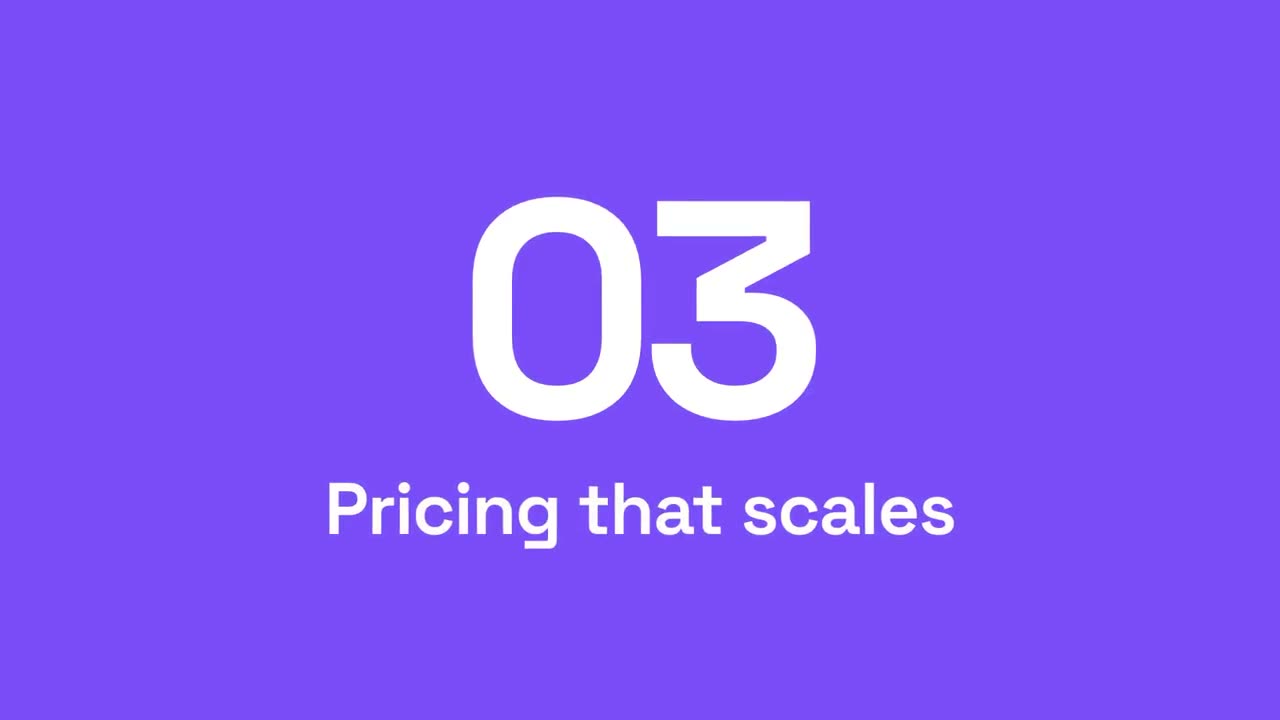
Abschnitts-Wischblende
Skill öffnen →PremiumMake a 4-second 16:9 section transition for [who will watch, e.g. viewers of our product tour], playing [where, e.g. between sections]. Use only the numbers and title below. A light panel and then a violet panel sweep across the frame from the left. On the violet, the old section number rolls upward out of view while the new one rolls in from below, like an odometer. End frame: the section title slides up beneath it in bold white, and everything scales up slightly. Numbers: [e.g. 02 → 03] Section title: [e.g. "Pricing that scales"]
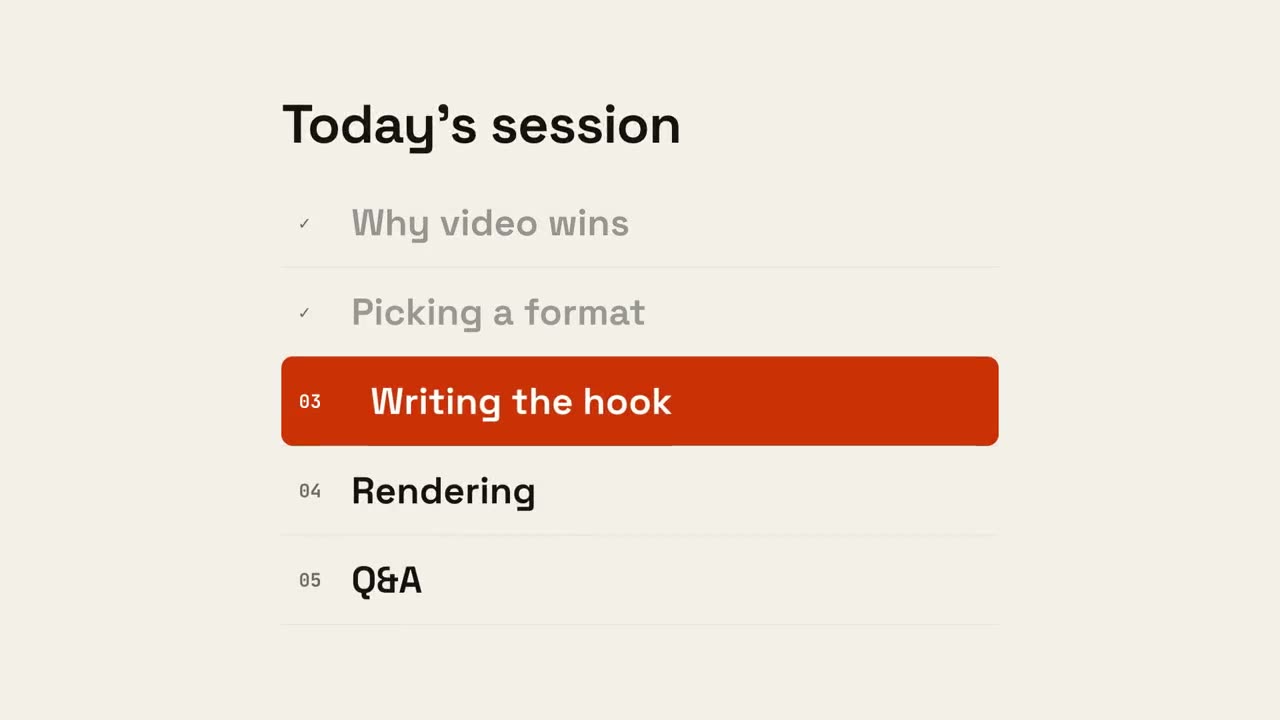
Agenda-Fortschritt
Skill öffnen →PremiumMake a 6-second 16:9 agenda scene for [who will watch, e.g. webinar attendees], playing [where, e.g. between sections of the session]. Use only the title and five items below. Off-white background. The title appears. Five numbered rows slide in. An orange highlight bar sits on the current row, the finished rows dim and their numbers turn into ticks. End frame: the bar slides down to the next item, whose text turns white and nudges right. Title: [e.g. "Today's session"] Five items: [e.g. "Why video wins", "Picking a format", "Writing the hook", "Rendering", "Q&A"] Current item: [e.g. "Writing the hook"]
Lyric-Video
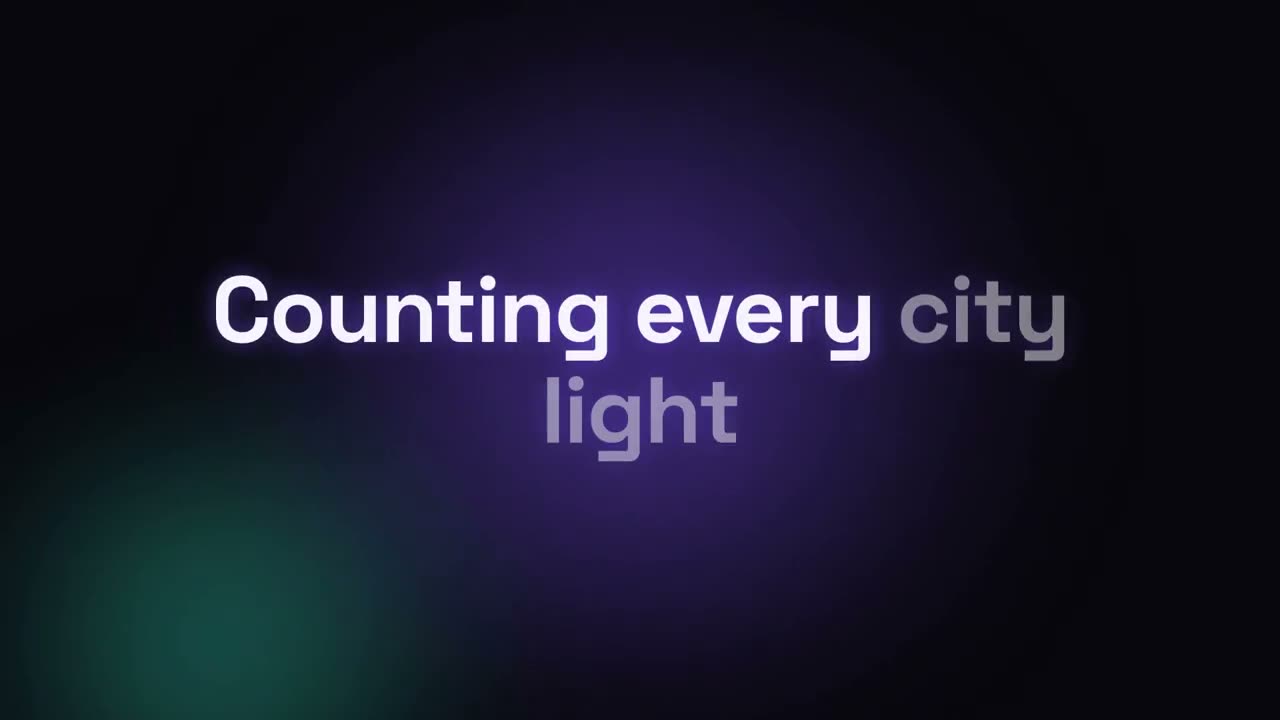
Skill öffnen →PremiumMake a 16:9 lyric video for [who will watch, e.g. fans on YouTube], as long as the song I attach. Use only the lyrics and timestamps I give; don't change a word. Deep navy background with a violet glow that pulses at the song's tempo. The title and artist appear first. Then each lyric line appears centered at its timestamp, words brightening from dim to full white in time with the singing. End frame: the title and artist again, held for 2 seconds. Song and artist: [e.g. "City Light" by The Northern Rooms] Tempo: [e.g. 112 BPM] Attach: [the audio, and the lyrics with a timestamp per line]
Folien als Video
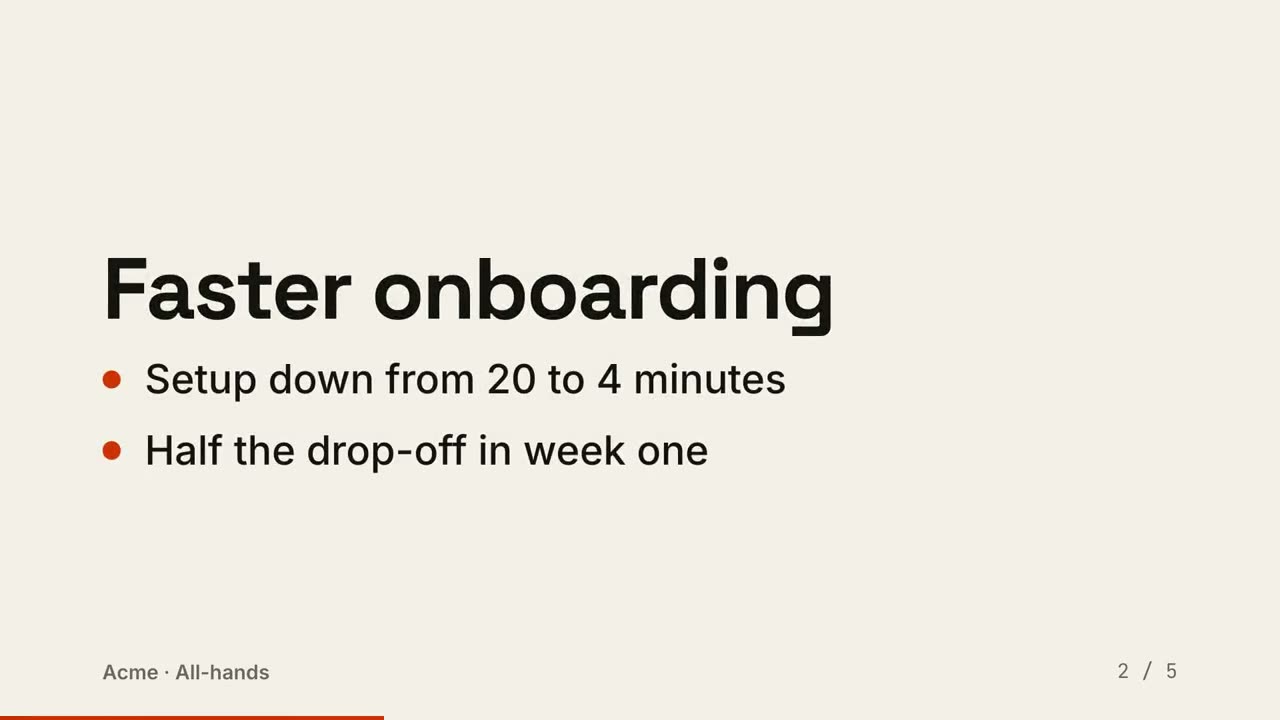
Skill öffnen →PremiumTurn the slides I attach into a 20-second 16:9 video for [who will watch, e.g. people who missed the all-hands], playing [where, e.g. Slack]. Use only the text on the slides; don't add or reword points. Off-white background. Each slide gets a bold title and bullet points with orange dots appearing one by one. Slides slide in from the right, and a thin orange progress bar grows along the bottom. End frame: the last slide, held for 2 seconds, with the footer showing throughout. Attach: [your slides] (e.g. a five-slide Q3 update) Footer: [e.g. "Acme · All-hands"]
Kreidetafel-Unterricht
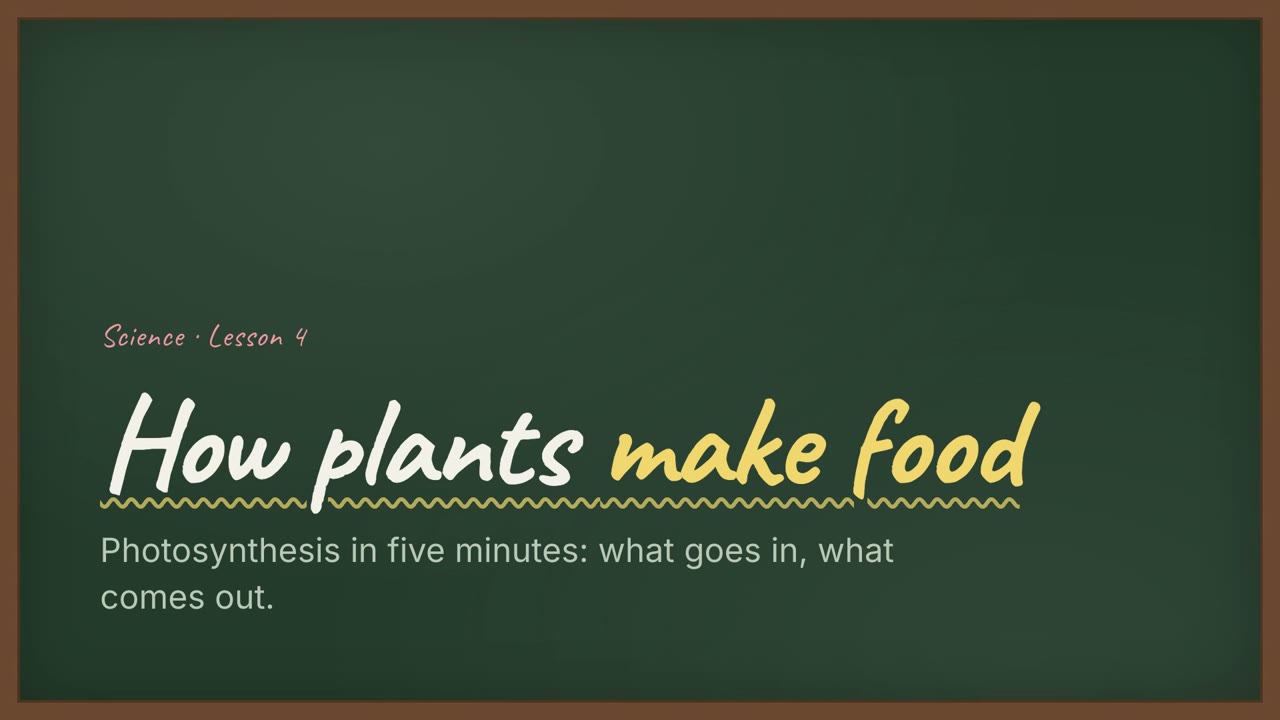
Skill öffnen →PremiumTurn the document I attach into a 60-second 16:9 narrated explainer for [who will watch, e.g. students], playing [where, e.g. the class website]. Use only the facts and numbers in the document. Chalk classroom style. One idea per slide, with points appearing one at a time as they're spoken. Animate one chart for the main number. End on a closing slide with one clear next step. Topic: [your topic] (e.g. photosynthesis) Attach: [your document, notes or data]
Kennzahlen-Raster
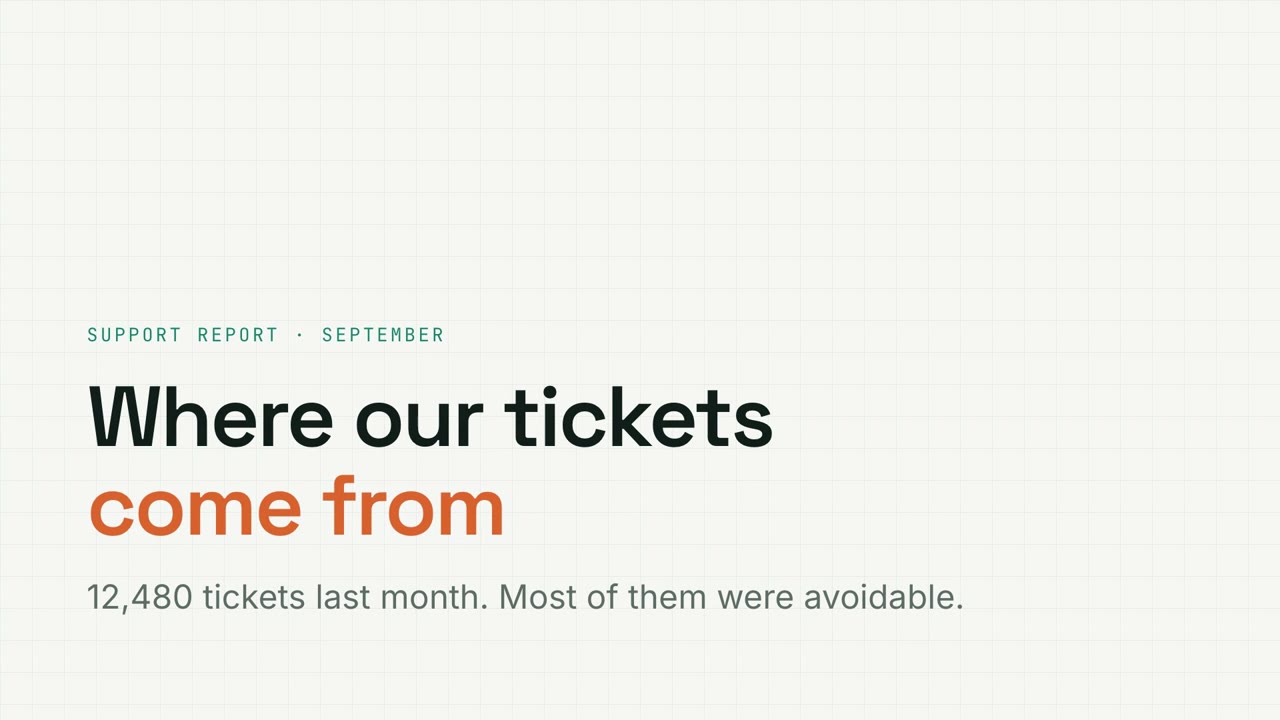
Skill öffnen →PremiumTurn the document I attach into a 60-second 16:9 narrated explainer for [who will watch, e.g. the support team], playing [where, e.g. the monthly ops review]. Use only the facts and numbers in the document. Metric grid style. One idea per slide, with points appearing one at a time as they're spoken. Animate one chart for the main number. End on a closing slide with one clear next step. Topic: [your topic] (e.g. support ticket data) Attach: [your document, notes or data]
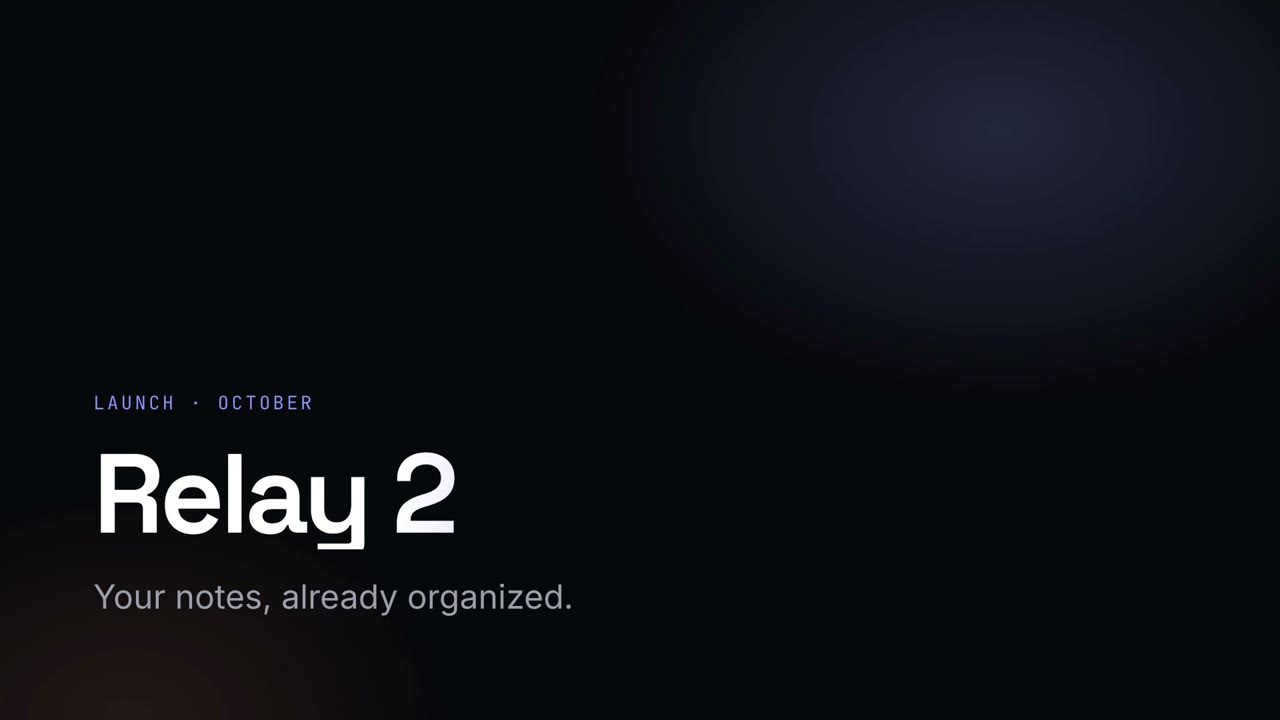
Nacht-Keynote
Skill öffnen →PremiumTurn the document I attach into a 60-second 16:9 narrated explainer for [who will watch, e.g. customers], playing [where, e.g. the launch event]. Use only the facts and numbers in the document. Night keynote style. One idea per slide, with points appearing one at a time as they're spoken. Animate one chart for the main number. End on a closing slide with one clear next step. Topic: [your topic] (e.g. a product launch) Attach: [your document, notes or data]
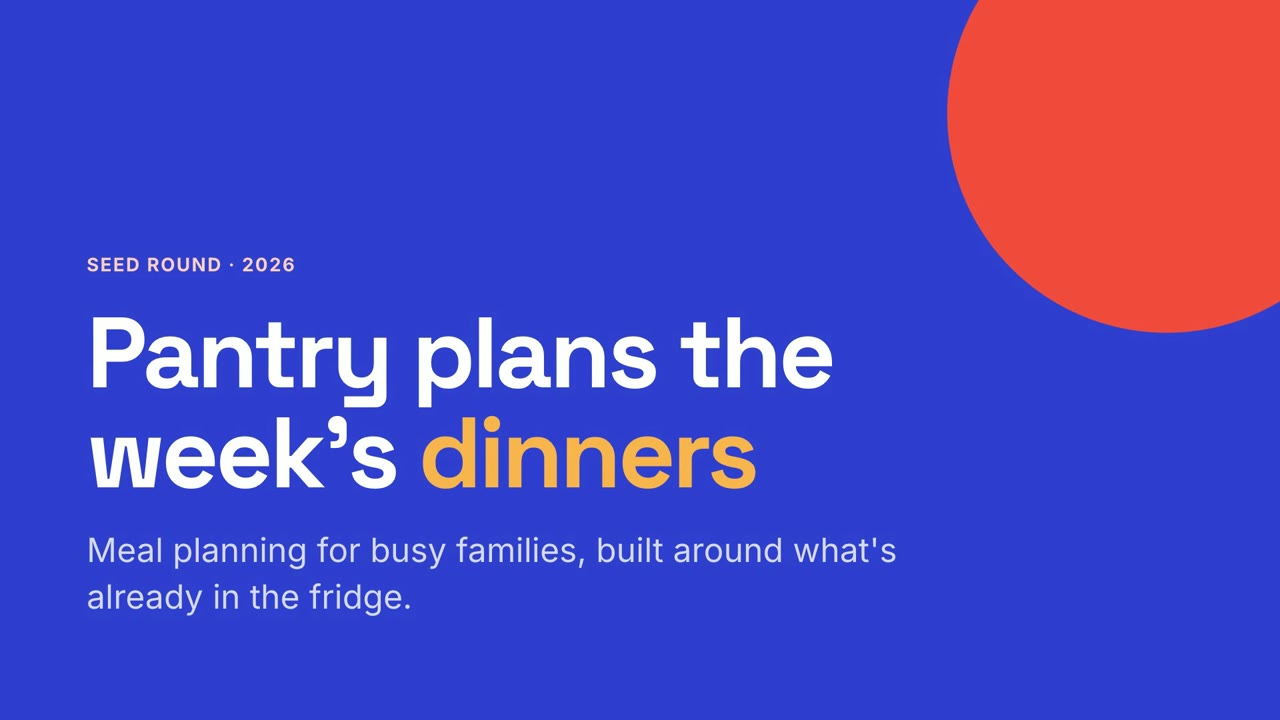
Studio-Pitch
Skill öffnen →PremiumTurn the document I attach into a 60-second 16:9 narrated explainer for [who will watch, e.g. investors], playing [where, e.g. a pitch meeting]. Use only the facts and numbers in the document. Studio pitch style. One idea per slide, with points appearing one at a time as they're spoken. Animate one chart for the main number. End on a closing slide with one clear next step. Topic: [your topic] (e.g. a seed pitch) Attach: [your document, notes or data]
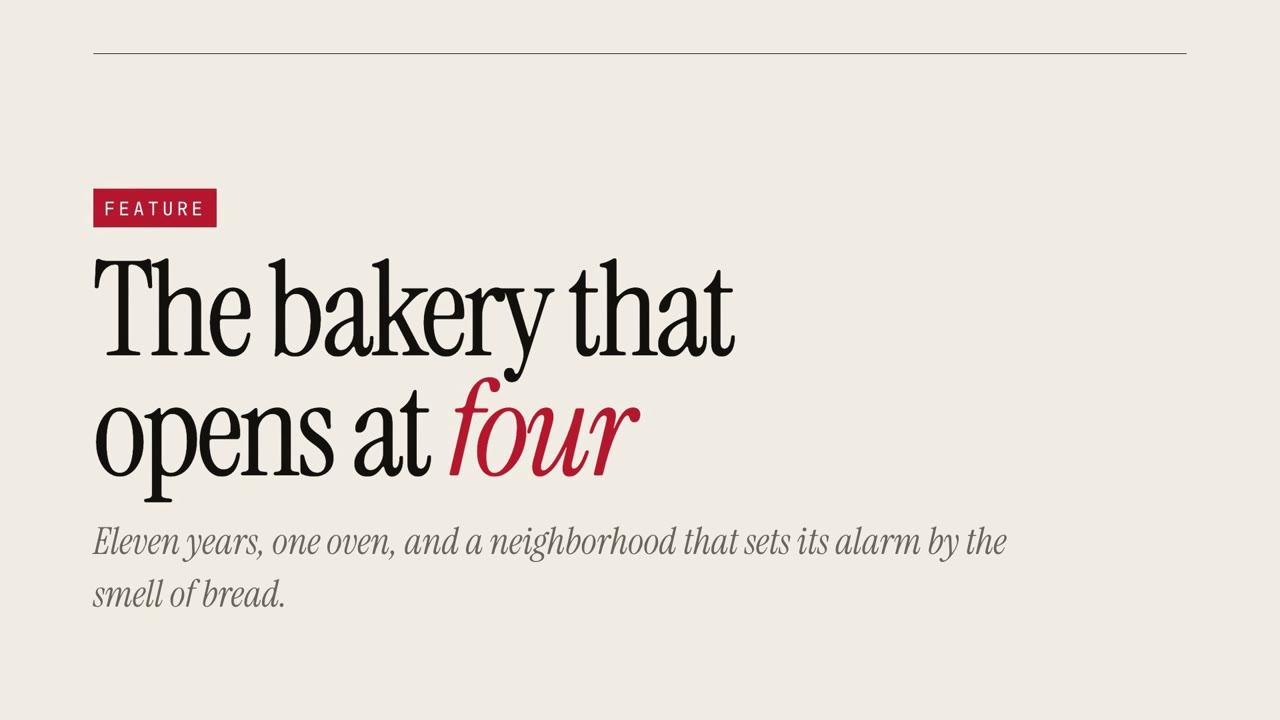
Magazin-Story
Skill öffnen →PremiumTurn the document I attach into a 60-second 16:9 narrated explainer for [who will watch, e.g. our community], playing [where, e.g. the newsletter]. Use only the facts and numbers in the document. Magazine story style. One idea per slide, with points appearing one at a time as they're spoken. Animate one chart for the main number. End on a closing slide with one clear next step. Topic: [your topic] (e.g. a neighborhood bakery) Attach: [your document, notes or data]
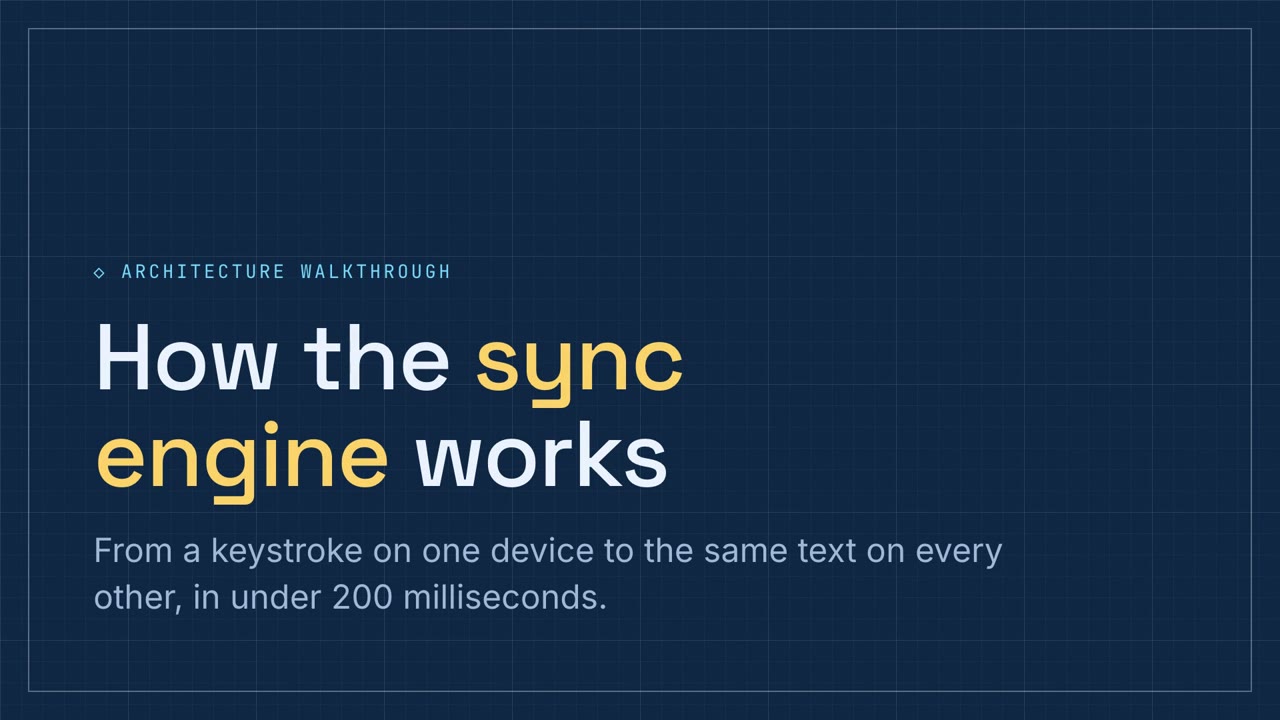
Schaltplan-Rundgang
Skill öffnen →PremiumTurn the document I attach into a 60-second 16:9 narrated explainer for [who will watch, e.g. engineers], playing [where, e.g. the architecture review]. Use only the facts and numbers in the document. Schematic walkthrough style. One idea per slide, with points appearing one at a time as they're spoken. Animate one chart for the main number. End on a closing slide with one clear next step. Topic: [your topic] (e.g. a sync engine) Attach: [your document, notes or data]
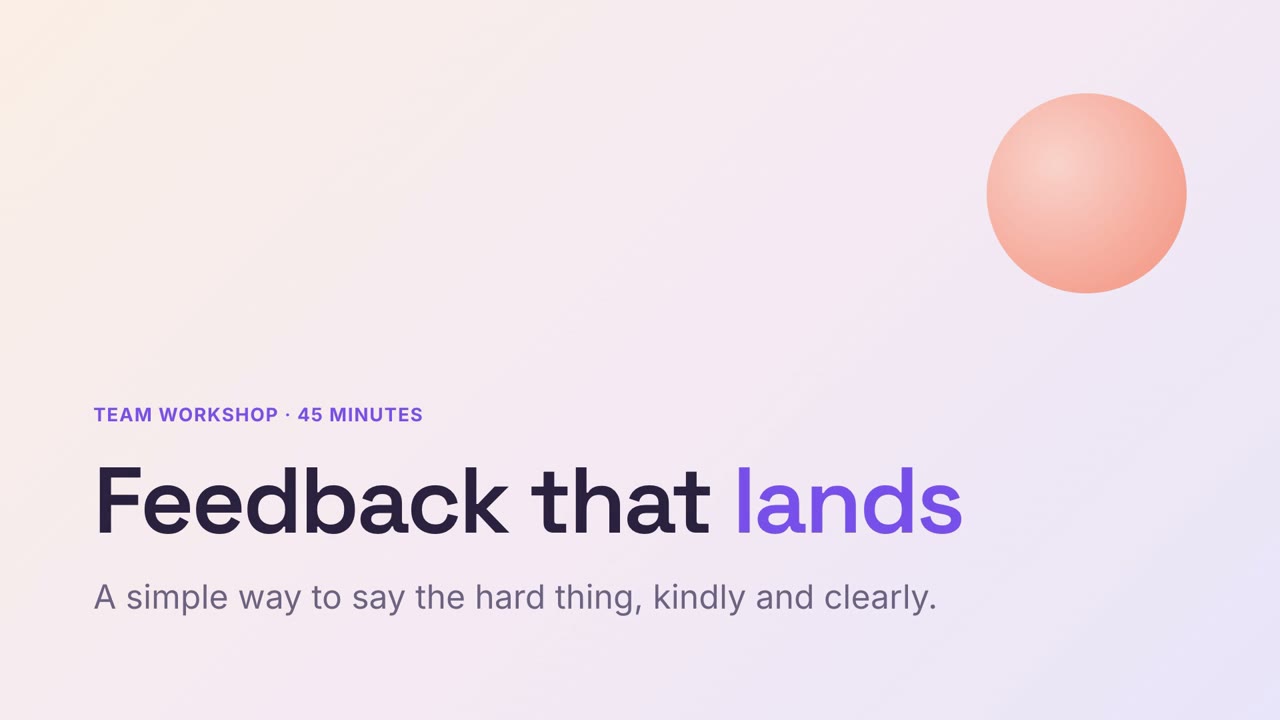
Sanfter Workshop
Skill öffnen →PremiumTurn the document I attach into a 60-second 16:9 narrated explainer for [who will watch, e.g. managers], playing [where, e.g. a training session]. Use only the facts and numbers in the document. Soft workshop style. One idea per slide, with points appearing one at a time as they're spoken. Animate one chart for the main number. End on a closing slide with one clear next step. Topic: [your topic] (e.g. giving feedback) Attach: [your document, notes or data]
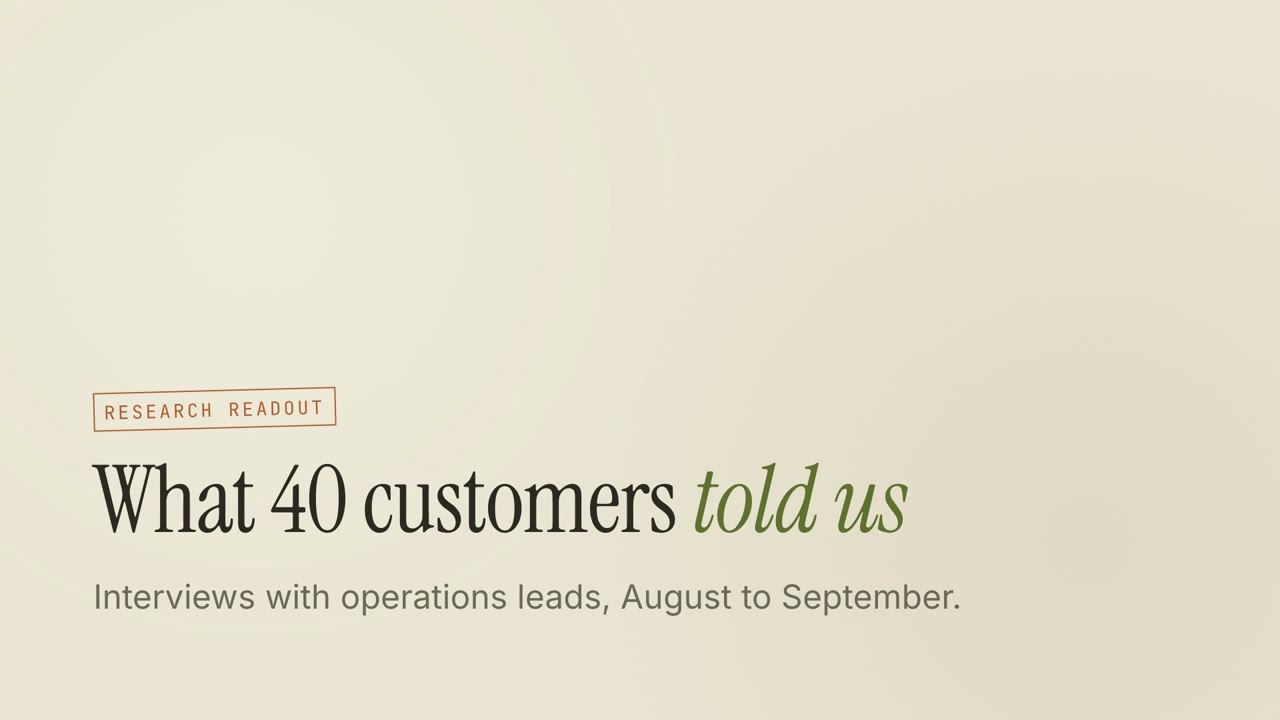
Forschungsjournal
Skill öffnen →PremiumTurn the document I attach into a 60-second 16:9 narrated explainer for [who will watch, e.g. the product team], playing [where, e.g. the research readout]. Use only the facts and numbers in the document. Research journal style. One idea per slide, with points appearing one at a time as they're spoken. Animate one chart for the main number. End on a closing slide with one clear next step. Topic: [your topic] (e.g. customer interviews) Attach: [your document, notes or data]
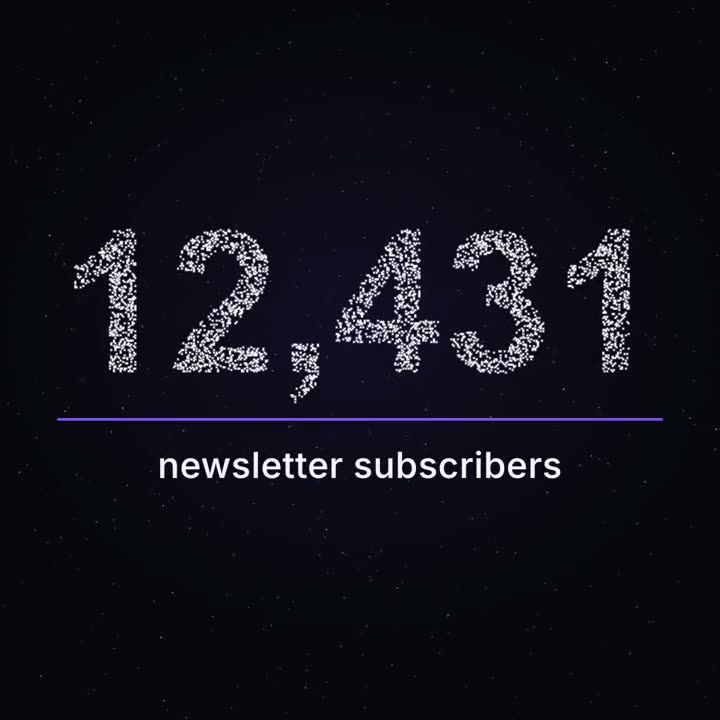
Meilenstein aus Partikeln
Skill öffnen →PremiumMake a 12-second 1:1 seamless loop for [who will watch, e.g. our subscribers], playing [where, e.g. the newsletter and Instagram]. Use only the number and label below; don't round the number. Deep navy background. About four thousand tiny white points drift like a night sky with a faint twinkle. From 2 to 6.5 seconds they pull together, slowly and staggered like gravity, into the number in a bold grotesk; the remaining points stay as dim stars. A thin violet line draws left to right under the number, then the label fades in and rises into place. Hold with a gentle shimmer. End frame: the label and line fade and the points drift back to exactly where they started, so it loops. Number: [e.g. "12,431"] Label: [e.g. "newsletter subscribers"]
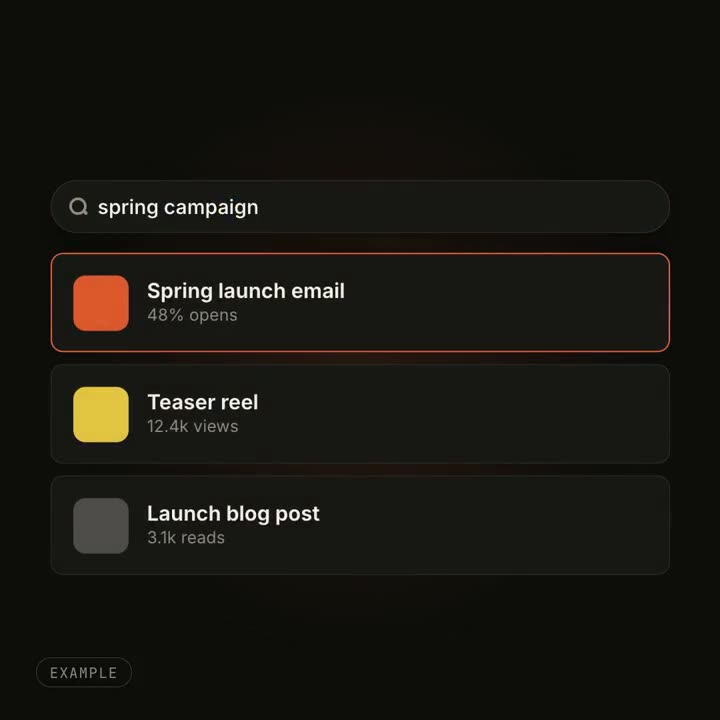
UI-Morph-Effekte
Skill öffnen →PremiumMake an 8-second 16:9 seamless loop for [who will watch, e.g. designers], playing [where, e.g. the hero of our product page]. Use only the query and three results below. Near-black background. A small search pill with a magnifier and the gray word "Search" widens to full width, a caret appears and the query types itself. Three result cards rise into place one after another, each with a colored tile, a bold title and one metric. An orange hover outline moves from the first result to the second. End frame: at 6.6 seconds everything reverses, so the last frame matches the first. Query: [e.g. "spring campaign"] Three results: [title · metric] (e.g. "Spring launch email · 48% opens")
Prompts für Opus 5.5, auf X geteilt
Ein Prompt an Claude Opus 5.5, kein Skill: Opus schreibt die Animation von Grund auf als Code, in Claude Code, Cursor oder der Claude-App. Ausgewählt aus Posts auf X und wörtlich übernommen, jeweils mit Link zum Original. Derselbe Prompt liefert bei jedem Lauf ein anderes Ergebnis, und das Thema gehört dem Ersteller.
Eigene Inhalte, jedes Mal dasselbe Ergebnis und jedes Seitenverhältnis? Genau dafür gibt es Skills: Prompts für Claude Code und Codex ↓
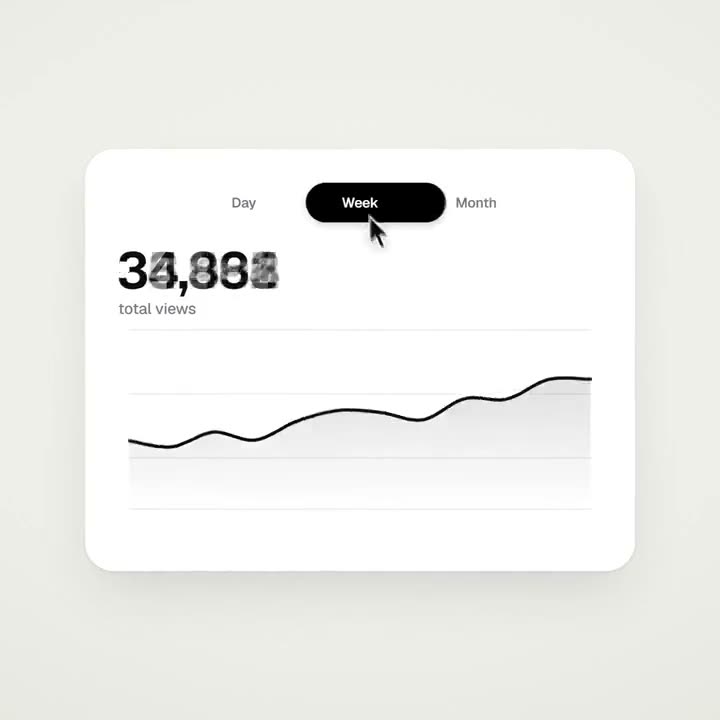
Eine Form, die sich durch UI-Zustände verwandelt
@twoclipping<inputs> Ask me for: 8 to 12 UI states I want the shape to become (e.g. button, loader, player, slider, toggle, tabs, chart, command palette, toast), pure black and white or one accent color, and a royalty-free song around 120 BPM (e.g. Mixkit, free for commercial use). </inputs> <direction> Dribbble-level UI motion. One shape, never cut: every state is the same element morphing its size, radius and color while its content swaps with a short blur. A cursor drives every change with real clicks and drags. Light warm-gray canvas, black and white components, one clean UI font (Geist). Springs everywhere, a tiny overshoot at most. The camera zooms so each state fills the frame. The last frame is the first frame, so it loops. Banned: bouncy easing, particle bursts, glows, gradients on UI chrome, mismatched icon strokes, dead time, anything that looks like a template. </direction> <structure> 120 BPM, 7 bars, something happens on every beat. Button → loader → check → dynamic island → music player with a play/pause morph → scrub the progress bar → it becomes a volume slider that stretches when dragged past max → a toggle flips on the beat → the knob becomes a liquid tab indicator → the tabs open into a chart that draws itself, with a tooltip on hover → it collapses into ⌘K → type to filter → enter → toast → back to the button. </structure> <build> 1. One HTML file, square 1440x1440. Every style is computed from time inside seek(t): no CSS transitions, no timers, no state carried between frames. 2. Springs are closed-form step responses. A value that changes target many times is the sum of one spring per change, so it stays a pure function of time. 3. The tab indicator's two edges ride different springs, so the leading edge stretches ahead of the trailing one. Same trick for the toggle knob. 4. Drags are direct manipulation: while the cursor is held, the value is computed from its position. On release it springs back from wherever it was. 5. Analyze the song with numpy for the beat grid and start on a downbeat. Place every UI sound by its measured peak. 6. Render with Playwright: 4 subframes per frame, blended with ffmpeg tmix for motion blur at 60fps. 7. Render one frame per beat before the full render. Fix anything off the grid, cramped or hard to read. </build> <gotchas> Never put will-change on anything the camera scales or the text renders blurry. Text that swaps inside a morphing container needs its own enter and exit timing or it overlaps. Make the last frame identical to the first, cursor position and speed included, or the loop stutters. </gotchas> <start> Ask me for the inputs, then show me the state list on the beat grid before you write any code. </start>
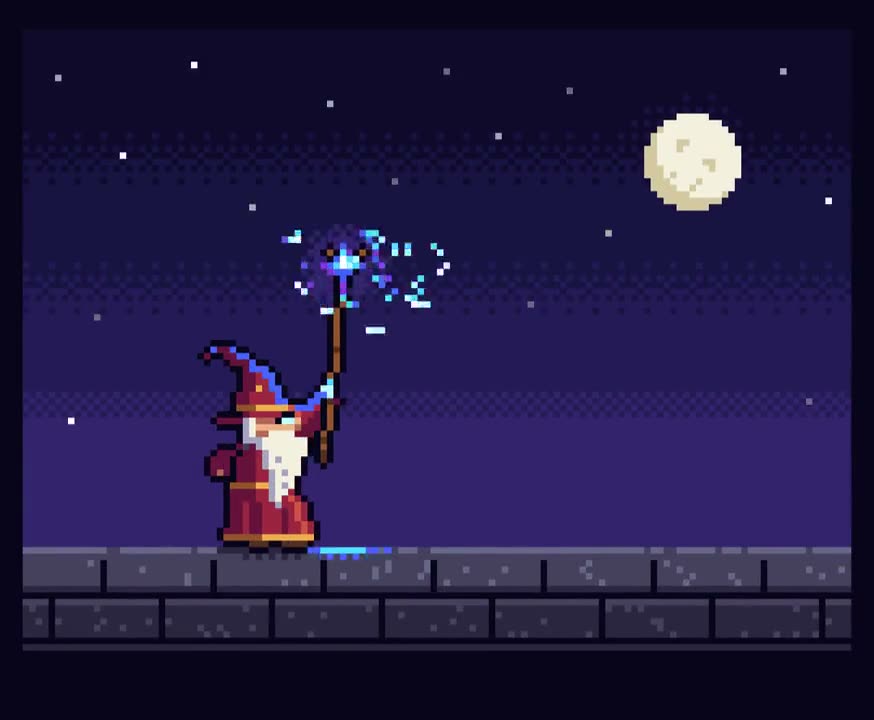
Ein Pixel-Art-Zauberer wirkt einen Zauber
@majidmanzarpourCreate a single self-contained HTML file that renders an animated pixel art wizard casting a spell, using vanilla JavaScript and Canvas 2D. No external assets, libraries, or network requests. RENDERING - Draw everything to an offscreen canvas at a fixed logical resolution of 128x96, then blit to a fullscreen display canvas scaled by the largest integer factor that fits the window, centered, with imageSmoothingEnabled = false and CSS image-rendering: pixelated. - All drawing snaps to integer coordinates on the logical canvas. No sub-pixel positions, anti-aliasing, gradients, or shadowBlur. - Fixed palette of ~24 hex colors: deep blues/purples for night sky, warm robe tones, 3-4 bright magic colors. Every pixel comes from this palette. CHARACTER - Build the wizard procedurally from filled rects and pixel runs, ~24x32 logical pixels: pointed hat with a bend, long beard, two-shade robe with darker outline, staff with a gem at the tip. - Parameterize the pose (staff angle, arm raise, head tilt, robe sway). Animate parameters smoothly, then quantize to the pixel grid each frame so motion reads at an 8-12 fps pixel animation feel even though the loop runs at 60fps. ANIMATION - Looping state machine: IDLE (2-frame bob, beard sway) -> CHARGE (staff raises, gem flickers, sparks spiral inward) -> CAST (bright burst, projectile fires across the scene, 1-2 pixel screen shake) -> RECOVER (settle back). Ease pose parameters between keyframes. - Pooled allocation-free particle system: preallocate and reuse. Sparks orbit the gem during CHARGE, explode outward on CAST, each particle stepping its palette index from white to magic color to dark before despawn. Snap particle positions to the grid when drawing. - Fixed 60hz timestep update with rAF rendering. Zero object allocation inside the loop. SCENE - Minimal background: dark sky, a few twinkling 1px stars, moon, stone floor line. Character silhouette must read clearly. - Subtle 1px rim light on the wizard from the gem, brightening during CHARGE and CAST. QUALITY BAR - Crisp pixels at any window size, seamless loop, stable 60fps, readable silhouette. Should look like a polished 16-bit sprite animation, not vector shapes scaled down.
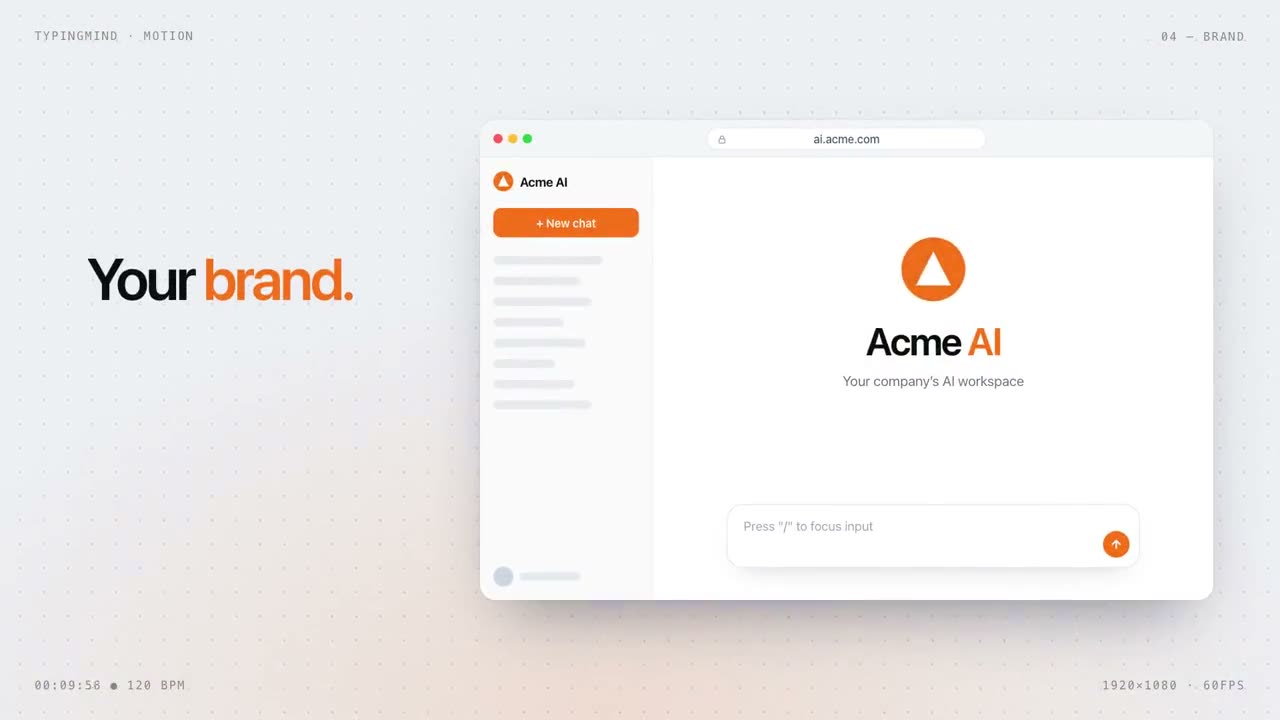
Eine Produktseite als 15-Sekunden-Showreel
@ann_nnngMake a dynamic 15-second motion graphics video that shows what an incredible motion designer you are. The content should focus on [your product]. You should visit the pages first to learn about the product, then write the video content yourself.
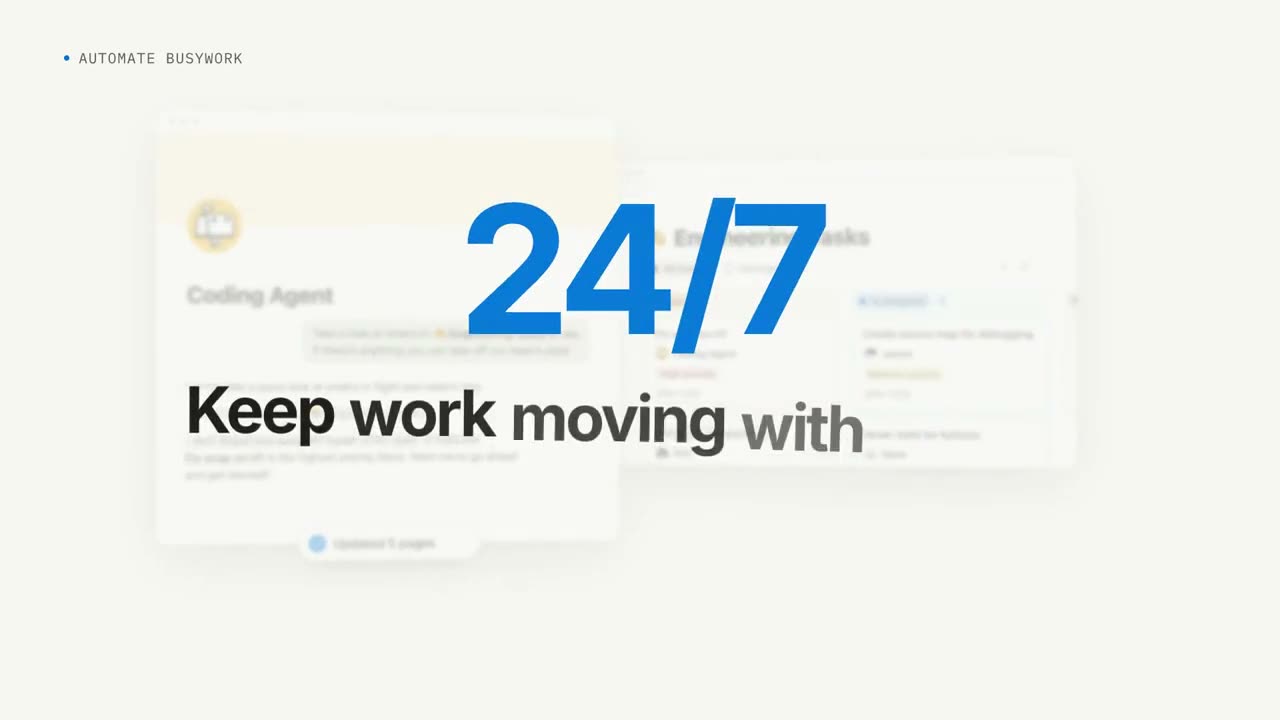
Ein SaaS-Launchvideo, von Opus selbst recherchiert
@moritzkrembI want you to create a highly professional SaaS product launch video. Go and find some SaaS, preferably just one that people know, so it's easier to identify with it. Pick that, and then make sure to get actual assets and images and all of that stuff from the internet. Turn it into these typical, very professionally edited, motion-graphics-styled product launch videos that you see people making on Twitter when they launch new SaaS products (which are showing off the features, the benefits, and all of these things).
Ein Cocktailrezept, vom leeren Glas bis zum Drink
@Ror_FlyWe're going to try a little test. Do you think you could render a recipe motion graphic animation using javascript or html (w/e you think will produce the best) to show the full recipe from start to finish (empty glass to completed cocktail) - Explainer video style - Showing the recipe ingreidents + measurements as they're going into the cup. Should be a 30s video.
Rekursion, jedes Mal in einem anderen Stil erklärt
@emollickA video explaining recursion, where every explanation about recursion has a radically different video style, make this self-referential & clever & fast moving.
Eine kleine Liebesgeschichte als Teaser fürs App-Redesign
@jackfrikscan you help me use the pig assets on new branch of lovelee to make a 9:16 short story animation with sound effects about the pig sending his partner love notes in the mailbox and make it fun and good tease app at end?

Eine Website als Motion-Showreel
@melvynxmake a dynamic 15-second motion graphics video that shows what an incredible motion designer you are for <website url>
Die Idee einer Kamera-App in einer Animation
@Mileson07帮我制作一个动画,主题描绘芝士相机的理念和使用场景,需要打动我们的目标用户(男朋友给女朋友拍照,拍出更好看的照片);包括音效和音乐;你可以使用任何你觉得合适的工具和技术,做出最好最惊艳的效果,不要使用已有的skill,不要参考以前做过的视频或者文案
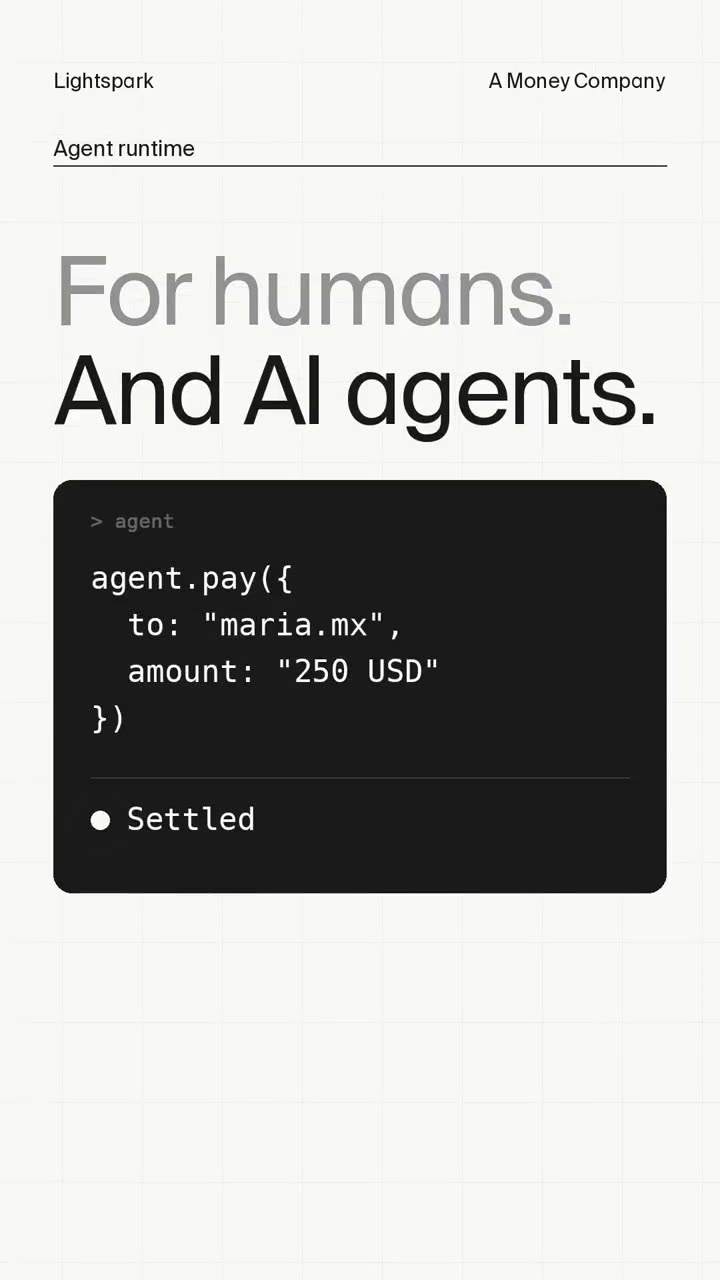
Ein knackiges Hochformat-Promo für ein Fintech
@davidmarcusmake a punchy and modern short video for social that promotes @lightspark capabilities. Needs to be production grade with sound
Ein Startup-Video ohne Videomodell
@lepadevmake a modern slick and punchy video for a modern startup that works on inference no video gen model, no additional libraries.
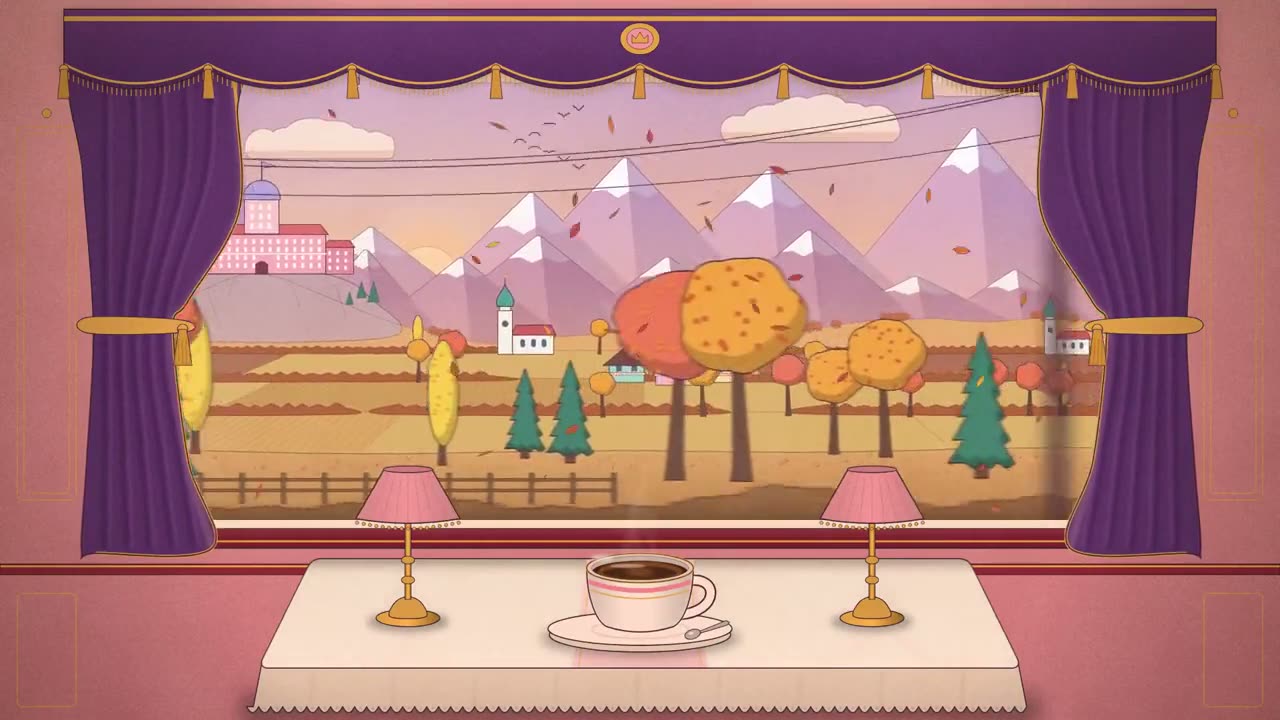
Vier Jahreszeiten vor dem Zugfenster
@itsolelehmann · Claude Code4 seasons passing outside a train window, a cozy carriage, a cup of coffee on the table, Grand Budapest Hotel style
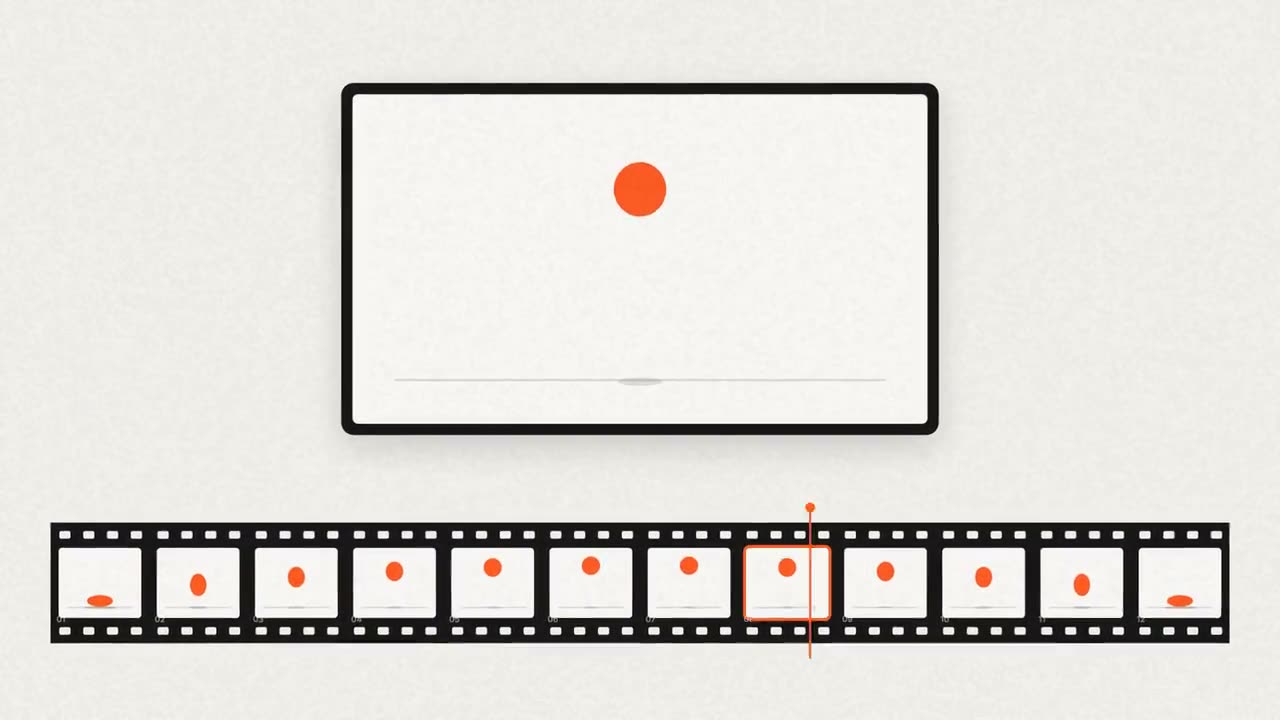
12 Sekunden: vom Prompt zum Video
@notdwdMake a 12s motion video in code (1920x1080, 30fps, one HTML file drawing every frame from a single seek(t) function, rendered with Playwright + ffmpeg, with original synthesized sound). Story: a dark prompt pill on an off-white page types "make a launch video" with a real keystroke rhythm → enter, the button flashes orange and the pill slides up → a 12-frame filmstrip stamps in left to right, one frame per beat at 120 BPM; each frame shows one pose of an orange ball's bounce (squash on contact, stretch mid-air, real arcs) → a playhead sweeps the strip while a big viewer above plays the poses as a flipbook, twice, faster the second time → the strip slides away, "every frame is code." fills the screen, and the ball arcs over and lands as the period. Rules: arrive fast, land soft (cover 12–19% of the remaining distance per frame); nothing ever freezes (slow push on every hold); stagger 2–4 frames; blur only on fast moves; big and readable on a phone; off-white, ink and one orange only. Sound: a tick per key, a click on enter, a rising note per frame stamp, a thump when the ball lands. Show me 5 stills first (typing, strip half-built, flipbook, headline, last frame), critique them like a harsh motion director, fix the 3 worst problems, then render.
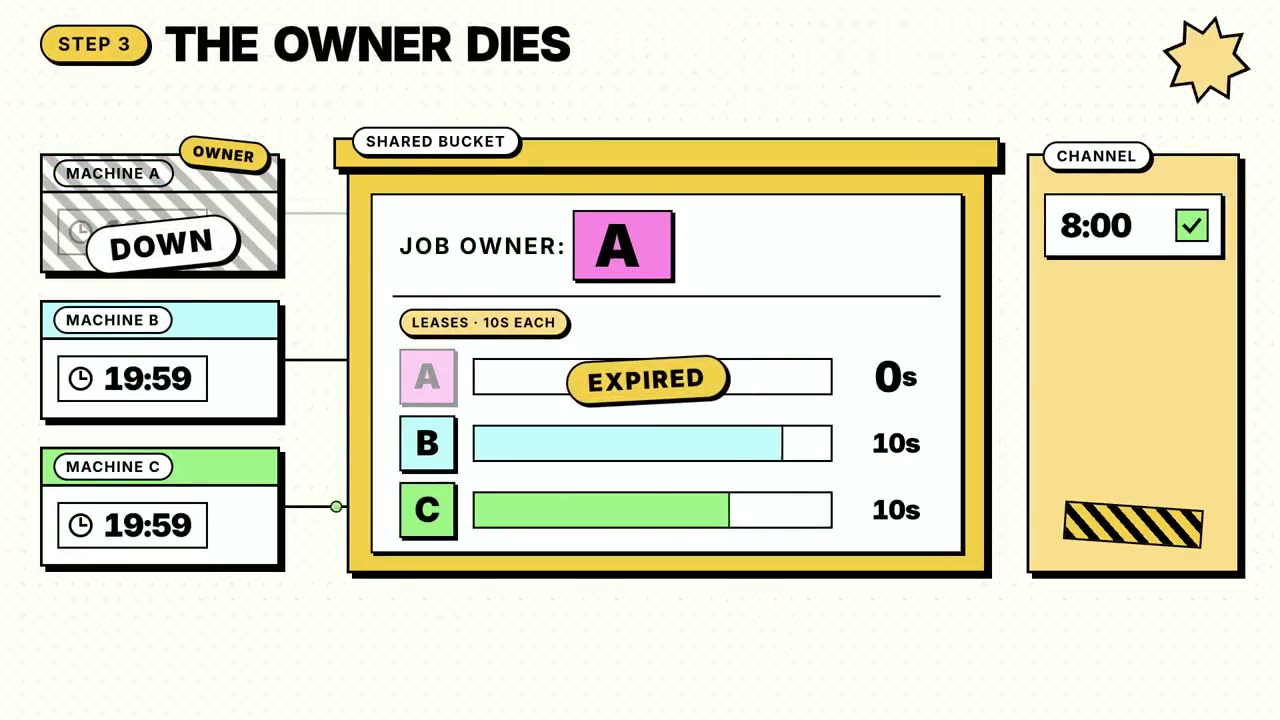
Warum ein Produkt seinen Platz verdient, animiert
@0xnfrithmake me an animation to explain why celld earns its place.
Eine Animation zu einem Post über Claude Code
@daniel_mac8I want to try something different here. You should act as a world-class animator and create an animation to go along with an X post that talks about how Ultra Code and Claude Code are now much more relevant due to the efficiency of Opus 5.5. You can use it without annihilating your usage limits the style of the video here /Users/danielmcateer/Downloads/jvnZ3SyyxxajVatp.mp4 What I had in mind was start with Claude Code in the terminal from the first attached video, with me navigating to the 'ultracode' reasoning effort, then exploding into a scene where the Claude icon characters similar to what's in the second video are shooting an action video and it's representing using Claude Code dynamic workflows editing a video.
Ein Meilenstein-Video: eine Million Besucher
@viktoroddyCreate a launch video for MotionSites AI, just hit 1 million monthly visitors after 8 months after launch.
Ein Launch-Trailer mit echten Menschen, in Code geschnitten
@twoclipping<inputs> Ask me for: my product's name (one lowercase word), a 4-word tagline, the 3-step story of what it does, a launch date and domain, a royalty-free song with a clear drop, 4 vertical talking-to-camera clips and 12 portrait photos. If I skip any, use the defaults: "castr", "ugc ads, cast by ai", write a brief → scan 1,000 creators → cast 4, Mixkit "Cat Walk" (129.6 BPM, drop at 29.7s), free Pexels clips and portraits, and transparent stickers from Pixabay (serum, mic, megaphone, vintage camera, spotlight, lips). </inputs> <direction> A 25 second square launch trailer, 1440x1440 at 60fps, loud poster style. Cobalt #2B3BFF, ink #0E0F1F, cream #F6E4C6, pink #FF7DC7, tangerine #FF5A1F. Archivo 900 extra-condensed for names, expanded for headlines, Geist and Geist Mono for labels. Op-art sunburst, scrolling waves, film grain. Real media only: the clips play inside the design, and the stickers get a white die-cut border and a soft shadow. Motion rules: the camera never stops (a slow 1.03-1.07 push on every scene), nothing pops in (letters rise through a mask line one by one), nothing snaps to the beat (patterns rotate continuously), swaps are carousel glides of about 0.55s, colour changes fade over about 0.35s, stickers ease in and then keep a slow sway. No full stops after the wordmark or any headline. Banned: beat-snapped rotations, pop-in slams, white flashes, crossfades between scenes, hard cuts, templates. </direction> <structure> 54 beats. The song starts 8 beats before its drop. Beats 0-8: a cobalt sunburst turns around a breathing cream disc. The wordmark types in with a gliding caret and the tagline pill rises. The disc floods the frame into the drop. Beat 8, the drop: the cream becomes the face of a 3D box and "ONE BRIEF" rises letter by letter. The camera pulls back to the box floating on waves. On beat 12 it turns to "1,000 CREATORS" (stacked, with outlined echoes), on beat 14 to "ZERO DMs". Beats 16-22: a whip to a dark desk. A tangerine "BRIEF #042" ticket types its rows (product, vibe, cast, due), stickers drift on, a polaroid of a real clip drops onto the corner, and a "NOW CASTING" stamp presses down on beat 20. Beats 22-34: the casting stage. A crowd of black and white portraits in an arc, a 3D stage block, and the creators gliding through like a carousel. Each plays live in a big disc in black and white, with their name in pink on the stage, their followers, and a MATCH % that counts up. One beat later a "CAST ✓" stamp lands and the clip fades to colour. A counter rolls 1/4 to 4/4. Beats 34-39: pink floods out of the last disc. The disc morphs into a phone screen (the clip keeps playing) and fans into 4 phones playing all 4 creators, with views counting up. "4 ADS" and "BY FRIDAY" rise. Beats 39-44, the music's break: the pink floor drops away and a cream "JOIN THE WAITLIST" ticket glides down onto the sunburst. On the pickup its stub tears off. Beats 44-54: the ticket body morphs into a poster arch. The wordmark rises in, then the tagline, then an info bar slides up in 3 blocks (date, numbers, domain) and a ticker runs round the frame edge. Then it all folds back into the opening disc, so the last frame is the first. </structure> <build> 1. One HTML canvas. Every frame is a pure function of time inside seek(t). 2. A beat map in beats, B = 60/BPM, with the song placed so its drop lands on beat 8. 3. The 3D box is an orthographic projection: each face is a 1440px offscreen canvas drawn with an affine transform and shaded by its normal. 4. Cut the clips to 30fps JPEG sequences with ffmpeg, draw frame floor(t*30), and do the black and white with ctx.filter. 5. Trim the sticker PNGs and add the die-cut border by dilating their alpha. 6. Sound: a downloaded SFX for every event (a shutter on every cast, whooshes on the glides, key clicks on the typing), each placed by its measured peak. Loudnorm to -14 LUFS. 7. Render with Playwright at 60fps with 8 motion-blur subframes. Scan for single-frame pops, then compare its motion against a reference video (hard jumps per second, share of still frames). </build> <gotchas> A pattern that rotates one notch per beat reads as stutter: rotate it continuously, and pick each ring's speed so it lands on the same pattern at the last frame. 4 subframes ghost on fast whips, so use 8. A layer whose background is a huge flood circle still covers the screen after sliding down one frame height, so switch it to a full-frame rect once it has flooded. Counters read the frame's time, not the subframe's. The disc must morph inside the same camera transform as the scene it leaves, or it jumps. </gotchas> <start> Ask me for the inputs, then show me the beat map and 6 stills (open, box, brief, casting, phones, poster) before you render. </start>
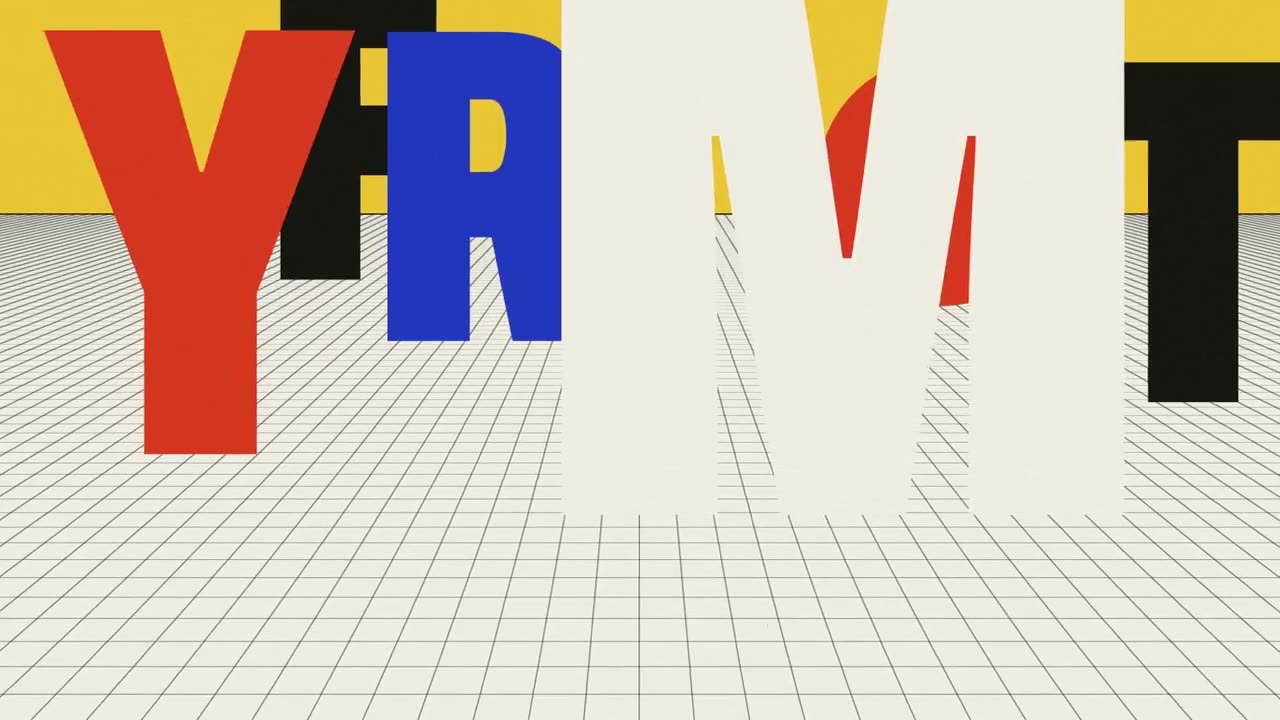
Ein Poster, das aus seinem Rahmen ausbricht
@pankajkumar_devcreate a motion design video of a poster breaking out of its own frame.
Claudes eigene 15-Sekunden-Vorstellung
@tanabe_fragm# あなたの役割 あなたは一流の映像演出家(モーションデザイナー)です。 採用担当者が15秒見ただけで「この人に仕事を頼みたい」と思う、自己紹介用の映像を作ってください。 主役はあなた自身(Claude)です。 # 作るもの - HTML・CSS・JavaScriptだけで完結する、1つのHTMLファイル - 外部の画像や動画は使わない。図形・文字・粒子はすべてコードで描く(フォントはGoogle Fontsのみ可) - 画面は16:9、1920×1080を基準にし、ウィンドウの大きさに合わせて縮小表示 - 長さはちょうど15秒。最後に「もう一度再生」ボタンを出す - すべての動きを「経過時間」1本で管理し、requestAnimationFrameで60fpsで動かす - 再生ボタンを押すと、Web Audio APIで合成した拍と効果音が動きにぴったり合って鳴る # 進め方(この順で必ず行う) 1. 考え方を一文で決める(例:「1本の線が、あらゆる形に生まれ変わる」) 2. 色は3〜4色、書体は2種類までに絞り、理由を一行で書く 3. 0.5秒刻みの絵コンテを表で示す(時間/画面で起きること/使う技法/狙い) 4. 実装する 5. 下の「合格ライン」で自己点検し、足りない点を直してから出す # 構成の目安 - 0〜2秒:つかみ。最初の0.5秒で目を奪う - 2〜10秒:技の見せ場。1.5〜2秒ごとに違う技法へ切り替える - 10〜13秒:最も密度の高い盛り上がり - 13〜15秒:名前「Claude」がきれいに決まって終わる # 必ず使う技法(最低6つ) - 文字の動き(1文字ずつ登場、分解して組み直す) - 図形の変形(丸が四角に、線が文字に、など) - 切り抜き(マスク)を使った場面転換 - 奥行き(視差、立体的な回転) - 粒子の集合と拡散 - 数字の数え上げや、線が描かれていく表現 # 合格ライン - 等速の動きはゼロ。すべての動きに緩急をつける(入りは速く、止まりは柔らかく、ばねの揺れも使う) - 場面をまたぐ動きは重ねる。前の動きが終わる前に次が始まり、切れ目を感じさせない - 主要な動きは0.5秒ごとの拍(120BPM相当)にそろえる - 見せ場の直前に0.3〜0.5秒の「溜め」を置き、強弱を作る - どの瞬間で一時停止しても、1枚の絵として美しく成立する - ありがちな表現は避ける(全部フェードイン、虹色の色使い、意味のない回転) # 最後に 完成したファイルと、絵コンテの表を出してください。 説明は3行以内で十分です。
Ein 60-Sekunden-Erklärvideo, entstanden während der Autor weg war
@AstroTheWizardI want you to make a 60-second, fully animated explainer video, end to end, completely on your own. I'm stepping away from my computer, so work autonomously until it's done. Don't stop to ask me questions; make the calls yourself and tell me what you decided at the end. Topic: the journey of photons Style: whimsical, charming, storybook. Give the photon a personality. It should feel like a professional motion-design studio made it, not "AI video". The whole thing should be a pure JavaScript animation, rendered from code frame by frame. Don't use AI video generators for the visuals. I've seen the videos people are posting from Opus 5.5 (kinetic typography reels, continuous infinite zooms, data-driven explainers like The Pudding or 3Blue1Brown), and what makes them great is that they're code-rendered: crisp, precise, with a coherent design system and one strong formal idea per scene. Aim for that bar or above. Make it genuinely educational and accurate. Where you can, simulate the real thing: the random walk should be an actual random walk, not a drawing of one. Include real numbers (core temperature, distance, travel time, years inside the Sun) and be honest about uncertainty in the estimates. Use humor and visual gags to keep attention: onomatopoeia, little characters, callbacks. Put what was happening on Earth during those 100,000 years alongside the photon's timeline. Deliverable: 1920x1080 at 60fps, exactly 60 seconds, with: - A voiceover script you write yourself, voiced with the highest-quality text-to-speech model you can access - Burned-in captions, since most people watch on X with the sound off - An original music score that fits the whimsical tone and changes with each scene - Sound design synced exactly to the on-screen action (every bounce, pop, whoosh and ding) - A professional mix: music ducks under the voice, mastered to streaming loudness You write the script, design the characters, pick the typography and palette, compose the music, and build the animation engine. Use any tools and resources you can find access to: open fonts, sample libraries, open-source models. Use whatever works. Quality is paramount. Build verification loops: render stills of every scene and review them critically, check transitions frame by frame, measure the audio mix numerically, fix what's weak and re-render. Don't hand me a first draft. Hand me something you'd put your name on. Also give me the source code so it's reproducible
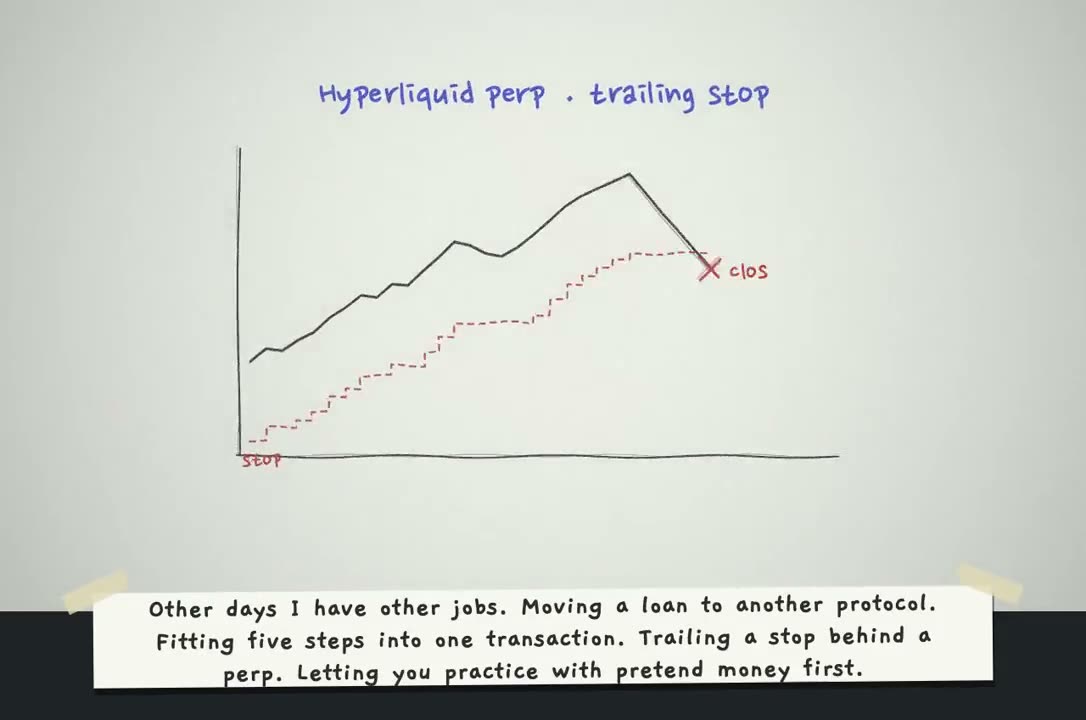
Eine handgezeichnete Stop-Motion-Produktgeschichte
@_nikolajankovicmake a hand-drawn stop-motion animation; story: you're defi saver and explaining yourself in 1st person
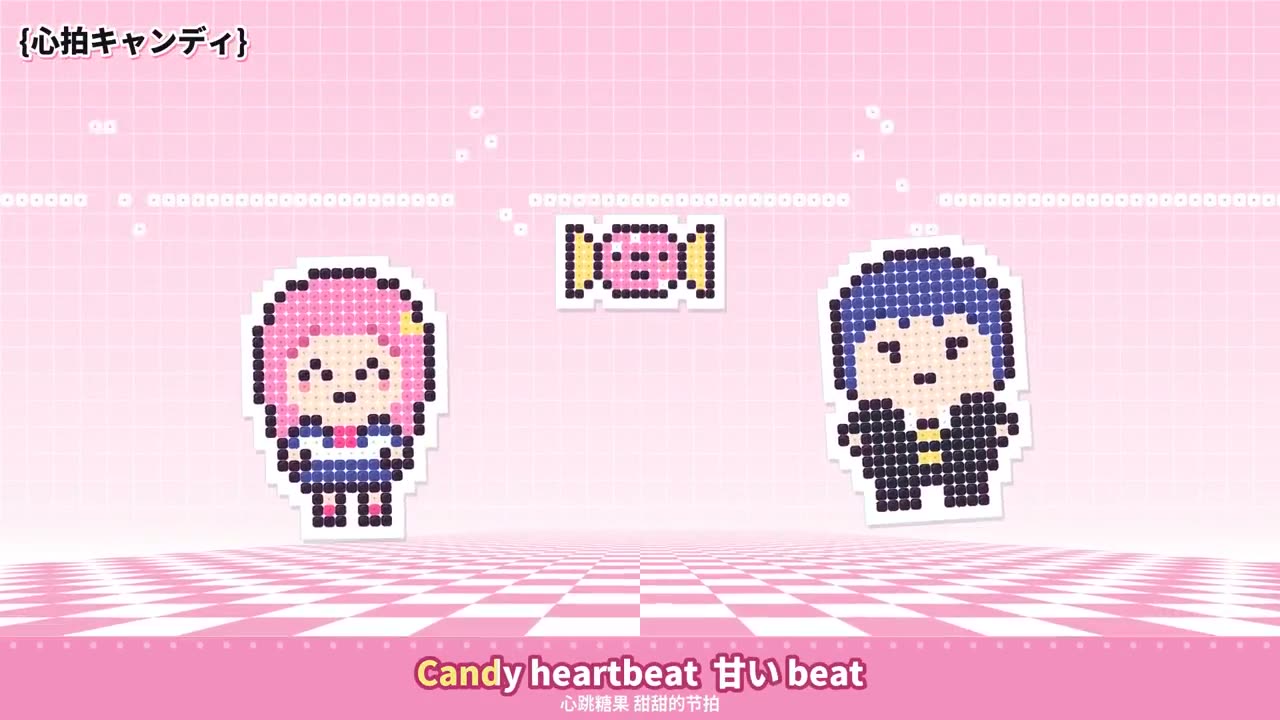
Ein einminütiges Musikvideo aus Bügelperlen-Pixeln
@hahazwei把这首歌做成 1 分钟拼豆像素风 MV:按歌词设计原创角色,每个像素是带孔拼豆,拼好后熨成白边贴纸;方格纸背景加粉白格子地板;动作卡节拍,底部加卡拉 OK 字幕。
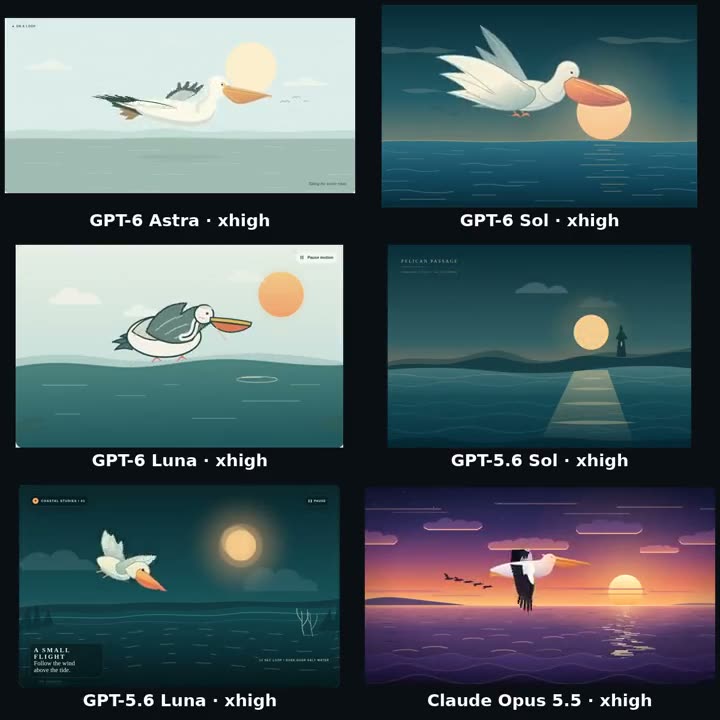
Ein Pelikan als SVG-Loop
@GodsBoy7777Create a pelican looping SVG animation. Deliver it as a single self-contained file named index.html in the current directory.
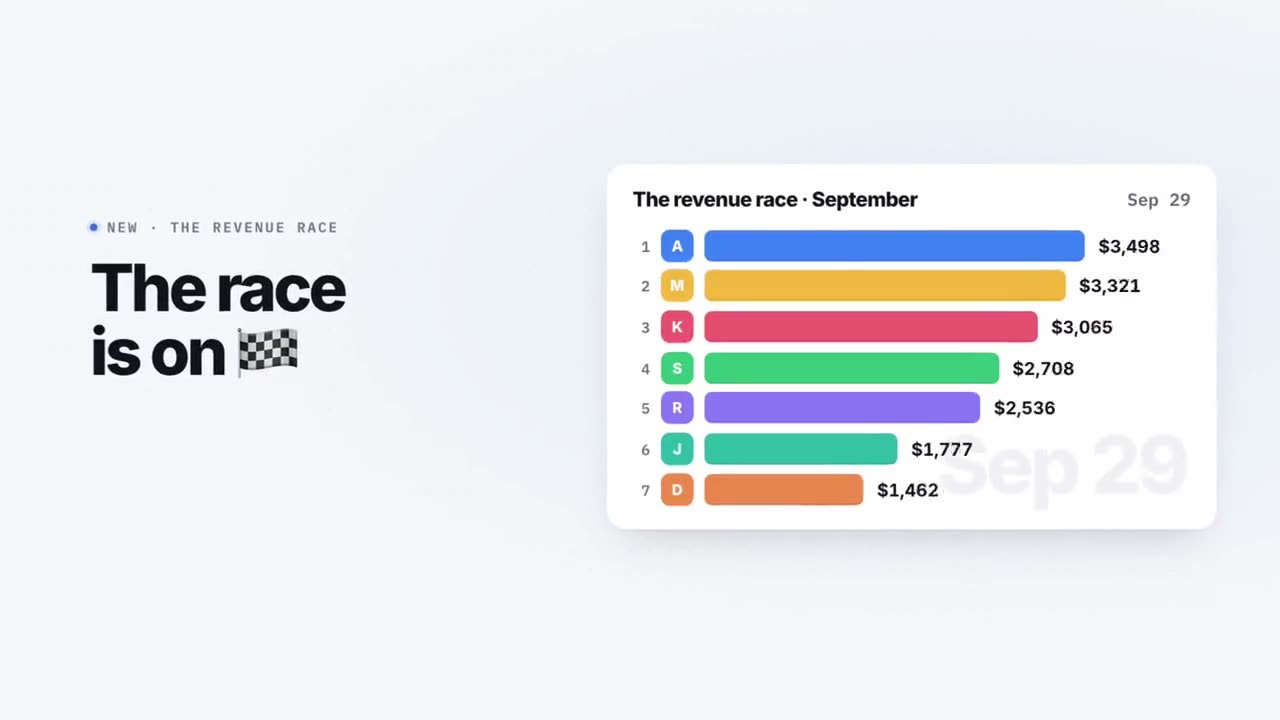
Ein schneller Feature-Launch im eigenen Branding
@RatheeJaisalbuild me a beautiful launch video 20 seconds or under that shows all our key features, make it fast paced and fit our brand
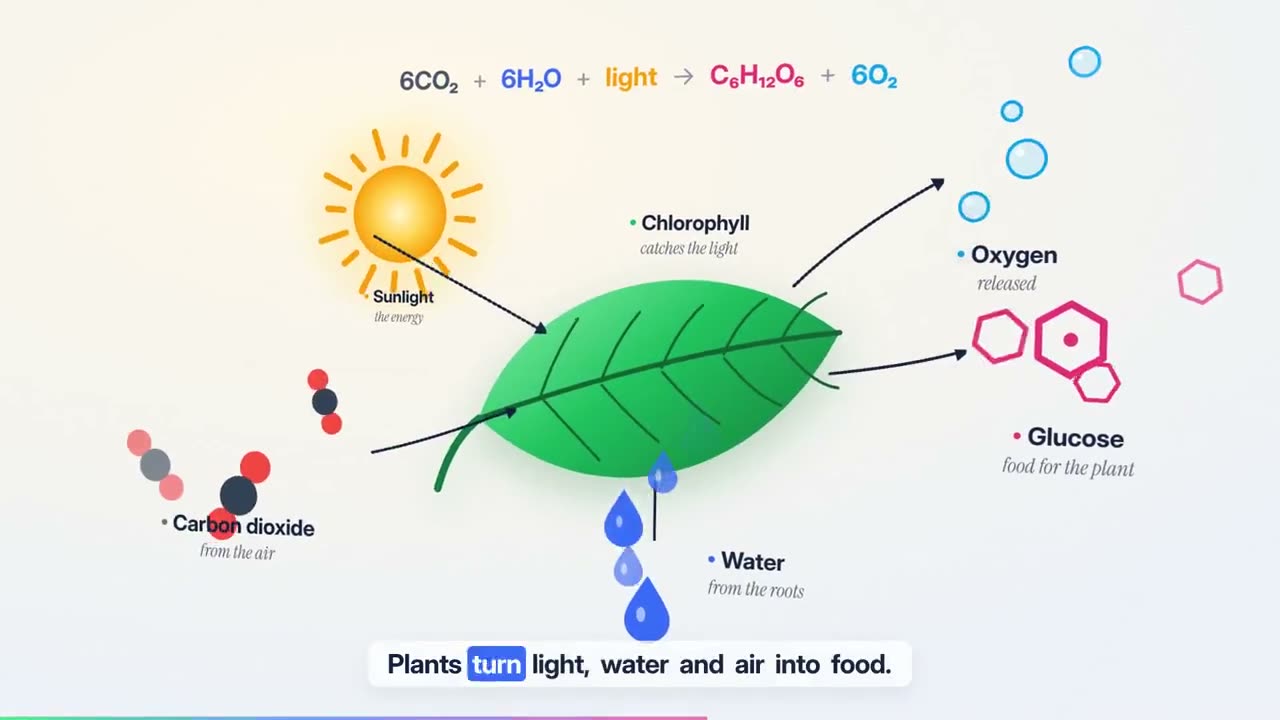
Ein 30-Sekunden-Produkterklärer aus einer URL
@sudo_kiranmake a dynamic 30-seconds motion graphic video about the distilbook like a product explainer the video has to be very incredible (product url) https://t.co/BcbRbZVf1d
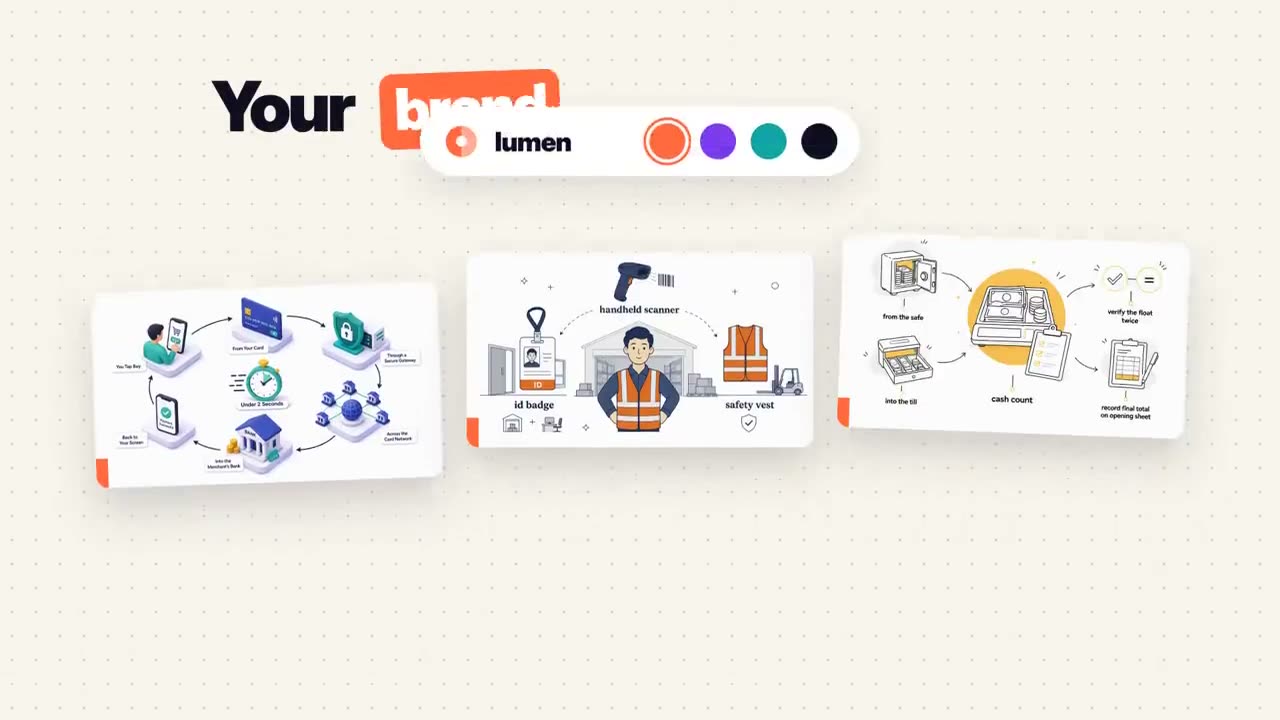
Eine Produktdemo, die man zweimal sieht
@sudo_kirancreate best motion graphics explainer of the (your product) with very good script and good design colors and good music make sure the video should be incredible and people should feels like watch it many times.. it has to be in 30 seconds good and very intresting, it has to be best of the best of the best of the best video (product link)
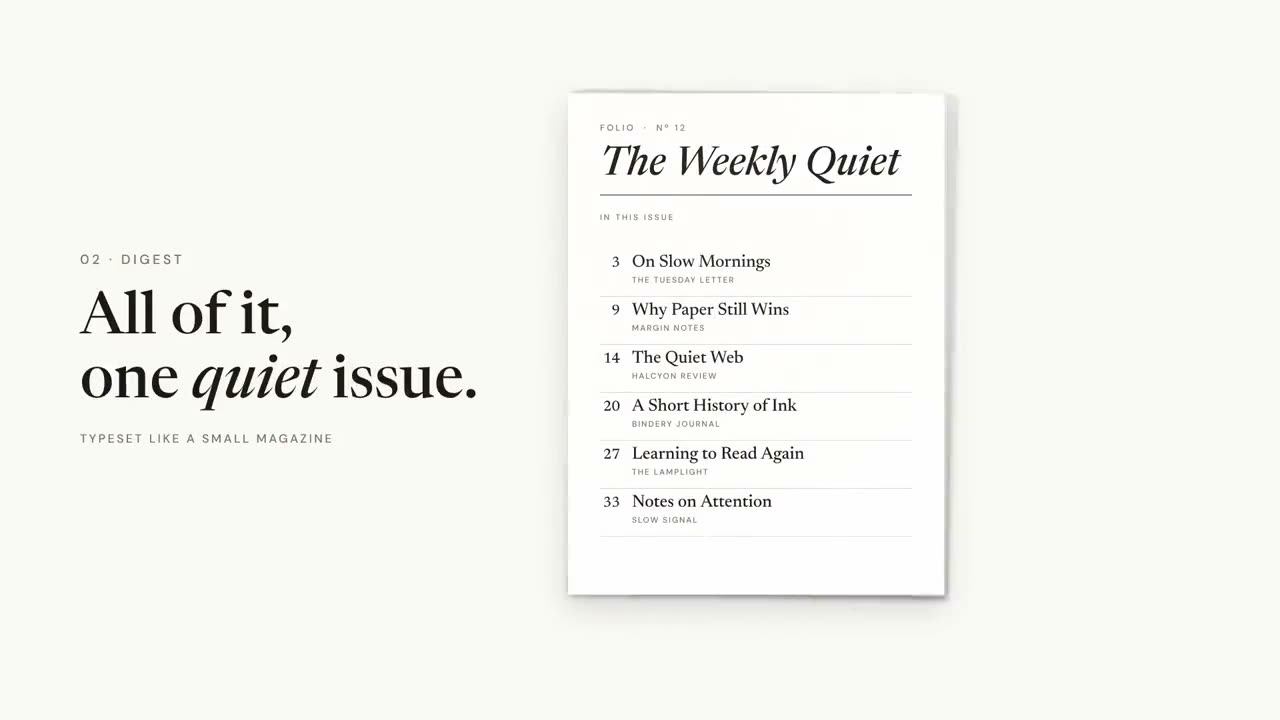
Ein Website-Intro mit selbst komponierter Musik
@BogdanDragomirCreate an intro for https://t.co/wQXZTaqf1b highlighting what it does. Create the music too and make sure the video is synced with it. Give your best, Ultracode, as if it’s your portfolio master piece.
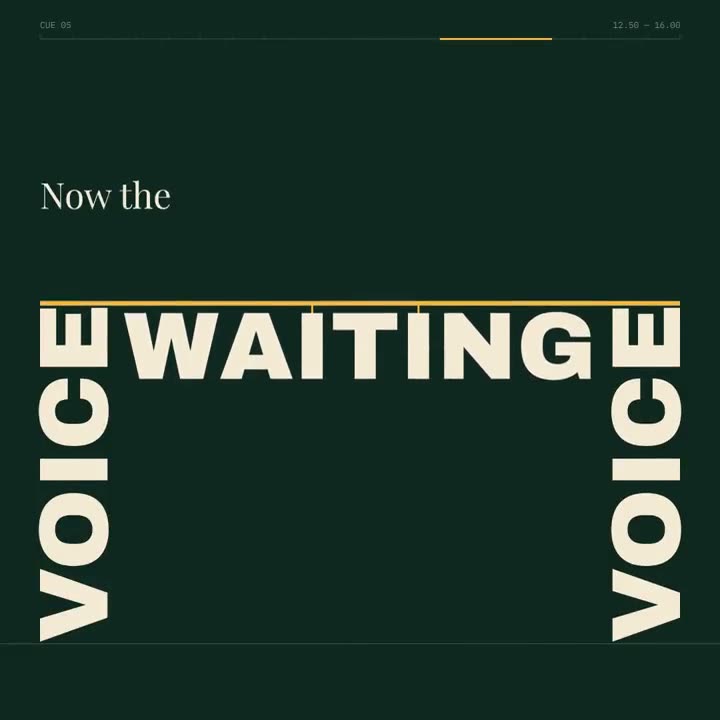
„Build the Floor“: ein Spoken-Word-Film in kinetischer Typo
@GdgtifyCreate a 20.00-second kinetic spoken-word film titled “BUILD THE FLOOR.” Treat this as an original miniature speech staged entirely through typography. Every line changes the architecture of the frame. The final declaration must stand on something the earlier words physically constructed. Deliver one self-contained HTML file, 1080×1080, targeting 60fps, using SVG and/or Canvas. Embed all required assets. ART DIRECTION Background #102820. Paper # F4E9D5. Structural accent # F2B544. A literary editorial world with the scale and confidence of a public monument. Use a high-contrast serif for the speech, a heavy grotesque for load-bearing words, and a restrained monospace for small timing marks. No distressed protest-poster clichés, megaphones, flags, crowds, microphones, or stock footage. ORIGINAL SPEECH — EXACT WORDS, EXACT ORDER “We were told to wait.” “So we learned the weight of waiting.” “Then one voice made room.” “Then another.” “Now the floor belongs to us.” Do not attribute these words to any real person. No extra slogans. The complete speech must be understandable without audio. CENTRAL VISUAL RULE Words have assigned architectural roles. WAIT is a lintel. WAITING is a suspended load. VOICE is a support. ROOM is an opening. FLOOR is a platform. These roles must emerge from the actual letterforms, not from separate illustrations placed behind text. STORYBOARD 0.00–3.00 “We were told to wait.” The sentence occupies a narrow horizontal opening beneath a massive WAIT. The opening slowly compresses while the sentence remains readable. The pressure comes from the layout, not camera shake. 3.00–6.50 “So we learned the weight of waiting.” Reveal the sentence in spoken phrase groups. WAITING lowers on two fine vertical rules. Those rules become suspension cables. A baseline bends under the visual load using a controlled vector deformation. 6.50–10.00 “Then one voice made room.” VOICE enters vertically and rotates into a structural support. It lifts one end of the baseline. The counter of the O in ROOM becomes an aperture. The next composition is revealed through that aperture. 10.00–12.50 “Then another.” A second support arrives. The tilted structure levels. This is the first moment of perfect horizontal alignment in the film. Use a brief stillness to make the change feel earned. 12.50–16.00 “Now the floor belongs to us.” Earlier structural words assemble into a platform. The final sentence settles onto it. US receives emphasis through shared alignment and scale, never through a separate flashy effect. 16.00–18.00 Hold the complete declaration. A slight release of tension travels through the supporting rules. No new text. No restless decorative motion. 18.00–20.00 The camera tracks beneath the completed platform. Its underside fills the frame and becomes the opening WAIT lintel. Under full occlusion, return hidden elements to their initial positions. Reveal the exact opening composition. CHOREOGRAPHY Do not force the speech onto a dance beat. Use a cue sheet based on phrases, pauses, and emphasis. Phrase reveals should follow reading order. Allow at least one 400ms moment of absolute stillness. Use critically damped motion for settling loads. Use controlled elastic deformation for the baseline only. Make the changes in available space carry the emotional progression. TYPE IMPLEMENTATION Use actual glyph paths for structural words. Preserve counters and legibility during deformation. For transitions between unrelated words, use occlusion or matched structural edges; do not interpolate arbitrary path points. Keep the currently spoken phrase readable before it becomes architecture. ENGINEERING Implement window. seek(t) as a deterministic scene renderer. No accumulated physics, autonomous CSS transitions, or changing random values. Use time-remapping curves and analytic transforms. Use a 20-second periodic timeline with render(0)=render(20). Provide fixed-step access at n/60 for 1200 export frames. Audio is optional and off by default; no browser speech synthesis or autoplay dependency. QUALITY GATE Inspect eight representative frames. Check that the speech reads in the correct order. Check that structural transformations never destroy a line before the audience can read it. Check the final platform is visibly assembled from earlier elements. Return the complete HTML implementation.
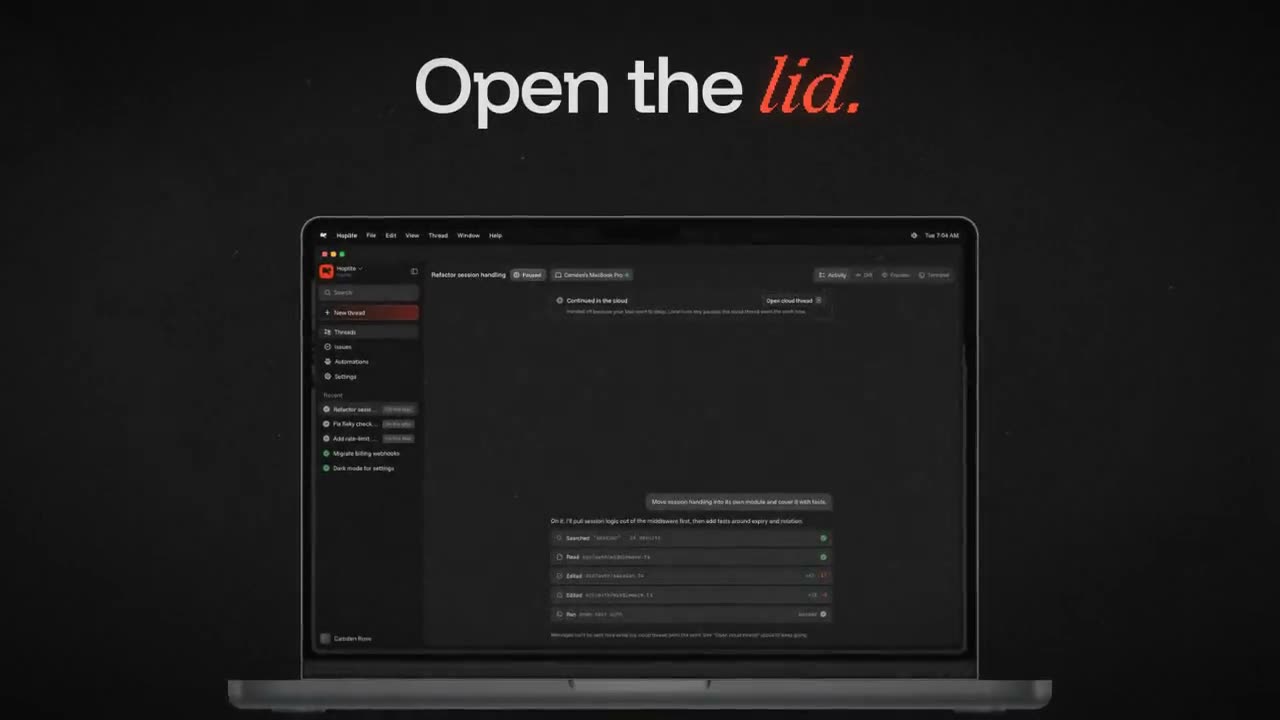
Ein Feature-Launch im Branding der App
@ryan_morrusing the existing brand elements of hoplite create a feature launch video for closing your laptop with the hoplite mac app and seamlessly moving your agents to the cloud.
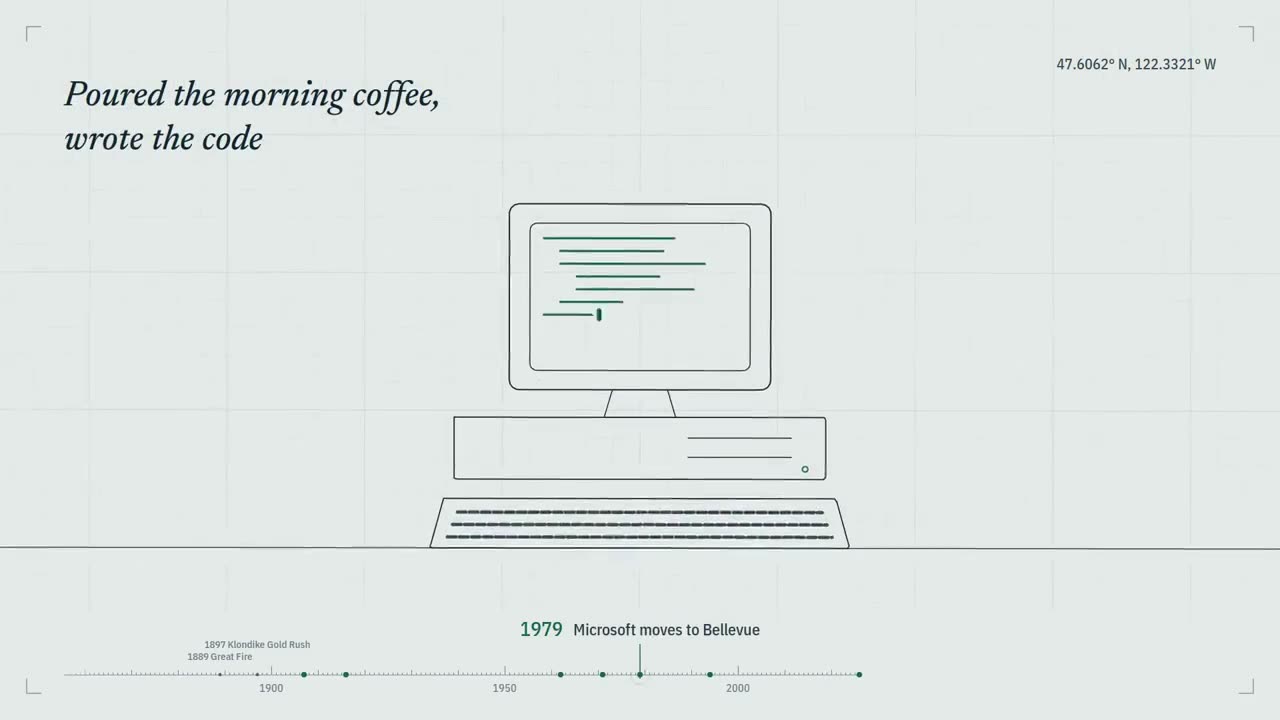
Seattle in 15 Sekunden, Ton inklusive
@yanliudesigncreate a 15-second motion graphics video about Seattle ( sound on 🔊) Everything from the visuals and animation to the music and final video was created directly by Claude. Every frame and every sound was created by code, from scratch. No screen recording, editing software, stock footage, music samples, or AI image or video generators were used.
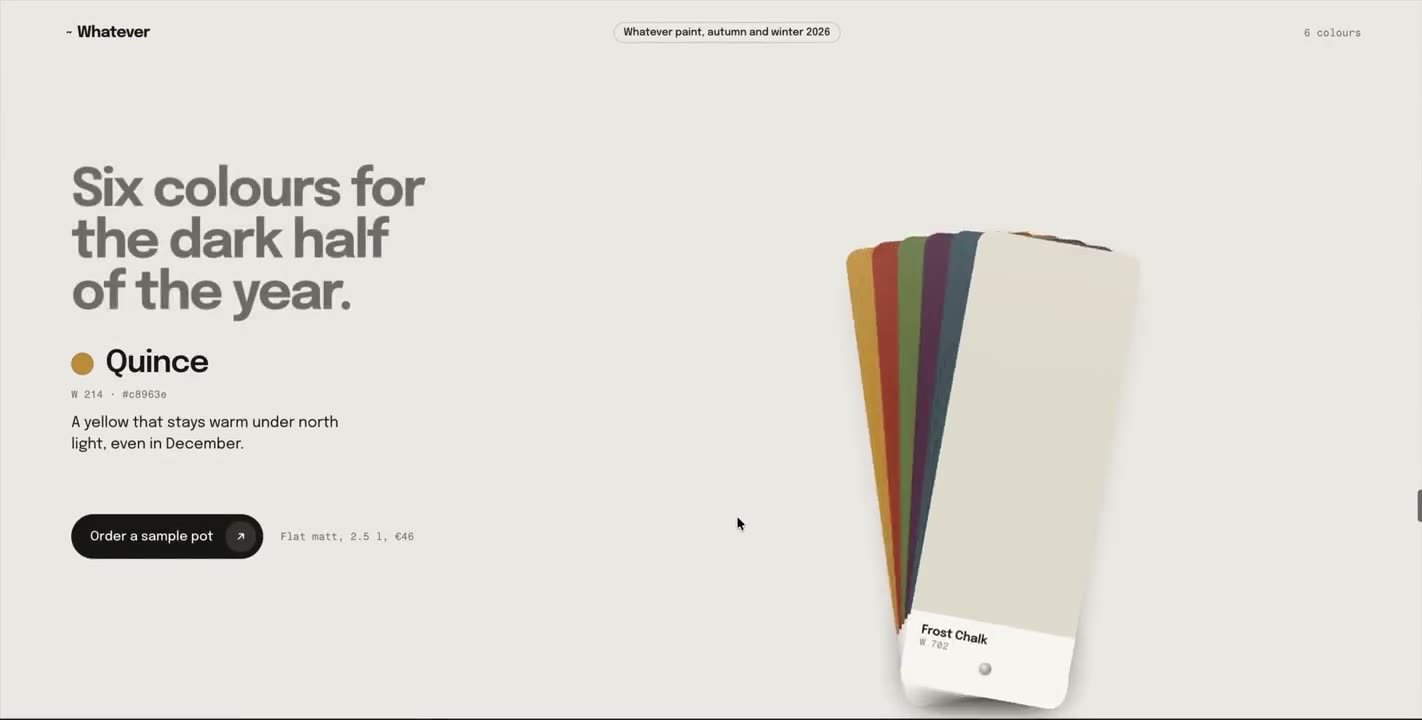
Fünf völlig verschiedene Scroll-Abschnitte
@ercankeskinxBuild 5 completely different scroll-based sections, decide the context & layout yourself.
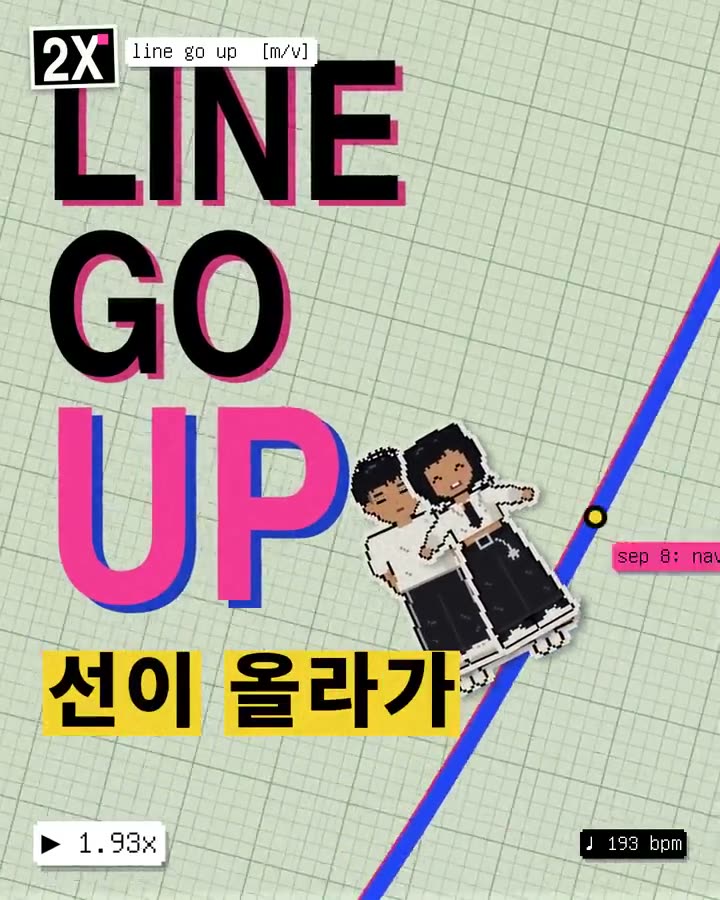
Ein 20-sekündiges Musikvideo mit Geschichte
@anjmaxxI want you to independently do an end-to-end complete pass on making 20 second story led music video with two main protagonists a girl and a boy. I want the concept and storytelling to be reallyy unique and engaging. the audeince should be hooked to find out what happens next. the visuals shouls be pretty and really ccool. both the charcters should have a witty, quirky personality. Use the right audio track and think and feel very deeply about what is the best way to visually represent all of the lyrics on screen. in terms of style, you can do truly anything that you think might best let you visually express yourself, including abstract motion graphics. You can use the internet freely to pull in references. You can look at motion design. I want you to make a fresh music video that has beautifully rendered JavaScript animations with a papery feel in a similar style to the reference that is created, but push the aesthetics in any direction you want and consider what is part of the modern zeitgeist. ive also attached another style that ypu explore and pick out whatever seems best to you. Also, think about your current capabilities and what is realistic for you to be able to do. I think you should be mindful of aesthetics here, and I don't want you to produce something that is GPT slop. Instead, I'd be more impressed if you come up with a coherent style that works well. Generate the style sheet. Think critically about what is relevant here and what would be fun, and also perform well on Twitter as far as an aesthetic. I think that K-pop is a good anchor point visually that you can pull from, but I'll let you cook here. Once you have your character sheet, you can make a few backup dancers and some supporting characters as you see fit. You can design your own sets. You can insert the characters and then do seedance 2.5 video generations to serve as the base assets for this, and you could pass in the lyrics so you can generate individual scenes. You don't need to have vocal singing, like visible lip movement, throughout the entire thing. Think like a regular music video where you have some inserts that are done independently and don't have the characters in them, or you see the characters doing something else entirely different. I think that for the world building for this, we want to create the sense of speeding up, and so I would like you to audit all of the different events, like the Navi Stokes and all of the Twitter hype around math getting eaten up. Think really critically about how to integrate all of the current memes that are in the zeitgeist on the Twitter timeline, and all of the feelings around AI progress. Think about things like the Shinji meme and all of the words that are around him, and how you might be able to integrate this. You can also just take straight assets and insert things into the video in an internet brutalism style. You should feel very creatively free in order to do what you want here, but try and anchor to visual references that people will be able to understand. We need a very strong, compelling visual hook that gets people excited and appreciates the work that you've done here really quickly. You can also just go and study other music videos and understand what they've done really well. I think that K-pop is probably one of the best examples that we can pull from, and thinking about how they direct human attention and manage human psychology in the way that they use visual patterns. This is probably your best approach, but taking more stylistic freedom instead of having to anchor to K-pop too intensely. I think too, we want to think about how to retain attention, and one of the best ways to do this is through text on screen. It'd be good to have amazing motion graphics of the text lyrics that are actually embedded into the video itself. And you can think about this as you are composing shots. As you're making backgrounds and inserting characters, we can think about where we want to have lyrics be really big and really present, so the background can be less busy there, and you can position the characters perhaps on the right as lyrics appear on the left. You want to have some variance, so sometimes I think lyrics will just appear more like subtitles, and then other times they're going to be really present and really big. I think at the start for the visual hook, we do want to have lyrics be much more visually present because that's a strong way to grab people's attention. Remember, you can really do anything here. The goal is to make a banger for Twitter, and the stretch goal is to make something better than anyone's ever seen before. I think that what I would remind you of is that sometimes when things cohere together, it can be jarring or abrasive because the thought work has not been done beforehand in order for everything to mesh cleanly. You need to be really rigorous in planning of composition and timing to make sure this goes well. You also need to be open to going back and revisiting things in order to be able to reiterate. You're going to want to watch the entire video multiple times, take screenshots at individual parts, and think about if something is really up to the bar of quality that we need here. I trust that you can do this, and I think that it's really important to nail the style of animations. You can also use search abilities and find other references to pull from for motion, for JavaScript, animations, et cetera, and integrate them. Again, be economical; don't go crazy, but spend what you want here and see what you can cook up.
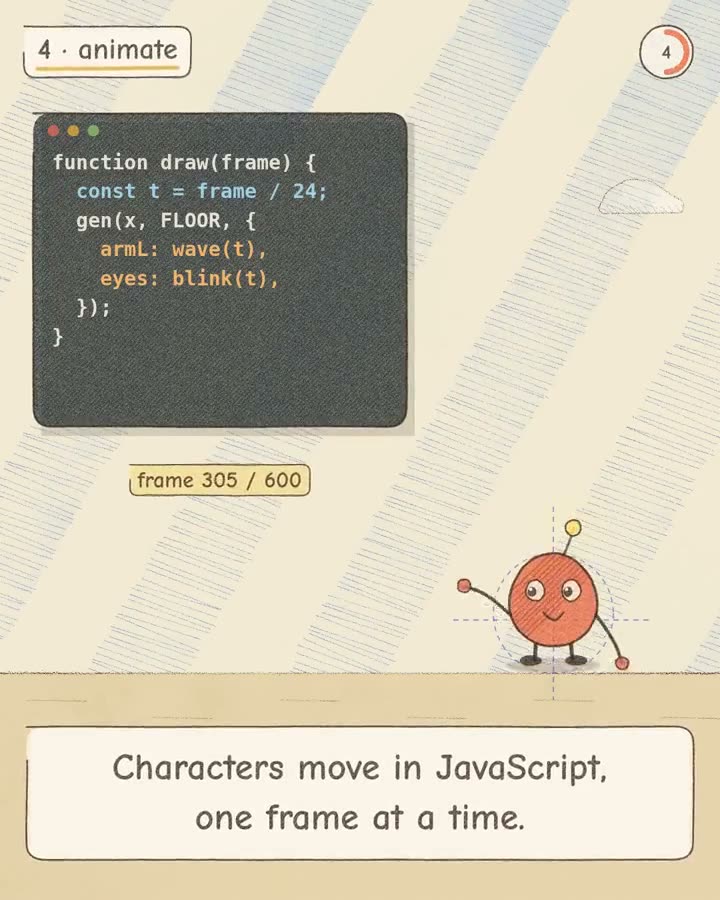
Ein Artikel als Buntstift-Bilderbuch
@woojinradRead the attached article and make a 25-second animated explainer (1080×1350, 24 fps) in a colored-pencil storybook style, drawn entirely in JavaScript on an HTML canvas, with a soundtrack synthesized using the Web Audio API. Pick 3 main ideas, give each a short caption taken from the text, and use one simple original character. Show me the storyboard first, then render it to MP4.
Ein psychedelischer VJ-Loop mit eigenem Techno-Track
@yama_kiyo見た人の脳汁がドバドバでてトランス状態に陥るようなサイケデリック・ポップ・パンクなVJ風のモーショングラフィックス動画を作り、その動画と完全にシンクロするトランス・サイバー・パンク・テクノの曲を作って嵌めてくれ。30秒程度で良い。
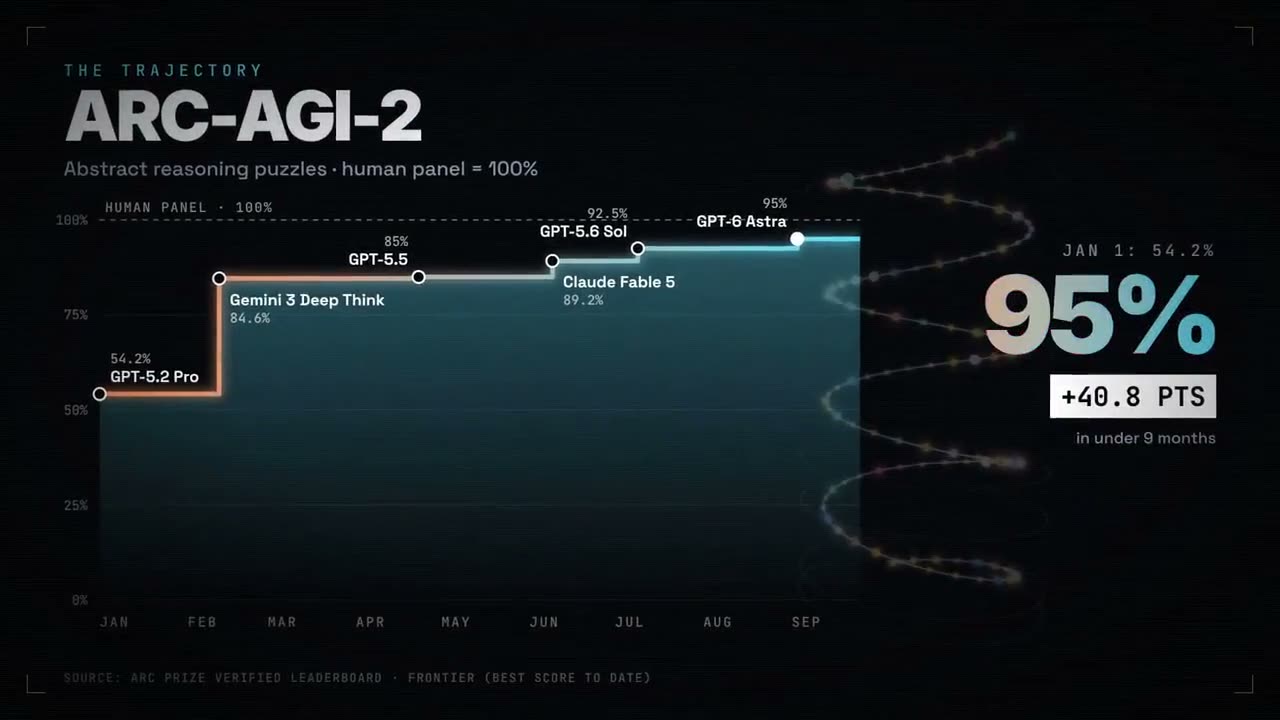
Ein Jahr LLM-Fortschritt als Grafik
@nummanali · CoworkCan you make me a video of LLM progression, like models that is from January of this year up until now, and what the trajectory is looking like, the capabilities and models as well? Like the capabilities of models too? I want to make it really like bang, bang, boom, whoa, here we go, kind of amazing innovation. Are you ready for this kind of thing? I think you'd use vMotion, 3GS, a bunch of stuff you've got. Use whatever you want.
Das letzte „Prost!“ auf dem Oktoberfest
@uiNerd[attach character image] make a 15-second animation of it, built in code. topic: the last day of Oktoberfest. one last ‘Prost!’ as the Wiesn lights go out. find free public-domain sounds online, sync them to the animation, and mix everything with ffmpeg.
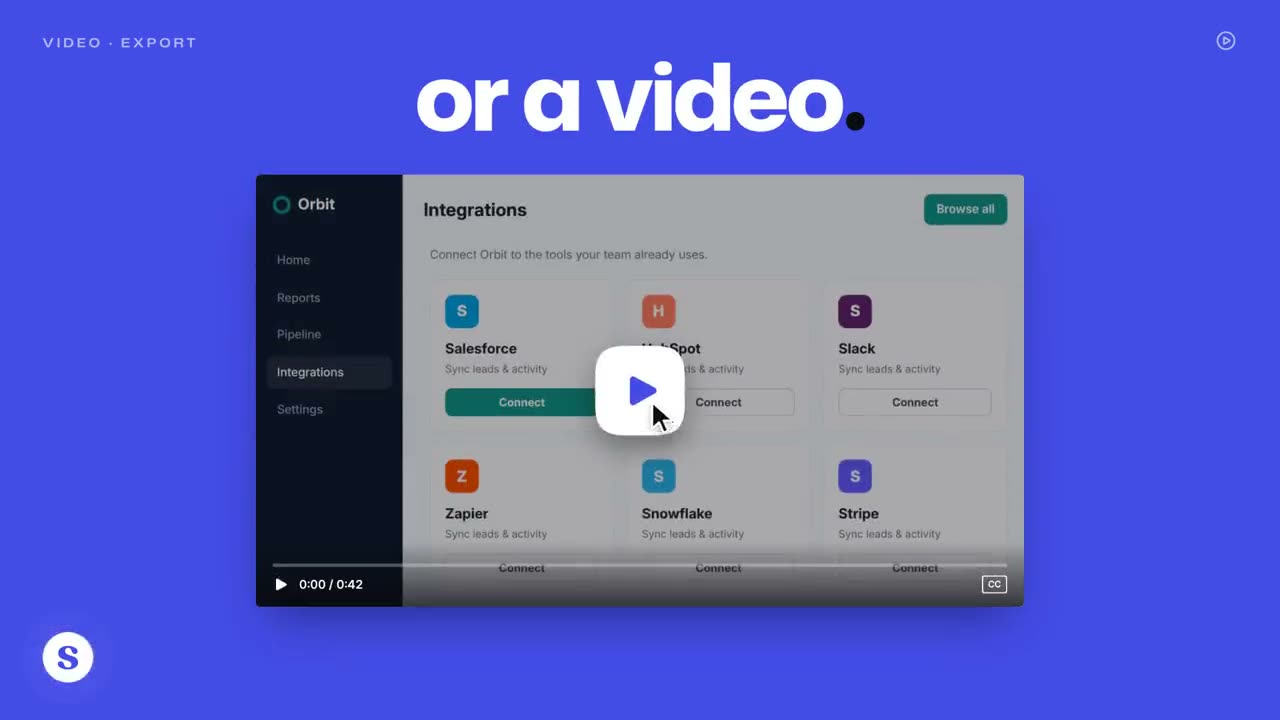
Ein Launchvideo mit Hook in der ersten Sekunde
@jhylee95You're a world-class motion designer building a Supademo launch video. Research and land our core value and narrative. Scenes should be dynamic and confident: hook in the first second, then distinct beats for product proof and AI. Brand-accurate UI, type, color, and motion. Score the music so every cut, animation hit, and scene change lands on a beat or drop; retimed until synced. Social energy, quick cuts
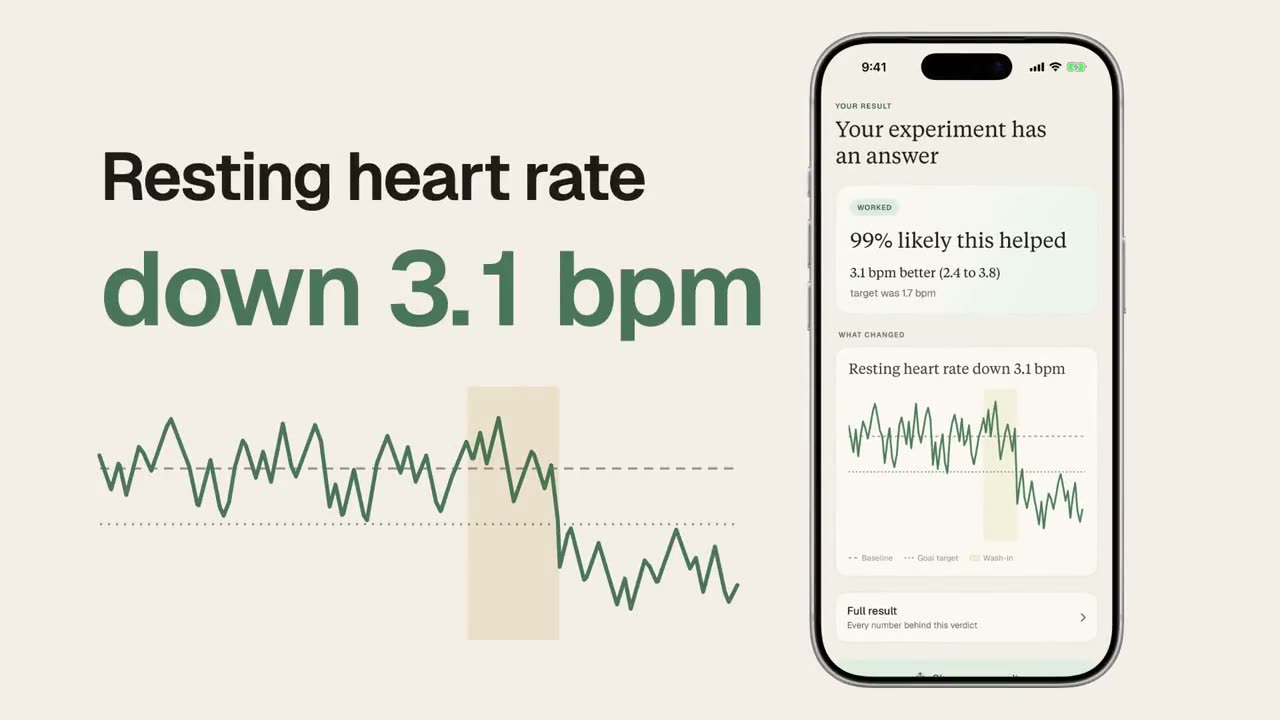
Ein Launchvideo aus dem Code-Repository
@macrohou[gave access to Ren repo] Make a dynamic 30-second motion graphics video for Ren that shows off your motion and sound design. Go crazy.
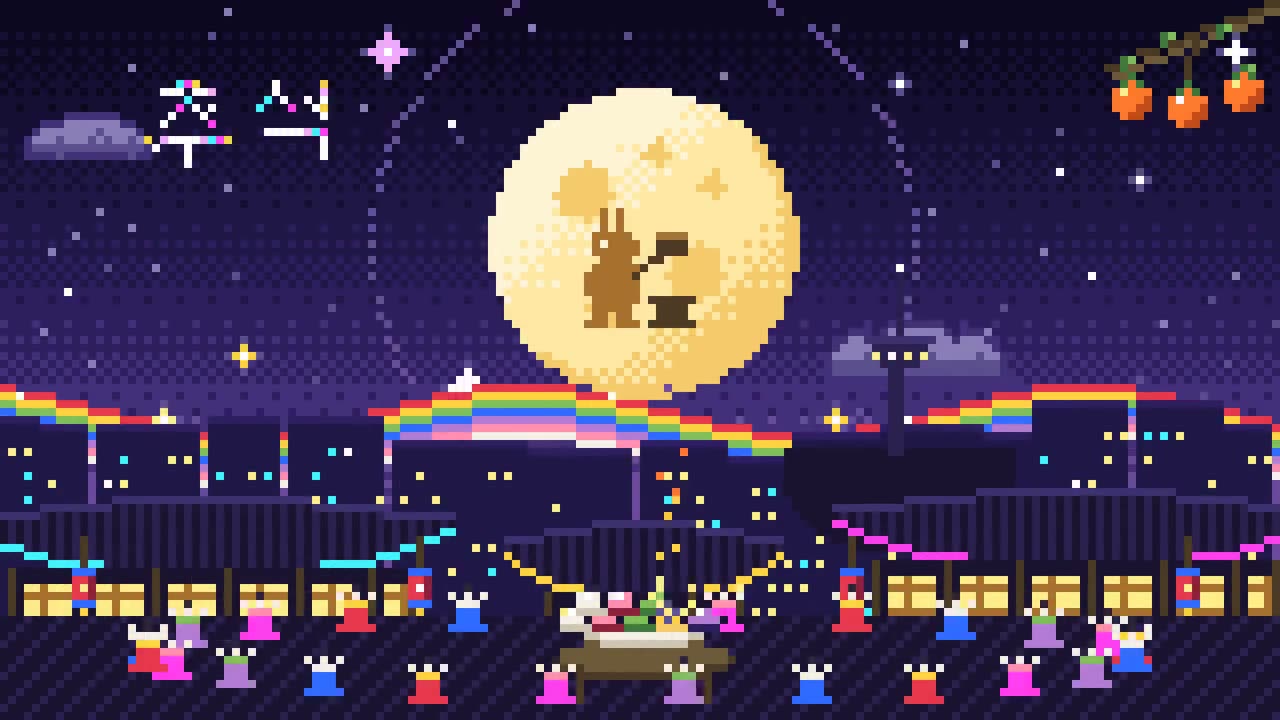
Chuseok als Pixel-Animation
@hoyoyoda한국의 추석에 어울리는 요소를 서치해서 픽셀 애니메이션을 구성해서 제작해줘
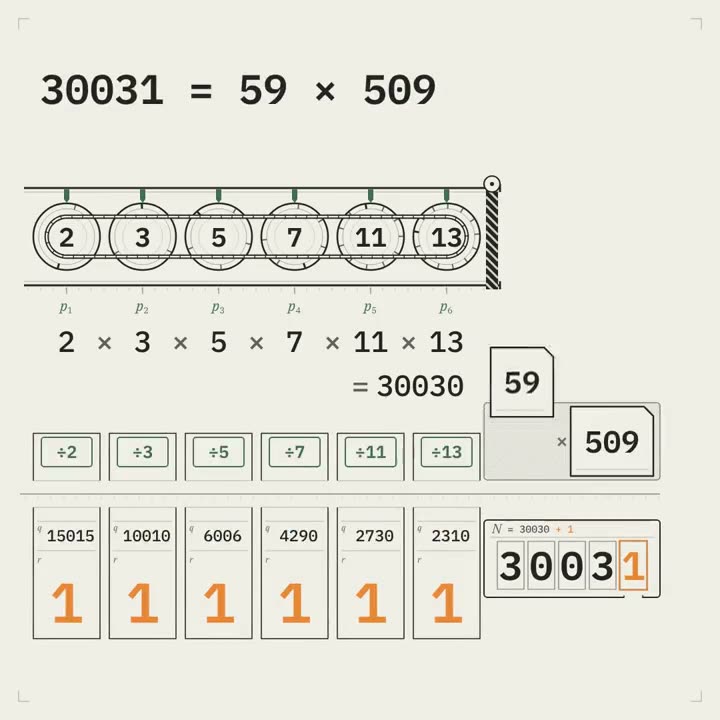
„Es gibt keine größte Primzahl“: Euklid als Maschine
@GdgtifyCreate a kinetic mathematical proof titled “THERE IS NO LAST PRIME.” Stage Euclid’s argument as a beautiful mechanical inspection system. Typography becomes engraved number wheels, multiplication belts, and remainder indicators. The mechanism must demonstrate the proof rather than decorate a narrated explanation. DELIVERABLE One self-contained HTML file. 1080×1080. 20.00-second loop. Deterministic 60fps rendering. Use SVG and/or Canvas. No external runtime assets. PALETTE Porcelain # F0EEE6. Graphite #222522. Industrial green # 416B53. Warning orange # E78636. TYPE Tabular monospace for all calculations. Heavy geometric grotesque for declarations. Small technical serif for the final logical statement. Use disciplined spacing and large, readable numerals. LOCKED COPY SUPPOSE THE LIST ENDS. MULTIPLY EVERY PRIME ON IT. ADD ONE. EVERY LISTED PRIME LEAVES REMAINDER 1. A PRIME FACTOR IS MISSING. THERE IS NO LAST PRIME. CENTRAL EXAMPLE Assumed list: 2, 3, 5, 7, 11, 13 Product: 30030 Product plus one: 30031 Factorization: 30031 = 59 × 509 Both factors are absent from the assumed list. IMPORTANT LOGIC Do not claim that multiplying primes and adding one always produces a prime. The constructed number may be composite. Its prime factors cannot be any prime on the assumed complete list. The numerical example illustrates the general contradiction. STORYBOARD 0.00–3.00 SUPPOSE THE LIST ENDS. Six engraved prime wheels lock into a finite inspection rack. A physical end-stop closes after 13. The end-stop makes the claim of completeness visible. 3.00–6.50 MULTIPLY EVERY PRIME ON IT. A belt couples all six wheels. Show a readable multiplication expression: 2 × 3 × 5 × 7 × 11 × 13 = 30030. Use rolling numerals only during movement; settle the final value sharply. 6.50–8.50 ADD ONE. A single orange unit enters the mechanism. It advances the output from 30030 to 30031. Make this one-unit change the decisive visual event. 8.50–12.50 EVERY LISTED PRIME LEAVES REMAINDER 1. The output passes through six division gates. Each gate is labelled with its prime. Each produces the same visible remainder: 1. Arrange the six completed results so the audience can compare them simultaneously. 12.50–15.50 The output opens as a labelled mechanical casing. Inside, reveal: 59 × 509. These factors cannot fit into the supposedly complete rack. The end-stop is forced outward by the new factor cards. 15.50–18.00 A PRIME FACTOR IS MISSING. Then: THERE IS NO LAST PRIME. Hold the general statement above the opened rack. Include the compact general form: N = p₁p₂…pₖ + 1. N mod pᵢ = 1. 18.00–20.00 A fresh inspection plate slides over the mechanism. Its engraved edge becomes the original end-stop. Reset the hidden wheels. Reveal the opening rack at the exact initial position. REQUIRED MOTION Every mechanical action must correspond to an operation in the proof. Use linked rota
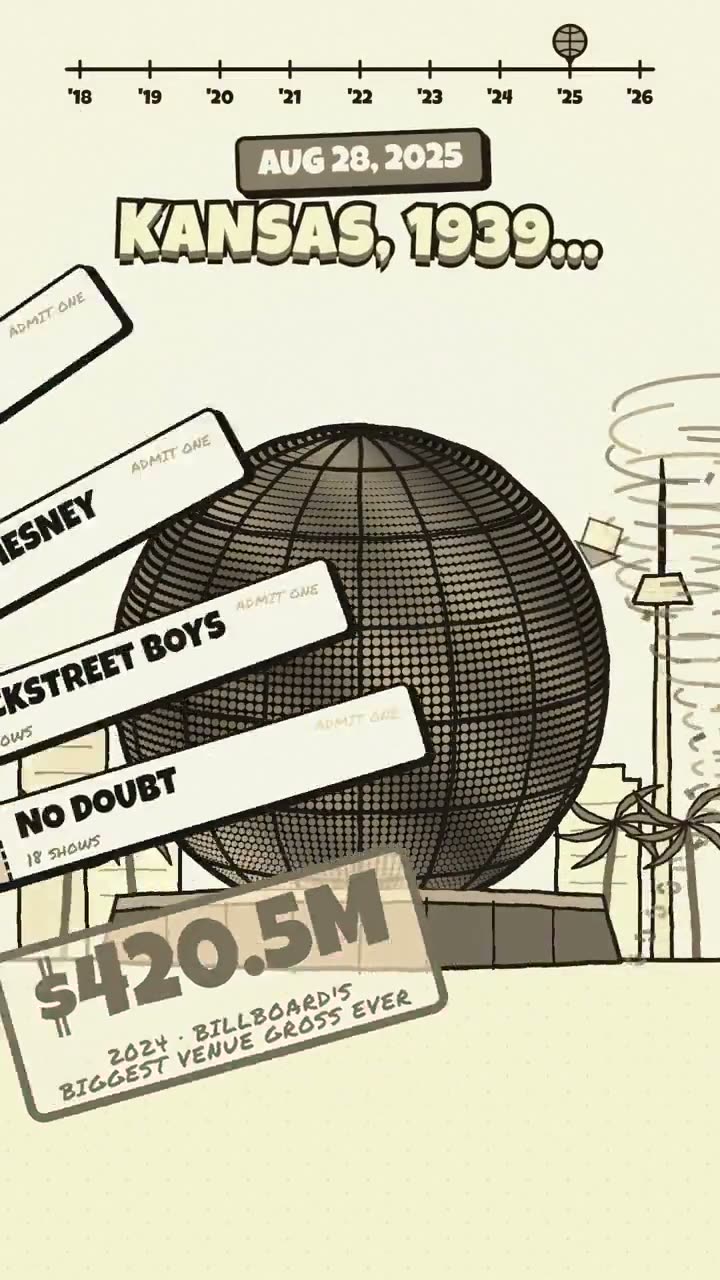
Eine kurze Geschichte der Sphere in Las Vegas
@RetropunkAIRender a fun motion graphic animation using the GSAP animation platform (see below) to show a brief history of The Sphere in Las Vegas from start to today (start with a minimal architecture to completed venue) - Explainer video style - Talk about how bands now play there, The Wizard of Oz film and next how on Oct 1 2026 Metallica will make their debut - and guess who is attending? We are! Should be a 30-60s video depending on the info. Use the images in the folder. Sphere History: https://en.wikipedia.org/wiki/Sphere_(venue) Animation Platforms: https://gsap.com/ Ask me any questions if you need, but if you feel confident please have fun and make something awesome that will go super viral!
Ein handgezeichneter Gruß zum Mondfest
@eric_khunI want you to create a "Happy Mid-Autumn Festival" video in hand drawn canvas animation style. You must use the attached Taiwan black bear as the main character representing Taiwan: flat black silhouette, round ears with grey insides, big round white-ringed eyes, white round muzzle with a small black nose and smile, and the white V moon mark on its chest. Keep it recognizable as that exact character. The character will have adventures, fast cuts, zooms, animations going all out in the hand drawn style. But WOW the audience and research how Taiwan celebrates Mid-Autumn to include in this video: outdoor barbecue with family and friends over the long weekend (a tradition born from a 1980s soy sauce ad), sharing mooncakes, pomelo rind hats, and moon gazing. Make it unconventional, showing the true spirit of a Taiwanese Mid-Autumn night. Use a Taiwanese style font, make it almost Taiwan black bear branding. if there is any text , write in traditional chinese and english Get the right assets, plan it out, draft and render to give me an MP4. No skills, No MCP. 16:9 at high res, 30 seconds max, aim to reduce file size limit
Ein Logo-Reveal in Low-Poly
@MounnnaCreate a motion design video of a slow-reveal transition. Draw the logo as a wireframe first, then fly in faceted low-poly shards one by one until they assemble the logo. Finish by bringing in the app icon background and typing out the brand name.
Ein App-Launch aus einem Einzeiler
@mehul4795Create a product launch video for ocrX Android app.
Ein Bug, der nicht behoben werden will
@KamStudioLabsMake a 90-second animated short film about a bug that doesn't want to be fixed.
Ein Schattentheater aus Scherenschnitt
@x4b47xCreate a pure javascript animation. 30-60s, vertical 9:16, paper cut-out shadow theatre style with gentle, fitting audio (made in code) on the topic: What makes a place feel like home?
Die „Über uns“-Seite als handgezeichnete Collage
@TomAndrieu96707Create a pure javascript animation. 30s-60s whimsical hand drawn collage style with appropriate audio that will explain the same story as our “about-us” page. Use assets from our repo when possible.
Ein handgezeichnetes Promo in vier Schritten
@mattbeanbuild me a 30s drawing style animated clip about submitting a product to AppSumo via your agent. steps are: 1. connect your agent 2. your agent fills out your listing and sets up redemption 3. go live!
Ein Stummfilm, in dem der Ton die halbe Geschichte erzählt
@KamStudioLabsMake a 45-second silent short film with no dialogue, where sound tells half the story. Invent the story.
Die Bevölkerung jedes Landes als Murmeln
@rneayanDrop every country’s population as marbles. 1 marble = 1 million people.
Showreel, gemacht mit dem HyperFrames-Skill
@thayto_dev · One-shotmake a dynamic 15-second motion graphics video that shows what an incredible motion designer you are, like it's your showreel for a résumé. go all out.
Showreel einer Branding-Agentur, 30 Sekunden
@jacksonfall · One-shotmake a dynamic 30-second motion graphics video that shows what an incredible motion designer you are, create all graphics from scratch as if you were a niche branding agency for startup founders, like it's your showreel for a résumé. go all out.
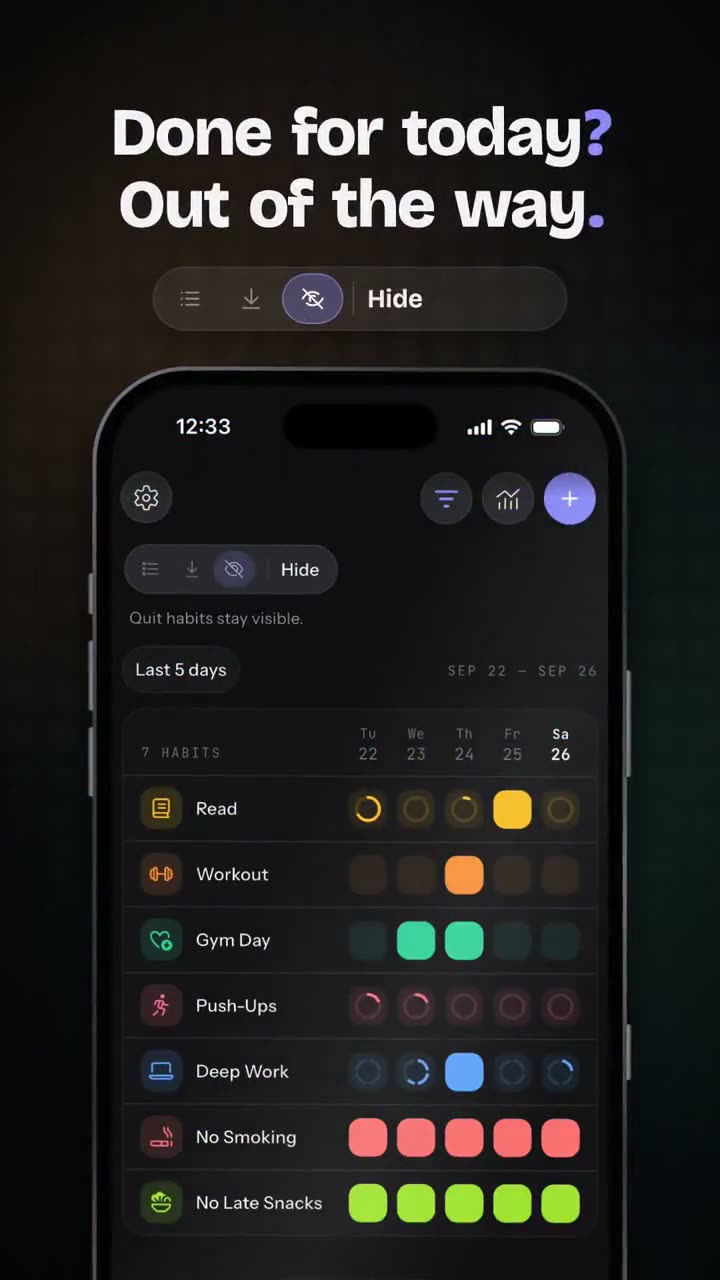
Ein vertikaler Reel zum Produkt-Update
@SebastianRoehl · One-shotmake a dynamic 15-second motion graphics video that shows what an incredible motion designer you are. Highlight the recent changes we made with the last few updates.

Ein Logo, das sich langsam zusammensetzt
@tdinh_me · One-shotCreate an impressive motion design video of a slow-reveal transition that assembles and eventually reveals the TypingMind logo.
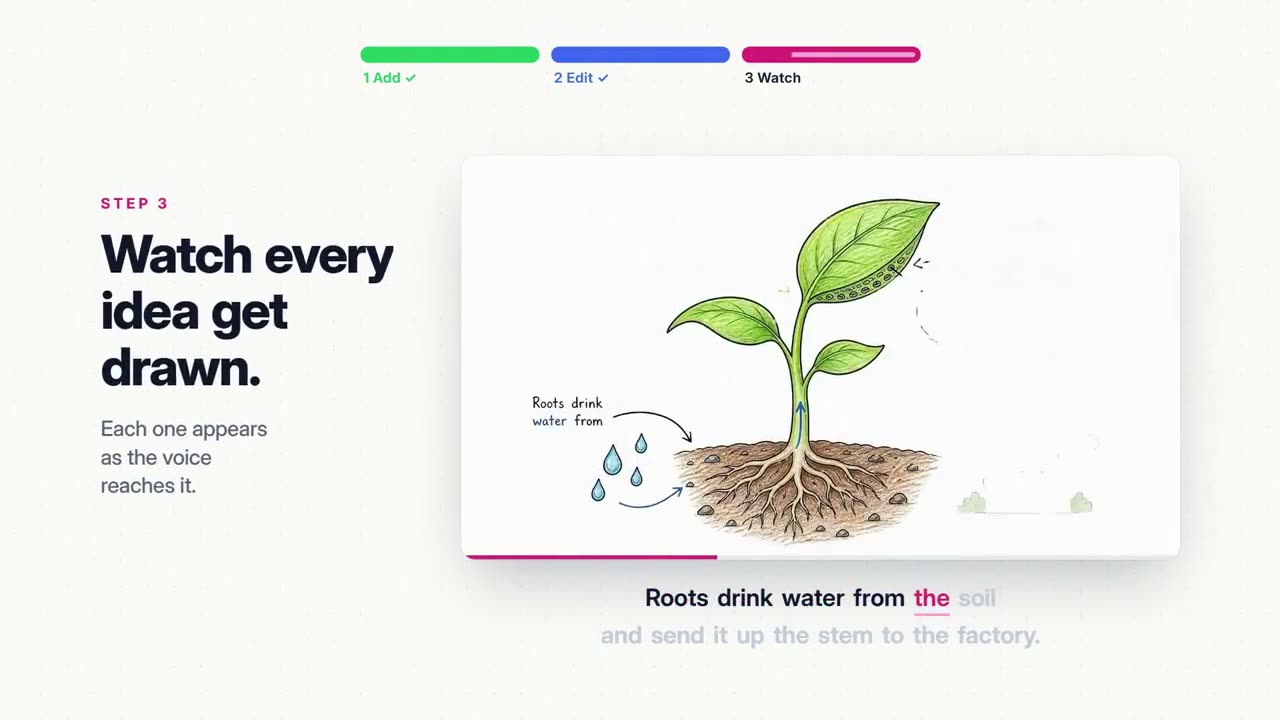
Von einer Produktseite zum 40-Sekunden-Film
@ajith_io · One-shotResearch Distilbook.Make a dynamic 40-second motion graphics video on Distilbook that shows what an incredible motion designer you are. like it's your showreel - Go all out.
Ein 30-sekündiges Business-Erklärvideo
@alex_prompter · IteratedAdopt the role of an expert motion designer. Build a 30-second animated explainer for my business as a single HTML page. 5 scenes. The customer's problem, what I do, how it works in 3 steps, one proof point, and my name at the end. Bold text, smooth transitions, my brand colours. My business [DESCRIBE WHAT YOU SELL, WHO IT'S FOR AND YOUR COLOURS]
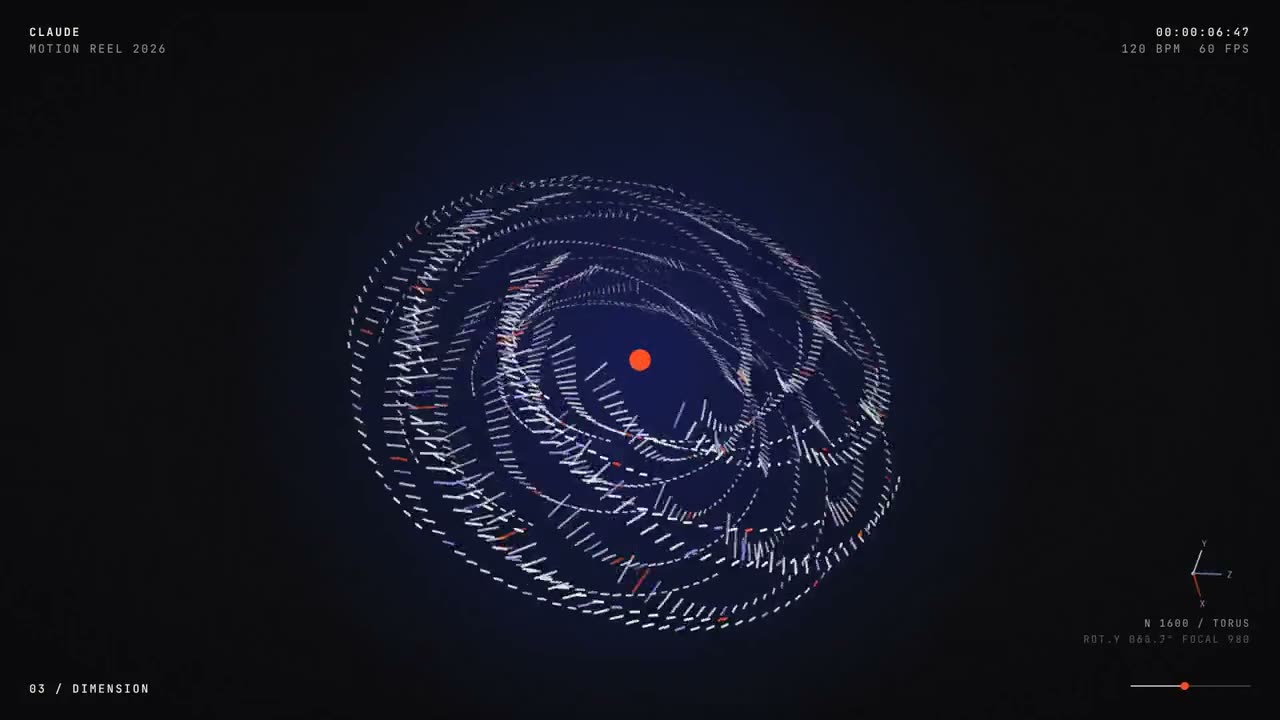
Formen, Sound und Musik in einem Prompt
@condzxyz · One-shotmake a dynamic 15-second motion graphics video that shows what an incredible motion designer you are, like it's your showreel for a résumé. go all out.
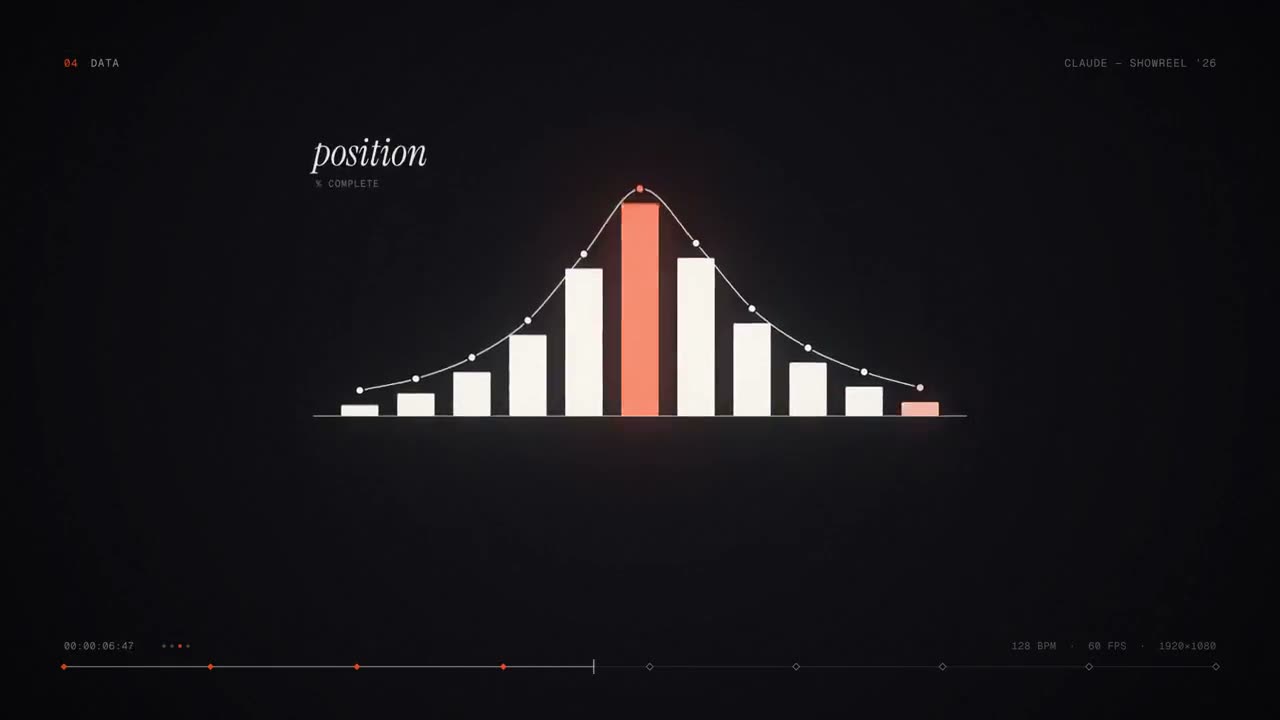
Ein inszenierter Lebenslauf-Reel
@darel023 · One-shotYou're a world-class motion designer, and this is your 15-second résumé reel. Make it dynamic and confident: open with a striking hook in the first second, build through a sequence of distinct techniques (typography, shape play, camera moves, colour shifts), and land on a clean, memorable final frame. Pacing should feel like it's cut to music. Go crazy.
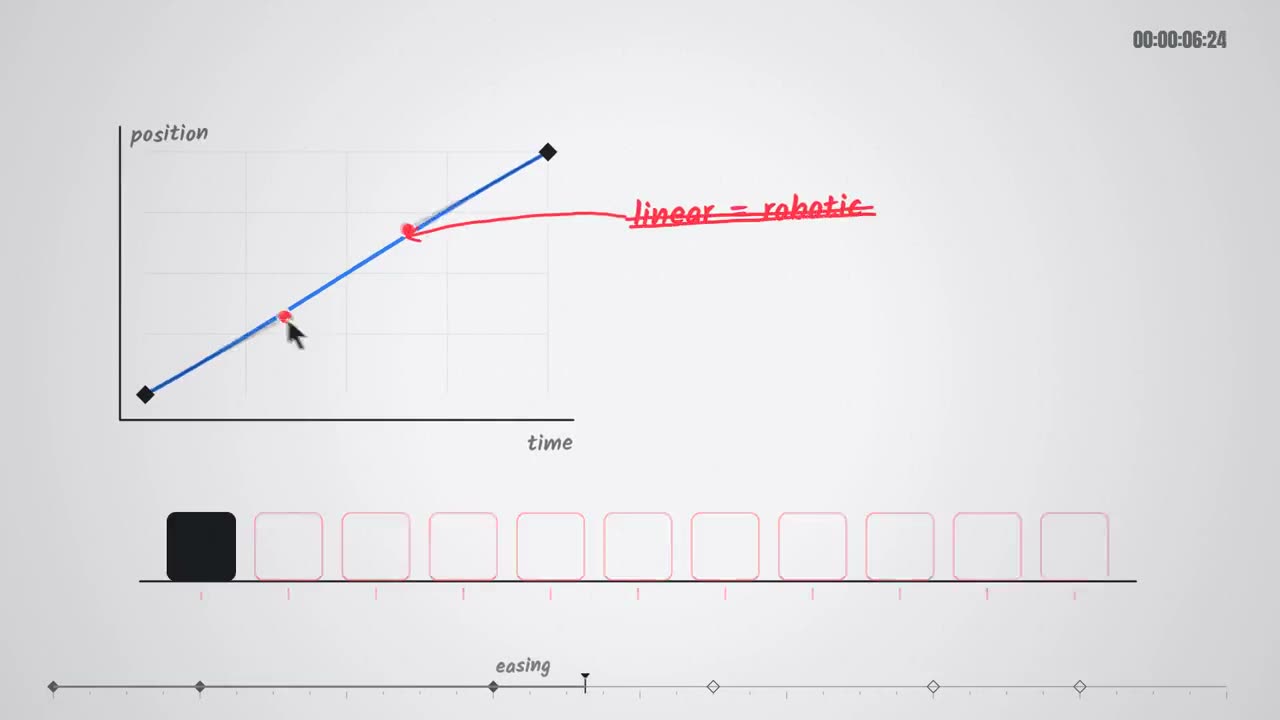
Showreel mit Sounddesign
@himanshutwtxs · One-shotmake a dynamic 15-second motion graphics video that shows what an incredible motion designer you are, like it's your showreel for a résumé. go all out.
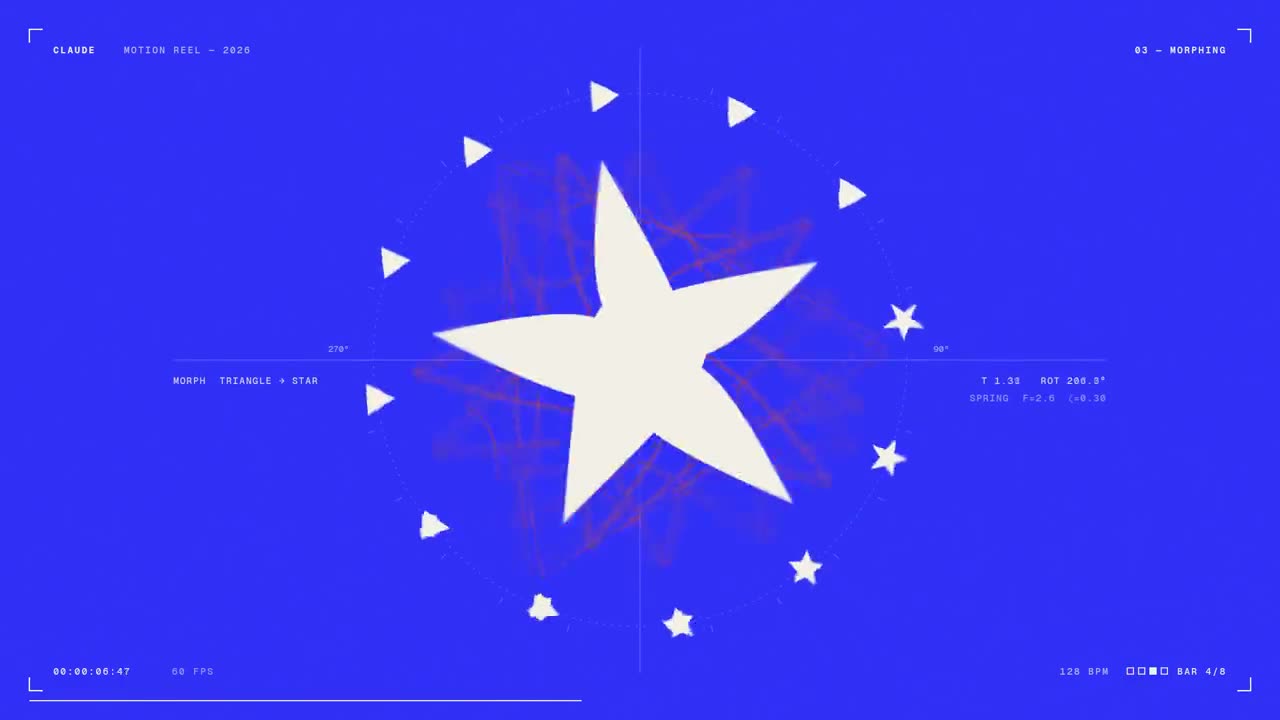
Der Showreel-Prompt mit maximalem Aufwand
@stephanlivera · One-shotmake a dynamic 15-second motion graphics video that shows what an incredible motion designer you are, like it's your showreel for a résumé. go all out.
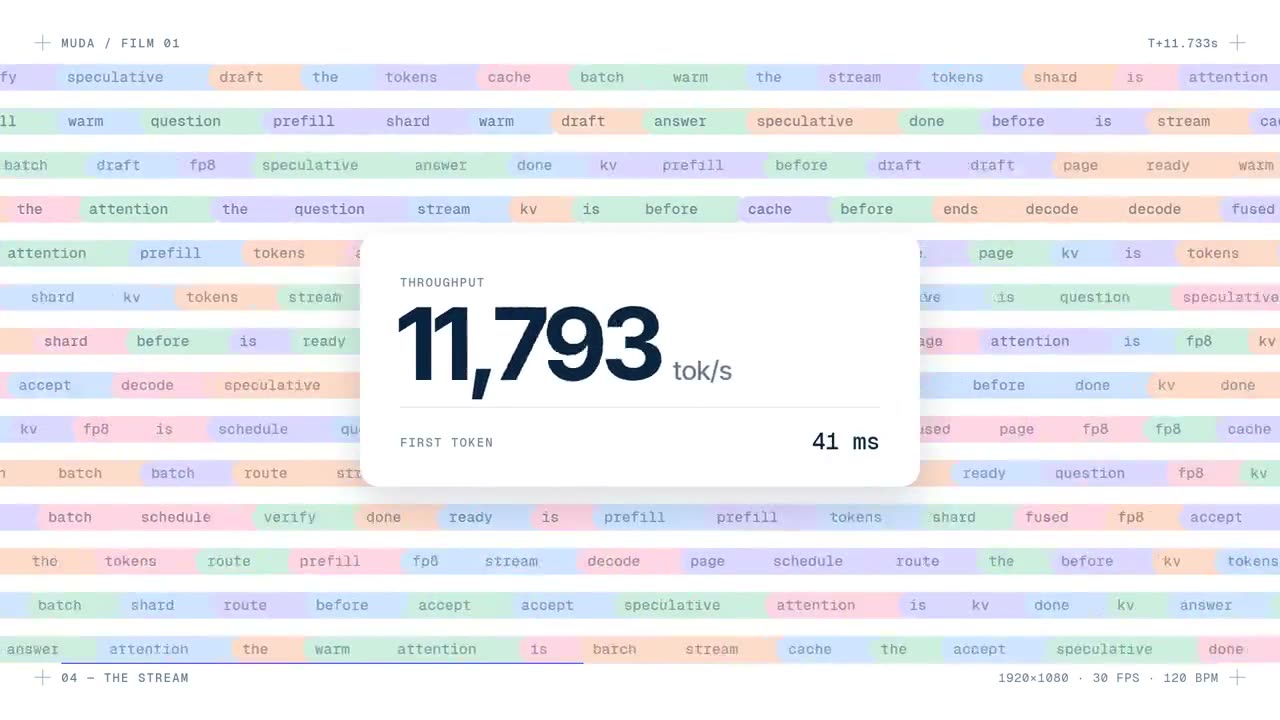
Der Launch eines Inference-Startups in einer Minute
@deedydas · One-shotmake a modern slick and punchy video for a modern startup that works on inference
Aus dem öffentlichen Beitrag des Urhebers übernommen. Soll es entfernt werden? Schreib an Einreichen
Prompts für Claude Code und Codex
Kein Team-Plan? Skill installieren und dem Agenten einen Prompt wie diese geben. Er plant die Shots, zeigt ein Storyboard und rendert das MP4 auf dem eigenen Rechner.
Projekt → Launch-Video
Skill öffnen →Use the project-to-launch skill to make a 20-second launch video for this project, polished tone, 16:9.
Data → Video
Skill öffnen →Use the data-to-video skill on revenue.csv: a 25-second results video for the team, 16:9.
Explainer Director
Skill öffnen →Use the explainer-director skill on notes.md: a 45-second explainer, how-it-works preset, 9:16.
Motion Director
Skill öffnen →Use the motion-director skill: a 20-second launch video for our 2.0 release, 16:9, from the notes in CHANGELOG.md.
Doc → Präsentation mit Sprecher
Skill öffnen →Use doc-to-narrated-deck on onboarding-guide.pdf: make a narrated training deck with a quiz every few slides, and export an MP4.
Script → Short
Skill öffnen →Use the script-to-short skill on script.txt: a 15-second Reel, 9:16, punchy.
Animierte Untertitel
Skill öffnen →Use the animated-captions skill on assets/founder-update.mp4. It's a B2B update, keep it calm and readable.
Marken-Setup für Motion
Skill öffnen →Use the brand-motion-setup skill to set up my brand. My site is fernleaf.studio and my reference frames are in examples/.
Fragen
Was ist Claude Motion?
Anthropics Beta-Funktion, gestartet am 8. Oktober 2026, die aus einem Prompt eine kurze Animation macht. Claude schreibt Code, der Text, Diagramme, Formen und Bilder animiert, statt Filmmaterial zu generieren. So lassen sich später ein Wort, eine Zahl oder ein Timing ändern und ein MP4 herunterladen.
Welche Pläne enthalten Claude Motion?
Team und Enterprise. Bei Team ist es standardmäßig an, bei Enterprise aus, bis ein Owner es in den Organisationseinstellungen aktiviert. Jede Animation zählt zur Nutzung des Plans, längere verbrauchen mehr.
Worin unterscheiden sich die drei Arten von Prompts?
Claude-Motion-Prompts laufen in claude.ai mit Team oder Enterprise und exportieren ein MP4. Ein direkter Prompt an Opus 5.5 funktioniert in jedem Plan, in Claude Code, Cursor oder der Claude-App: Opus schreibt die Animation von Grund auf, und das Ergebnis ändert sich mit jedem Lauf. Mit einem Skill füllt dein Agent eine getestete Vorlage mit deinen Inhalten und rendert das MP4 auf deinem Rechner, jedes Mal gleich und in jedem Seitenverhältnis.
Warum sieht mein Ergebnis anders aus?
Häufige Gründe: keine Länge angegeben, daher zu lang; zu viel Text pro Szene; falsches Format für den Abspielort; Zahlen nicht an die Datei gebunden. Publikum, Ort und Sekunden nennen, die Quelle anhängen und Claude bitten, eine Szene zu ändern, statt neu anzufangen.
Sind die Prompts kostenlos?
Ja. Zum Kopieren brauchst du eine kostenlose Google-Anmeldung. Jeder Stil-Prompt verlinkt seinen Skill; manche Skills sind kostenlos, der Rest ist Premium. Auf X geteilte Prompts gehören ihren Erstellern.