Agenda-Fortschritt
Die Agenda erscheint, erledigte Punkte werden abgehakt und ein Marker gleitet zum nächsten.
Füge ihn in Claude Code, Codex, Cursor oder einen anderen Agenten ein, der Skills unterstützt.
Benötigt: Node.js 22+, FFmpeg, Chrome. Keine API-Schlüssel.
Andere Themes und Formate
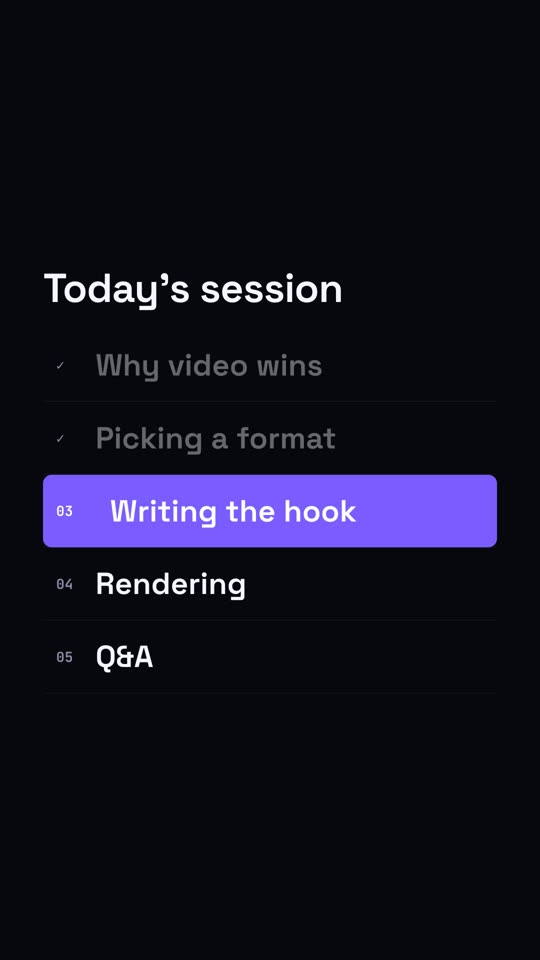
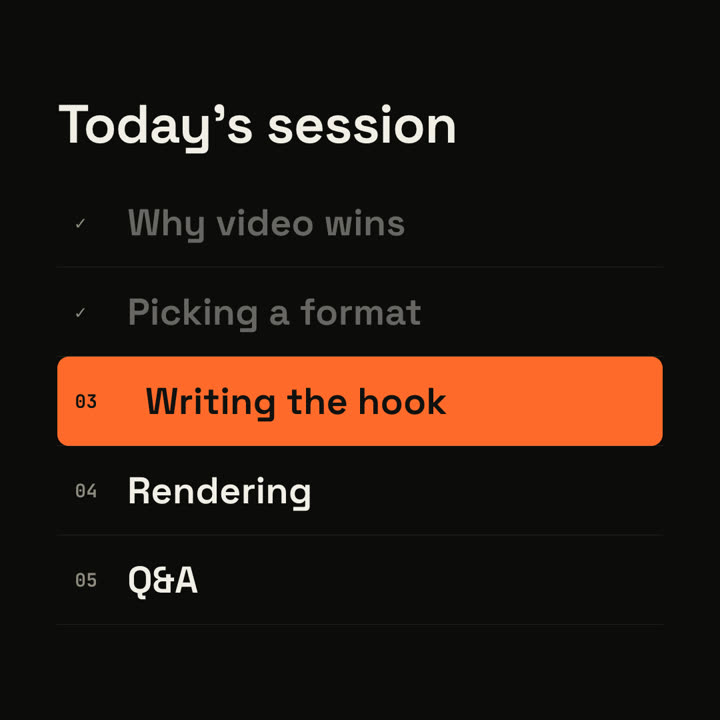
Schlussbilder desselben Templates, gerendert mit anderem Theme und Format.
5 Themes
- Tinte
ink - Papier · Standard
paper - Elektrisch
electric - Noir
- Sand
Nenne ein Theme im Prompt oder lege eigene Akzent-, Hintergrund- und Textfarben fest.
Lies https://claude-motion.com/skills/agenda-progress/install.md, installiere damit den Skill „agenda-progress“ und mach anschließend ein erstes Video damit.
Füge ihn in Claude Code, Codex, Cursor oder einen anderen Agenten ein, der Skills unterstützt.
Use the agenda-progress skill: title "Workshop", items "Setup | Your first skill | Brand kit | Publishing", current 2. Ink theme, 1:1.
Make a 6-second 16:9 agenda scene for [who will watch, e.g. webinar attendees], playing [where, e.g. between sections of the session]. Use only the title and five items below. Off-white background.

The title appears. Five numbered rows slide in. An orange highlight bar sits on the current row, the finished rows dim and their numbers turn into ticks. End frame: the bar slides down to the next item, whose text turns white and nudges right.

Title: [e.g. "Today's session"]
Five items: [e.g. "Why video wins", "Picking a format", "Writing the hook", "Rendering", "Q&A"]
Current item: [e.g. "Writing the hook"]
Nichts zu installieren: in Claude Motion (Team oder Enterprise) einfügen oder Opus 5.5 geben, für einen ähnlichen Look. Das Ergebnis ändert sich mit jedem Lauf; der Skill liefert jedes Mal dasselbe.
Mehr aus dieser Serie
Kapitel →
Kapitel-Stempel
Eine riesige Kapitelnummer knallt herein wie ein Stempel, dann der Titel.

Meilenstein-Zeitleiste
Eine Zeitleiste zeichnet sich, und Meilensteine ploppen entlang der Linie auf.

Zusammenfassungs-Wand
Karten mit Kernaussagen fliegen herein und ordnen sich zu einer nummerierten Wand.
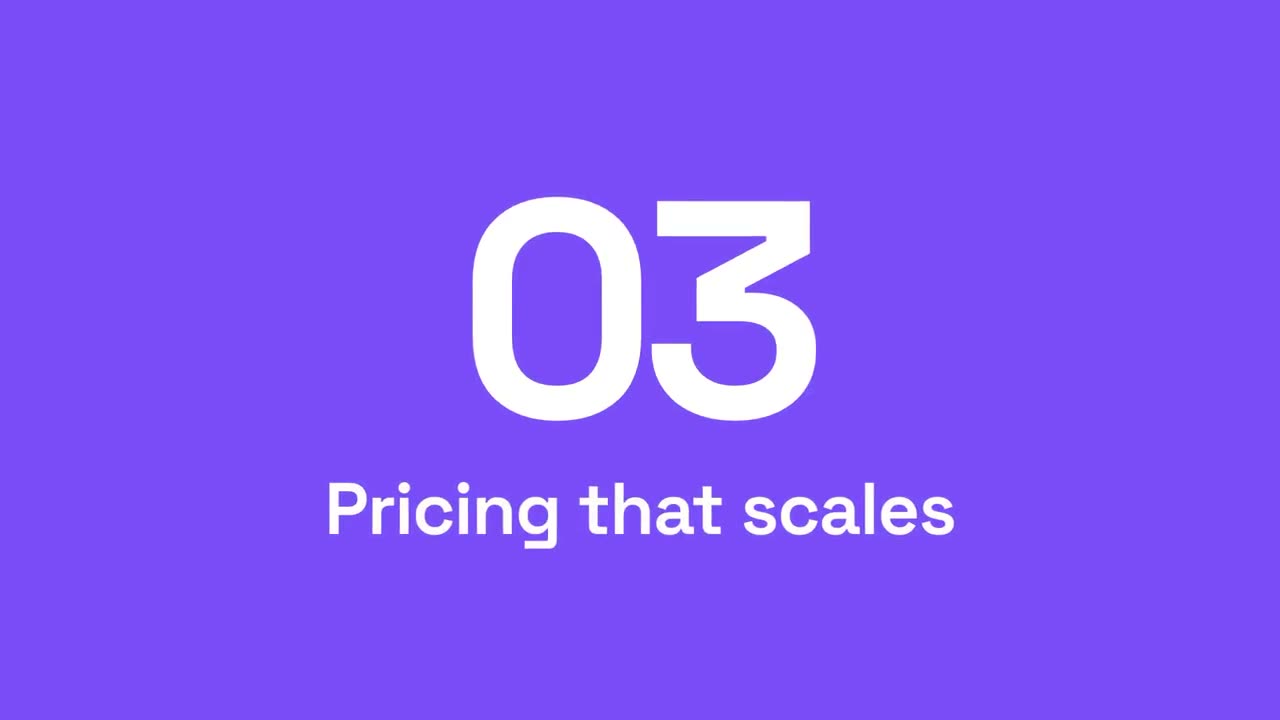
Abschnitts-Wischblende
Akzentflächen wischen durchs Bild, während die Abschnittsnummer weiterrollt.