Marker-Skizzen zeichnen sich selbst, während Labels Schritt für Schritt geschrieben werden.
Füge ihn in Claude Code, Codex, Cursor oder einen anderen Agenten ein, der Skills unterstützt.
Benötigt: Node.js 22+, FFmpeg, Chrome. Keine API-Schlüssel.
Andere Themes und Formate
Theme: Elektrisch · 9:16Theme: Tinte · 1:1
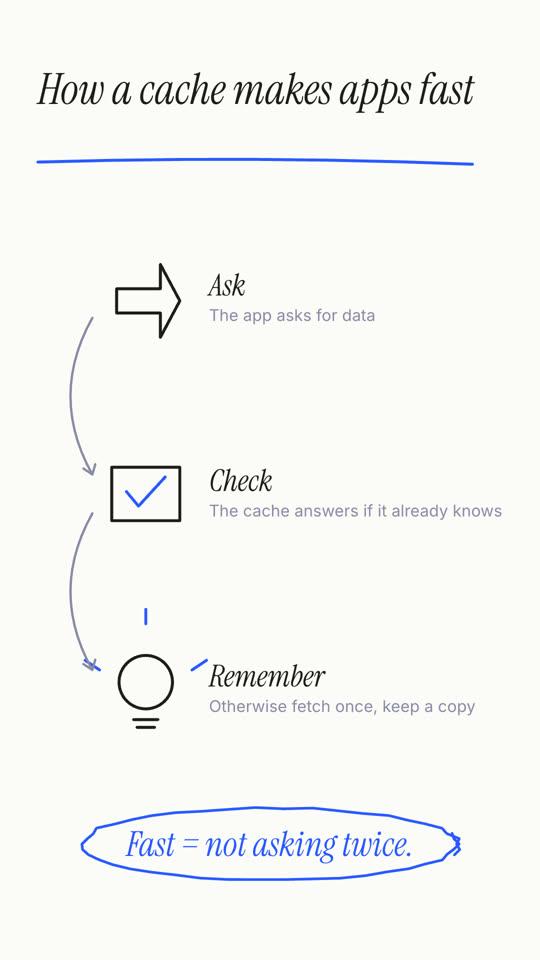
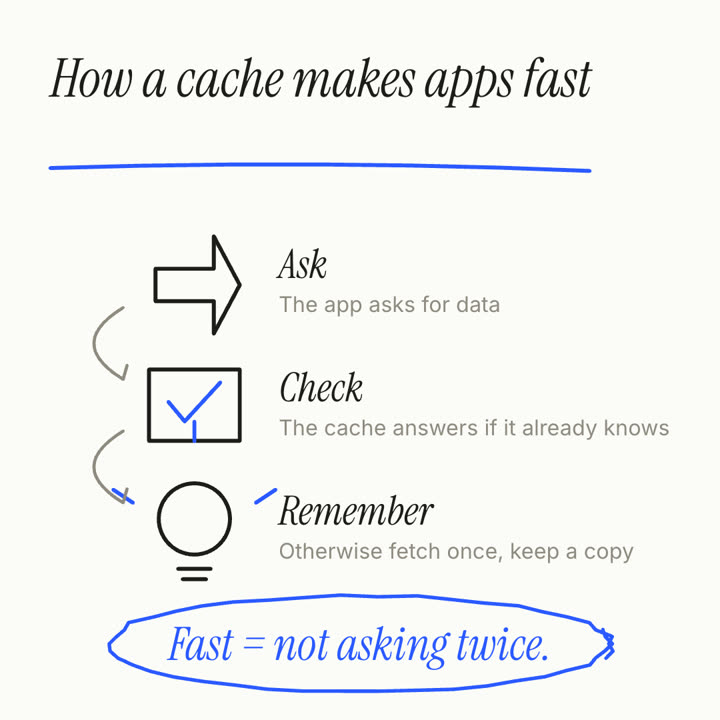
Schlussbilder desselben Templates, gerendert mit anderem Theme und Format.
5 Themes
Aa
Tinte
ink
Aa
Papier · Standard
paper
Aa
Elektrisch
electric
Aa
Noir
Aa
Sand
Nenne ein Theme im Prompt oder lege eigene Akzent-, Hintergrund- und Textfarben fest.
Installations-Prompt
Lies https://claude-motion.com/skills/whiteboard-explainer/install.md, installiere damit den Skill „whiteboard-explainer“ und mach anschließend ein erstes Video damit.
Füge ihn in Claude Code, Codex, Cursor oder einen anderen Agenten ein, der Skills unterstützt.
Beispiel-Prompt
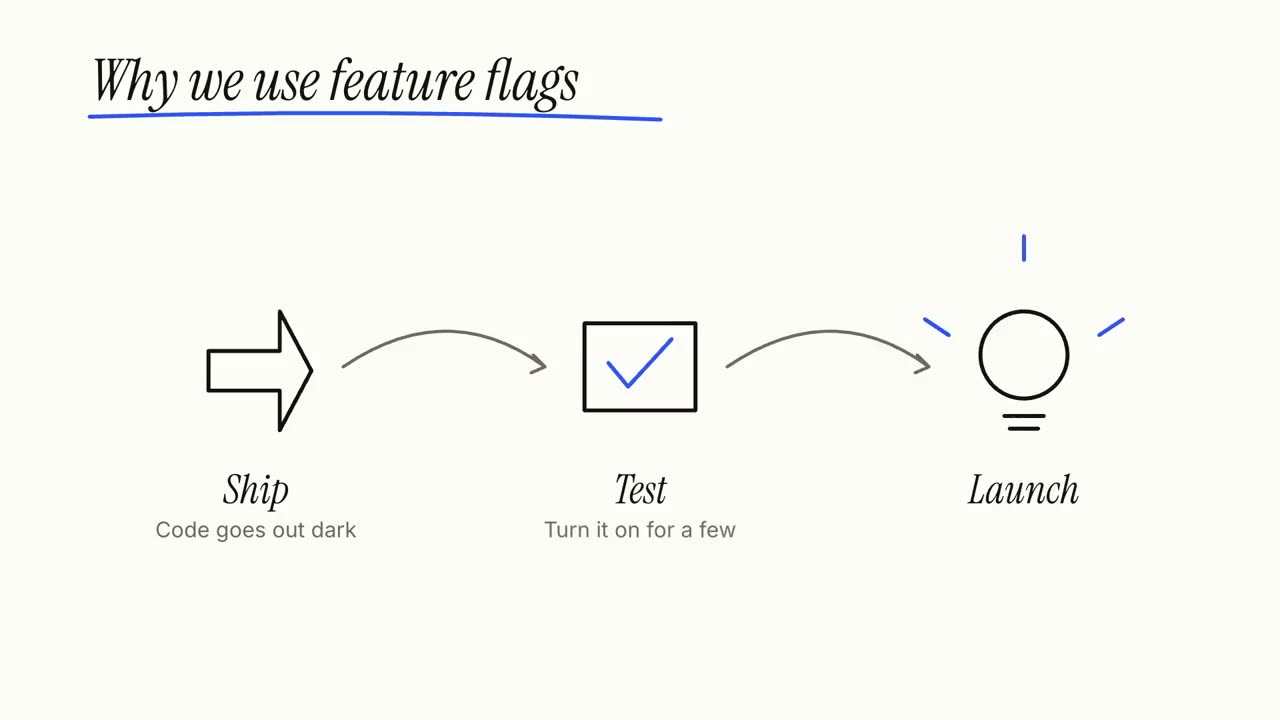
Use the whiteboard-explainer skill: title "Why we use feature flags", steps "Ship: Code goes out dark | Test: Turn it on for a few | Launch: Flip it for everyone", takeaway "Deploy ≠ release."
Stil-Prompt (Claude Motion oder Opus 5.5)
Make a 20-second 16:9 whiteboard explainer for [who will watch, e.g. non-technical colleagues], playing [where, e.g. the internal wiki]. Use only the title, three steps and closing line below; don't add claims. Clean white board, black and blue marker.

Scene 1: the italic handwritten-style title writes itself letter by letter and a blue marker underline sweeps under it. Scene 2: three stations draw themselves in black marker (an outlined arrow, a box with a blue tick, a light bulb with blue rays), each with its label, connected by curved gray arrows. End frame: the closing line writes in blue at the bottom and a blue marker loop circles it.

Title: [e.g. "How a cache makes apps fast"]
Three steps: [e.g. "Ask — The app asks for data", "Check — The cache answers if it already knows", "Remember — Otherwise fetch once, keep a copy"]
Closing line: [e.g. "Fast = not asking twice."]
Nichts zu installieren: in Claude Motion (Team oder Enterprise) einfügen oder Opus 5.5 geben, für einen ähnlichen Look. Das Ergebnis ändert sich mit jedem Lauf; der Skill liefert jedes Mal dasselbe.