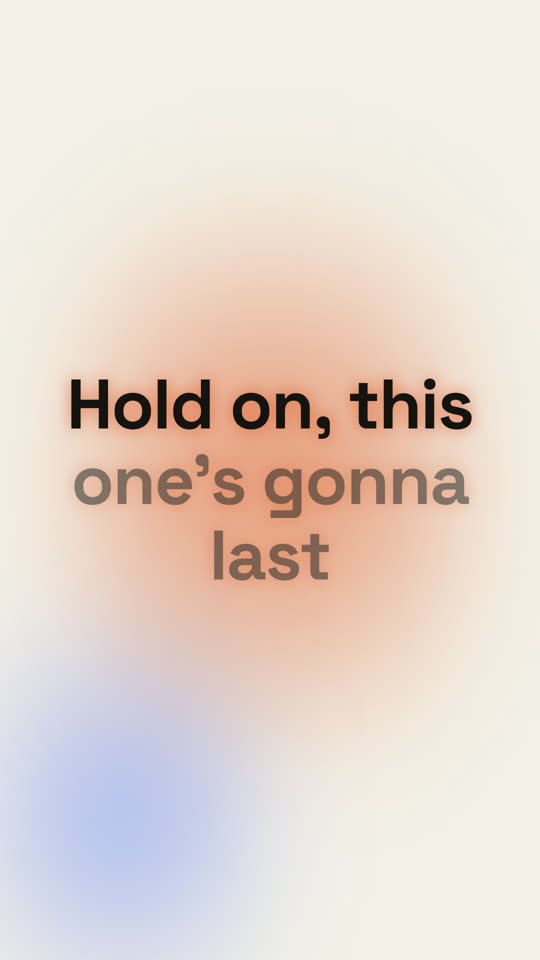
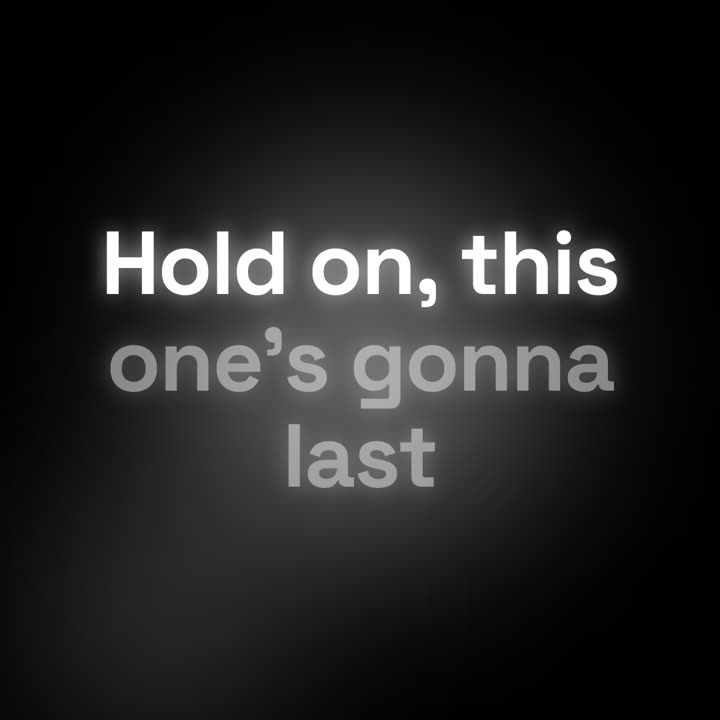
Getimte Songtexte mit Karaoke-Füllung, kinetischen Wörtern oder sich stapelnden Zeilen.
Füge ihn in Claude Code, Codex, Cursor oder einen anderen Agenten ein, der Skills unterstützt.
Benötigt: Node.js 22+, FFmpeg, Chrome. Keine API-Schlüssel.
Andere Themes und Formate
Theme: Papier · 9:16Theme: Noir · 1:1
Schlussbilder desselben Templates, gerendert mit anderem Theme und Format.
5 Themes
Aa
Tinte
ink
Aa
Papier
paper
Aa
Elektrisch · Standard
electric
Aa
Noir
Aa
Sand
Nenne ein Theme im Prompt oder lege eigene Akzent-, Hintergrund- und Textfarben fest.
Installations-Prompt
Lies https://claude-motion.com/skills/lyric-video/install.md, installiere damit den Skill „lyric-video“ und mach anschließend ein erstes Video damit.
Füge ihn in Claude Code, Codex, Cursor oder einen anderen Agenten ein, der Skills unterstützt.
Beispiel-Prompt
Use the lyric-video skill with lyrics.lrc for our 2:40 song at 96 BPM, kinetic style, 9:16. Mux song.mp3 at the end.
Stil-Prompt (Claude Motion oder Opus 5.5)
Make a 16:9 lyric video for [who will watch, e.g. fans on YouTube], as long as the song I attach. Use only the lyrics and timestamps I give; don't change a word. Deep navy background with a violet glow that pulses at the song's tempo.

The title and artist appear first. Then each lyric line appears centered at its timestamp, words brightening from dim to full white in time with the singing. End frame: the title and artist again, held for 2 seconds.

Song and artist: [e.g. "City Light" by The Northern Rooms]
Tempo: [e.g. 112 BPM]
Attach: [the audio, and the lyrics with a timestamp per line]
Nichts zu installieren: in Claude Motion (Team oder Enterprise) einfügen oder Opus 5.5 geben, für einen ähnlichen Look. Das Ergebnis ändert sich mit jedem Lauf; der Skill liefert jedes Mal dasselbe.