Füge ihn in Claude Code, Codex, Cursor oder einen anderen Agenten ein, der Skills unterstützt.
Benötigt: Node.js 22+, FFmpeg, Chrome. Keine API-Schlüssel.
Andere Themes und Formate
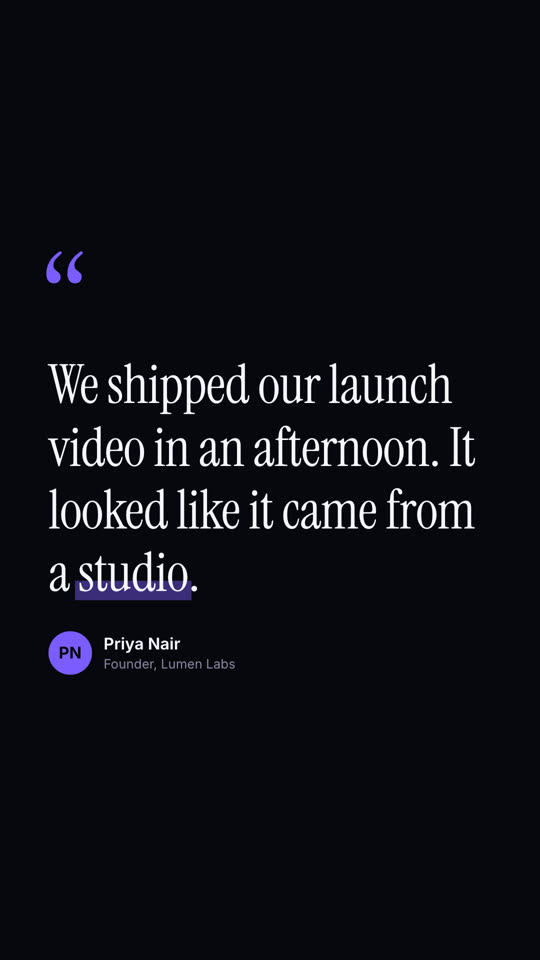
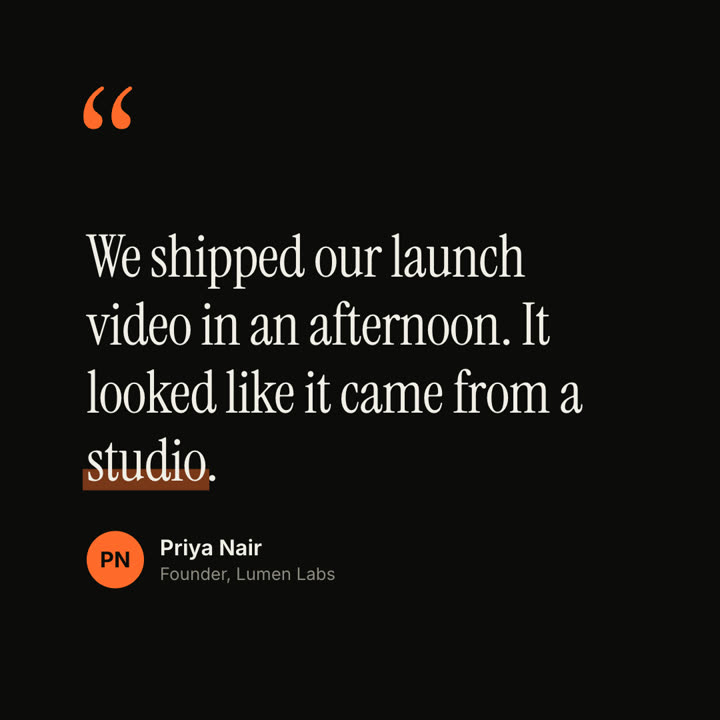
Theme: Elektrisch · 9:16Theme: Tinte · 1:1
Schlussbilder desselben Templates, gerendert mit anderem Theme und Format.
5 Themes
Aa
Tinte
ink
Aa
Papier
paper
Aa
Elektrisch
electric
Aa
Noir
Aa
Sand · Standard
Nenne ein Theme im Prompt oder lege eigene Akzent-, Hintergrund- und Textfarben fest.
Installations-Prompt
Lies https://claude-motion.com/skills/quote-card/install.md, installiere damit den Skill „quote-card“ und mach anschließend ein erstes Video damit.
Füge ihn in Claude Code, Codex, Cursor oder einen anderen Agenten ein, der Skills unterstützt.
Beispiel-Prompt
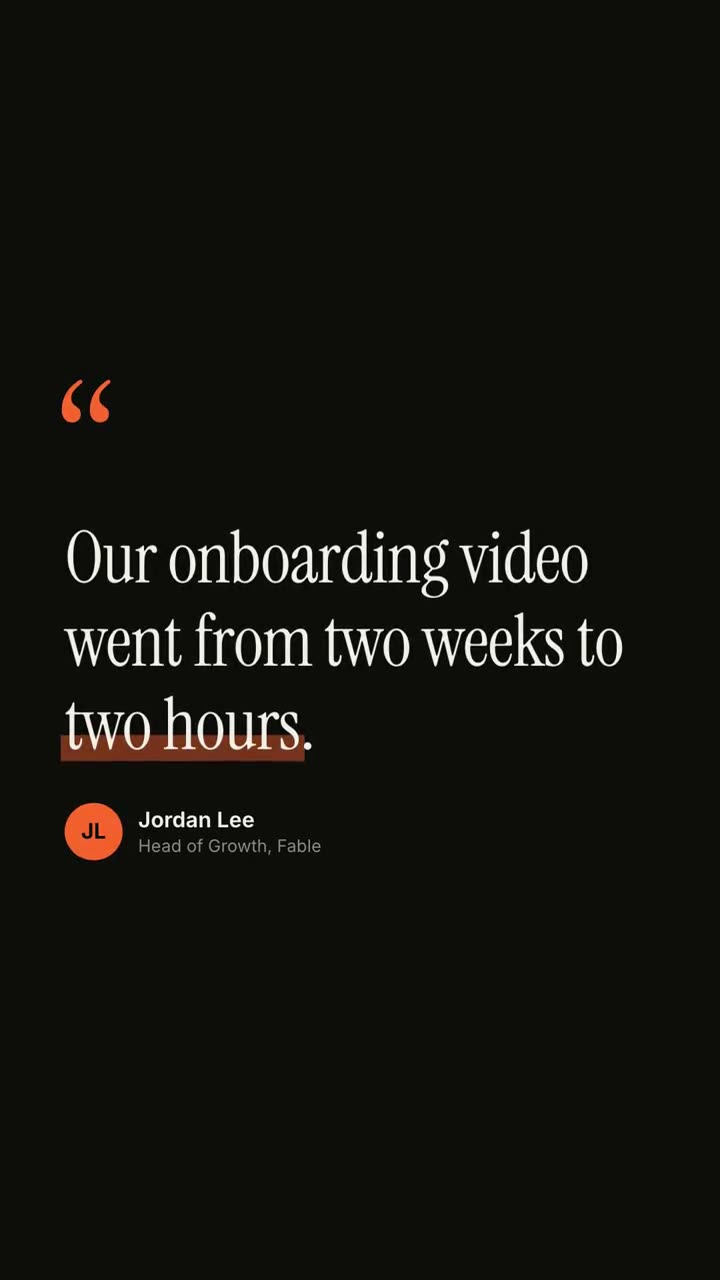
Use the quote-card skill for this customer quote: "Our onboarding video went from two weeks to *two hours*." — Jordan Lee, Head of Growth at Fable. Make it 9:16.
Stil-Prompt (Claude Motion oder Opus 5.5)
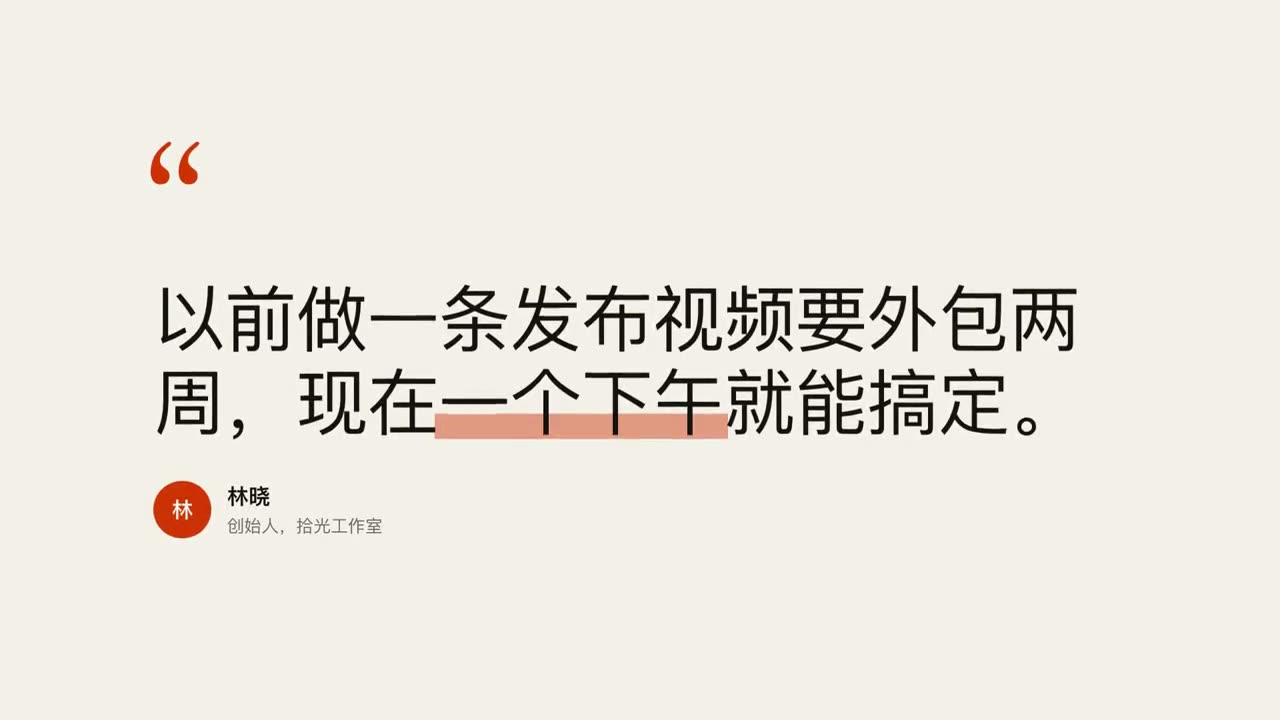
Make an 8-second 16:9 testimonial clip for [who will watch, e.g. founders comparing tools], playing [where, e.g. our pricing page or a LinkedIn post]. Use only the quote, name and title I give below; don't change a word. Warm sand-colored background.

Scene 1: large rust-colored serif quotation marks drop in at the top left. Scene 2: the quote appears word by word in a dark editorial serif, each word rising slightly out of a blur, then a translucent rust highlighter sweeps under the key word. End frame: an avatar circle with the initials, and the name and title slide in below, held for 2 seconds.

Quote: [your customer's quote] (e.g. "We shipped our launch video in an afternoon. It looked like it came from a studio.")
Key word: [e.g. "studio"]
Name and title: [name, role, company] (e.g. Priya Nair, Founder, Lumen Labs)
Nichts zu installieren: in Claude Motion (Team oder Enterprise) einfügen oder Opus 5.5 geben, für einen ähnlichen Look. Das Ergebnis ändert sich mit jedem Lauf; der Skill liefert jedes Mal dasselbe.