Sechs Übergänge, um Folien, Bilder oder Szenen zu verbinden.
Füge ihn in Claude Code, Codex, Cursor oder einen anderen Agenten ein, der Skills unterstützt.
Benötigt: Node.js 22+, FFmpeg, Chrome. Keine API-Schlüssel.
Andere Themes und Formate
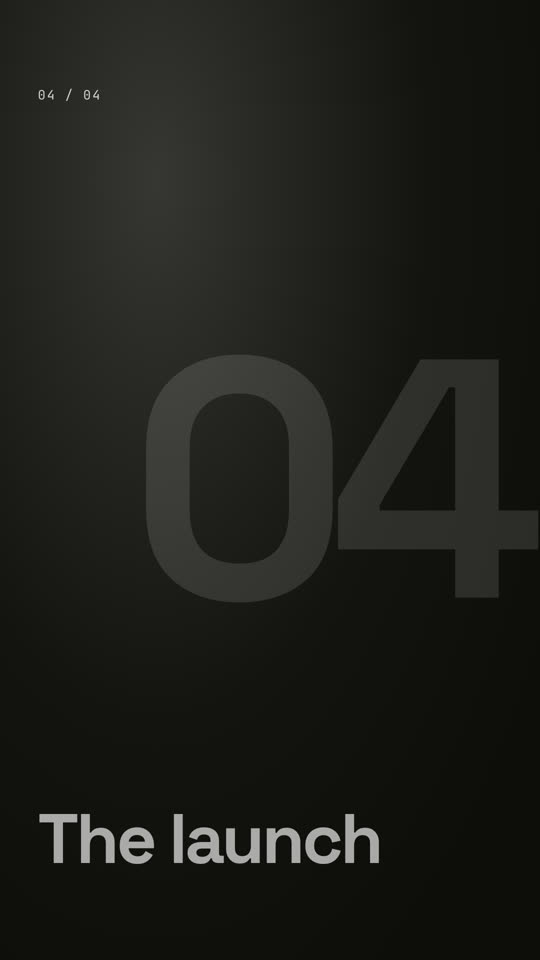
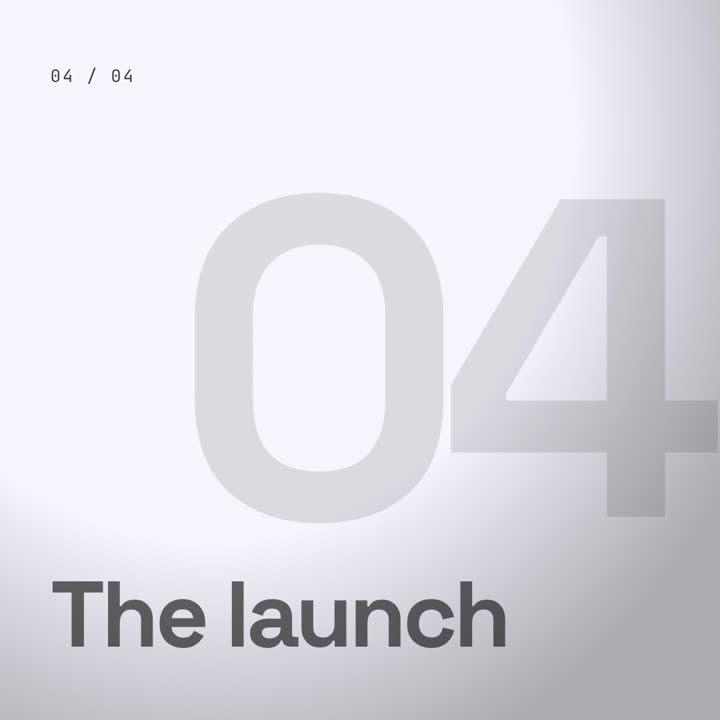
Theme: Papier · 9:16Theme: Elektrisch · 1:1
Schlussbilder desselben Templates, gerendert mit anderem Theme und Format.
5 Themes
Aa
Tinte · Standard
ink
Aa
Papier
paper
Aa
Elektrisch
electric
Aa
Noir
Aa
Sand
Nenne ein Theme im Prompt oder lege eigene Akzent-, Hintergrund- und Textfarben fest.
Installations-Prompt
Lies https://claude-motion.com/skills/transitions-pack/install.md, installiere damit den Skill „transitions-pack“ und mach anschließend ein erstes Video damit.
Füge ihn in Claude Code, Codex, Cursor oder einen anderen Agenten ein, der Skills unterstützt.
Beispiel-Prompt
Use the transitions-pack skill with our event photos: "assets/1.jpg: Day one | assets/2.jpg: Workshops | assets/3.jpg: The party", transition "zoom". 9:16.
Stil-Prompt (Claude Motion oder Opus 5.5)
Make a 12-second 16:9 reel of four chapter cards for [who will watch, e.g. viewers of our video essay], playing [where, e.g. between sections on YouTube]. Use only the four captions below, in order.

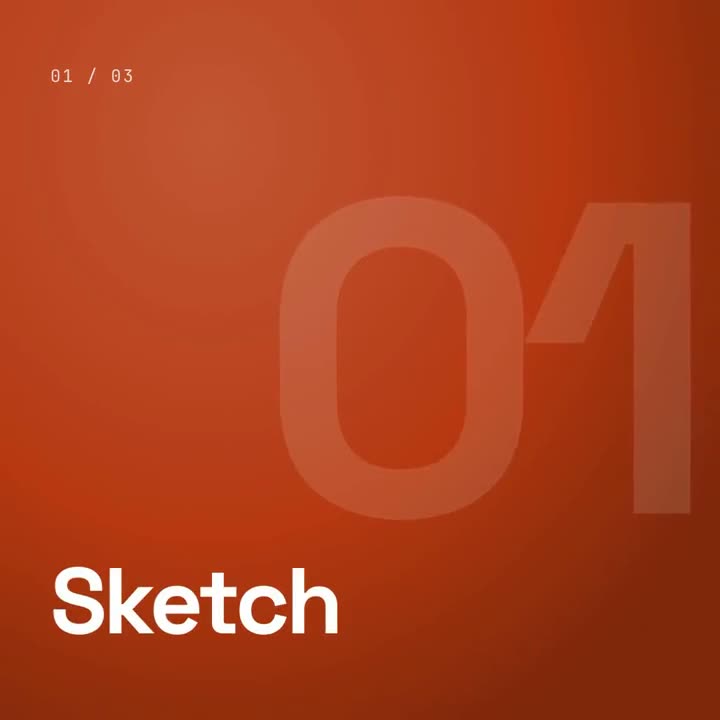
Four full-screen color cards, each with a small "01 / 04" counter and a big bold caption at the bottom left that rises in. Each card slowly zooms out. Between cards, a solid orange bar sweeps across the screen from left to right, covering the old card and revealing the next. End frame: the last card, held for 1 second.

Captions: [four chapter names] (e.g. "Chapter one", "The idea", "The build", "The launch")
Card colors: [four colors, or "use my brand colors" and attach the guide]
Nichts zu installieren: in Claude Motion (Team oder Enterprise) einfügen oder Opus 5.5 geben, für einen ähnlichen Look. Das Ergebnis ändert sich mit jedem Lauf; der Skill liefert jedes Mal dasselbe.