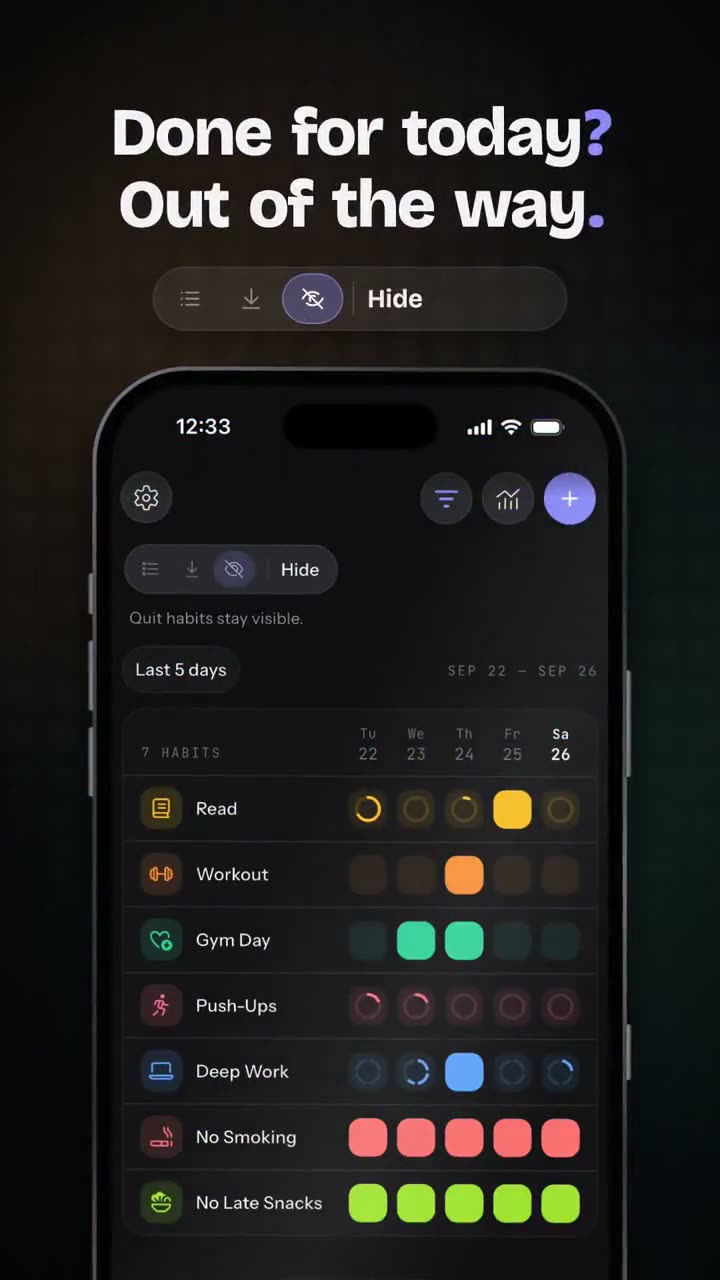
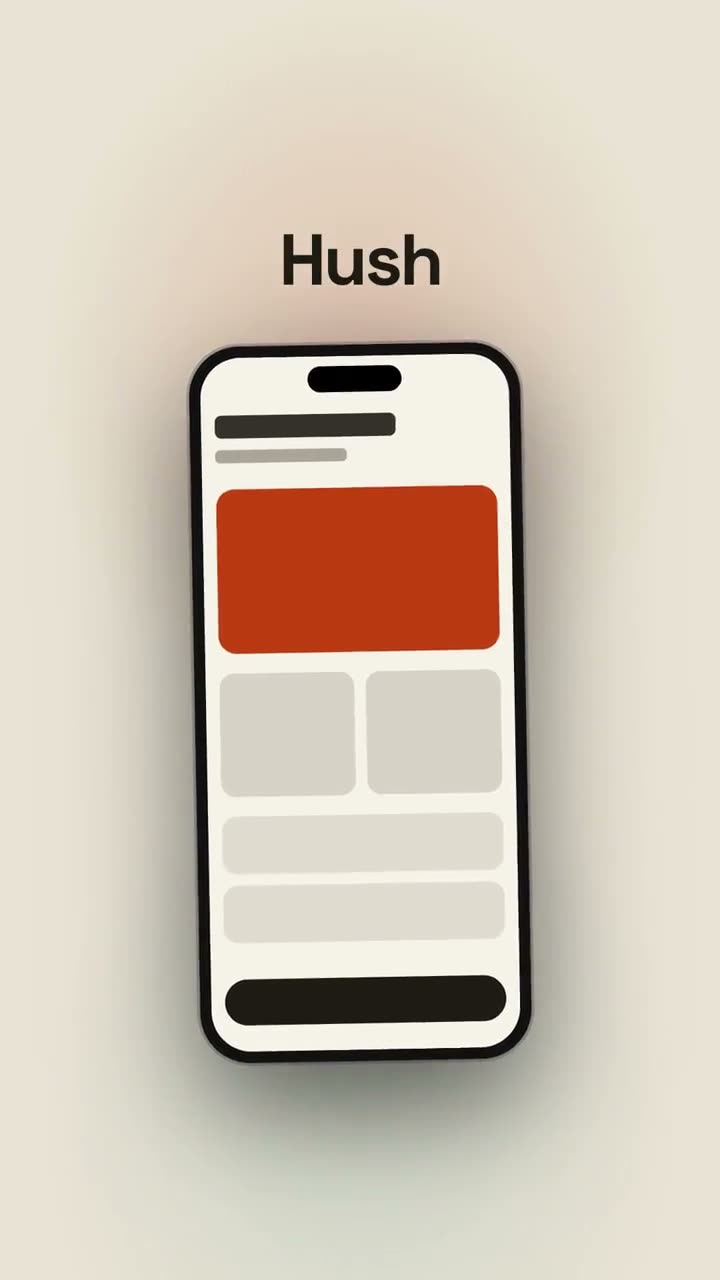
Ein Launch-Schnitt für Social first: Hook, Smartphone, Vorteile, CTA.
Füge ihn in Claude Code, Codex, Cursor oder einen anderen Agenten ein, der Skills unterstützt.
Benötigt: Node.js 22+, FFmpeg, Chrome. Keine API-Schlüssel.
Andere Themes und Formate
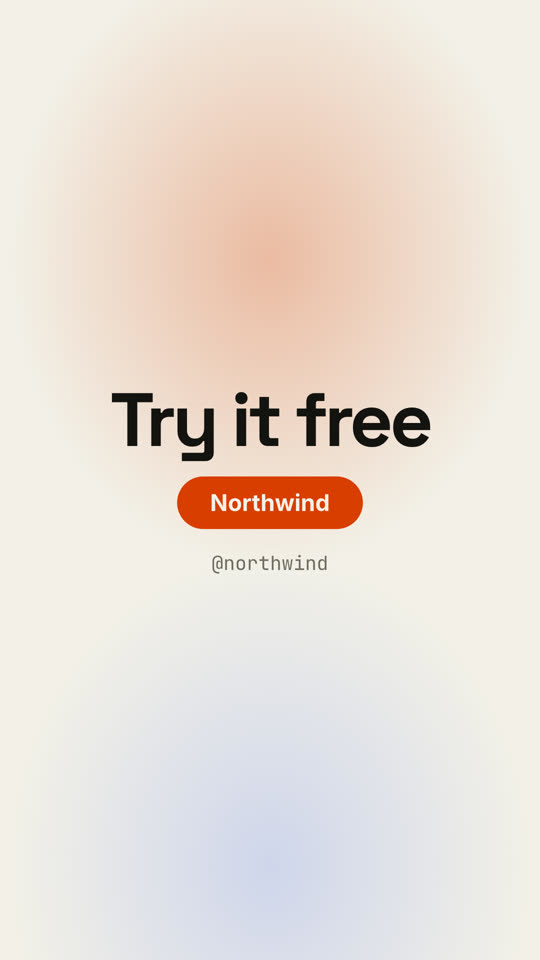
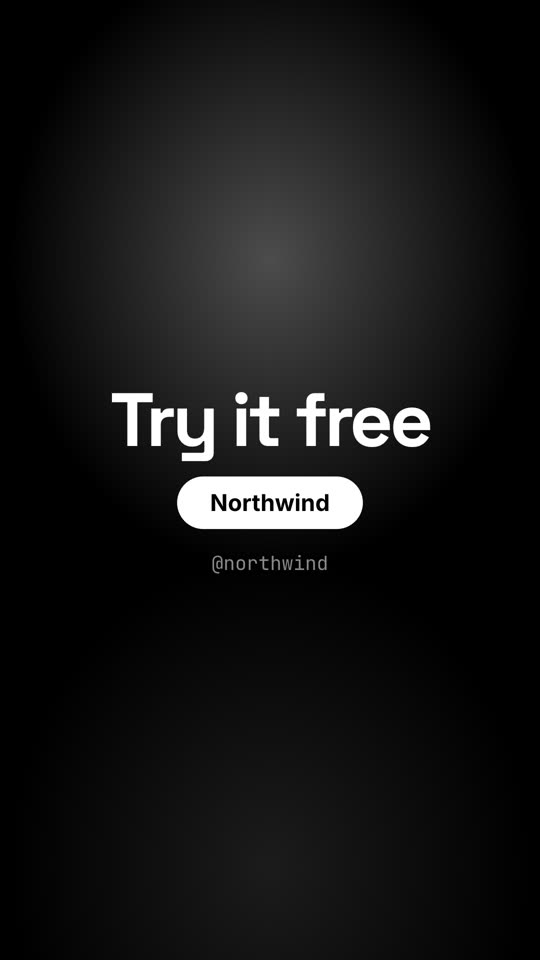
Theme: Papier · 9:16Theme: Noir · 9:16
Schlussbilder desselben Templates, gerendert mit anderem Theme und Format.
5 Themes
Aa
Tinte
ink
Aa
Papier
paper
Aa
Elektrisch · Standard
electric
Aa
Noir
Aa
Sand
Nenne ein Theme im Prompt oder lege eigene Akzent-, Hintergrund- und Textfarben fest.
Installations-Prompt
Lies https://claude-motion.com/skills/vertical-launch/install.md, installiere damit den Skill „vertical-launch“ und mach anschließend ein erstes Video damit.
Füge ihn in Claude Code, Codex, Cursor oder einen anderen Agenten ein, der Skills unterstützt.
Beispiel-Prompt
Use the vertical-launch skill for our TikTok: hook "Your inbox, *finally* quiet", product "Hush", screenshot assets/phone.png, beats "Auto-sorts newsletters | Mutes threads | Daily digest", cta "Get Hush free", handle "@hushapp".
Stil-Prompt (Claude Motion oder Opus 5.5)
Make a 15-second vertical 9:16 launch video for [who will watch, e.g. creators on Reels], playing muted in the feed. Use only the lines and screenshot I give below; don't change a word. Dark navy background with violet and teal glows.

Scene 1: the hook pops in word by word with a bouncy scale, the last words on a violet highlight block. A white flash cuts to Scene 2: the product name above a phone mockup that swings up from the bottom and gently rocks. Scene 3: three rows appear one by one, each with a violet numbered circle. End frame: the call to action scales down into place, a violet name pill pulses, and the handle sits below.

Hook: [your hook] (e.g. "Stop editing launch videos by hand")
Steps: [three short lines] (e.g. "Type a prompt", "Pick a style", "Ship in minutes")
Product, call to action and handle: [e.g. Northwind, "Try it free", @northwind]
Attach: [a phone screenshot of your app]
Nichts zu installieren: in Claude Motion (Team oder Enterprise) einfügen oder Opus 5.5 geben, für einen ähnlichen Look. Das Ergebnis ändert sich mit jedem Lauf; der Skill liefert jedes Mal dasselbe.