Launch im Manus-Keynote-Stil
Ein Launch in Kapiteln: schwarzes Intro, ein Ticker der Neuheiten, Kapitel mit dem Produkt bei der Arbeit über Landschaften, One More Thing, Maskottchen.
Füge ihn in Claude Code, Codex, Cursor oder einen anderen Agenten ein, der Skills unterstützt.
Benötigt: Node.js 22+, FFmpeg, Chrome. Keine API-Schlüssel.
Andere Themes und Formate
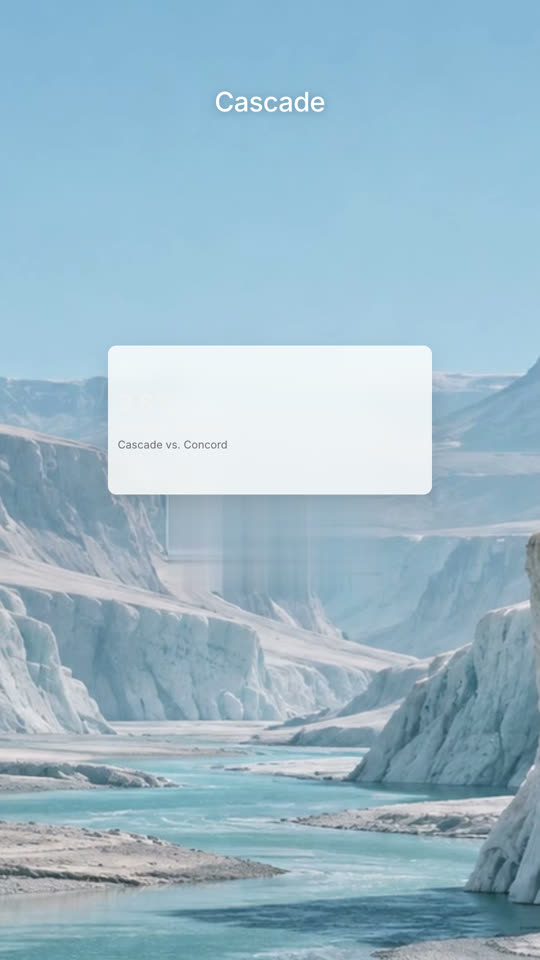
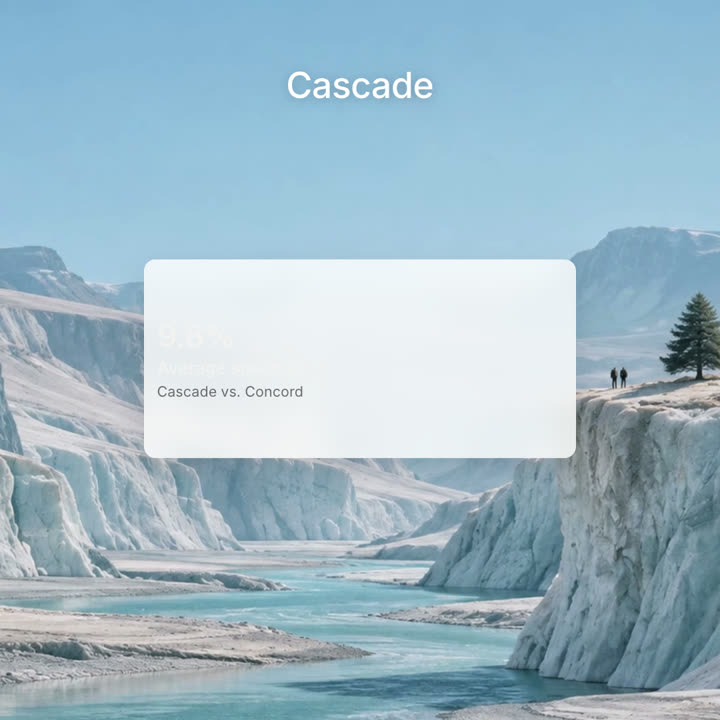
Schlussbilder desselben Templates, gerendert mit anderem Theme und Format.
5 Themes
- Tinte
ink - Papier · Standard
paper - Elektrisch
electric - Noir
- Sand
Nenne ein Theme im Prompt oder lege eigene Akzent-, Hintergrund- und Textfarben fest.
Lies https://claude-motion.com/skills/manus-keynote-launch/install.md, installiere damit den Skill „manus-keynote-launch“ und mach anschließend ein erstes Video damit.
Füge ihn in Claude Code, Codex, Cursor oder einen anderen Agenten ein, der Skills unterstützt.
Use manus-keynote-launch to make a launch film for our 2.0 release at https://your-product.com: one chapter per new capability.
Make a 90-second 16:9 launch keynote for [who will watch, e.g. our users and press], playing [where, e.g. the launch livestream and YouTube]. Use only the product names, chapter lines and images I attach; don't change a word. Style: pale grey #f5f5f5 ground, quiet medium-weight sans lines in dark grey with one or two words in blue #2a8af6, each line fading in word by word out of a slight blur. Calm, expo easing, soft blur cuts.

Scene 1: black, a small icon and the version, then "Introducing [Product]". Scene 2: a huge "See", then "See what's new". Scene 3: a black ticker with a blue "New" beside a column of words rolling through the product areas. Scenes 4–8: one chapter per feature, each opened by a card with a small blue line icon and its name, then the product at work. Scene 9: "One More Thing" and the surprise. End frame: the logo in the middle, held for 2 seconds.

Product and version: [e.g. Manus 2.0]
Chapters: [four to six feature names, each with one line]
One more thing: [your surprise]
Attach: [screenshots and stills for each chapter]
Nichts zu installieren: in Claude Motion (Team oder Enterprise) einfügen oder Opus 5.5 geben, für einen ähnlichen Look. Das Ergebnis ändert sich mit jedem Lauf; der Skill liefert jedes Mal dasselbe.