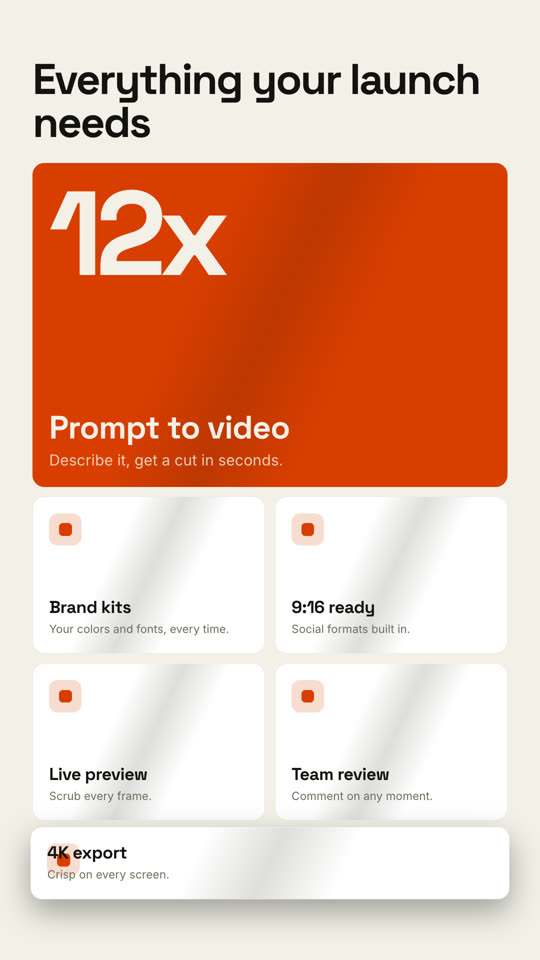
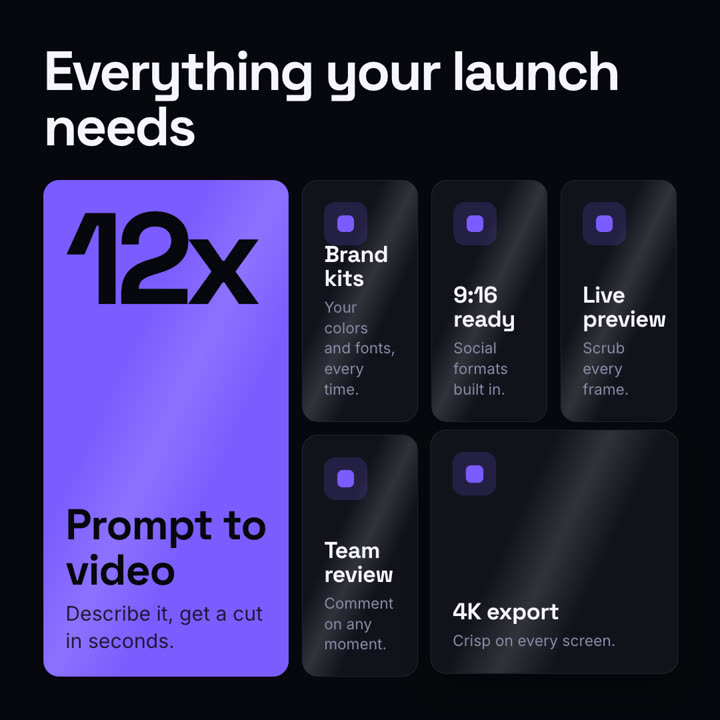
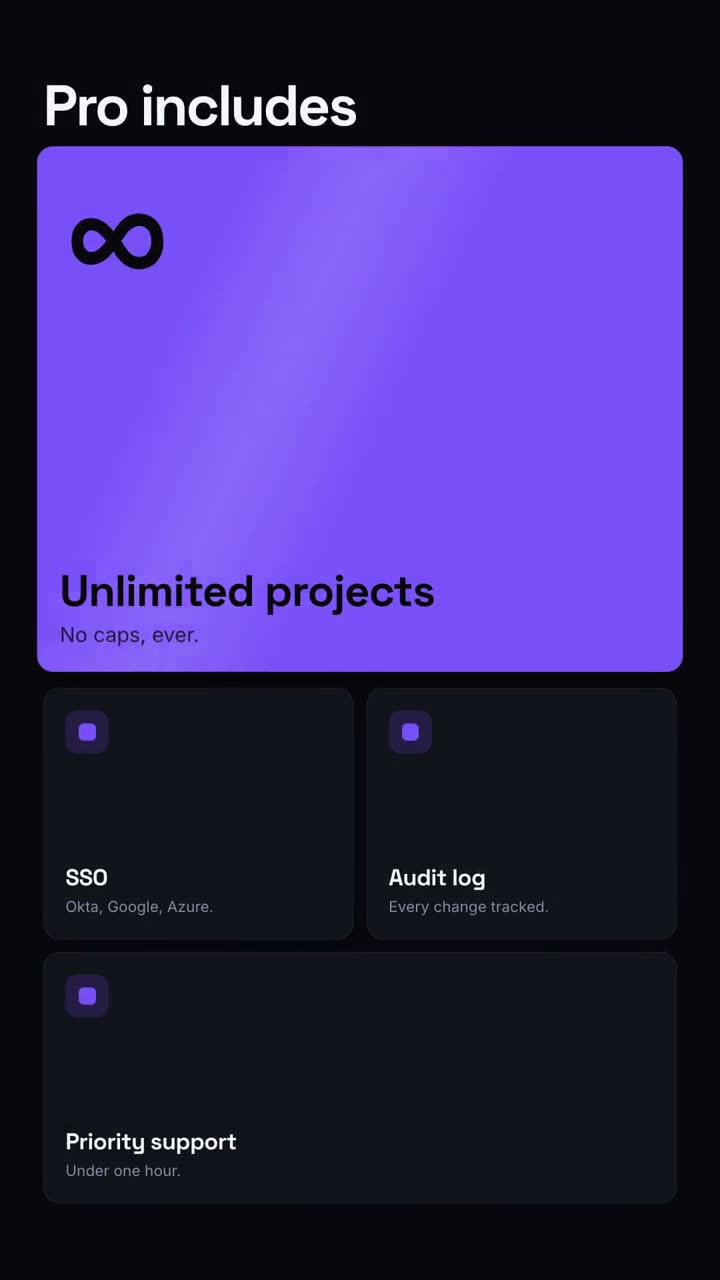
Ein Bento-Raster setzt sich zusammen, dann rückt jedes Feature ins Licht.
Füge ihn in Claude Code, Codex, Cursor oder einen anderen Agenten ein, der Skills unterstützt.
Benötigt: Node.js 22+, FFmpeg, Chrome. Keine API-Schlüssel.
Andere Themes und Formate
Theme: Papier · 9:16Theme: Elektrisch · 1:1
Schlussbilder desselben Templates, gerendert mit anderem Theme und Format.
5 Themes
Aa
Tinte · Standard
ink
Aa
Papier
paper
Aa
Elektrisch
electric
Aa
Noir
Aa
Sand
Nenne ein Theme im Prompt oder lege eigene Akzent-, Hintergrund- und Textfarben fest.
Installations-Prompt
Lies https://claude-motion.com/skills/feature-grid/install.md, installiere damit den Skill „feature-grid“ und mach anschließend ein erstes Video damit.
Füge ihn in Claude Code, Codex, Cursor oder einen anderen Agenten ein, der Skills unterstützt.
Beispiel-Prompt
Use the feature-grid skill for our pricing page video: headline "Pro includes", stat "∞", features "Unlimited projects: No caps. | SSO: Okta, Google, Azure. | Audit log: Every change tracked. | Priority support: Under 1 hour."
Stil-Prompt (Claude Motion oder Opus 5.5)
Make a 10-second 16:9 feature overview for [who will watch, e.g. trial users], playing [where, e.g. the pricing page]. Use only the headline, numbers and feature names below; don't change them. Near-black background.

The headline rises word by word. Below it, a bento grid assembles from slightly scattered, rotated tiles: one large orange hero tile with a giant number counting up and a short label, plus five dark tiles with small orange icons and titles. End frame: each tile lifts slightly in turn with a light glint sweeping across it.

Headline: [e.g. "Everything your launch needs"]
Hero number and label: [e.g. "12x", "Prompt to video"]
Five features: [e.g. "Brand kits", "9:16 ready", "Live preview", "Team review", "4K export"]
Nichts zu installieren: in Claude Motion (Team oder Enterprise) einfügen oder Opus 5.5 geben, für einen ähnlichen Look. Das Ergebnis ändert sich mit jedem Lauf; der Skill liefert jedes Mal dasselbe.