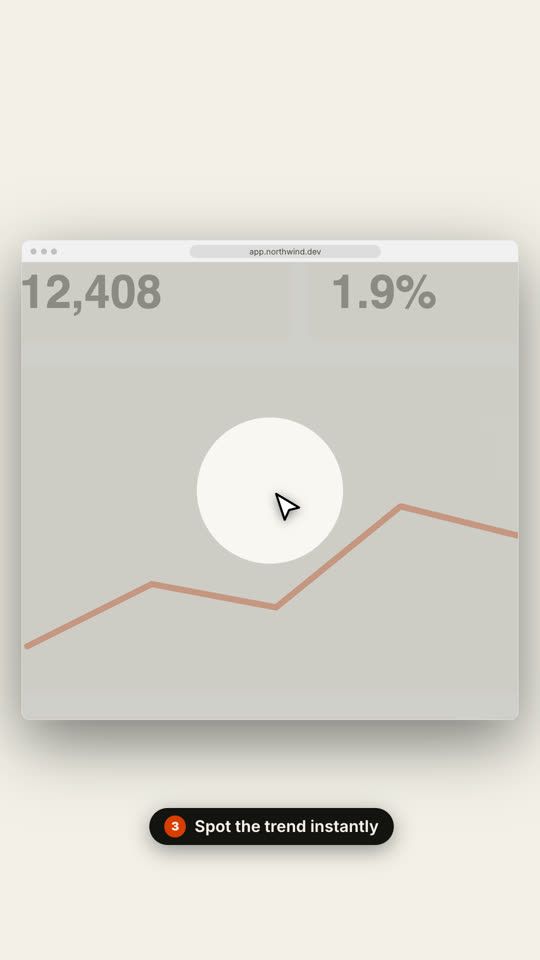
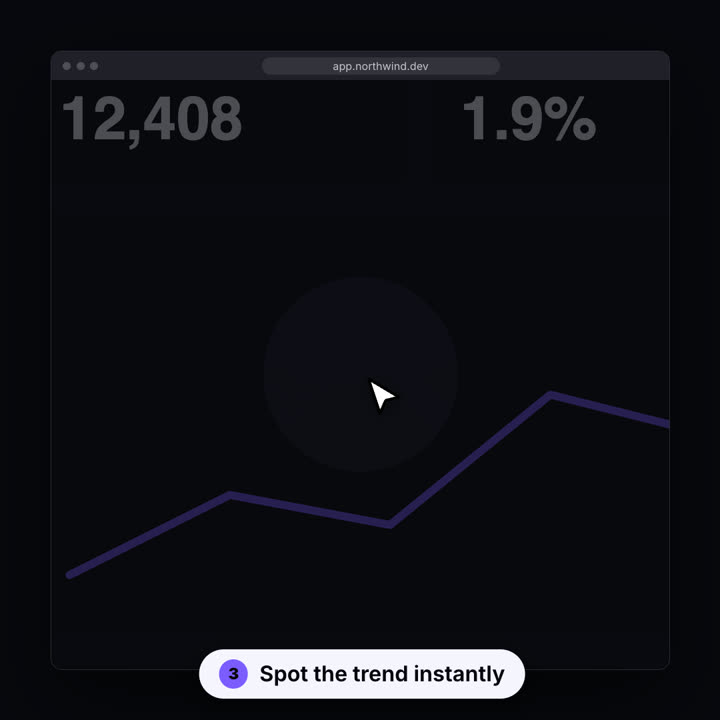
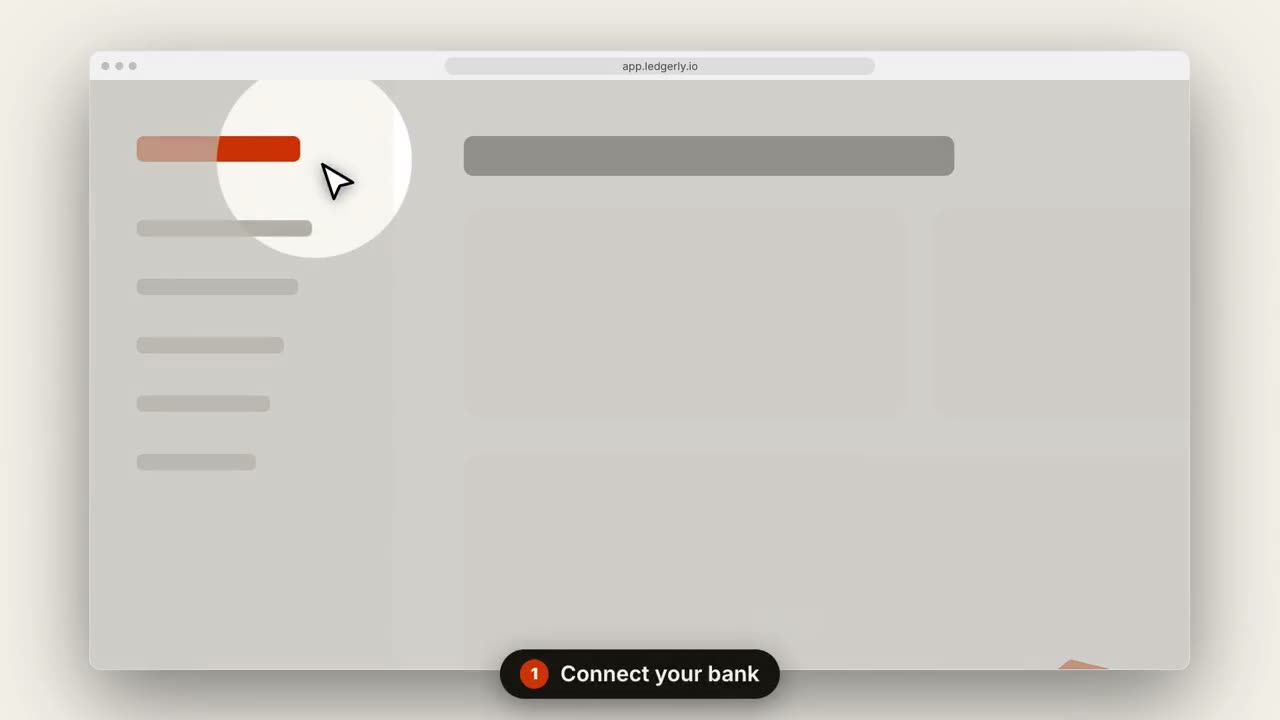
Die Kamera fährt in jeden Schritt, während ein Cursor sich durchklickt.
Füge ihn in Claude Code, Codex, Cursor oder einen anderen Agenten ein, der Skills unterstützt.
Benötigt: Node.js 22+, FFmpeg, Chrome. Keine API-Schlüssel.
Andere Themes und Formate
Theme: Papier · 9:16Theme: Elektrisch · 1:1
Schlussbilder desselben Templates, gerendert mit anderem Theme und Format.
5 Themes
Aa
Tinte · Standard
ink
Aa
Papier
paper
Aa
Elektrisch
electric
Aa
Noir
Aa
Sand
Nenne ein Theme im Prompt oder lege eigene Akzent-, Hintergrund- und Textfarben fest.
Installations-Prompt
Lies https://claude-motion.com/skills/saas-walkthrough/install.md, installiere damit den Skill „saas-walkthrough“ und mach anschließend ein erstes Video damit.
Füge ihn in Claude Code, Codex, Cursor oder einen anderen Agenten ein, der Skills unterstützt.
Beispiel-Prompt
Use the saas-walkthrough skill with assets/dashboard.png, title "Invoices on autopilot", steps "0.15,0.2: Connect your bank | 0.7,0.35: Review drafts | 0.85,0.12: Send in one click", url "app.ledgerly.io".
Stil-Prompt (Claude Motion oder Opus 5.5)
Make a 14-second 16:9 product walkthrough for [who will watch, e.g. new customers], playing [where, e.g. the onboarding email]. Use only the title, step captions and screenshot I give below; don't change a word. Near-black background.

Scene 1: the title appears word by word, then fades as a browser window with the screenshot rises into place. Scenes 2–4, one per step: a white cursor glides to the right spot, the view zooms in smoothly, a soft spotlight dims everything else, the cursor clicks with an orange ripple, and a white numbered pill caption slides up at the bottom. End frame: zoom back out to the whole screen.

Title: [e.g. "Ship a release in 3 clicks"]
Steps: [three captions and where each one points] (e.g. "Open your workspace" on the sidebar)
Attach: [a screenshot of your product]
Nichts zu installieren: in Claude Motion (Team oder Enterprise) einfügen oder Opus 5.5 geben, für einen ähnlichen Look. Das Ergebnis ändert sich mit jedem Lauf; der Skill liefert jedes Mal dasselbe.