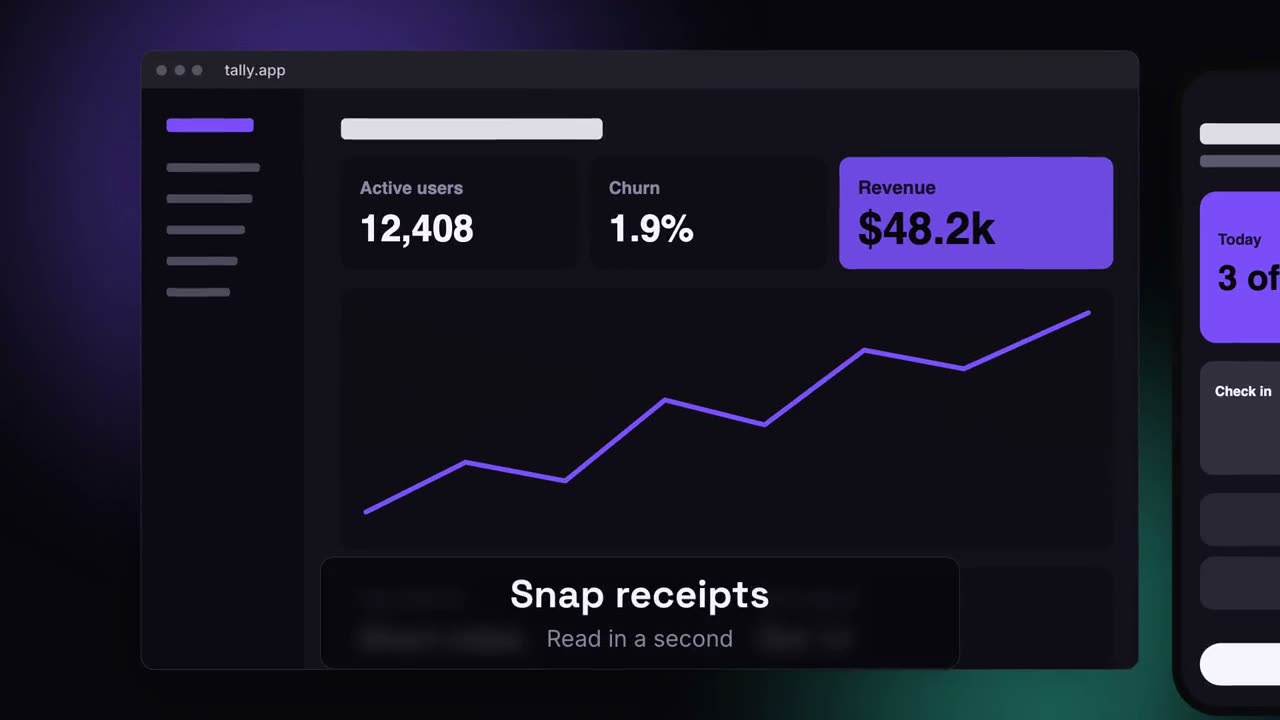
Desktop und Smartphone schweben auf einer leuchtenden Fläche, die Kamera fährt sie ab.
Füge ihn in Claude Code, Codex, Cursor oder einen anderen Agenten ein, der Skills unterstützt.
Benötigt: Node.js 22+, FFmpeg, Chrome. Keine API-Schlüssel.
Andere Themes und Formate
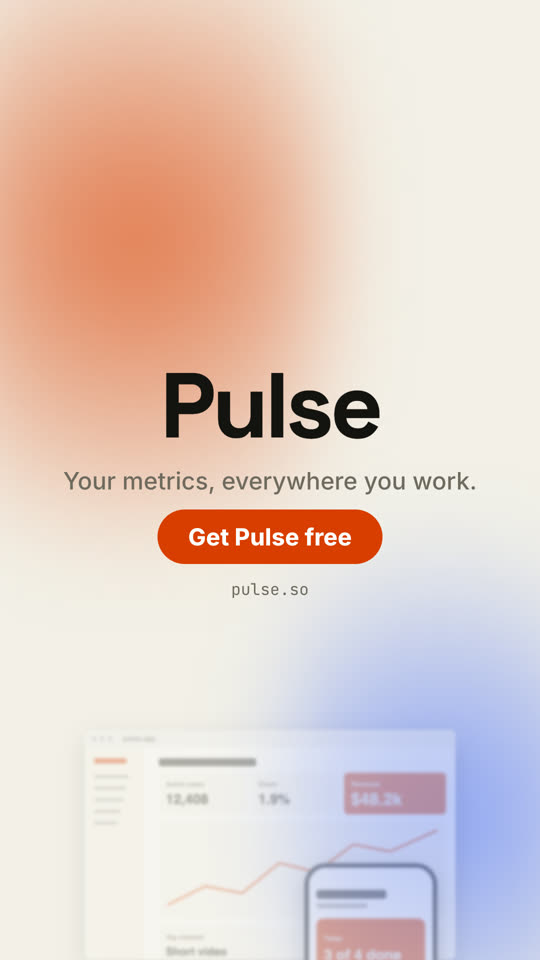
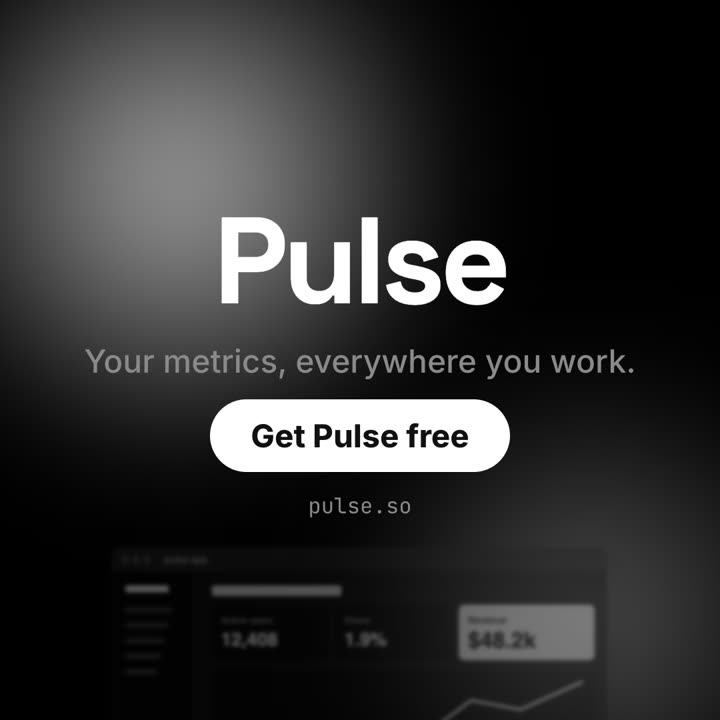
Theme: Papier · 9:16Theme: Noir · 1:1
Schlussbilder desselben Templates, gerendert mit anderem Theme und Format.
5 Themes
Aa
Tinte
ink
Aa
Papier
paper
Aa
Elektrisch · Standard
electric
Aa
Noir
Aa
Sand
Nenne ein Theme im Prompt oder lege eigene Akzent-, Hintergrund- und Textfarben fest.
Installations-Prompt
Lies https://claude-motion.com/skills/device-canvas-launch/install.md, installiere damit den Skill „device-canvas-launch“ und mach anschließend ein erstes Video damit.
Füge ihn in Claude Code, Codex, Cursor oder einen anderen Agenten ein, der Skills unterstützt.
Beispiel-Prompt
Use the device-canvas-launch skill for Tally with assets/web.png and assets/app.png: hook "Expenses, handled anywhere.", three features, CTA "Start free".
Stil-Prompt (Claude Motion oder Opus 5.5)
Make a 20-second 16:9 launch video for [who will watch, e.g. ops and finance leads], playing [where, e.g. the homepage hero]. Use only the lines and screenshots I give; don't change a word. Deep navy background with soft violet and teal glows.

Scene 1: the hook rises word by word and fades. Scene 2: a browser window with the desktop screenshot and a phone with the mobile screenshot rise onto the canvas. Scene 3: the camera glides in to the browser while a glass caption shows the first feature, then to the phone with the second, then pulls back to show both with the third. End frame: the devices blur and sink as the product name, the hook and a violet call-to-action button appear.

Hook: [e.g. "Your metrics, everywhere you work."]
Three captions: [e.g. "Live dashboards — Every number, updated in real time", "Pocket alerts", "Always in sync"]
Product and call to action: [e.g. Pulse, "Get Pulse free"]
Attach: [a desktop screenshot and a phone screenshot]
Nichts zu installieren: in Claude Motion (Team oder Enterprise) einfügen oder Opus 5.5 geben, für einen ähnlichen Look. Das Ergebnis ändert sich mit jedem Lauf; der Skill liefert jedes Mal dasselbe.