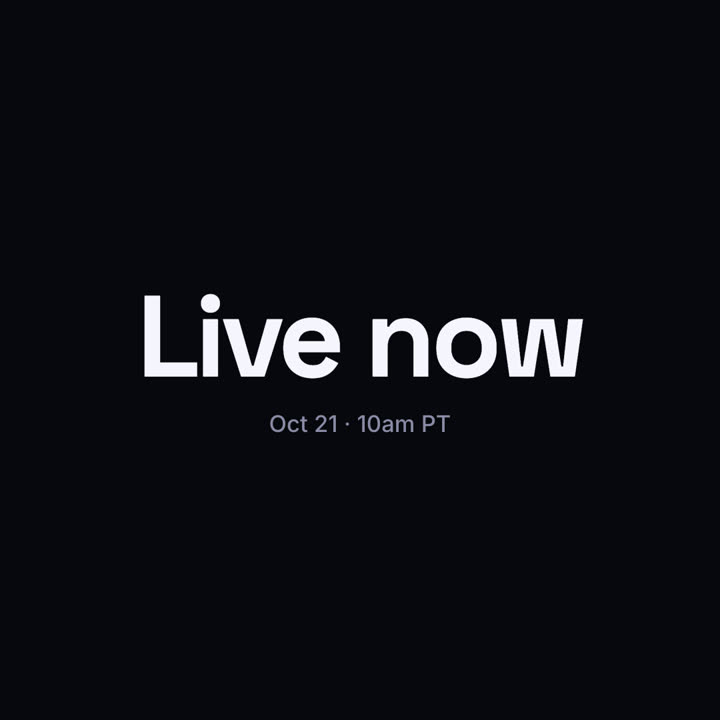
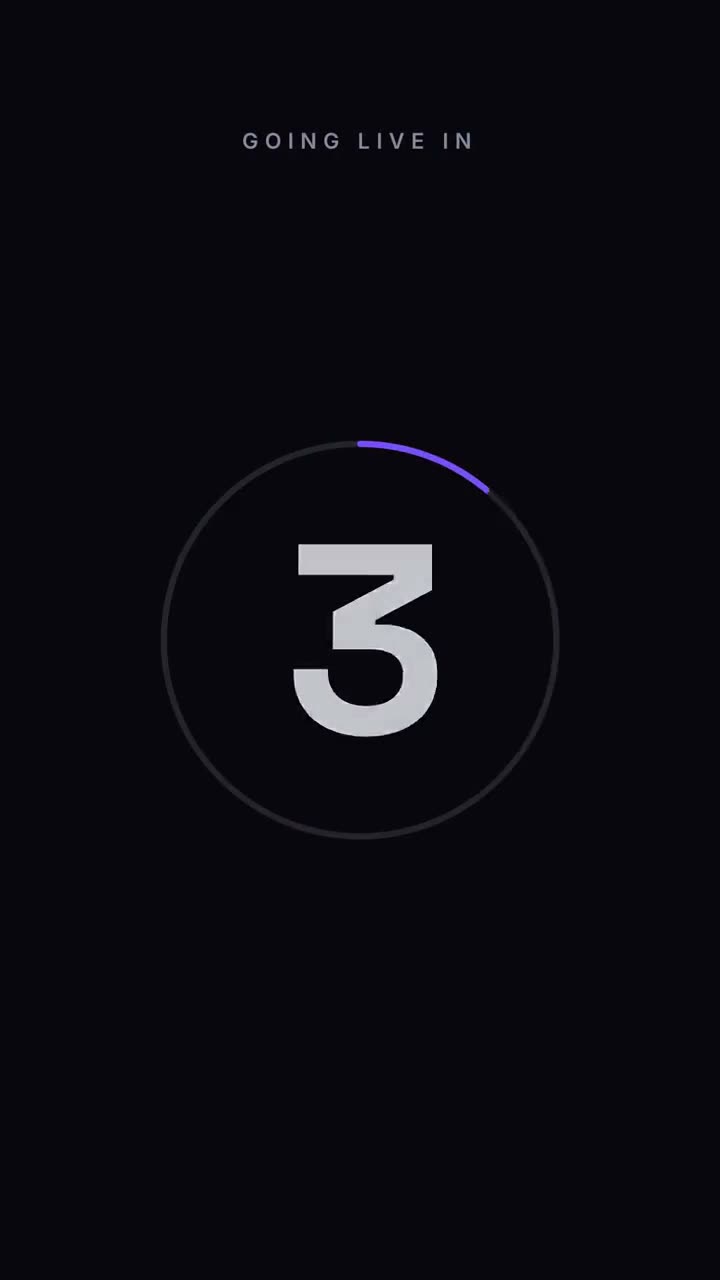
3-2-1 um einen ablaufenden Ring, dann die Enthüllung.
Füge ihn in Claude Code, Codex, Cursor oder einen anderen Agenten ein, der Skills unterstützt.
Benötigt: Node.js 22+, FFmpeg, Chrome. Keine API-Schlüssel.
Andere Themes und Formate
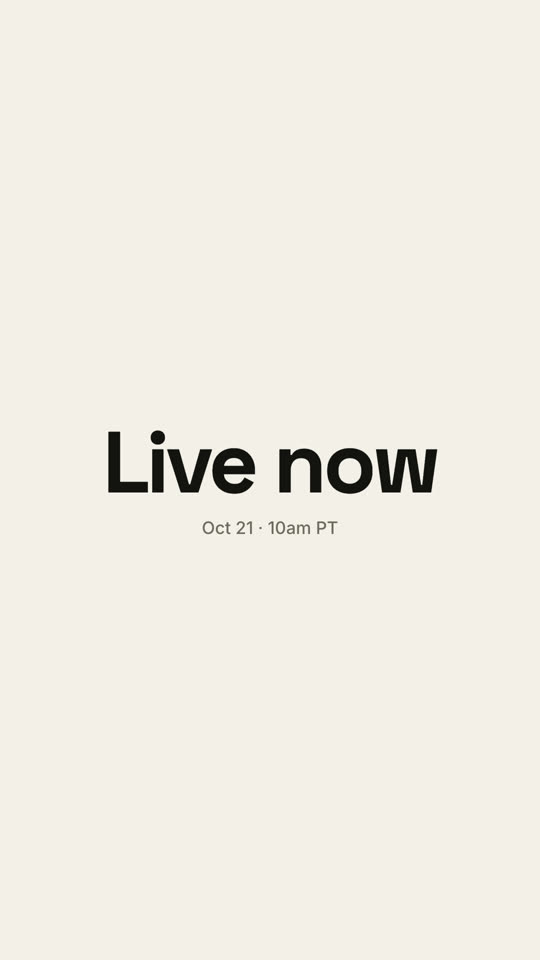
Theme: Papier · 9:16Theme: Elektrisch · 1:1
Schlussbilder desselben Templates, gerendert mit anderem Theme und Format.
5 Themes
Aa
Tinte
ink
Aa
Papier
paper
Aa
Elektrisch
electric
Aa
Noir · Standard
Aa
Sand
Nenne ein Theme im Prompt oder lege eigene Akzent-, Hintergrund- und Textfarben fest.
Installations-Prompt
Lies https://claude-motion.com/skills/countdown/install.md, installiere damit den Skill „countdown“ und mach anschließend ein erstes Video damit.
Füge ihn in Claude Code, Codex, Cursor oder einen anderen Agenten ein, der Skills unterstützt.
Beispiel-Prompt
Use the countdown skill for our livestream: label "Going live in", count from 5, final "We're live", detail "youtube.com/@acme". 9:16, electric theme.
Stil-Prompt (Claude Motion oder Opus 5.5)
Make a 7-second 16:9 launch countdown for [who will watch, e.g. our followers], playing [where, e.g. the livestream and X the hour before launch]. Use only the date and line below. Pure black background.

Small uppercase "LAUNCHING IN" sits at the top. A thin white ring drains clockwise around each number as huge white numerals 3, 2, 1 slam in from a blurred, oversized state and shrink away. After 1, the ring blows outward and an off-white flash fills the frame. End frame: the launch line settles in with tightening letter spacing above the date and time in gray.

Launch line: [e.g. "Live now"]
Date and time: [e.g. "Oct 21 · 10am PT"]
Nichts zu installieren: in Claude Motion (Team oder Enterprise) einfügen oder Opus 5.5 geben, für einen ähnlichen Look. Das Ergebnis ändert sich mit jedem Lauf; der Skill liefert jedes Mal dasselbe.