Schaltplan-Rundgang
Ein technischer Rundgang in Blaupausen-Blau mit Pipeline- und Komponentenübungen.
Füge ihn in Claude Code, Codex, Cursor oder einen anderen Agenten ein, der Skills unterstützt.
Benötigt: Node.js 22+. Optional: lokale Stimme (etwa 1 GB), FFmpeg und Chrome für MP4. Keine API-Schlüssel.
Live ausprobieren
Im Vollbild öffnen ↗Klick dich durch die Beispielpräsentation: wechsle das Chart, beantworte das Quiz, zieh die Karten. Drück P, um den Sprecher zu hören.
Lies https://claude-motion.com/skills/schematic-walkthrough/install.md, installiere damit den Skill „schematic-walkthrough“ und mach anschließend ein erstes Video damit.
Füge ihn in Claude Code, Codex, Cursor oder einen anderen Agenten ein, der Skills unterstützt.
Use schematic-walkthrough to explain our auth flow from docs/auth.md for new engineers, with a quiz.
Turn the document I attach into a 60-second 16:9 narrated explainer for [who will watch, e.g. engineers], playing [where, e.g. the architecture review]. Use only the facts and numbers in the document. Schematic walkthrough style.

One idea per slide, with points appearing one at a time as they're spoken. Animate one chart for the main number. End on a closing slide with one clear next step.

Topic: [your topic] (e.g. a sync engine)
Attach: [your document, notes or data]
Nichts zu installieren: in Claude Motion (Team oder Enterprise) einfügen oder Opus 5.5 geben, für einen ähnlichen Look. Das Ergebnis ändert sich mit jedem Lauf; der Skill liefert jedes Mal dasselbe.
Weitere Präsentationsstile
Motion Deck →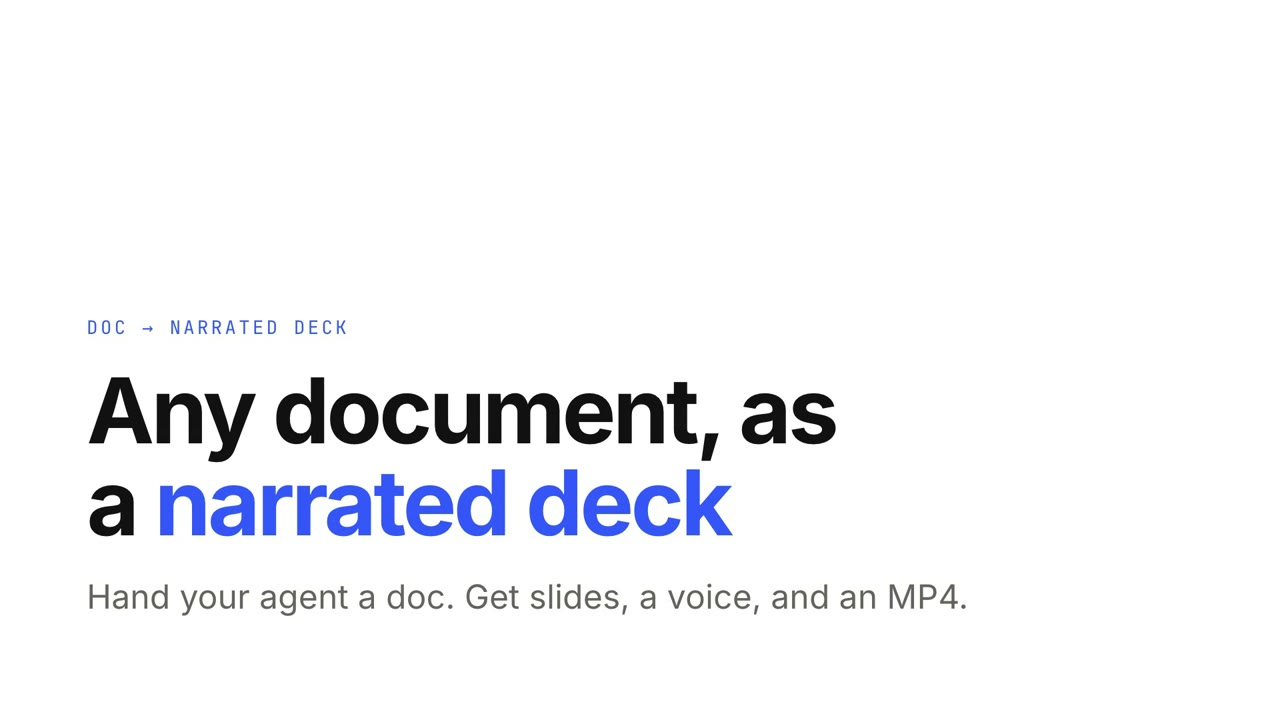
Doc → Präsentation mit Sprecher
Gib deinem Agenten ein Dokument und bekomme eine vertonte, interaktive Präsentation samt MP4.
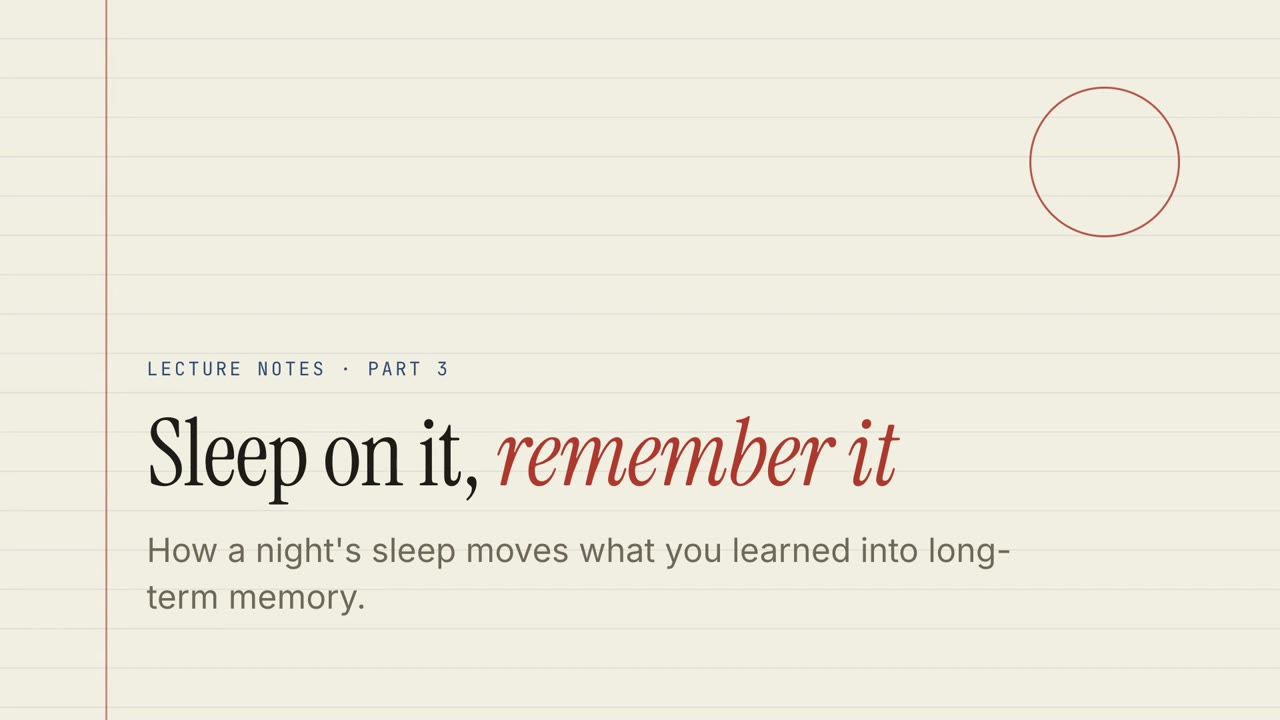
Papier-Vorlesung
Vorlesungsnotizen auf liniertem Papier mit Quiz, Drag-and-drop-Übungen und gesprochenem Durchgang.
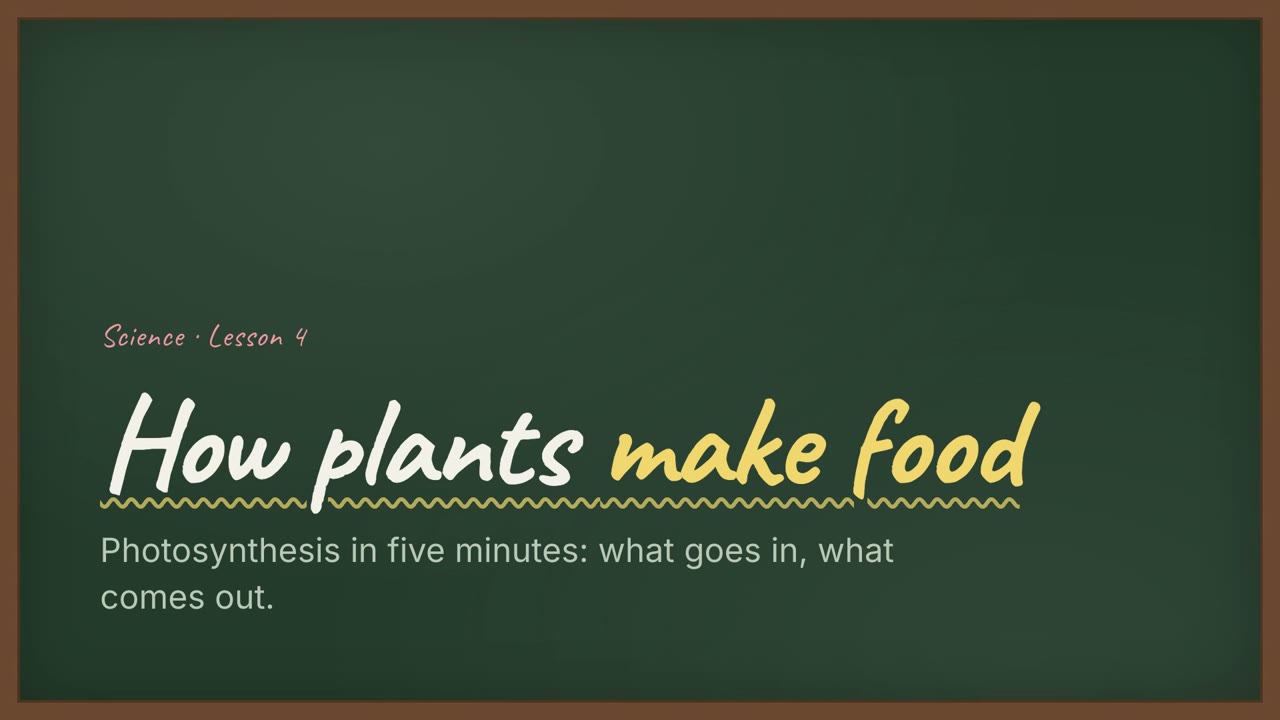
Kreidetafel-Unterricht
Eine Unterrichtsstunde an der grünen Tafel mit handgeschriebenen Überschriften und Übungen.
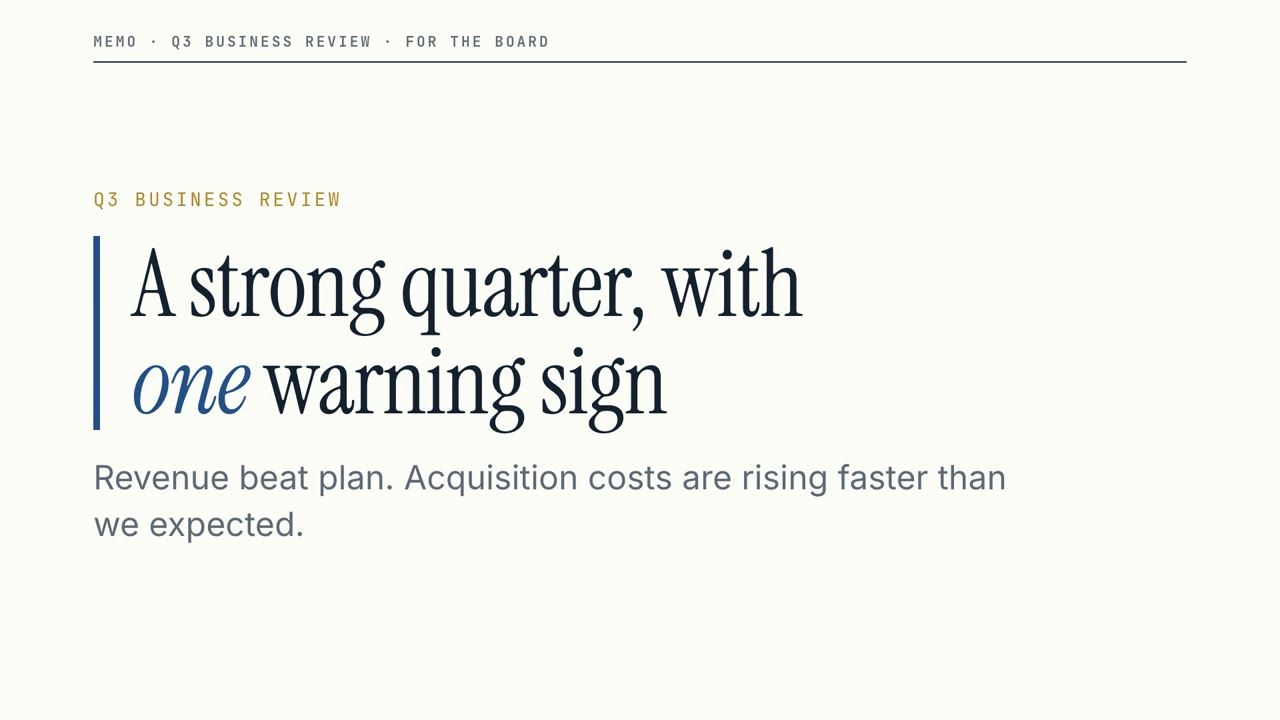
Vorstands-Memo
Ein klarer Business-Review: große Zahlen, eine deutliche Warnung und die Entscheidung, die du brauchst.
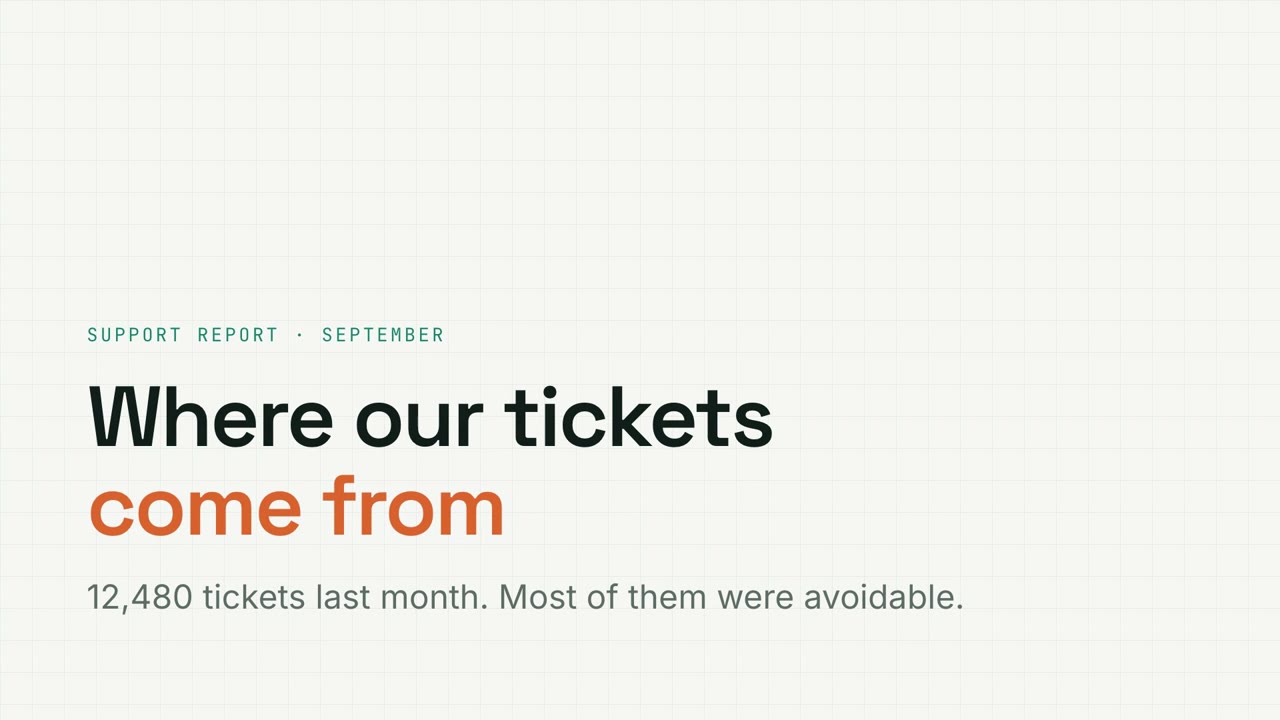
Kennzahlen-Raster
Datenbericht auf Millimeterpapier mit filterbaren Charts, Trichtern und Donuts.
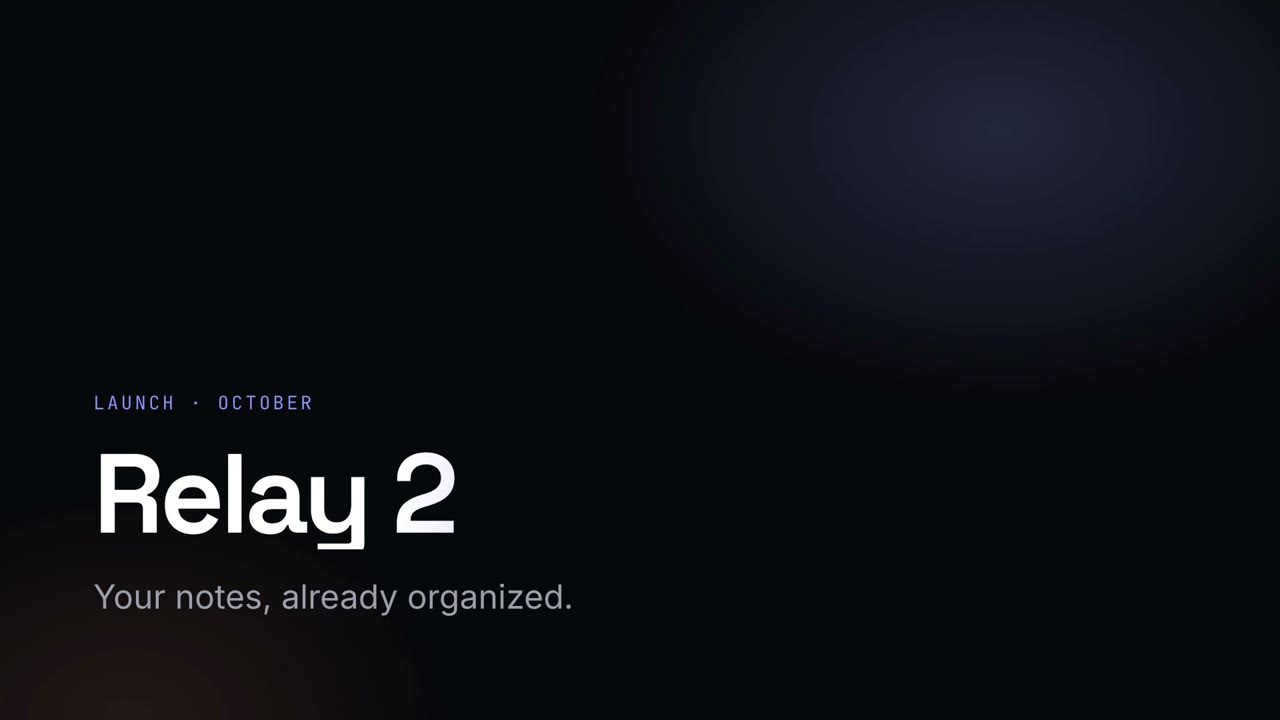
Nacht-Keynote
Eine dunkle, leuchtende Launch-Keynote mit Verlaufs-Überschriften.
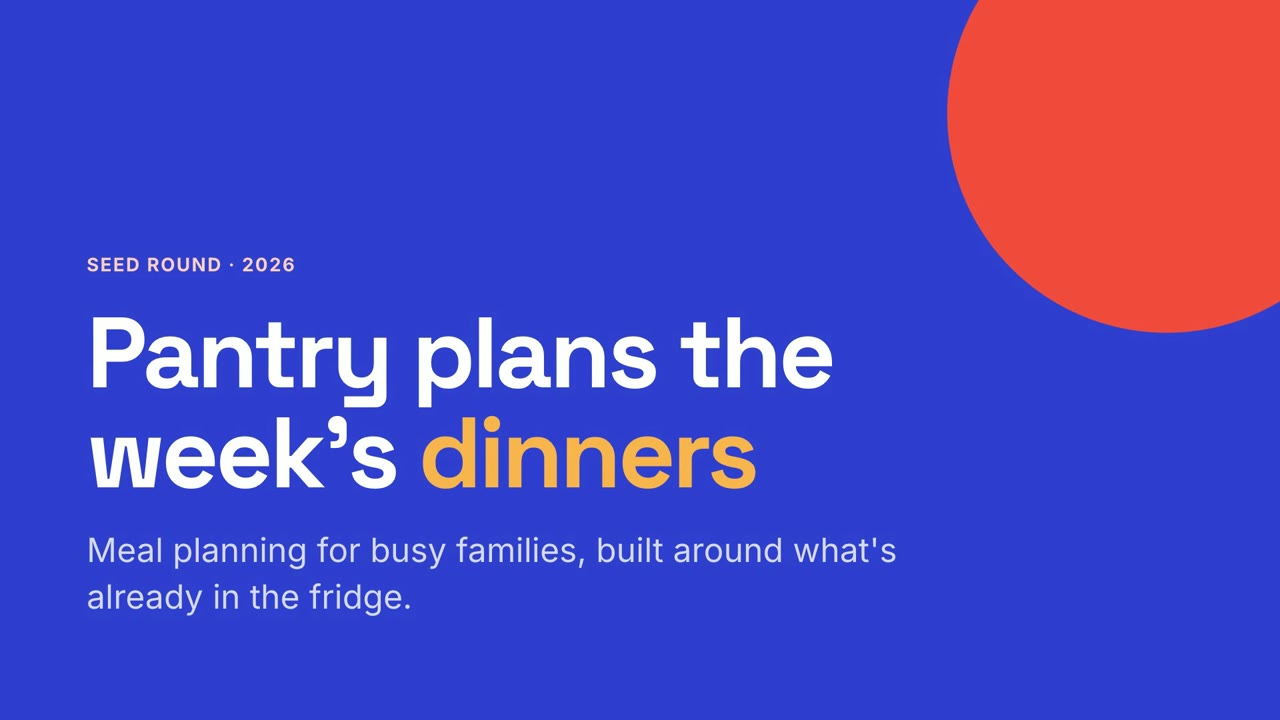
Studio-Pitch
Ein mutiger Startup-Pitch in Kobalt und Koralle, vom Problem bis zur Bitte.
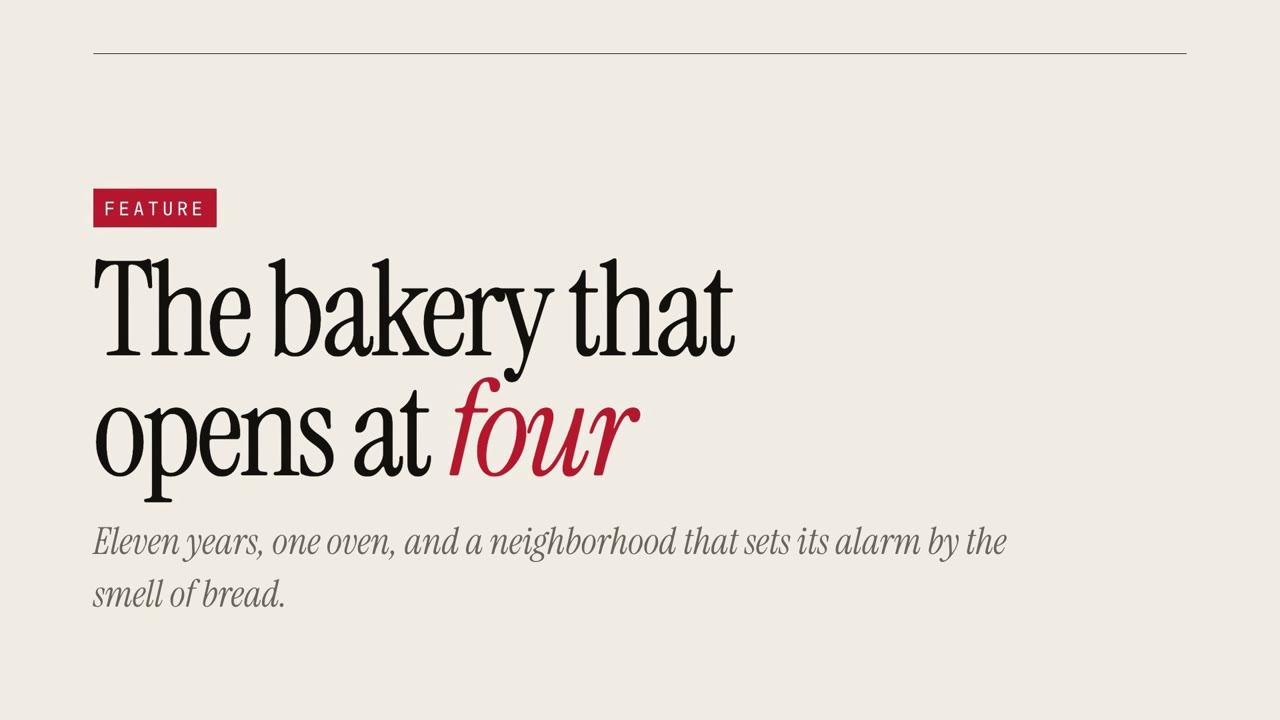
Magazin-Story
Eine redaktionelle Reportage mit übergroßer Serifenschrift und Zitaten.