Transkript-Highlight
Ein Transkript läuft ab, die Schlüsselphrase wird markiert und zum großen Zitat.
Füge ihn in Claude Code, Codex, Cursor oder einen anderen Agenten ein, der Skills unterstützt.
Benötigt: Node.js 22+, FFmpeg, Chrome. Keine API-Schlüssel.
Andere Themes und Formate
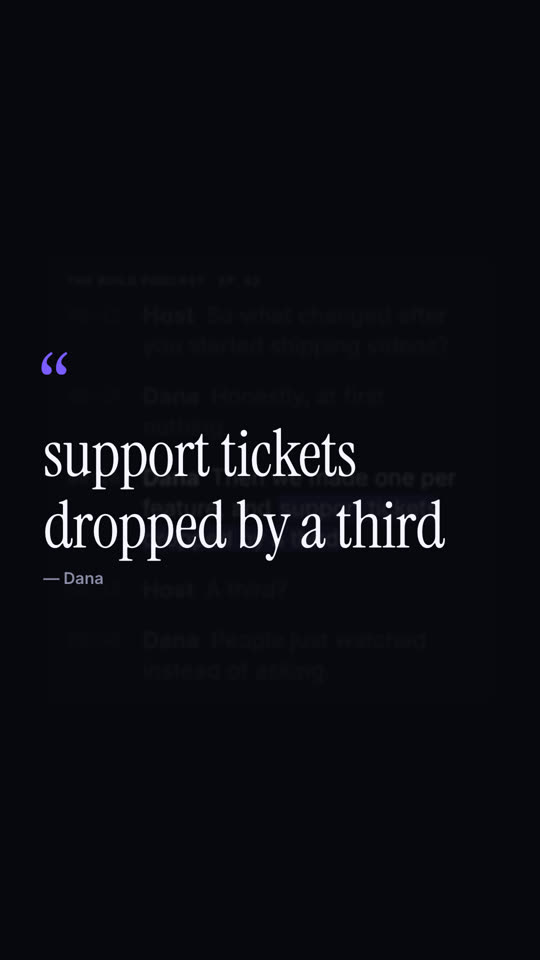
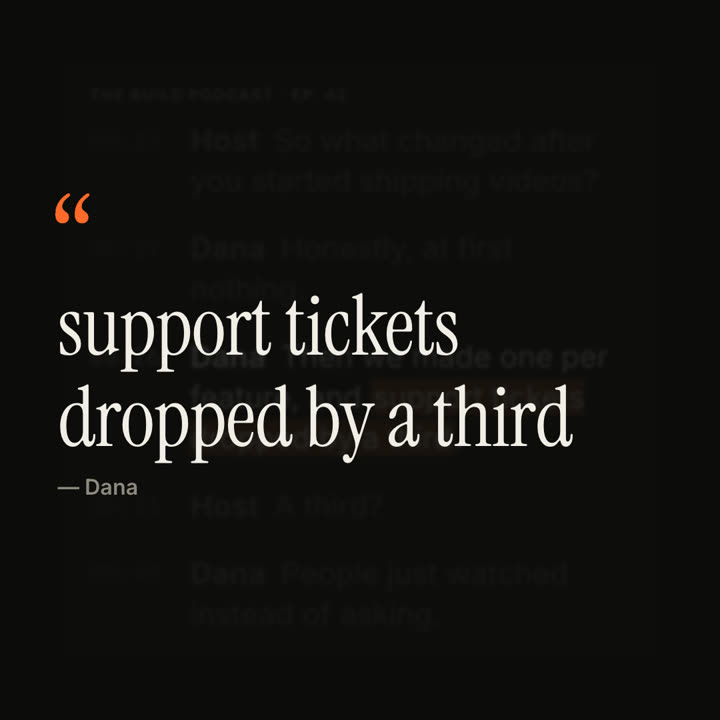
Schlussbilder desselben Templates, gerendert mit anderem Theme und Format.
5 Themes
- Tinte
ink - Papier · Standard
paper - Elektrisch
electric - Noir
- Sand
Nenne ein Theme im Prompt oder lege eigene Akzent-, Hintergrund- und Textfarben fest.
Lies https://claude-motion.com/skills/transcript-highlight/install.md, installiere damit den Skill „transcript-highlight“ und mach anschließend ein erstes Video damit.
Füge ihn in Claude Code, Codex, Cursor oder einen anderen Agenten ein, der Skills unterstützt.
Use the transcript-highlight skill with lines from our customer call: "Lena: We tried three tools. | Lena: This is the first one *my whole team actually opens*.", source "Customer call · Sept". Ink theme, 9:16.
Make an 8-second 16:9 scene for [who will watch, e.g. podcast listeners on LinkedIn], playing muted in the feed. Use only the transcript excerpt I attach or paste below; quote it word for word. Off-white background.

A white card with the show and episode name shows the transcript with gray monospace timestamps; the lines appear one by one. Then everything dims except the guest's line, and a soft orange highlighter sweeps across the key phrase. End frame: the card blurs into the background and the phrase rises as a large serif pull quote with an orange quotation mark and the speaker's name beneath.

Show and episode: [e.g. "THE BUILD PODCAST · EP. 42"]
Transcript: [the host's question and the guest's answer, with timestamps]
Key phrase and speaker: [e.g. "support tickets dropped by a third", Dana]
Nichts zu installieren: in Claude Motion (Team oder Enterprise) einfügen oder Opus 5.5 geben, für einen ähnlichen Look. Das Ergebnis ändert sich mit jedem Lauf; der Skill liefert jedes Mal dasselbe.
Mehr aus dieser Serie
Spotlight →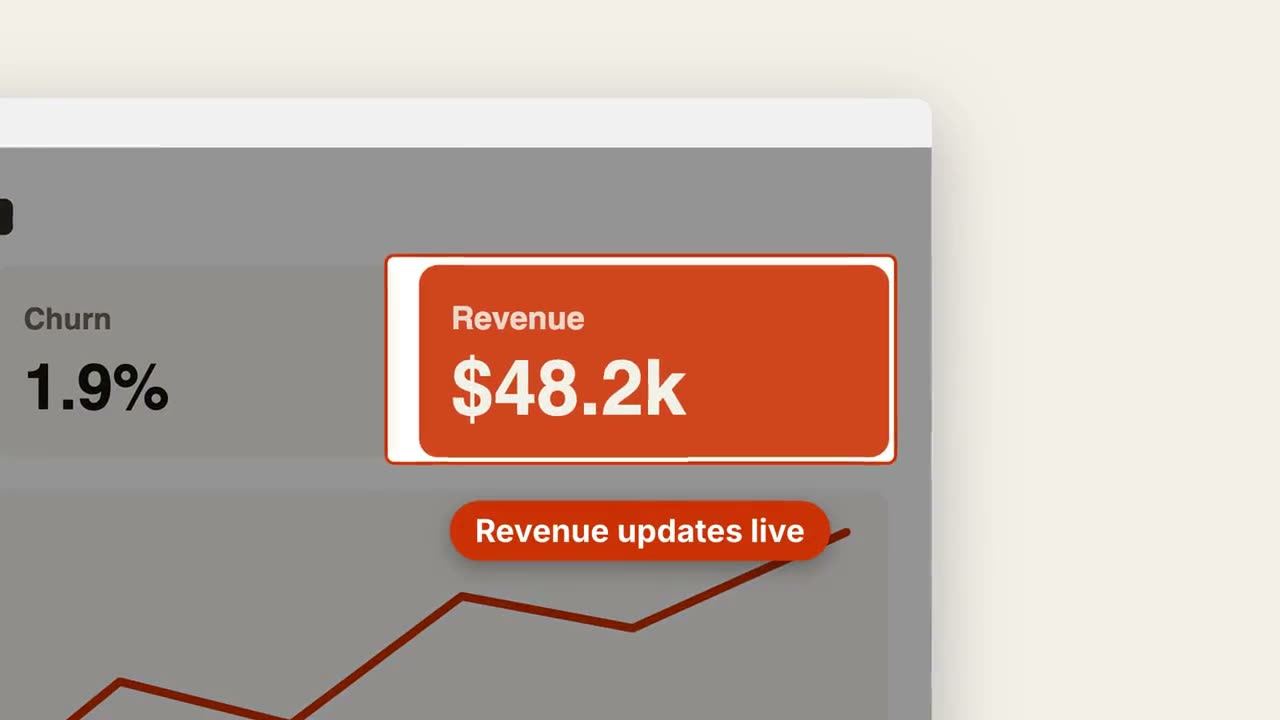
Screenshot-Zoom
In einen Bereich des Screenshots fahren, den Rest abdunkeln und darauf hinweisen.
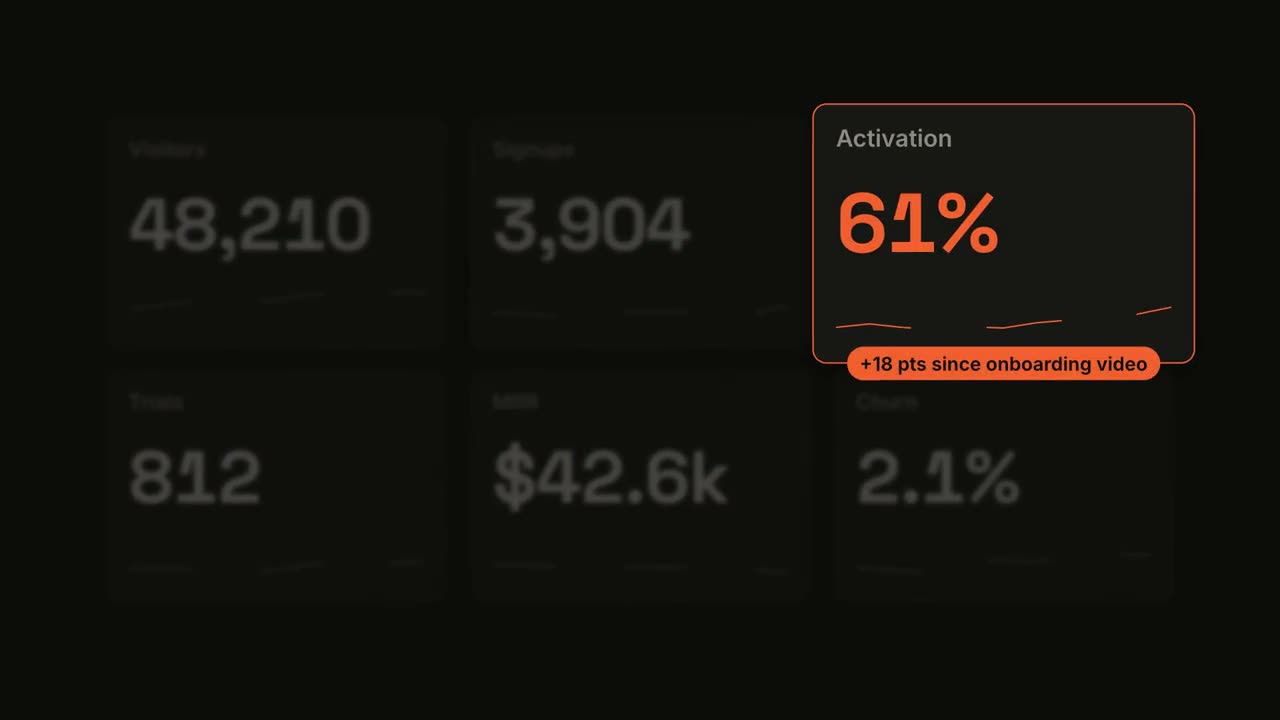
Kennzahl im Spotlight
Ein Dashboard zählt hoch, dann rückt eine Kachel ins Rampenlicht.
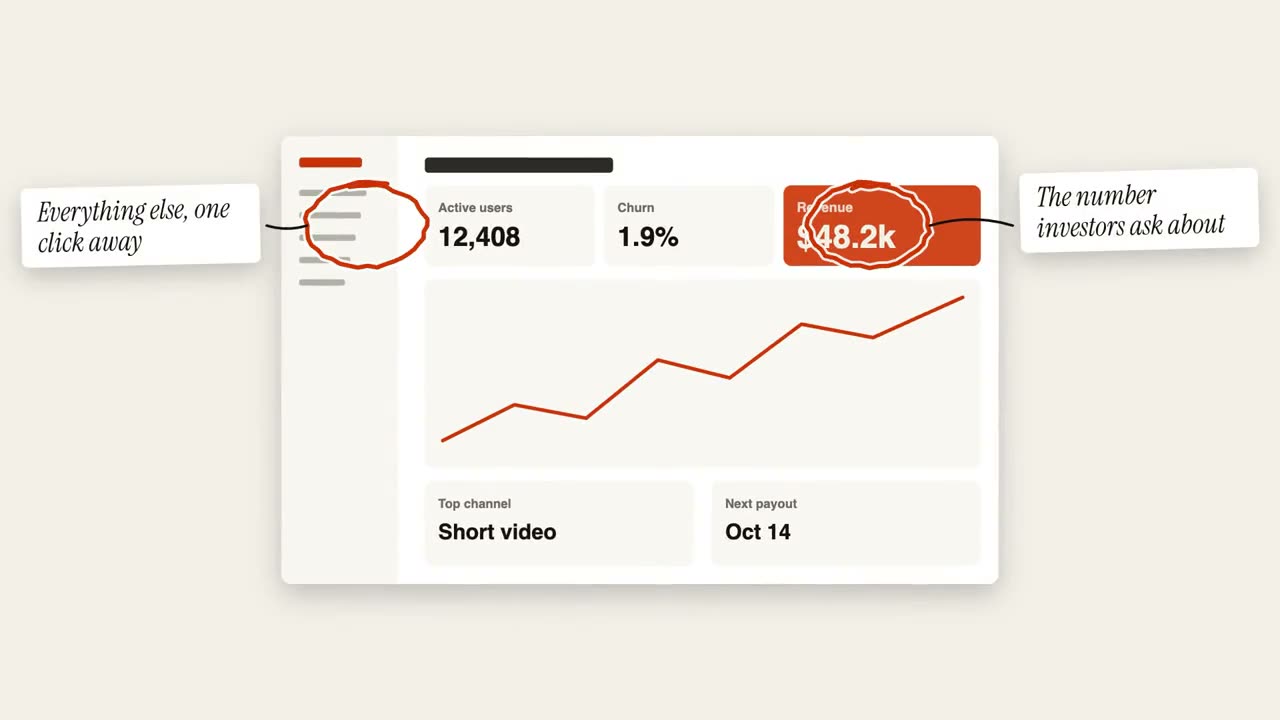
Kreis-Anmerkungen
Handgezeichnete Kreise und Haftnotizen markieren ein Bild.
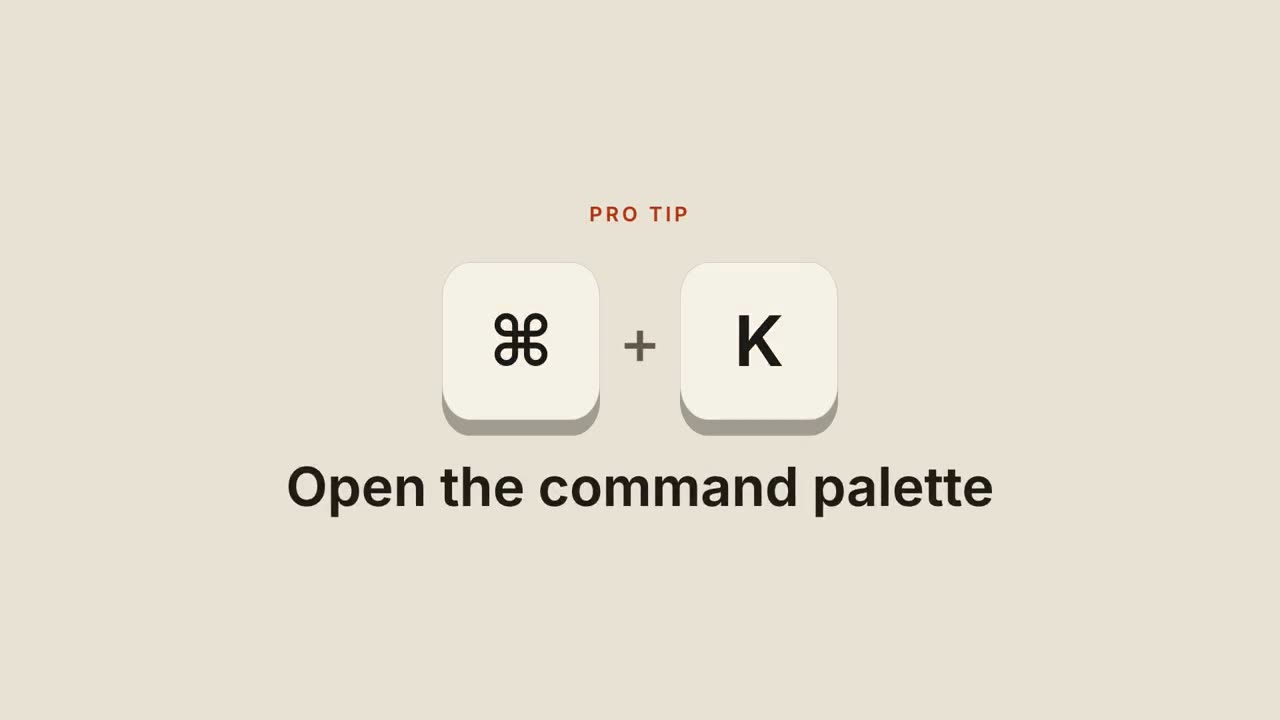
Tastenkürzel
Tasten fallen herein, werden gedrückt und zeigen, was das Kürzel tut.