Füge ihn in Claude Code, Codex, Cursor oder einen anderen Agenten ein, der Skills unterstützt.
Benötigt: Node.js 22+, FFmpeg, Chrome, etwa 2 GB für das Sprachmodell. Keine API-Schlüssel.
Andere Themes und Formate
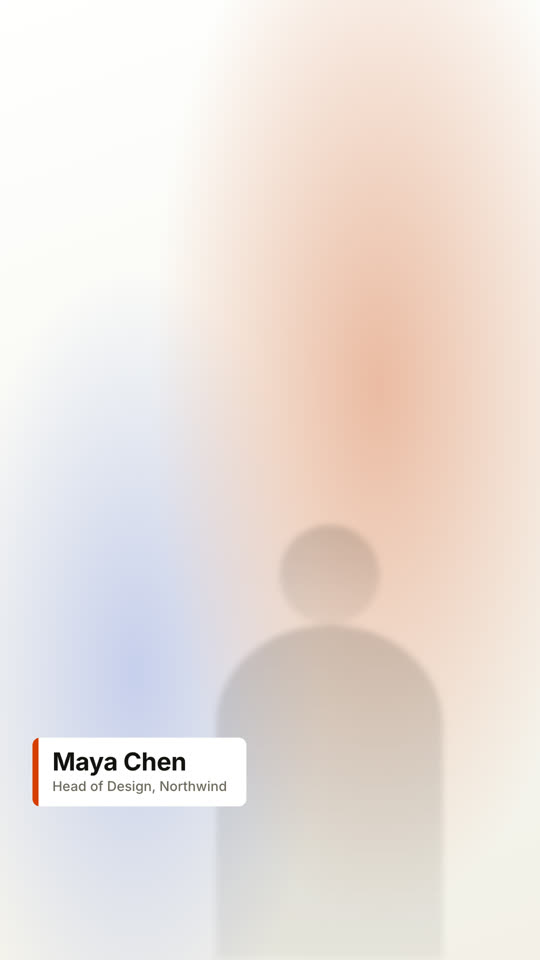
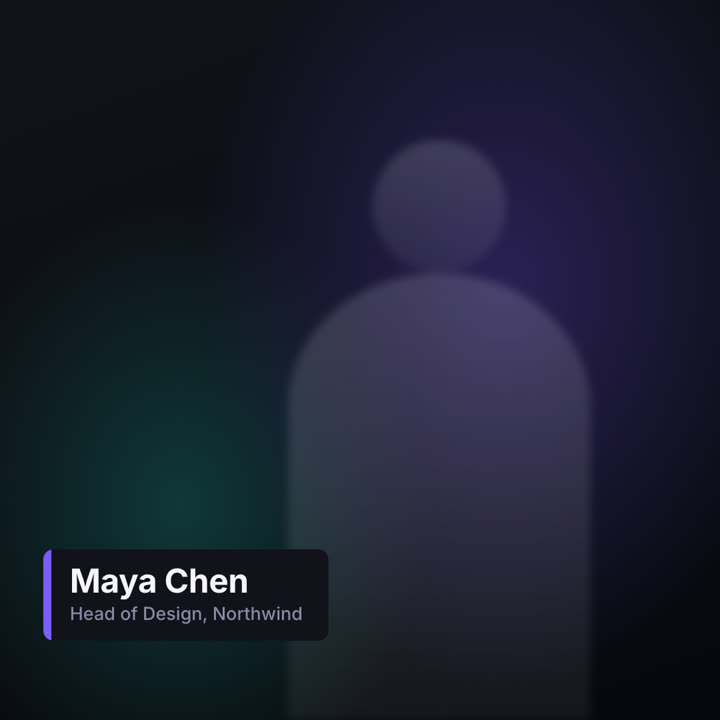
Theme: Papier · 9:16Theme: Elektrisch · 1:1
Schlussbilder desselben Templates, gerendert mit anderem Theme und Format.
5 Themes
Aa
Tinte · Standard
ink
Aa
Papier
paper
Aa
Elektrisch
electric
Aa
Noir
Aa
Sand
Nenne ein Theme im Prompt oder lege eigene Akzent-, Hintergrund- und Textfarben fest.
Installations-Prompt
Lies https://claude-motion.com/skills/lower-thirds/install.md, installiere damit den Skill „lower-thirds“ und mach anschließend ein erstes Video damit.
Füge ihn in Claude Code, Codex, Cursor oder einen anderen Agenten ein, der Skills unterstützt.
Beispiel-Prompt
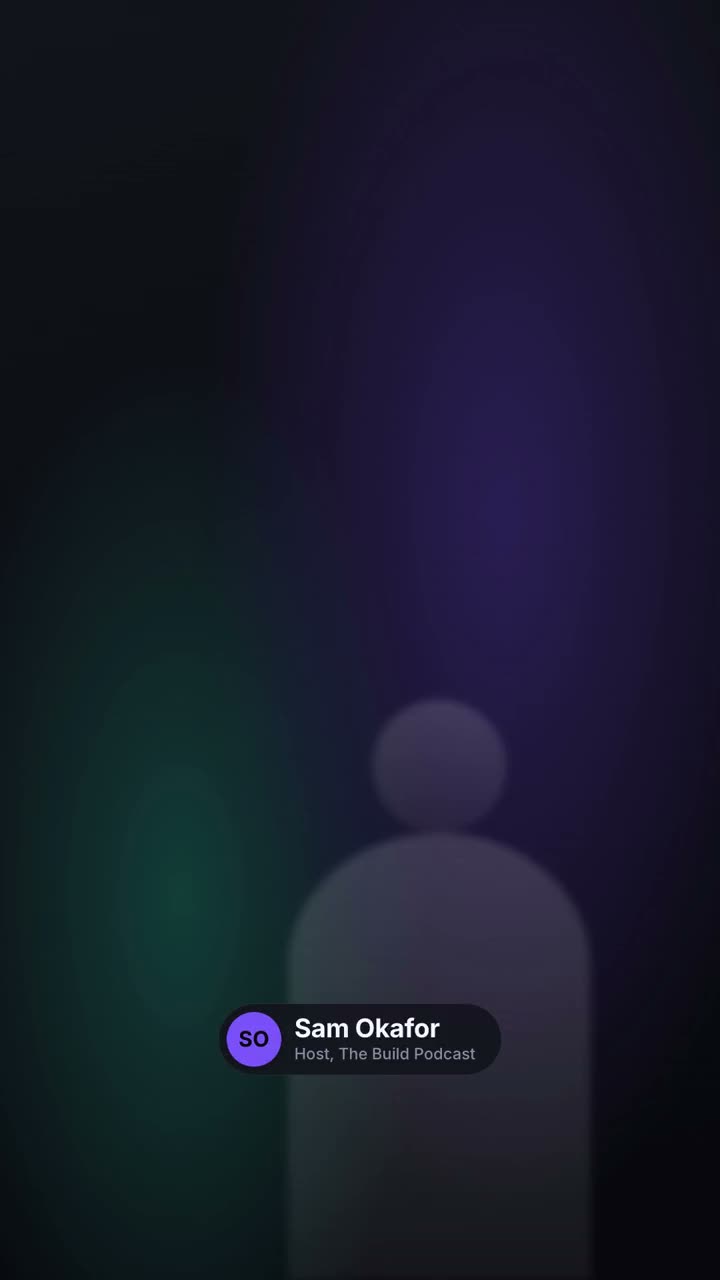
Use the lower-thirds skill to make a transparent overlay for our interview: name "Dr. Lena Ortiz", role "Chief Scientist, Helix", pill style, bottom left. Render it as a MOV with transparency.
Stil-Prompt (Claude Motion oder Opus 5.5)
Make a 6-second 16:9 lower third for [who will watch, e.g. viewers of our interview video], playing [where, e.g. over the speaker's first appearance]. Use only the name and title below. Over a softly blurred, warm-toned video backdrop, or over the clip I attach.

At 0.4s a slim orange vertical tab grows, then a dark rounded card wipes open from the left, revealing the name in bold white sans and the title in muted gray beneath, each sliding up slightly. Hold. End: the card wipes closed to the left at 4.7s.

Name and title: [e.g. Maya Chen, Head of Design, Northwind]
Attach (optional): [the clip it goes over]
Nichts zu installieren: in Claude Motion (Team oder Enterprise) einfügen oder Opus 5.5 geben, für einen ähnlichen Look. Das Ergebnis ändert sich mit jedem Lauf; der Skill liefert jedes Mal dasselbe.