← 用途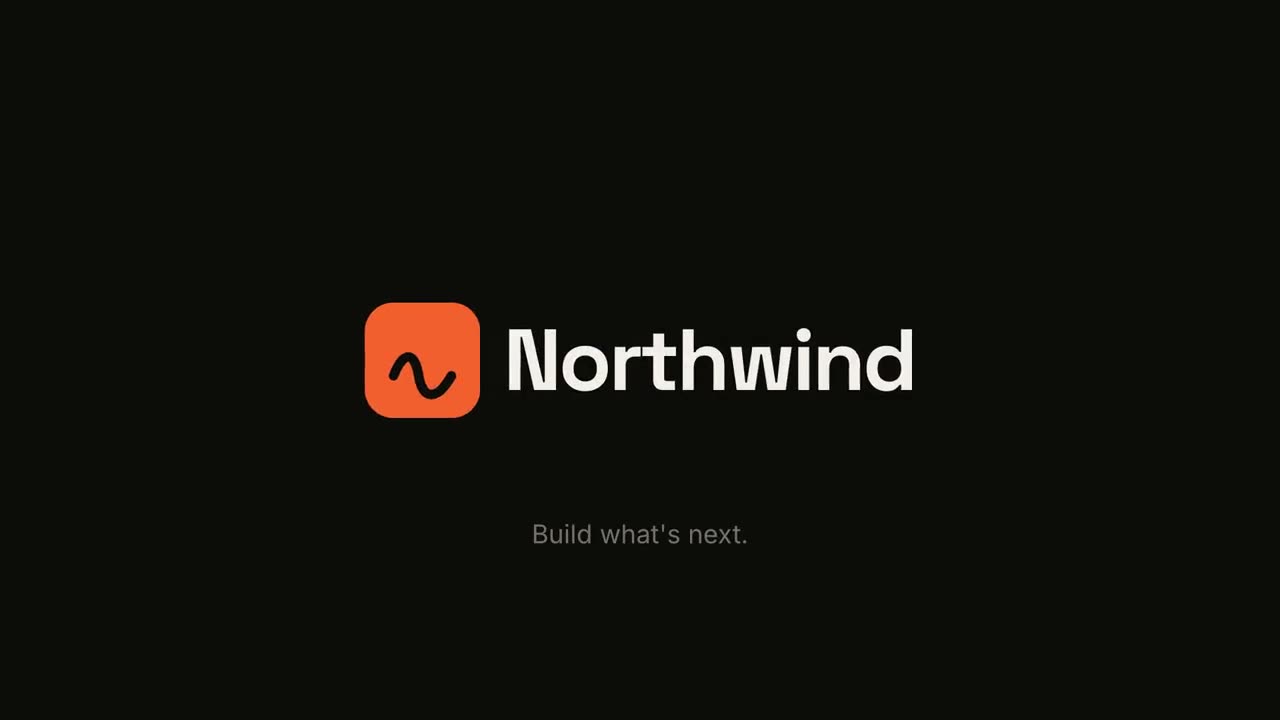

 Premium
 Premium
 Premium無料無料
 Premium
 Premium
オープニングとトランジション
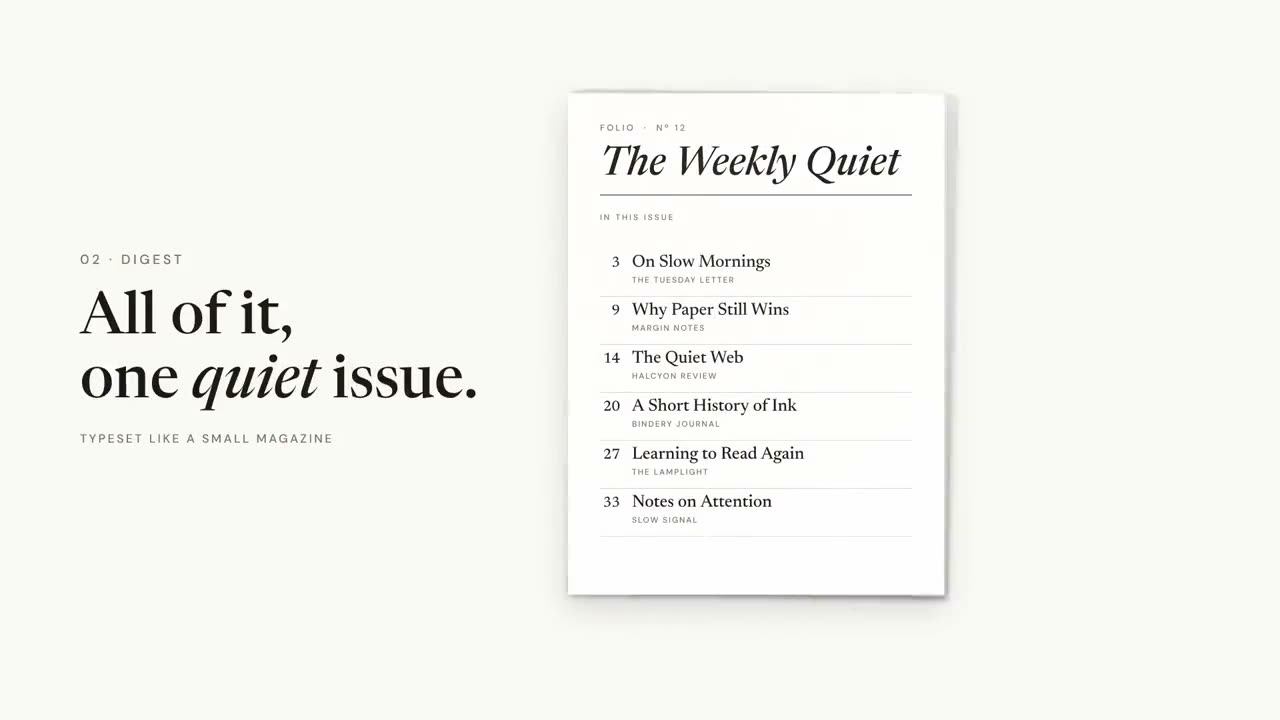
本編の間をつなぐパーツ:オープニングのロゴアニメーション、視聴者が迷わないチャプターカードやアジェンダバー、締めのまとめ。ブランドモーション設定でブランドを一度決めれば、すべてのパーツに反映されます。
手元の素材から完成動画まで
手元の素材をエージェントに渡せば、ワークフローが台本・演出・MP4 のレンダリングまで行います。

まずはこのプロンプトから
Claude Motion に貼り付けるか、対応する Skill をインストールしてエージェントに頼みましょう。
ロゴスティング & アウトロ
Skill を開く →無料スタイルプロンプト(Claude Motion または Opus 5.5)
Make a 5-second 16:9 logo sting for [who will watch, e.g. viewers of our videos], playing [where, e.g. at the end of every video]. Use only the logo, name and tagline I give below. Near-black background.

The logo mark punches in at the center with a slight rotation, an accent ring expands and fades, and twelve short rays burst outward. The mark then slides left while the wordmark in a bold geometric sans slides out from behind it. End frame: the tagline fades in below in gray and a soft light sweep passes across the lockup.

Attach: [your logo]
Name and tagline: [e.g. Northwind, "Build what's next."]
Accent color: [e.g. orange]
チャプタースタンプ
Skill を開く →無料スタイルプロンプト(Claude Motion または Opus 5.5)
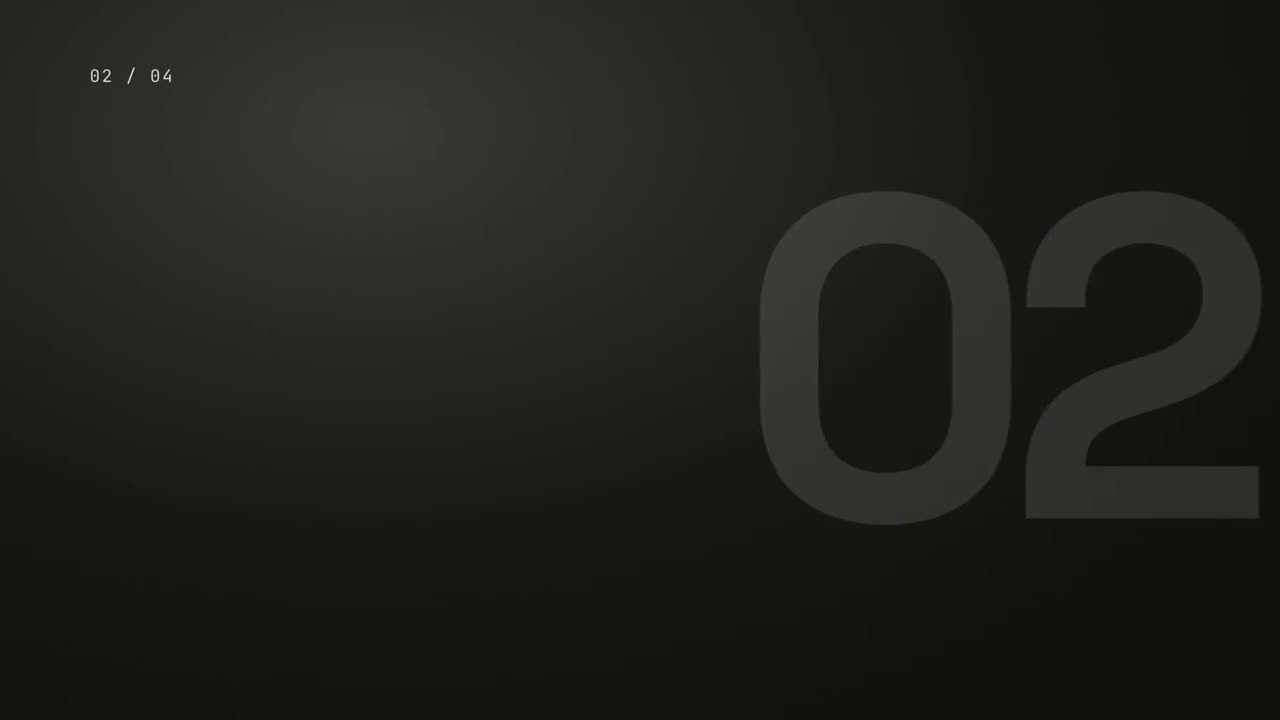
Make a 5-second 16:9 chapter card for [who will watch, e.g. viewers of our course], playing [where, e.g. at the start of each lesson]. Use only the number and chapter title below. Near-black background.

A huge serif number slams down from twice its size with a tiny camera shake. To its right, a short orange rule extends, a small gray uppercase "CHAPTER" tightens its letter spacing, and the chapter title rises word by word in a light serif. End frame: the number turns orange and the whole card slowly scales up.

Number: [e.g. 02]
Chapter title: [e.g. "Finding the hook"]
単体で使えるシーン
トランジションパック
スライド、画像、シーンをつなぐ 6 種類のトランジション。
トランジション16:9 / 9:16 / 1:1
マイルストーン・タイムライン
タイムラインが描かれ、その上にマイルストーンが現れます。
解説16:9 / 9:16 / 1:1
まとめウォール
要点のカードが飛んできて、番号付きの整った壁に並びます。
解説16:9 / 9:16 / 1:1
ロゴスティング & アウトロ
インパクトのあるブランドの登場、またはすっきりしたエンドカード。
ブランド16:9 / 9:16 / 1:1
チャプタースタンプ
巨大なチャプター番号がスタンプのように叩きつけられ、続いてタイトル。
解説16:9 / 9:16 / 1:1
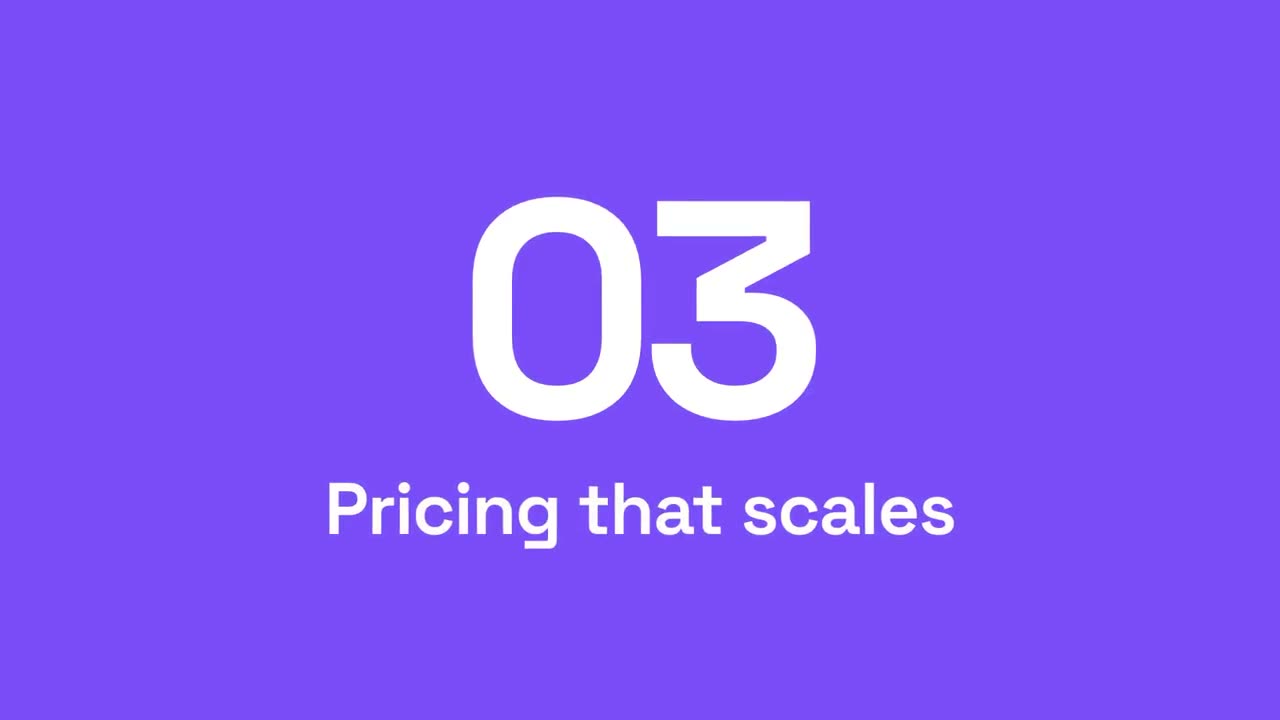
セクション番号ワイプ
アクセントのパネルが横切り、セクション番号が次へ切り替わります。
解説16:9 / 9:16 / 1:1
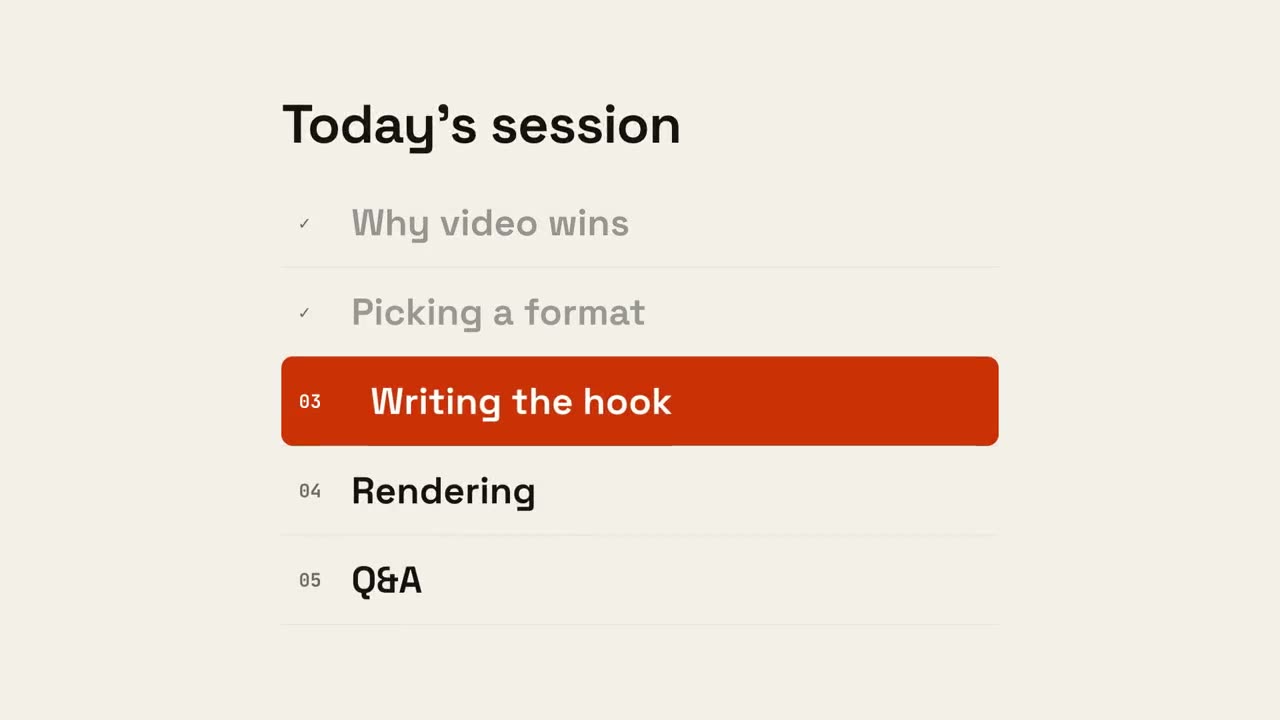
アジェンダ進行
アジェンダが現れ、終わった項目にチェックが入り、マーカーが次の項目へ移動します。
解説16:9 / 9:16 / 1:1