Data & charts
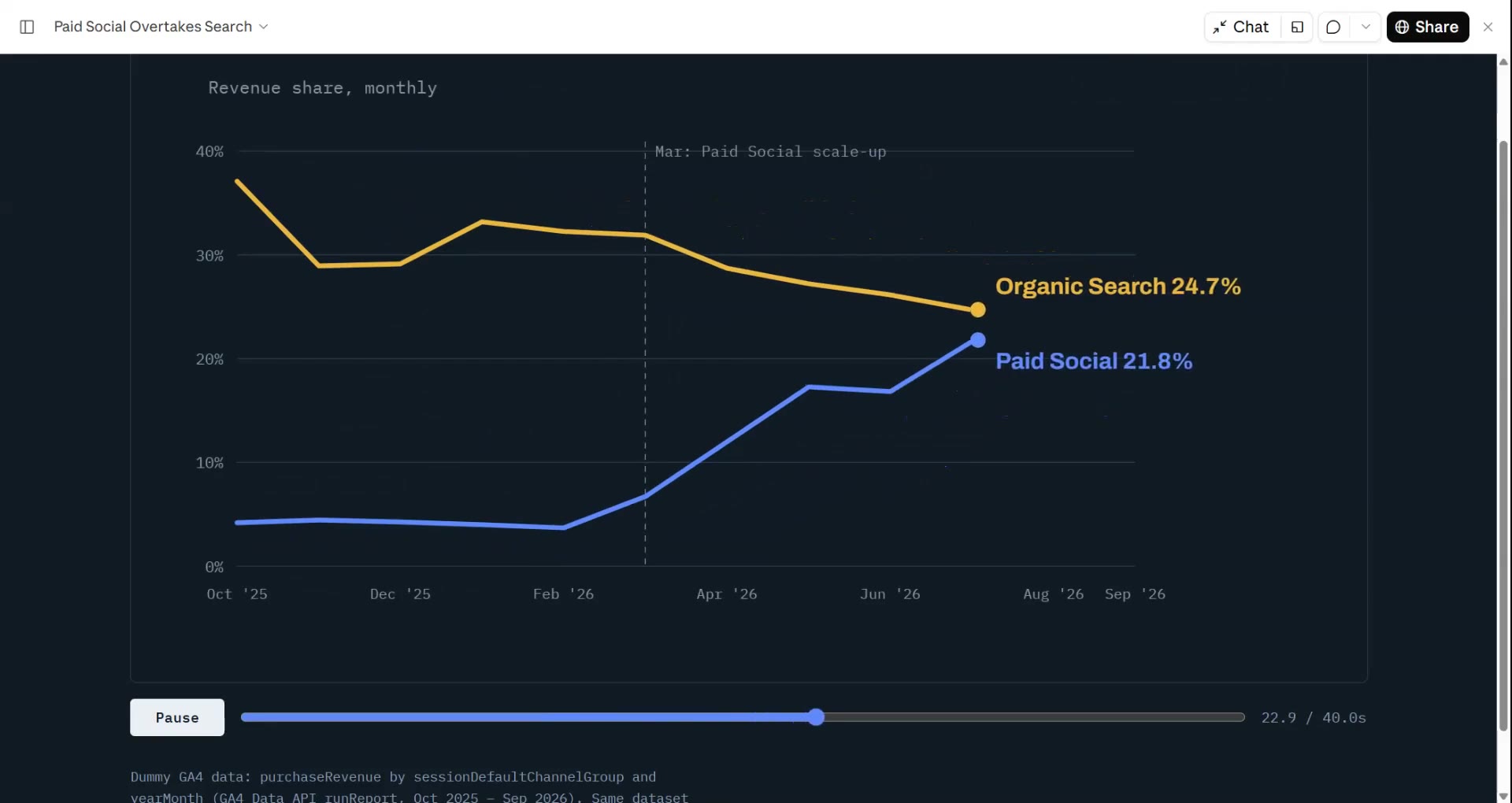
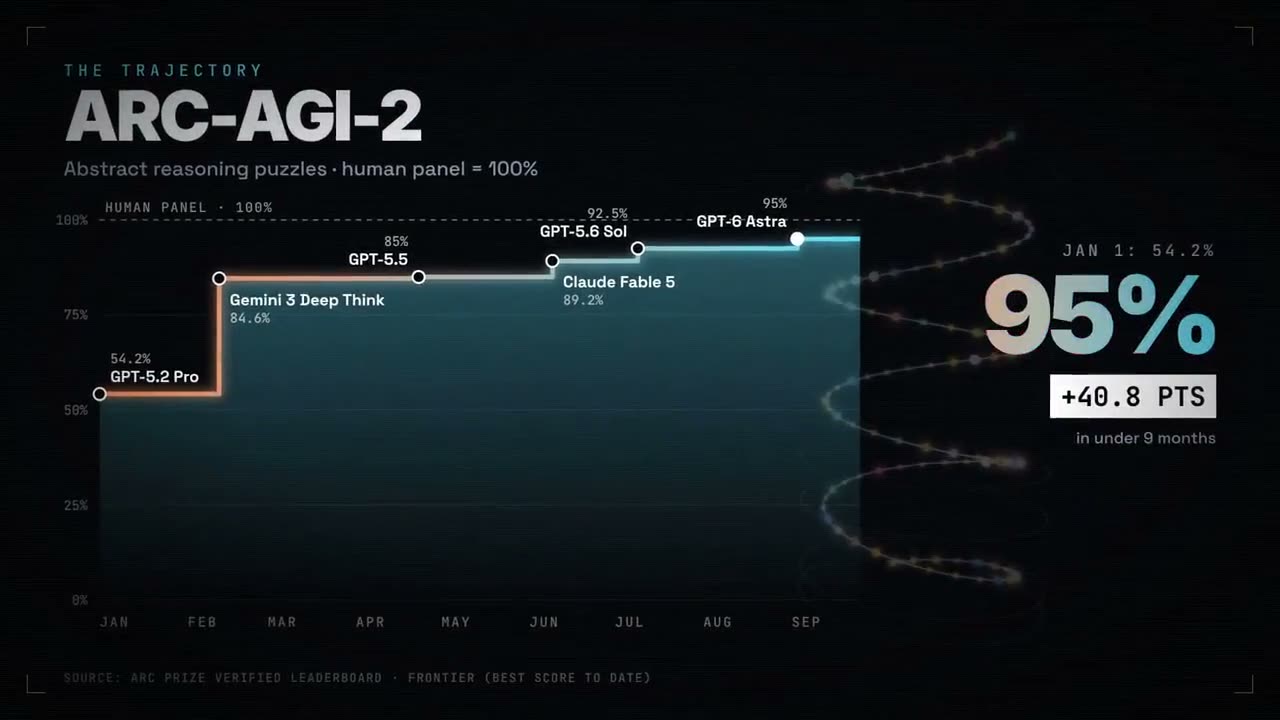
Hand your agent a CSV or spreadsheet and Data → Video finds the story (the trend, the biggest jump, the funnel leak) and renders it with counting numbers and charts that build themselves. Every number comes from your file.
From your material to a finished video
Give your agent what you have; the workflow writes, directs and renders the MP4.
Prompts to start with
Paste into Claude Motion, or install the matching skill and ask your agent.
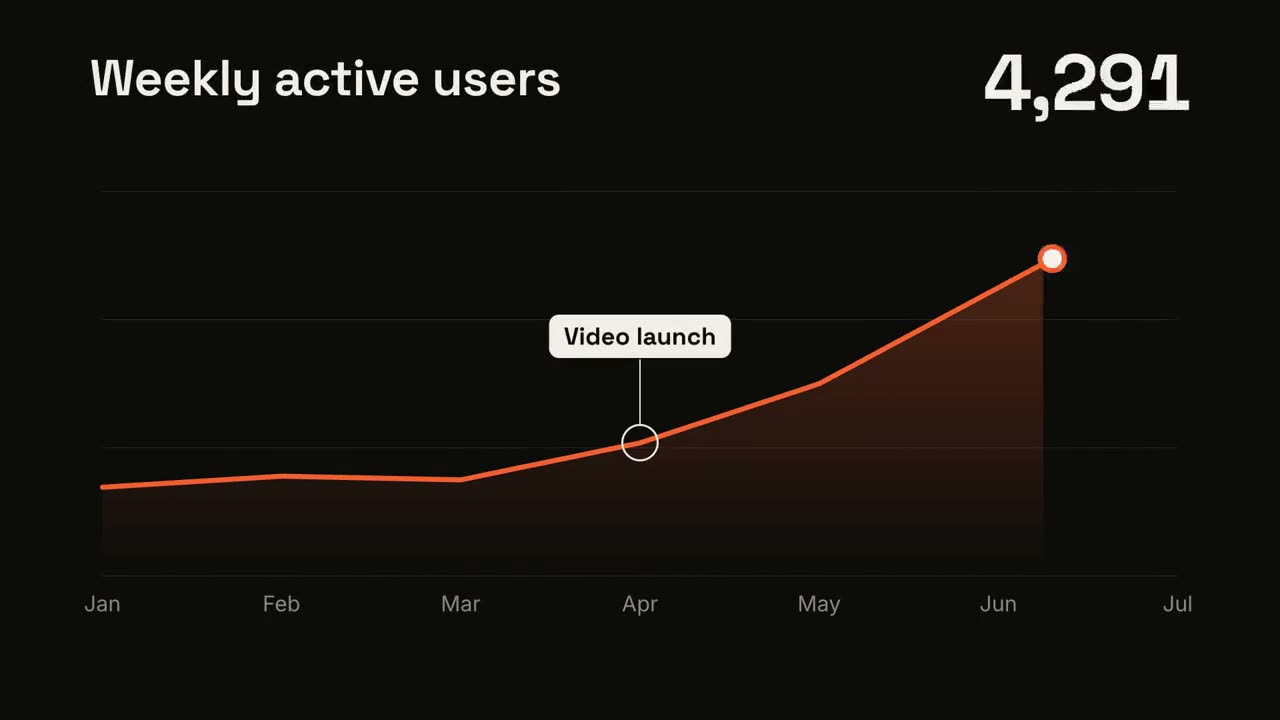
Line Trend
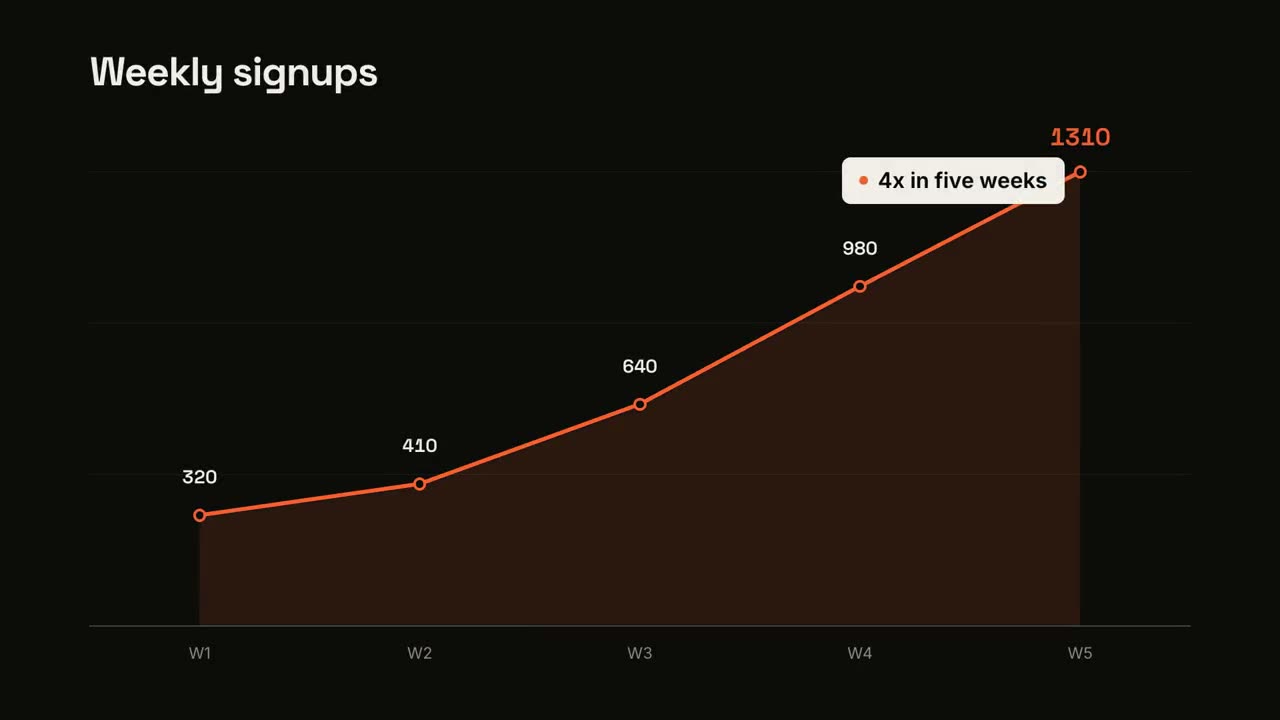
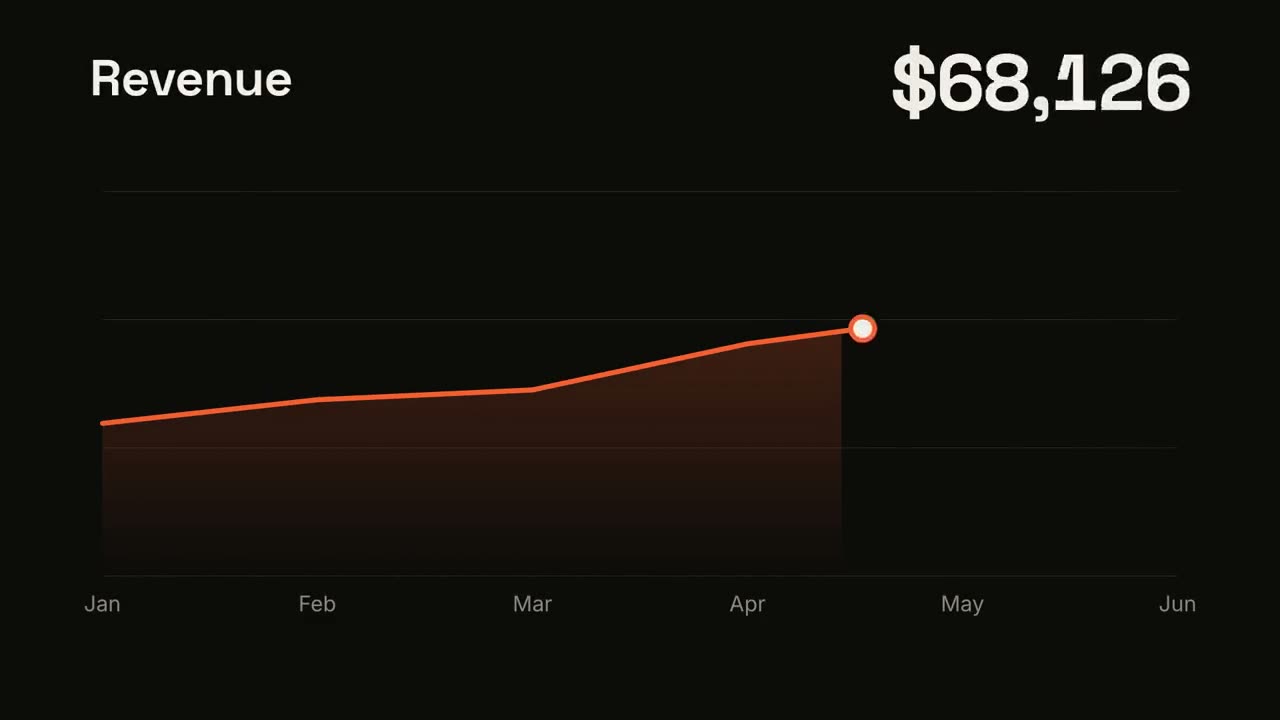
Open skill →FreeMake a 7-second 16:9 line chart for [who will watch, e.g. the board], playing [where, e.g. the quarterly review]. Use only the numbers I attach or list below; don't round or smooth them. Near-black background. The title sits top left and a large white number top right. An orange line draws from left to right across the period over a fading orange gradient fill, while a white dot with an orange halo rides the tip and the big number counts along with it. At the marked point, a white ring appears on the line with a thin stem and a white label. End frame: the big number turns orange, held for 1.5 seconds. Title: [e.g. "Weekly active users"] Data: [your periods and values] (e.g. Jan to Jul, 1,200 to 5,200) Marked point and label: [e.g. April, "Video launch"]
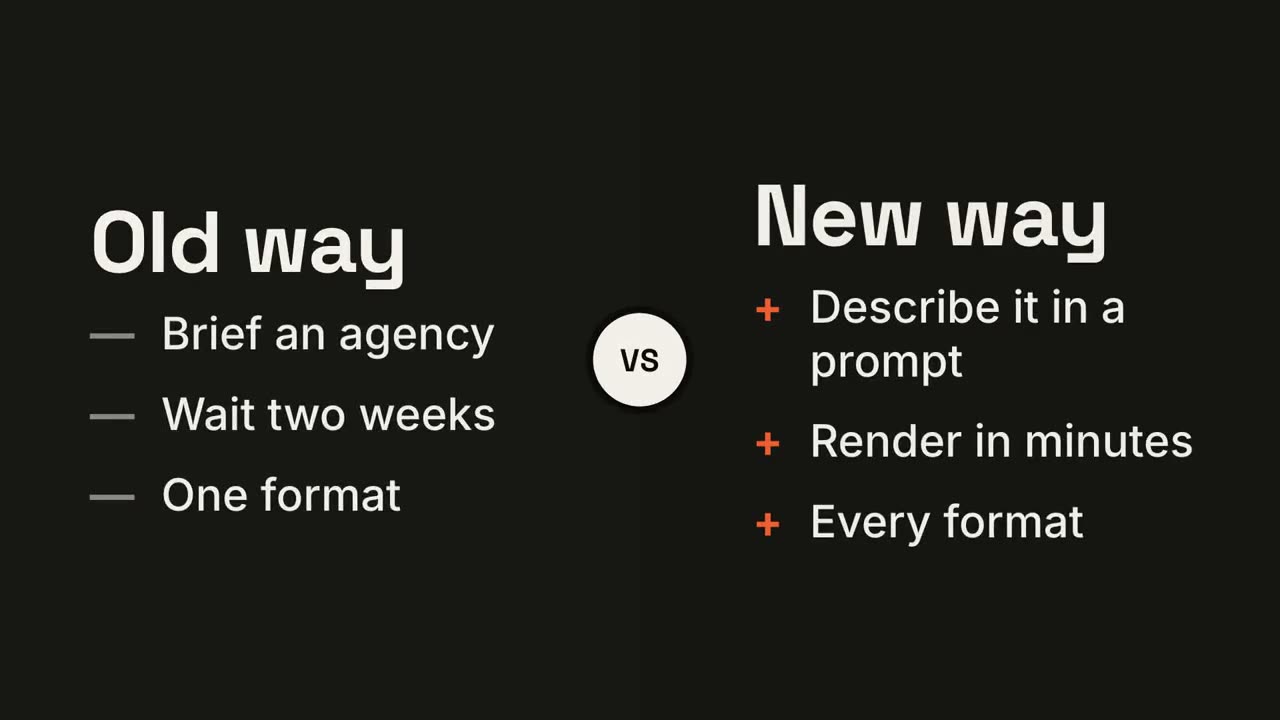
Versus Split
Open skill →FreeMake a 7-second 16:9 comparison for [who will watch, e.g. prospects deciding between us and an agency], playing [where, e.g. the sales deck]. Use only the two titles and six points below; don't reword them. Near-black background. The frame splits into two dark panels that slide in from the left and right. A white circular "VS" badge spins into the center. The left panel lists its three points with dashes; the right panel lists its three with orange plus signs. End frame: the right panel floods orange with black text and scales up slightly while the left panel dims. Left title and points: [e.g. "Old way": "Brief an agency", "Wait two weeks", "One format"] Right title and points: [e.g. "New way": "Describe it in a prompt", "Render in minutes", "Every format"]
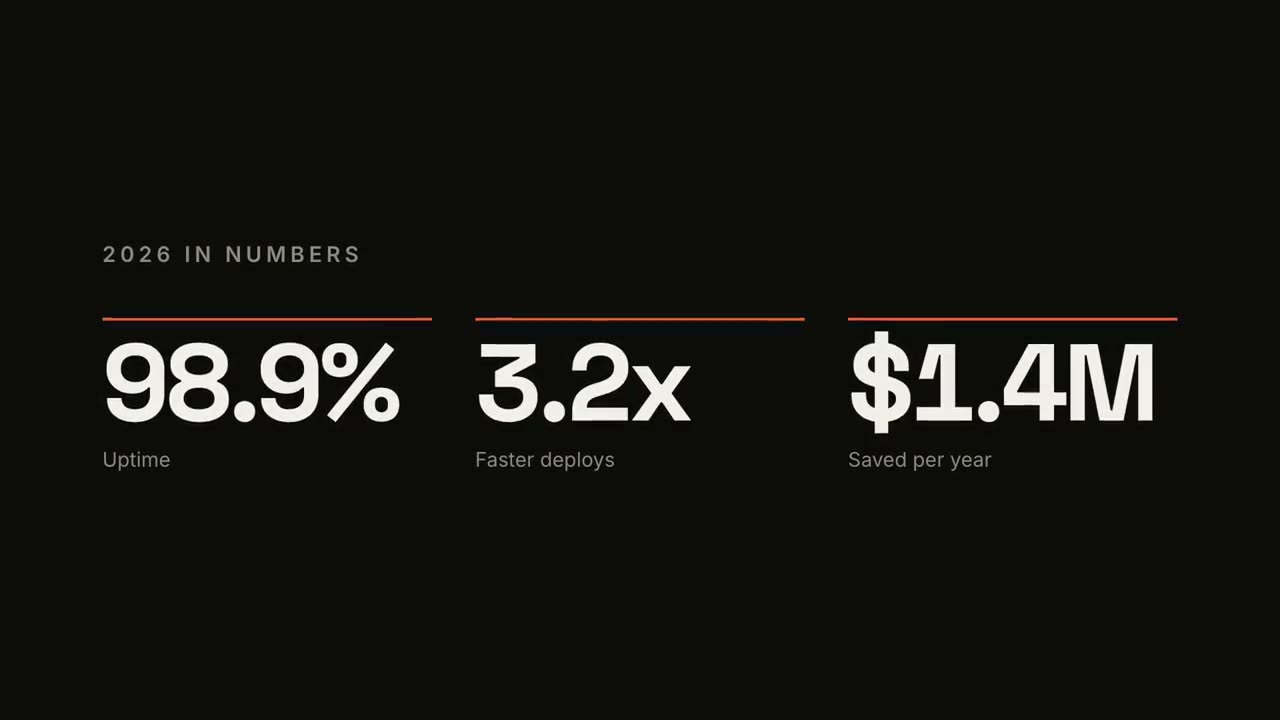
KPI Counter
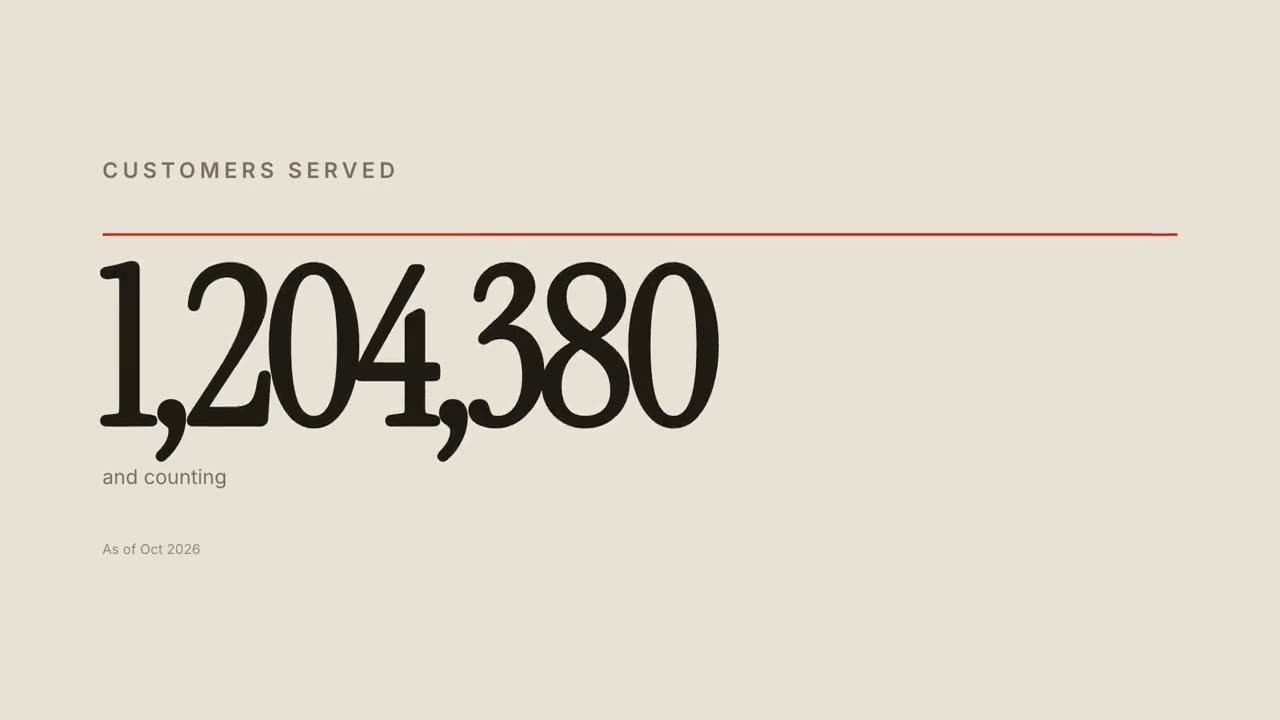
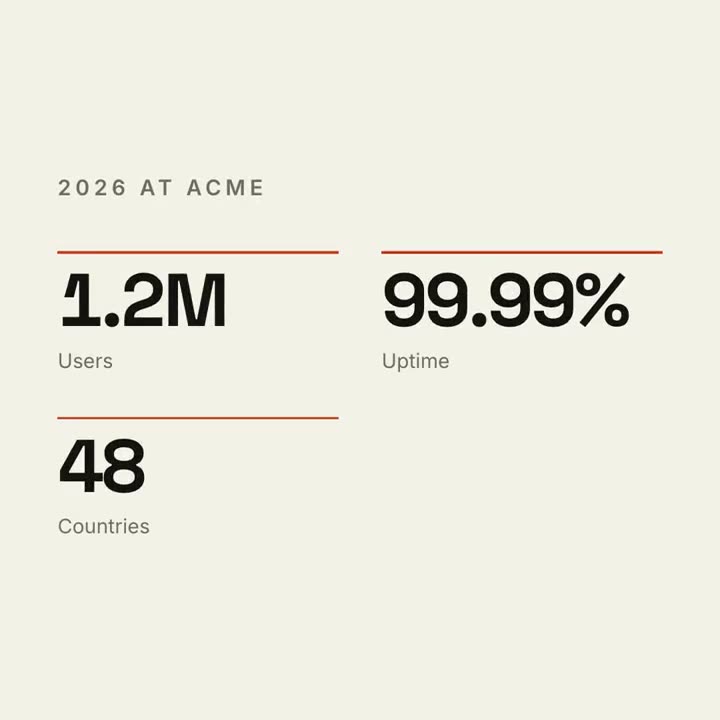
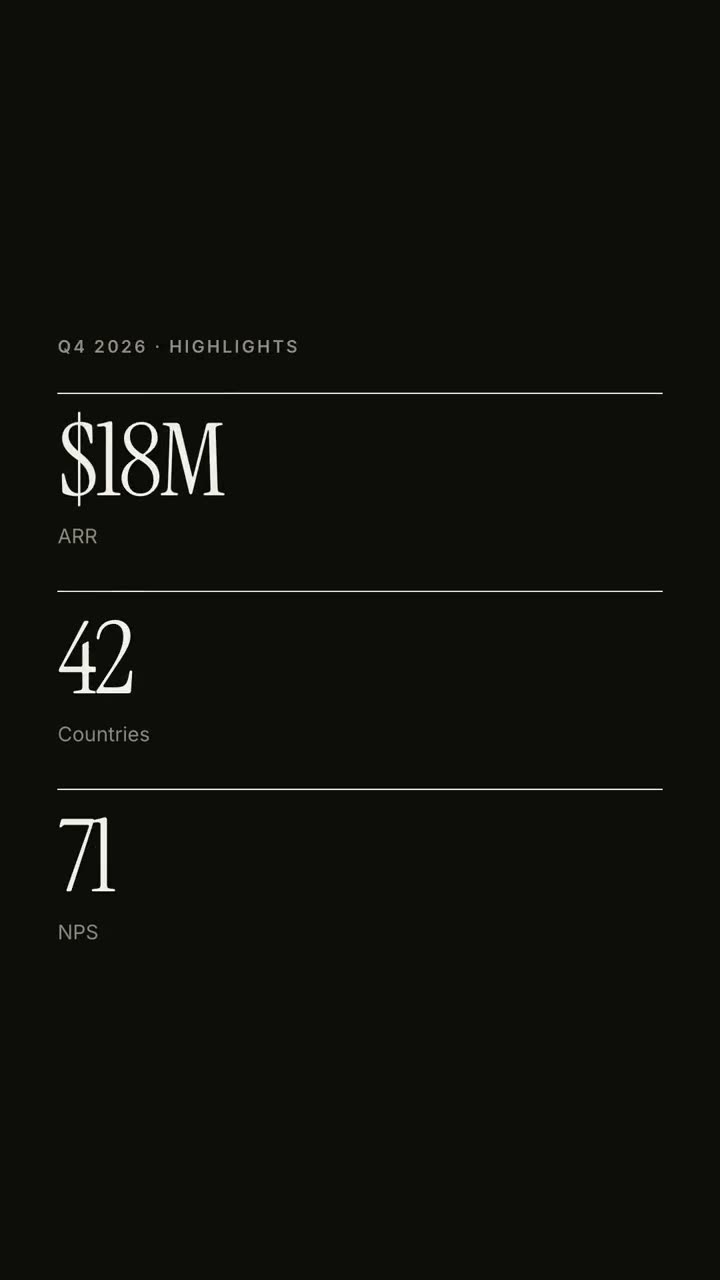
Open skill →FreeMake a 7-second 16:9 stat animation for [who will watch, e.g. customers reading our year in review], playing [where, e.g. the newsletter and LinkedIn]. Use only the numbers below; don't round or change them. Near-black background. A small uppercase gray title tightens its letter spacing as it fades in. Three columns appear one after another: each has a thin orange bar that sweeps across, then a huge off-white number counts up from zero, with a gray label beneath. End frame: hold on the final numbers. Title: [e.g. "2026 IN NUMBERS"] Three numbers and labels: [e.g. "98.9%" Uptime, "3.2x" Faster deploys, "$1.4M" Saved per year]
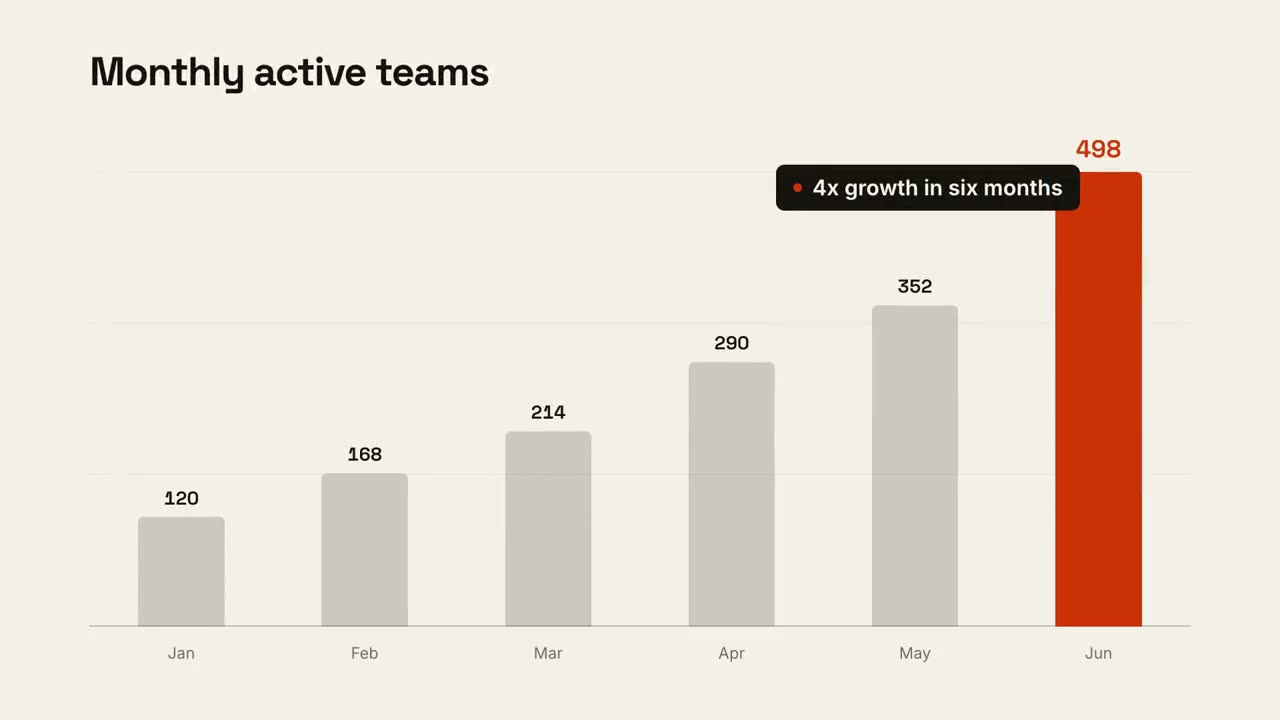
Data Chart Story
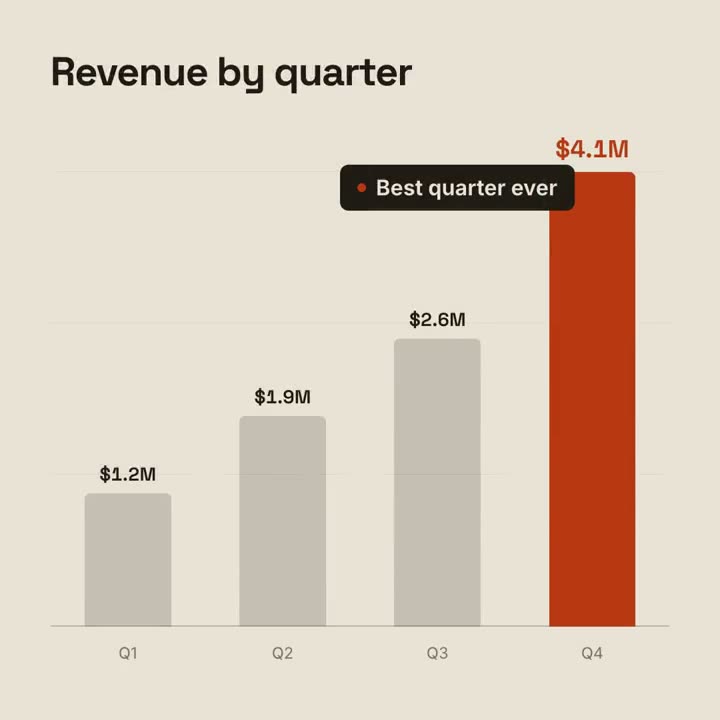
Open skill →FreeMake a 9-second 16:9 animated bar chart for [who will watch, e.g. investors], playing [where, e.g. the monthly update]. Use only the numbers I attach or list below; don't round or change any of them. Warm off-white background, bold geometric sans. The title fades in at the top left. A baseline draws across and faint gridlines appear. The gray bars grow one after another with their values counting up above them; the last bar is orange-red with its value in the same accent. End frame: a black pill with an orange dot slides in near the last bar with the takeaway, held for 2 seconds. Title: [e.g. "Monthly active teams"] Data: [your labels and values] (e.g. Jan–Jun: 120, 168, 214, 290, 352, 498) Takeaway: [e.g. "4x growth in six months"]
Single scenes for this
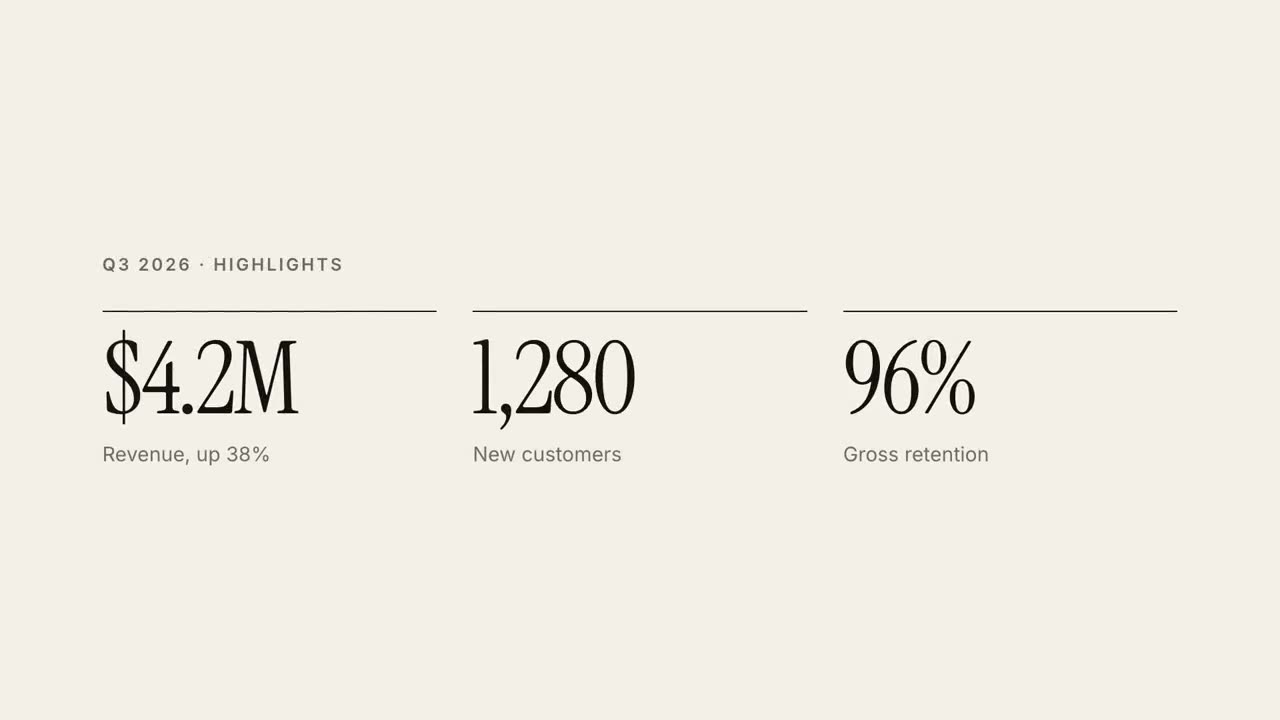
30s Report Explainer
A quarterly report as a 30-second editorial explainer.
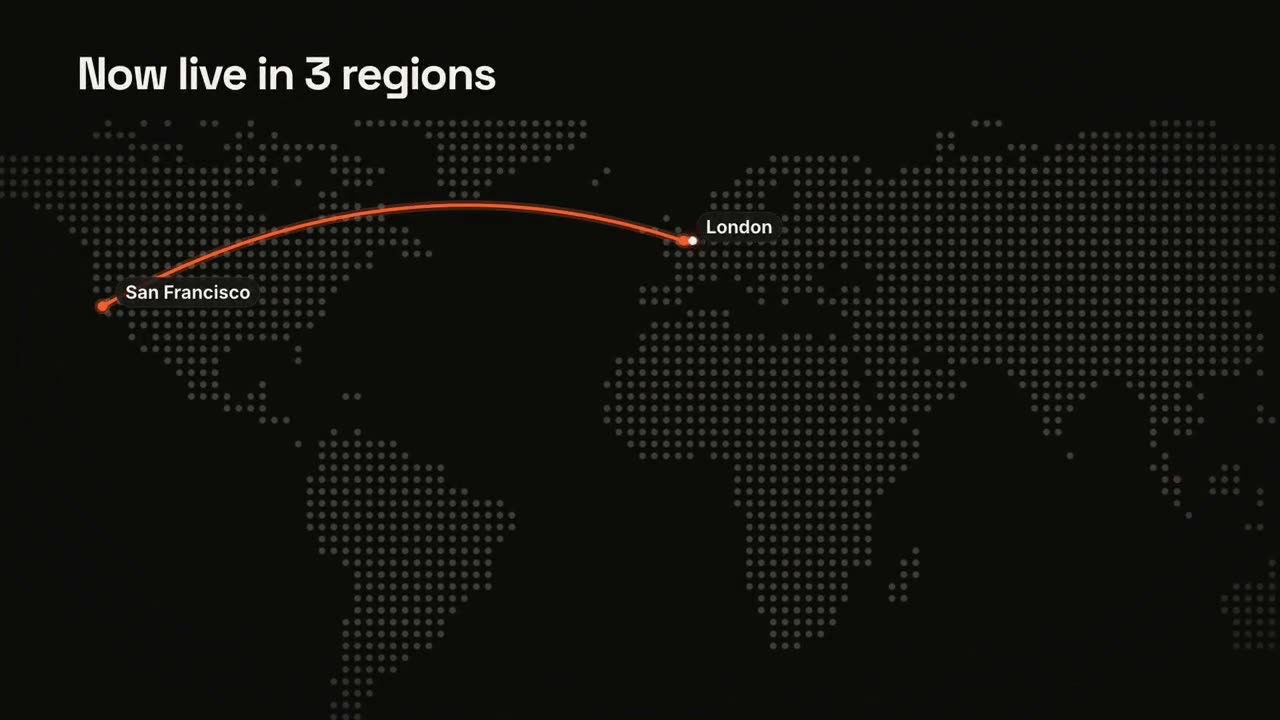
Maps & Routes
A dot-matrix world map with an animated route.
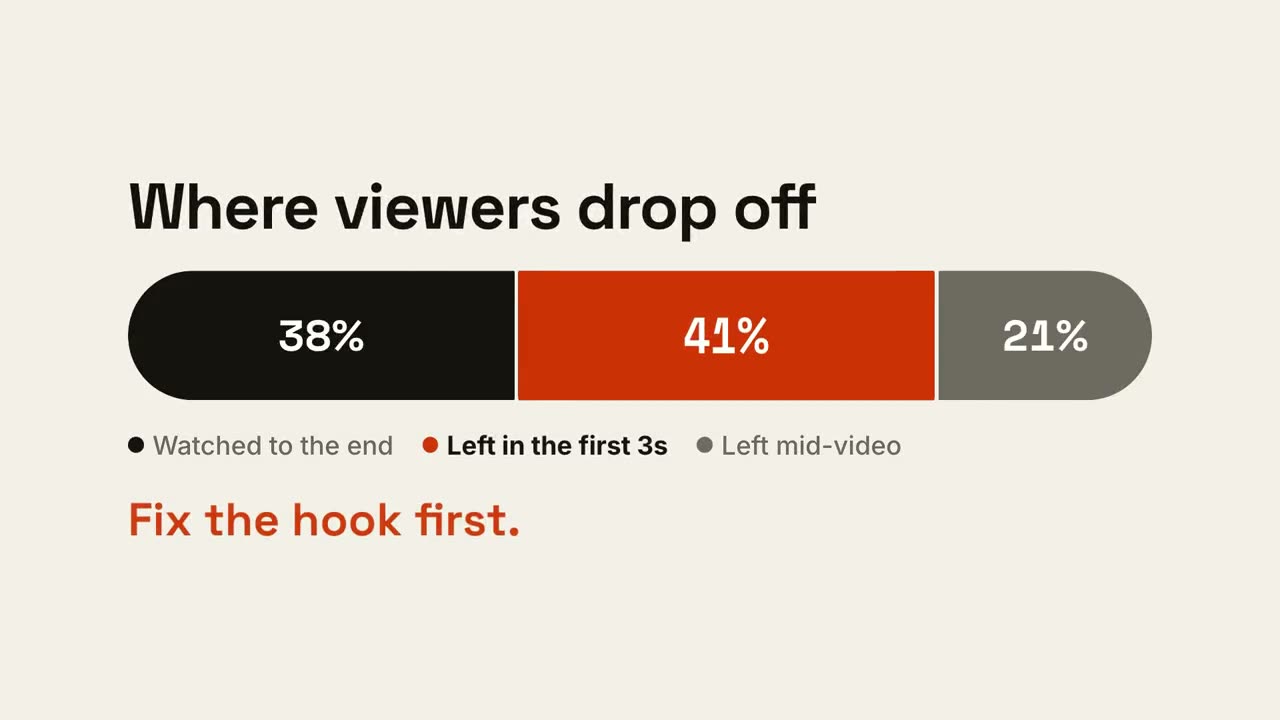
Ratio Bar
One bar splits into shares, then the part that matters gets called out.
Data Chart Story
An animated bar or line chart that lands one takeaway.
KPI Counter
Up to four headline numbers that count up.
Versus Split
Two sides wipe open around a VS badge, and the winner lights up.
Line Trend
A line draws with a running value, and one moment gets annotated.
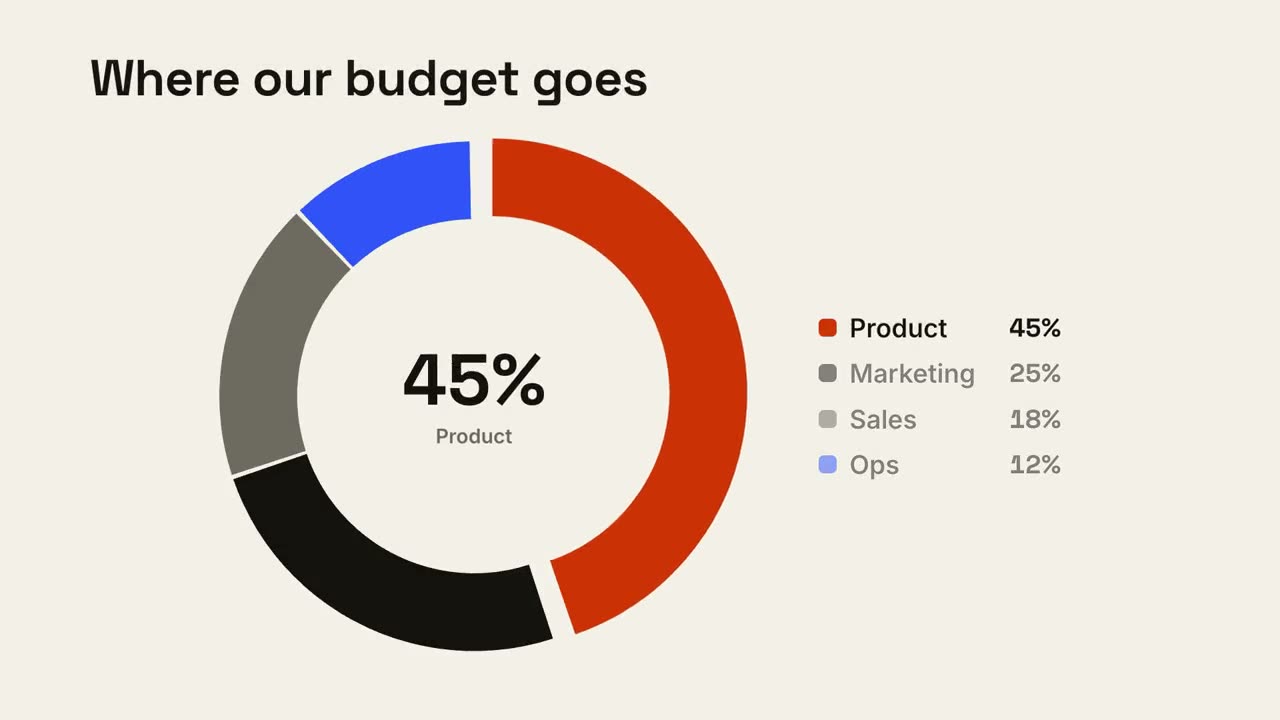
Donut Breakdown
A donut chart draws itself and the biggest slice pops out.
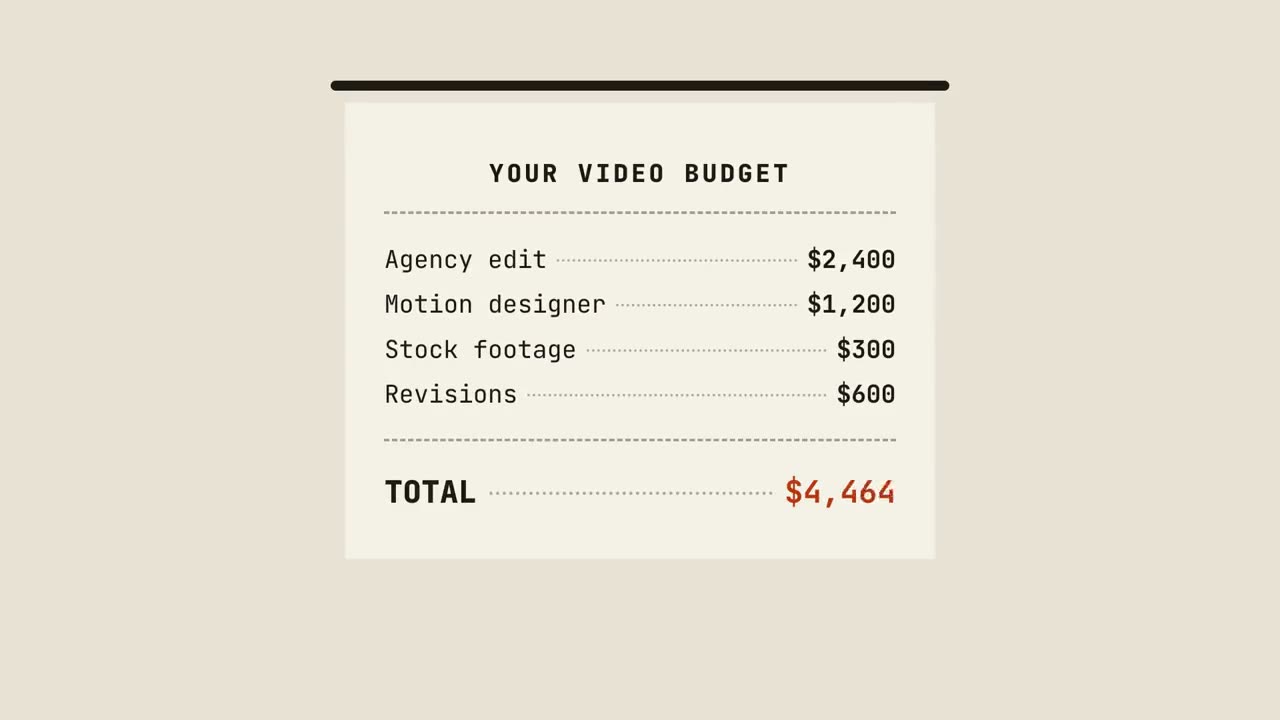
Receipt Tally
A receipt prints line by line, totals up, and gets stamped.
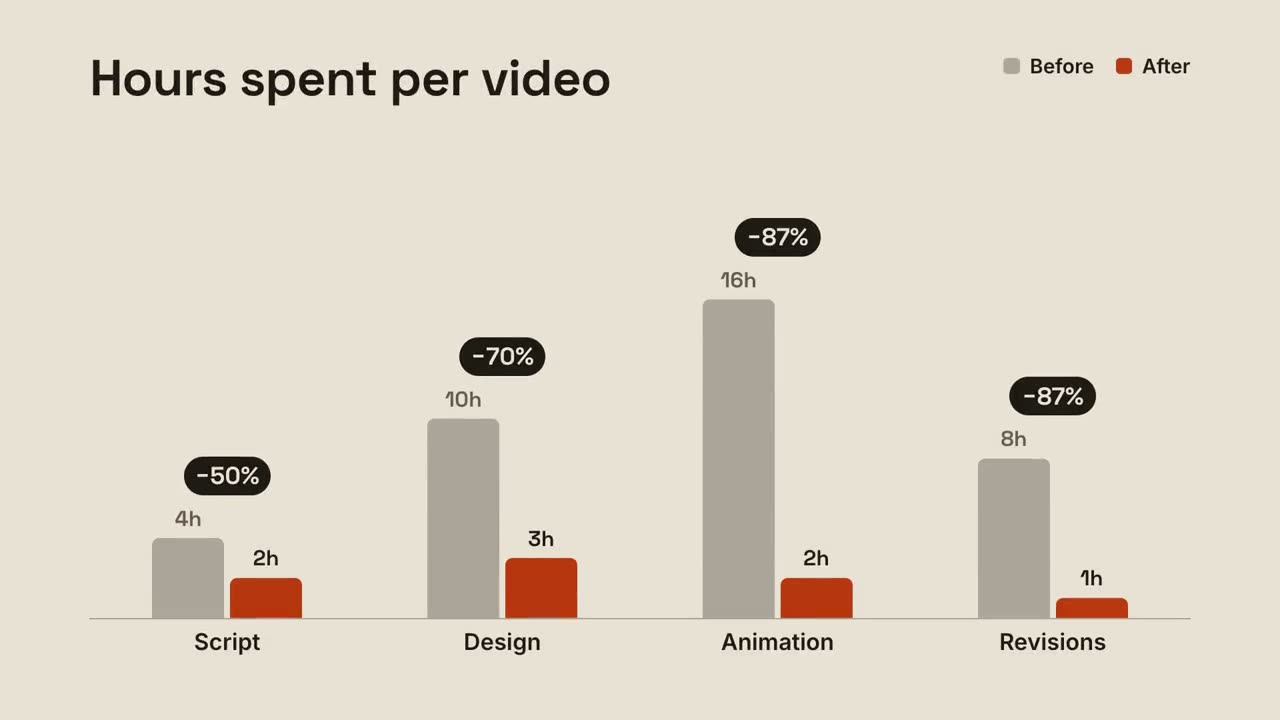
Grouped Bars
Before-and-after bars per group, with the change popping above each pair.
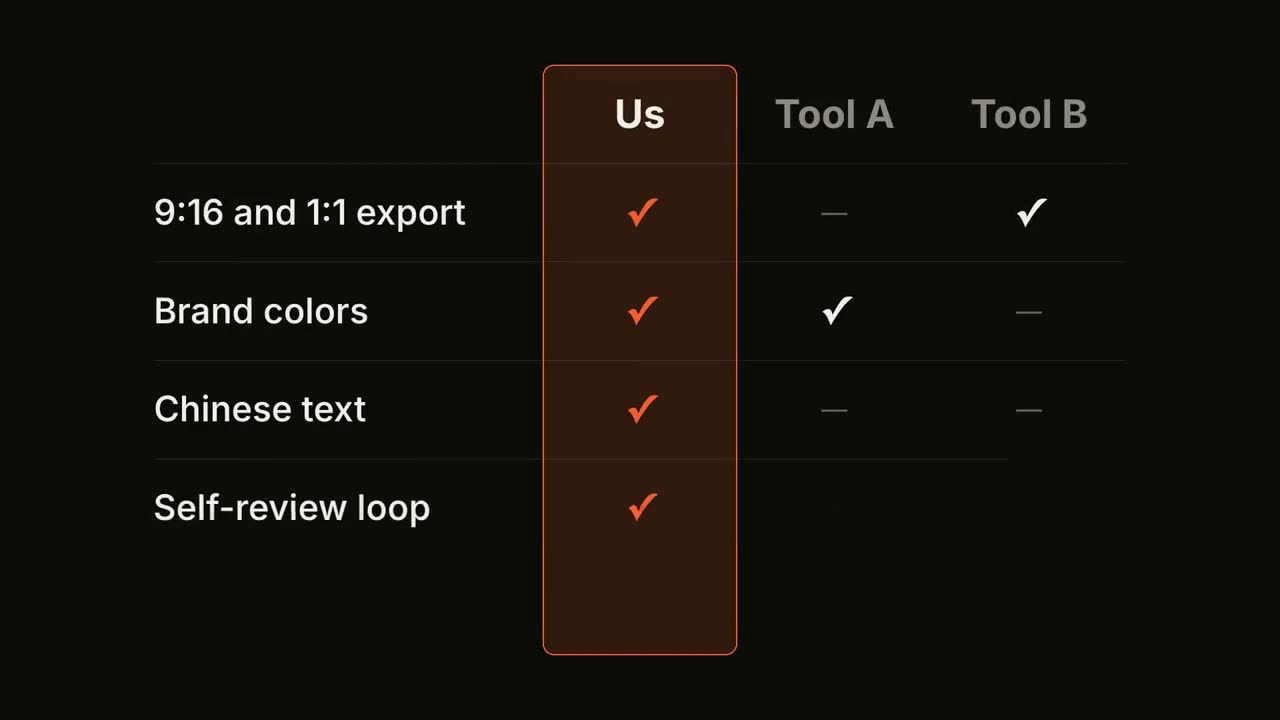
Feature Matrix
A comparison table fills row by row, with your column highlighted.
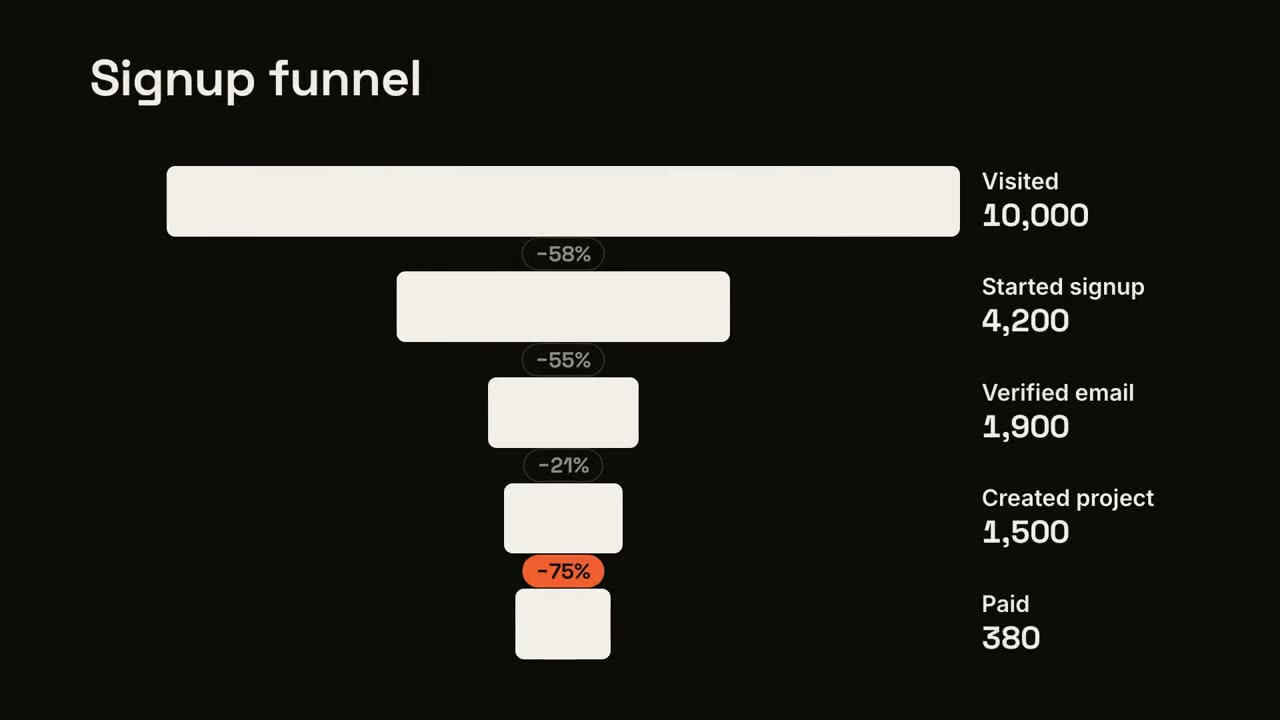
Funnel Drop-off
Funnel stages narrow down, and the worst leak gets flagged.
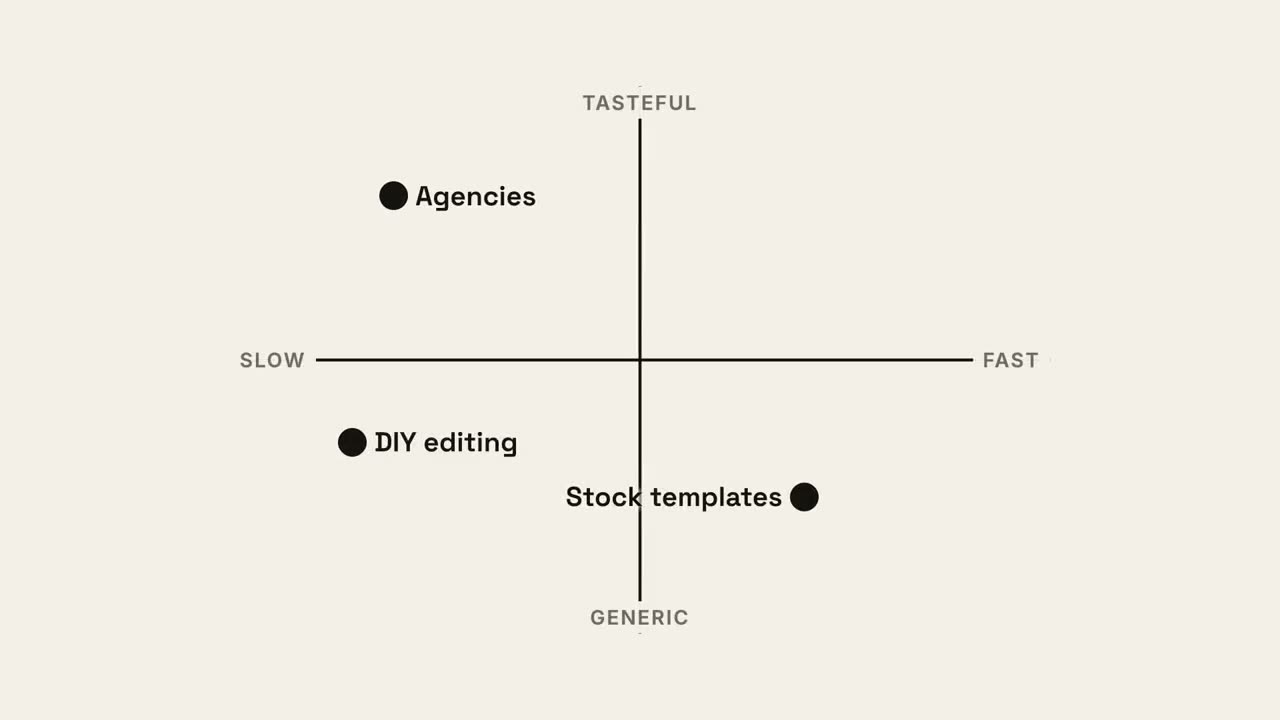
Quadrant Map
A 2×2 positioning map where your dot claims the best quadrant.
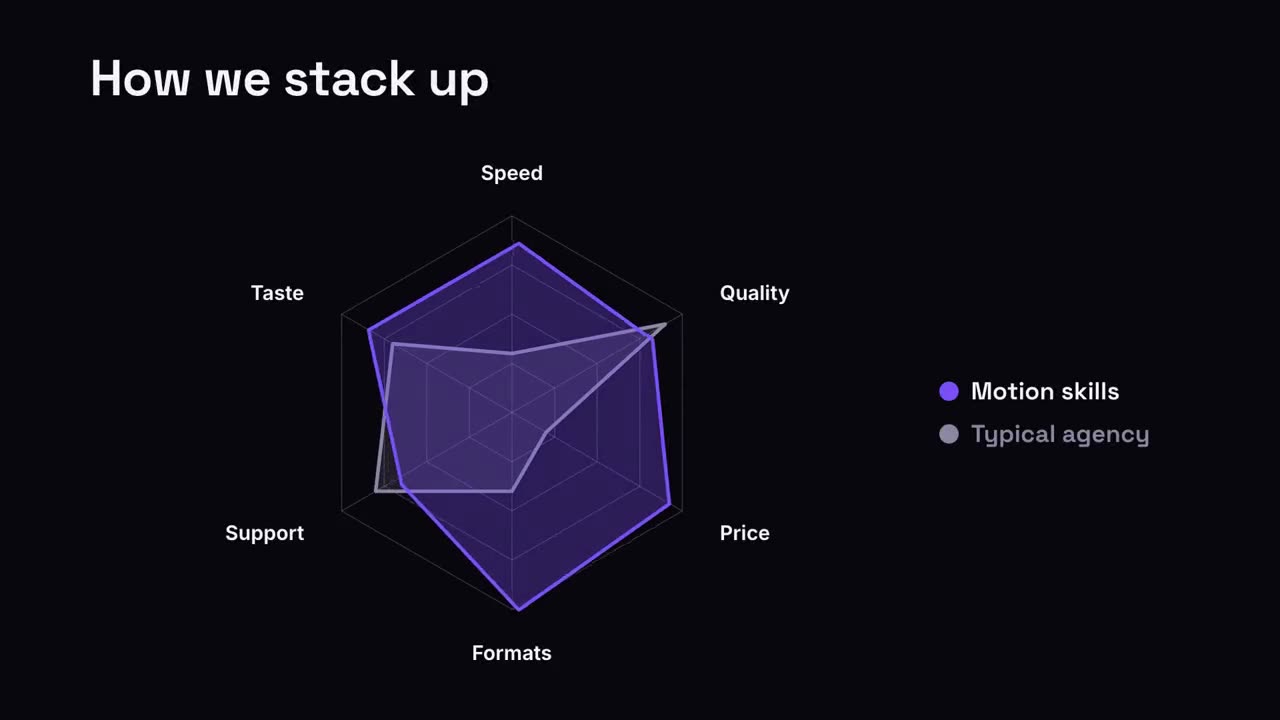
Radar Compare
A spider chart where your shape outgrows the comparison.
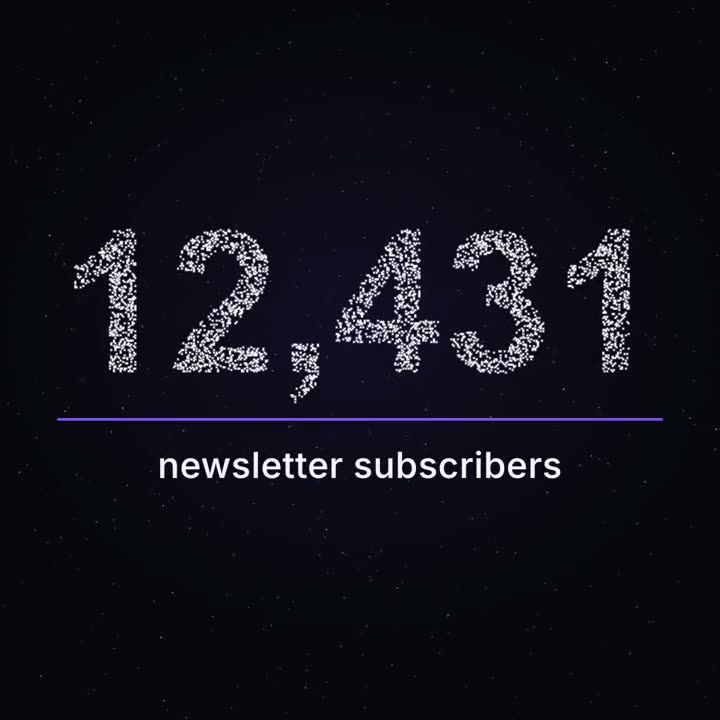
Milestone Particles
Thousands of points drift like a night sky, then gather into your real number.