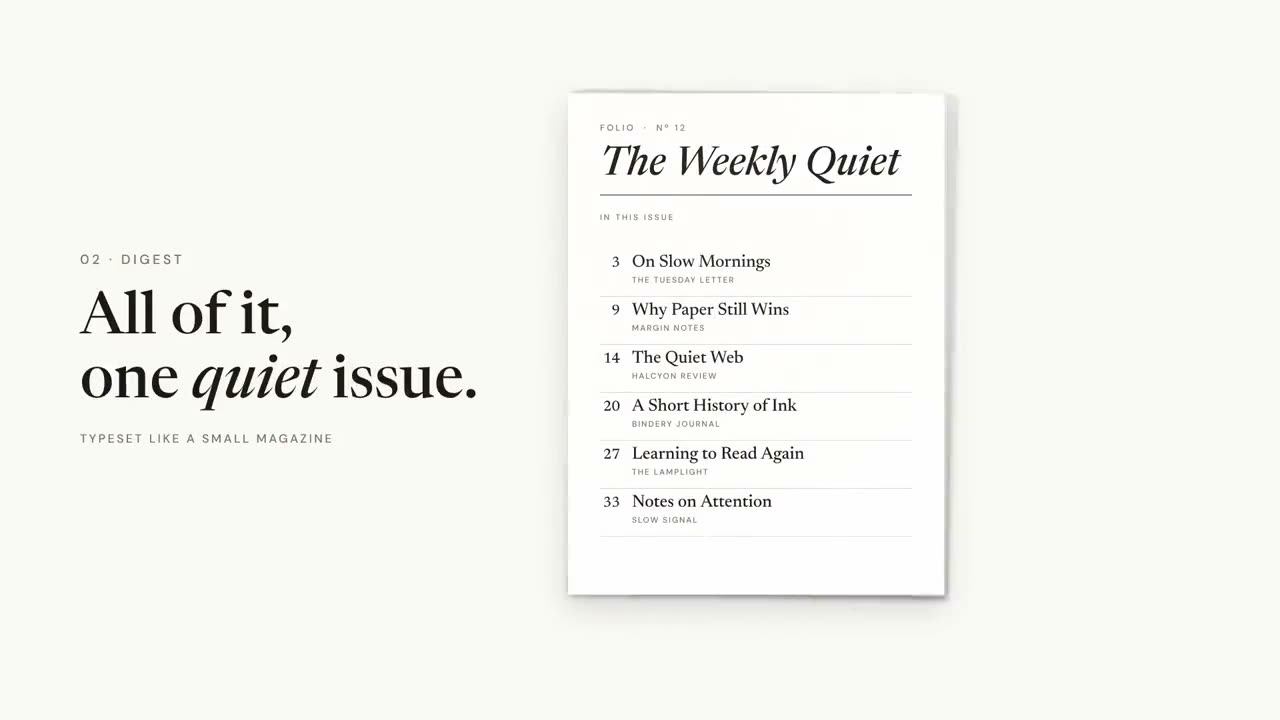
Intros & transitions
The pieces between the main content: a logo sting to open, chapter cards and agenda bars to keep viewers oriented, and a recap to close. Set up your brand once with Brand Motion Setup and every piece uses it.
From your material to a finished video
Give your agent what you have; the workflow writes, directs and renders the MP4.
Prompts to start with
Paste into Claude Motion, or install the matching skill and ask your agent.
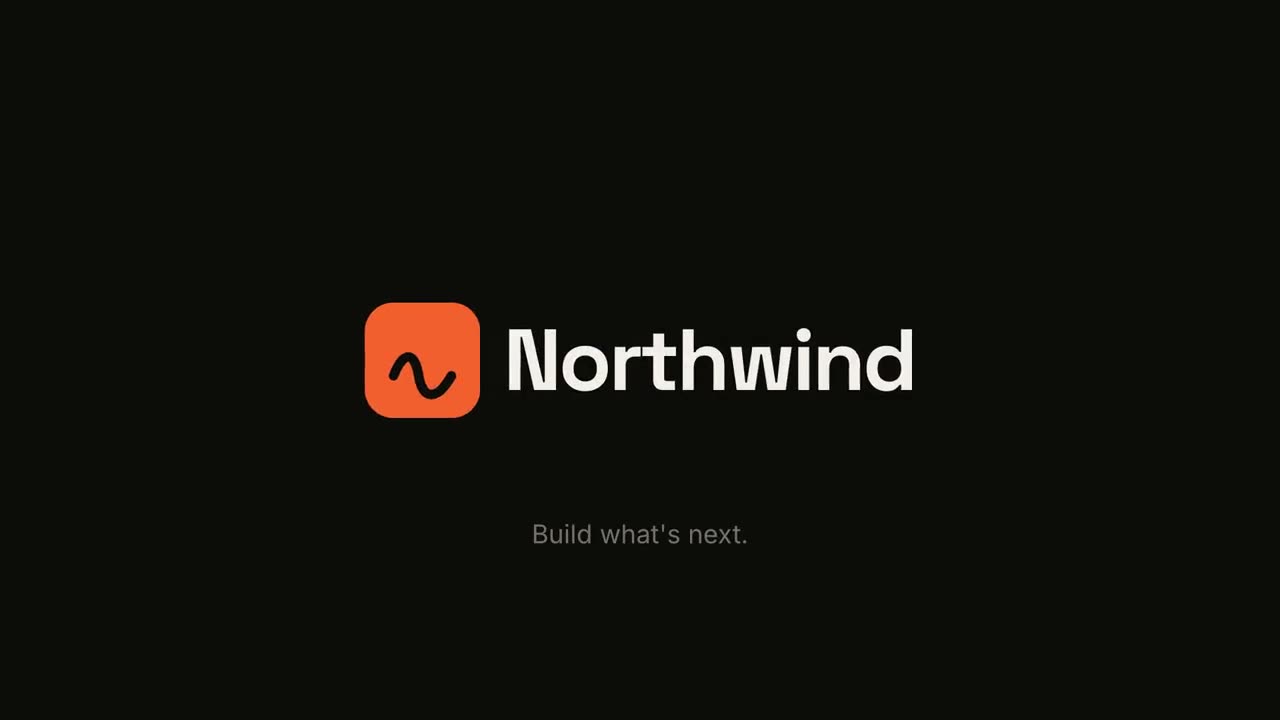
Logo Sting & Outro
Open skill →FreeMake a 5-second 16:9 logo sting for [who will watch, e.g. viewers of our videos], playing [where, e.g. at the end of every video]. Use only the logo, name and tagline I give below. Near-black background. The logo mark punches in at the center with a slight rotation, an accent ring expands and fades, and twelve short rays burst outward. The mark then slides left while the wordmark in a bold geometric sans slides out from behind it. End frame: the tagline fades in below in gray and a soft light sweep passes across the lockup. Attach: [your logo] Name and tagline: [e.g. Northwind, "Build what's next."] Accent color: [e.g. orange]

Chapter Stamp
Open skill →FreeMake a 5-second 16:9 chapter card for [who will watch, e.g. viewers of our course], playing [where, e.g. at the start of each lesson]. Use only the number and chapter title below. Near-black background. A huge serif number slams down from twice its size with a tiny camera shake. To its right, a short orange rule extends, a small gray uppercase "CHAPTER" tightens its letter spacing, and the chapter title rises word by word in a light serif. End frame: the number turns orange and the whole card slowly scales up. Number: [e.g. 02] Chapter title: [e.g. "Finding the hook"]
Single scenes for this

Transitions Pack
Six transitions for joining slides, images or scenes.

Milestone Timeline
A timeline draws across and milestones pop up along it.

Recap Wall
Takeaway cards fly in and settle into a tidy numbered wall.
Logo Sting & Outro
A punchy brand reveal or a clean end card.
Chapter Stamp
A giant chapter number slams in like a stamp, then the title.

Section Number Wipe
Accent panels sweep across while the section number rolls to the next.
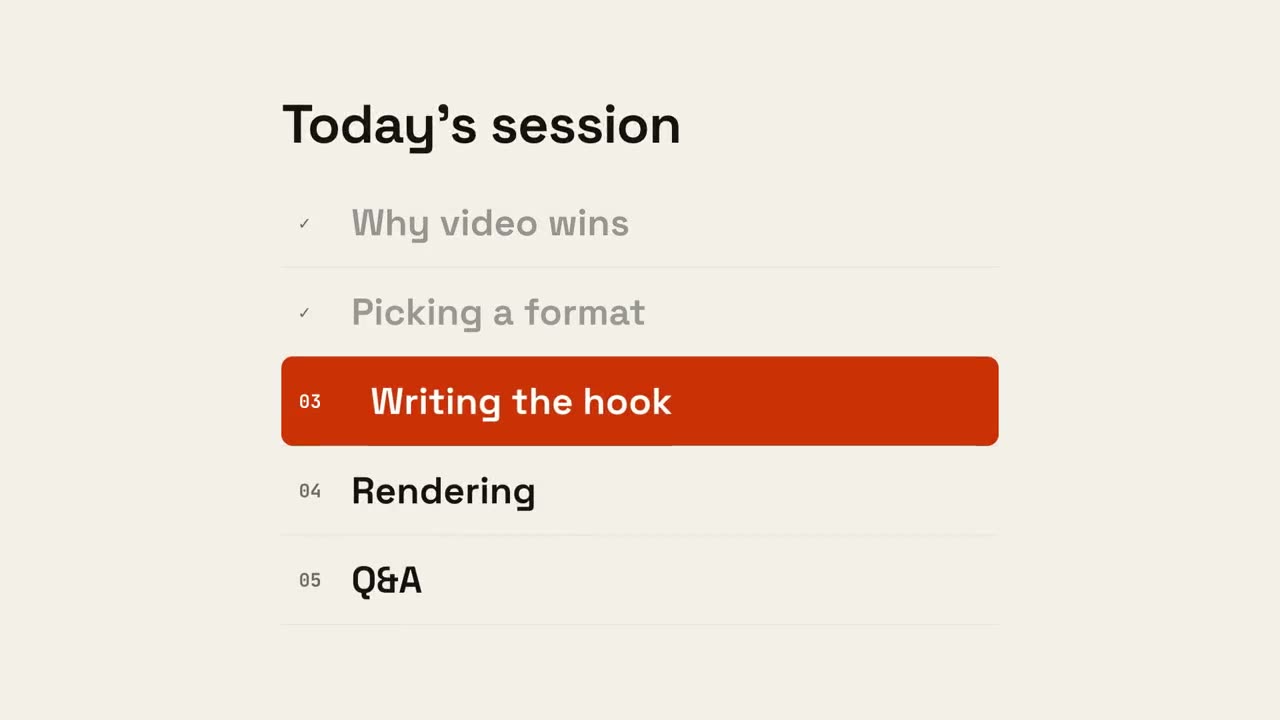
Agenda Progress
The agenda appears, done items tick off, and a marker slides to what's next.
Made with these