Unofficial Claude Motion guide
Claude Motion prompts, examples & skills.
Claude Motion turns a prompt into a short animated explainer you can edit and export as MP4. Here you'll find prompts that work, with a preview of each result, and skills that make the same videos in Claude Code, Codex and Cursor if you don't have a Team plan.
Independent site. Not affiliated with Anthropic.
What is Claude Motion?
A beta feature Anthropic launched on October 8, 2026. Claude writes animation code over your text, charts, shapes and images, so every word, number and timing stays editable. It is not a video-generation model.
- Who can use it
- Claude Team and Enterprise plans, in beta. On Enterprise, an admin must turn it on. Not yet on Free, Pro or Max.
- What it makes
- Short explainers: report summaries, animated charts, product walkthroughs, launch clips.
- Export
- MP4, or keep editing in tools such as Adobe, Descript, Runway or Luma AI.
Claude Motion prompts that work
Each prompt comes with a preview of what it makes. Copy it into Claude Motion, or use the matching skill in your own agent.
Line Trend
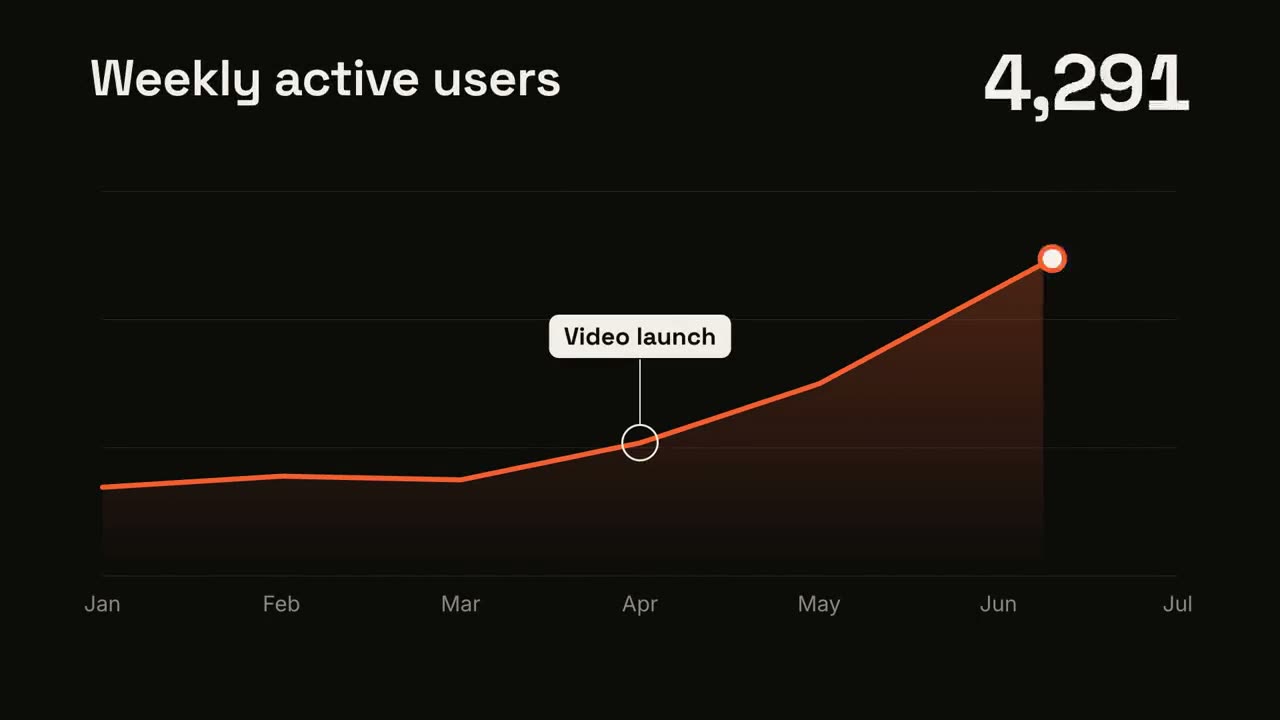
Open skill →Create a 7-second line chart on a near-black background. The title "Weekly active users" sits top left and a large white number top right. An orange line draws from left to right across seven months (Jan to Jul) over a fading orange gradient fill, while a white dot with an orange halo rides the tip and the big number counts along with it from 1,200 to 5,200. At April, a white ring appears on the line with a thin stem and a white label "Video launch". At the end the big number turns orange.
Statement Burst
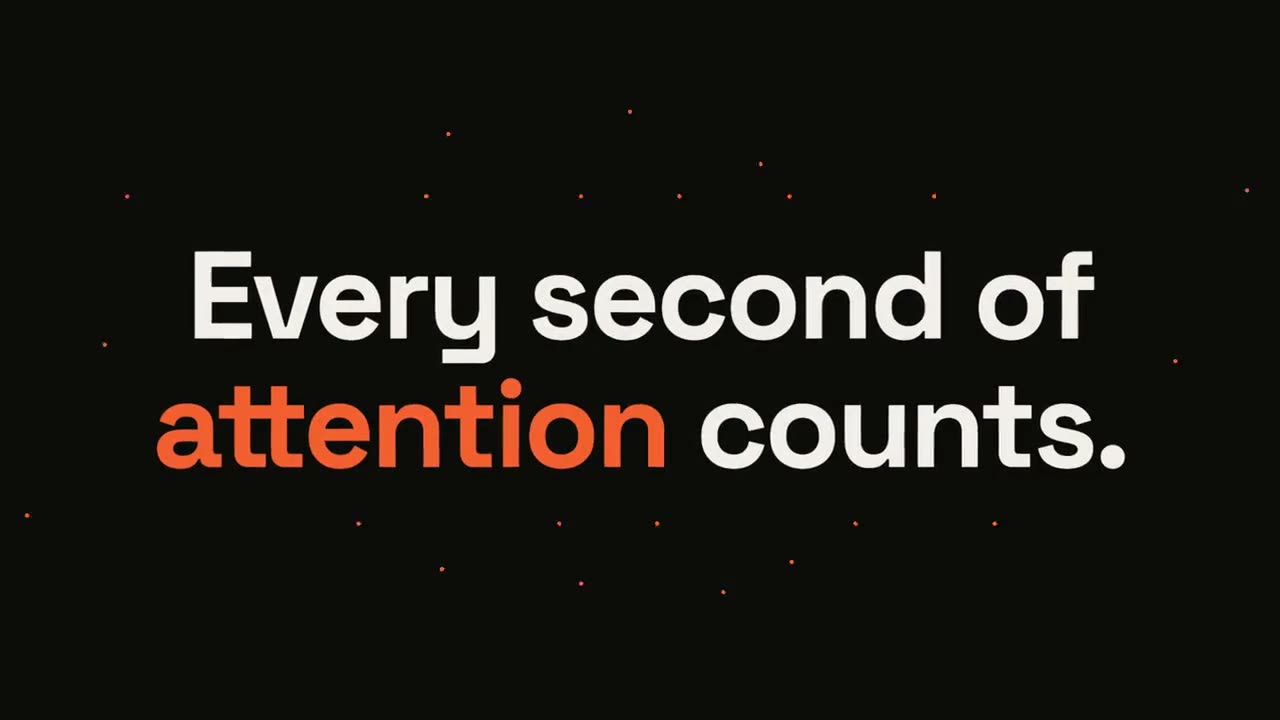
Open skill →Create a 6-second kinetic statement on a near-black background. The words "Every second of attention counts." punch in one at a time from a slight blur and larger scale, in a bold geometric sans, centered. When the last word lands, the word "attention" flips to orange and short orange rays burst outward around the whole statement and retract. The text then slowly scales up by a few percent and holds.
Versus Split
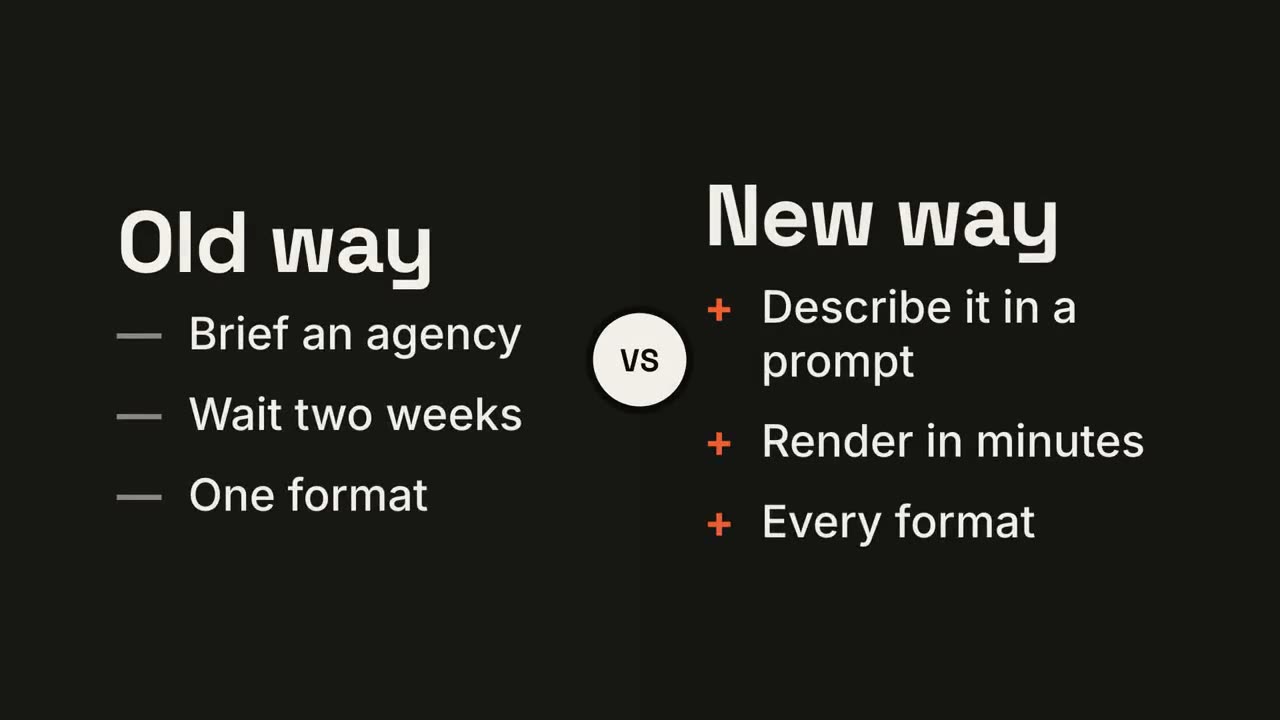
Open skill →Create a 7-second comparison on a near-black background. The frame splits into two dark panels that slide in from the left and right. A white circular "VS" badge spins into the center. The left panel titled "Old way" lists "Brief an agency", "Wait two weeks", "One format" with dashes; the right panel titled "New way" lists "Describe it in a prompt", "Render in minutes", "Every format" with orange plus signs. Then the right panel floods orange with black text and scales up slightly while the left panel dims.
Checklist Ticks
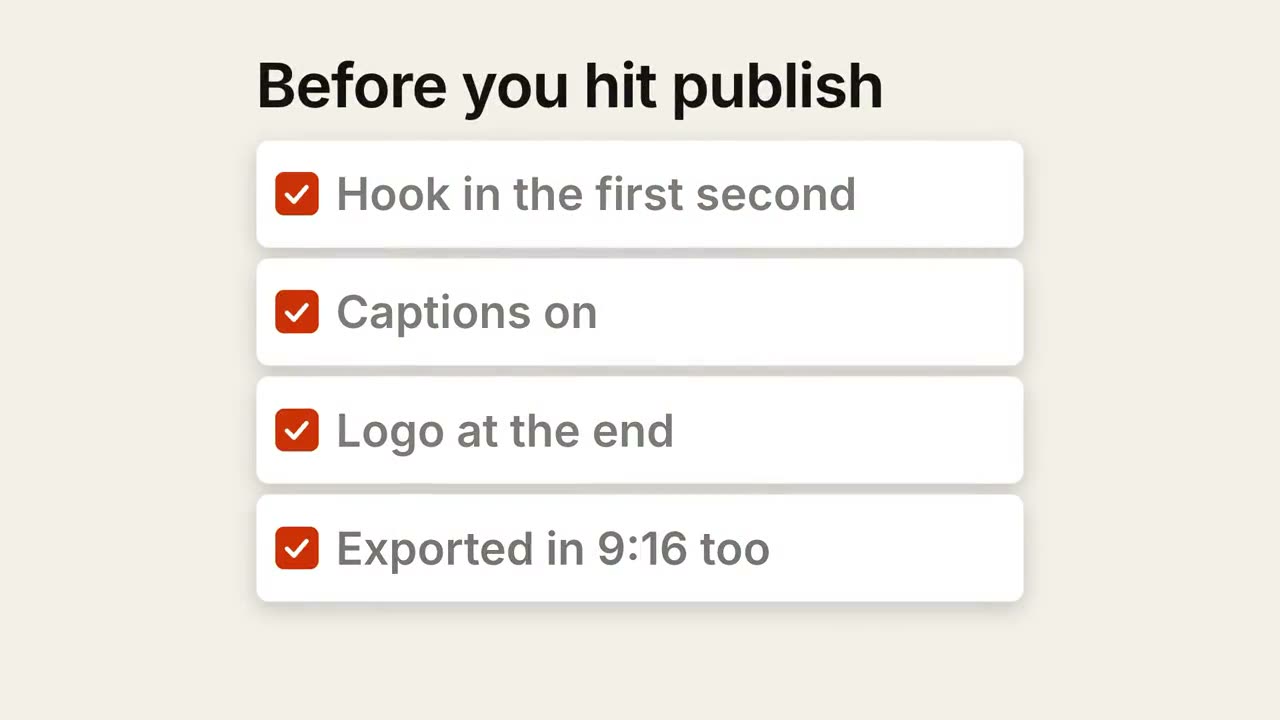
Open skill →Create a 7-second checklist on a warm off-white background. The title "Before you hit publish" fades up, then four white rounded cards slide in from the left, each with an empty checkbox and a label: "Hook in the first second", "Captions on", "Logo at the end", "Exported in 9:16 too". One by one each checkbox fills rust orange with a little bounce and a white tick draws in, and its label dims. Finally a small orange pill "Ready to ship" pops in below.
Cycle Loop
Open skill →Create an 8-second loop diagram on an off-white background. Title "The content flywheel". Four white rounded cards with small orange numbers pop in around a faint dotted circle: "01 Publish" at the top, "02 Measure" right, "03 Learn" bottom, "04 Improve" left. Curved orange arrows draw clockwise from each card to the next. "Every week" fades in at the center in gray. Then a glowing orange dot travels around the circle continuously, briefly outlining each card in orange as it passes.
Phone Callouts
Open skill →Create a 7-second app scene on a deep navy background. A black phone showing an app screen rises into the center with a slight rotation that settles. One at a time, small violet dots appear on parts of the screen and thin violet lines draw out to white labels on the left and right: "Today's plan at a glance", "One-tap check-ins", "Streaks that stick", "Start in one tap". The phone floats gently.
No Team plan? Two ways to get the same video
On Team or Enterprise
Open Claude Motion and paste any prompt from this site. Change the words and numbers to yours.
Copy a prompt ↑On Pro, Max, or another agent
Paste this into Claude Code, Codex or Cursor. Your agent installs the skill and renders the MP4 on your computer with an open-source engine.
Read https://claude-motion.com/skills/line-trend/install.md and follow the instructions to install the "line-trend" skill, then run it once with its example prompt.
Featured skills
Product Launch Film
Hook, product reveal, three features, end card.
Vertical Launch (9:16)
A social-first launch cut: hook, phone, beats, CTA.
SaaS UI Walkthrough
The camera pushes into each step while a cursor clicks through.
30s Report Explainer
A quarterly report as a 30-second editorial explainer.
Kinetic Type Title
An editorial headline reveal in three motion styles.
Data Chart Story
An animated bar or line chart that lands one takeaway.
Explainer Scenes
Forty single-purpose animations in eight series. Cut them together into any explainer.
Type
5 scenesStatements, captions and reframes that make words land.
Lists & Cards
5 scenesChecklists, steps, stacks and chats.
Compare
5 scenesVersus, matrices, ratios and price reveals.
Charts
5 scenesTrends, donuts, bars, radars and funnels.
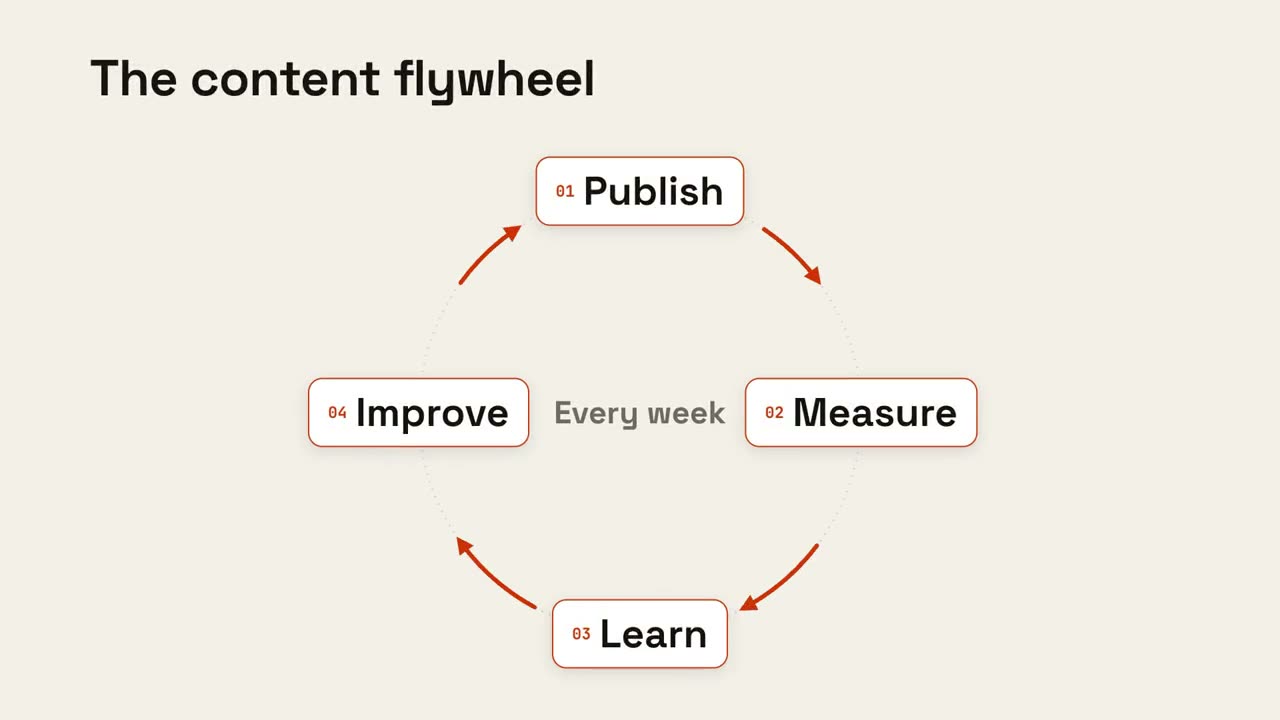
Diagrams
5 scenesLoops, pipelines, hubs and pyramids.
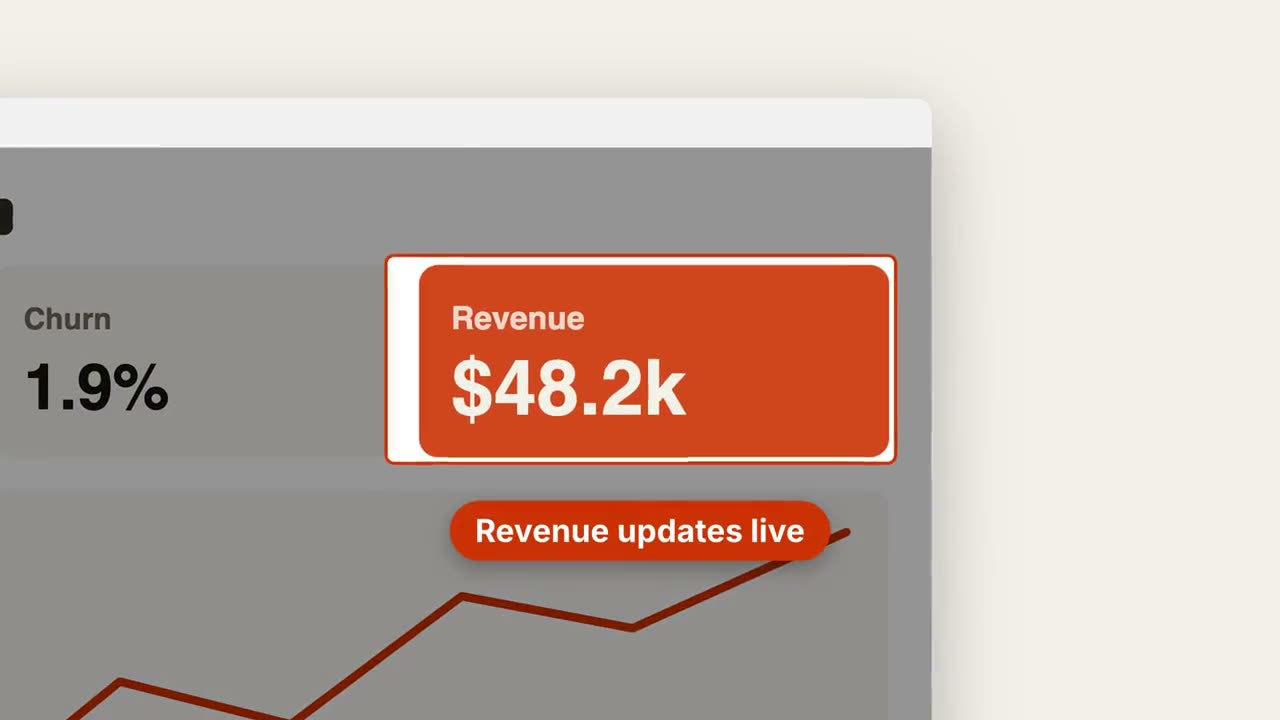
Spotlight
5 scenesZooms, callouts, annotations and shortcuts.
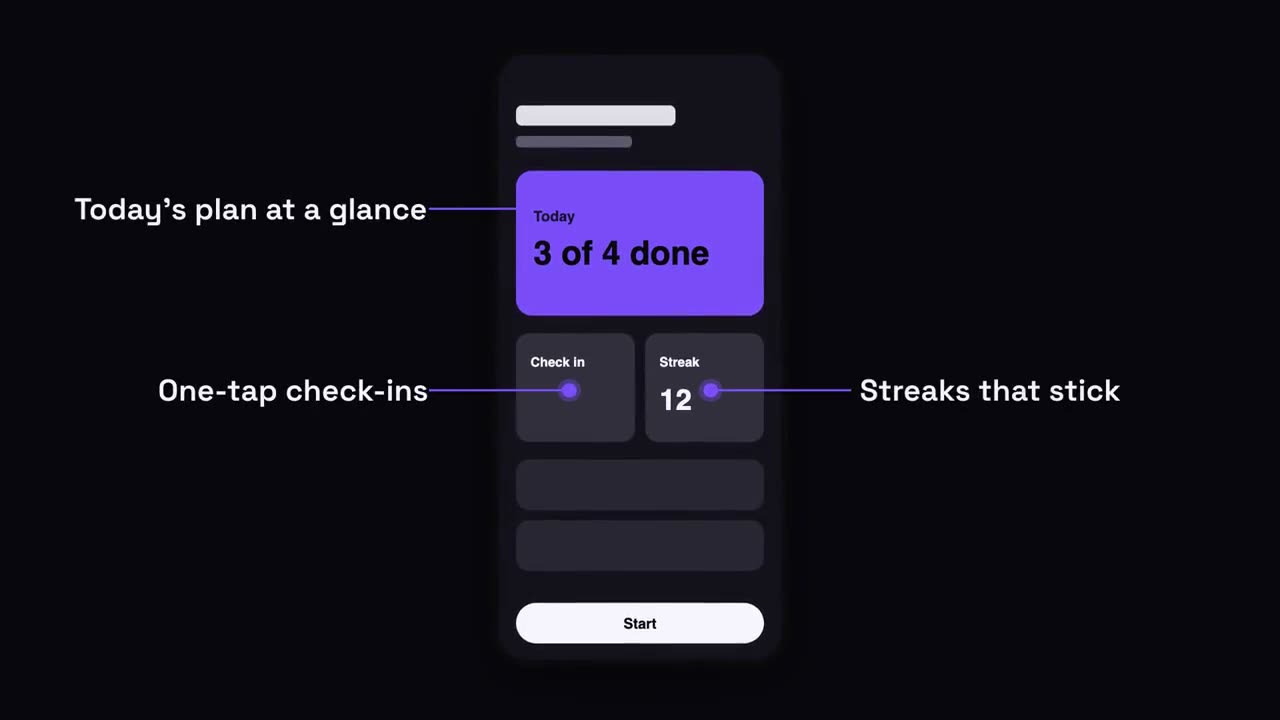
Devices
5 scenesPhones, browsers, notifications and calendars.
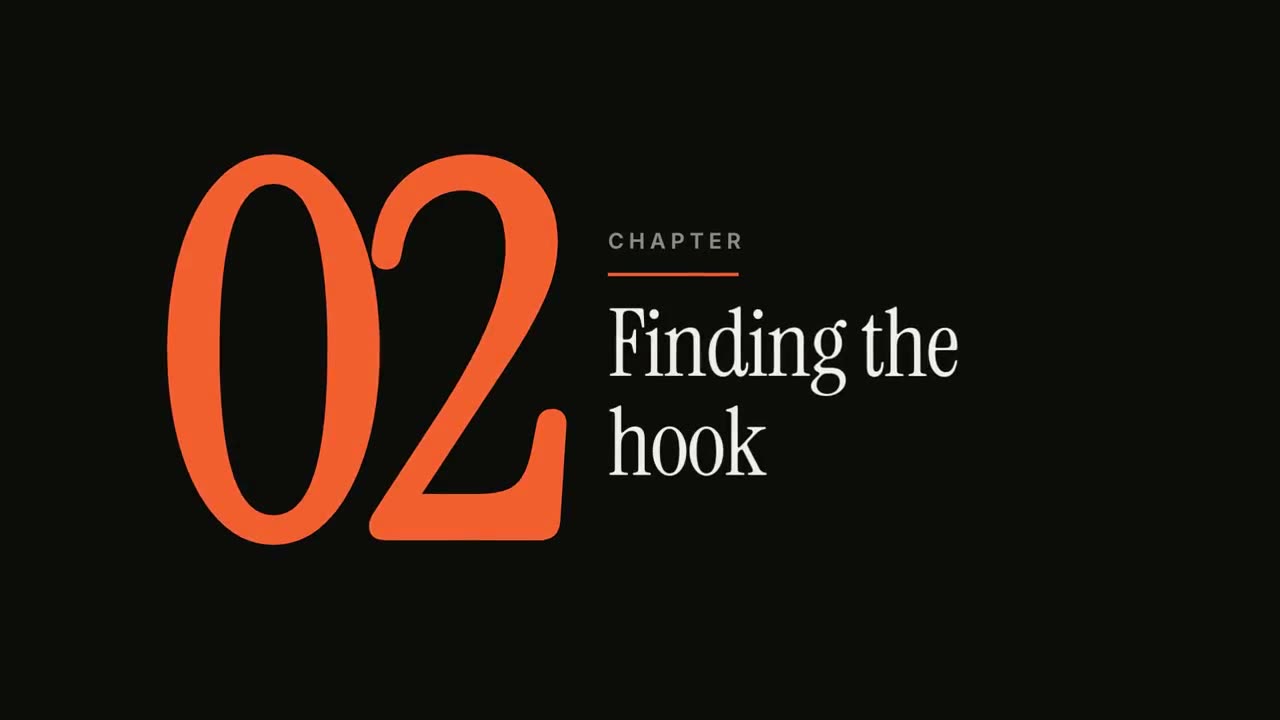
Chapters
5 scenesChapter cards, agendas, timelines and recaps.
Free skills
No account, no card. Download, install, keep what you render.
Kinetic Type Title
An editorial headline reveal in three motion styles.
Data Chart Story
An animated bar or line chart that lands one takeaway.
Quote Card
Testimonials and pull-quotes, revealed word by word.
Logo Sting & Outro
A punchy brand reveal or a clean end card.
KPI Counter
Up to four headline numbers that count up.
Changelog Video
Release notes as a crisp, shareable clip.
From the gallery
Motion made with AI, with the prompts behind it.
Why curated
Tested in real agents
Every skill is run in Claude Code and Codex. Anything that fails to render or looks average doesn't ship.
Polished to one standard
Same parameters everywhere: brand colors, copy, 16:9 / 9:16 / 1:1, duration. Plus a render-and-review loop.
Credited, openly
Built on open-source work. Each page names the original repo and license.
Questions
What is Claude Motion?
A beta feature in Claude, launched October 8, 2026, that turns a prompt into a short animated explainer. Claude builds it as code, so you can edit any word, number or timing, then export an MP4.
Which plans include Claude Motion?
Claude Team and Enterprise, in beta. Enterprise admins need to enable it. It isn't available on Free, Pro or Max yet. Check Anthropic's announcement for the latest.
Can I make Claude Motion-style videos without a Team plan?
Yes. Install a motion skill from this site in Claude Code (works on Pro and Max), Codex or Cursor, and ask for the video in plain language. It renders locally with HyperFrames or Remotion.
Are the prompts free?
Yes. Every Claude Motion prompt on this site is free to copy, and 25 of the skills are free to download with no account.
How do I write a good Claude Motion prompt?
Treat it as a shot list: give the length and format ("8 seconds, 16:9"), the look (background, type, one accent color), the beats in order, and motion words like "counts up" or "wipes in from the left".
Is this the official Claude Motion site?
No. This is an independent guide and skill library, not affiliated with, endorsed or sponsored by Anthropic. Claude and Claude Motion are trademarks of Anthropic, PBC.