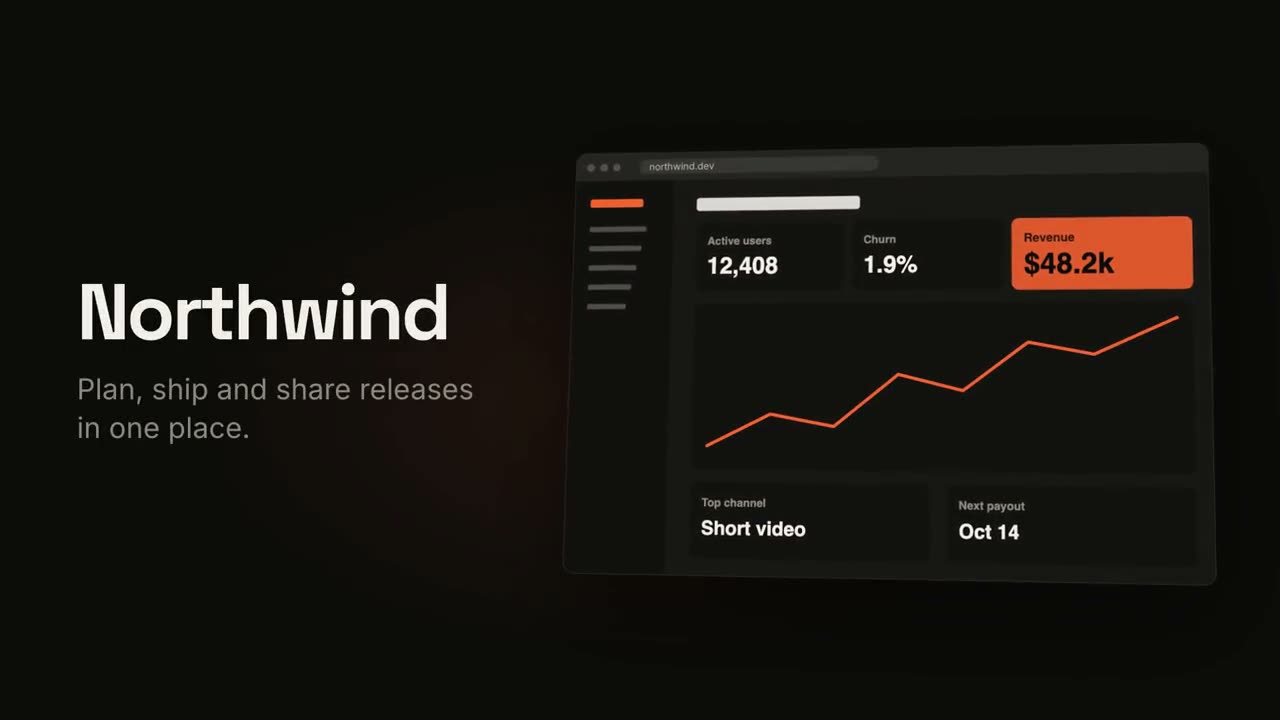
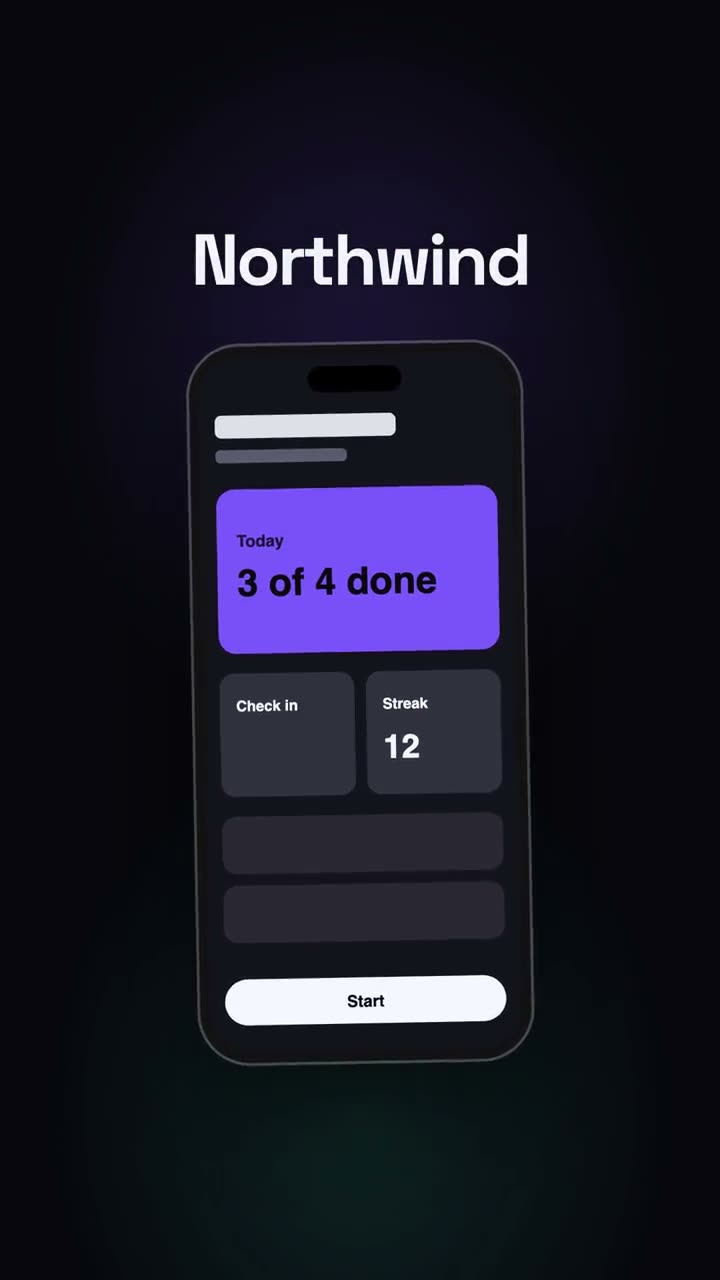
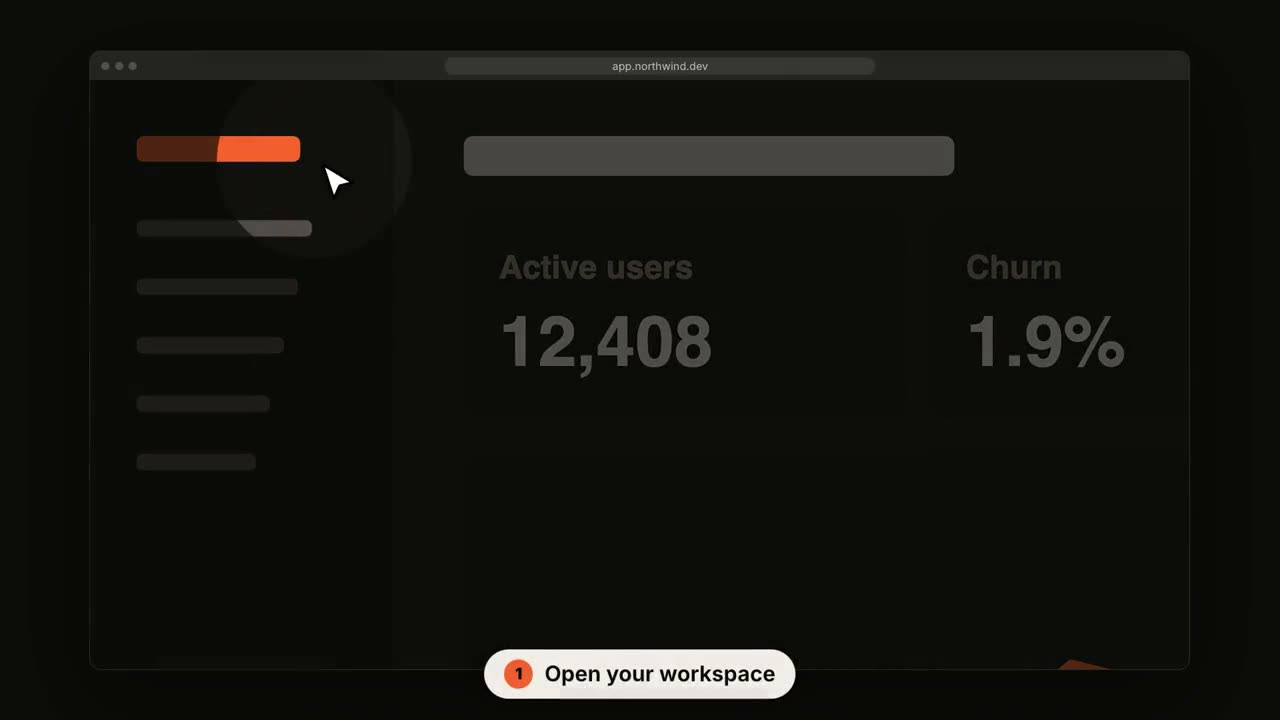
Your agent reads the project and makes its launch video, with music.
Paste into Claude Code, Codex, Cursor or any agent that supports skills.
Needs: Node.js 22+, FFmpeg, Chrome. No API keys.
Other themes and formats
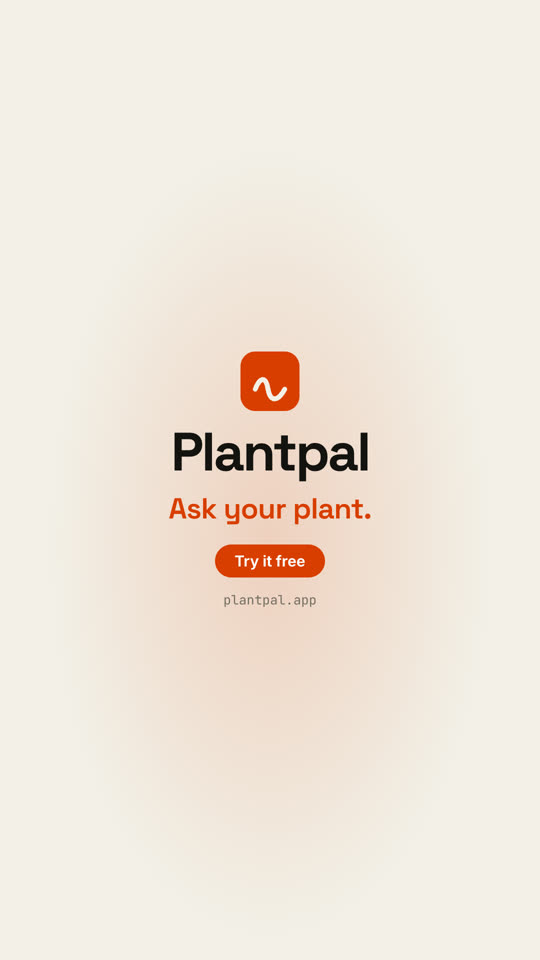
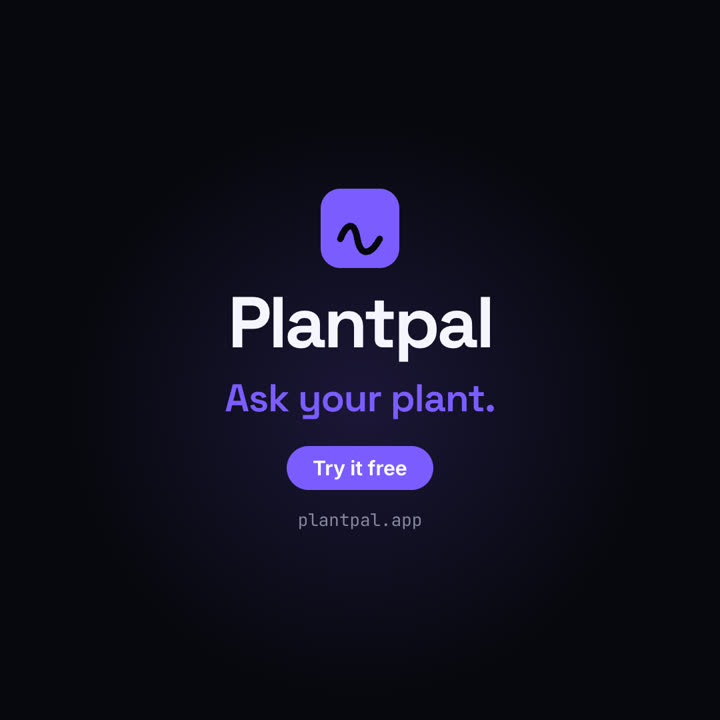
Theme: Paper · 9:16Theme: Electric · 1:1
Final frames from the same template, rendered with a different theme and format.
5 themes
Aa
Ink · default
Aa
Paper
Aa
Electric
Aa
Noir
Aa
Sand
Name a theme in your prompt, or set your own accent, background and text colors.
Install prompt
Read https://claude-motion.com/skills/project-to-launch/install.md and follow it to install the "project-to-launch" skill, then make a first video with it.
Paste into Claude Code, Codex, Cursor or any agent that supports skills.
Example prompt
Use the project-to-launch skill to make a 20-second launch video for this project, polished tone, 16:9.
Style prompt (Claude Motion or Opus 5.5)
Make a 20-second 16:9 launch video for [who will watch, e.g. people who keep house plants], playing [where, e.g. our landing page and X]. Use only the product name, lines, screenshot and numbers I give below; don't change a word or number.

Scene 1: a two-line hook, the second line in the accent color. Scene 2: the logo and the one-line pitch. Scene 3: the app at work: a cursor types the example input, clicks the main button, and three results appear one by one. Scene 4: the proof number counts up. End frame: product name, tagline and a "Try it free" button, held for 2 seconds.

Product: [name and what it does] (e.g. Plantpal, turns a photo of a leaf into a care plan)
Hook: [two lines] (e.g. "Your plants" / "are not okay")
Example input and results: [e.g. "Monstera, yellow leaves, droopy" → three care tips]
Proof number: [e.g. "Knows 4,200 houseplants"]
Attach: [a screenshot of your app]
Nothing to install: paste this into Claude Motion (Team or Enterprise) or give it to Opus 5.5 for a similar look. The result changes from run to run; the skill gives the same result every time.