Social & captions
Turn an idea or a few lines into a 10–20 second vertical short with Script → Short: a hook in the first second, beats timed for reading and punchy music. Have a talking-head clip? Animated Captions adds word-by-word captions.
From your material to a finished video
Give your agent what you have; the workflow writes, directs and renders the MP4.
Prompts to start with
Paste into Claude Motion, or install the matching skill and ask your agent.
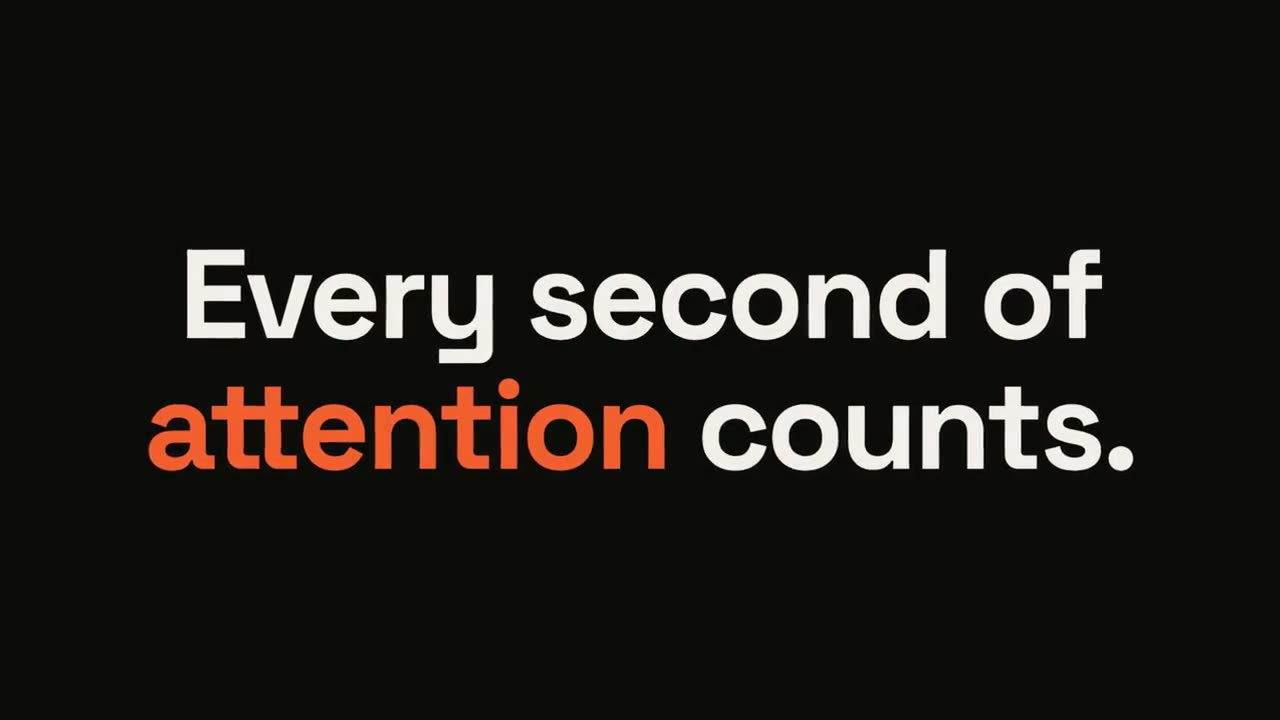
Statement Burst
Open skill →FreeMake a 6-second 16:9 kinetic statement for [who will watch, e.g. followers on LinkedIn], playing muted in the feed. Use only the sentence below; don't change a word. Near-black background, bold geometric sans, centered. The words punch in one at a time from a slight blur and larger scale. When the last word lands, the key word flips to orange and short orange rays burst outward around the whole statement and retract. End frame: the text slowly scales up by a few percent and holds. Statement: [your line] (e.g. "Every second of attention counts.") Key word: [e.g. "attention"]
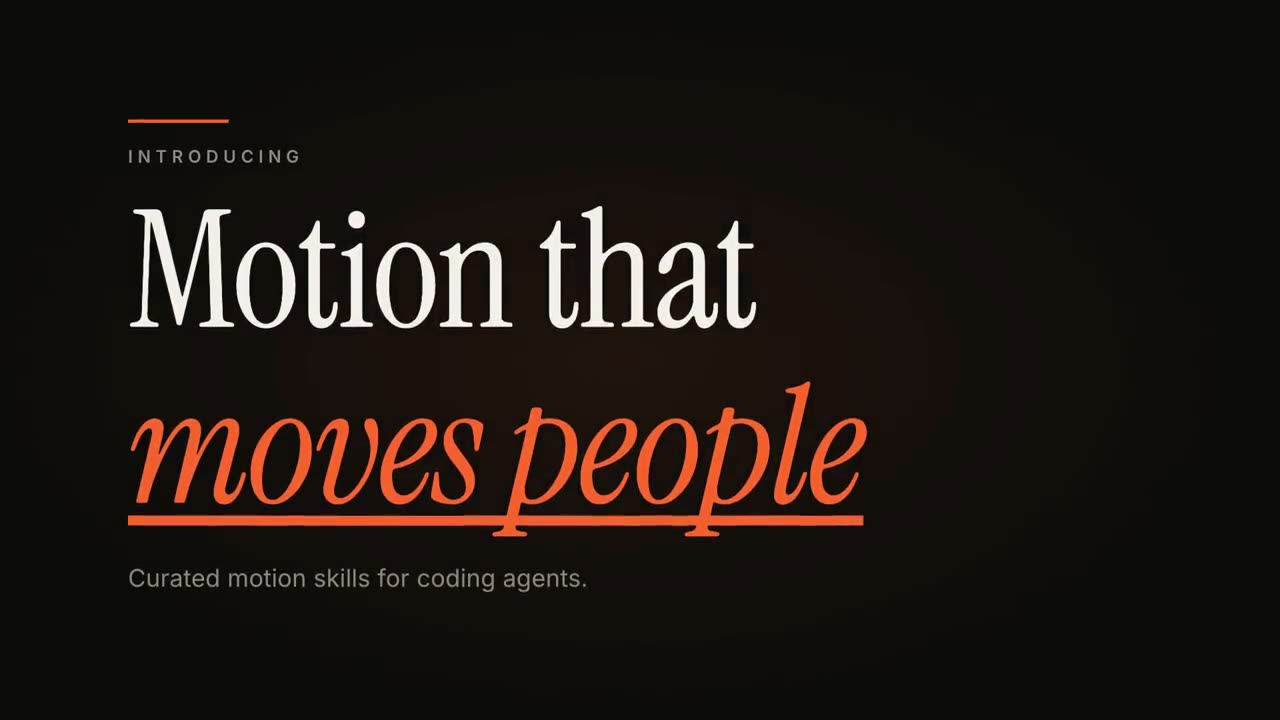
Kinetic Type Title
Open skill →FreeMake an 8-second 16:9 title card for [who will watch, e.g. viewers of our YouTube series], playing [where, e.g. the opening of each episode]. Use only the words below; don't change them. Near-black background. A short orange rule draws in from the left, then a small uppercase label fades in with wide letter spacing tightening. Below it, a two-line headline rises line by line from behind invisible masks with a fast expo ease: line one in an off-white editorial serif, line two in orange italic, which then gets an orange underline wiping in from left to right. A soft gray supporting line fades up word by word. End frame: the finished title, held with a slow upward drift and a faint warm glow moving behind the text. Label: [e.g. "INTRODUCING"] Headline: [two lines] (e.g. "Motion that" / "moves people") Supporting line: [one short sentence]
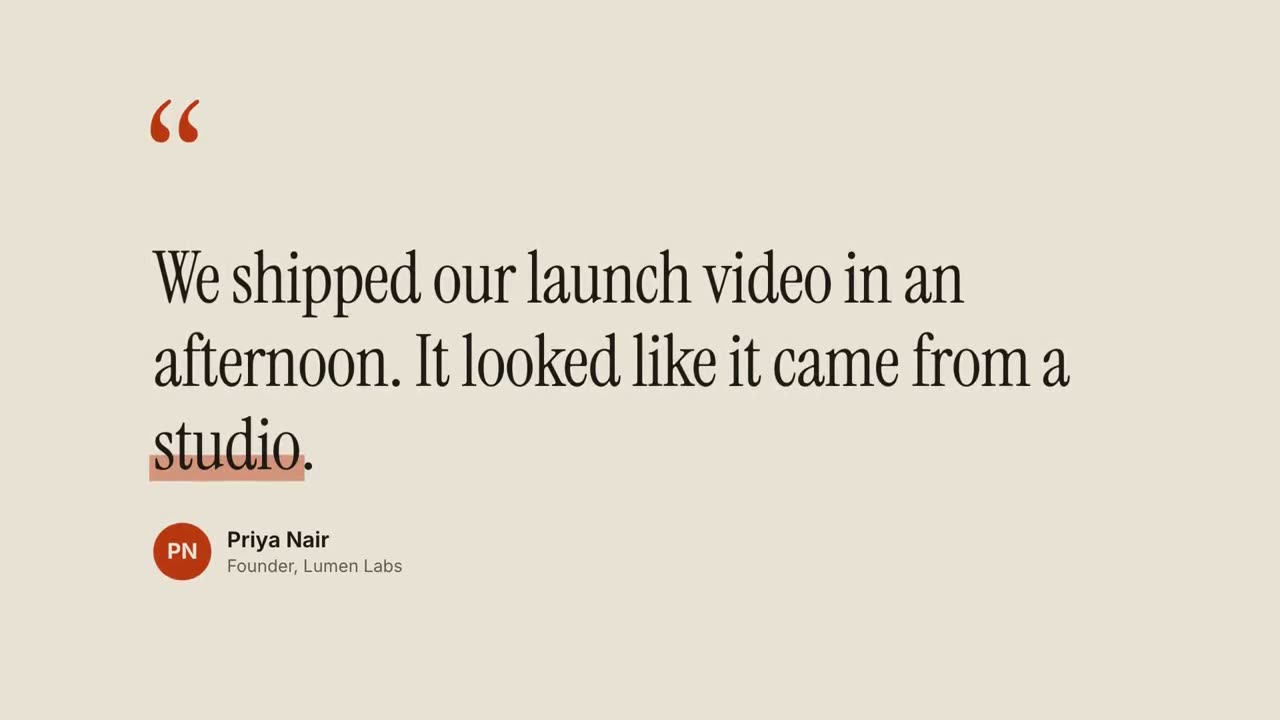
Quote Card
Open skill →FreeMake an 8-second 16:9 testimonial clip for [who will watch, e.g. founders comparing tools], playing [where, e.g. our pricing page or a LinkedIn post]. Use only the quote, name and title I give below; don't change a word. Warm sand-colored background. Scene 1: large rust-colored serif quotation marks drop in at the top left. Scene 2: the quote appears word by word in a dark editorial serif, each word rising slightly out of a blur, then a translucent rust highlighter sweeps under the key word. End frame: an avatar circle with the initials, and the name and title slide in below, held for 2 seconds. Quote: [your customer's quote] (e.g. "We shipped our launch video in an afternoon. It looked like it came from a studio.") Key word: [e.g. "studio"] Name and title: [name, role, company] (e.g. Priya Nair, Founder, Lumen Labs)
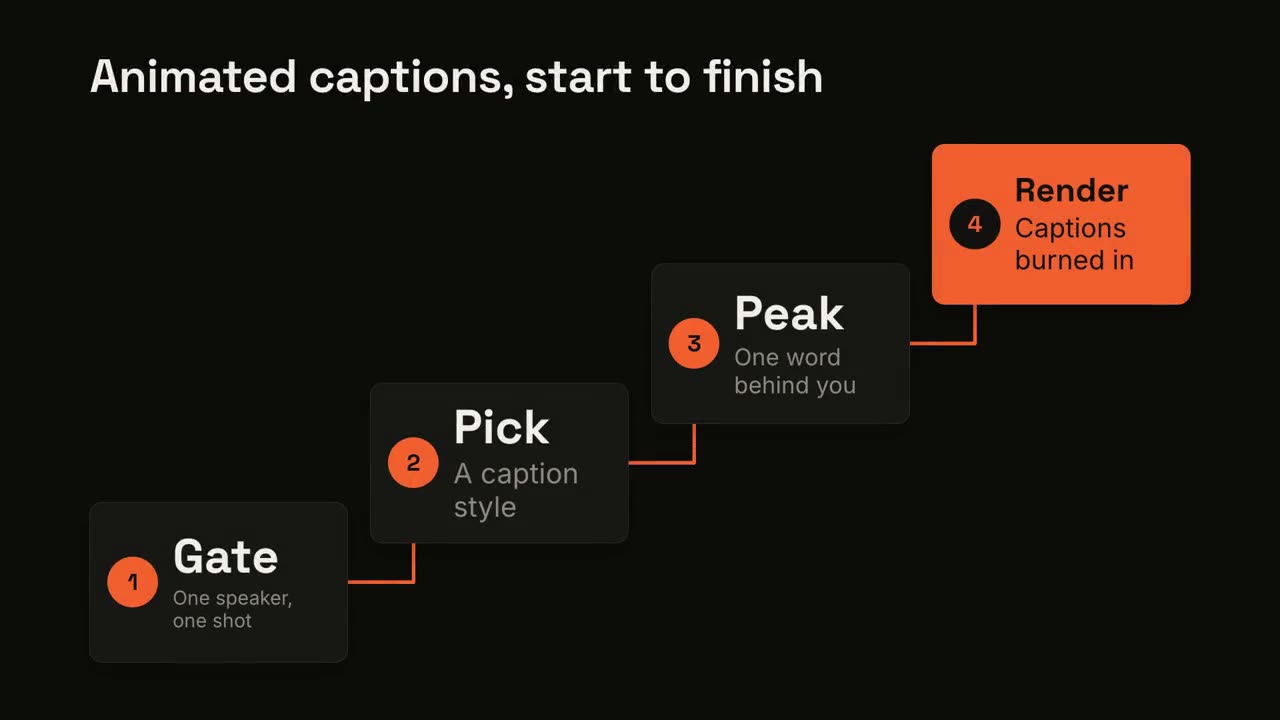
Animated Captions
Open skill →PremiumAdd captions to the attached [length, e.g. 30-second] talking-head clip for [who will watch, e.g. LinkedIn followers], playing muted in the feed. Use only the speaker's exact words; don't paraphrase. A clean white lower-third subtitle follows the speech word for word. When the speaker says the key phrase, its short form appears huge behind them, partly hidden by their shoulders, then fades. End frame: the last caption clears with the clip. Attach: [your clip] Key phrase and short form: [e.g. "ten times faster" → "10×"]
Single scenes for this
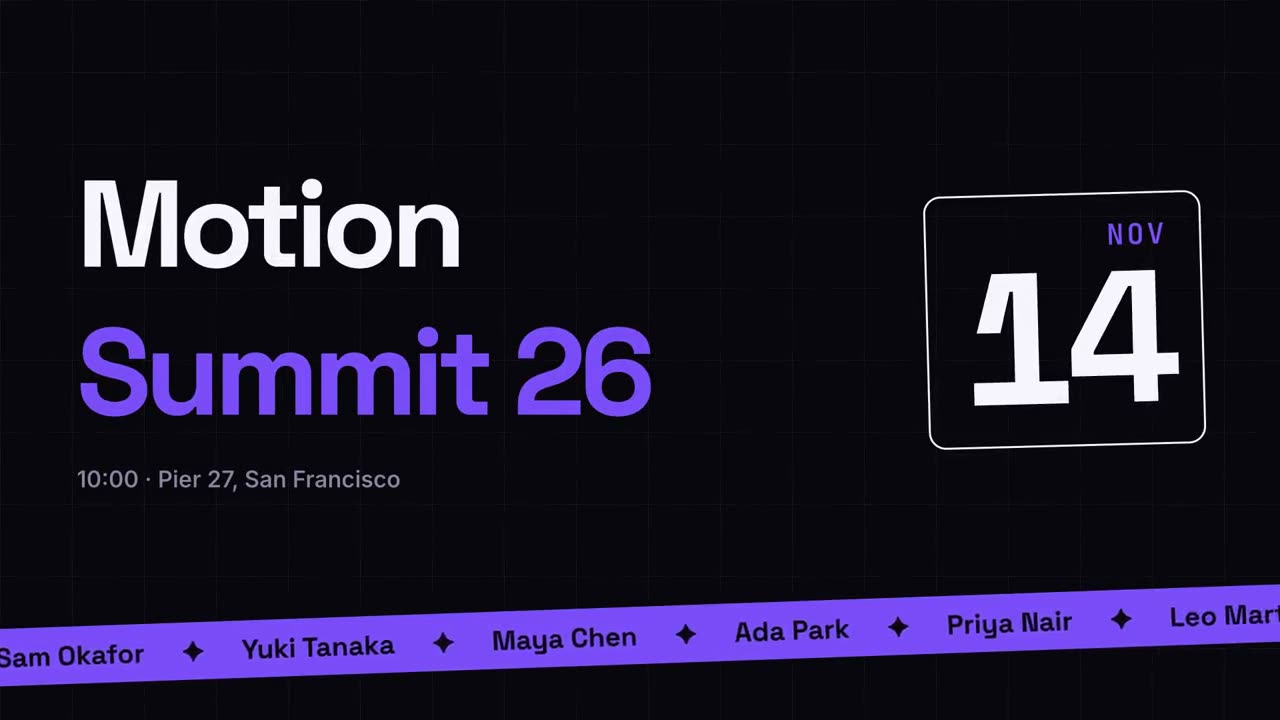
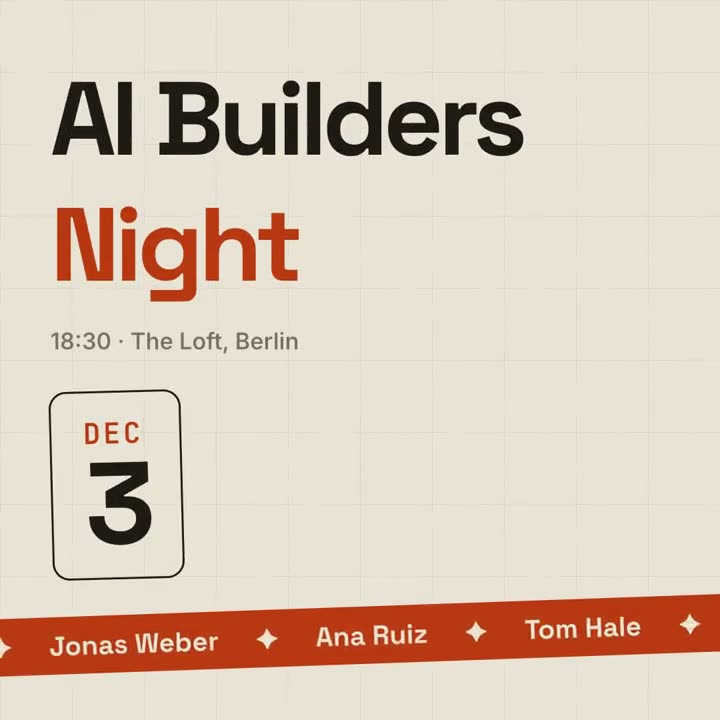
Event Promo
A poster-style event announcement with a speaker ticker.
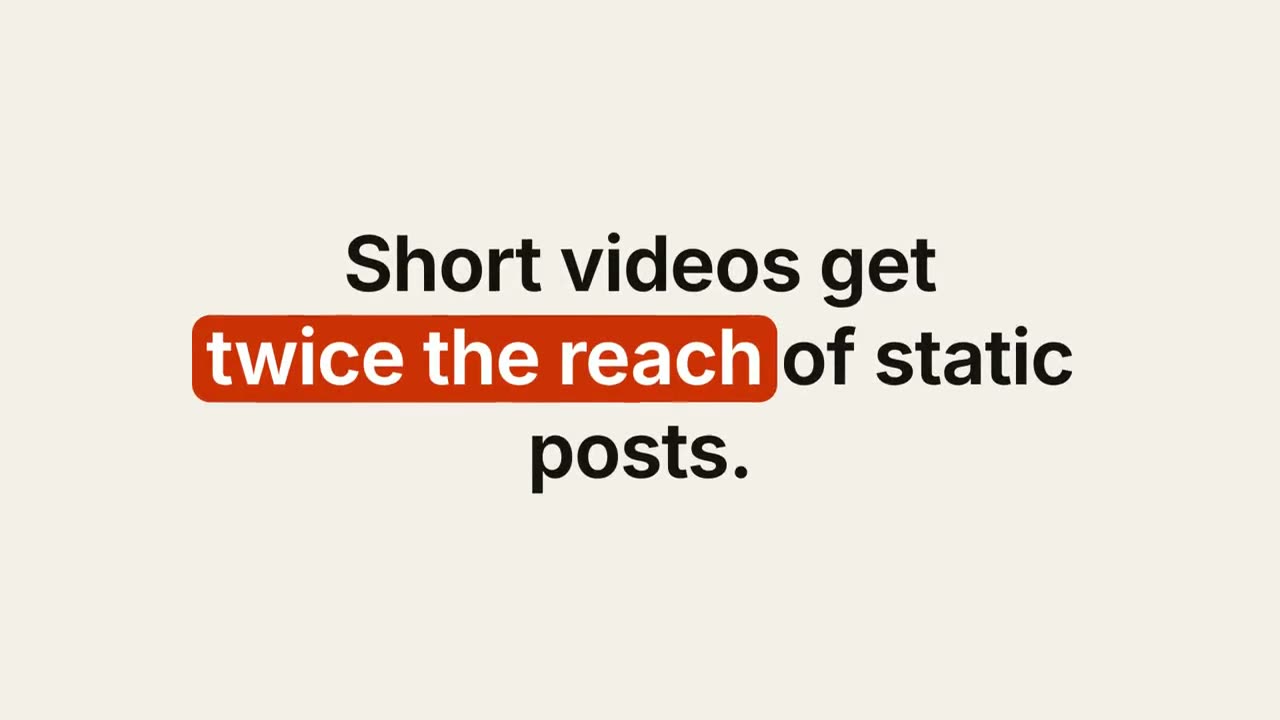
Keyword Caption
A designed caption whose keywords get a pill, underline or color.
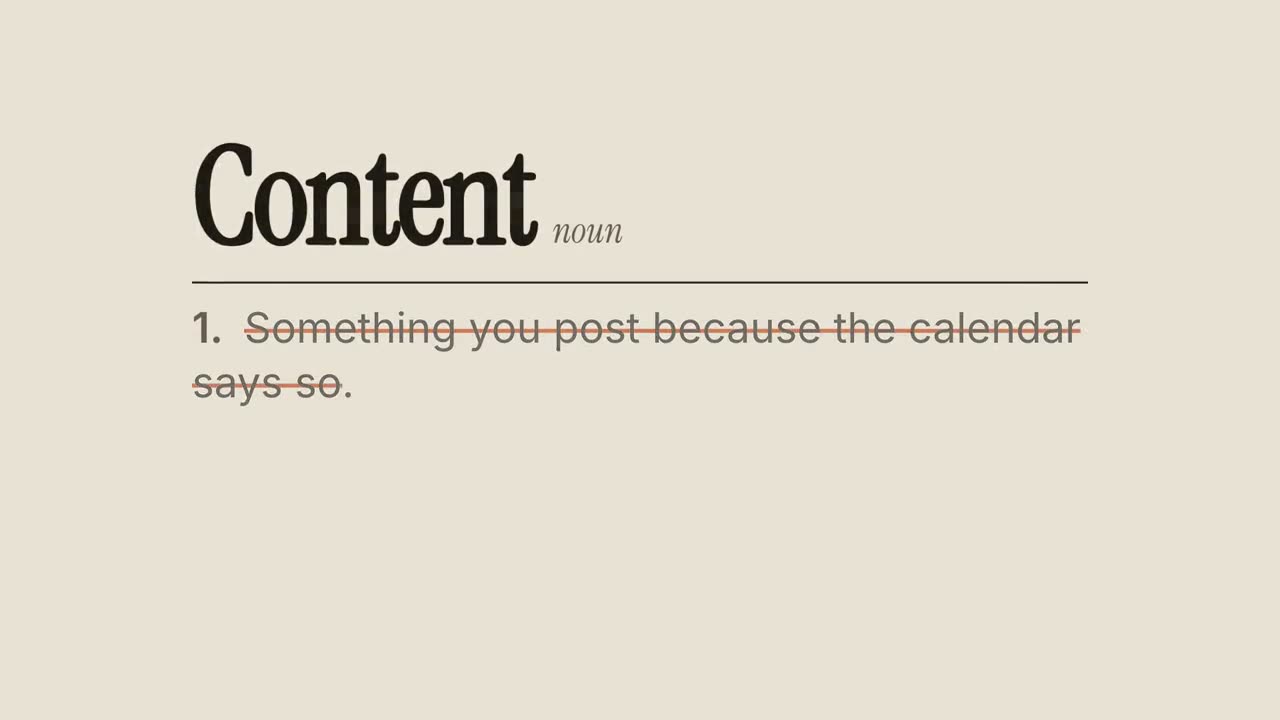
Definition Reframe
A dictionary entry whose usual definition gets crossed out and rewritten.
Kinetic Type Title
An editorial headline reveal in three motion styles.
Quote Card
Testimonials and pull-quotes, revealed word by word.
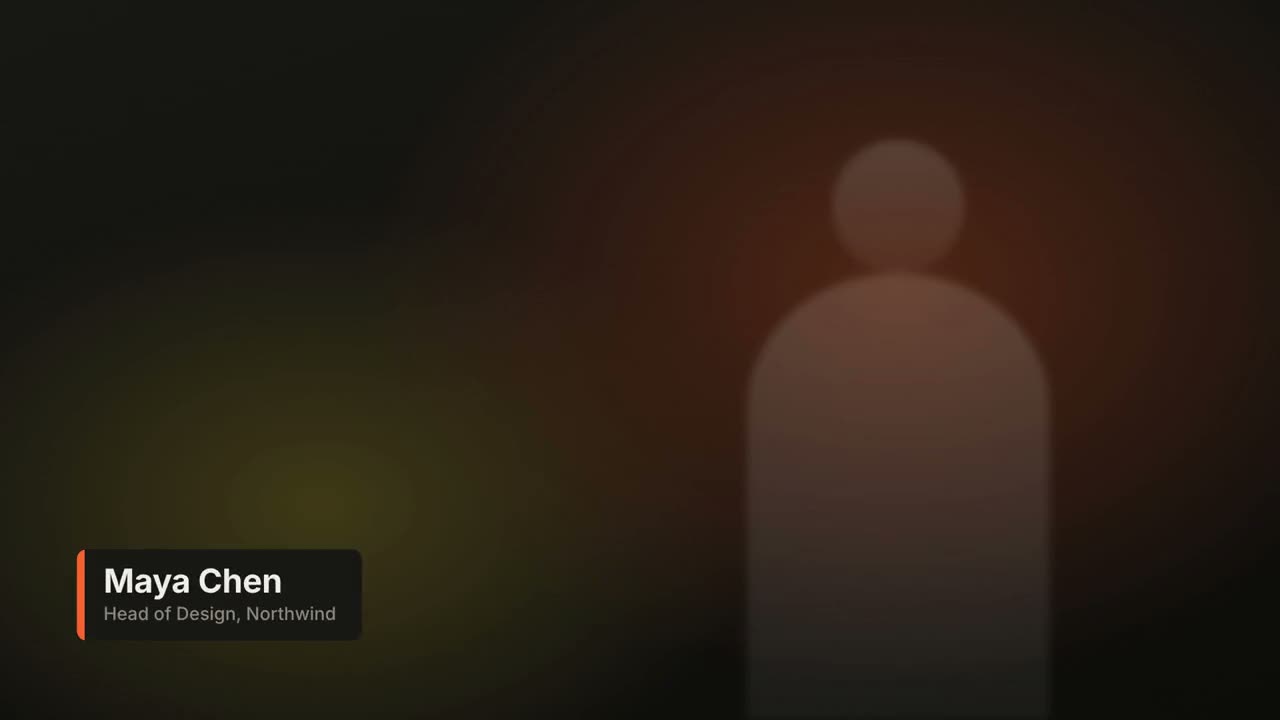
Lower Thirds
Name and title bars in four broadcast styles.
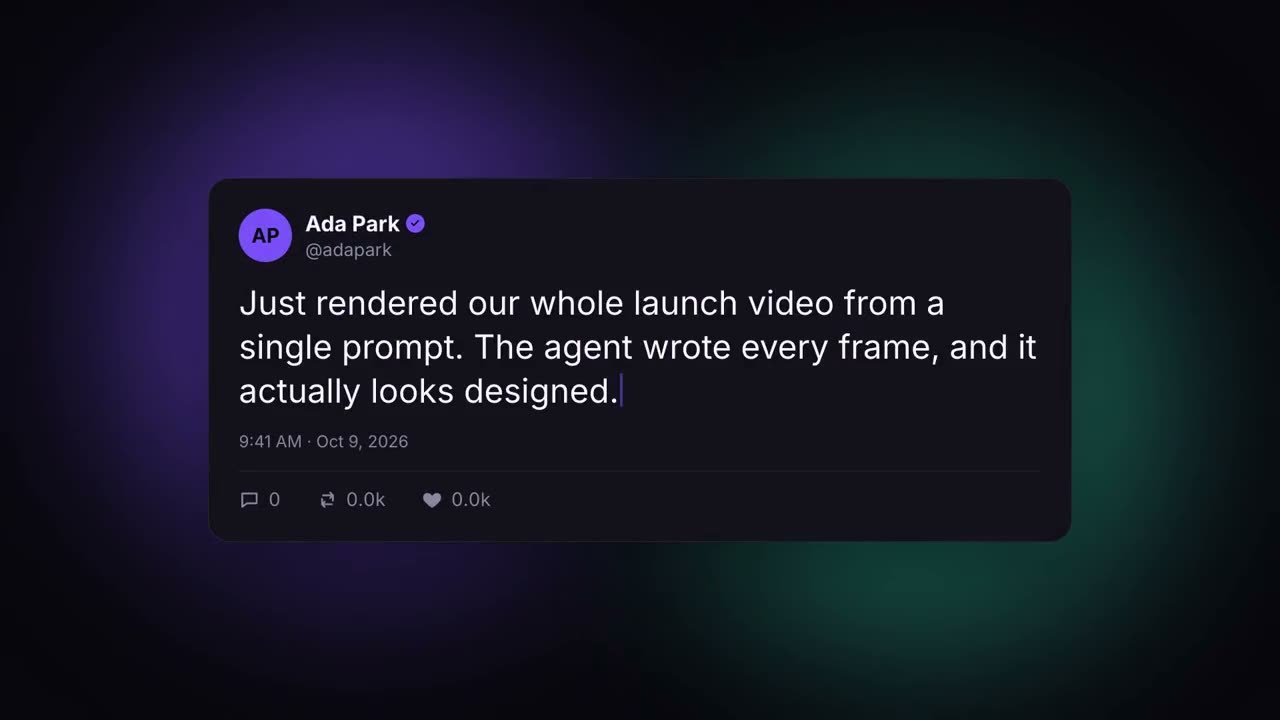
Social Post Card
A post that types itself out and racks up likes.
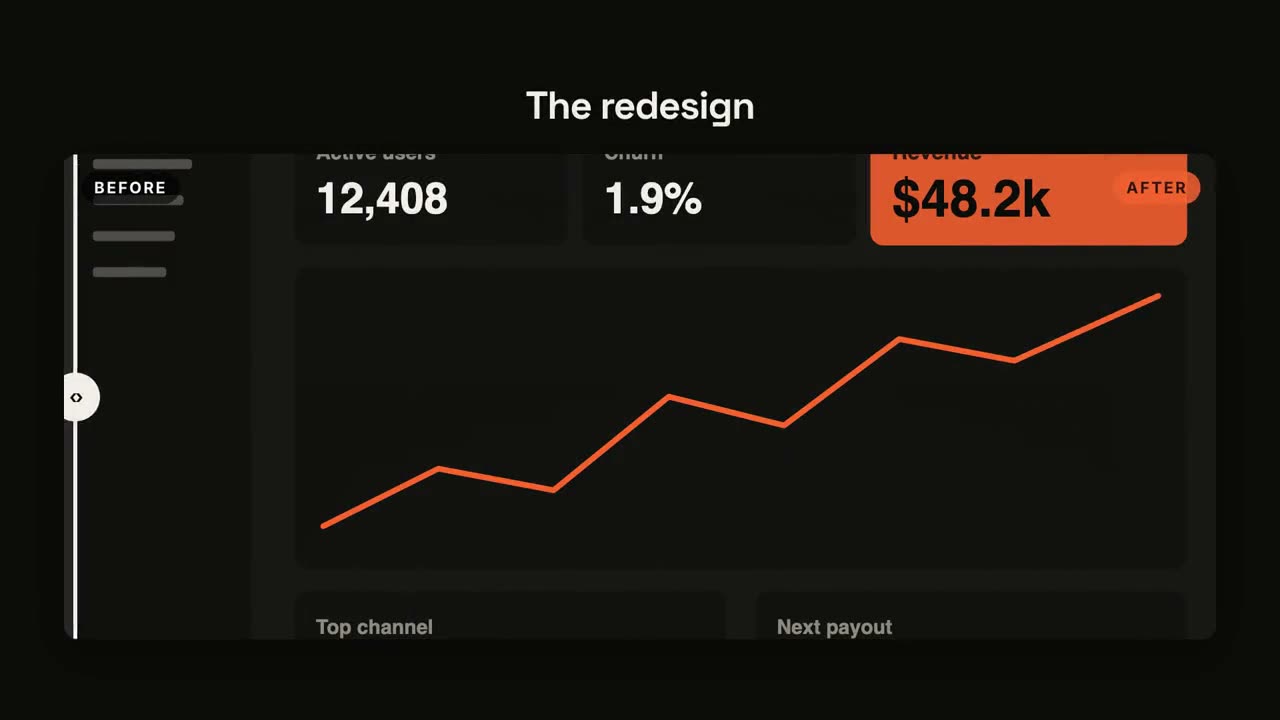
Before / After
A wipe comparison with a sweeping divider.
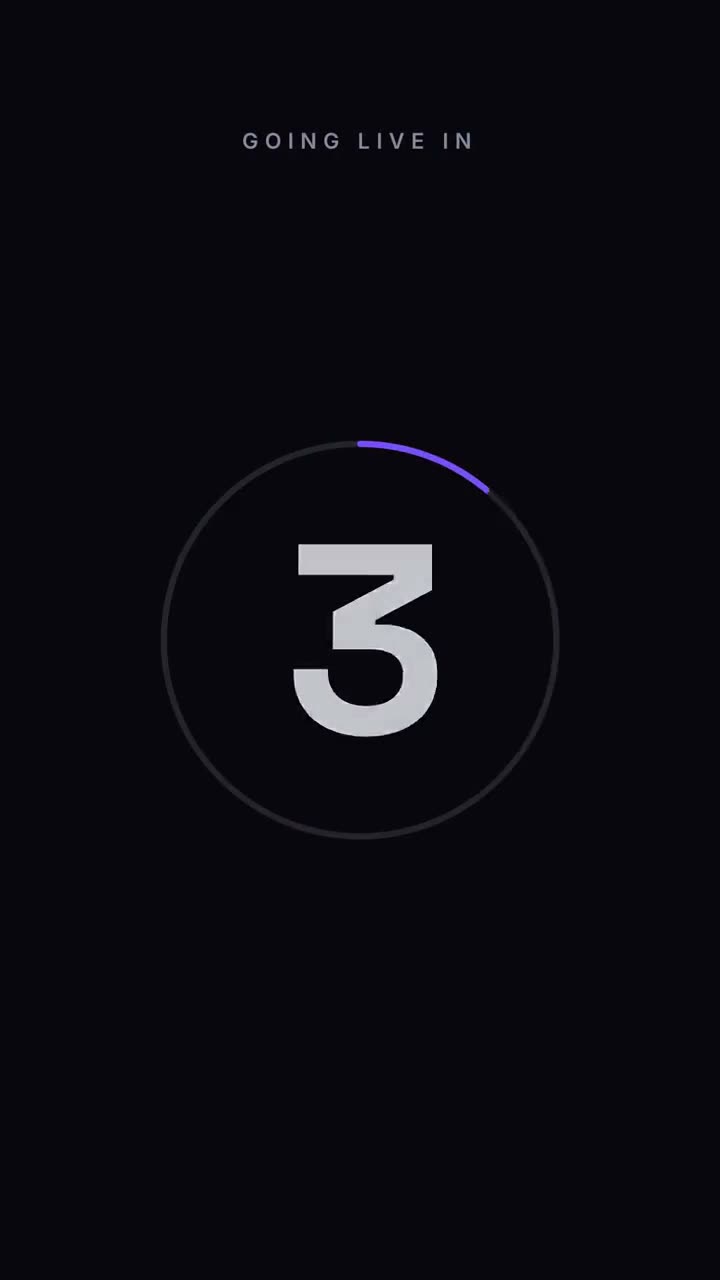
Countdown
3-2-1 numbers around a draining ring, then the reveal.
Statement Burst
A short statement slams in word by word, then the key word bursts.
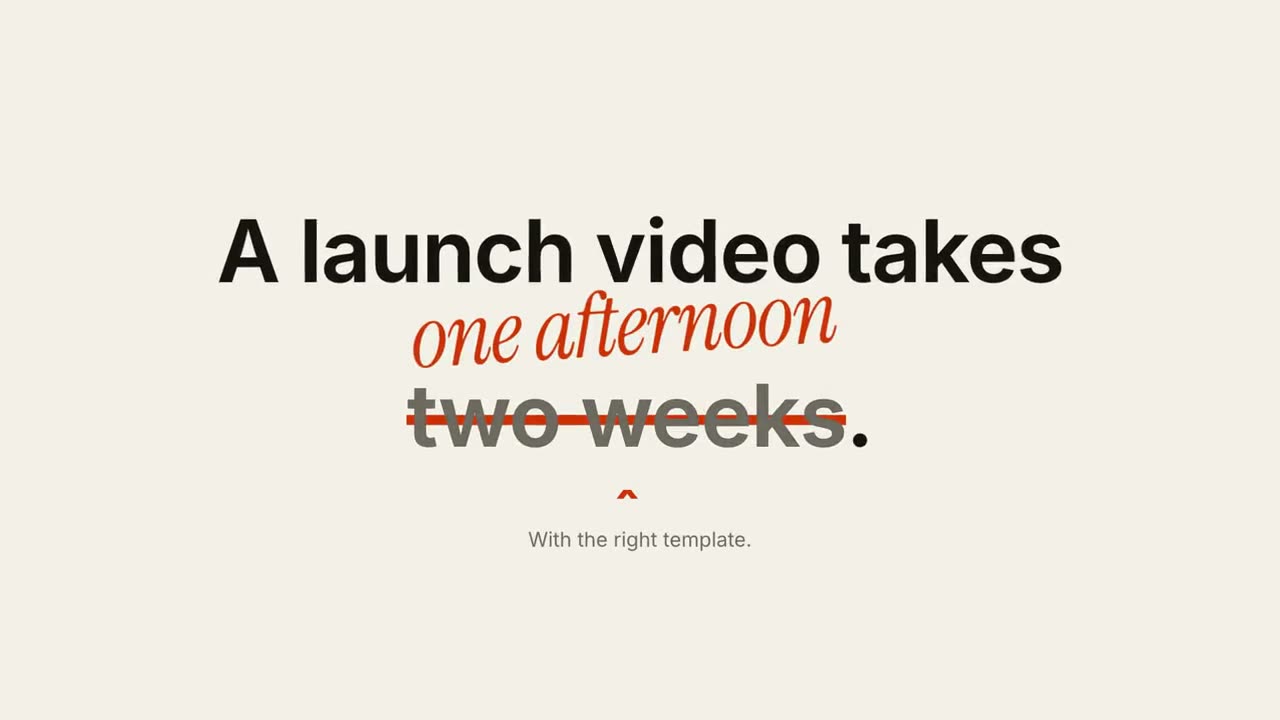
Strike & Correct
One phrase gets crossed out and a correction is written above it.
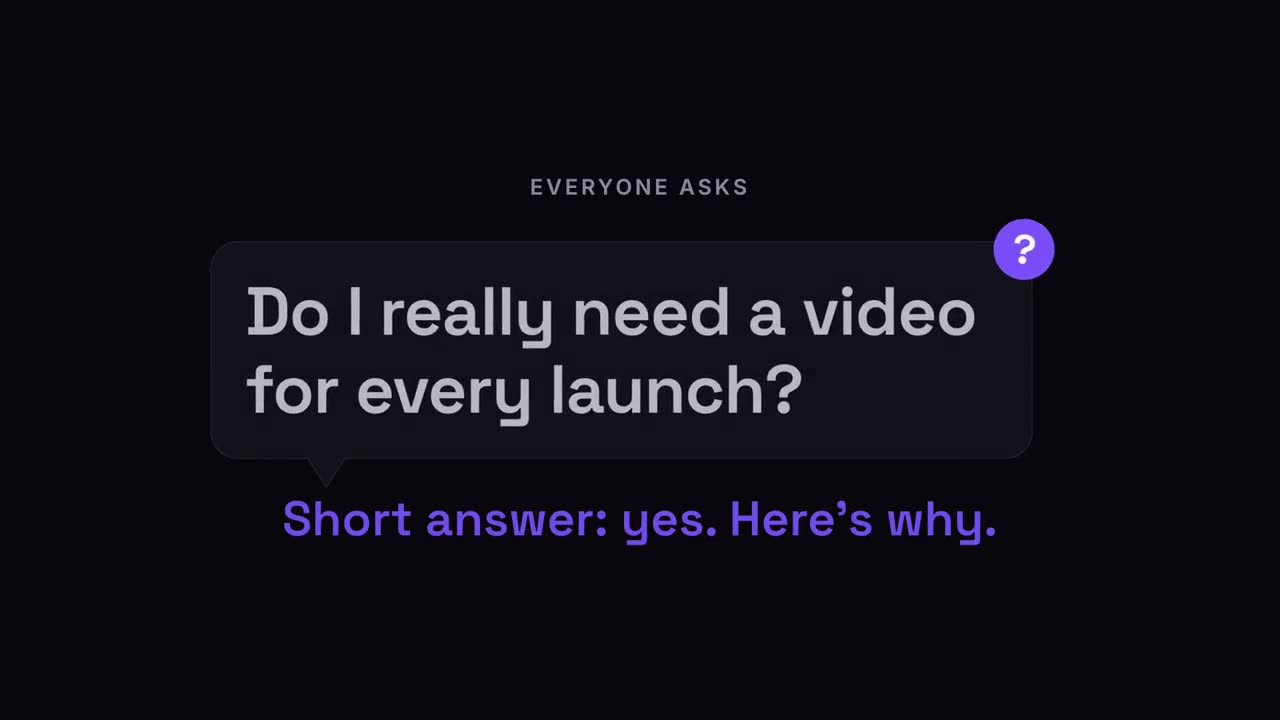
Question Pop
The audience's question pops up in a speech bubble, then the answer.
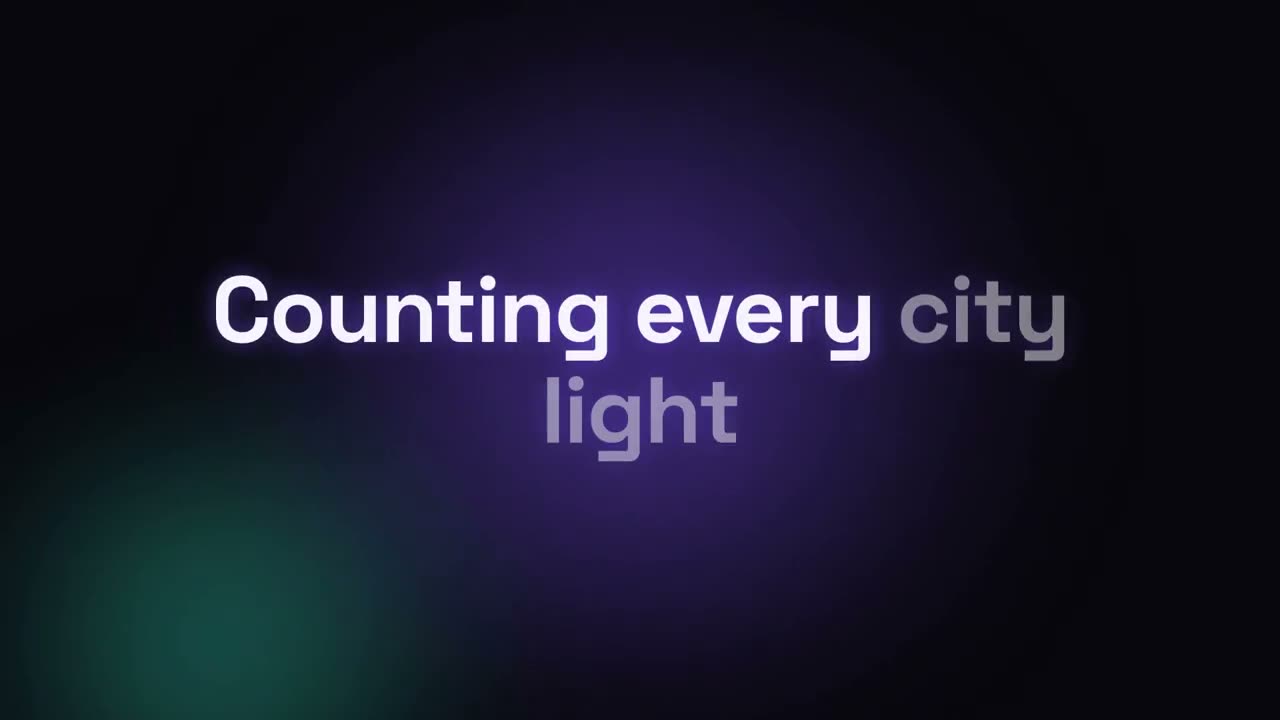
Lyric Video
Timed lyrics with karaoke fill, kinetic words or stacking lines.
Made with these