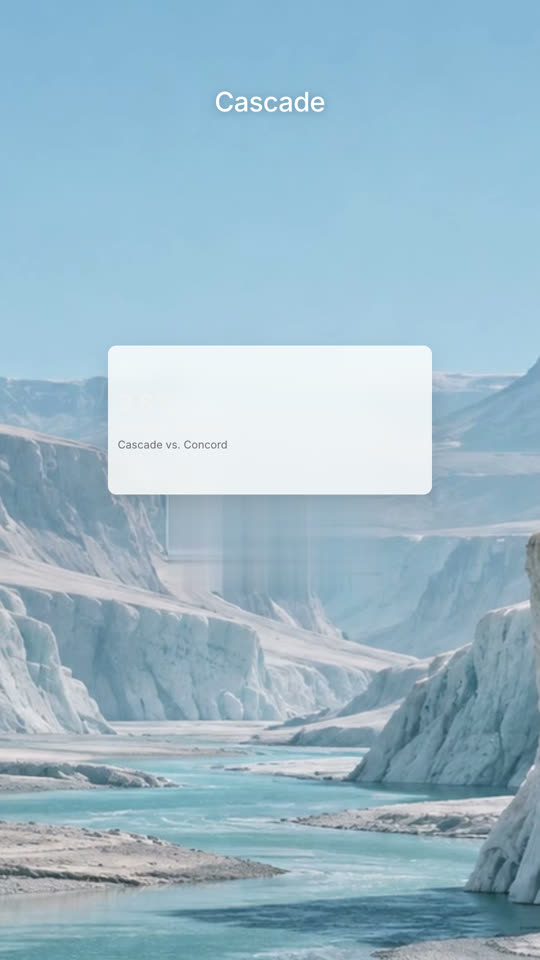
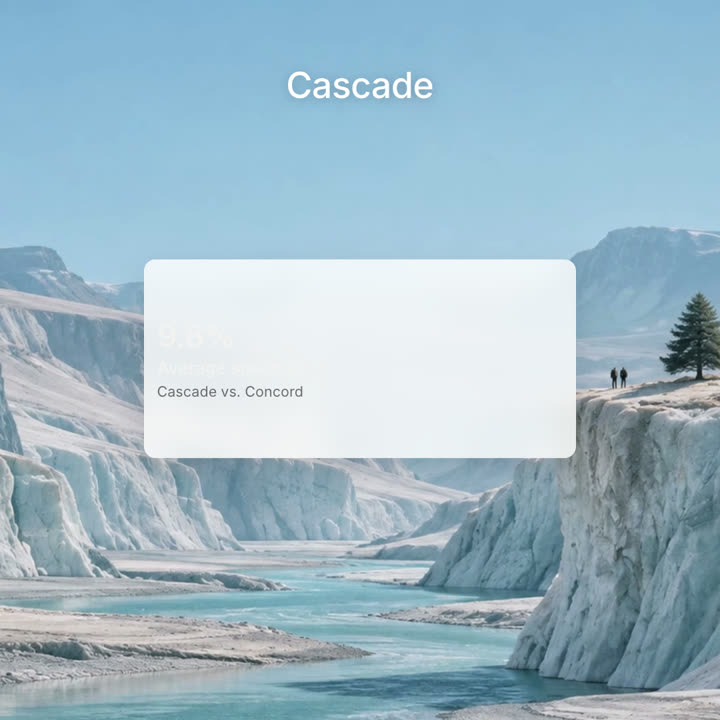
A chaptered launch: a black intro, a ticker of what's new, chapters of the product at work over landscapes, One More Thing, mascots.
Paste into Claude Code, Codex, Cursor or any agent that supports skills.
Needs: Node.js 22+, FFmpeg, Chrome. No API keys.
Other themes and formats
Theme: Electric · 9:16Theme: Ink · 1:1
Final frames from the same template, rendered with a different theme and format.
5 themes
Aa
Ink
Aa
Paper · default
Aa
Electric
Aa
Noir
Aa
Sand
Name a theme in your prompt, or set your own accent, background and text colors.
Install prompt
Read https://claude-motion.com/skills/manus-keynote-launch/install.md and follow it to install the "manus-keynote-launch" skill, then make a first video with it.
Paste into Claude Code, Codex, Cursor or any agent that supports skills.
Example prompt
Use manus-keynote-launch to make a launch film for our 2.0 release at https://your-product.com: one chapter per new capability.
Style prompt (Claude Motion or Opus 5.5)
Make a 90-second 16:9 launch keynote for [who will watch, e.g. our users and press], playing [where, e.g. the launch livestream and YouTube]. Use only the product names, chapter lines and images I attach; don't change a word. Style: pale grey #f5f5f5 ground, quiet medium-weight sans lines in dark grey with one or two words in blue #2a8af6, each line fading in word by word out of a slight blur. Calm, expo easing, soft blur cuts.

Scene 1: black, a small icon and the version, then "Introducing [Product]". Scene 2: a huge "See", then "See what's new". Scene 3: a black ticker with a blue "New" beside a column of words rolling through the product areas. Scenes 4–8: one chapter per feature, each opened by a card with a small blue line icon and its name, then the product at work. Scene 9: "One More Thing" and the surprise. End frame: the logo in the middle, held for 2 seconds.

Product and version: [e.g. Manus 2.0]
Chapters: [four to six feature names, each with one line]
One more thing: [your surprise]
Attach: [screenshots and stills for each chapter]
Nothing to install: paste this into Claude Motion (Team or Enterprise) or give it to Opus 5.5 for a similar look. The result changes from run to run; the skill gives the same result every time.