Motion Deck
Turn a document into a deck that talks.
Slides your viewers can click through, with charts that filter, quizzes that score and cards they can drag. Press play and a voice walks through every slide. Export the whole thing as an MP4.
Try one. It's live.
Use ← → to move, P to play the narration. Switch the chart, answer the quiz, drag the cards.
What every deck can do
Points appear as they're spoken
Each bullet, number and column builds in on cue, in the order the narration reaches it.
Charts that filter
Bar, line, area, pie, donut, funnel and radar charts. Add views and viewers switch them with a click.
Quizzes that score
Single or multiple choice, instant feedback and an explanation, with the score on the last slide.
Drag to match and sort
Pair terms with meanings or put steps in order. Works with a mouse, a trackpad or a finger.
A voice, made locally
Your agent writes the script and records it on your computer. Free, private, nothing uploaded.
An MP4 when you need one
Export the deck as a video, timed to the narration, for YouTube, a course platform or a meeting recap.
How it works
- 01
Install a deck skill
Start with Doc → Narrated Deck, or a style like Paper Lecture or Boardroom Memo.
- 02
Hand over a document
Notes, a report, a lesson plan or a script. Your agent plans one idea per slide and writes what to say.
- 03
Present, share or export
Open index.html in any browser, upload the folder to share a link, or export an MP4.
Read https://claude-motion.com/skills/doc-to-narrated-deck/install.md and follow it to install the "doc-to-narrated-deck" skill, then make a first video with it.
Paste into Claude Code, Codex, Cursor or any agent that supports skills.
Deck styles
Each style is a skill. Pick by audience: teaching, reporting, pitching or explaining.
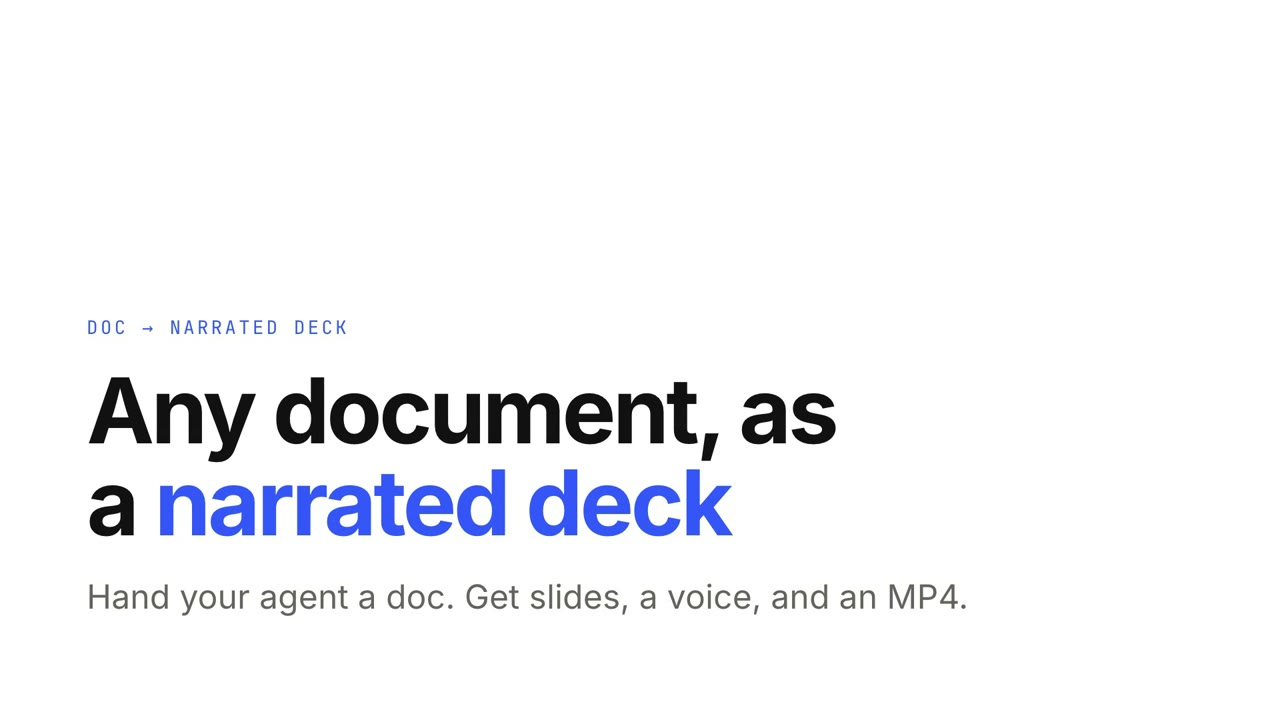
Doc → Narrated Deck
Hand your agent a document; get a narrated, interactive deck and an MP4.
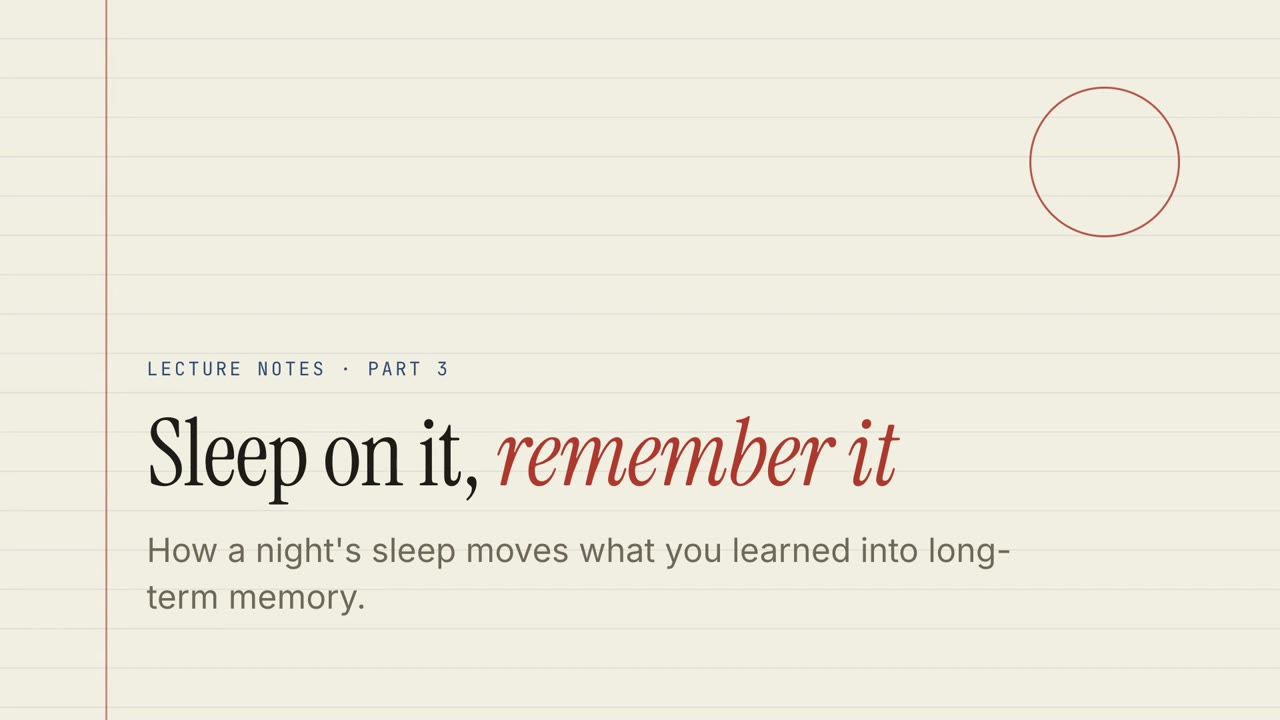
Paper Lecture
Ruled-paper lecture notes with quizzes, drag exercises and a narrated walk-through.

Chalk Classroom
A green chalkboard lesson with hand-lettered headings and practice exercises.

Boardroom Memo
A crisp business review: big numbers, a clear warning, and the decision you need.
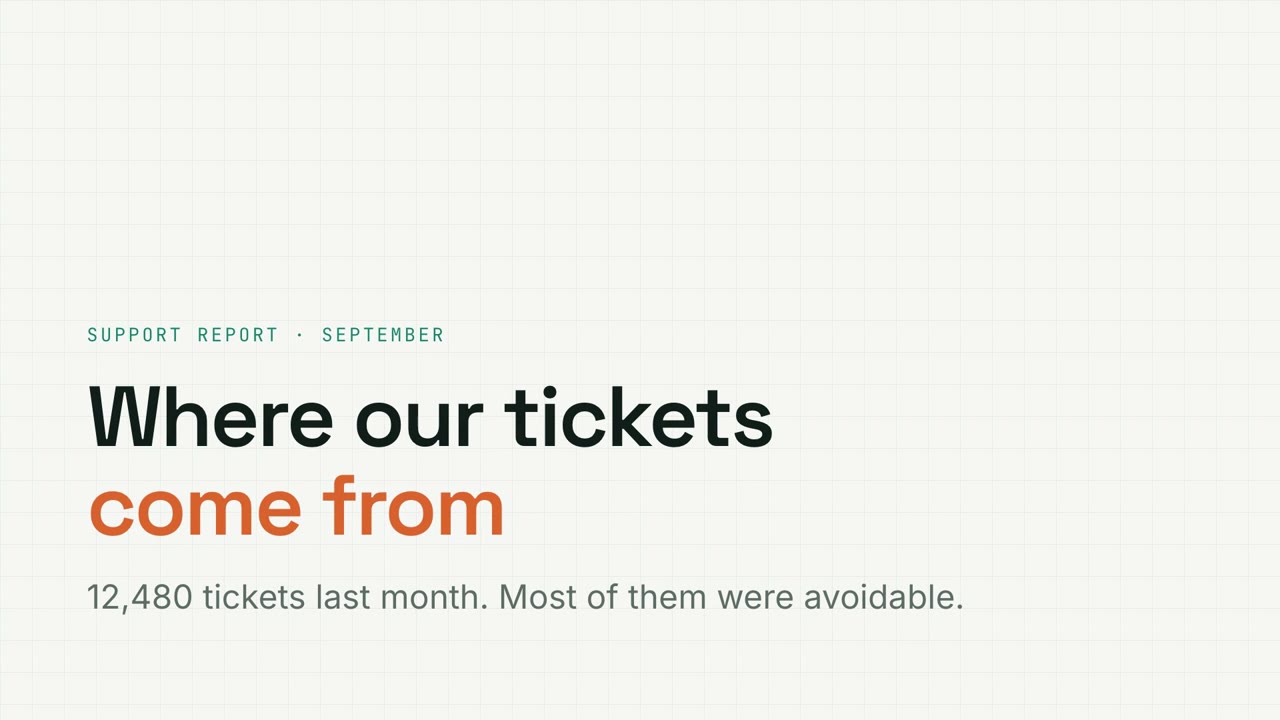
Metric Grid
Graph-paper data report with filterable charts, funnels and donuts.

Night Keynote
A dark, glowing launch keynote with gradient headlines.

Studio Pitch
A bold startup pitch in cobalt and coral, from problem to ask.
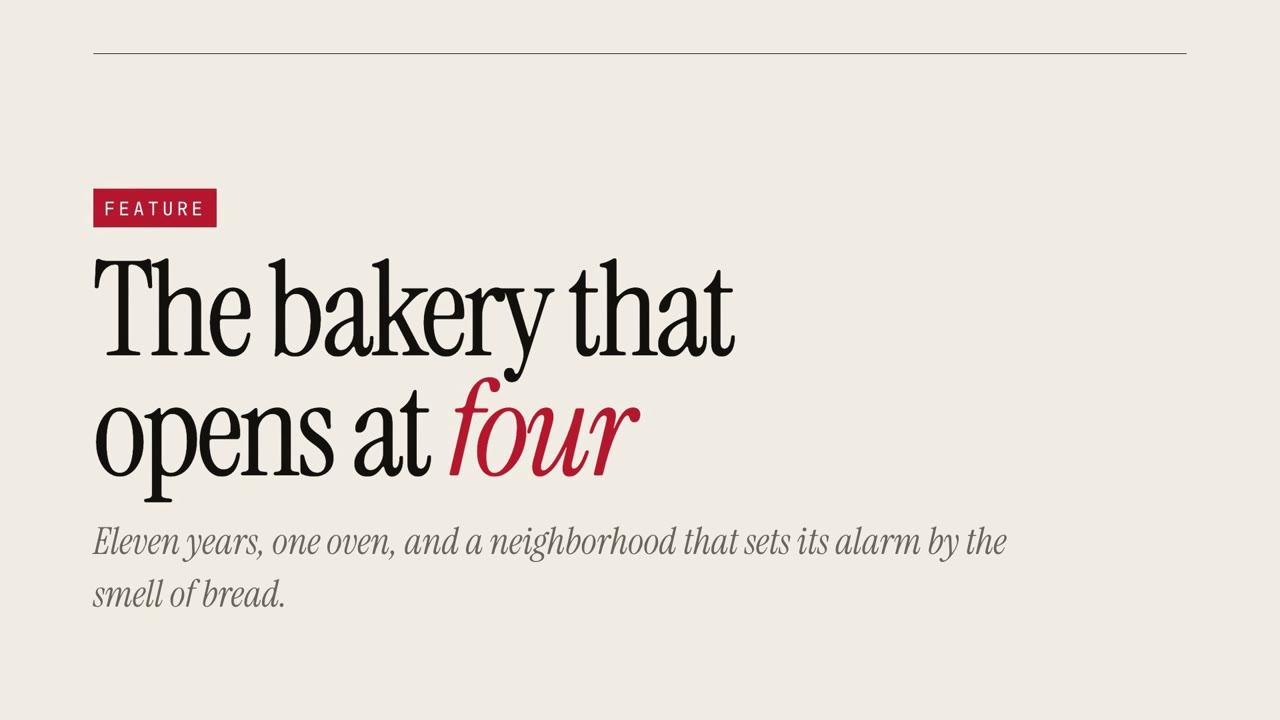
Magazine Story
An editorial feature with oversized serif type and pull quotes.
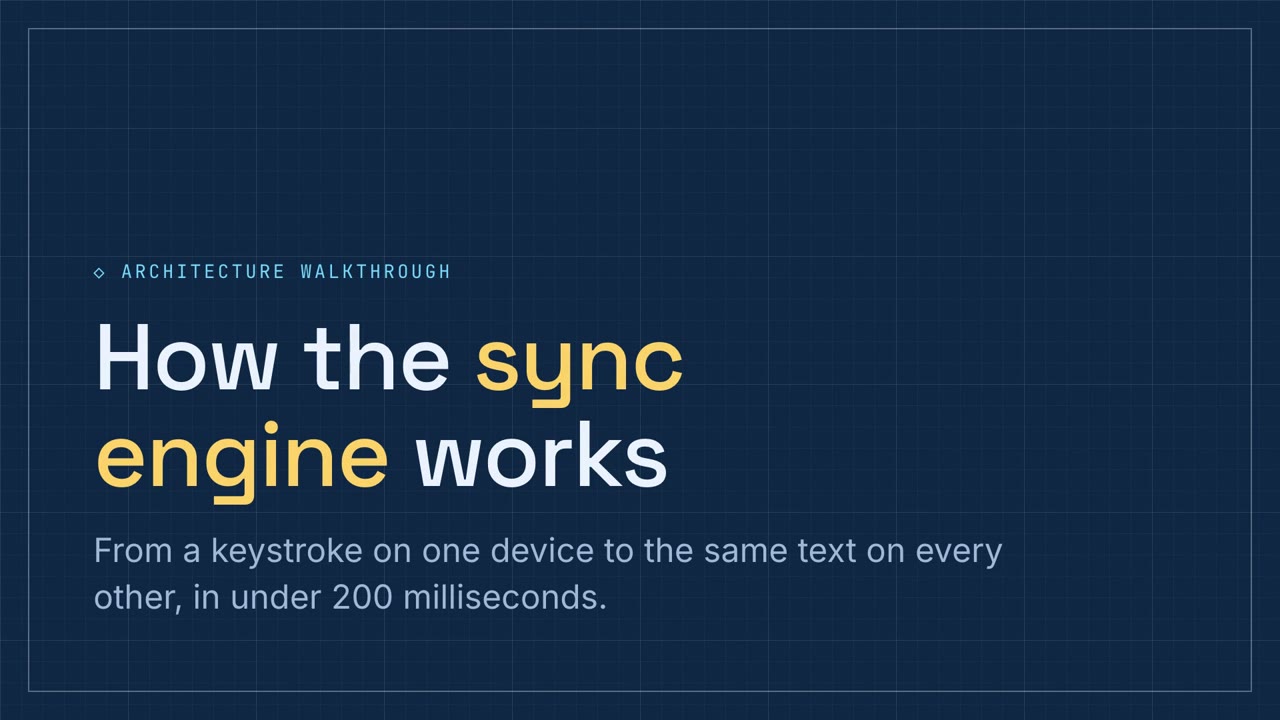
Schematic Walkthrough
A blueprint-blue technical walkthrough with pipeline and component exercises.
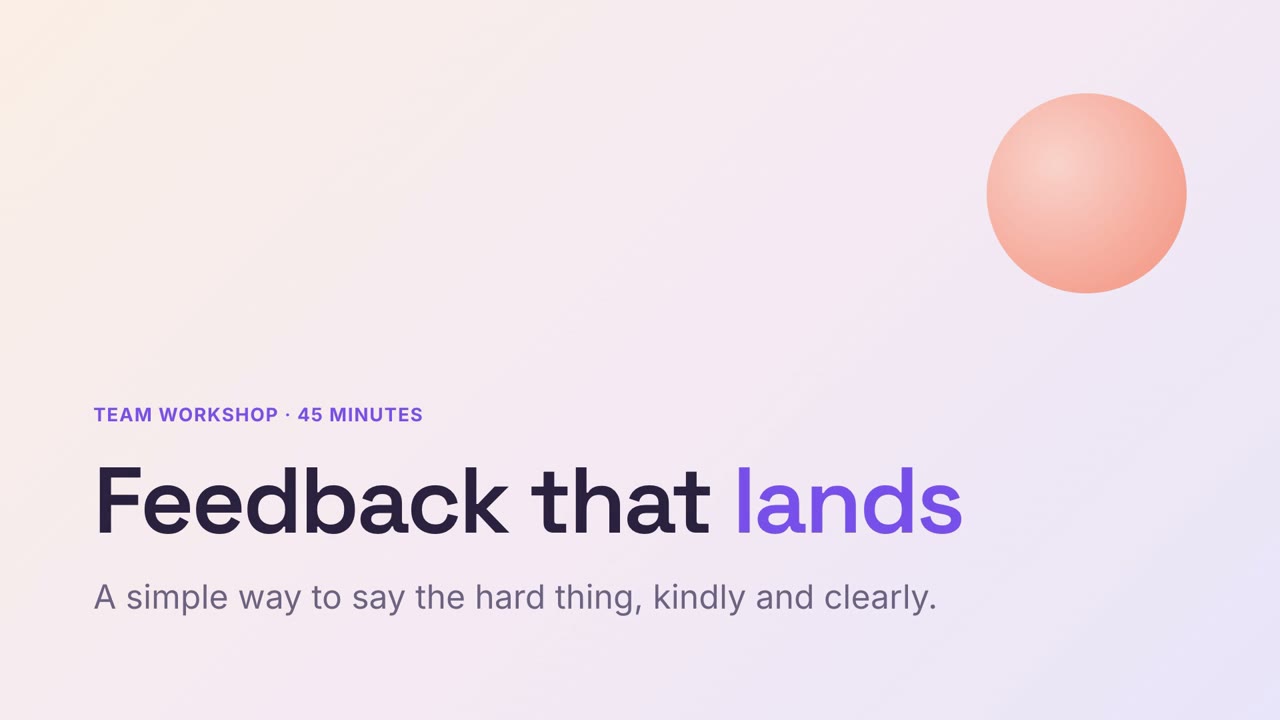
Soft Workshop
A gentle pastel workshop deck with practice built in.

Research Journal
A kraft-paper research readout with sticky-note quotes and theme charts.
Questions
Is this a PowerPoint file?
No. It's an HTML deck: a folder with index.html that opens in any browser and works offline. That's what makes live charts, quizzes and drag exercises possible. You can also export it as an MP4.
How does the narration work?
Your agent writes a short script for every slide, then a local text-to-speech model (Kokoro) records it on your computer. It takes a one-time setup of about 1 GB. Nothing is sent to a server, and there's no per-minute cost.
Which languages can it narrate?
English sounds most natural. Chinese, Spanish, French, Japanese, Italian, Portuguese and Hindi work too. The slides themselves can be in any language.
How do I share a deck?
Upload the folder to any static host (Cloudflare Pages, Netlify, GitHub Pages) and send the link, or send the MP4.
Does Claude Motion do this?
Claude Motion makes animated explainers on Team and Enterprise plans. These skills make narrated, clickable decks with your own agent, on any plan.