Aberturas e transições
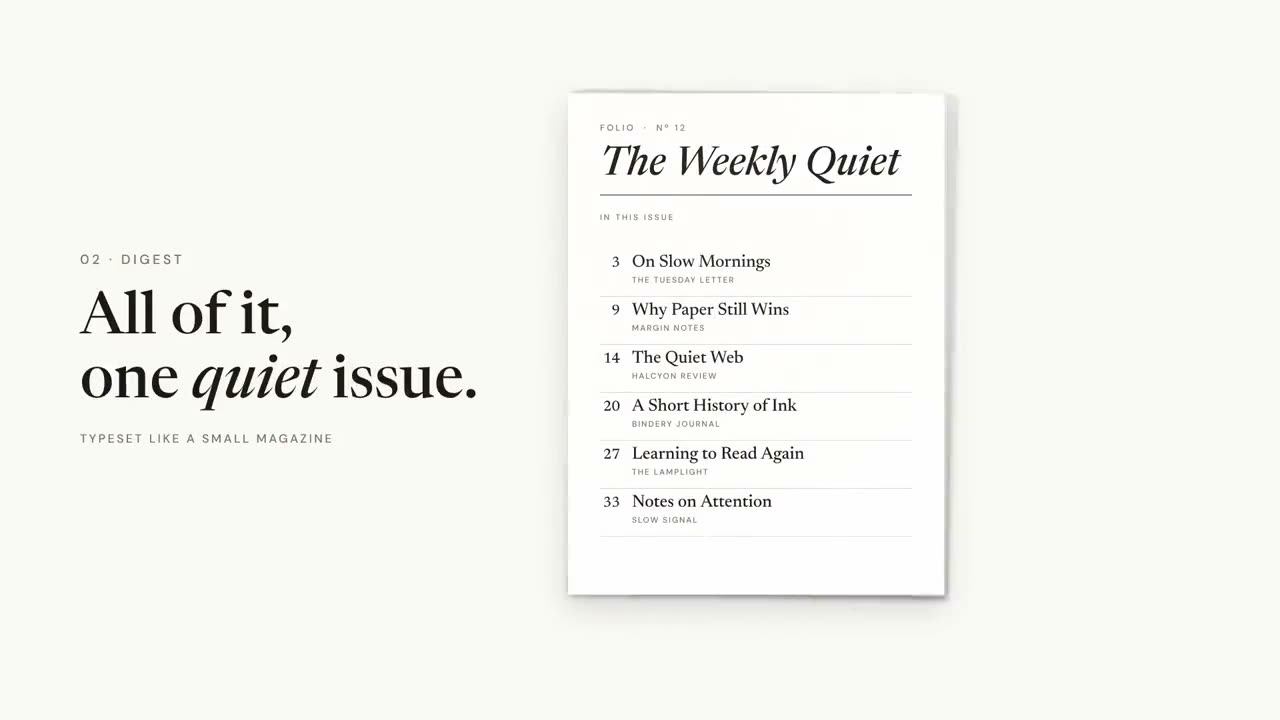
As peças entre o conteúdo principal: um logo animado para abrir, cartões de capítulo e barras de agenda para orientar, e um resumo para fechar. Configure sua marca uma vez com Configuração de marca para motion, e todas as peças a usam.
Do seu material a um vídeo pronto
Dê ao seu agente o que você tem; o fluxo escreve, dirige e renderiza o MP4.

Prompts para começar
Cole no Claude Motion ou instale o skill correspondente e peça ao seu agente.

Vinheta de logo e encerramento
Abrir skill →GrátisMake a 5-second 16:9 logo sting for [who will watch, e.g. viewers of our videos], playing [where, e.g. at the end of every video]. Use only the logo, name and tagline I give below. Near-black background. The logo mark punches in at the center with a slight rotation, an accent ring expands and fades, and twelve short rays burst outward. The mark then slides left while the wordmark in a bold geometric sans slides out from behind it. End frame: the tagline fades in below in gray and a soft light sweep passes across the lockup. Attach: [your logo] Name and tagline: [e.g. Northwind, "Build what's next."] Accent color: [e.g. orange]

Carimbo de capítulo
Abrir skill →GrátisMake a 5-second 16:9 chapter card for [who will watch, e.g. viewers of our course], playing [where, e.g. at the start of each lesson]. Use only the number and chapter title below. Near-black background. A huge serif number slams down from twice its size with a tiny camera shake. To its right, a short orange rule extends, a small gray uppercase "CHAPTER" tightens its letter spacing, and the chapter title rises word by word in a light serif. End frame: the number turns orange and the whole card slowly scales up. Number: [e.g. 02] Chapter title: [e.g. "Finding the hook"]
Cenas avulsas para isso

Pacote de transições
Seis transições para juntar slides, imagens ou cenas.

Linha do tempo de marcos
Uma linha do tempo se desenha e os marcos aparecem ao longo dela.

Mural de resumo
Cartões com as principais lições chegam voando e se organizam num mural numerado.
Vinheta de logo e encerramento
Uma entrada de marca com impacto ou um cartão final limpo.
Carimbo de capítulo
Um número de capítulo gigante bate como um carimbo, e depois vem o título.

Varredura de seção
Painéis de destaque varrem a tela enquanto o número da seção passa para o próximo.
Progresso da pauta
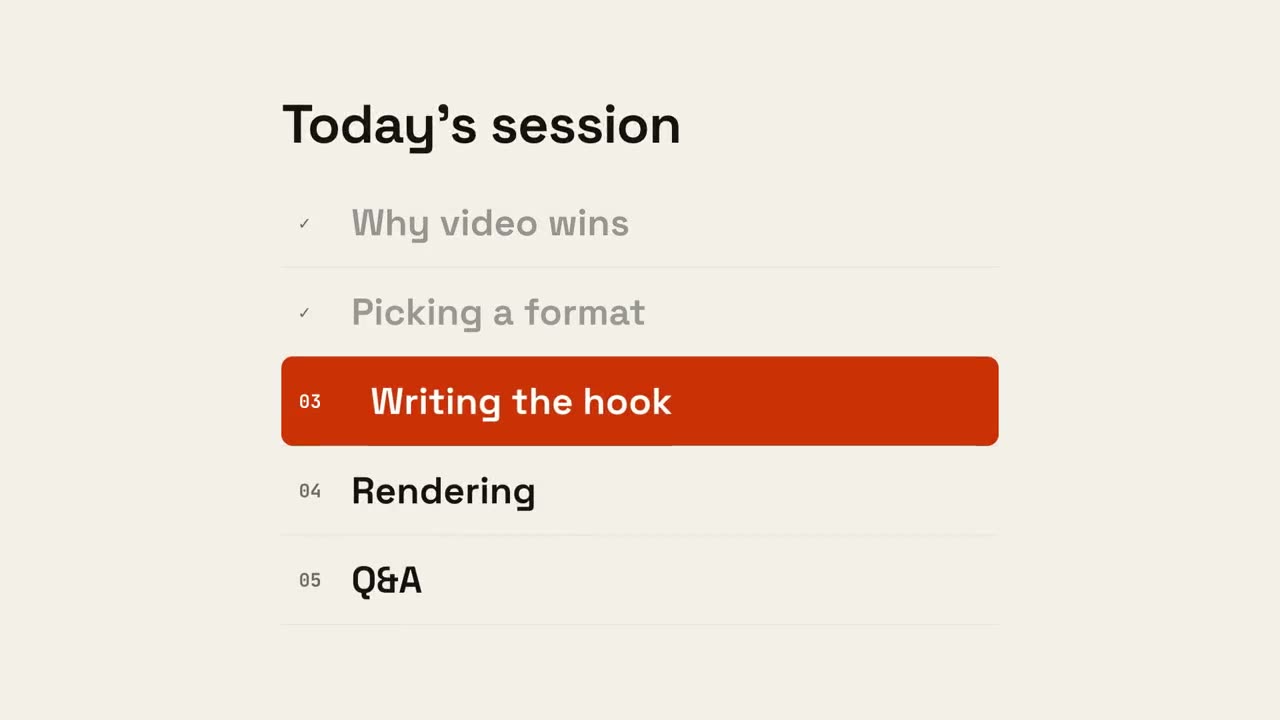
A pauta aparece, os itens concluídos são marcados e um indicador desce até o próximo.
Feito com estes