← 场景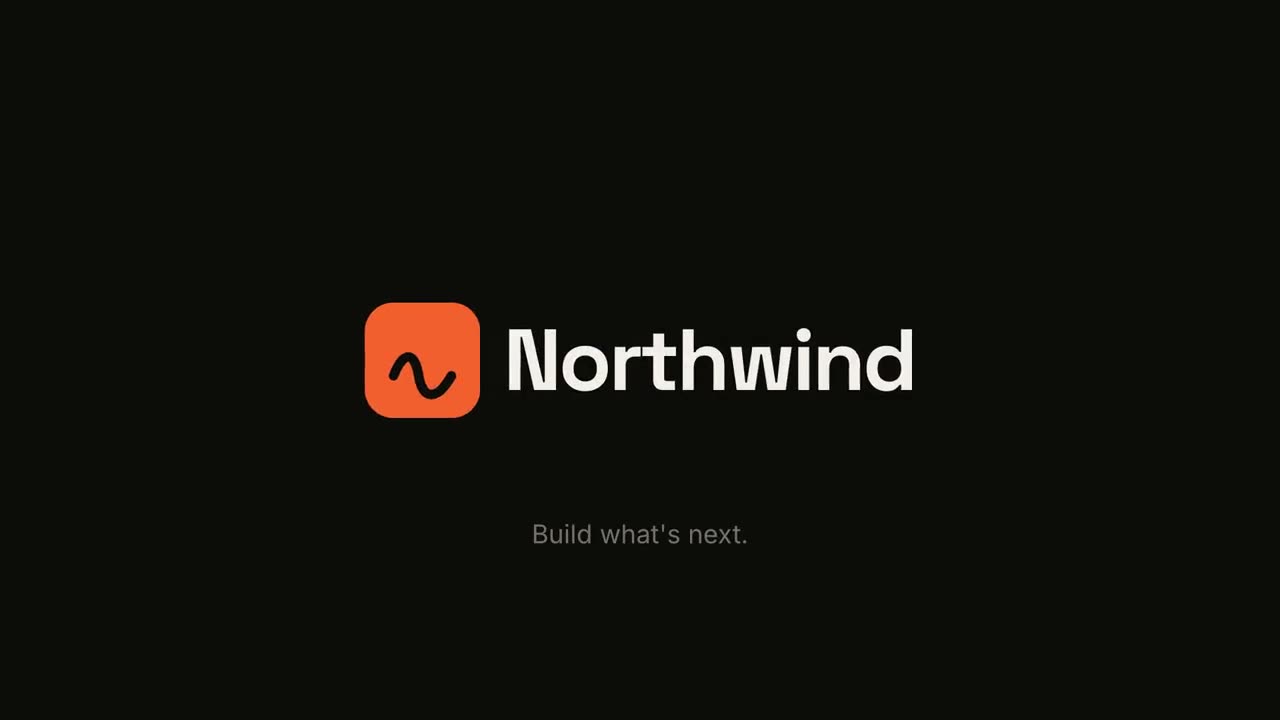

 付费
付费 付费
付费 付费免费免费
 付费
付费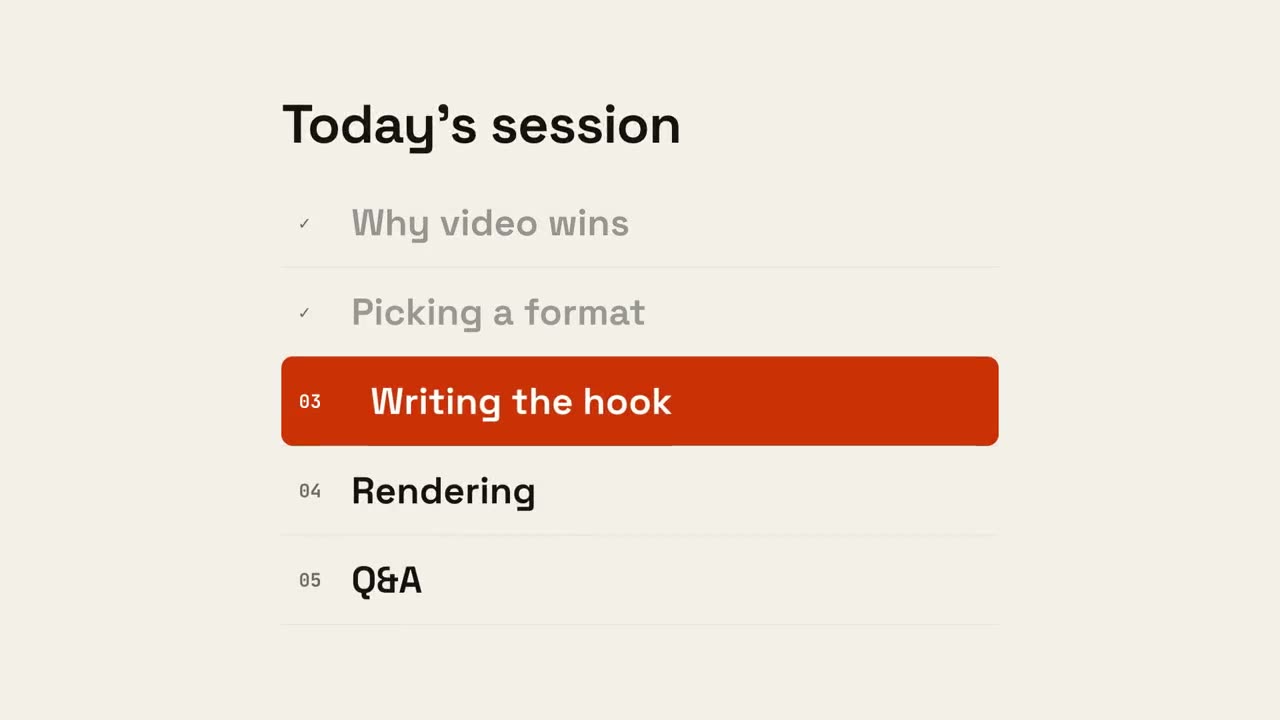 付费
付费
片头与转场
正片之间的部件:开场的 Logo 动画、让观众不迷路的章节卡和议程条,以及收尾的回顾。用「品牌动效设定」设一次品牌,所有部件都会沿用。
从你的材料到成片
把手上的材料交给 Agent,工作流负责写稿、分镜和渲染 MP4。

从这些提示词开始
粘贴到 Claude Motion,或者安装对应的 Skill 后交给你的 Agent。
Logo 片头片尾
查看 Skill →免费风格提示词(Claude Motion 或 Opus 5.5)
Make a 5-second 16:9 logo sting for [who will watch, e.g. viewers of our videos], playing [where, e.g. at the end of every video]. Use only the logo, name and tagline I give below. Near-black background.

The logo mark punches in at the center with a slight rotation, an accent ring expands and fades, and twelve short rays burst outward. The mark then slides left while the wordmark in a bold geometric sans slides out from behind it. End frame: the tagline fades in below in gray and a soft light sweep passes across the lockup.

Attach: [your logo]
Name and tagline: [e.g. Northwind, "Build what's next."]
Accent color: [e.g. orange]
章节印章
查看 Skill →免费风格提示词(Claude Motion 或 Opus 5.5)
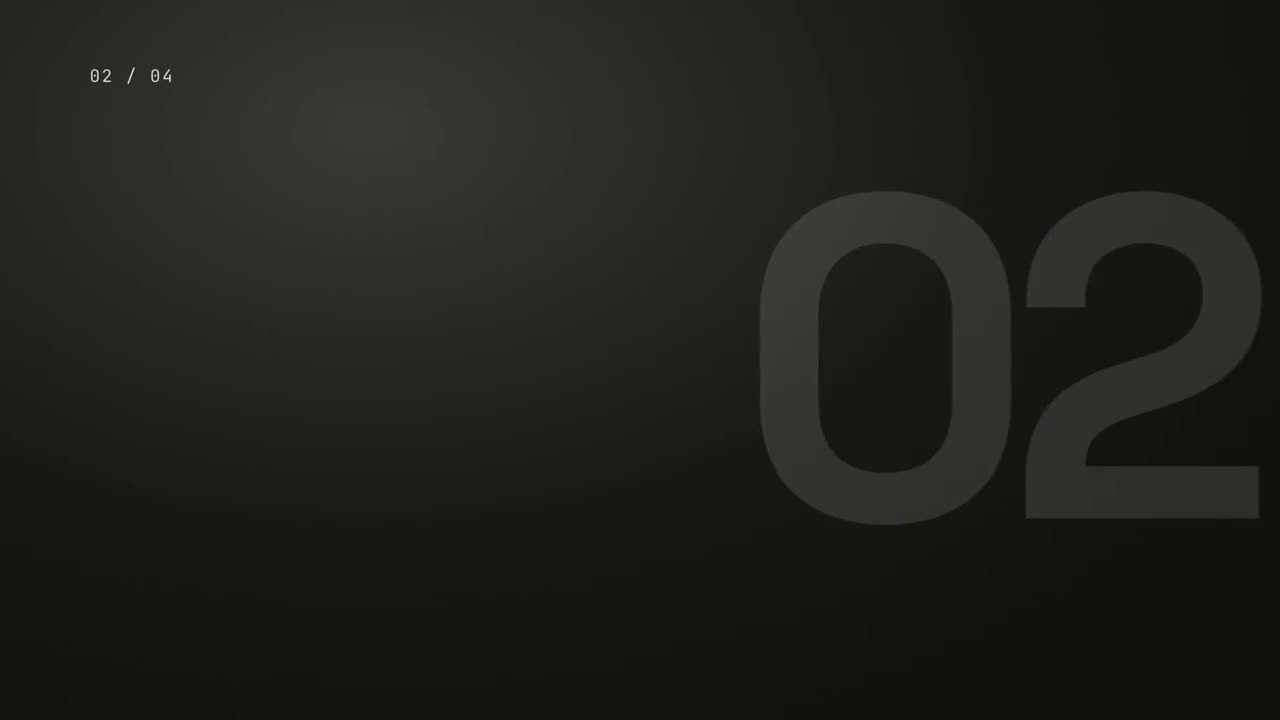
Make a 5-second 16:9 chapter card for [who will watch, e.g. viewers of our course], playing [where, e.g. at the start of each lesson]. Use only the number and chapter title below. Near-black background.

A huge serif number slams down from twice its size with a tiny camera shake. To its right, a short orange rule extends, a small gray uppercase "CHAPTER" tightens its letter spacing, and the chapter title rises word by word in a light serif. End frame: the number turns orange and the whole card slowly scales up.

Number: [e.g. 02]
Chapter title: [e.g. "Finding the hook"]
可单独使用的场景
转场合集
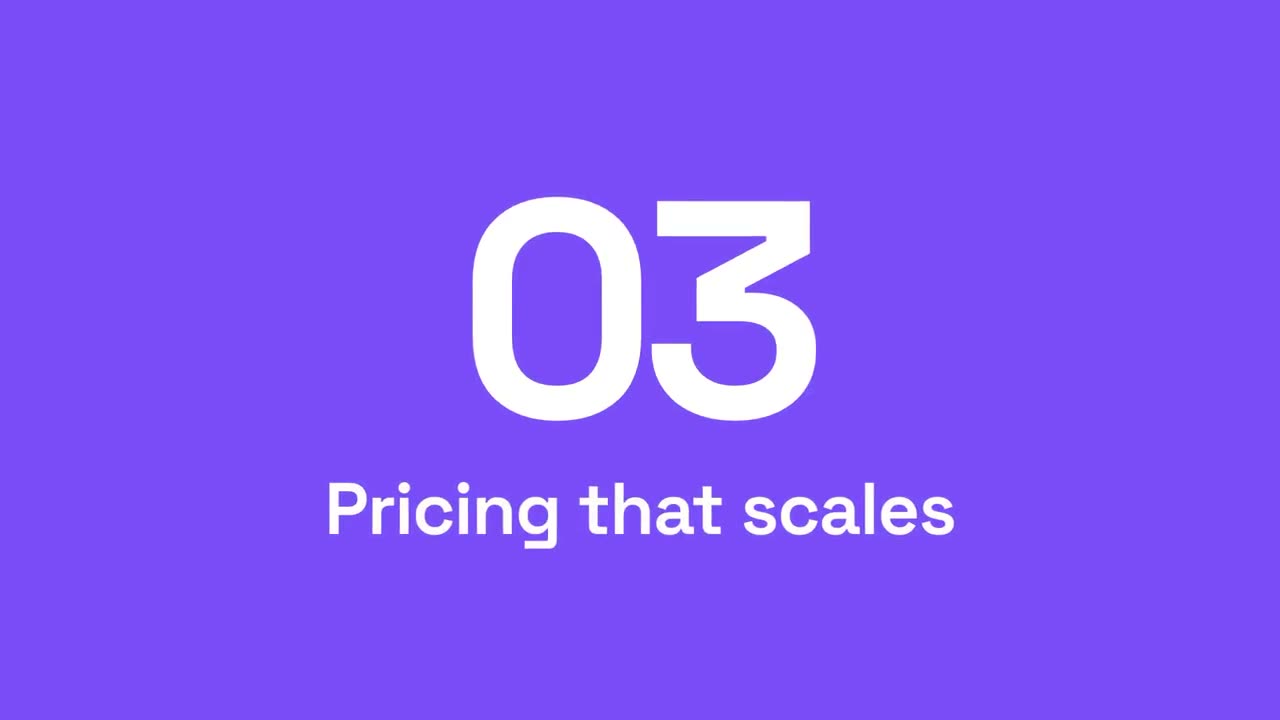
六种转场,用于衔接幻灯片、图片或场景。
转场16:9 / 9:16 / 1:1
里程碑时间线
时间线画出,里程碑沿线依次出现。
讲解16:9 / 9:16 / 1:1
要点回顾墙
要点卡片飞入,排成整齐的编号墙。
讲解16:9 / 9:16 / 1:1
Logo 片头片尾
有冲击力的品牌开场,或干净的结尾卡。
品牌16:9 / 9:16 / 1:1
章节印章
巨大的章节号像印章一样砸下,随后出现标题。
讲解16:9 / 9:16 / 1:1
章节转场
强调色面板扫过画面,章节号滚动到下一个。
讲解16:9 / 9:16 / 1:1
议程进度
议程列出,已完成项打勾,标记滑到下一项。
讲解16:9 / 9:16 / 1:1