Intros y transiciones
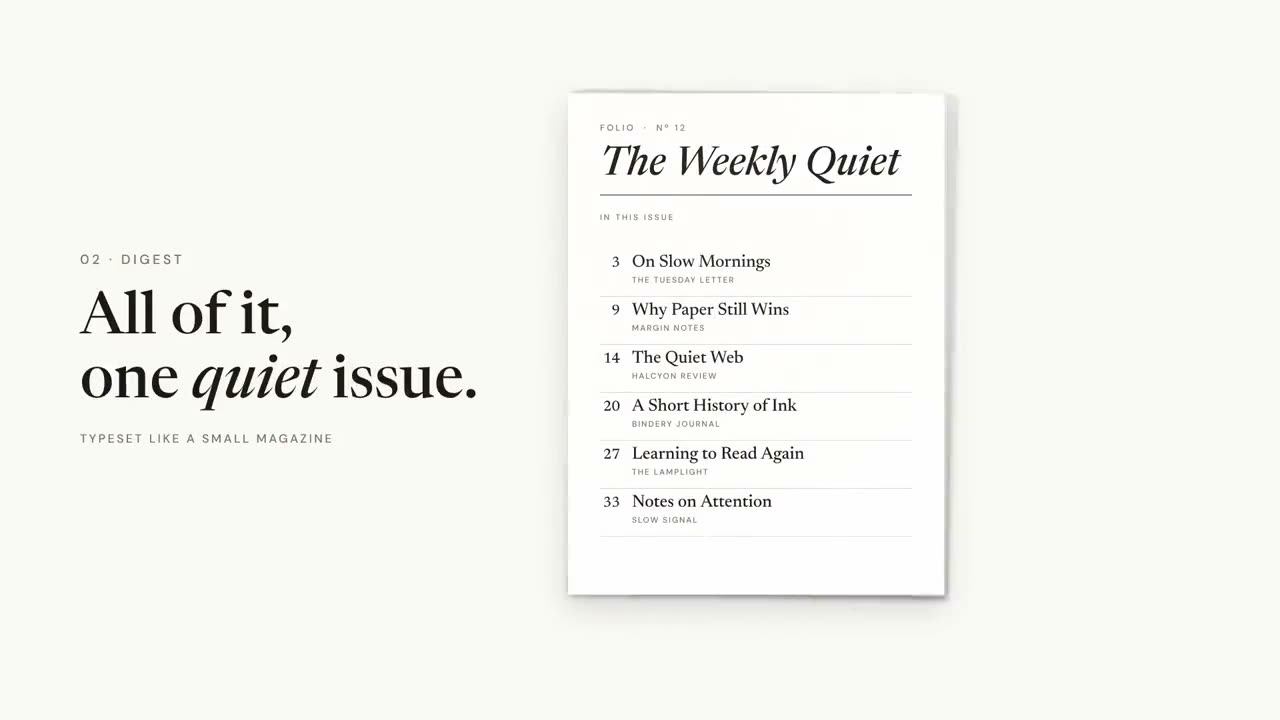
Las piezas entre el contenido principal: un logo animado para abrir, tarjetas de capítulo y barras de agenda para orientar, y un resumen para cerrar. Configura tu marca una vez con Configuración de marca para motion y todas las piezas la usan.
De tu material a un video terminado
Dale a tu agente lo que tienes; el flujo escribe, dirige y renderiza el MP4.

Prompts para empezar
Pégalo en Claude Motion, o instala el skill correspondiente y pídeselo a tu agente.
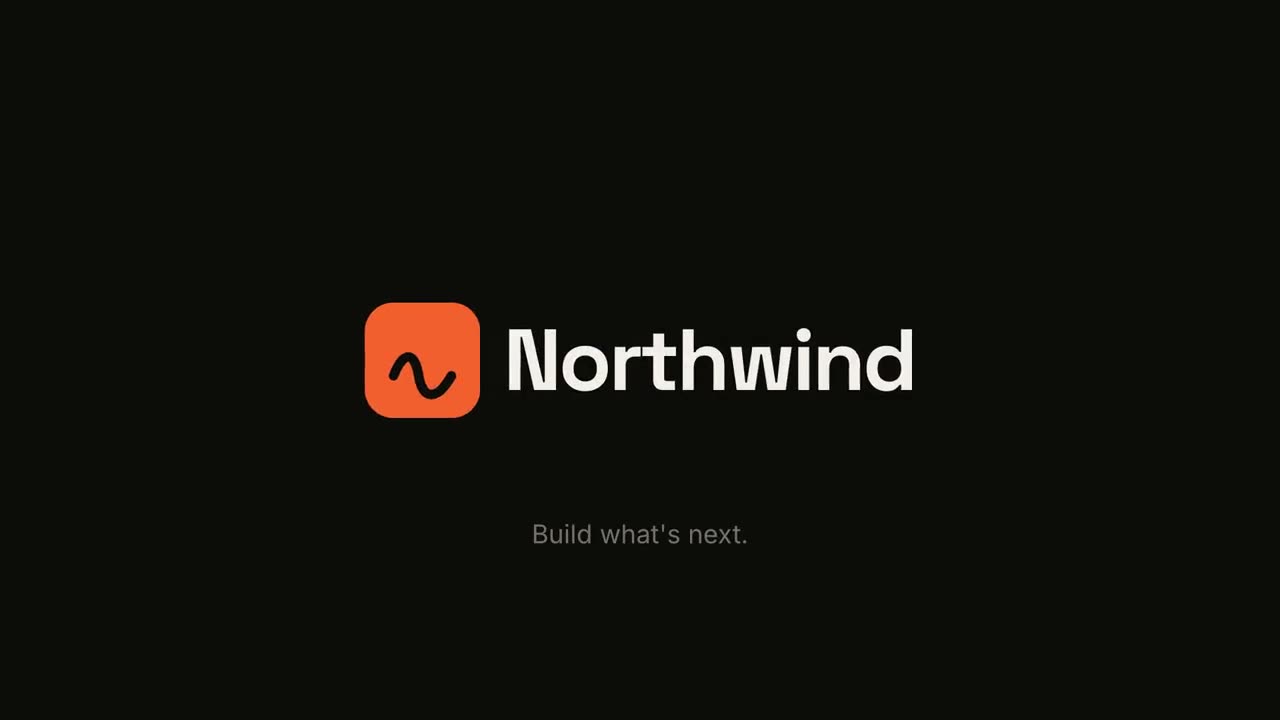
Logo animado y cierre
Abrir skill →GratisMake a 5-second 16:9 logo sting for [who will watch, e.g. viewers of our videos], playing [where, e.g. at the end of every video]. Use only the logo, name and tagline I give below. Near-black background. The logo mark punches in at the center with a slight rotation, an accent ring expands and fades, and twelve short rays burst outward. The mark then slides left while the wordmark in a bold geometric sans slides out from behind it. End frame: the tagline fades in below in gray and a soft light sweep passes across the lockup. Attach: [your logo] Name and tagline: [e.g. Northwind, "Build what's next."] Accent color: [e.g. orange]

Sello de capítulo
Abrir skill →GratisMake a 5-second 16:9 chapter card for [who will watch, e.g. viewers of our course], playing [where, e.g. at the start of each lesson]. Use only the number and chapter title below. Near-black background. A huge serif number slams down from twice its size with a tiny camera shake. To its right, a short orange rule extends, a small gray uppercase "CHAPTER" tightens its letter spacing, and the chapter title rises word by word in a light serif. End frame: the number turns orange and the whole card slowly scales up. Number: [e.g. 02] Chapter title: [e.g. "Finding the hook"]
Escenas sueltas para esto

Pack de transiciones
Seis transiciones para unir diapositivas, imágenes o escenas.

Línea de tiempo de hitos
Una línea de tiempo se dibuja y los hitos aparecen a lo largo de ella.

Muro de resumen
Las tarjetas con conclusiones llegan volando y se ordenan en un muro numerado.
Logo animado y cierre
Una presentación de marca con fuerza o una tarjeta final limpia.
Sello de capítulo
Un número de capítulo gigante cae como un sello, seguido del título.

Barrido de sección
Paneles de acento barren la imagen mientras el número de sección pasa al siguiente.
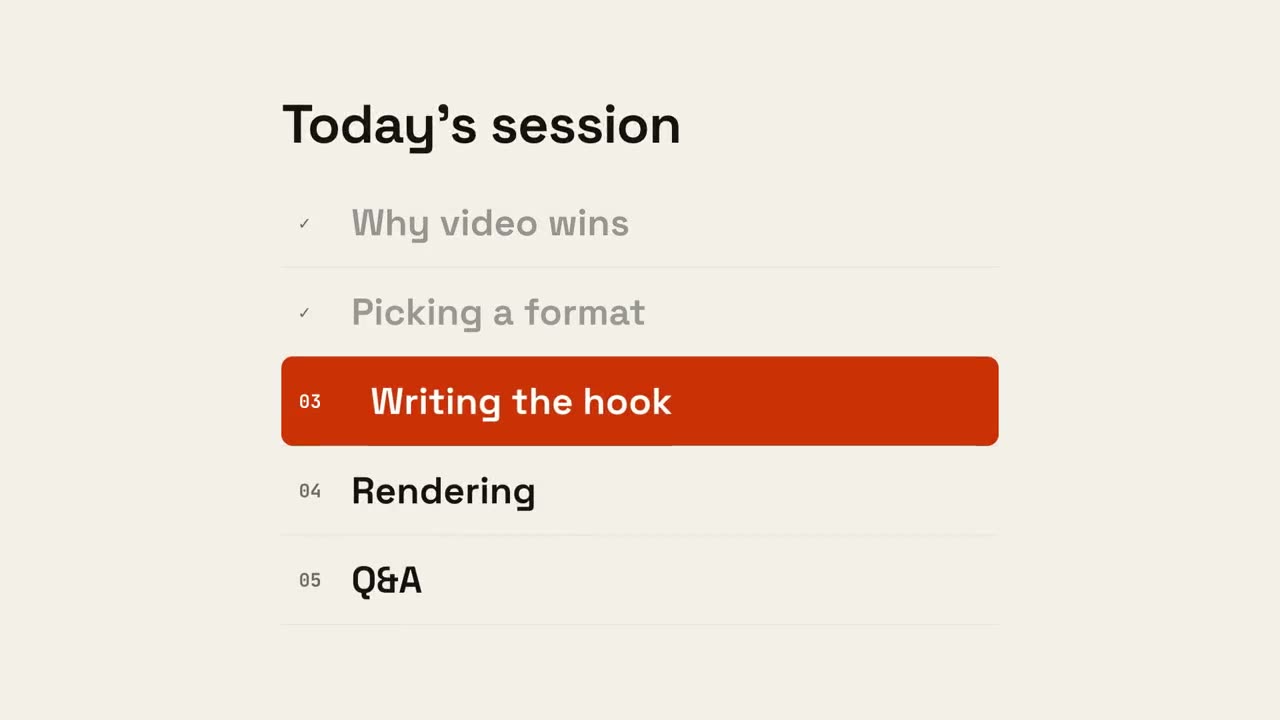
Progreso de agenda
Aparece la agenda, los puntos terminados se marcan y un indicador baja hasta el siguiente.
Hecho con estos