Intros & Übergänge
Die Teile zwischen dem Hauptinhalt: ein Logo-Sting zum Einstieg, Kapitelkarten und Agenda-Leisten zur Orientierung und ein Rückblick zum Schluss. Richte deine Marke einmal mit dem Marken-Setup für Motion ein, und jedes Teil übernimmt sie.
Von deinem Material zum fertigen Video
Gib deinem Agenten, was du hast; der Workflow schreibt, inszeniert und rendert das MP4.
Prompts für den Einstieg
In Claude Motion einfügen oder den passenden Skill installieren und deinen Agenten fragen.
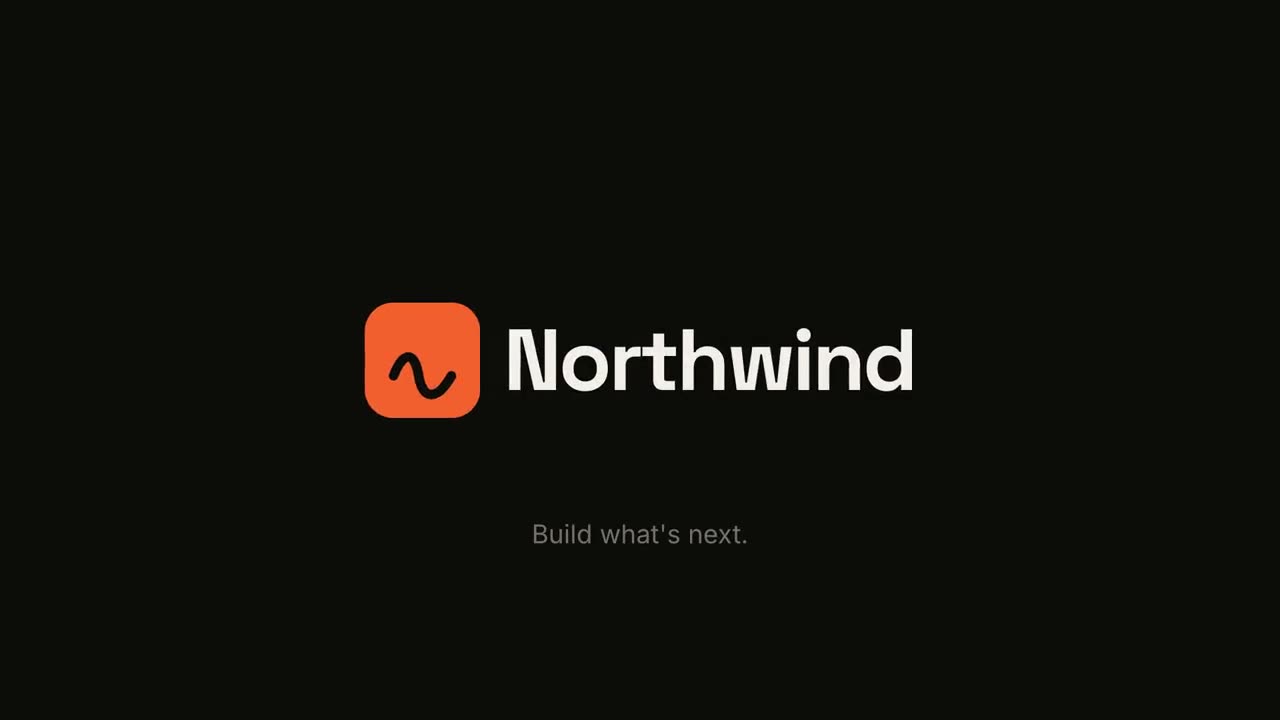
Logo-Animation & Outro
Skill öffnen →KostenlosMake a 5-second 16:9 logo sting for [who will watch, e.g. viewers of our videos], playing [where, e.g. at the end of every video]. Use only the logo, name and tagline I give below. Near-black background. The logo mark punches in at the center with a slight rotation, an accent ring expands and fades, and twelve short rays burst outward. The mark then slides left while the wordmark in a bold geometric sans slides out from behind it. End frame: the tagline fades in below in gray and a soft light sweep passes across the lockup. Attach: [your logo] Name and tagline: [e.g. Northwind, "Build what's next."] Accent color: [e.g. orange]

Kapitel-Stempel
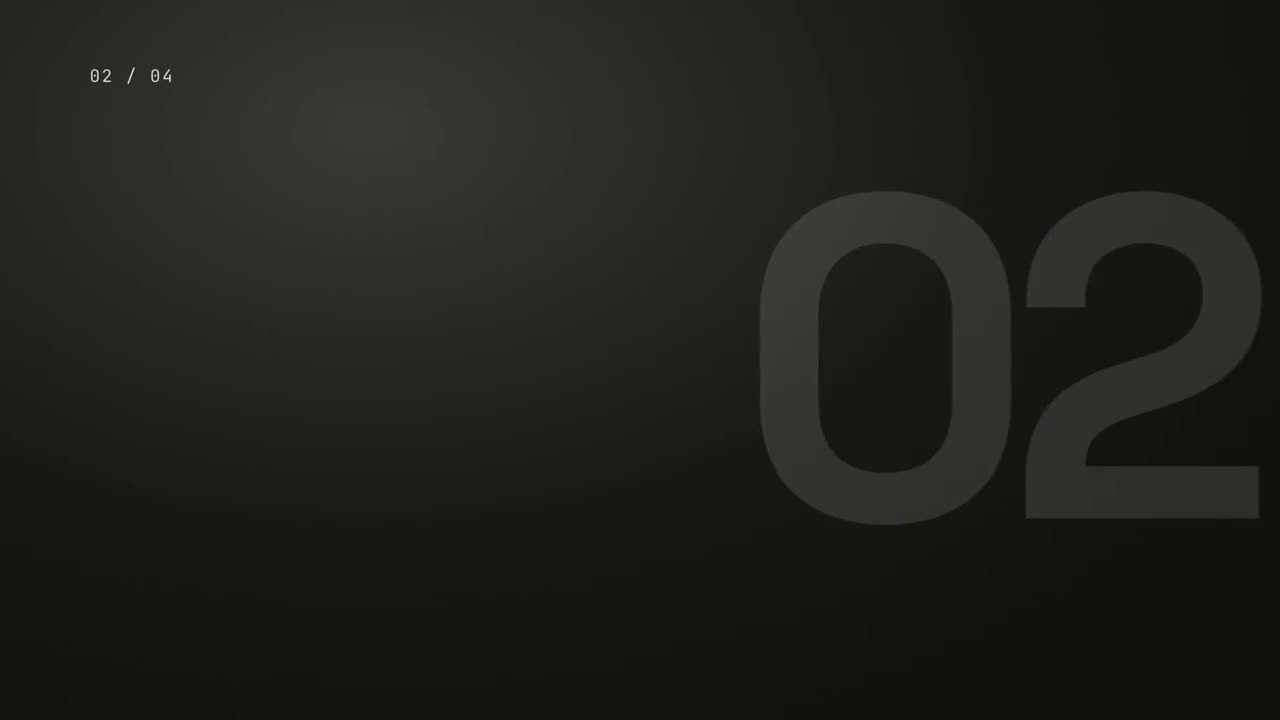
Skill öffnen →KostenlosMake a 5-second 16:9 chapter card for [who will watch, e.g. viewers of our course], playing [where, e.g. at the start of each lesson]. Use only the number and chapter title below. Near-black background. A huge serif number slams down from twice its size with a tiny camera shake. To its right, a short orange rule extends, a small gray uppercase "CHAPTER" tightens its letter spacing, and the chapter title rises word by word in a light serif. End frame: the number turns orange and the whole card slowly scales up. Number: [e.g. 02] Chapter title: [e.g. "Finding the hook"]
Einzelne Szenen dafür
Übergangs-Paket
Sechs Übergänge, um Folien, Bilder oder Szenen zu verbinden.

Meilenstein-Zeitleiste
Eine Zeitleiste zeichnet sich, und Meilensteine ploppen entlang der Linie auf.

Zusammenfassungs-Wand
Karten mit Kernaussagen fliegen herein und ordnen sich zu einer nummerierten Wand.
Logo-Animation & Outro
Ein kraftvoller Marken-Auftritt oder eine saubere Endkarte.
Kapitel-Stempel
Eine riesige Kapitelnummer knallt herein wie ein Stempel, dann der Titel.
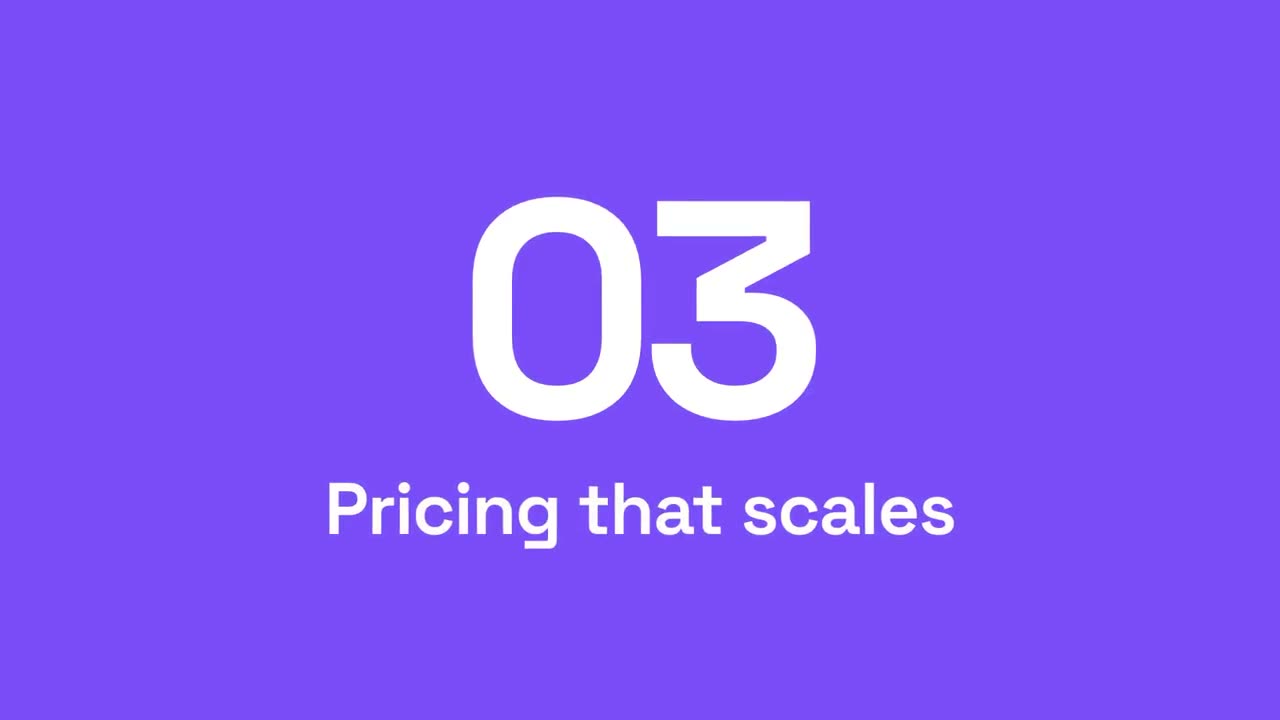
Abschnitts-Wischblende
Akzentflächen wischen durchs Bild, während die Abschnittsnummer weiterrollt.
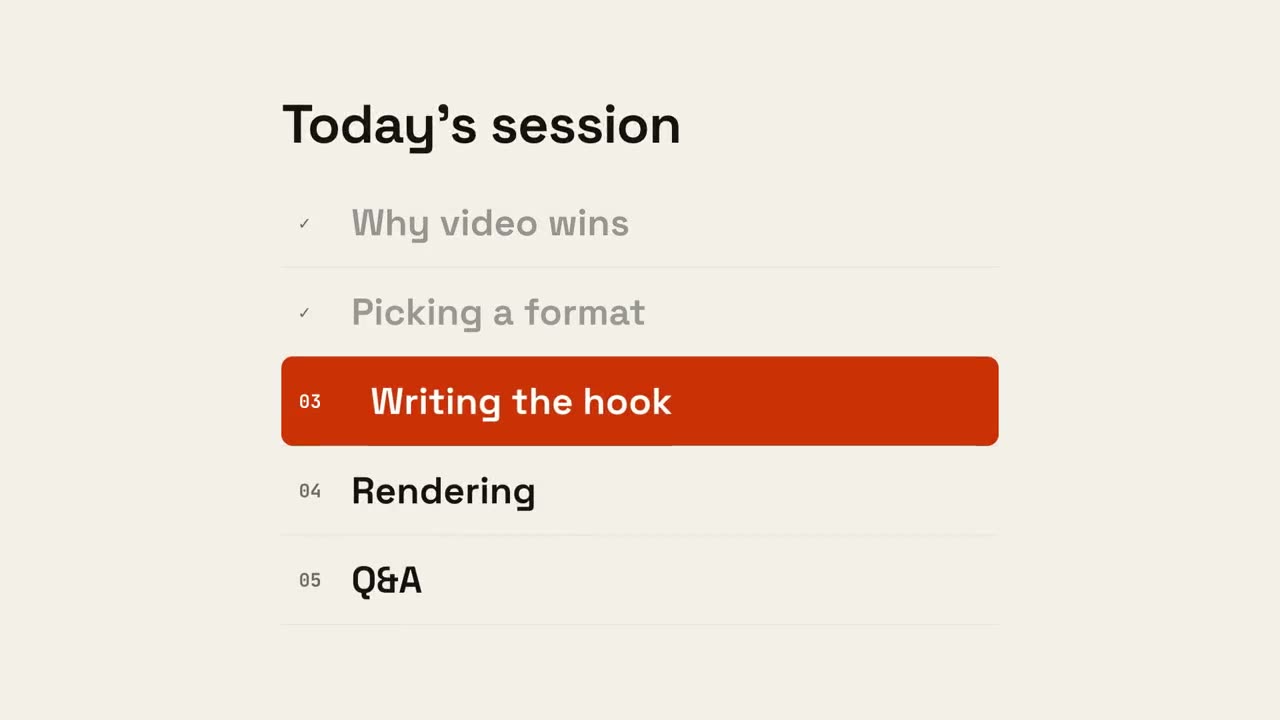
Agenda-Fortschritt
Die Agenda erscheint, erledigte Punkte werden abgehakt und ein Marker gleitet zum nächsten.
Damit gemacht