← 활용 사례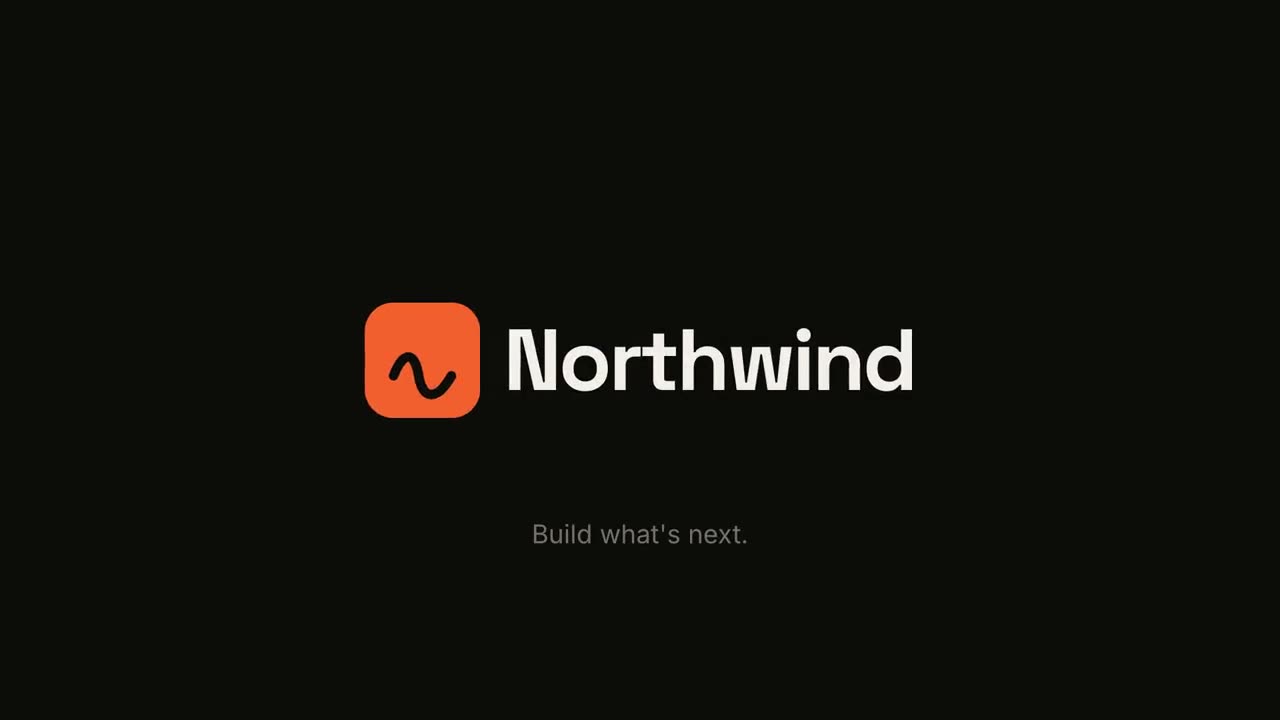

 Premium
 Premium
 Premium무료무료
 Premium
 Premium
인트로와 전환
본편 사이를 잇는 요소: 오프닝 로고 애니메이션, 시청자가 길을 잃지 않게 하는 챕터 카드와 아젠다 바, 마무리 요약. 브랜드 모션 설정으로 브랜드를 한 번 정하면 모든 요소에 적용됩니다.
가진 자료에서 완성 영상까지
가진 자료를 에이전트에게 주면 워크플로가 대본, 연출, MP4 렌더링까지 합니다.

이 프롬프트부터 시작하세요
Claude Motion에 붙여 넣거나, 맞는 Skill을 설치해 에이전트에게 요청하세요.
로고 스팅 & 아웃트로
Skill 열기 →무료스타일 프롬프트 (Claude Motion 또는 Opus 5.5)
Make a 5-second 16:9 logo sting for [who will watch, e.g. viewers of our videos], playing [where, e.g. at the end of every video]. Use only the logo, name and tagline I give below. Near-black background.

The logo mark punches in at the center with a slight rotation, an accent ring expands and fades, and twelve short rays burst outward. The mark then slides left while the wordmark in a bold geometric sans slides out from behind it. End frame: the tagline fades in below in gray and a soft light sweep passes across the lockup.

Attach: [your logo]
Name and tagline: [e.g. Northwind, "Build what's next."]
Accent color: [e.g. orange]
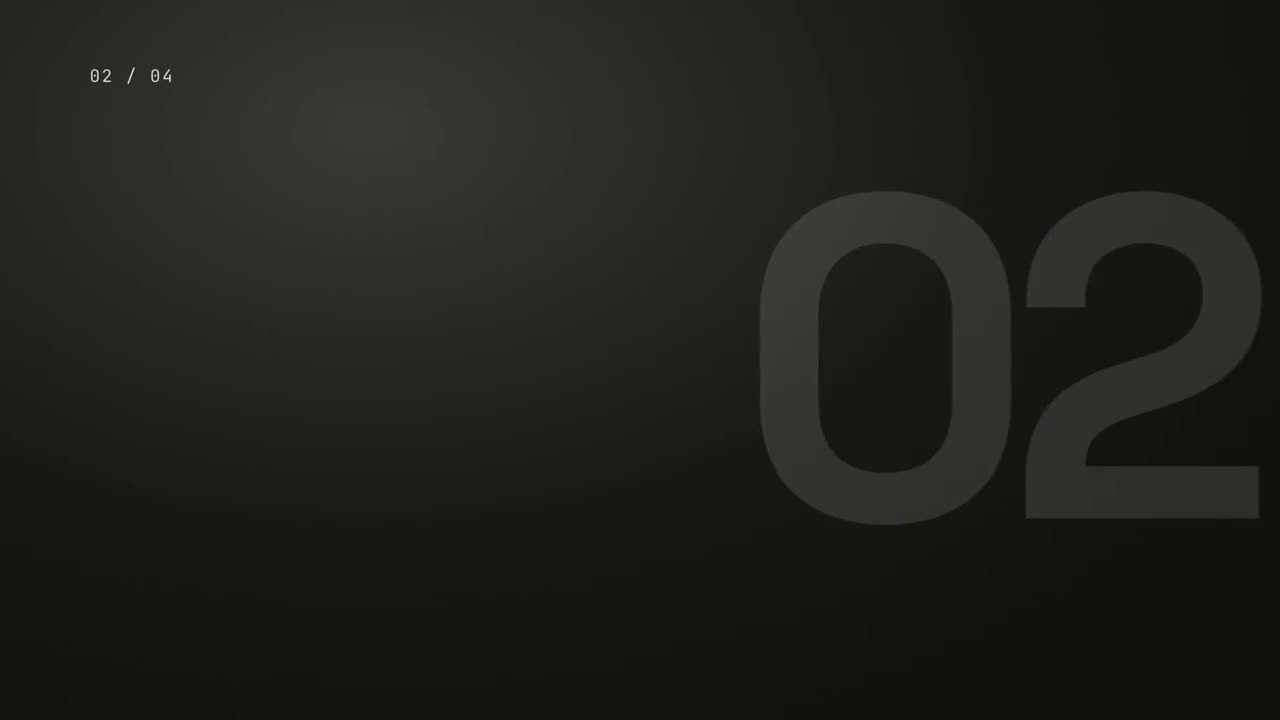
챕터 스탬프
Skill 열기 →무료스타일 프롬프트 (Claude Motion 또는 Opus 5.5)
Make a 5-second 16:9 chapter card for [who will watch, e.g. viewers of our course], playing [where, e.g. at the start of each lesson]. Use only the number and chapter title below. Near-black background.

A huge serif number slams down from twice its size with a tiny camera shake. To its right, a short orange rule extends, a small gray uppercase "CHAPTER" tightens its letter spacing, and the chapter title rises word by word in a light serif. End frame: the number turns orange and the whole card slowly scales up.

Number: [e.g. 02]
Chapter title: [e.g. "Finding the hook"]
따로 쓸 수 있는 장면
전환 팩
슬라이드, 이미지, 장면을 잇는 여섯 가지 전환.
전환16:9 / 9:16 / 1:1
마일스톤 타임라인
타임라인이 그려지고 그 위로 마일스톤이 나타납니다.
설명16:9 / 9:16 / 1:1
요약 월
핵심 카드들이 날아와 번호가 매겨진 깔끔한 벽에 정렬됩니다.
설명16:9 / 9:16 / 1:1
로고 스팅 & 아웃트로
강렬한 브랜드 등장 또는 깔끔한 엔딩 카드.
브랜드16:9 / 9:16 / 1:1
챕터 스탬프
거대한 챕터 번호가 도장처럼 쾅 찍히고, 이어서 제목.
설명16:9 / 9:16 / 1:1
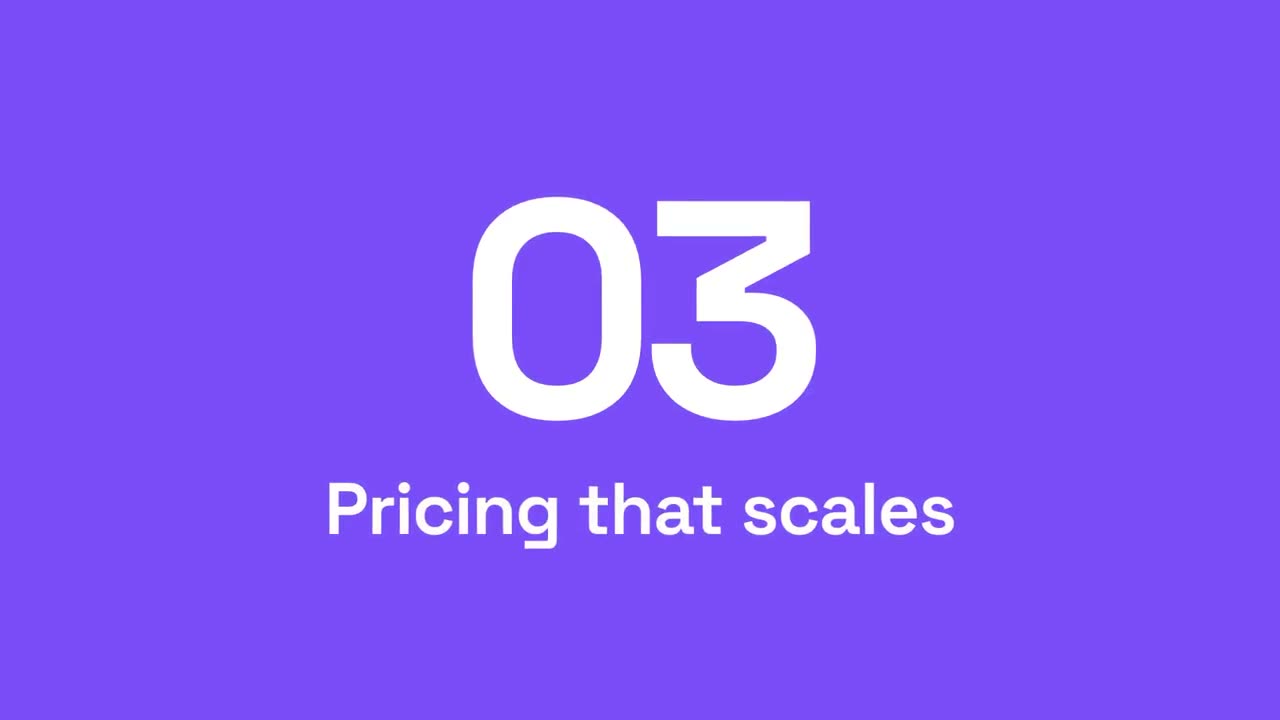
섹션 번호 와이프
강조색 패널이 가로지르며 섹션 번호가 다음으로 넘어갑니다.
설명16:9 / 9:16 / 1:1
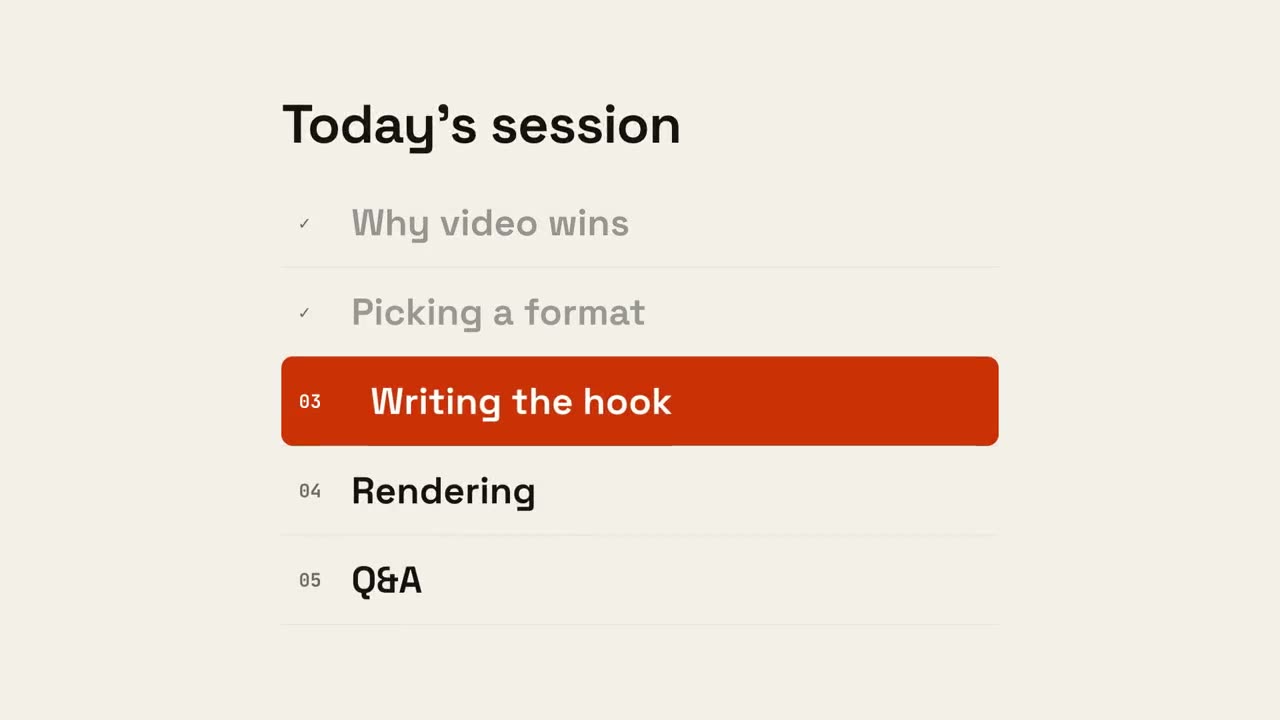
어젠다 진행
어젠다가 나타나고, 끝난 항목에 체크가 되고, 마커가 다음 항목으로 이동합니다.
설명16:9 / 9:16 / 1:1