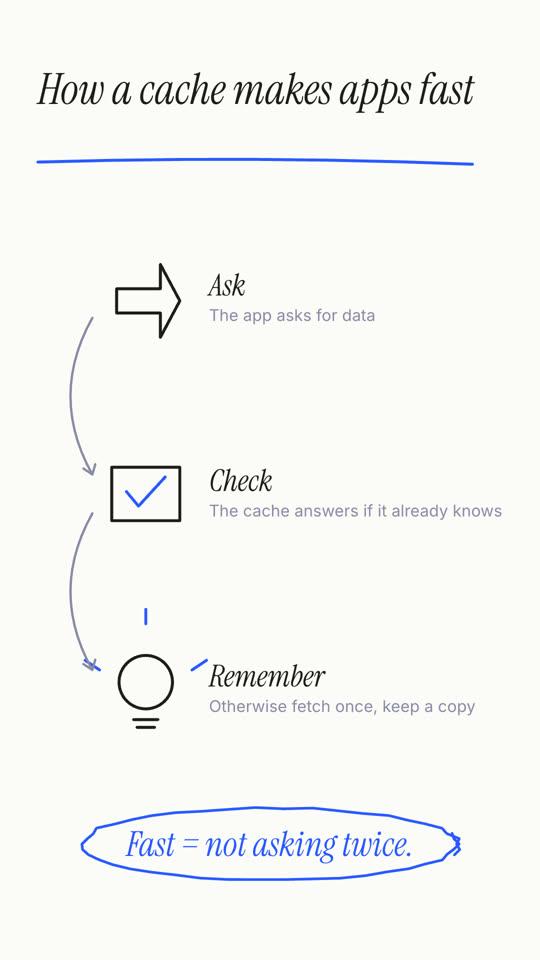
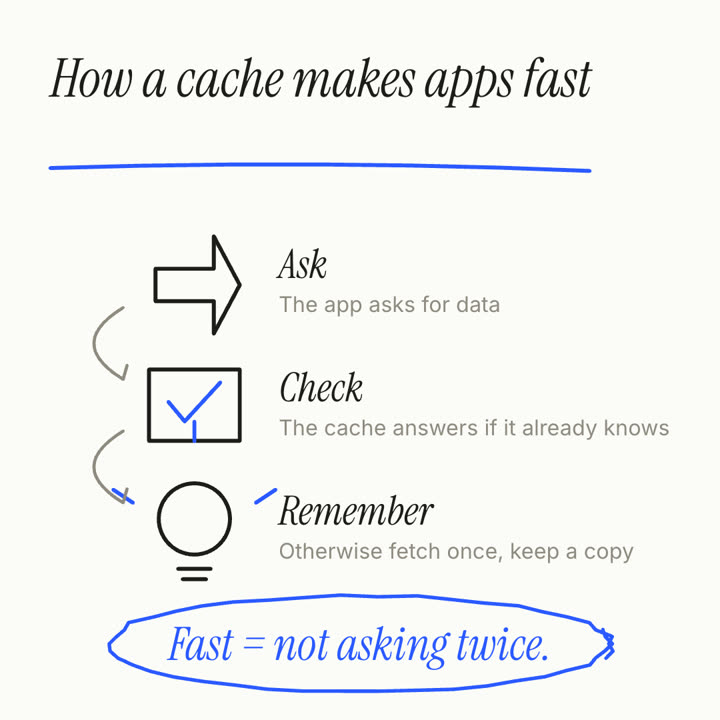
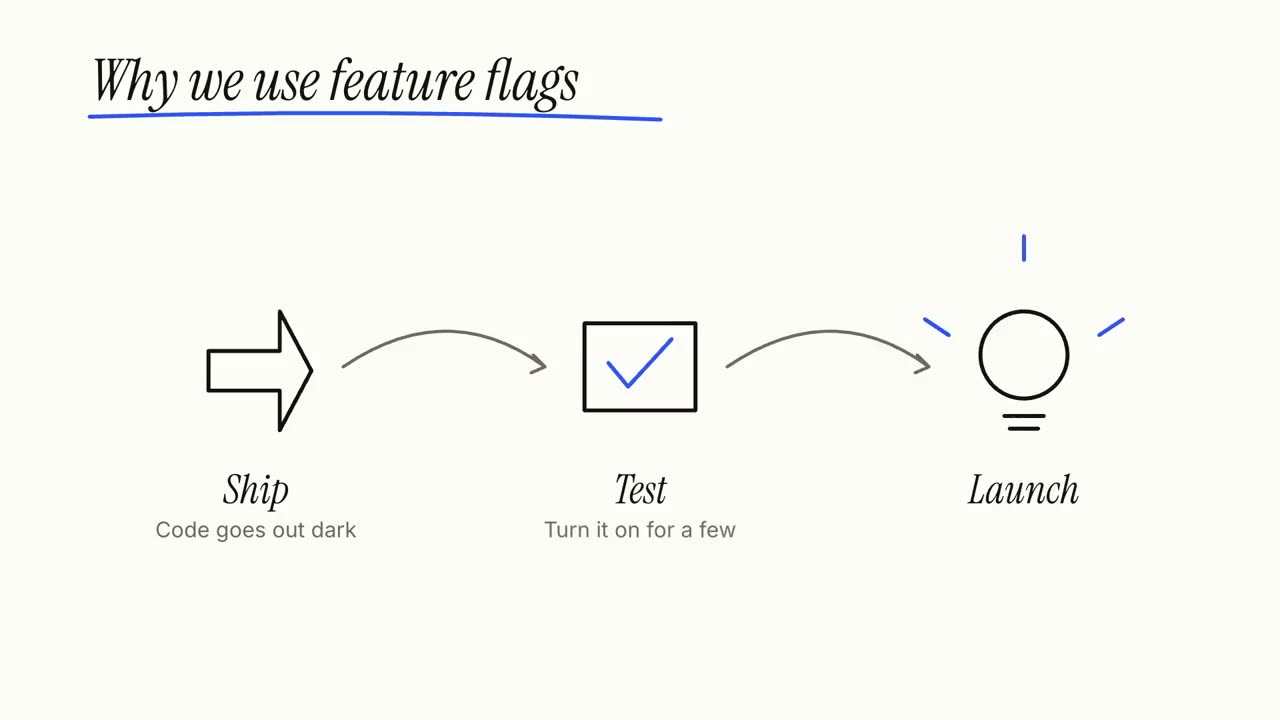
Images finales du même modèle, rendues avec un autre thème et un autre format.
5 thèmes
Aa
Encre
ink
Aa
Papier · par défaut
paper
Aa
Électrique
electric
Aa
Noir
Aa
Sable
sand
Indiquez un thème dans votre prompt, ou définissez vos propres couleurs d’accent, de fond et de texte.
Prompt d’installation
Lis https://claude-motion.com/skills/whiteboard-explainer/install.md, suis ses étapes pour installer la skill « whiteboard-explainer », puis fais une première vidéo avec.
Collez-le dans Claude Code, Codex, Cursor ou tout agent compatible avec les skills.
Exemple de prompt
Use the whiteboard-explainer skill: title "Why we use feature flags", steps "Ship: Code goes out dark | Test: Turn it on for a few | Launch: Flip it for everyone", takeaway "Deploy ≠ release."
Prompt de style (Claude Motion ou Opus 5.5)
Make a 20-second 16:9 whiteboard explainer for [who will watch, e.g. non-technical colleagues], playing [where, e.g. the internal wiki]. Use only the title, three steps and closing line below; don't add claims. Clean white board, black and blue marker.

Scene 1: the italic handwritten-style title writes itself letter by letter and a blue marker underline sweeps under it. Scene 2: three stations draw themselves in black marker (an outlined arrow, a box with a blue tick, a light bulb with blue rays), each with its label, connected by curved gray arrows. End frame: the closing line writes in blue at the bottom and a blue marker loop circles it.

Title: [e.g. "How a cache makes apps fast"]
Three steps: [e.g. "Ask — The app asks for data", "Check — The cache answers if it already knows", "Remember — Otherwise fetch once, keep a copy"]
Closing line: [e.g. "Fast = not asking twice."]
Rien à installer : collez-le dans Claude Motion (Team ou Enterprise) ou donnez-le à Opus 5.5 pour un rendu proche. Le résultat change à chaque exécution ; la skill donne toujours le même.