Daten & Charts
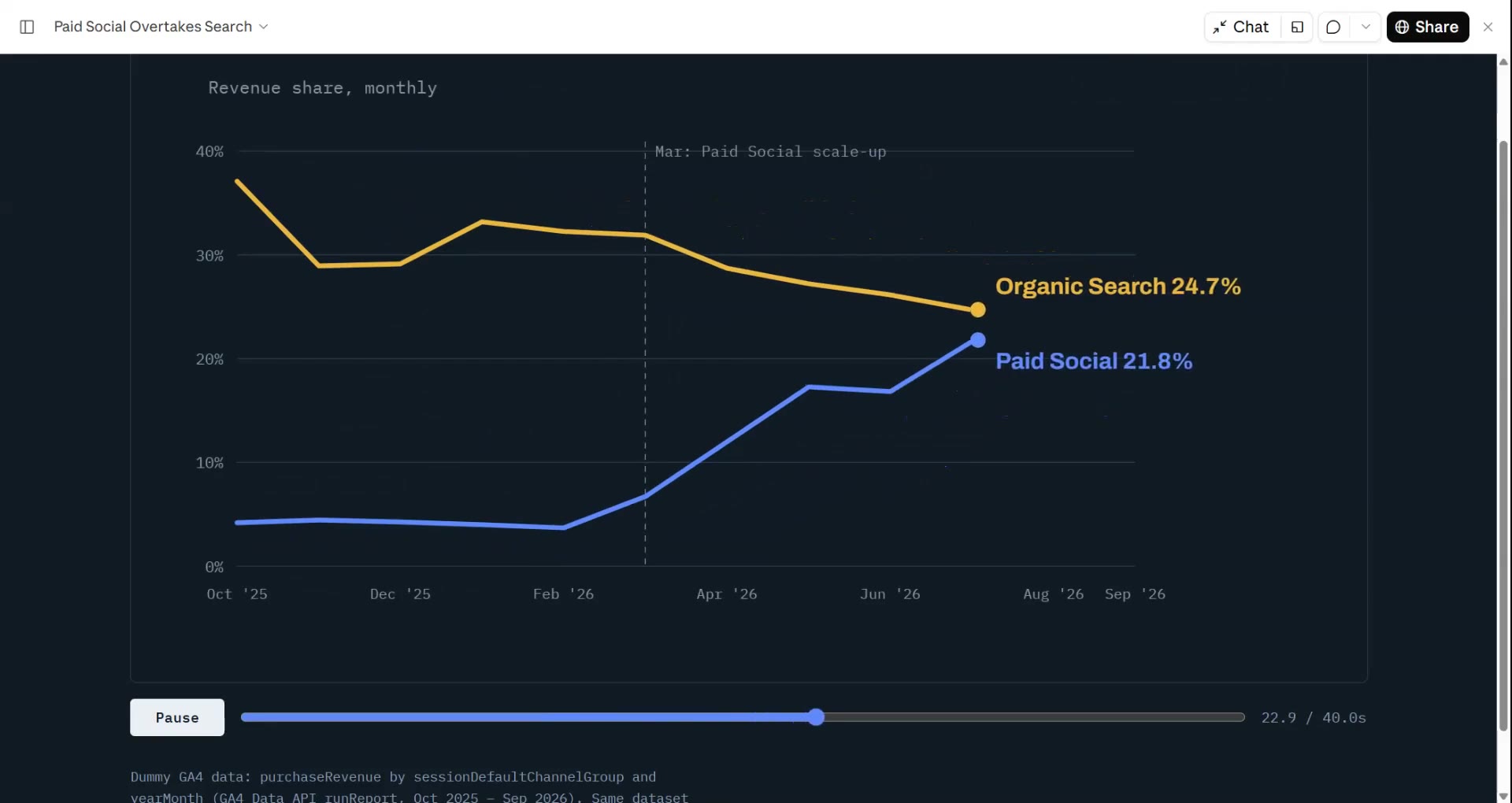
Gib deinem Agenten eine CSV oder Tabelle, und Data → Video findet die Geschichte (den Trend, den größten Sprung, das Leck im Funnel) und rendert sie mit hochzählenden Zahlen und Diagrammen, die sich selbst aufbauen. Jede Zahl stammt aus deiner Datei.
Von deinem Material zum fertigen Video
Gib deinem Agenten, was du hast; der Workflow schreibt, inszeniert und rendert das MP4.
Prompts für den Einstieg
In Claude Motion einfügen oder den passenden Skill installieren und deinen Agenten fragen.
Linientrend
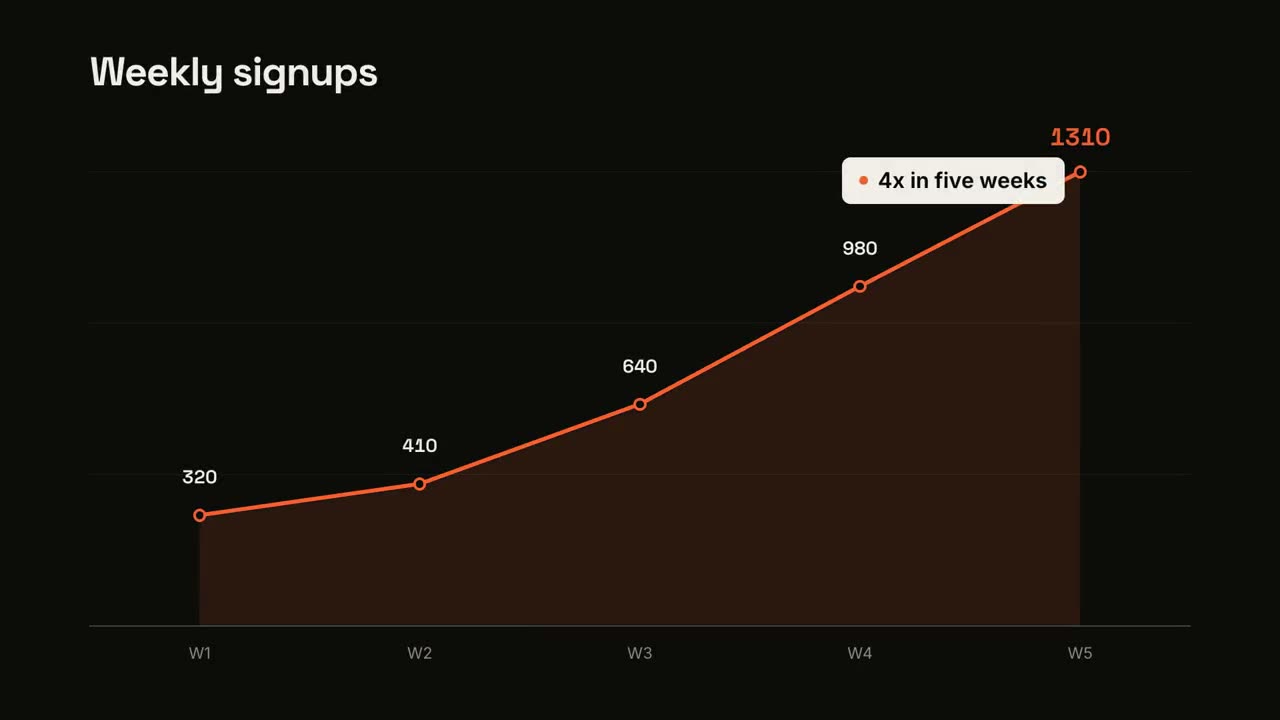
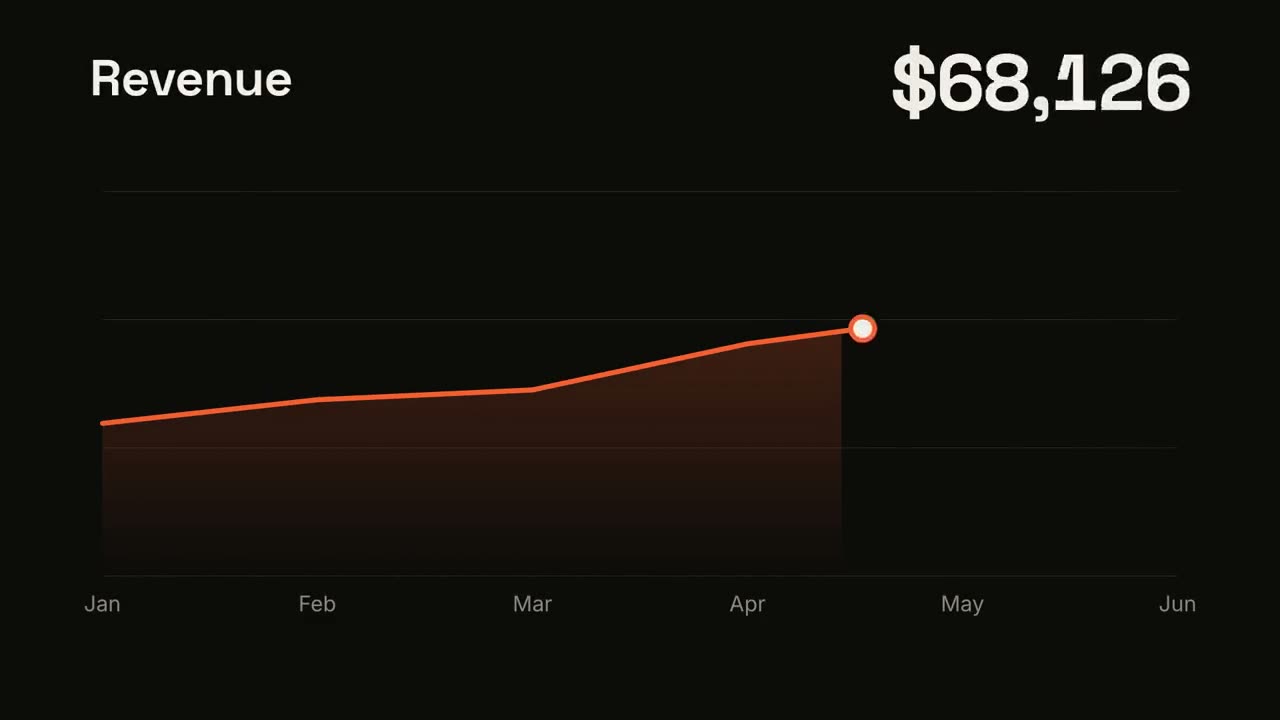
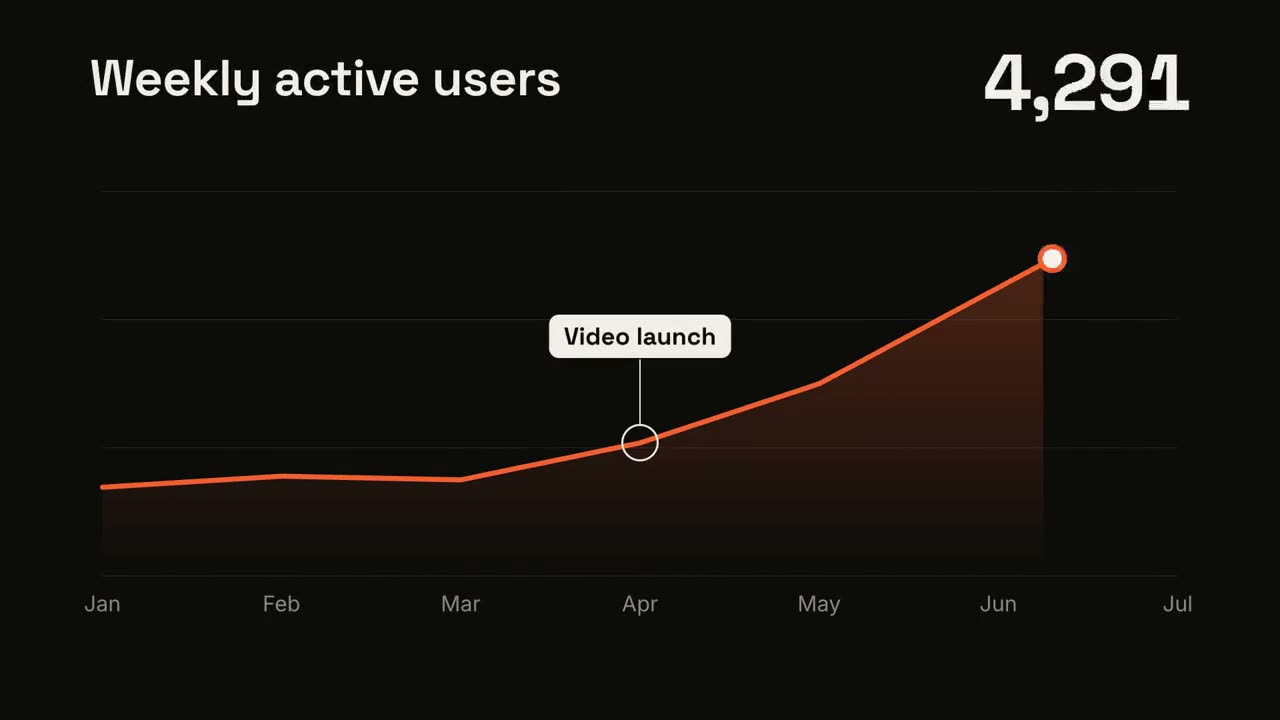
Skill öffnen →KostenlosMake a 7-second 16:9 line chart for [who will watch, e.g. the board], playing [where, e.g. the quarterly review]. Use only the numbers I attach or list below; don't round or smooth them. Near-black background. The title sits top left and a large white number top right. An orange line draws from left to right across the period over a fading orange gradient fill, while a white dot with an orange halo rides the tip and the big number counts along with it. At the marked point, a white ring appears on the line with a thin stem and a white label. End frame: the big number turns orange, held for 1.5 seconds. Title: [e.g. "Weekly active users"] Data: [your periods and values] (e.g. Jan to Jul, 1,200 to 5,200) Marked point and label: [e.g. April, "Video launch"]
Versus-Split
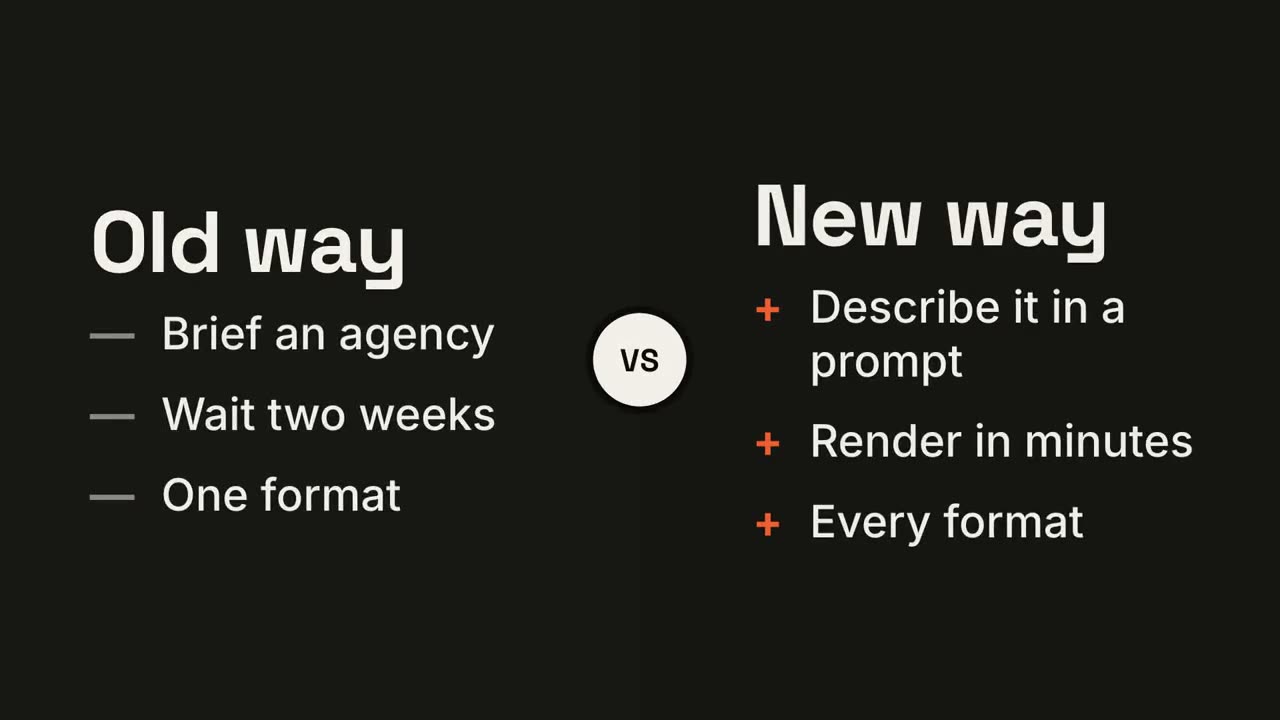
Skill öffnen →KostenlosMake a 7-second 16:9 comparison for [who will watch, e.g. prospects deciding between us and an agency], playing [where, e.g. the sales deck]. Use only the two titles and six points below; don't reword them. Near-black background. The frame splits into two dark panels that slide in from the left and right. A white circular "VS" badge spins into the center. The left panel lists its three points with dashes; the right panel lists its three with orange plus signs. End frame: the right panel floods orange with black text and scales up slightly while the left panel dims. Left title and points: [e.g. "Old way": "Brief an agency", "Wait two weeks", "One format"] Right title and points: [e.g. "New way": "Describe it in a prompt", "Render in minutes", "Every format"]
KPI-Zähler
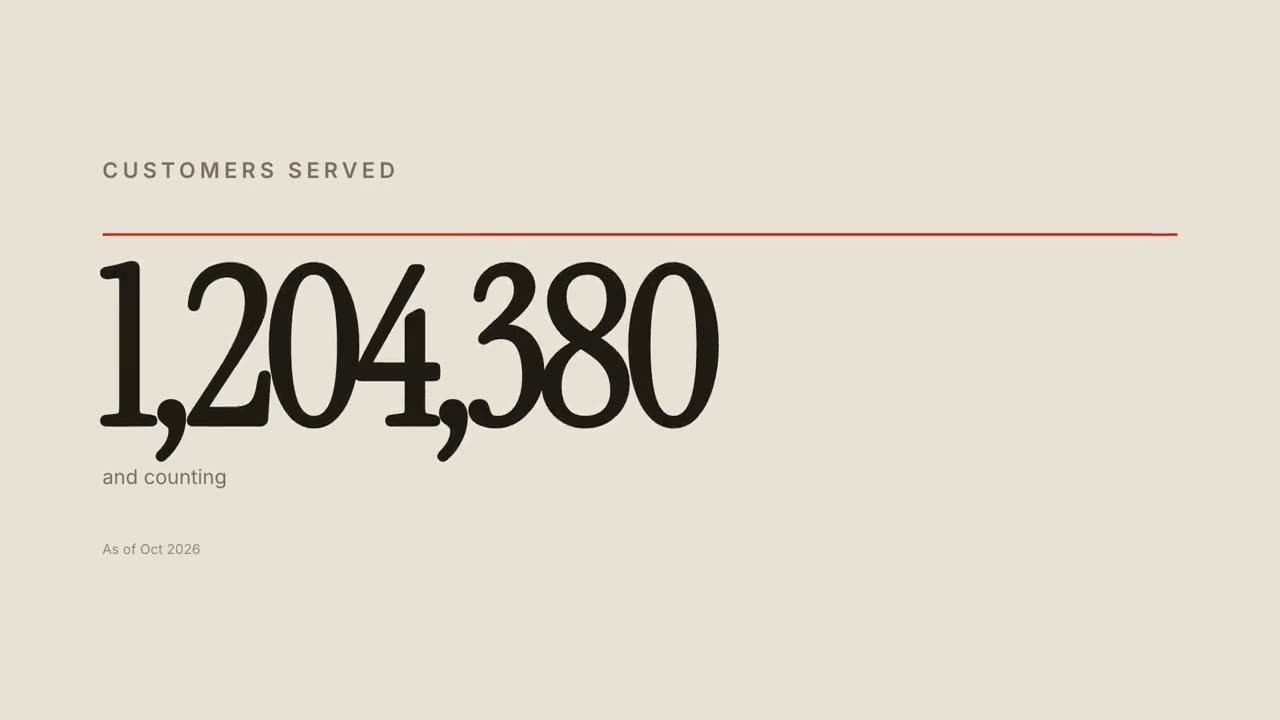
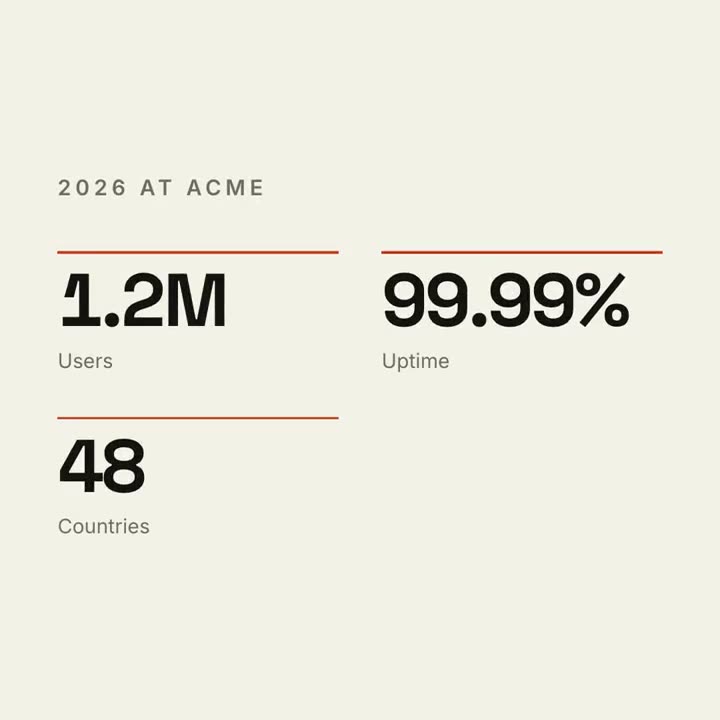
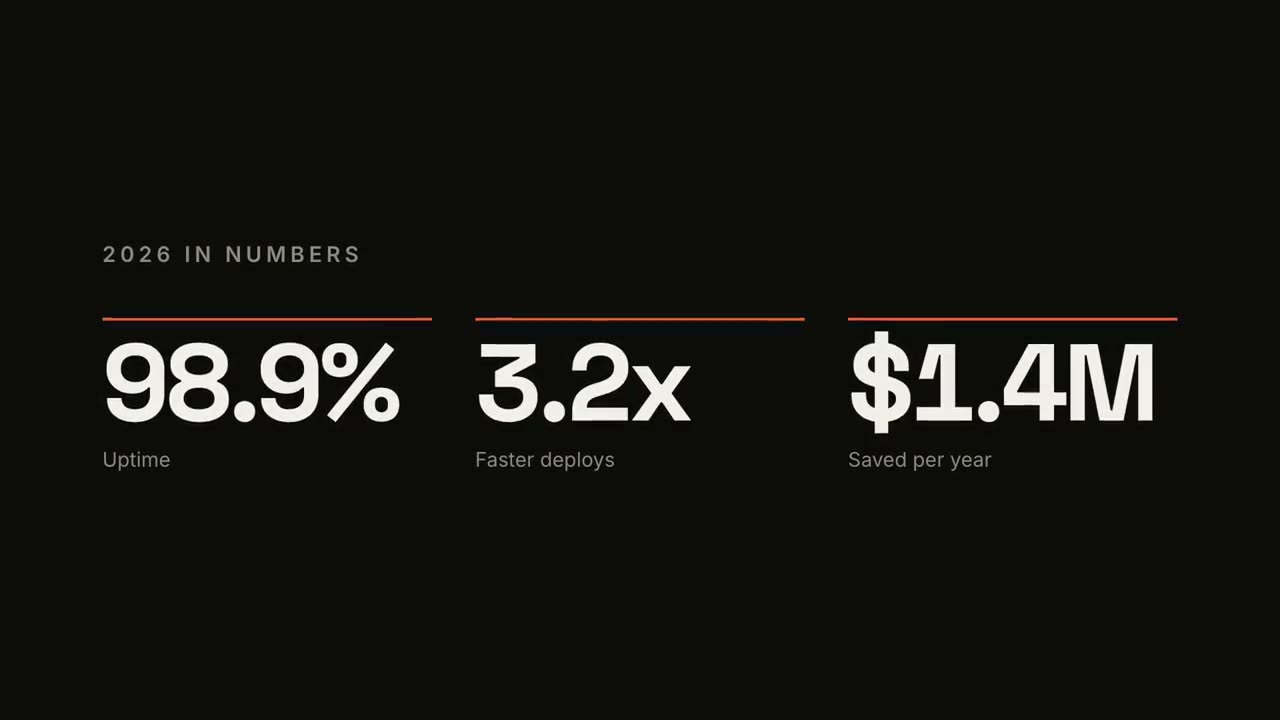
Skill öffnen →KostenlosMake a 7-second 16:9 stat animation for [who will watch, e.g. customers reading our year in review], playing [where, e.g. the newsletter and LinkedIn]. Use only the numbers below; don't round or change them. Near-black background. A small uppercase gray title tightens its letter spacing as it fades in. Three columns appear one after another: each has a thin orange bar that sweeps across, then a huge off-white number counts up from zero, with a gray label beneath. End frame: hold on the final numbers. Title: [e.g. "2026 IN NUMBERS"] Three numbers and labels: [e.g. "98.9%" Uptime, "3.2x" Faster deploys, "$1.4M" Saved per year]
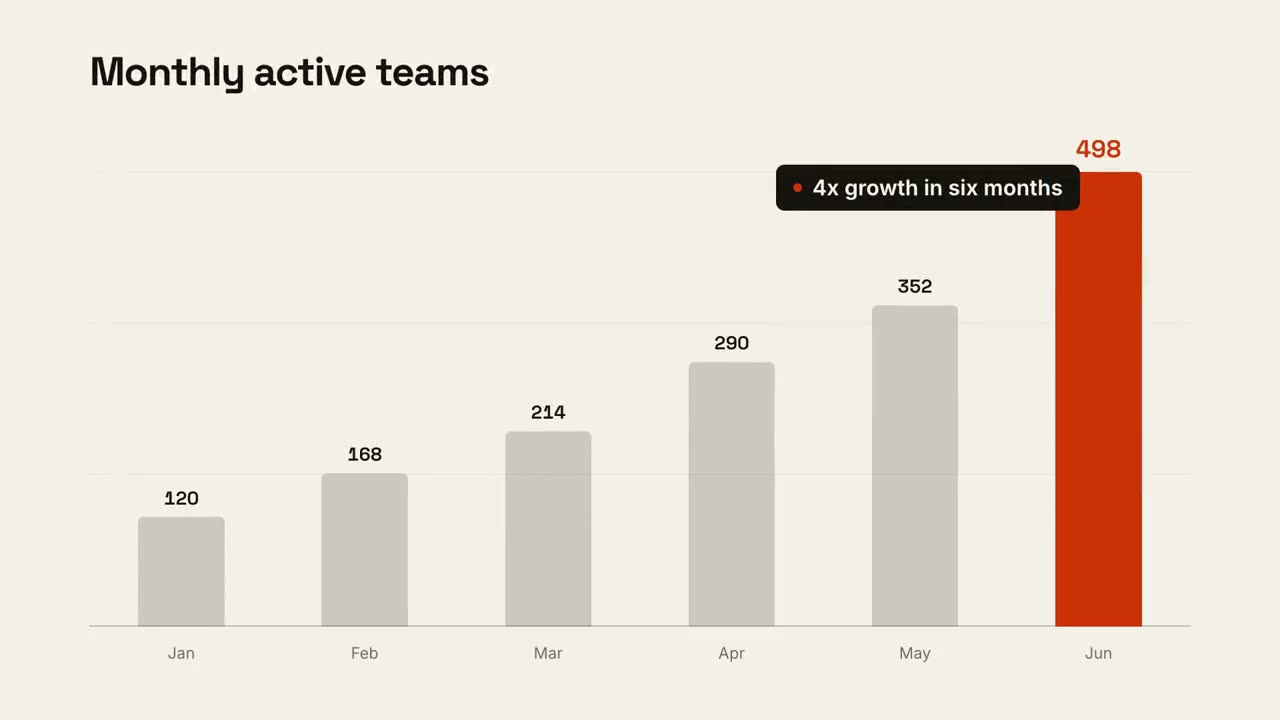
Chart-Geschichte
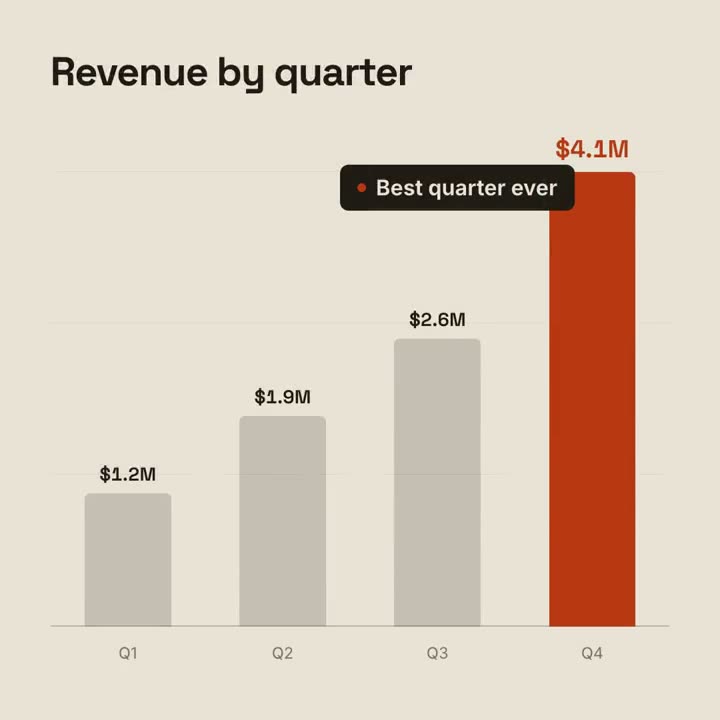
Skill öffnen →KostenlosMake a 9-second 16:9 animated bar chart for [who will watch, e.g. investors], playing [where, e.g. the monthly update]. Use only the numbers I attach or list below; don't round or change any of them. Warm off-white background, bold geometric sans. The title fades in at the top left. A baseline draws across and faint gridlines appear. The gray bars grow one after another with their values counting up above them; the last bar is orange-red with its value in the same accent. End frame: a black pill with an orange dot slides in near the last bar with the takeaway, held for 2 seconds. Title: [e.g. "Monthly active teams"] Data: [your labels and values] (e.g. Jan–Jun: 120, 168, 214, 290, 352, 498) Takeaway: [e.g. "4x growth in six months"]
Einzelne Szenen dafür
Bericht in 30 Sekunden
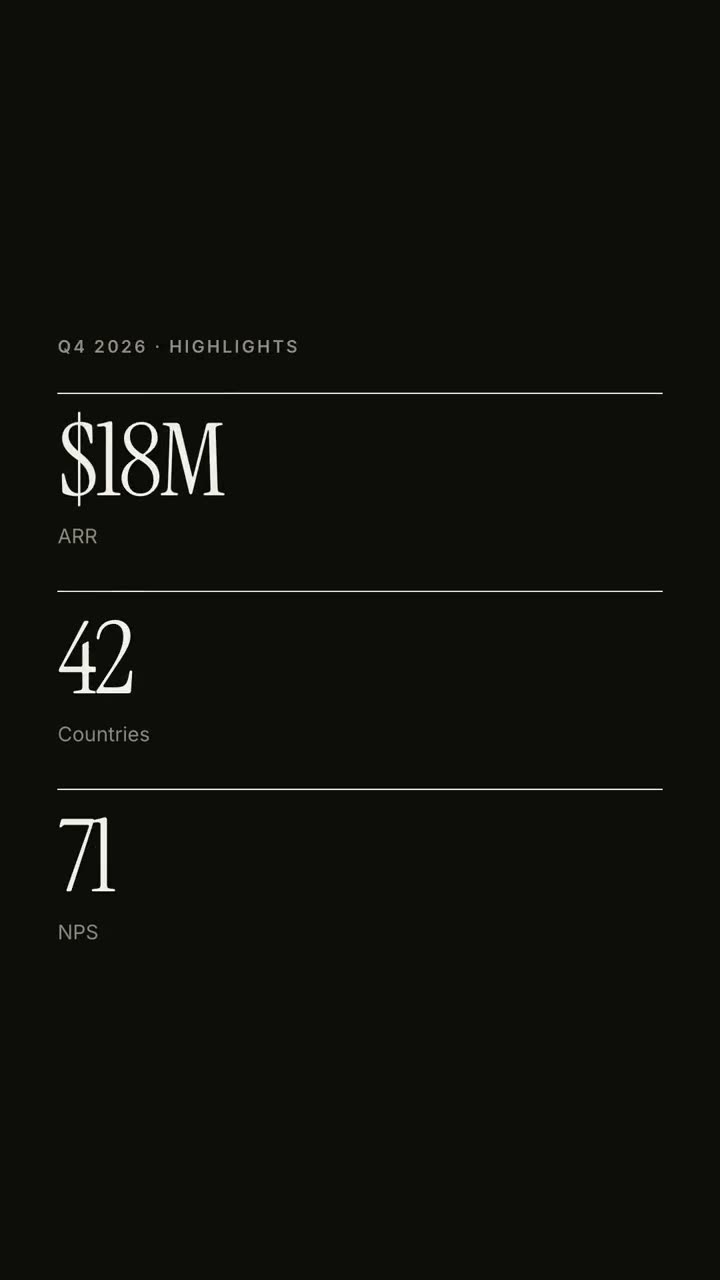
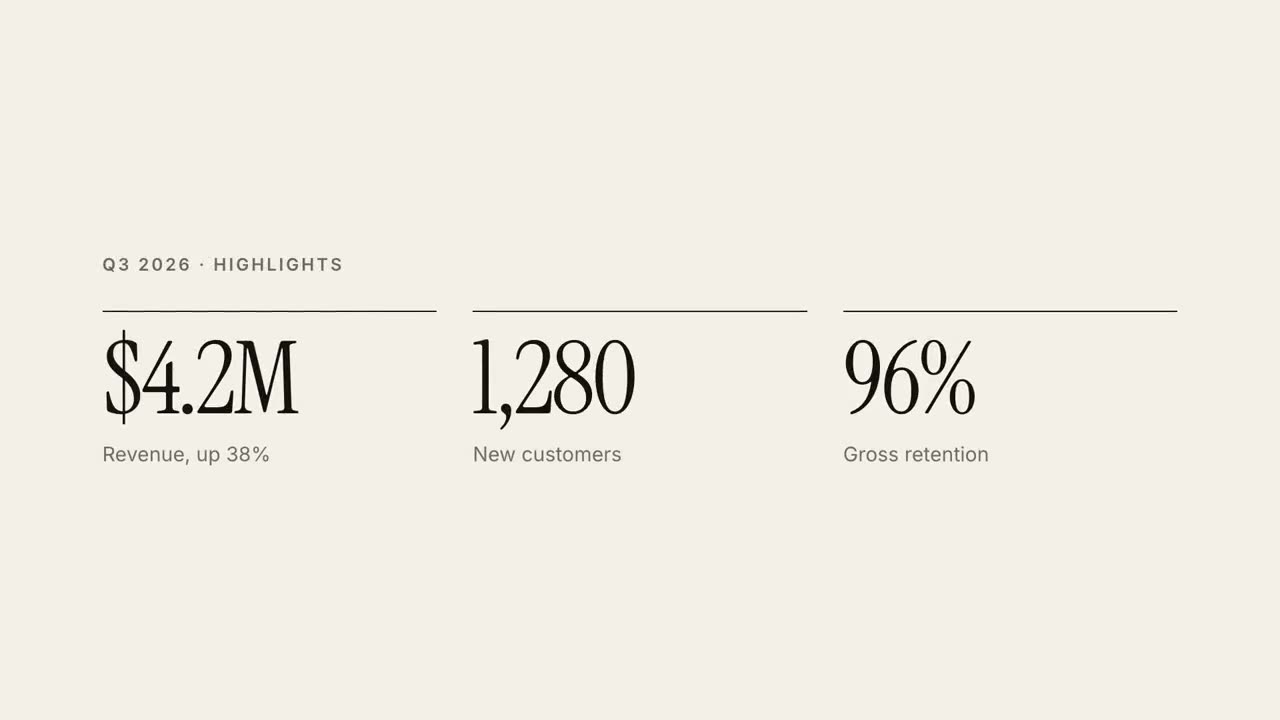
Ein Quartalsbericht als 30-sekündiges redaktionelles Erklärvideo.
Karten & Routen
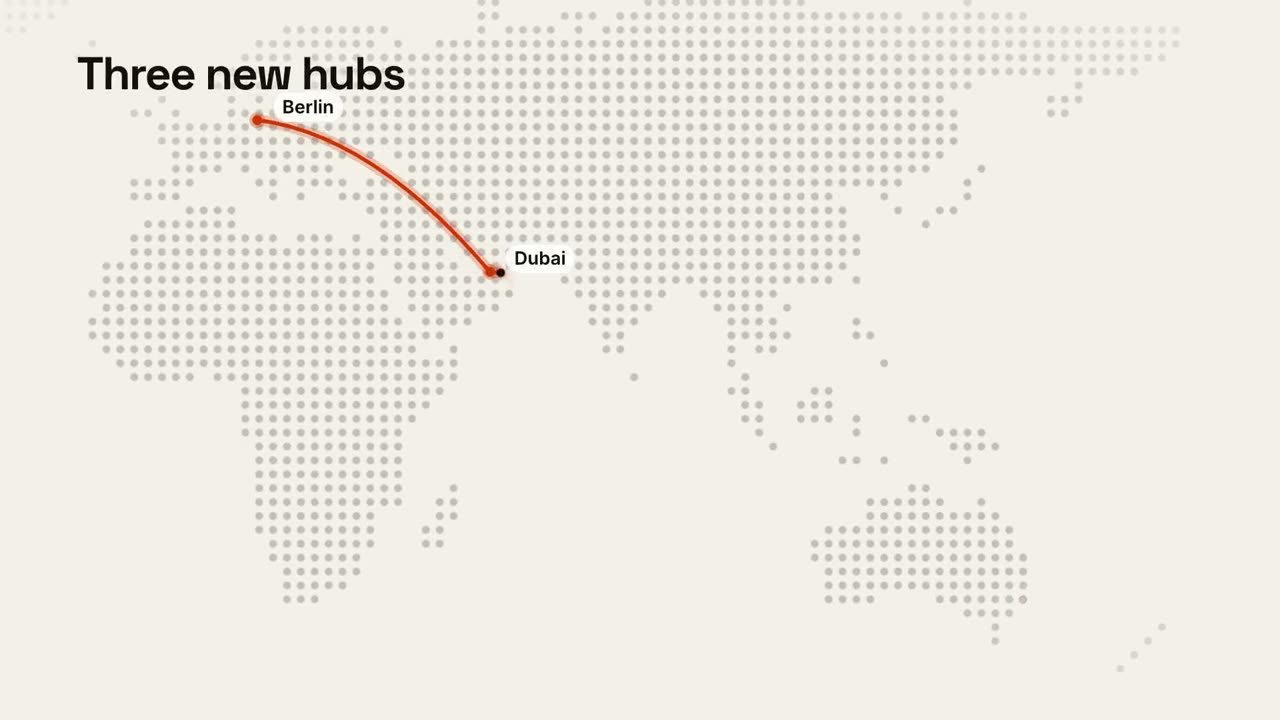
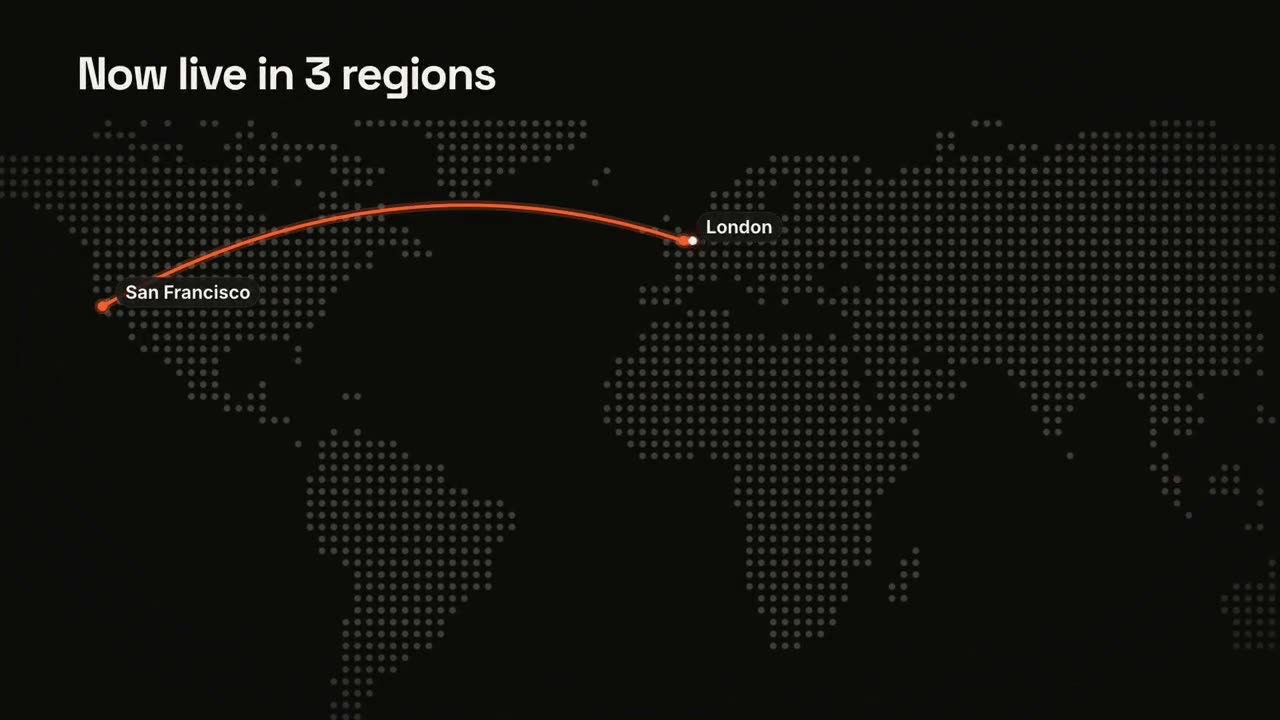
Eine Punktraster-Weltkarte mit animierter Route.
Anteilsbalken
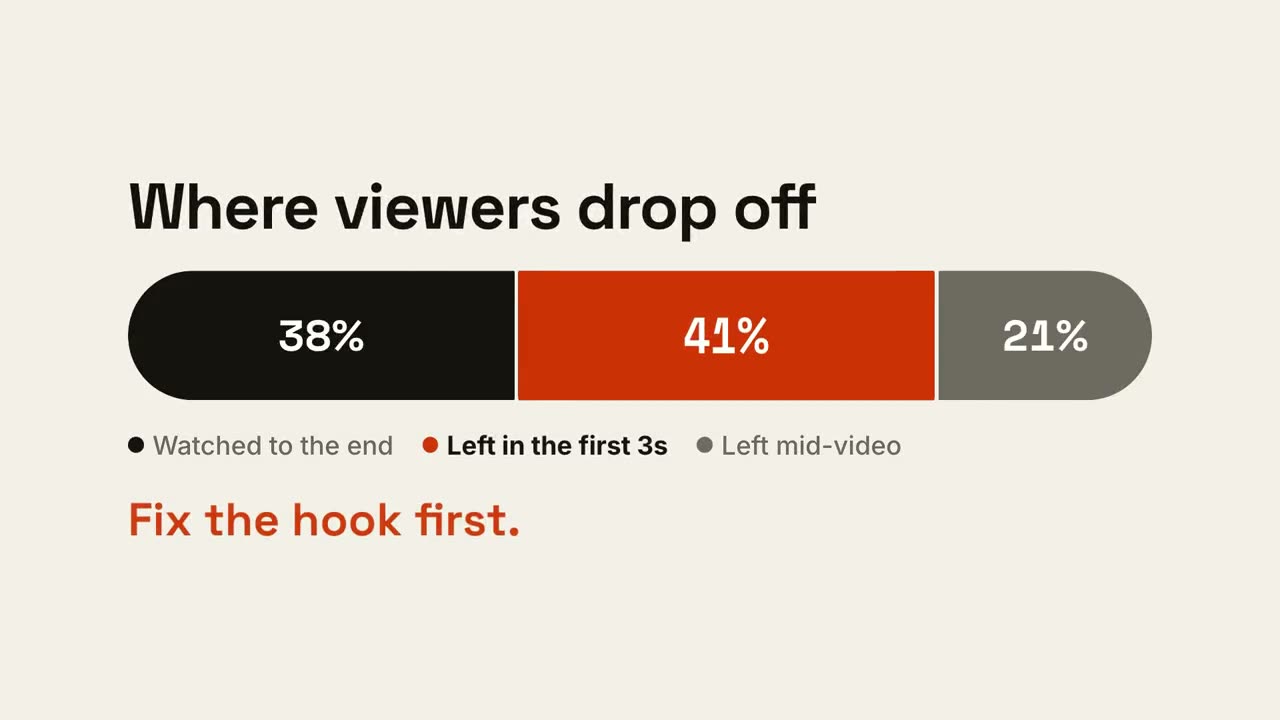
Ein Balken teilt sich in Anteile, dann wird der wichtige Teil hervorgehoben.
Chart-Geschichte
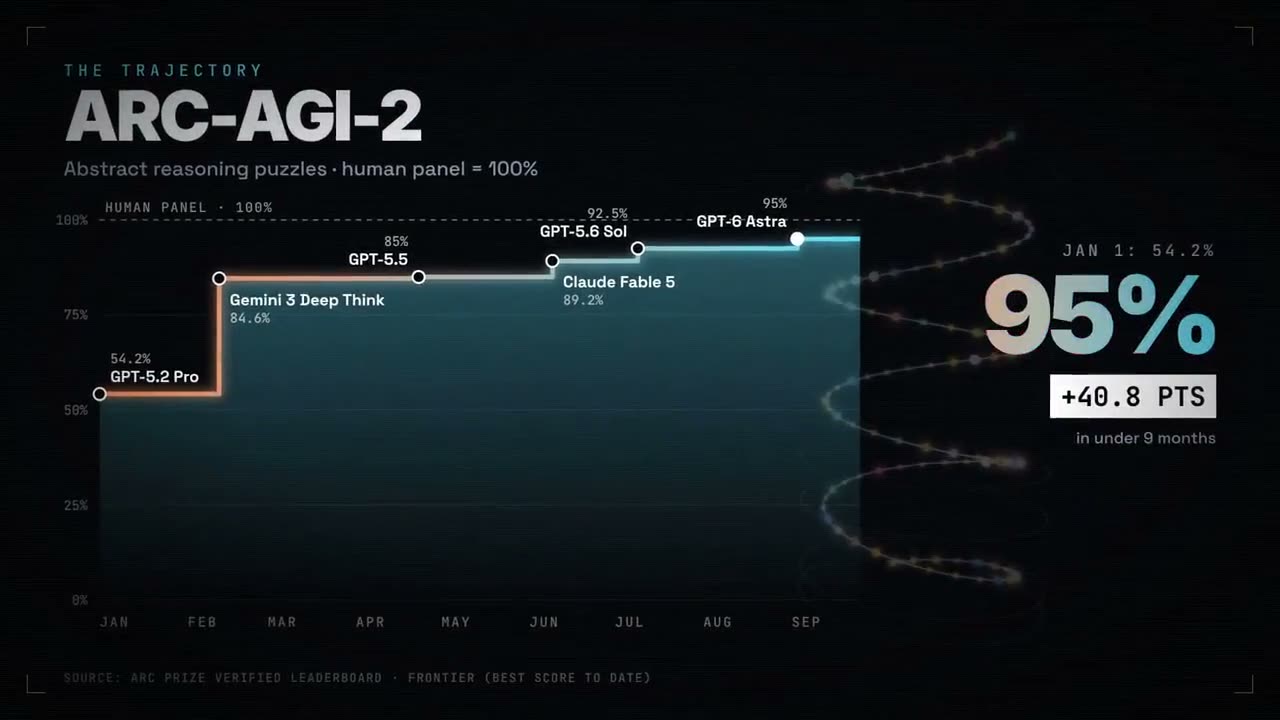
Ein animiertes Balken- oder Liniendiagramm, das eine Erkenntnis landet.
KPI-Zähler
Bis zu vier Kennzahlen, die hochzählen.
Versus-Split
Zwei Seiten öffnen sich um ein VS-Badge, und der Gewinner leuchtet auf.
Linientrend
Eine Linie zeichnet sich mit laufendem Wert, und ein Moment wird kommentiert.
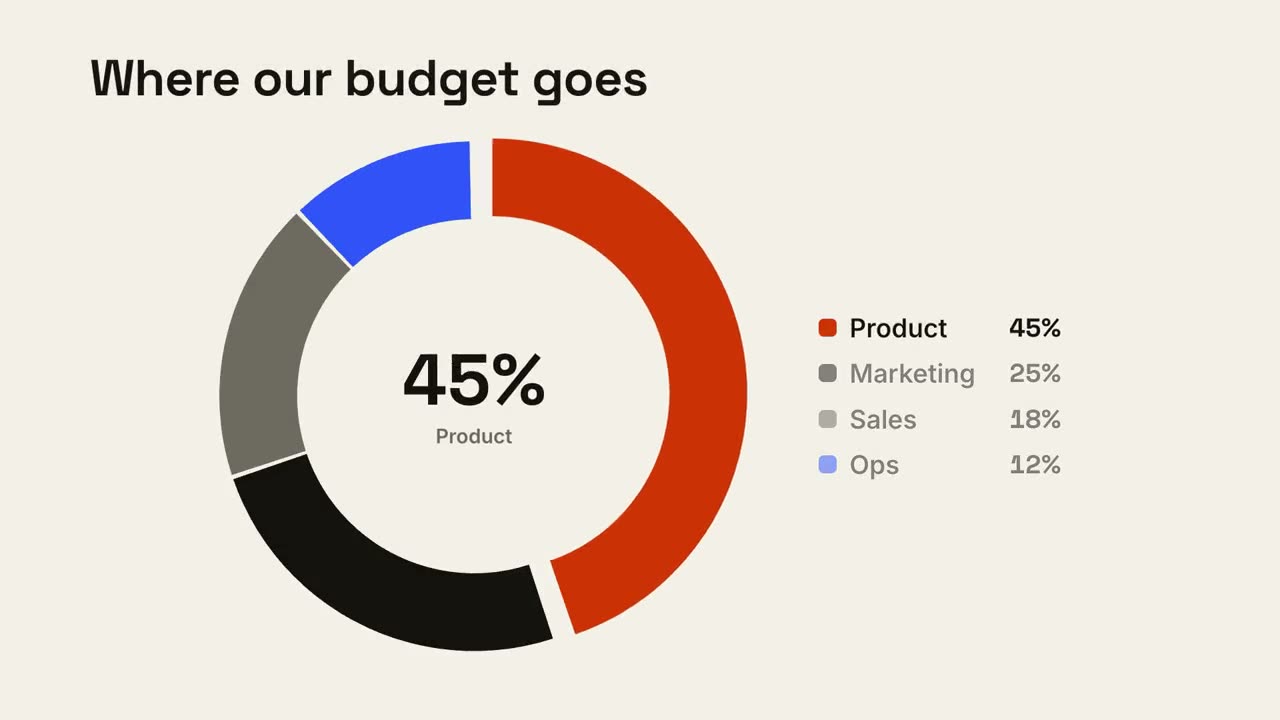
Donut-Aufschlüsselung
Ein Donut-Chart zeichnet sich und das größte Segment springt heraus.
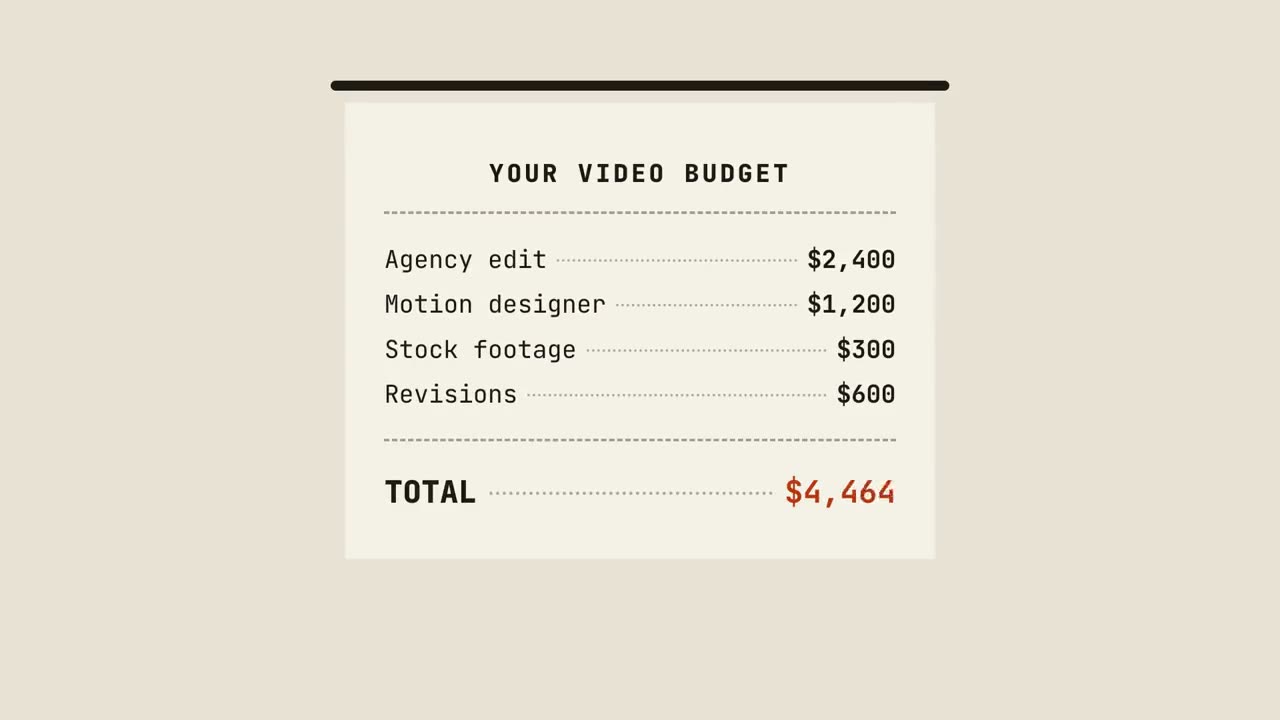
Kassenbon-Summe
Ein Kassenbon druckt Zeile für Zeile, summiert und wird abgestempelt.
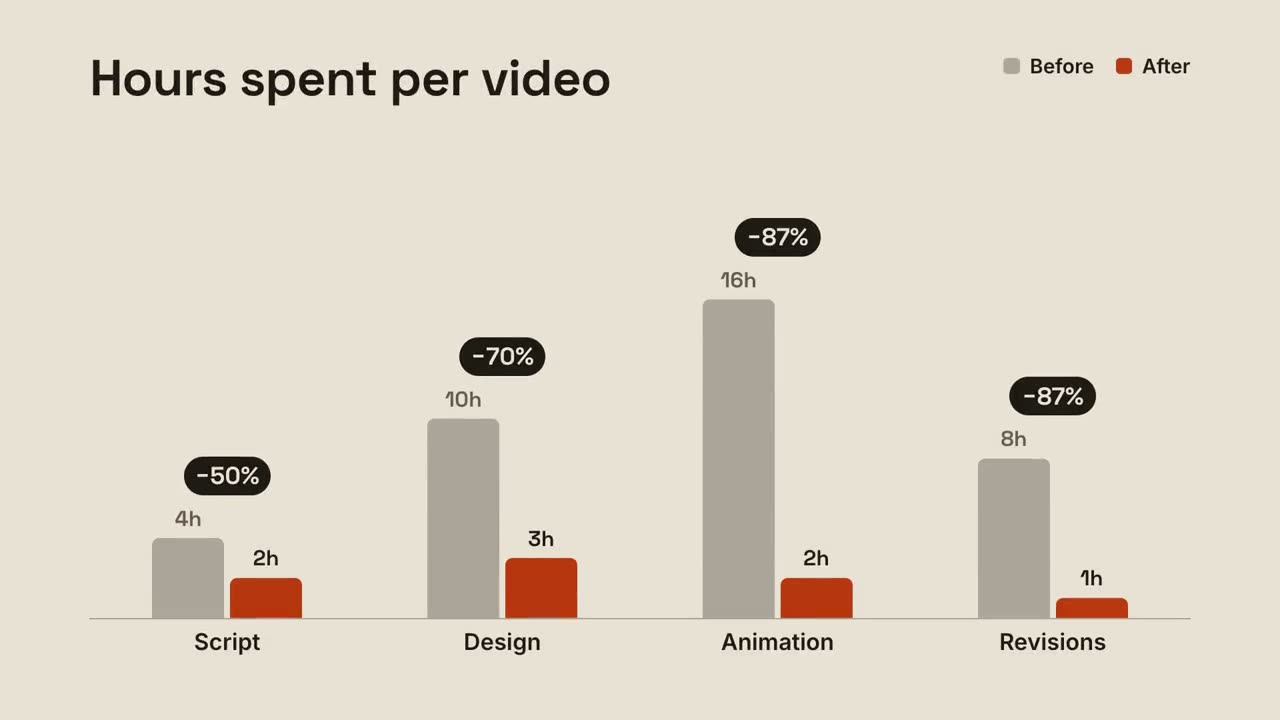
Gruppierte Balken
Vorher-nachher-Balken pro Gruppe, mit der Veränderung über jedem Paar.
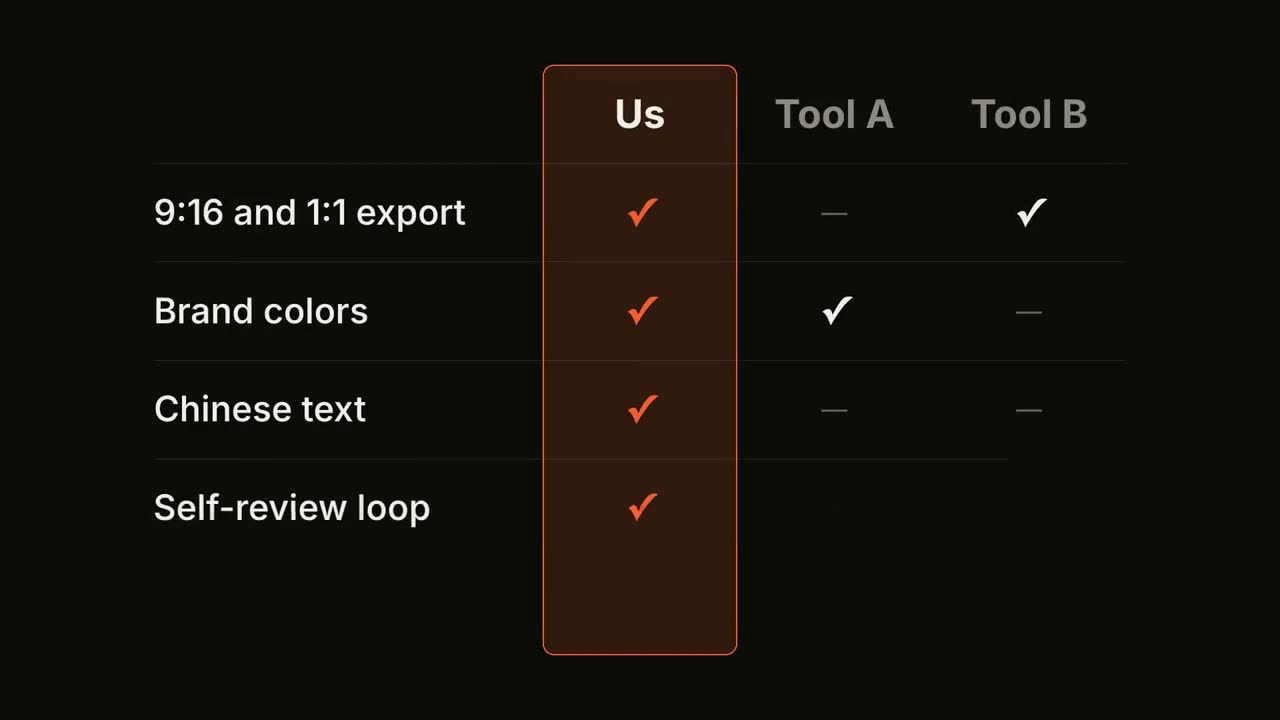
Feature-Matrix
Eine Vergleichstabelle füllt sich Zeile für Zeile, deine Spalte ist hervorgehoben.
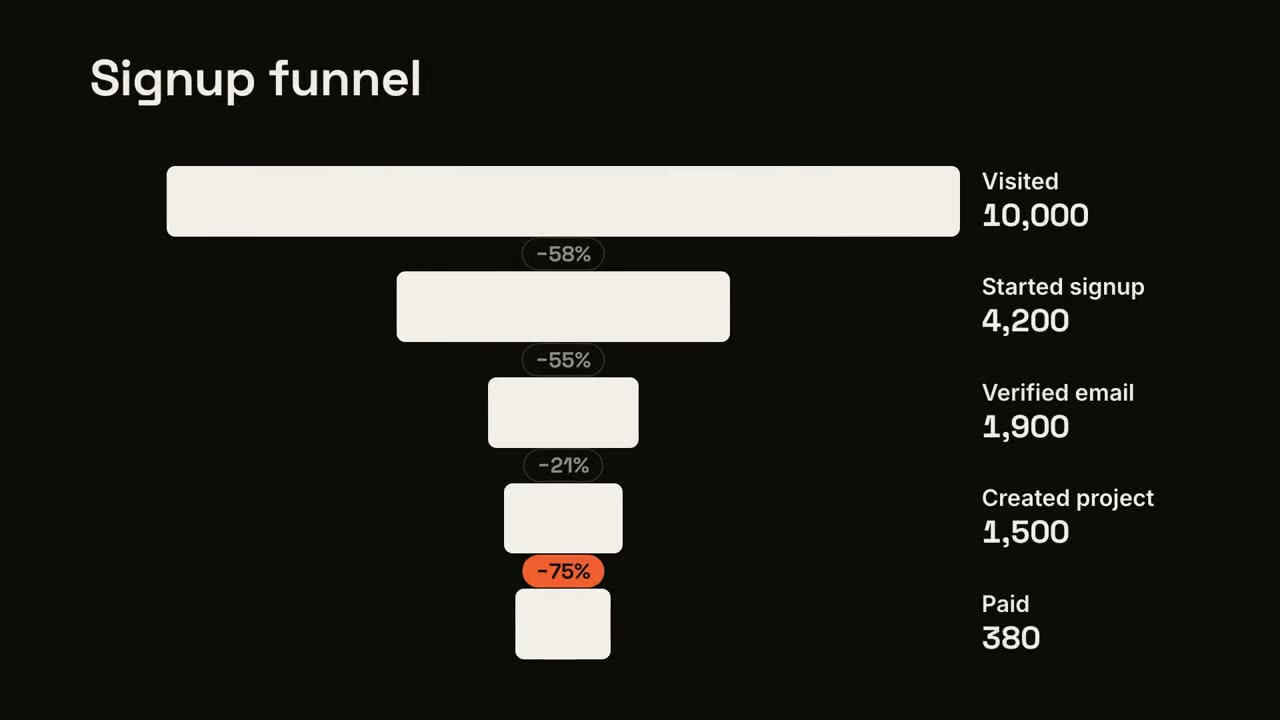
Trichter-Absprung
Die Trichterstufen werden schmaler, und das größte Leck wird markiert.
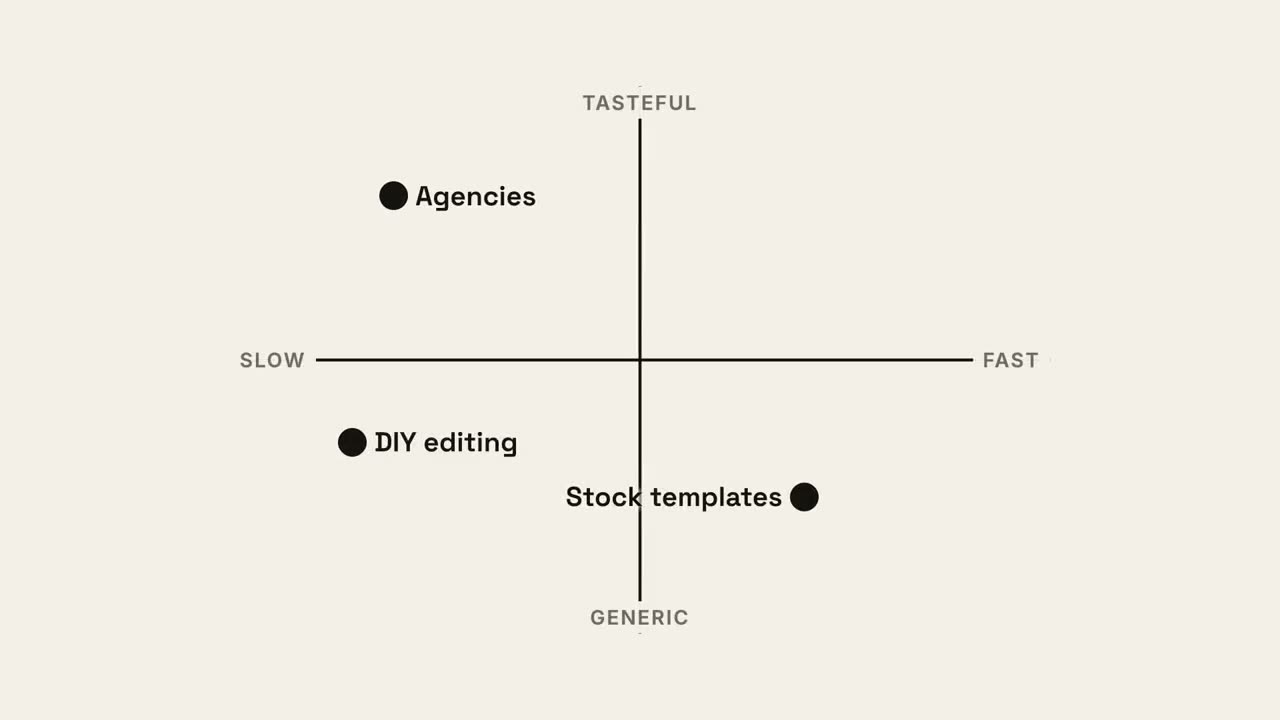
Quadranten-Karte
Eine 2×2-Positionierungskarte, auf der dein Punkt den besten Quadranten einnimmt.
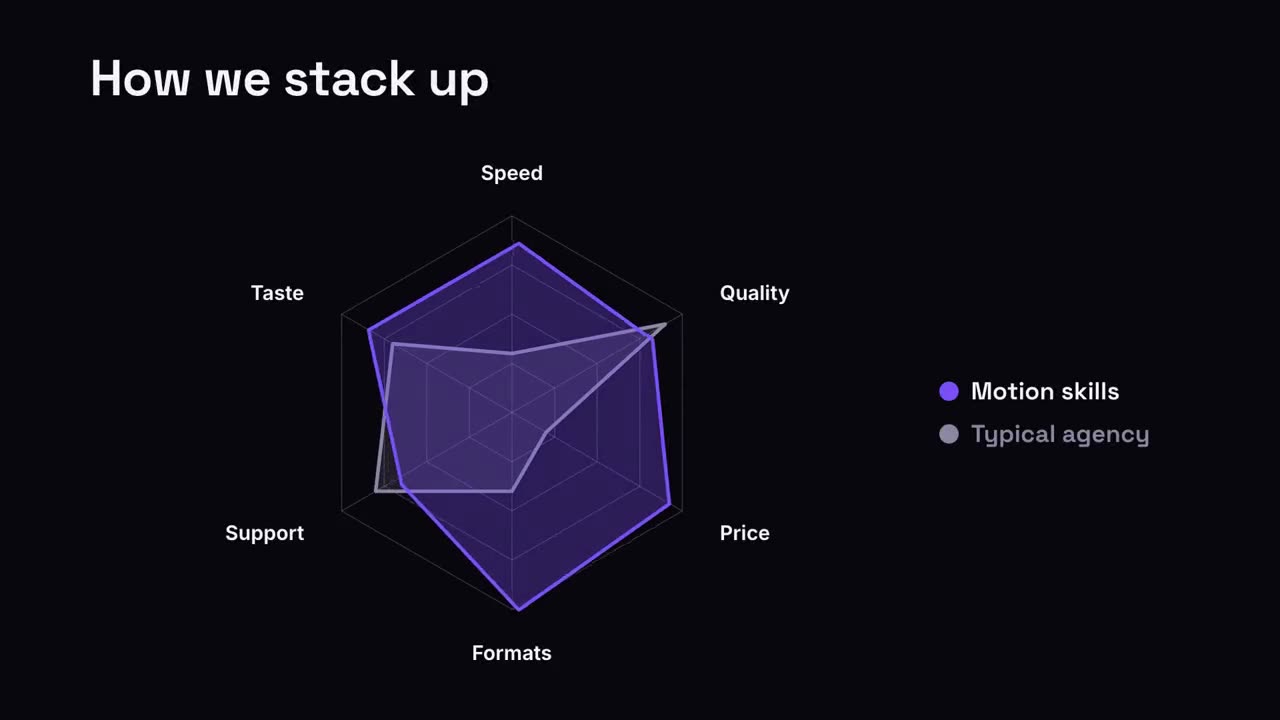
Radar-Vergleich
Ein Netzdiagramm, in dem deine Form den Vergleich übertrifft.
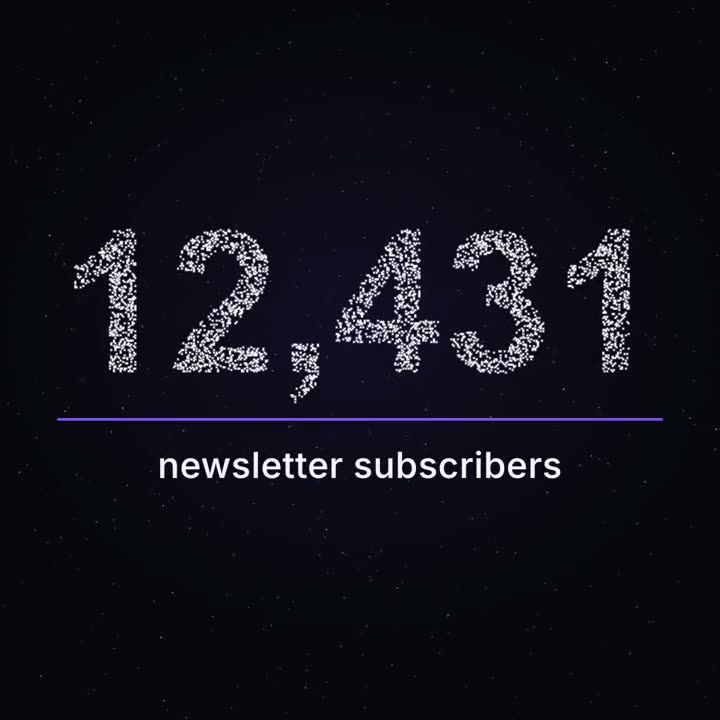
Meilenstein aus Partikeln
Tausende Punkte treiben wie ein Nachthimmel und formen dann deine echte Zahl.
Damit gemacht