← 활용 사례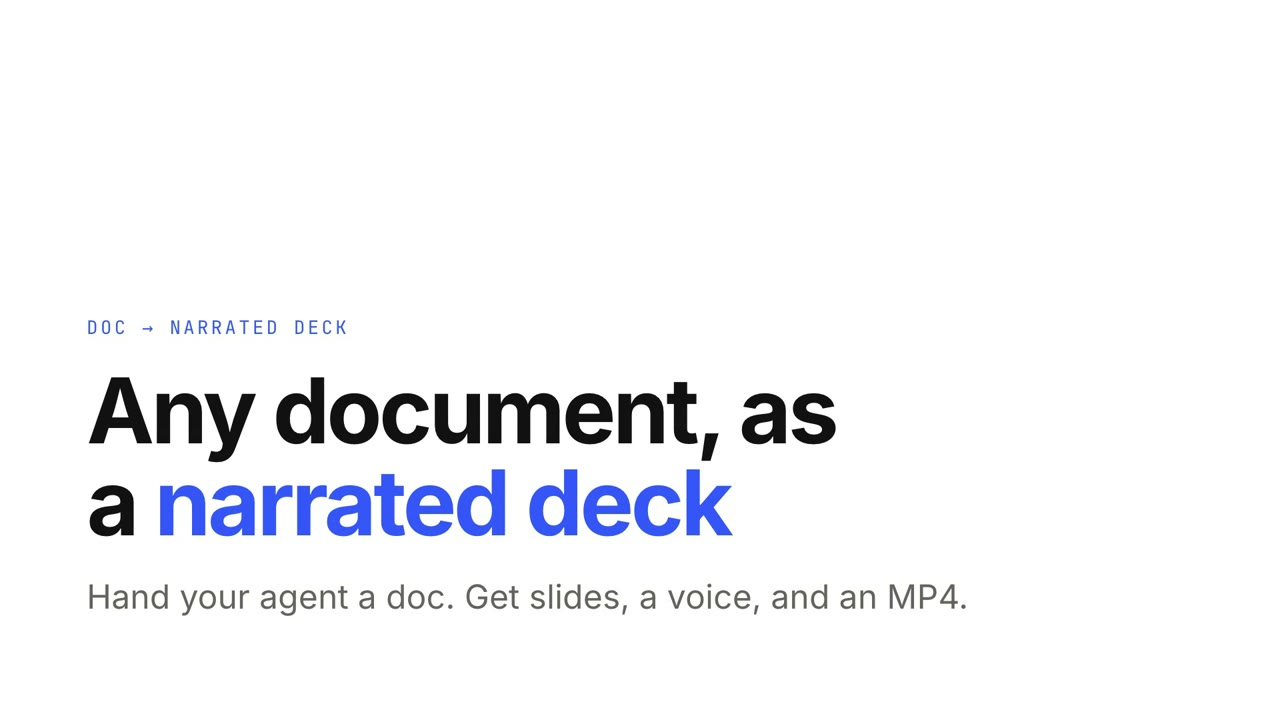
 Premium
 Premium
 Premium무료무료
 Premium
 Premium
 Premium
 Premium
 Premium
내레이션 슬라이드
문서를 주면 Doc → 내레이션 슬라이드가 클릭해서 넘기거나 그대로 재생할 수 있는 슬라이드를 만듭니다. 한 장에 한 가지 생각, 말에 맞춰 나타나는 요점, 움직이는 차트, 퀴즈, 로컬 내레이션과 MP4.
가진 자료에서 완성 영상까지
가진 자료를 에이전트에게 주면 워크플로가 대본, 연출, MP4 렌더링까지 합니다.
이 프롬프트부터 시작하세요
Claude Motion에 붙여 넣거나, 맞는 Skill을 설치해 에이전트에게 요청하세요.
Doc → 내레이션 슬라이드
Skill 열기 →Premium스타일 프롬프트 (Claude Motion 또는 Opus 5.5)
Turn the attached document into a 90-second 16:9 narrated explainer for [who will watch, e.g. new hires], playing [where, e.g. the onboarding portal]. Use only the facts and numbers in the document.

One idea per scene, with the key points appearing as they're spoken. Animate one chart for the main number. End on a closing scene with one clear next step.

Attach: [your document]
Next step: [e.g. "Book your first 1:1 with your manager"]
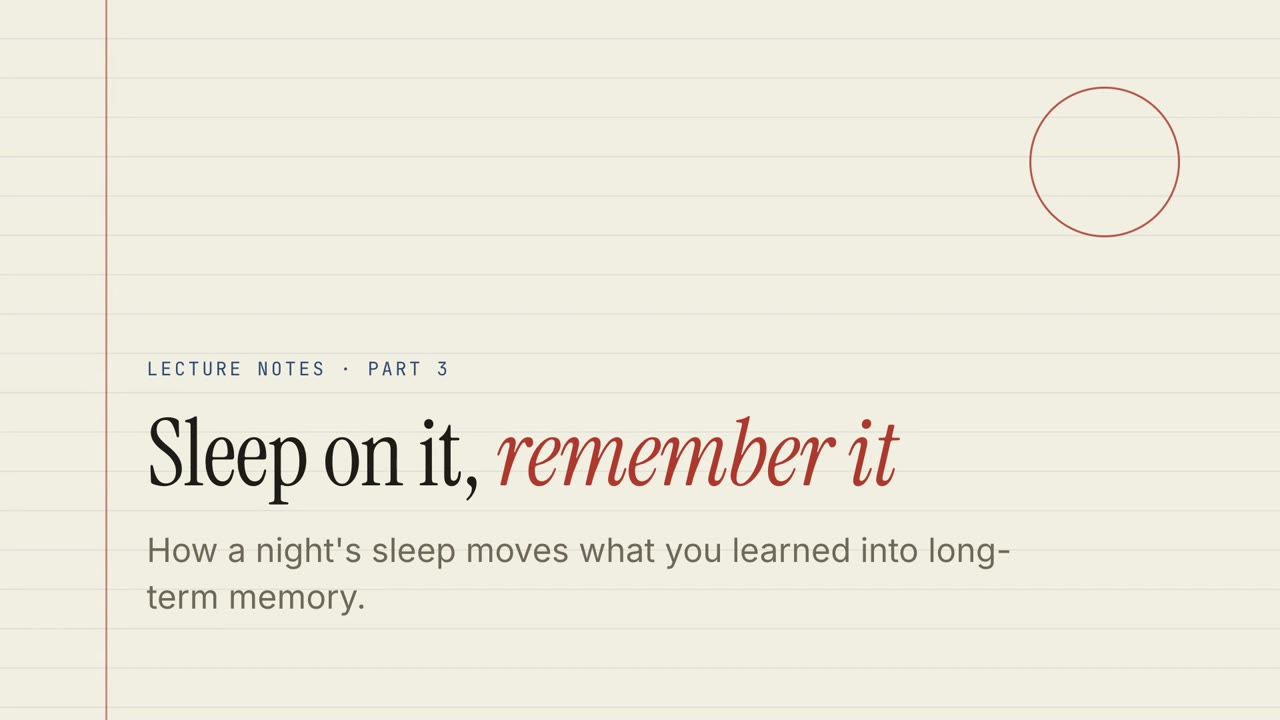
페이퍼 렉처
Skill 열기 →무료스타일 프롬프트 (Claude Motion 또는 Opus 5.5)
Turn the document I attach into a 60-second 16:9 narrated explainer for [who will watch, e.g. students], playing [where, e.g. the course page]. Use only the facts and numbers in the document. Paper lecture style.

One idea per slide, with points appearing one at a time as they're spoken. Animate one chart for the main number. End on a closing slide with one clear next step.

Topic: [your topic] (e.g. sleep and memory)
Attach: [your document, notes or data]
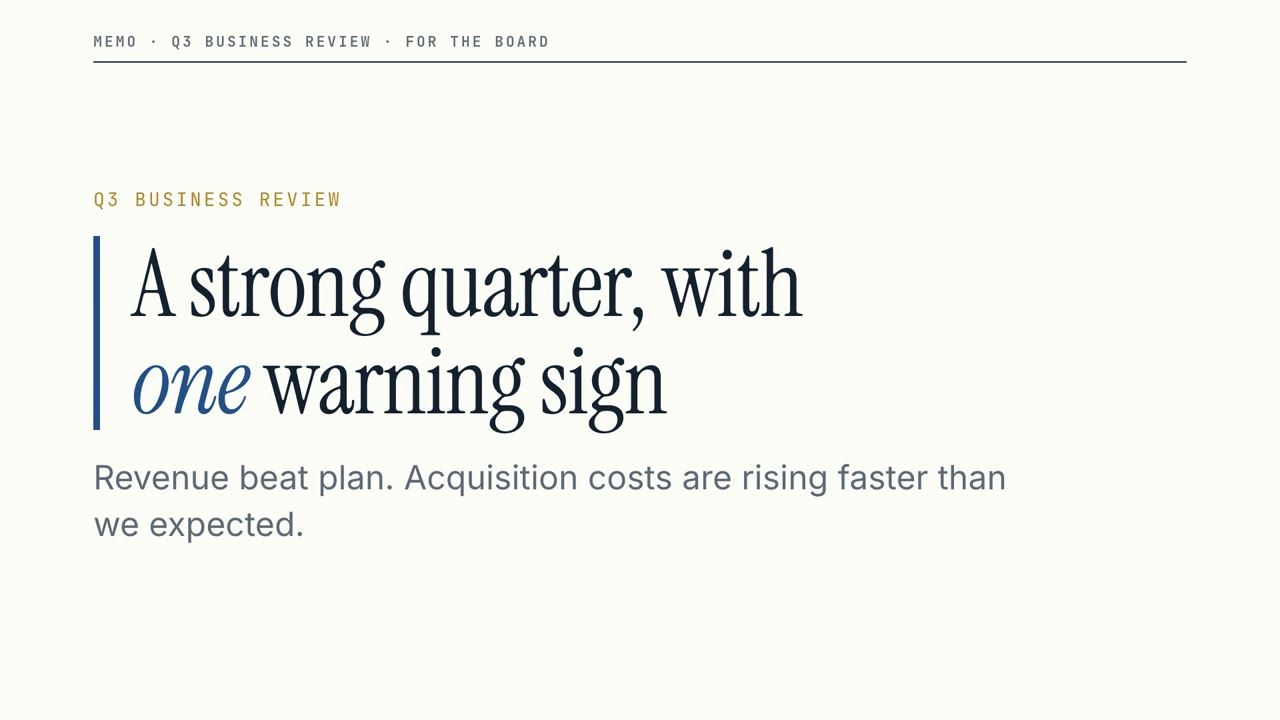
보드룸 메모
Skill 열기 →무료스타일 프롬프트 (Claude Motion 또는 Opus 5.5)
Turn the document I attach into a 60-second 16:9 narrated explainer for [who will watch, e.g. the leadership team], playing [where, e.g. the quarterly business review]. Use only the facts and numbers in the document. Boardroom memo style.

One idea per slide, with points appearing one at a time as they're spoken. Animate one chart for the main number. End on a closing slide with one clear next step.

Topic: [your topic] (e.g. our quarter)
Attach: [your document, notes or data]
따로 쓸 수 있는 장면
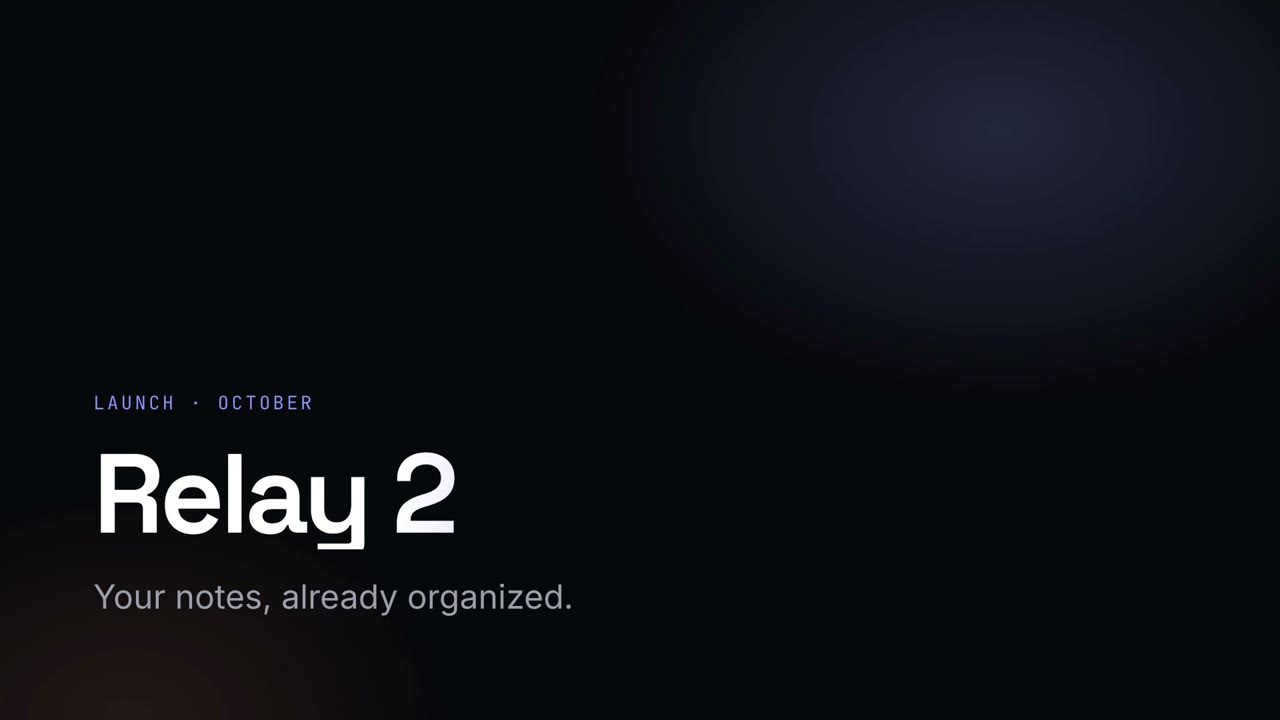
나이트 키노트
그라데이션 헤드라인이 빛나는 어두운 런칭 키노트.
내레이션 슬라이드16:9
칠판 교실
손글씨 제목과 연습 문제가 있는 초록 칠판 수업.
내레이션 슬라이드16:9
메트릭 그리드
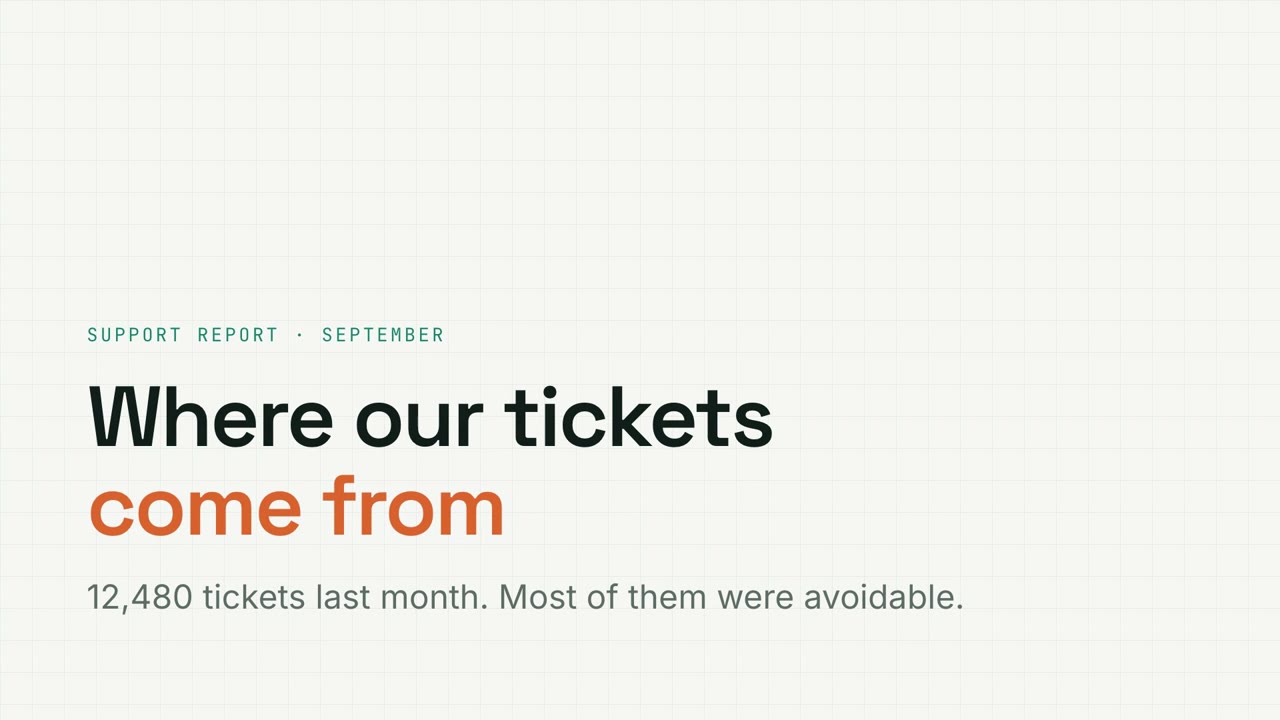
필터가 되는 차트, 퍼널, 도넛이 있는 모눈종이 데이터 리포트.
내레이션 슬라이드16:9
페이퍼 렉처
퀴즈, 드래그 연습, 내레이션이 있는 줄 공책 강의.
내레이션 슬라이드16:9
보드룸 메모
명확한 비즈니스 리뷰: 큰 숫자, 분명한 경고, 그리고 필요한 결정.
내레이션 슬라이드16:9
스튜디오 피치
코발트와 코랄의 대담한 스타트업 피치. 문제부터 요청까지.
내레이션 슬라이드16:9
매거진 스토리
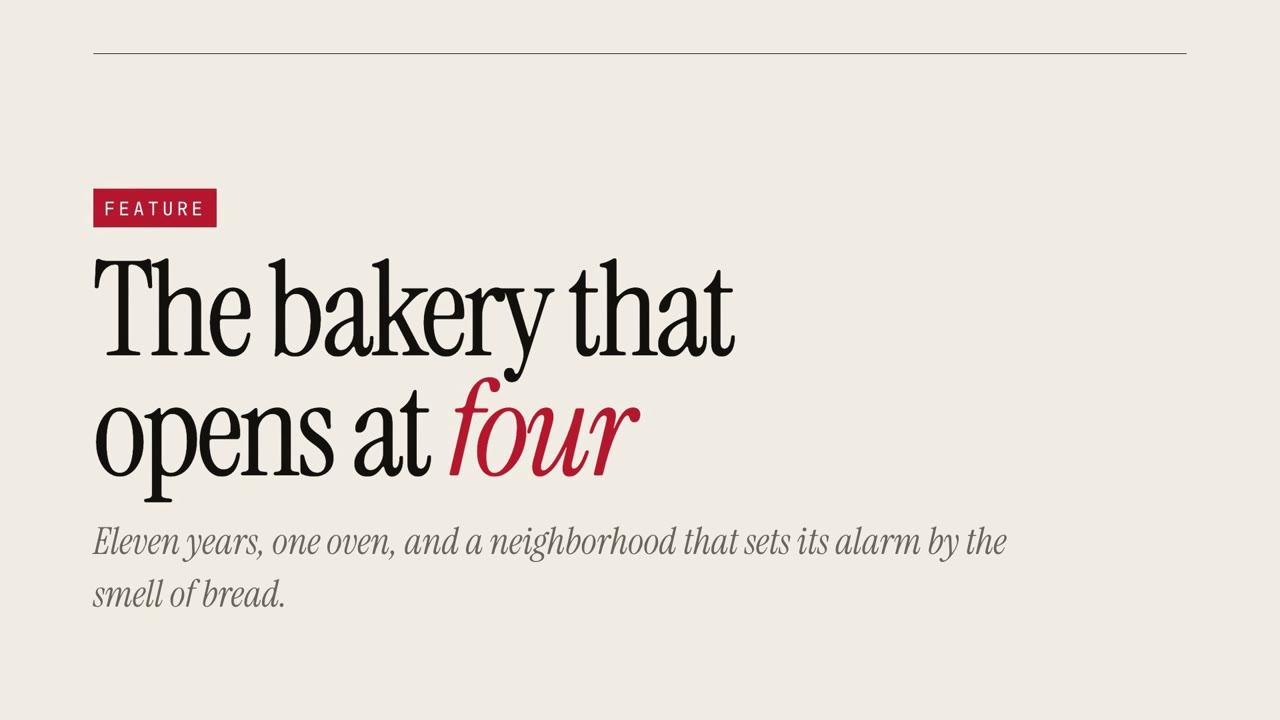
큰 세리프체와 인용문으로 보여 주는 에디토리얼 특집.
내레이션 슬라이드16:9
스키매틱 워크스루
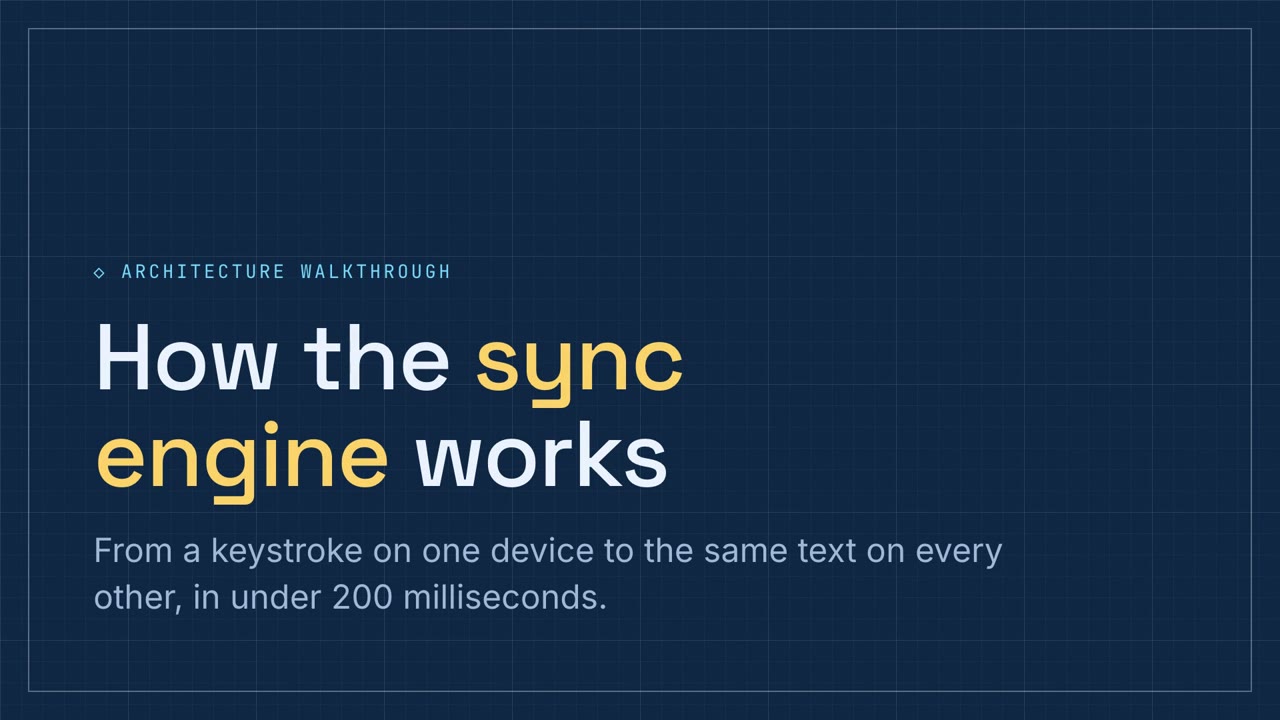
파이프라인과 컴포넌트 연습이 있는 블루프린트 파란색 기술 설명.
내레이션 슬라이드16:9
소프트 워크숍
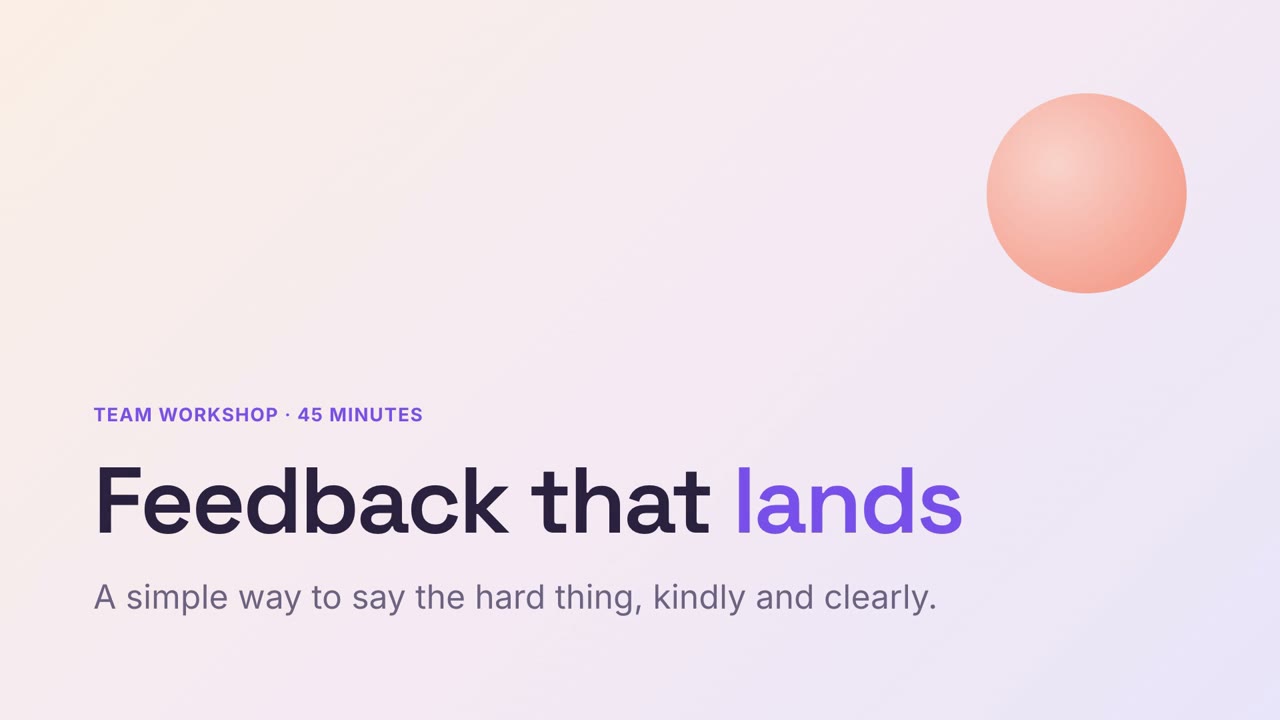
연습이 들어 있는 부드러운 파스텔 워크숍 슬라이드.
내레이션 슬라이드16:9
리서치 저널
포스트잇 인용과 주제별 차트가 있는 크래프트지 리서치 보고.
내레이션 슬라이드16:9