Claude Code, Codex, Cursor 등 Skill을 지원하는 에이전트에 붙여 넣으세요.
필요 환경: Node.js 22+, FFmpeg, Chrome. API 키 불필요.
다른 테마와 화면 비율
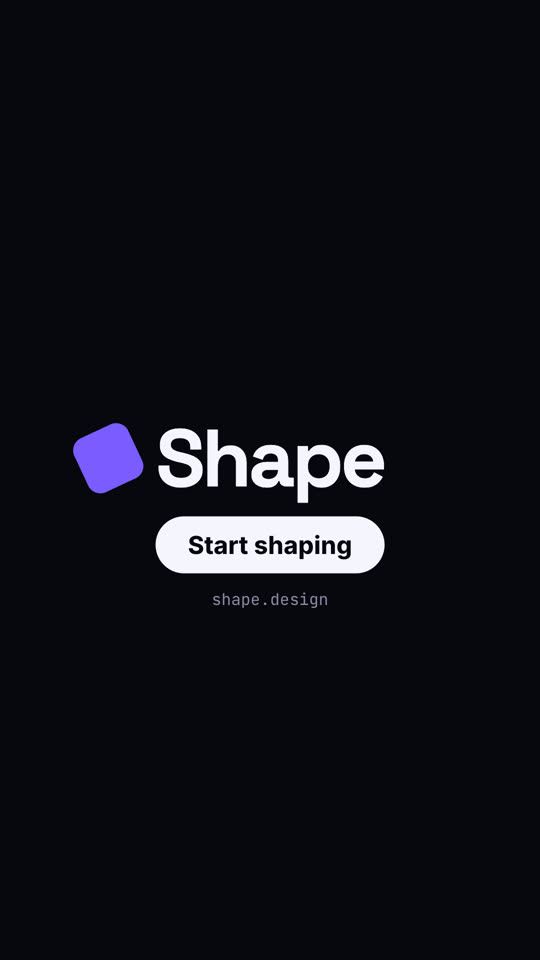
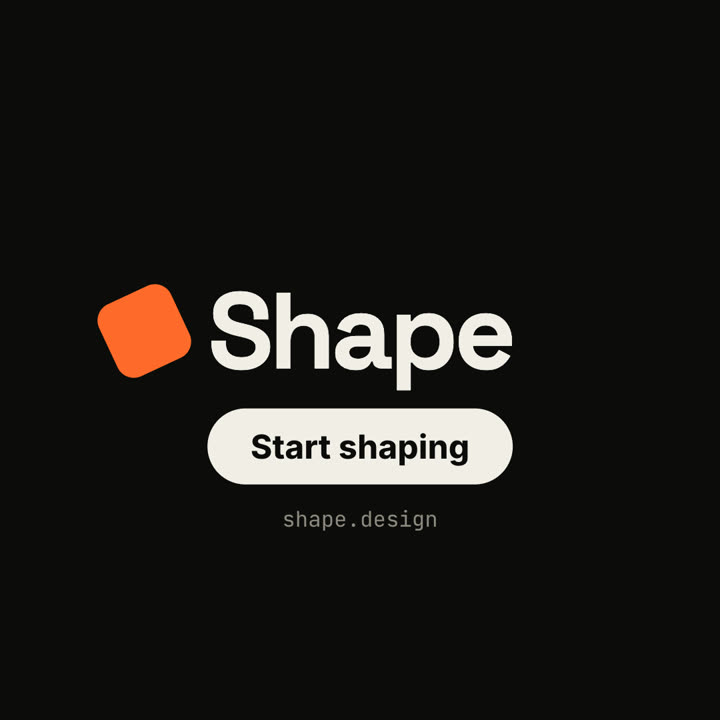
테마: 일렉트릭 · 9:16테마: 잉크 · 1:1
같은 템플릿을 테마와 화면 비율만 바꿔 렌더링한 마지막 프레임입니다.
테마 5가지
Aa
잉크
ink
Aa
페이퍼 · 기본
paper
Aa
일렉트릭
electric
Aa
누아르
noir
Aa
샌드
sand
프롬프트에 테마 이름을 적으면 바로 바뀝니다. 강조색, 배경색, 글자색을 직접 지정할 수도 있습니다.
설치 프롬프트
https://claude-motion.com/skills/square-morph-launch/install.md 를 읽고 안내대로 "square-morph-launch" 스킬을 설치한 다음, 그 스킬로 첫 영상을 만들어 주세요.
Claude Code, Codex, Cursor 등 Skill을 지원하는 에이전트에 붙여 넣으세요.
프롬프트 예시
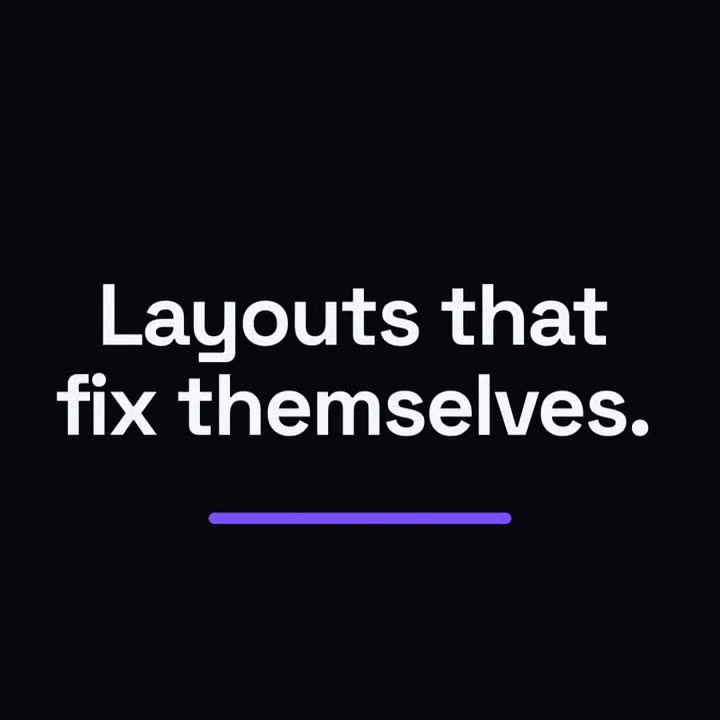
Use the square-morph-launch skill for Grid, a layout tool: hook "Layouts that fix themselves.", three features, CTA "Try Grid". Electric theme, 1:1.
스타일 프롬프트 (Claude Motion 또는 Opus 5.5)
Make an 18-second 16:9 minimal launch for [who will watch, e.g. design system teams], playing [where, e.g. the homepage hero]. Use only the name, lines and features below; don't change a word. Off-white background, one orange shape.

Scene 1: a small orange square pops in at the center, rotates as it grows, then stretches into a thin underline as the headline rises above it. Scene 2: the shape morphs into a large orange circle with "1" beside the first feature, then into a wide card with "2", then into a tall phone shape with "3". End frame: it shrinks into a small rotated square logo mark beside the name, with a black call-to-action button and the URL below.

Headline: [e.g. "Design systems, without the meetings."]
Three features: [e.g. "Tokens — One source for every color", "Components", "Handoff"]
Product, call to action and URL: [e.g. Shape, "Start shaping", shape.design]
설치 불필요: Claude Motion(Team 또는 Enterprise)에 붙여 넣거나 Opus 5.5에 주면 비슷한 스타일이 나옵니다. 결과는 실행마다 달라지며, Skill은 매번 같은 결과를 냅니다.