← 활용 사례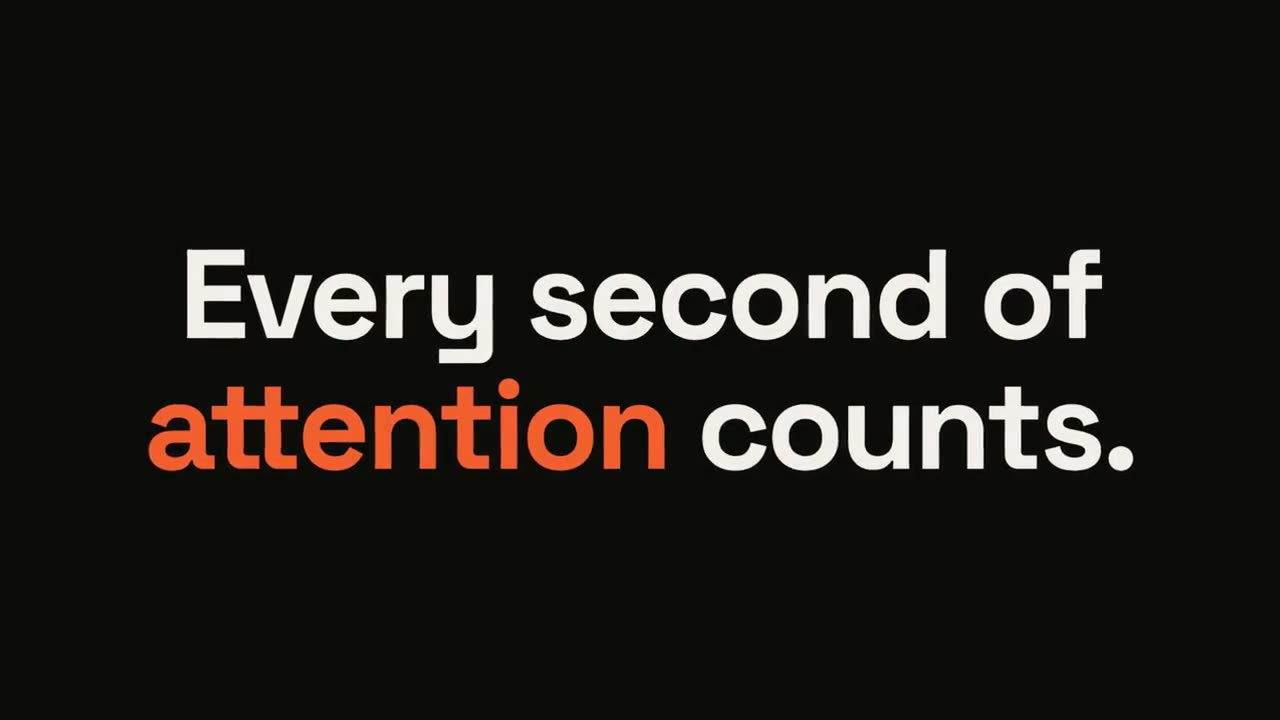
 Premium
 Premium
 Premium무료무료
 무료
무료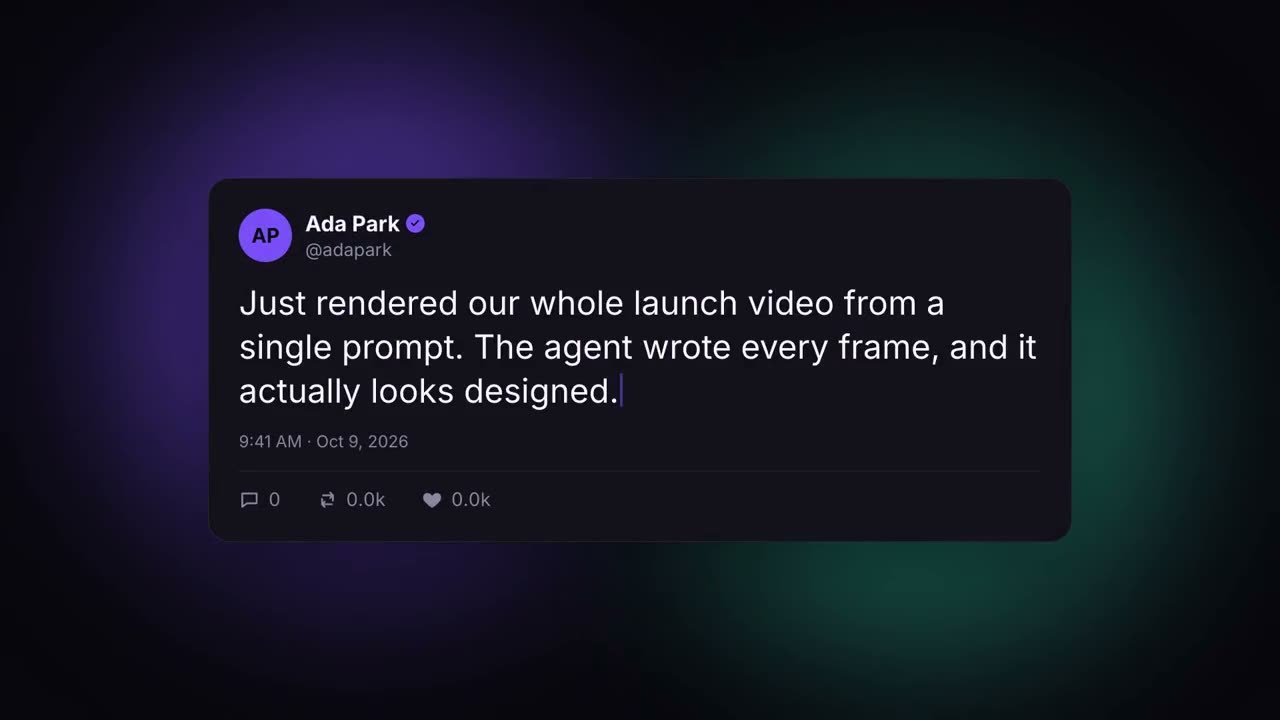 무료
무료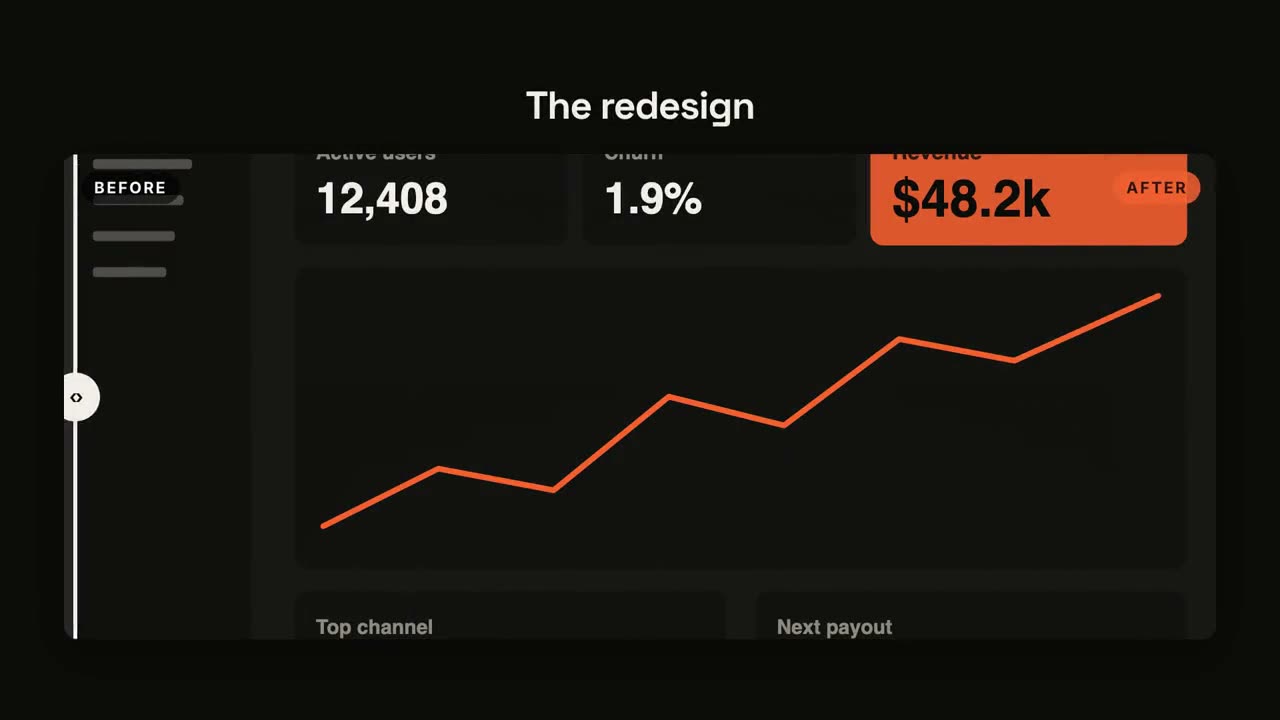 무료
무료 무료무료
무료무료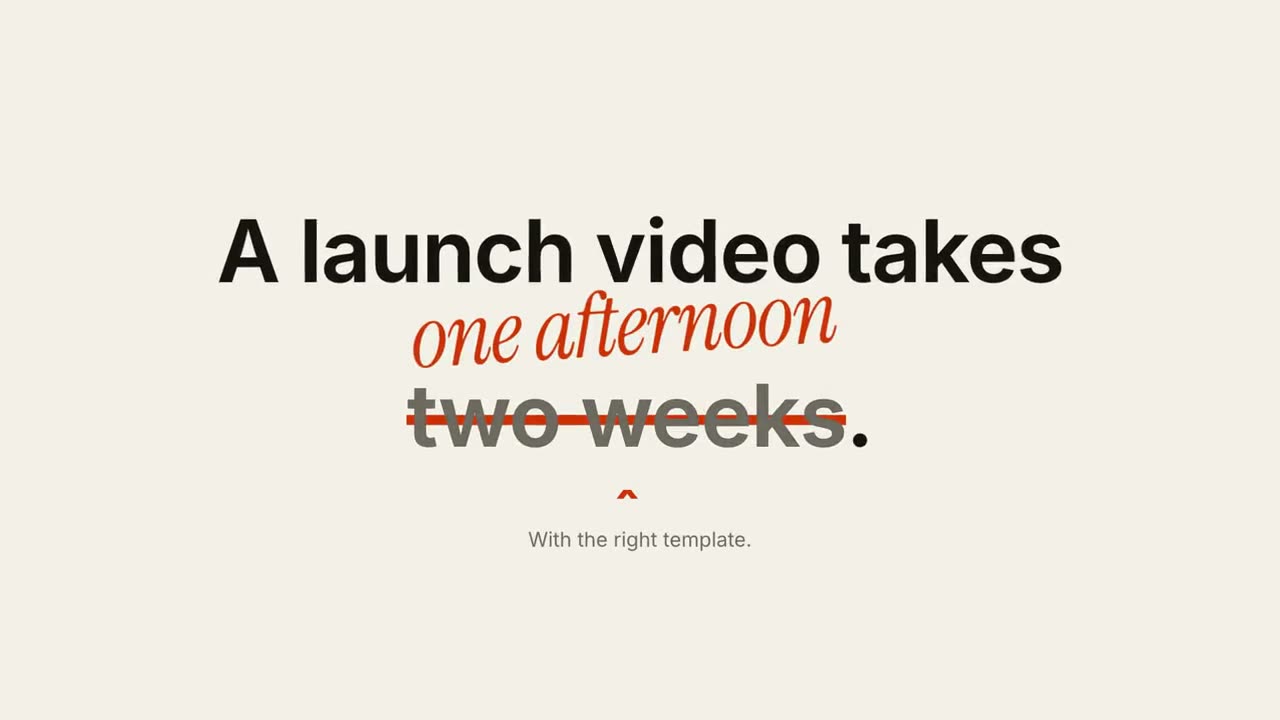 Premium
 Premium
 Premium
소셜과 자막
Script → Short로 아이디어나 몇 줄의 글을 10~20초 세로 쇼츠로 만드세요. 첫 1초에 훅, 읽는 속도에 맞춘 박자, 힘 있는 음악. 말하는 영상이 있다면 애니메이션 자막이 단어별 자막을 붙여 줍니다.
가진 자료에서 완성 영상까지
가진 자료를 에이전트에게 주면 워크플로가 대본, 연출, MP4 렌더링까지 합니다.
이 프롬프트부터 시작하세요
Claude Motion에 붙여 넣거나, 맞는 Skill을 설치해 에이전트에게 요청하세요.
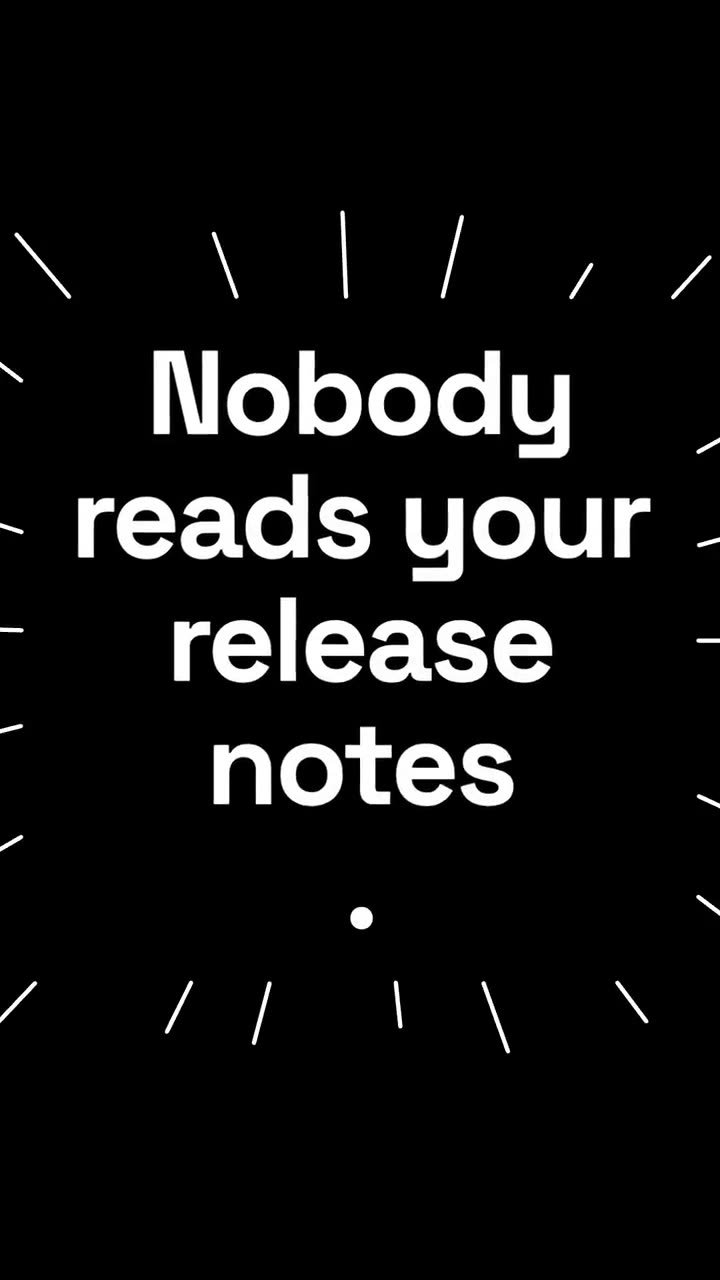
스테이트먼트 버스트
Skill 열기 →무료스타일 프롬프트 (Claude Motion 또는 Opus 5.5)
Make a 6-second 16:9 kinetic statement for [who will watch, e.g. followers on LinkedIn], playing muted in the feed. Use only the sentence below; don't change a word. Near-black background, bold geometric sans, centered.

The words punch in one at a time from a slight blur and larger scale. When the last word lands, the key word flips to orange and short orange rays burst outward around the whole statement and retract. End frame: the text slowly scales up by a few percent and holds.

Statement: [your line] (e.g. "Every second of attention counts.")
Key word: [e.g. "attention"]
키네틱 타이포 타이틀
Skill 열기 →무료스타일 프롬프트 (Claude Motion 또는 Opus 5.5)
Make an 8-second 16:9 title card for [who will watch, e.g. viewers of our YouTube series], playing [where, e.g. the opening of each episode]. Use only the words below; don't change them. Near-black background.

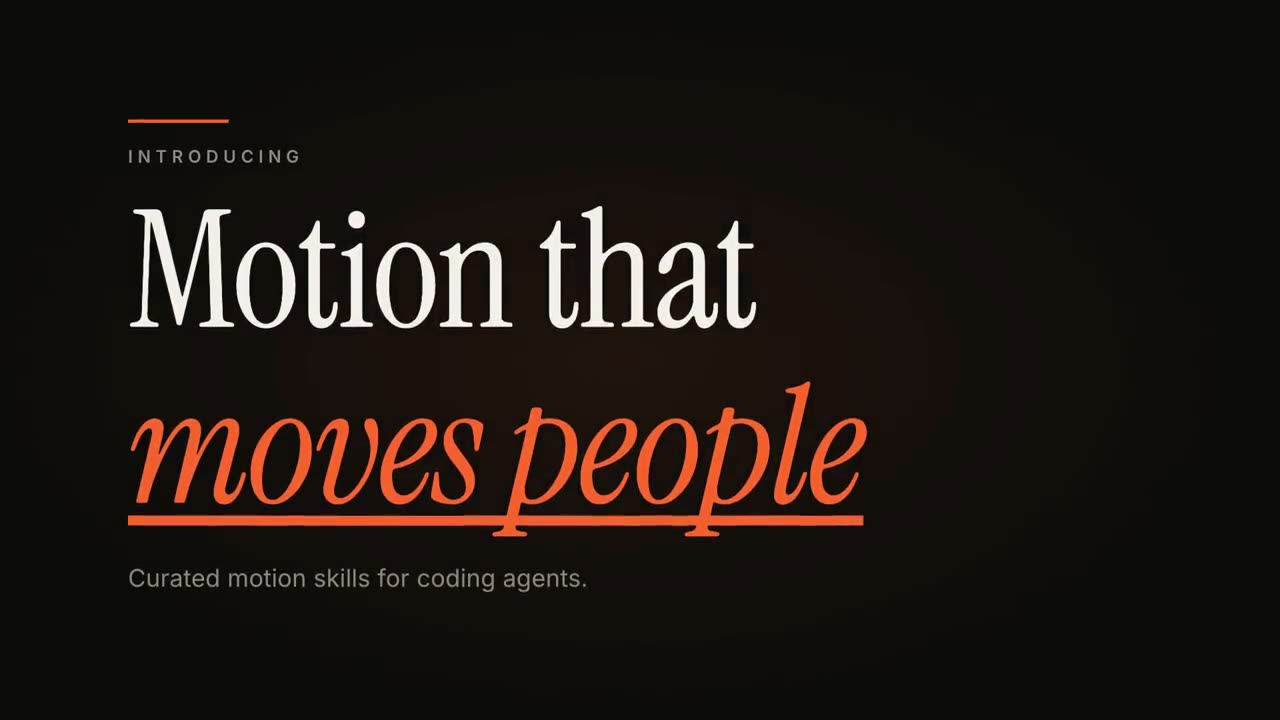
A short orange rule draws in from the left, then a small uppercase label fades in with wide letter spacing tightening. Below it, a two-line headline rises line by line from behind invisible masks with a fast expo ease: line one in an off-white editorial serif, line two in orange italic, which then gets an orange underline wiping in from left to right. A soft gray supporting line fades up word by word. End frame: the finished title, held with a slow upward drift and a faint warm glow moving behind the text.

Label: [e.g. "INTRODUCING"]
Headline: [two lines] (e.g. "Motion that" / "moves people")
Supporting line: [one short sentence]
인용 카드
Skill 열기 →무료스타일 프롬프트 (Claude Motion 또는 Opus 5.5)
Make an 8-second 16:9 testimonial clip for [who will watch, e.g. founders comparing tools], playing [where, e.g. our pricing page or a LinkedIn post]. Use only the quote, name and title I give below; don't change a word. Warm sand-colored background.

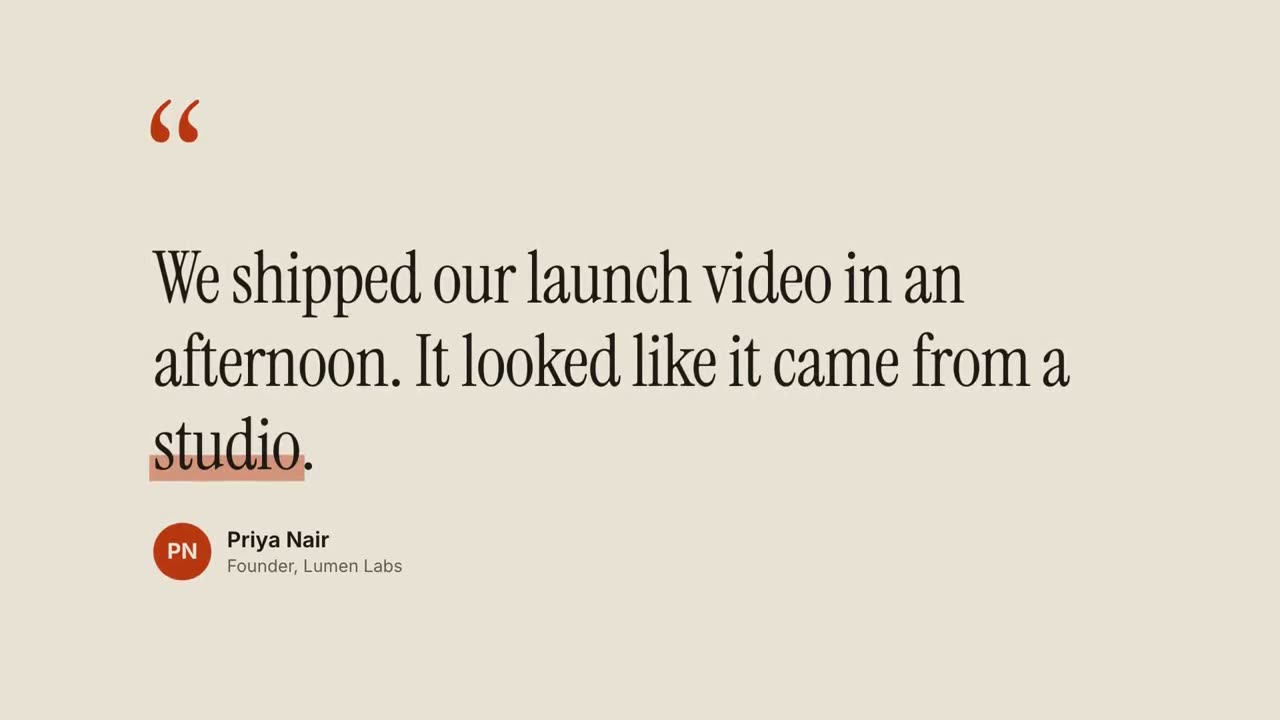
Scene 1: large rust-colored serif quotation marks drop in at the top left. Scene 2: the quote appears word by word in a dark editorial serif, each word rising slightly out of a blur, then a translucent rust highlighter sweeps under the key word. End frame: an avatar circle with the initials, and the name and title slide in below, held for 2 seconds.

Quote: [your customer's quote] (e.g. "We shipped our launch video in an afternoon. It looked like it came from a studio.")
Key word: [e.g. "studio"]
Name and title: [name, role, company] (e.g. Priya Nair, Founder, Lumen Labs)
애니메이션 자막
Skill 열기 →Premium스타일 프롬프트 (Claude Motion 또는 Opus 5.5)
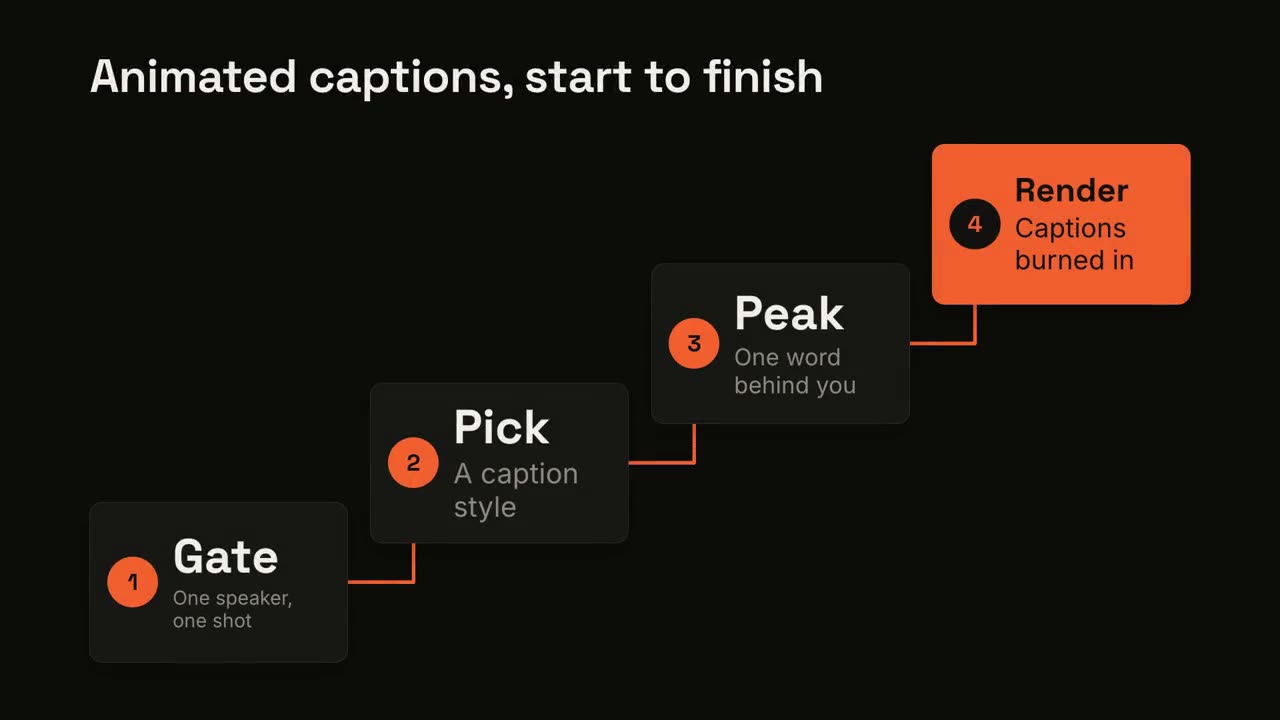
Add captions to the attached [length, e.g. 30-second] talking-head clip for [who will watch, e.g. LinkedIn followers], playing muted in the feed. Use only the speaker's exact words; don't paraphrase.

A clean white lower-third subtitle follows the speech word for word. When the speaker says the key phrase, its short form appears huge behind them, partly hidden by their shoulders, then fades. End frame: the last caption clears with the clip.

Attach: [your clip]
Key phrase and short form: [e.g. "ten times faster" → "10×"]
따로 쓸 수 있는 장면
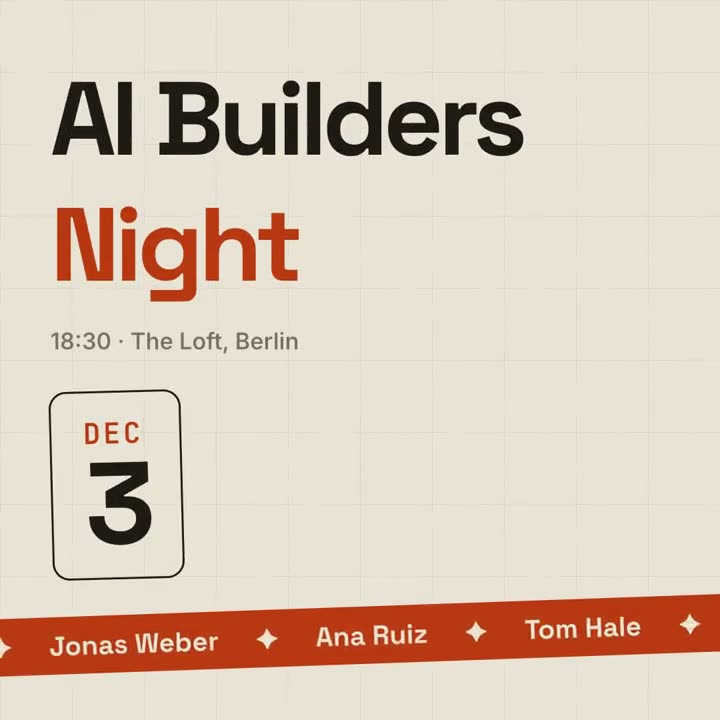
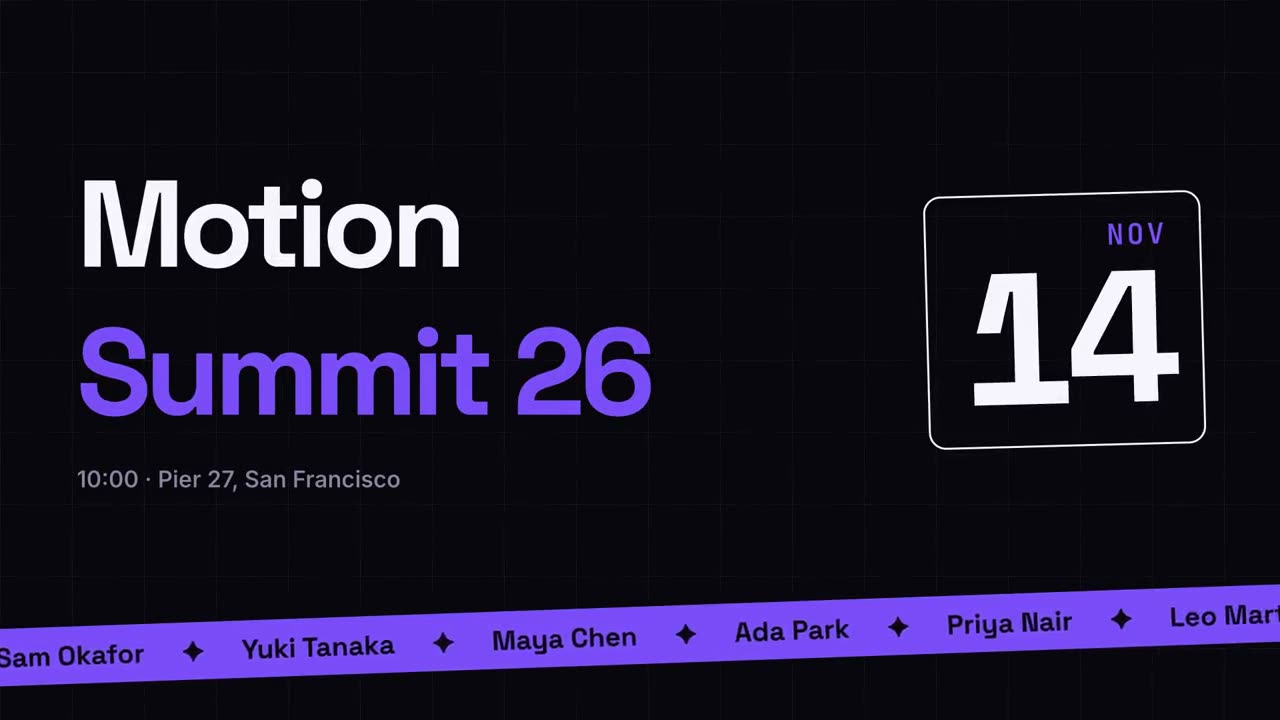
이벤트 홍보
연사 티커가 있는 포스터 스타일의 이벤트 공지.
소셜16:9 / 9:16 / 1:1
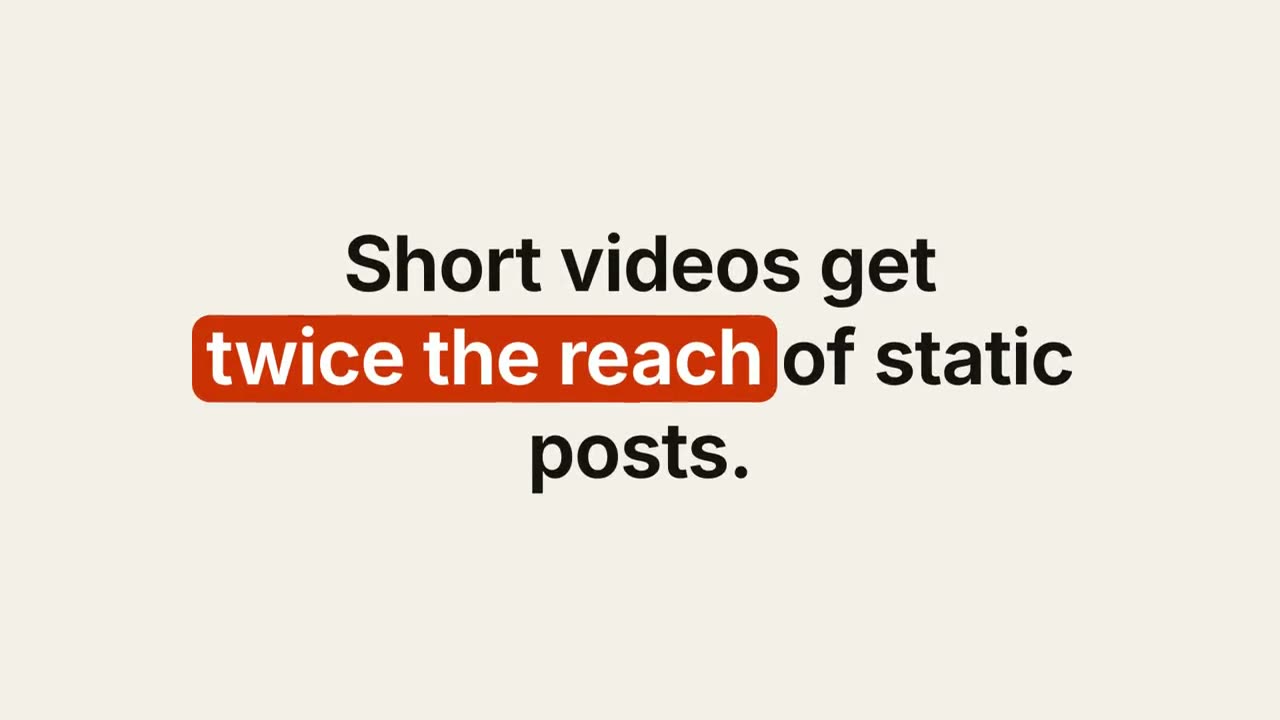
키워드 자막
키워드에 알약, 밑줄, 색이 입혀지는 디자인 자막.
설명16:9 / 9:16 / 1:1
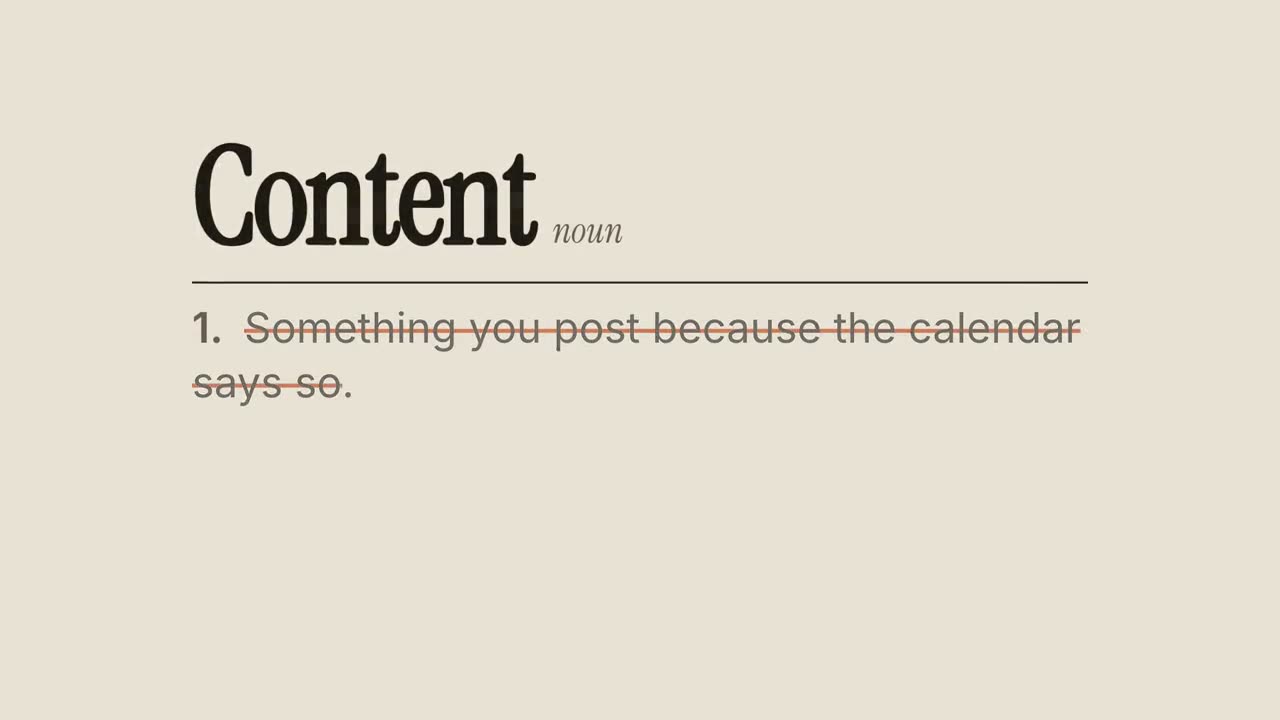
정의 다시 쓰기
사전의 흔한 정의에 줄이 그어지고 새로 쓰입니다.
설명16:9 / 9:16 / 1:1
키네틱 타이포 타이틀
세 가지 동작 스타일로 보여 주는 에디토리얼 헤드라인.
타이포그래피16:9 / 9:16 / 1:1
인용 카드
고객 후기와 인용문을 단어별로 보여 줍니다.
소셜16:9 / 9:16 / 1:1
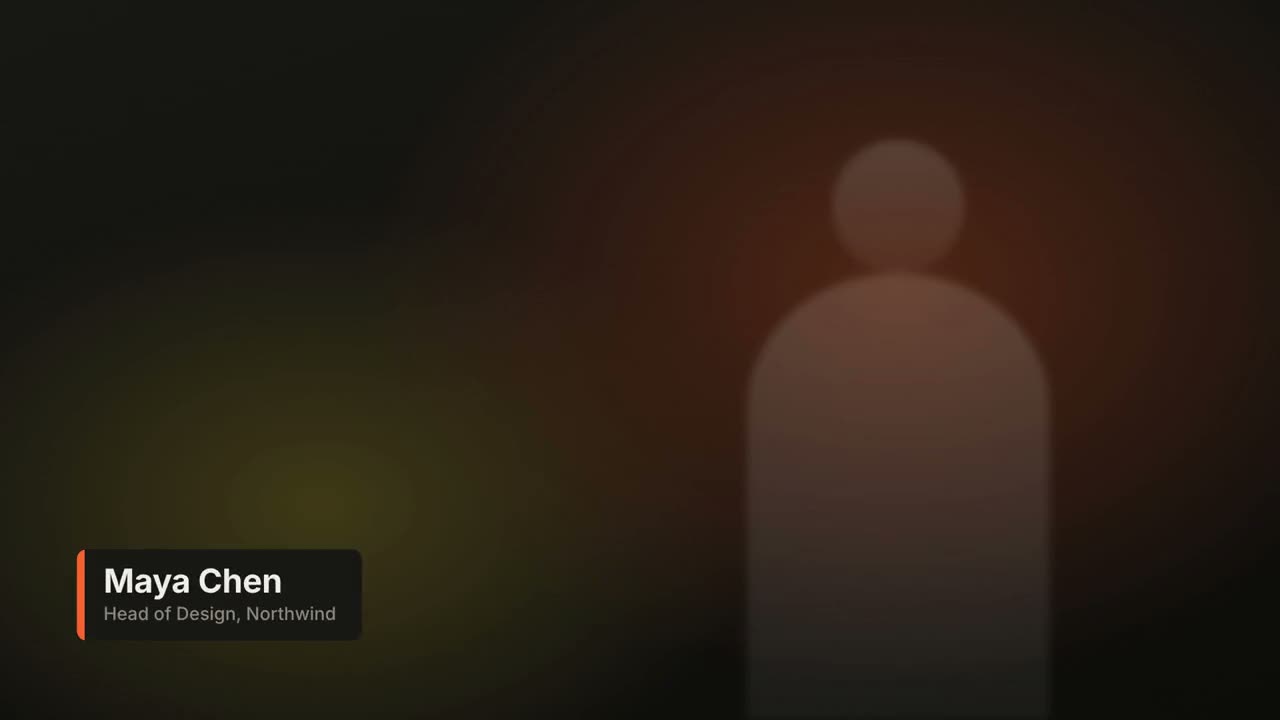
하단 자막 바
네 가지 방송 스타일의 이름·직함 바.
자막16:9 / 9:16 / 1:1
소셜 게시물 카드
스스로 입력되고 좋아요가 쌓이는 게시물.
소셜16:9 / 9:16 / 1:1
비포 / 애프터
구분선이 쓸고 지나가는 와이프 비교.
소셜16:9 / 9:16 / 1:1
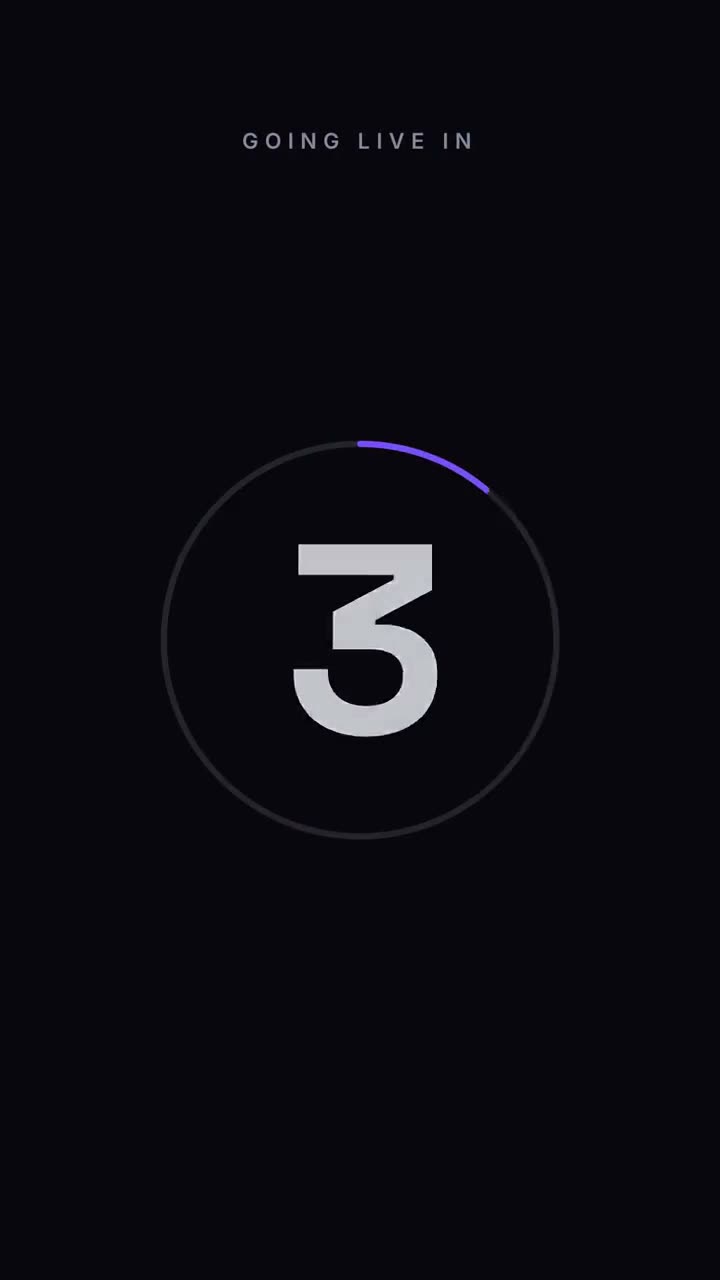
카운트다운
줄어드는 링 둘레의 3-2-1, 그리고 공개.
소셜16:9 / 9:16 / 1:1
스테이트먼트 버스트
짧은 문장이 단어별로 쾅 들어오고, 핵심 단어가 터집니다.
설명16:9 / 9:16 / 1:1
지우고 고치기
한 구절에 줄이 그어지고 그 위에 수정이 쓰입니다.
설명16:9 / 9:16 / 1:1
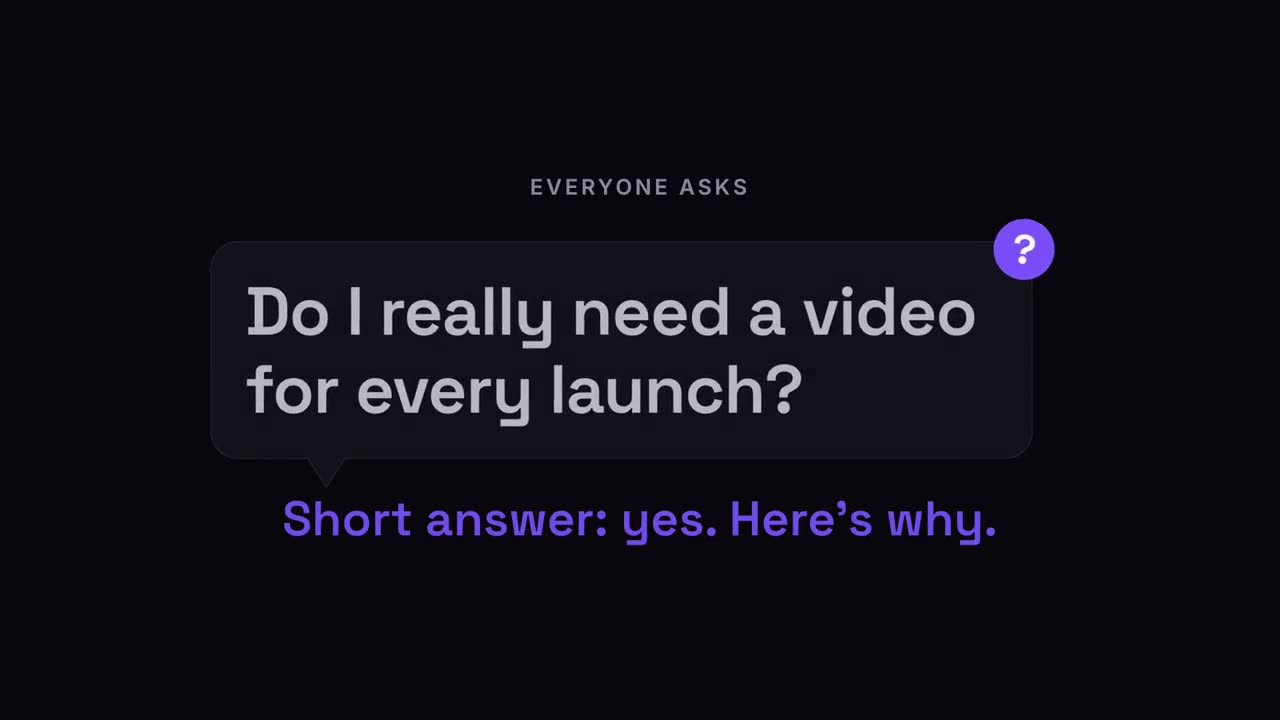
질문 팝
시청자의 질문이 말풍선으로 톡 나오고, 이어서 답.
설명16:9 / 9:16 / 1:1
가사 영상
노래방 채우기, 키네틱 단어, 쌓이는 줄로 보여 주는 가사.
소셜16:9 / 9:16 / 1:1