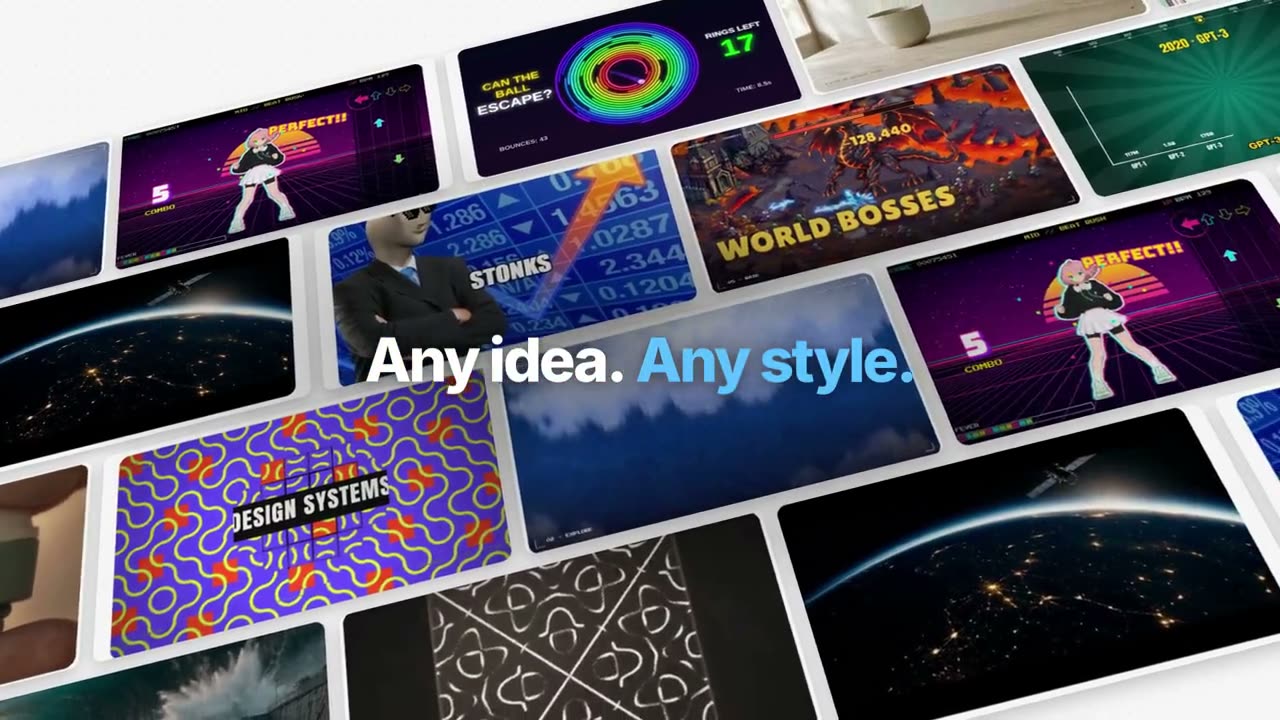
하나의 예시를 끝까지 따라갑니다: 정리, 생성, 자막, 추적, 코드, 합성. 파란 핵심어가 흐림에서 선명해집니다.
Claude Code, Codex, Cursor 등 Skill을 지원하는 에이전트에 붙여 넣으세요.
필요 환경: Node.js 22+, FFmpeg, Chrome. API 키 불필요.
다른 테마와 화면 비율
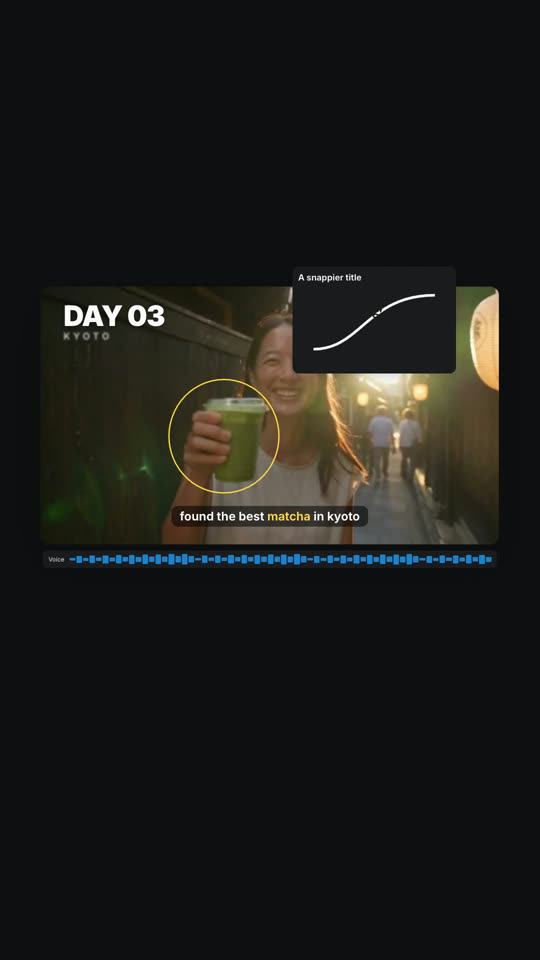
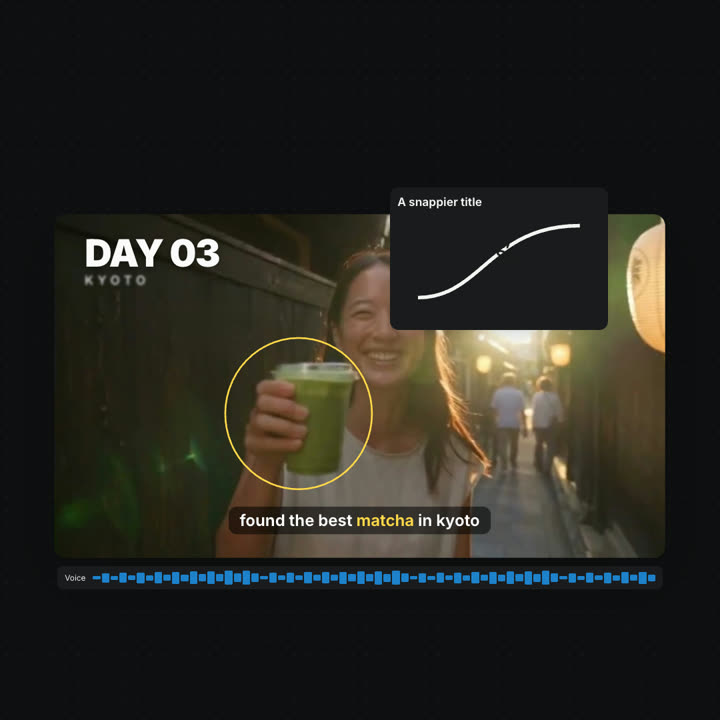
테마: 일렉트릭 · 9:16테마: 잉크 · 1:1
같은 템플릿을 테마와 화면 비율만 바꿔 렌더링한 마지막 프레임입니다.
테마 5가지
Aa
잉크
ink
Aa
페이퍼 · 기본
paper
Aa
일렉트릭
electric
Aa
누아르
noir
Aa
샌드
sand
프롬프트에 테마 이름을 적으면 바로 바뀝니다. 강조색, 배경색, 글자색을 직접 지정할 수도 있습니다.
설치 프롬프트
https://claude-motion.com/skills/manus-style-launch/install.md 를 읽고 안내대로 "manus-style-launch" 스킬을 설치한 다음, 그 스킬로 첫 영상을 만들어 주세요.
Claude Code, Codex, Cursor 등 Skill을 지원하는 에이전트에 붙여 넣으세요.
프롬프트 예시
Use manus-style-launch to make a launch film for https://your-product.com: follow one thing it made through its main features.
스타일 프롬프트 (Claude Motion 또는 Opus 5.5)
Make a 55-second 16:9 launch film for [who will watch, e.g. creators following our launch], playing [where, e.g. X and YouTube]. Use only the product name, lines and images I attach; don't change a word. Style: pale grey #f6f6f6 canvas with a faint dot grid; huge, tight, heavy sans lines at the top or bottom of the frame ending with a full stop, one or two key words in bright blue #1f9bf6, each line sharpening word by word out of a blur. Brisk, expo easing, blur transitions, nothing bounces.

Scene 1: "[Product] now makes" and a giant "[thing]." whose letters are filled with one of my images. Scene 2: a tilted wall of finished examples drifting sideways. Scenes 3–8: one example card floats in 3D while each feature acts on it in place, each with its own short line (organize, generate, caption, track, title, code, photos, sounds). Scene 9: the card's layers lift apart in 3D, then come together with a play button. Scene 10: a 2×2 grid of results, then the editor with "Edit it yourself." and "Or just ask [Product]." End frame: the logo sharpening out of a blur.

Product: [name] (e.g. Manus 2.0 Video Editor)
Feature lines: [six to eight short lines] (e.g. "Every video is made of layers.", "Circle it. It tracks.")
Attach: [stills of your product and example outputs]
설치 불필요: Claude Motion(Team 또는 Enterprise)에 붙여 넣거나 Opus 5.5에 주면 비슷한 스타일이 나옵니다. 결과는 실행마다 달라지며, Skill은 매번 같은 결과를 냅니다.