Claude Code, Codex, Cursor 등 Skill을 지원하는 에이전트에 붙여 넣으세요.
필요 환경: Node.js 22+, FFmpeg, Chrome. API 키 불필요.
다른 테마와 화면 비율
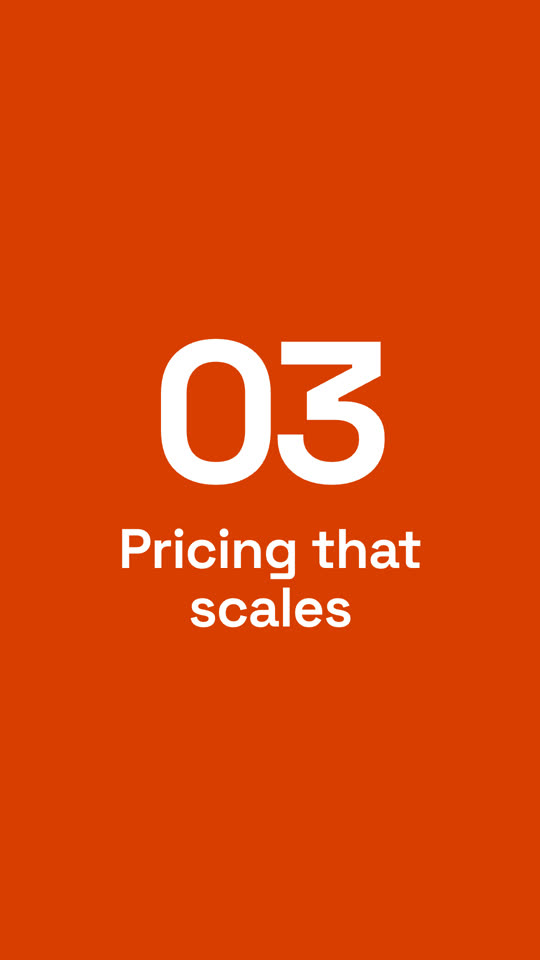
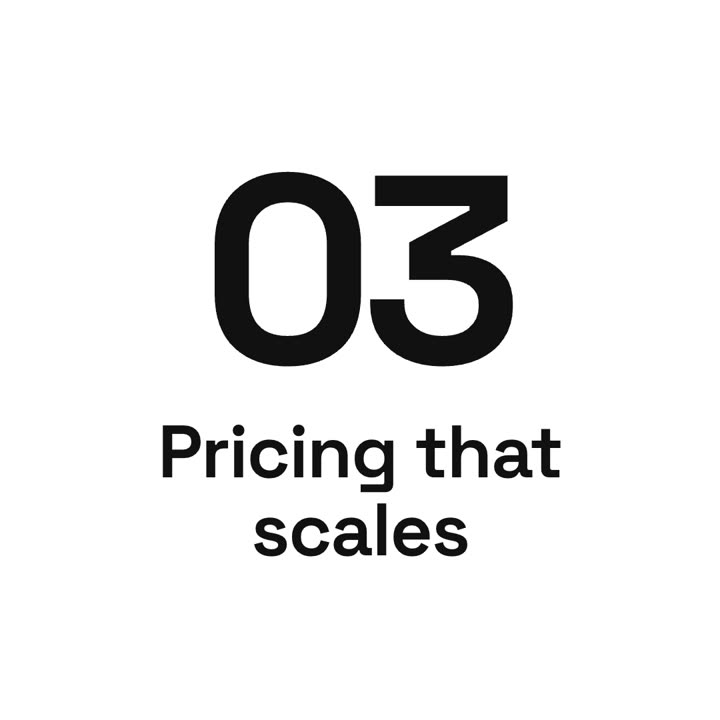
테마: 페이퍼 · 9:16테마: 누아르 · 1:1
같은 템플릿을 테마와 화면 비율만 바꿔 렌더링한 마지막 프레임입니다.
테마 5가지
Aa
잉크
ink
Aa
페이퍼
paper
Aa
일렉트릭 · 기본
electric
Aa
누아르
noir
Aa
샌드
sand
프롬프트에 테마 이름을 적으면 바로 바뀝니다. 강조색, 배경색, 글자색을 직접 지정할 수도 있습니다.
설치 프롬프트
https://claude-motion.com/skills/section-wipe/install.md 를 읽고 안내대로 "section-wipe" 스킬을 설치한 다음, 그 스킬로 첫 영상을 만들어 주세요.
Claude Code, Codex, Cursor 등 Skill을 지원하는 에이전트에 붙여 넣으세요.
프롬프트 예시
Use the section-wipe skill: from "1", to "2", title "The setup", direction up, sand theme.
스타일 프롬프트 (Claude Motion 또는 Opus 5.5)
Make a 4-second 16:9 section transition for [who will watch, e.g. viewers of our product tour], playing [where, e.g. between sections]. Use only the numbers and title below.

A light panel and then a violet panel sweep across the frame from the left. On the violet, the old section number rolls upward out of view while the new one rolls in from below, like an odometer. End frame: the section title slides up beneath it in bold white, and everything scales up slightly.

Numbers: [e.g. 02 → 03]
Section title: [e.g. "Pricing that scales"]
설치 불필요: Claude Motion(Team 또는 Enterprise)에 붙여 넣거나 Opus 5.5에 주면 비슷한 스타일이 나옵니다. 결과는 실행마다 달라지며, Skill은 매번 같은 결과를 냅니다.